
Description
Pen display for drawing large illustrations
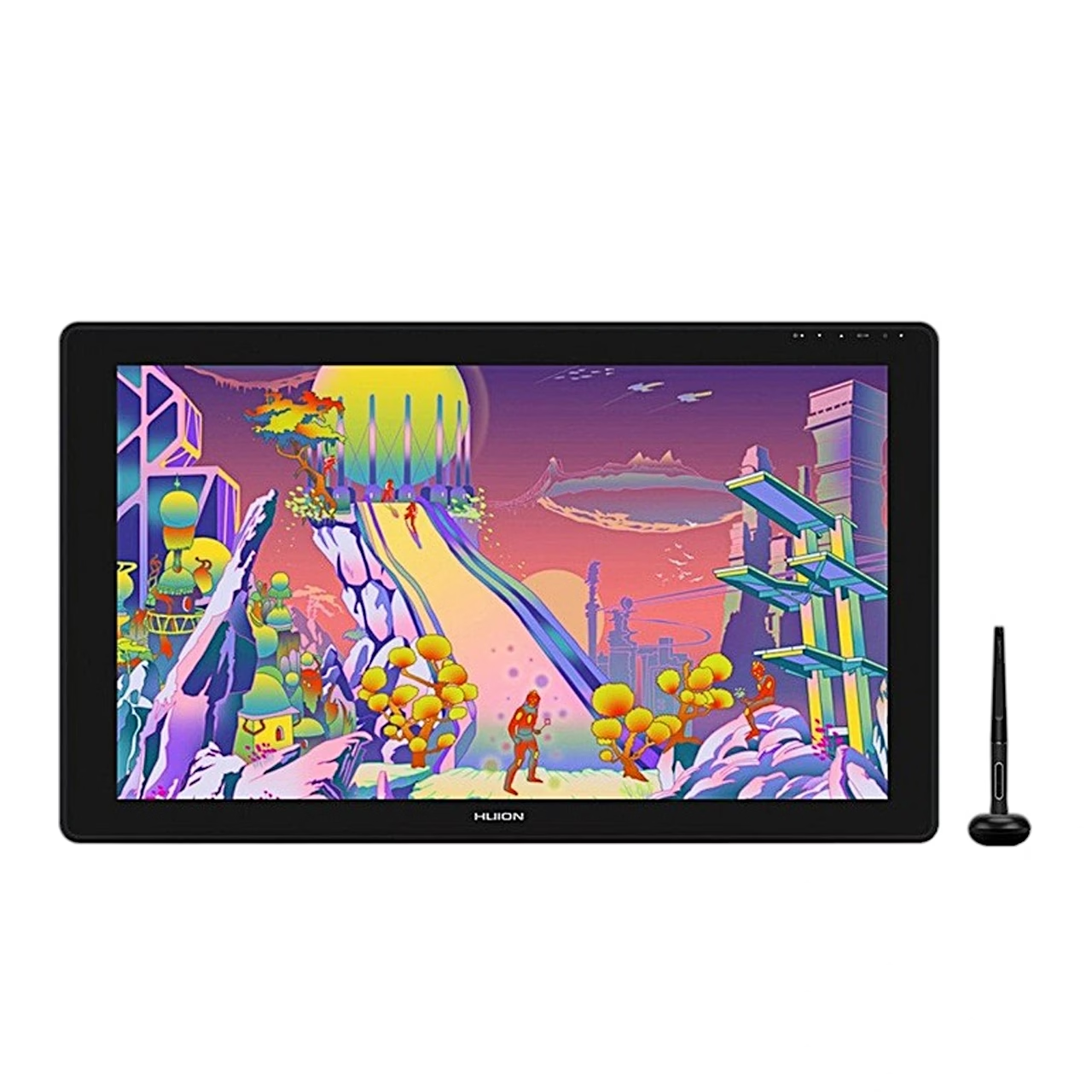
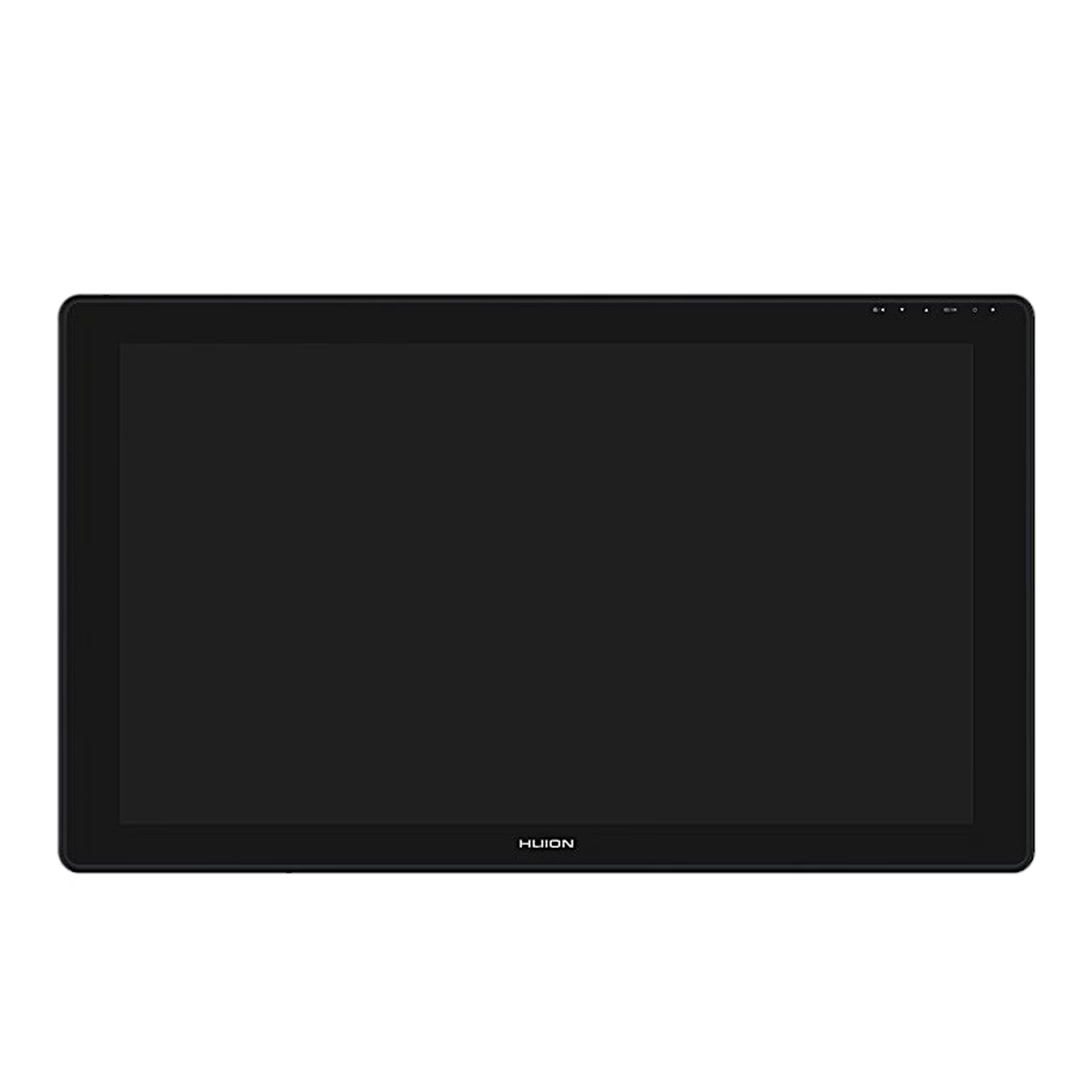
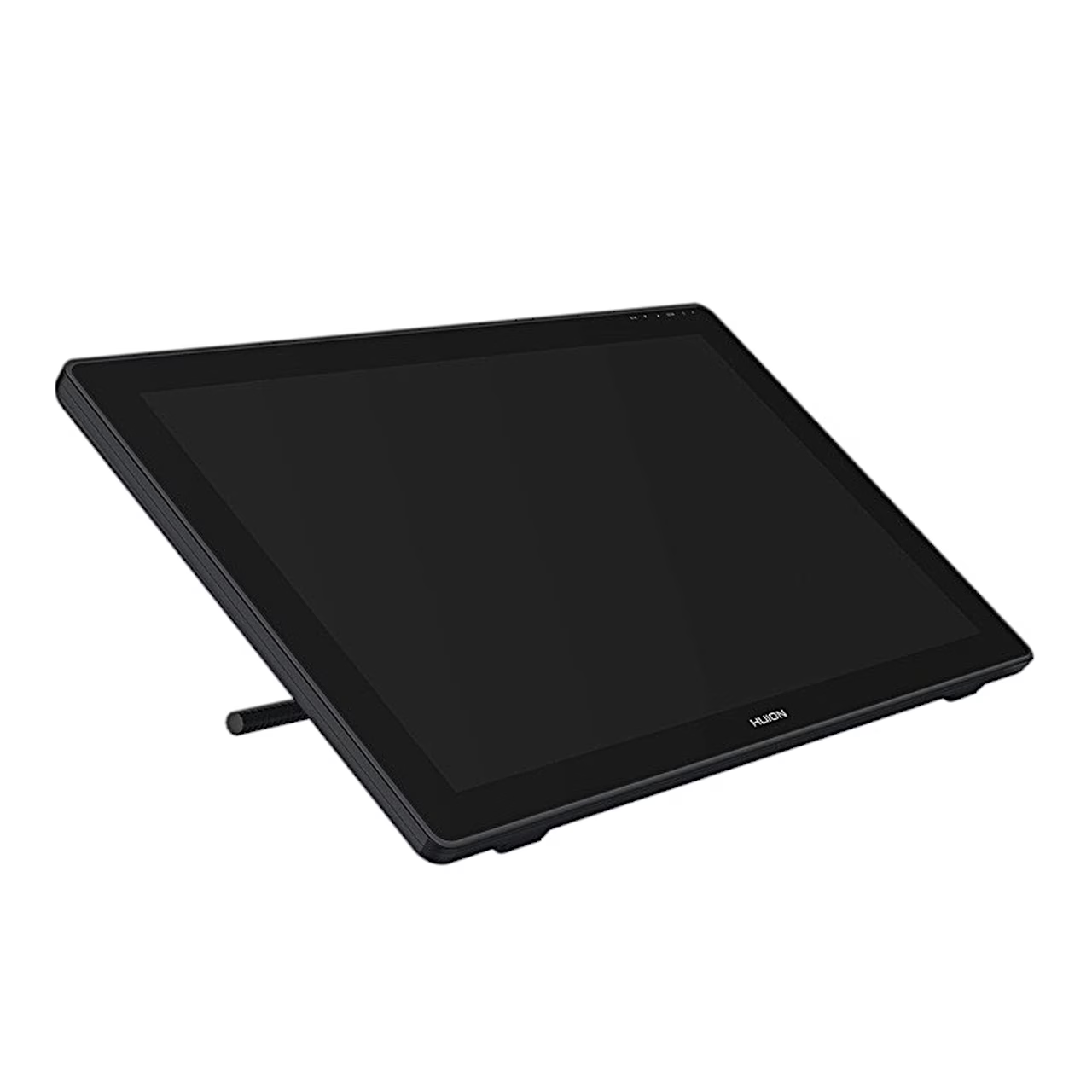
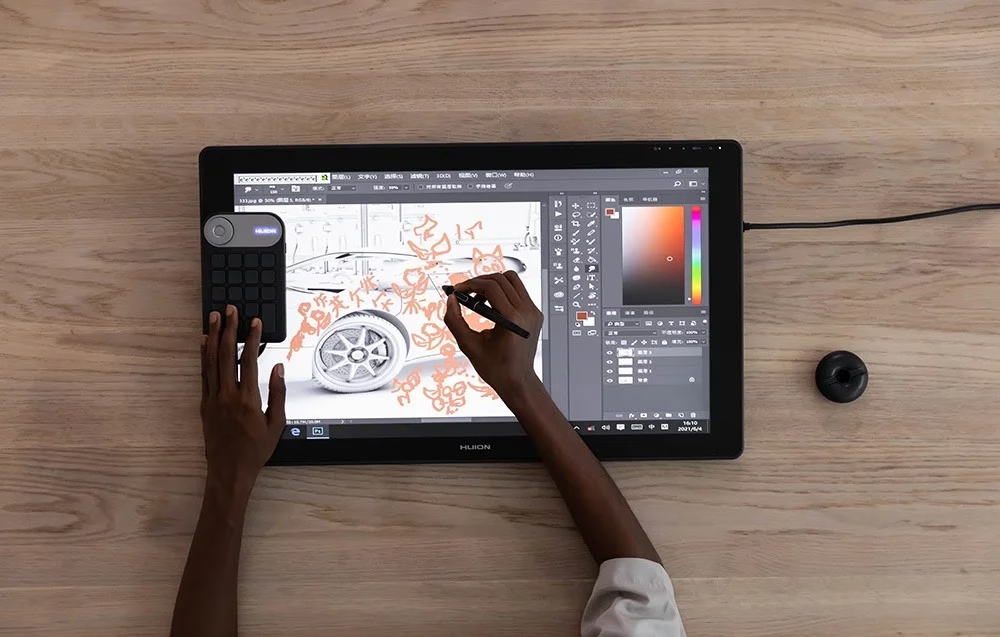
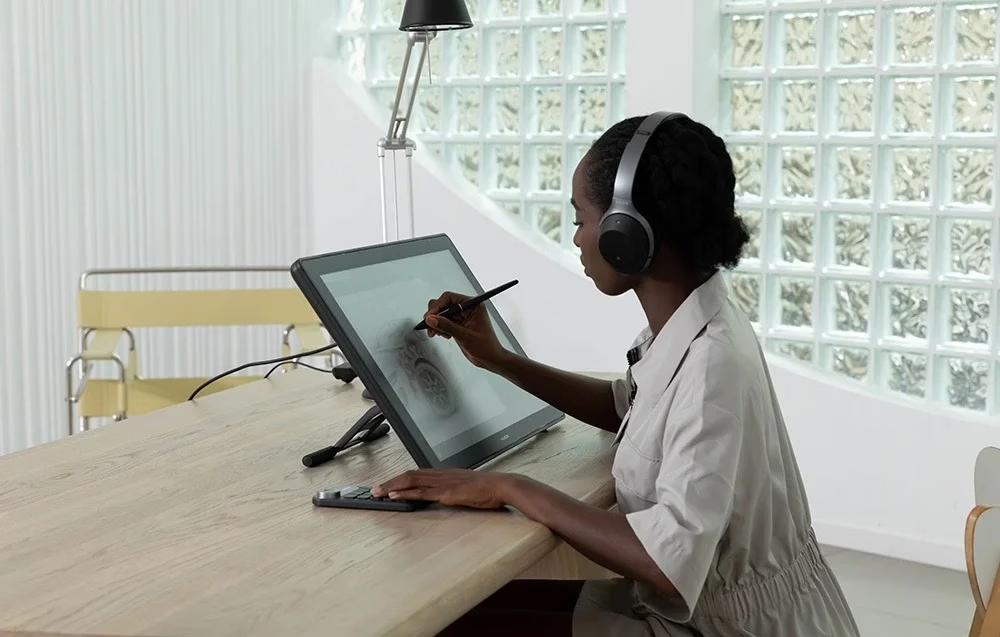
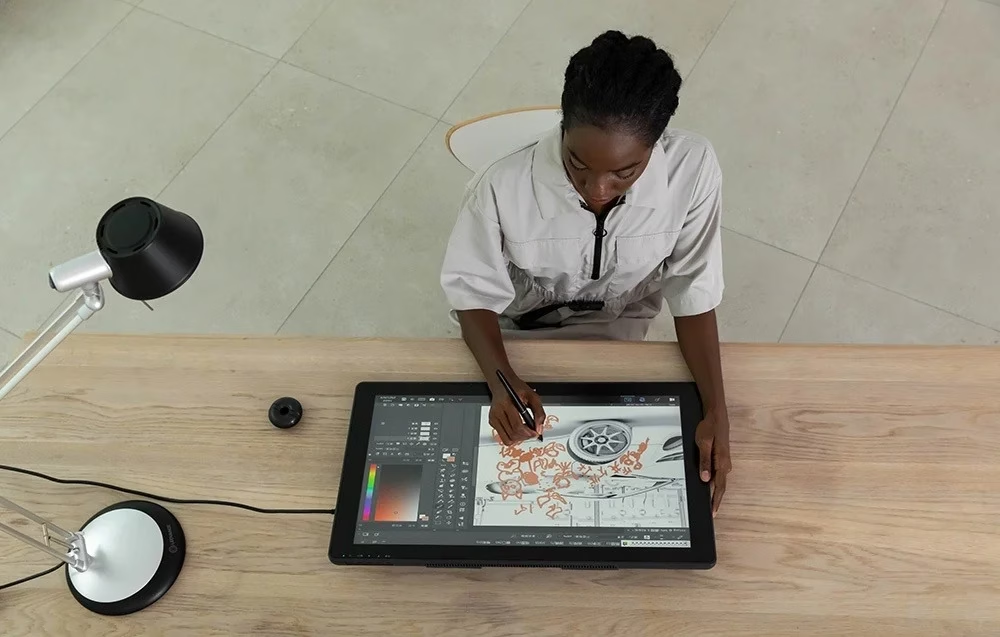
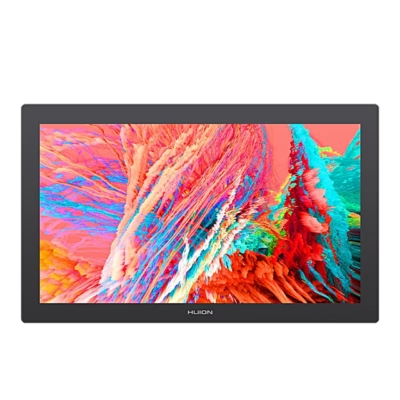
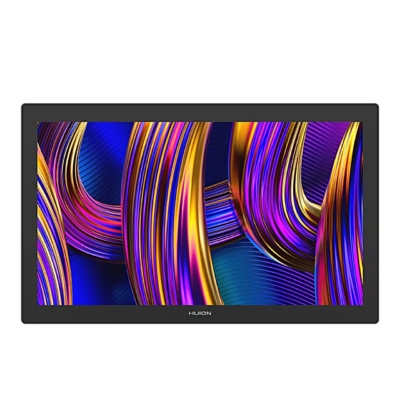
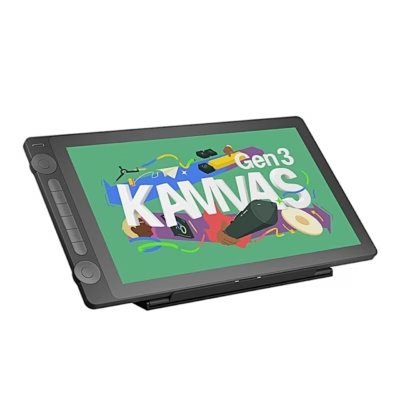
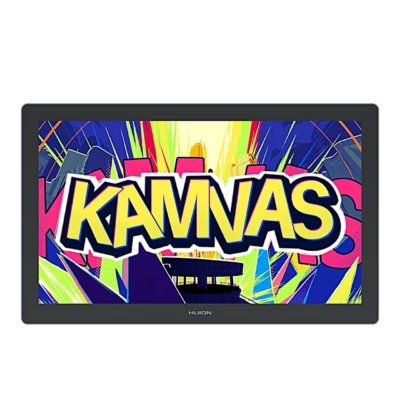
The Huion Kamvas 24 Plus GS2402 is a pen display whose 23.8-inch IPS screen shows the image at QHD resolution, 2560 × 1440 pixels. On the large screen you see the whole composition at once and need to zoom or pan less often.
Quantum-dot screen with a wide colour gamut
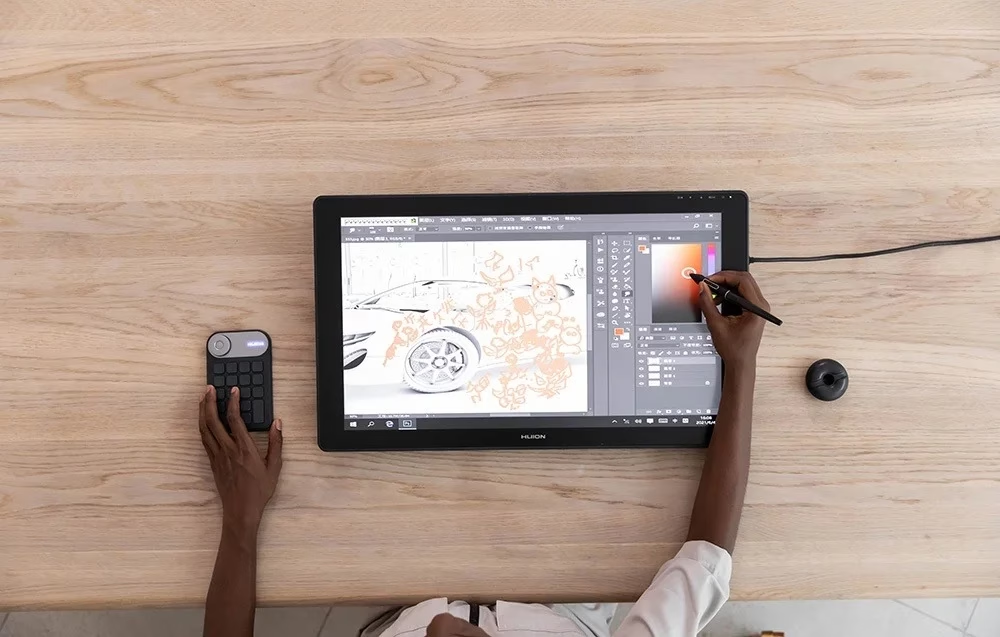
The quantum-dot IPS screen covers 140% of sRGB and 97% of NTSC and displays 16.7 million colours (8-bit). Contrast is 1200:1 and the viewing angle 178°, so colours and brightness stay even from the side.
Fully laminated anti-glare glass
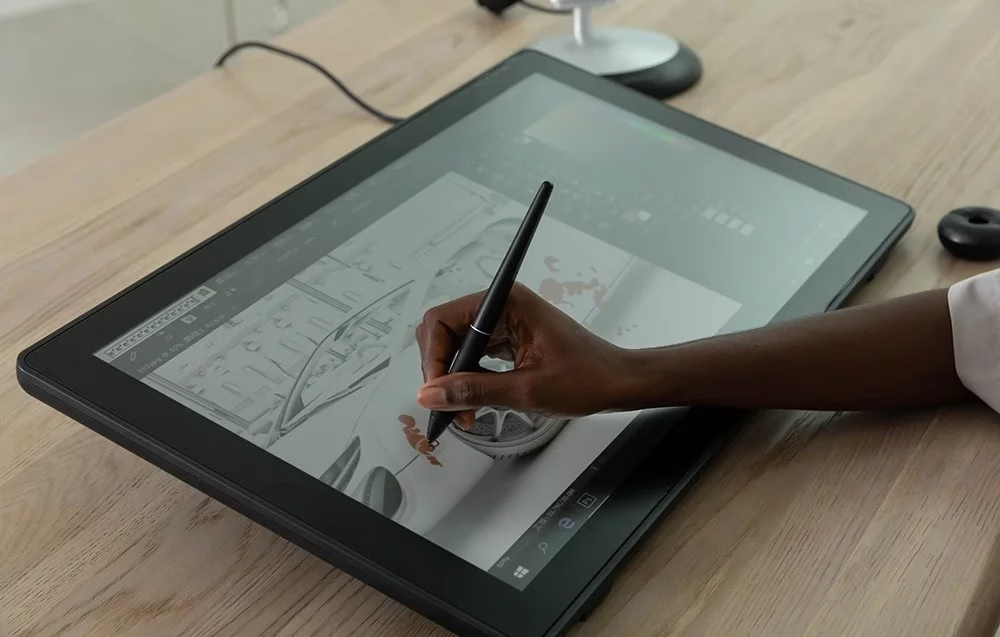
Etched anti-glare glass reduces reflections and gives the pen a paper-like surface. The glass is fully laminated to the screen, so parallax is low and the cursor stays under the pen tip.
Battery-free PW517 pen with two programmable buttons
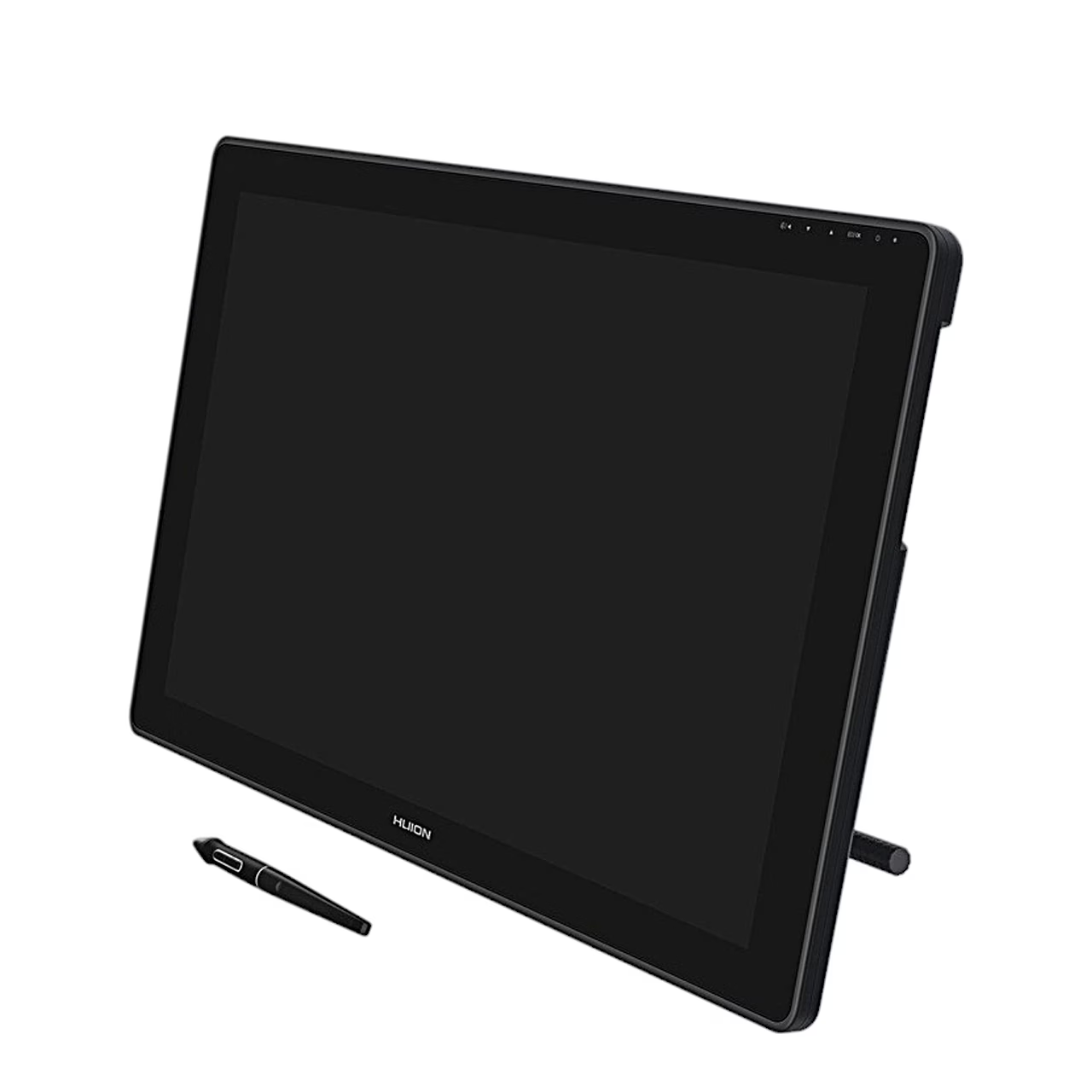
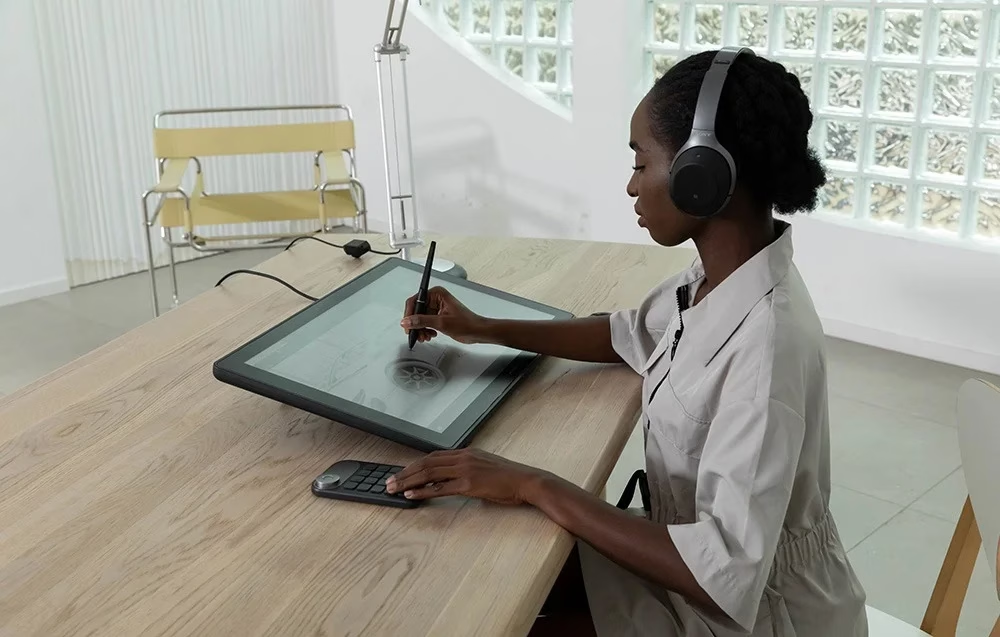
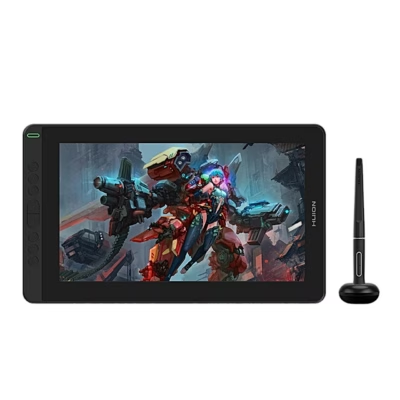
The PW517 pen uses battery-free electromagnetic resonance and needs no charging. It has 8192 pressure levels and ±60° tilt support. In the driver you can assign a key combination, mouse button, program launch or media function to the two side buttons, which work while the pen tip is within 10 mm of the screen.
Two USB-C ports, a USB-A port and an adjustable stand
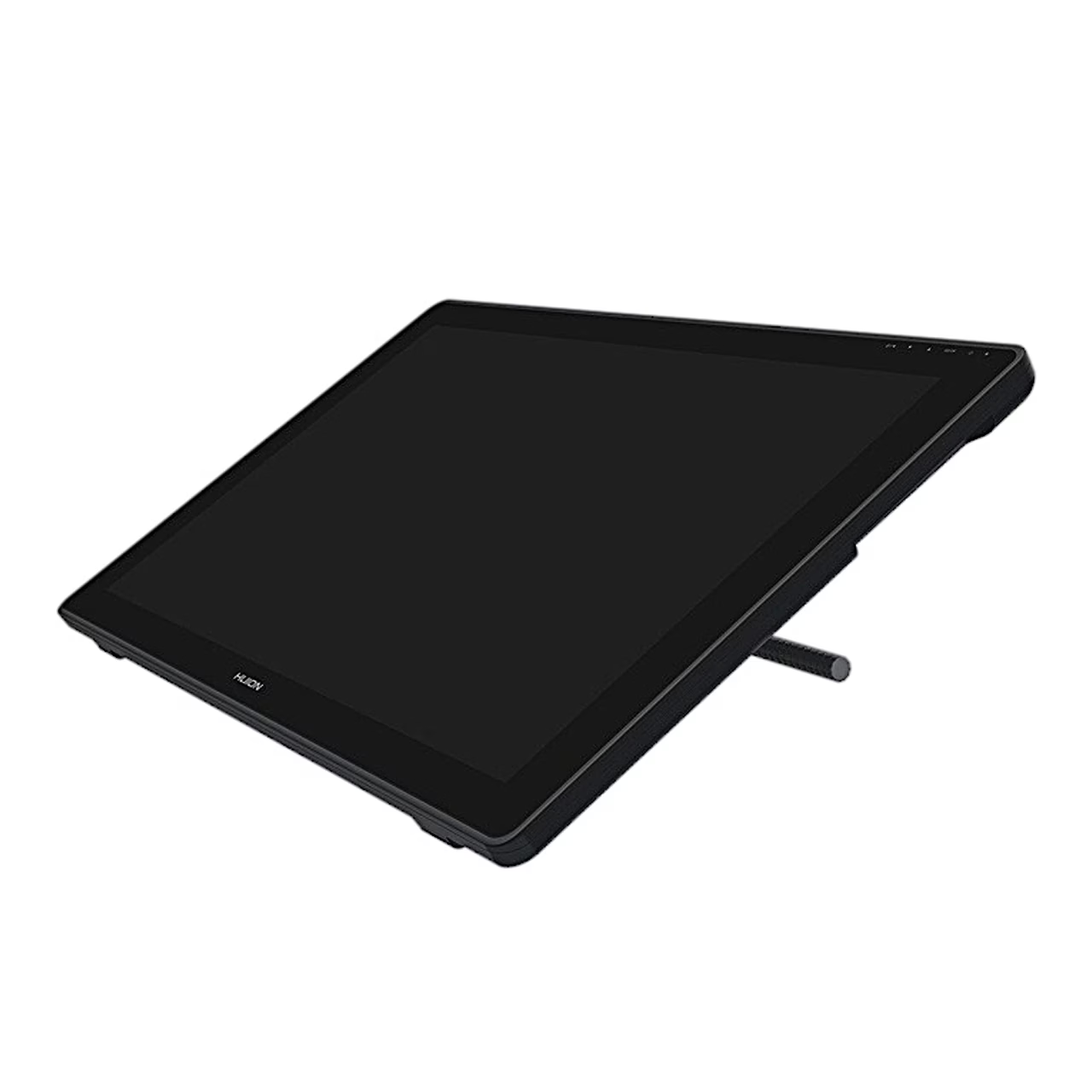
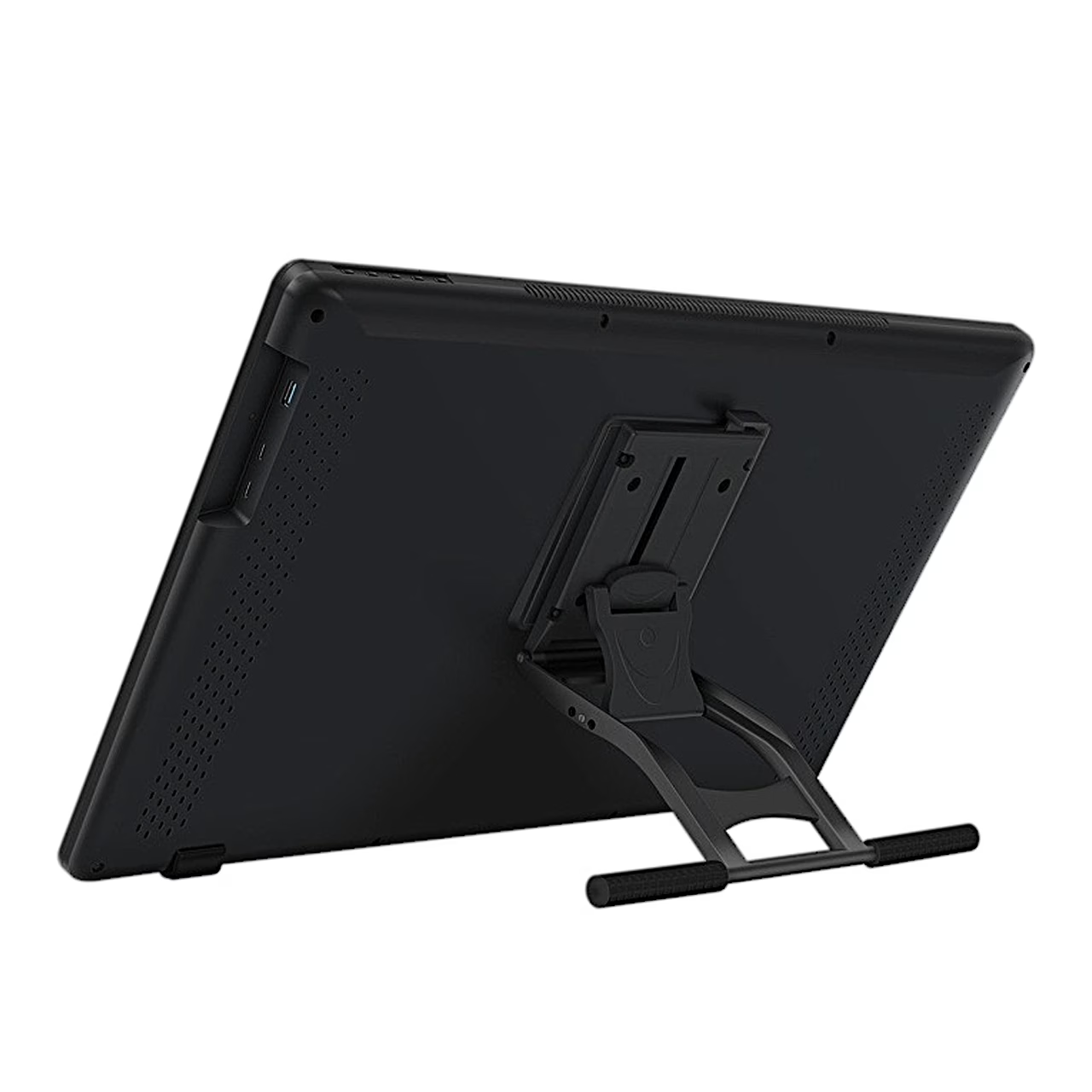
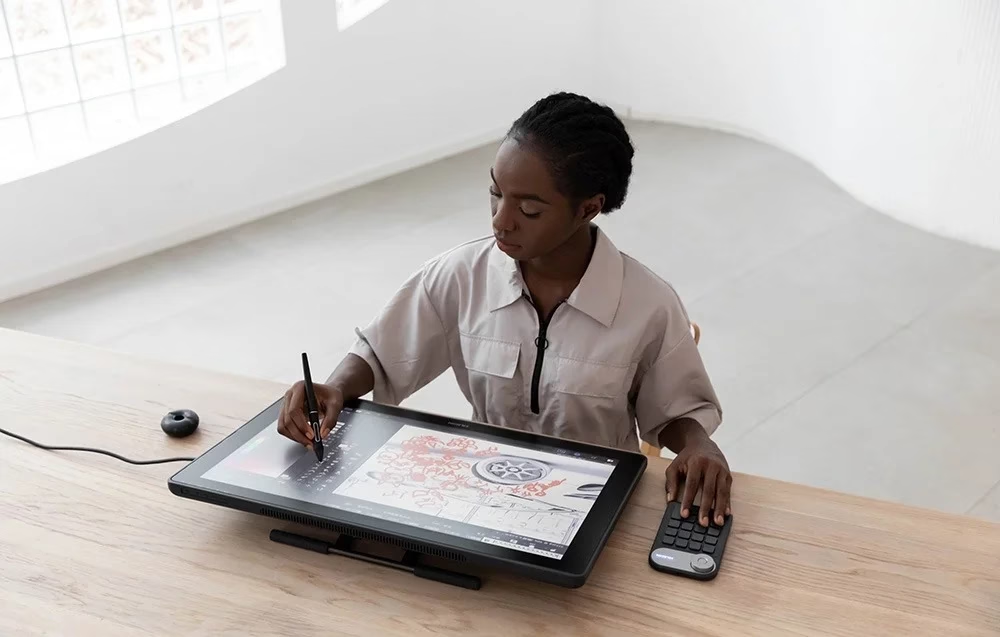
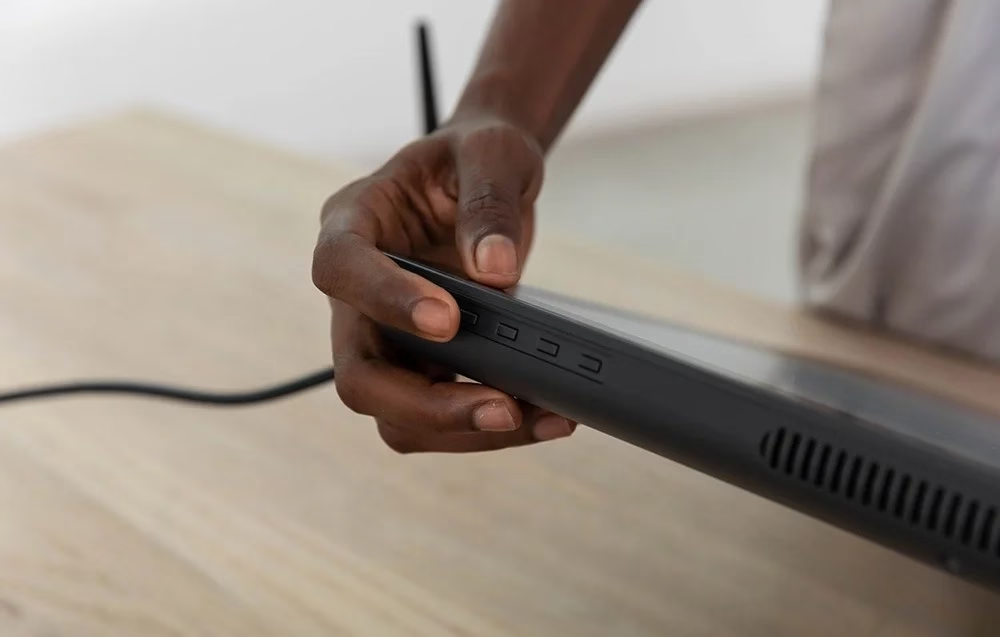
The tablet connects to the computer with the 3-in-1 USB-C cable or through the full-featured USB-C port, which carries video over DisplayPort 1.2. The USB-A port takes a keyboard, mouse or flash drive, for example. It works with Windows 7 or later, macOS 10.12 or later, Linux (Ubuntu) and Android 6.0 or later when the Android device has USB 3.1 and DisplayPort 1.2 output. The adjustable stand sets the screen at 20° to 80°.
Getting started
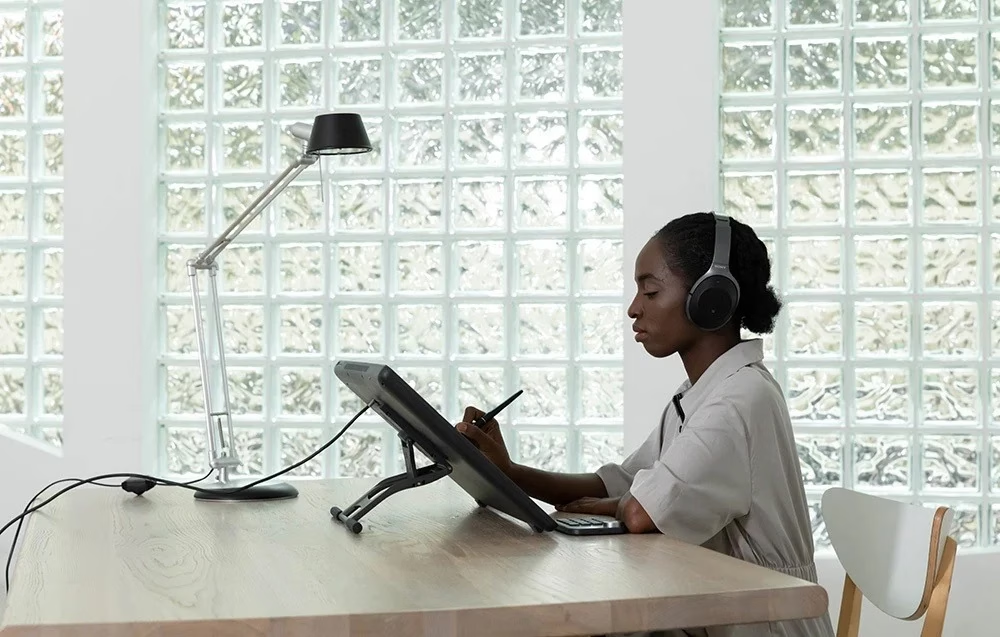
Connect the tablet to the computer with the 3-in-1 cable and plug the power adapter into the mains with the power cable. Before installing the driver, close drawing software and antivirus programs and uninstall any other tablet driver. In the driver you can set the working area, rotate it for left-handed use by 0°, 90°, 180° or 270°, calibrate the cursor and adjust pressure sensitivity. In the on-screen menu you choose the picture mode (Standard, Motion, Movie or Gaming), brightness, contrast and colour temperature of 6500 K, 9500 K or your own RGB values.
Replacing the pen nib
The pen holder contains 10 replacement nibs. To replace a worn nib, twist the holder lid anticlockwise, pull the old nib out with the holder’s nib clip and push the new nib straight into the pen until it stops.
In the box
- Pen display Huion Kamvas 24 Plus GS2402, 1 pc
- Battery-free PW517 pen
- Pen holder
- 10 replacement nibs (inside the pen holder)
- 3-in-1 cable
- Power cable
- Power adapter
- Quick start guide
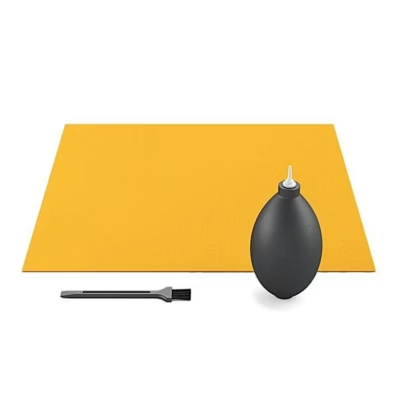
- Cleaning cloth









































Reviews
There are no reviews yet.