
Description
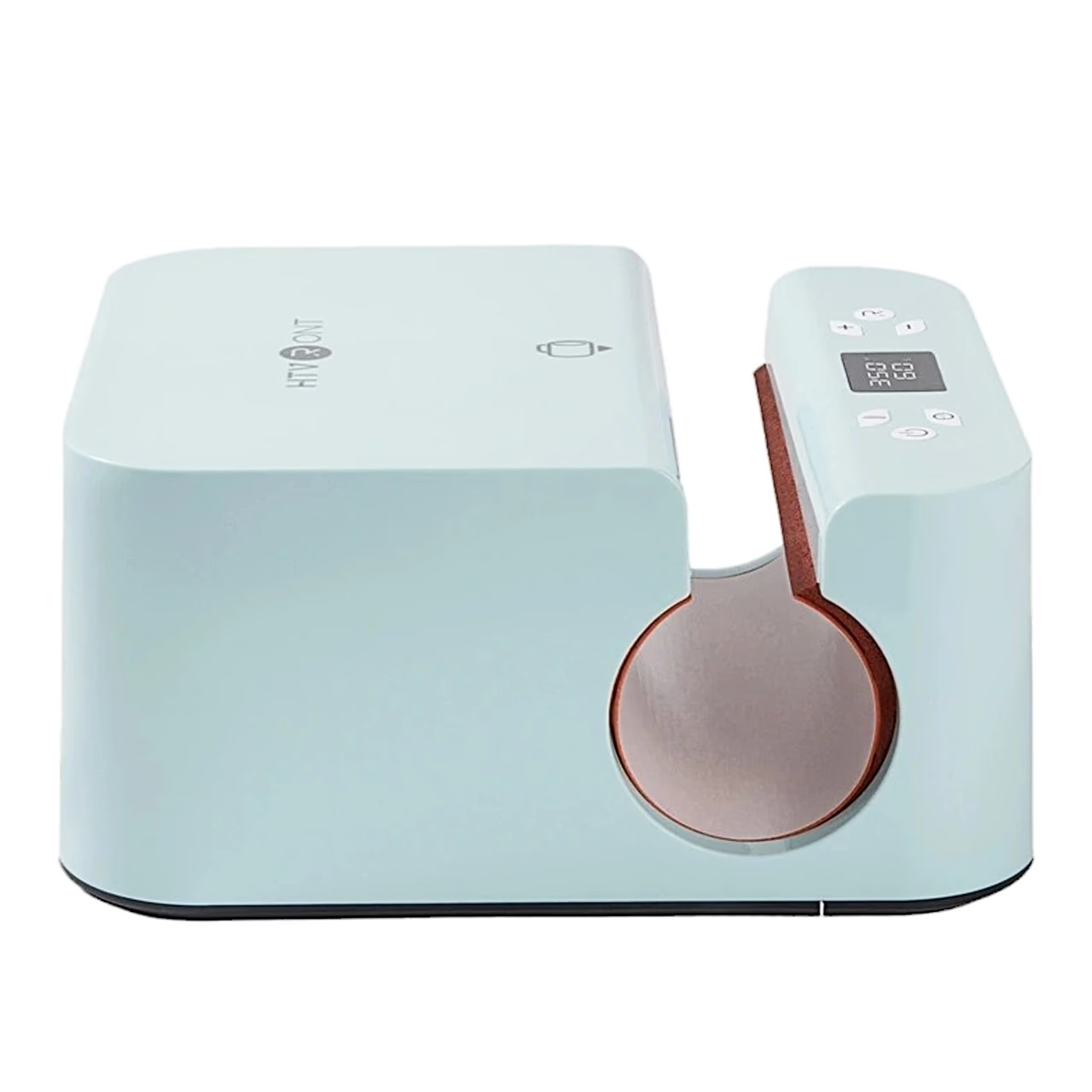
Mug press that adjusts the pressure to the container diameter by itself
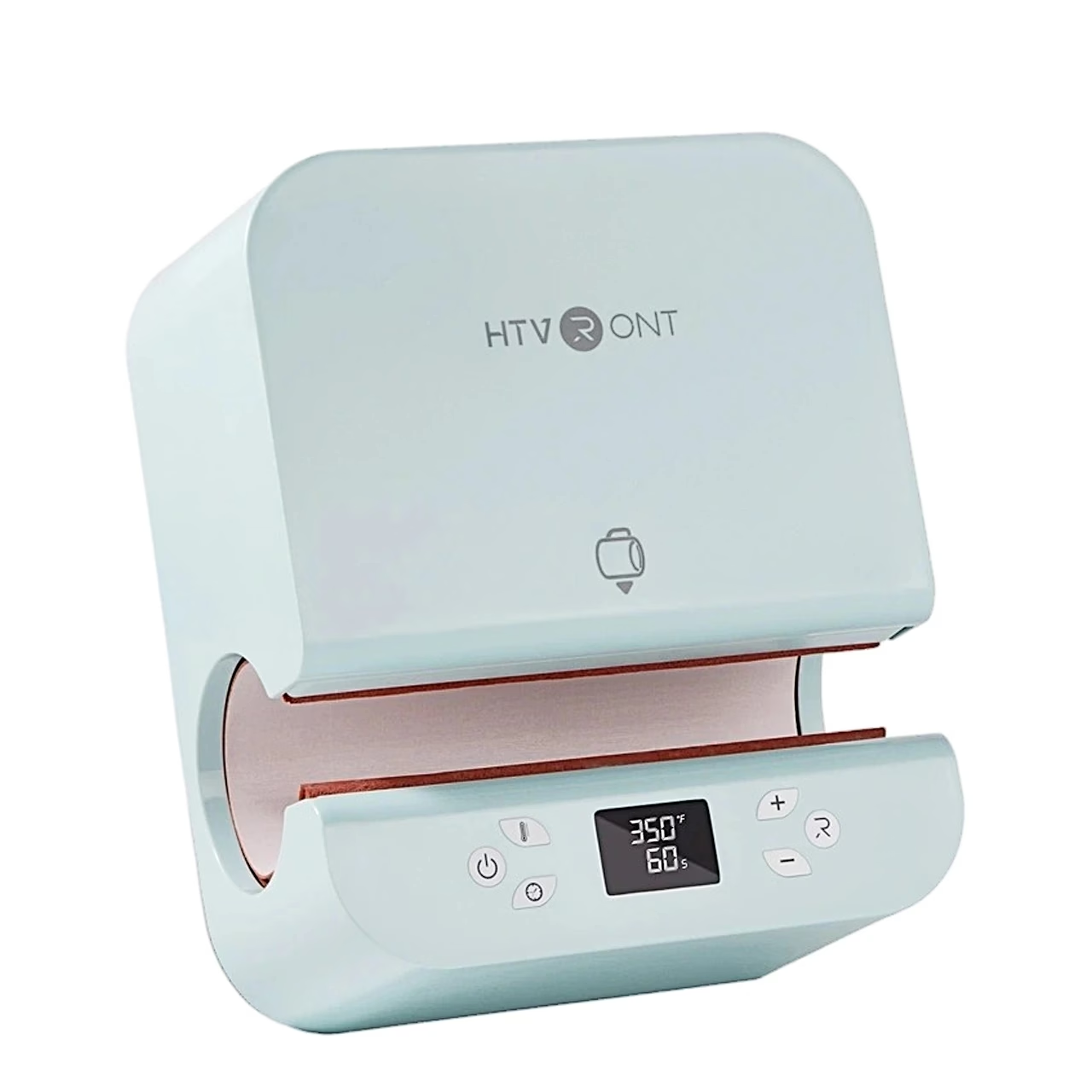
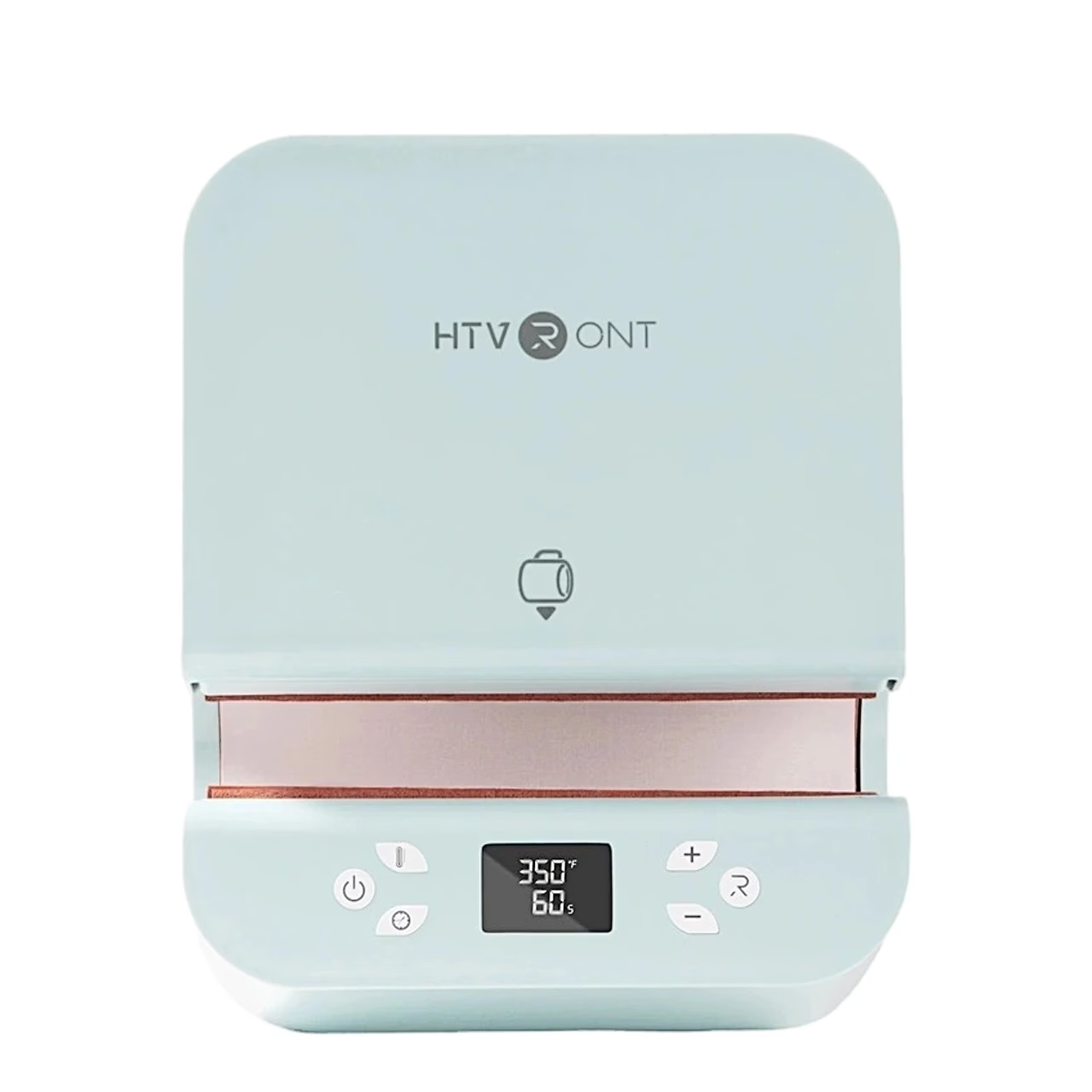
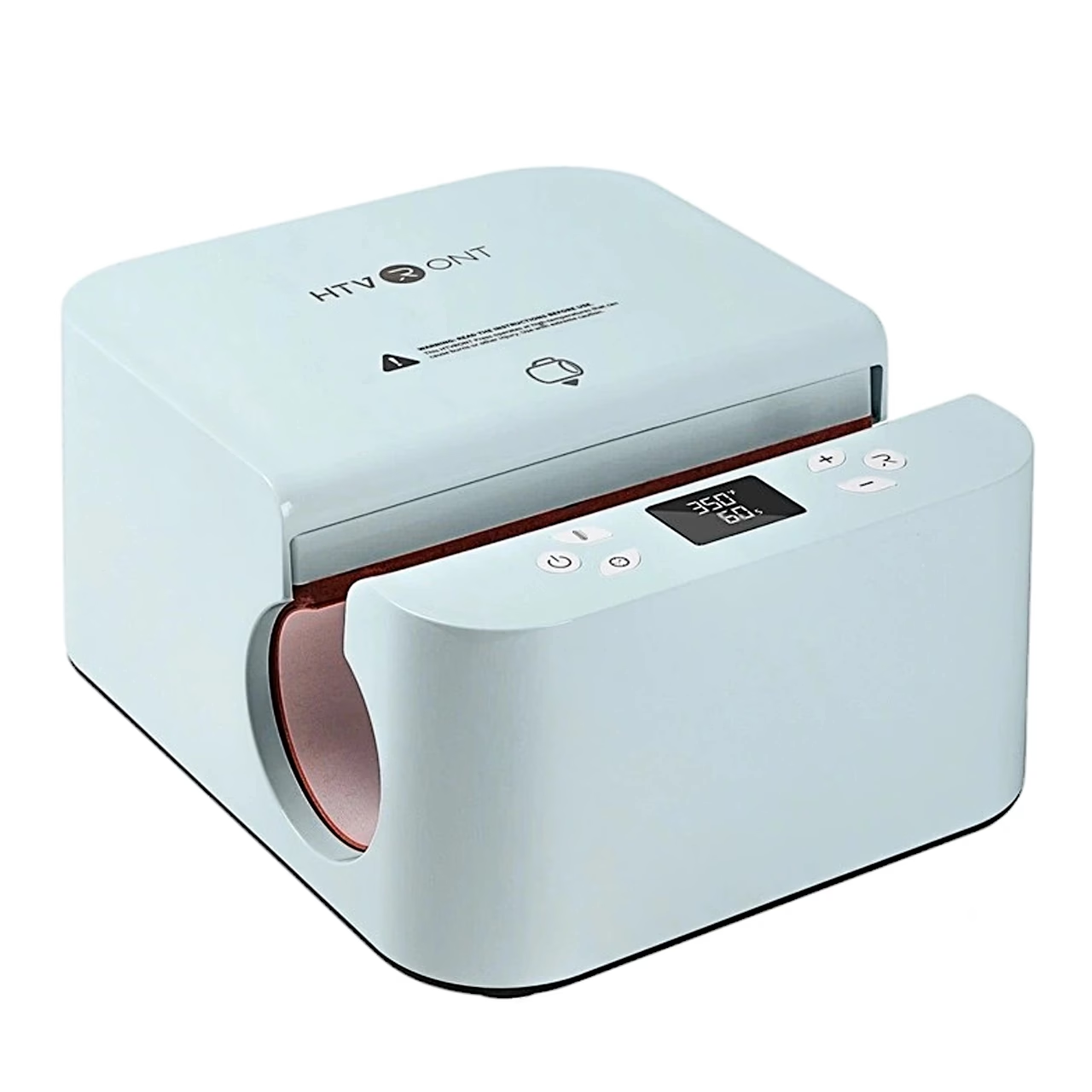
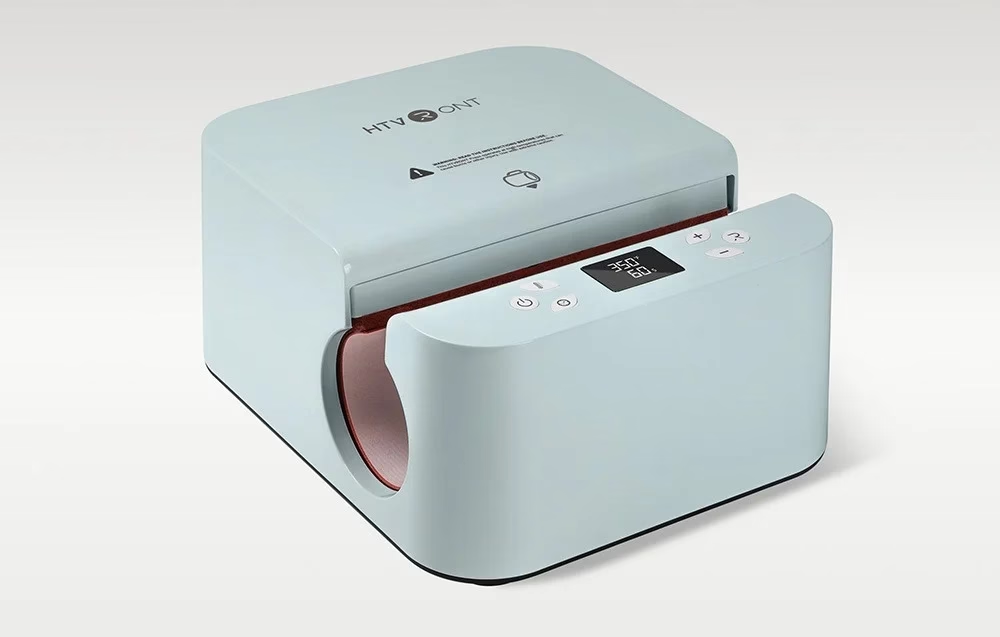
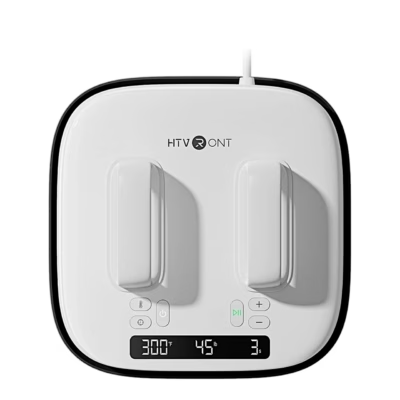
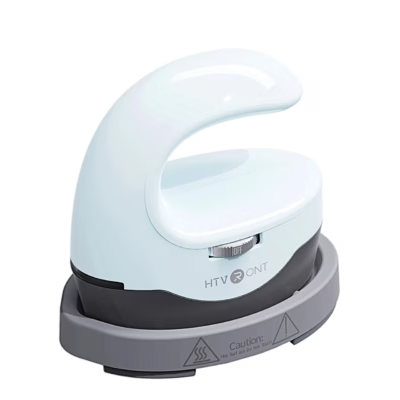
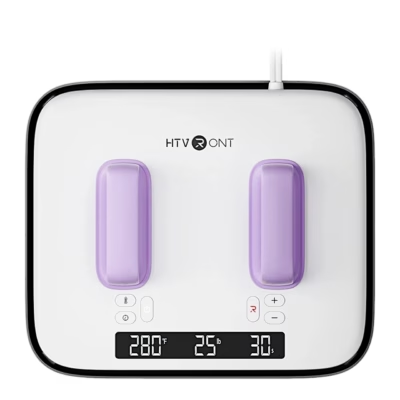
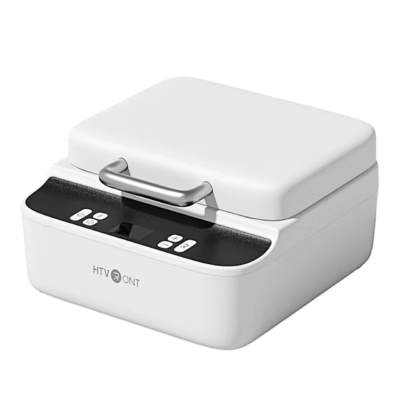
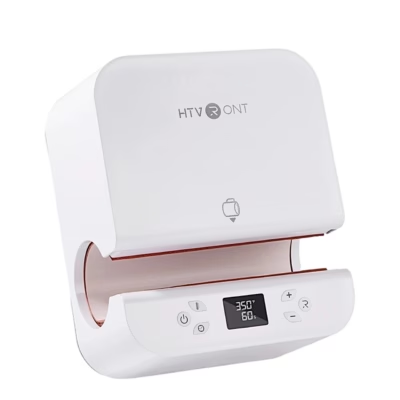
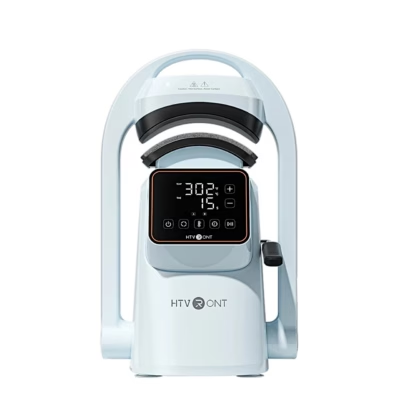
At a press of the Start button, the HTVRONT HPT01 automatic mug press closes the heating area around the container and adjusts the pressure to its diameter automatically. Pressing runs until the set timer ends, and the design is transferred with a single button press.
Mugs, thermoses, glasses and water bottles
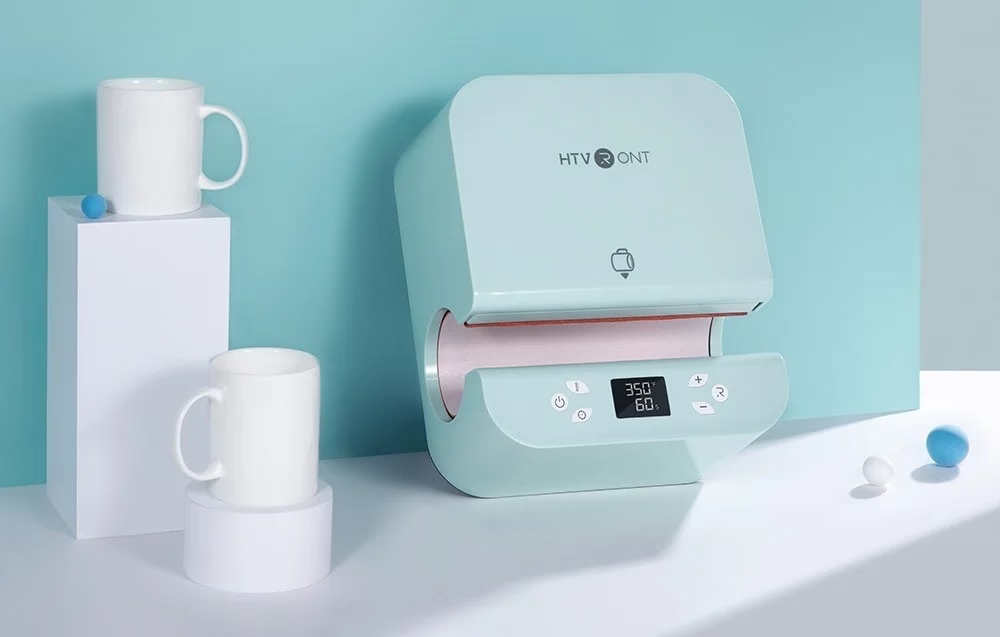
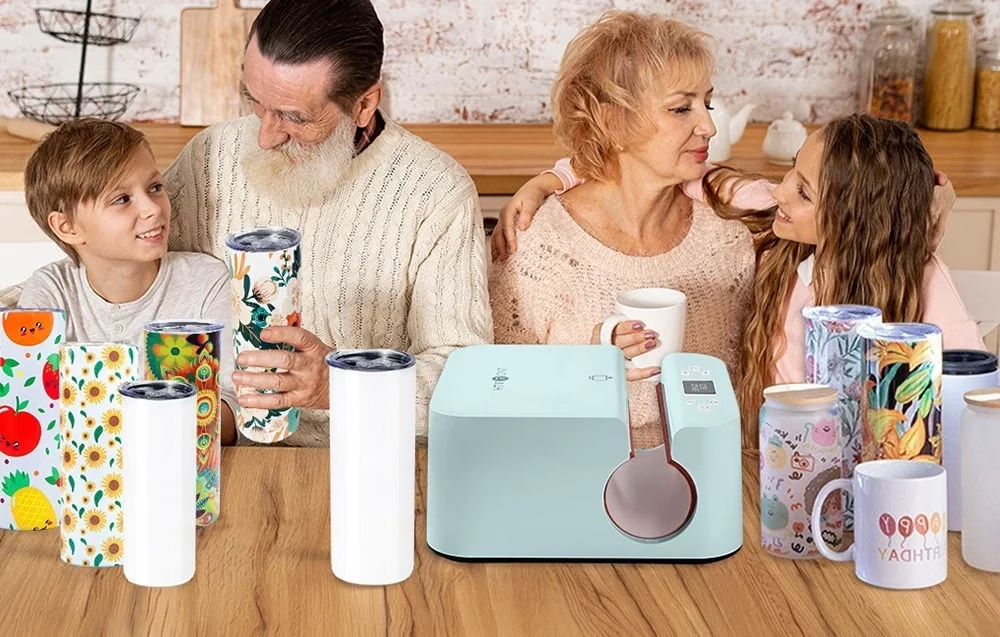
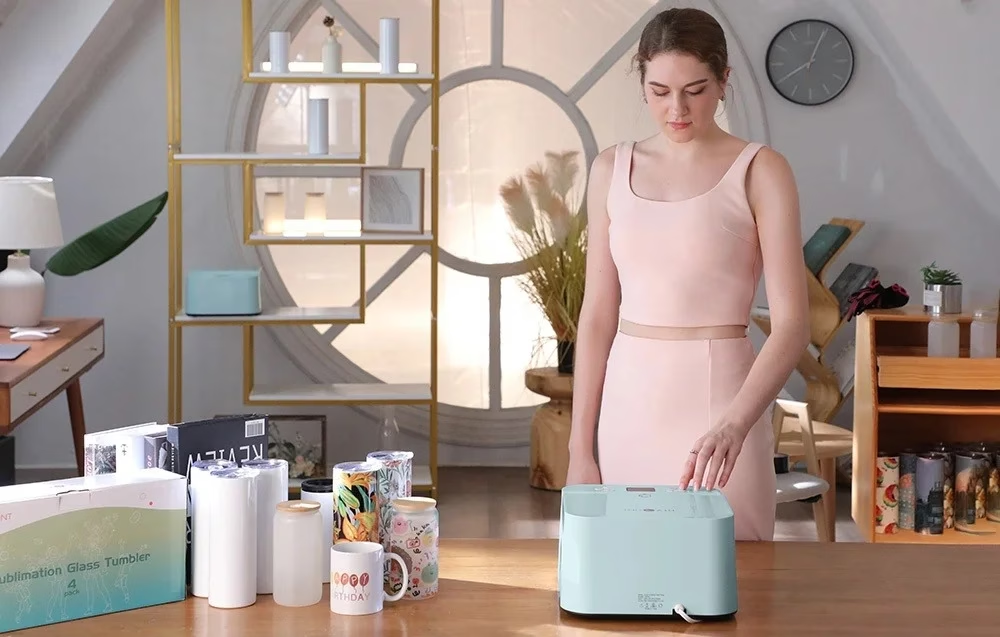
The press takes straight sublimation-coated containers with a diameter of 7.5–8.5 cm, a height of up to 21 cm and a capacity of 284–852 ml. This covers ceramic mugs, glasses and glass mugs, stainless steel thermoses, water bottles and children’s training cups.
Temperature, time and safety
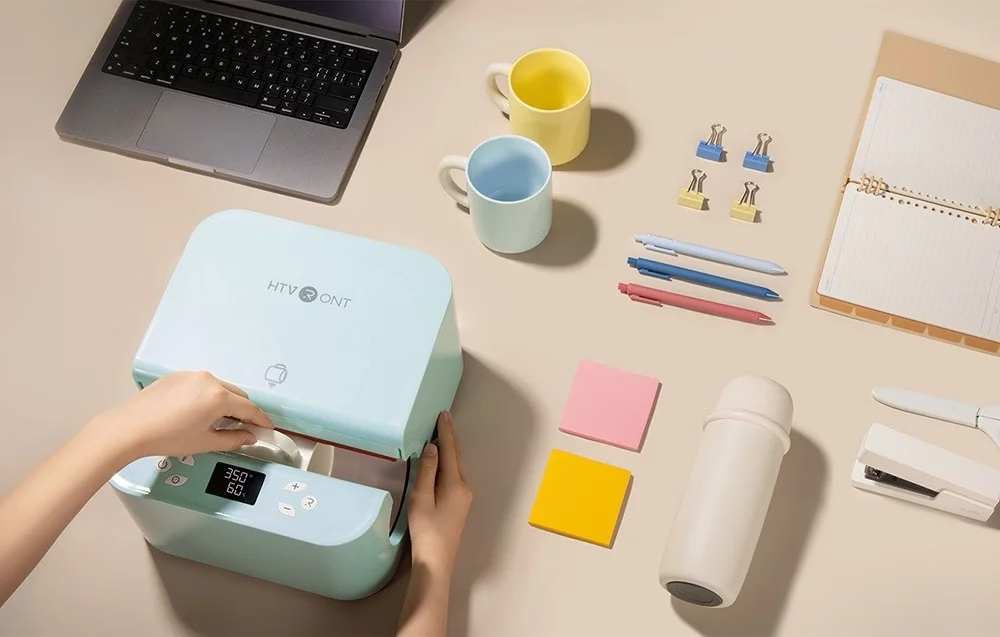
Each button press changes the temperature by 5 °C and the time by 5 seconds. Recommended settings are 190 °C and 400 seconds for ceramic mugs, 185 °C and 300 seconds for glass, and 185 °C and 130 seconds for stainless steel. The press remembers the settings and switches off after 15 minutes without use. While the heating area is closing, pressing any button opens it again immediately.
Use
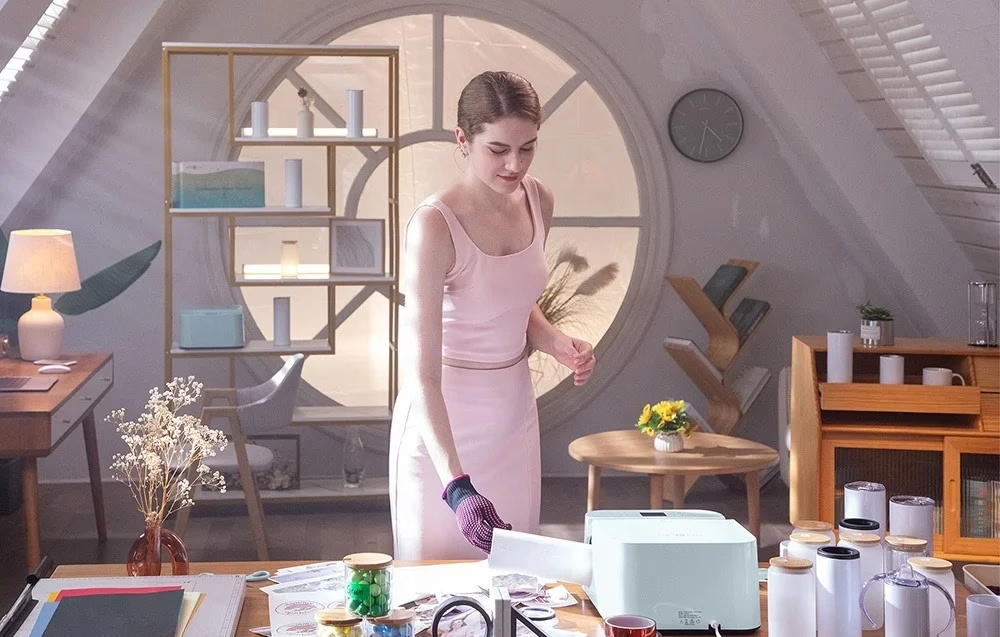
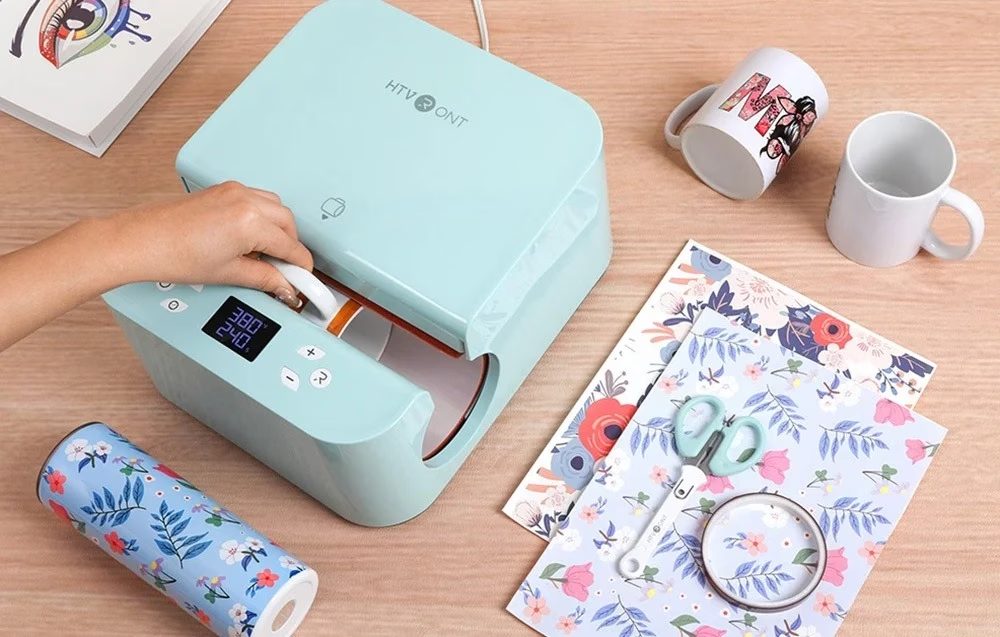
Print the design on sublimation paper, cut it to the size of the container and fix it tightly with heat-resistant tape. After setting the temperature and time, the press heats up until the Start button changes from red to green. Then place the container without its lid in the centre of the heating area and press Start: the press works to the timer. When the timer ends, take the container out wearing heat-resistant gloves.
Cleaning and storage
Before cleaning, switch the press off, unplug it and let the body cool down completely. Wipe the body with a soft, dry cloth without cleaning agents, and store the press in a clean, ventilated place when not in use.
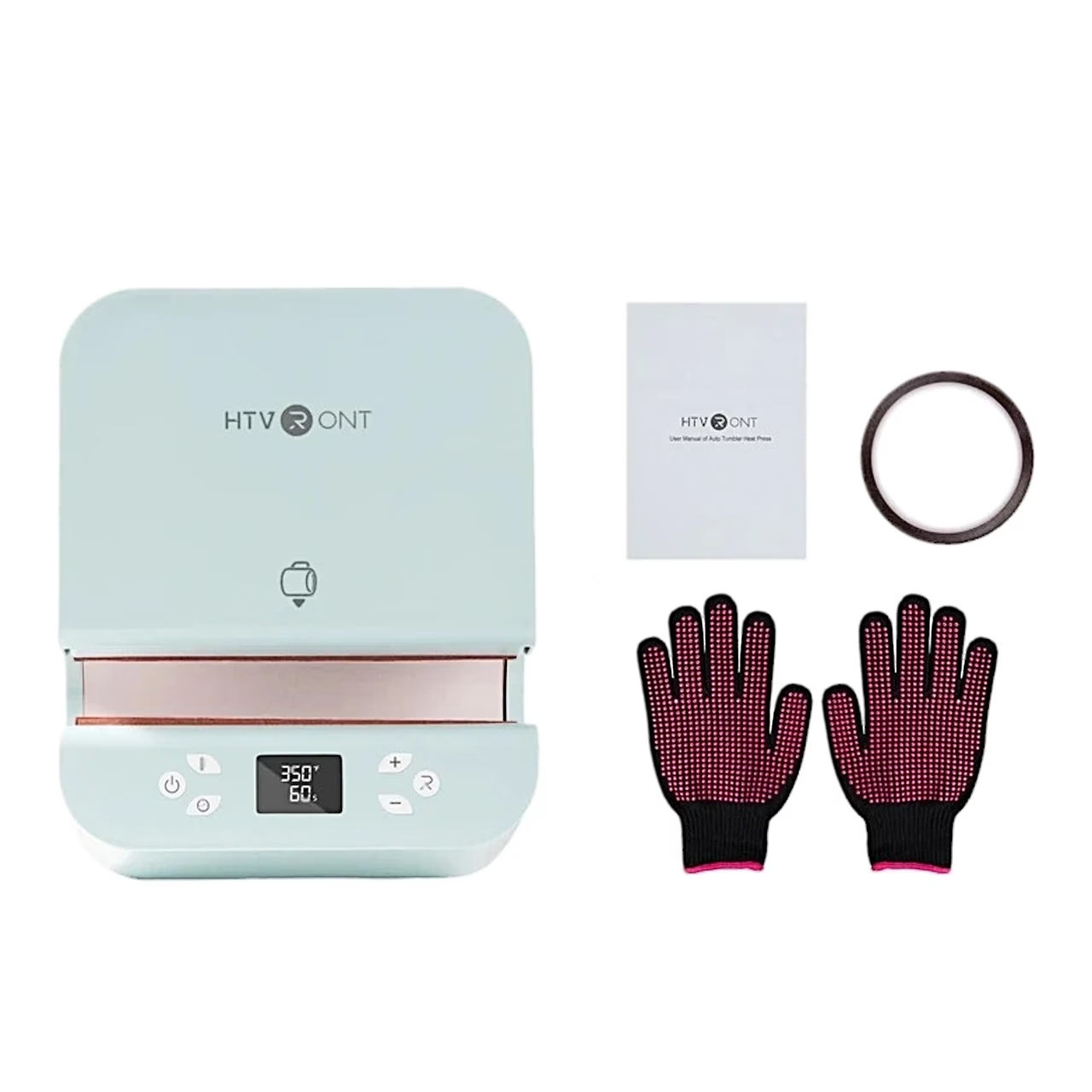
In the box
- Mug press HTVRONT HPT01, 1 pc
- Heat-resistant gloves, 1 pair
- Heat-resistant tape, 1 roll
- User manual






































Reviews
There are no reviews yet.