
Description
Automatic mug press for sublimation printing on mugs and tumblers
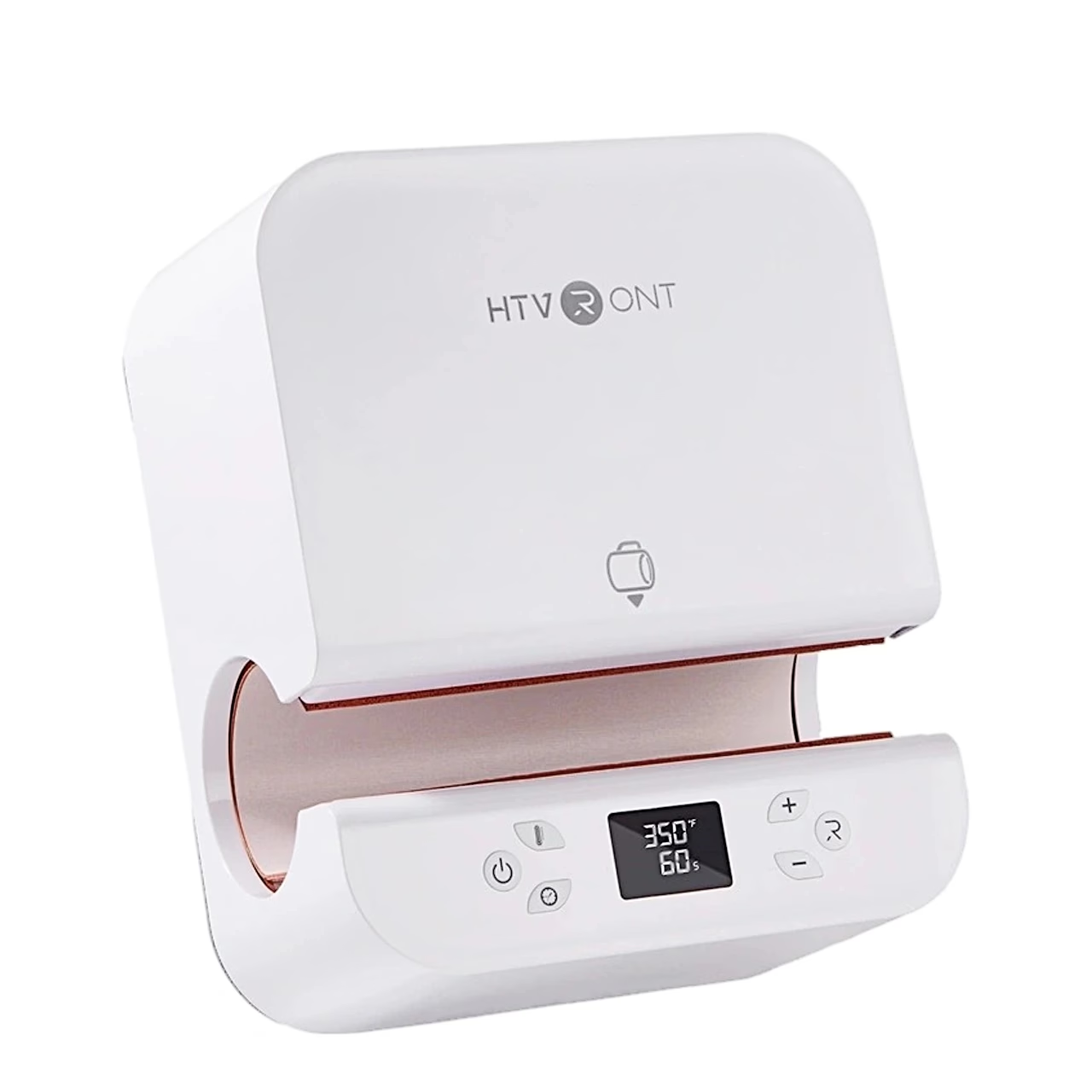
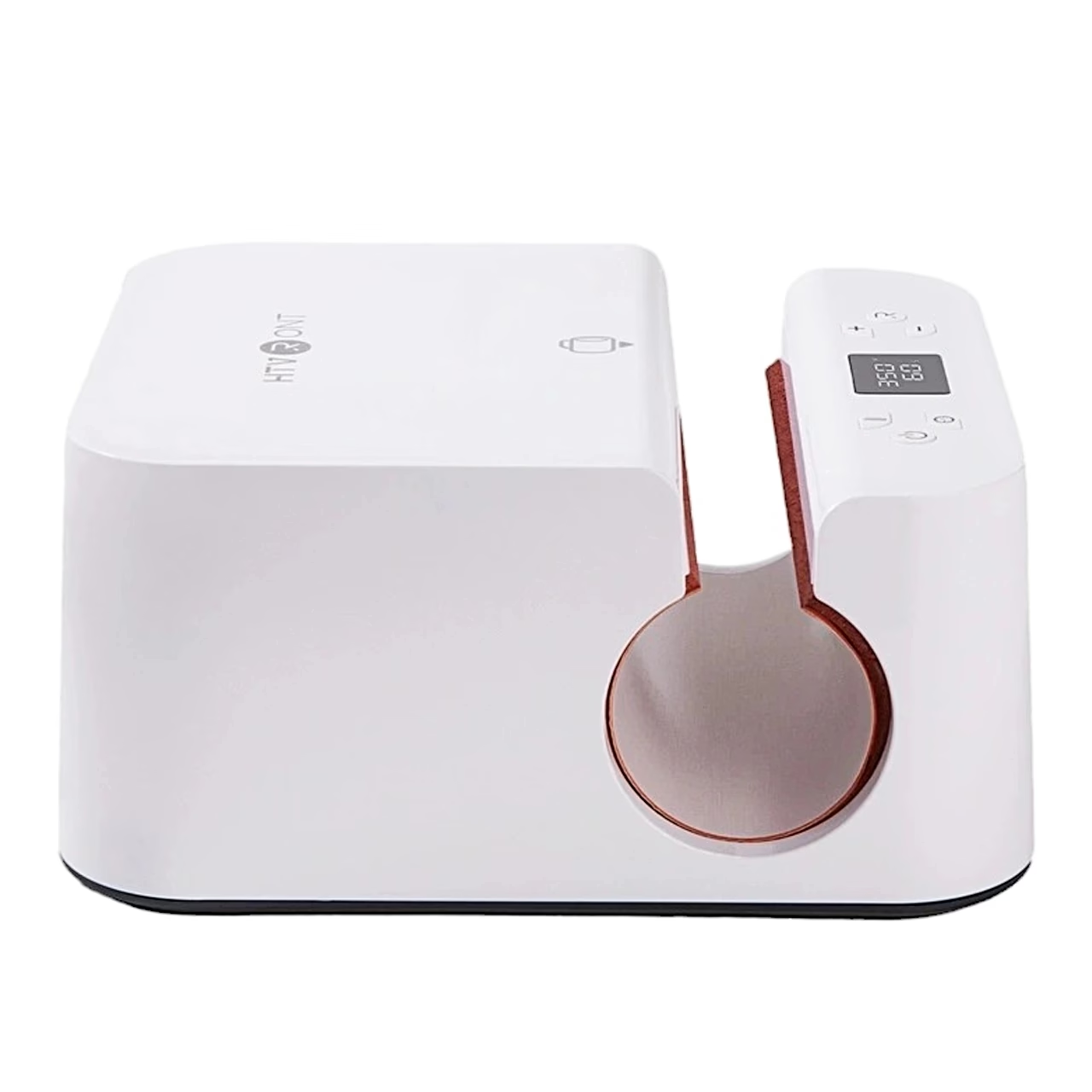
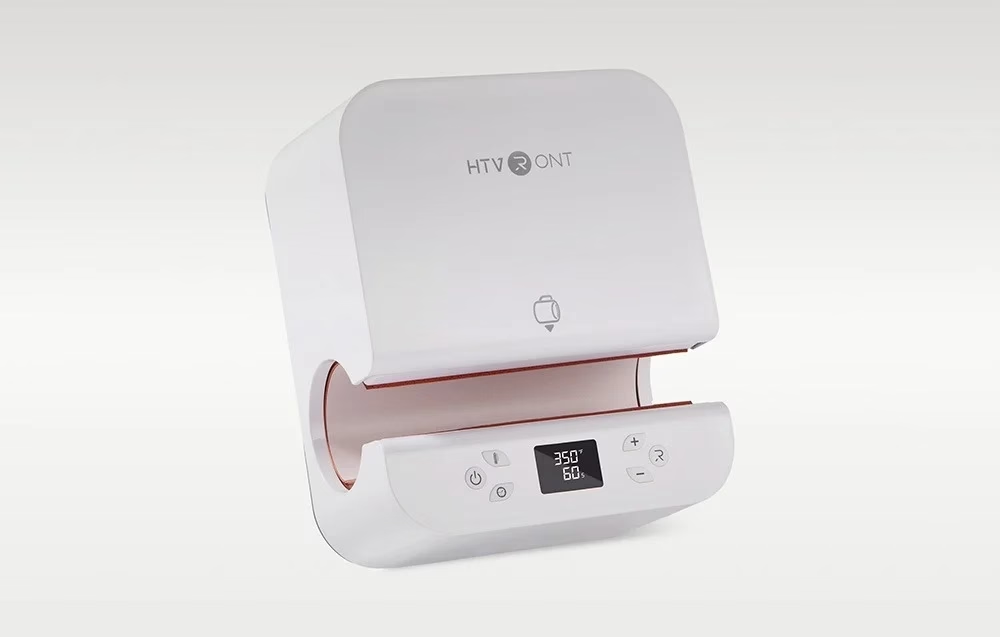
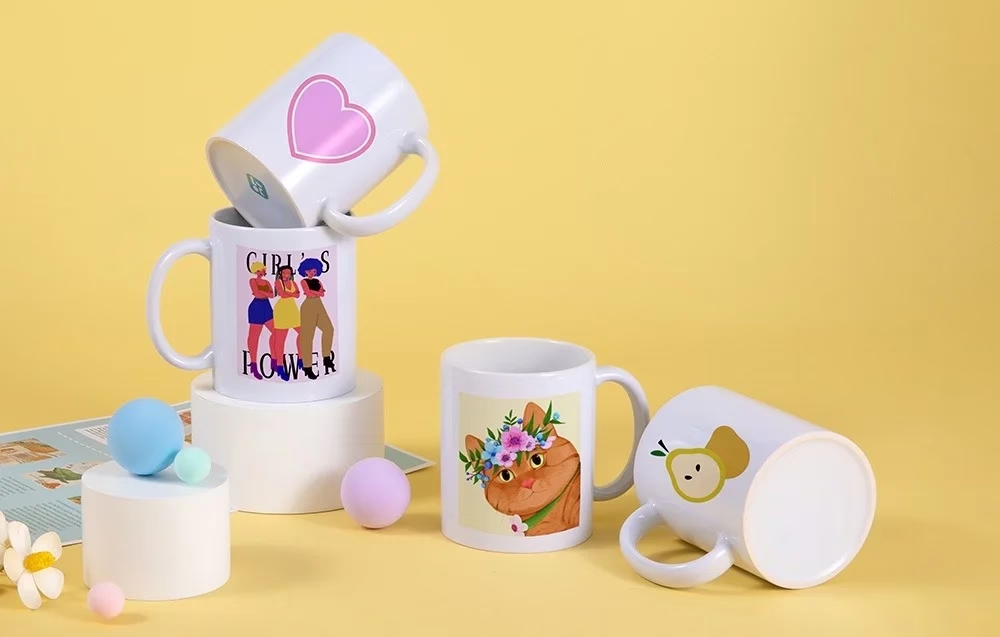
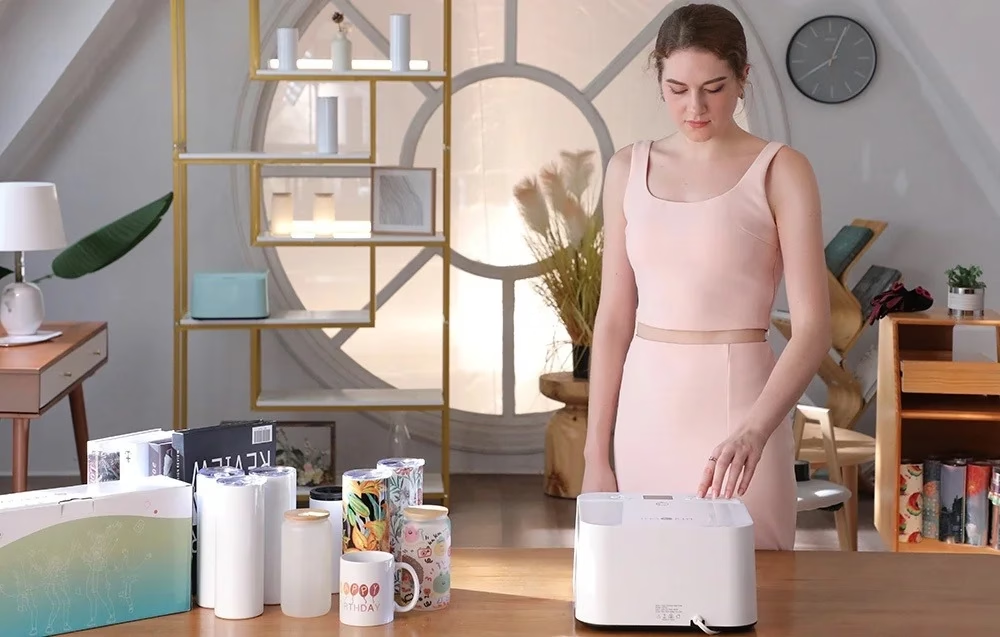
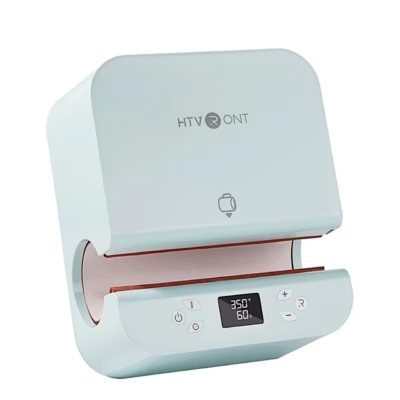
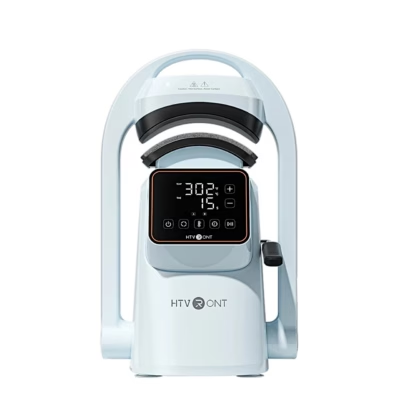
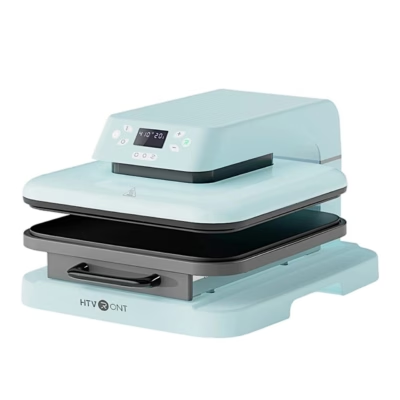
The HTVRONT HPT01 is an automatic mug press that transfers a design from sublimation paper onto a ceramic mug, a glass or a stainless steel tumbler. At the press of a button the heating plate closes around the tumbler and adjusts the pressure to its diameter.
Compatible mugs, tumblers and glasses
The press takes a straight-walled tumbler with sublimation coating, 7.5–8.5 cm in diameter and up to 21 cm long. The maker recommends 185 °C and 130 seconds for stainless steel tumblers, 190 °C and 400 seconds for ceramic mugs and 185 °C and 300 seconds for glass.
Setting temperature and time
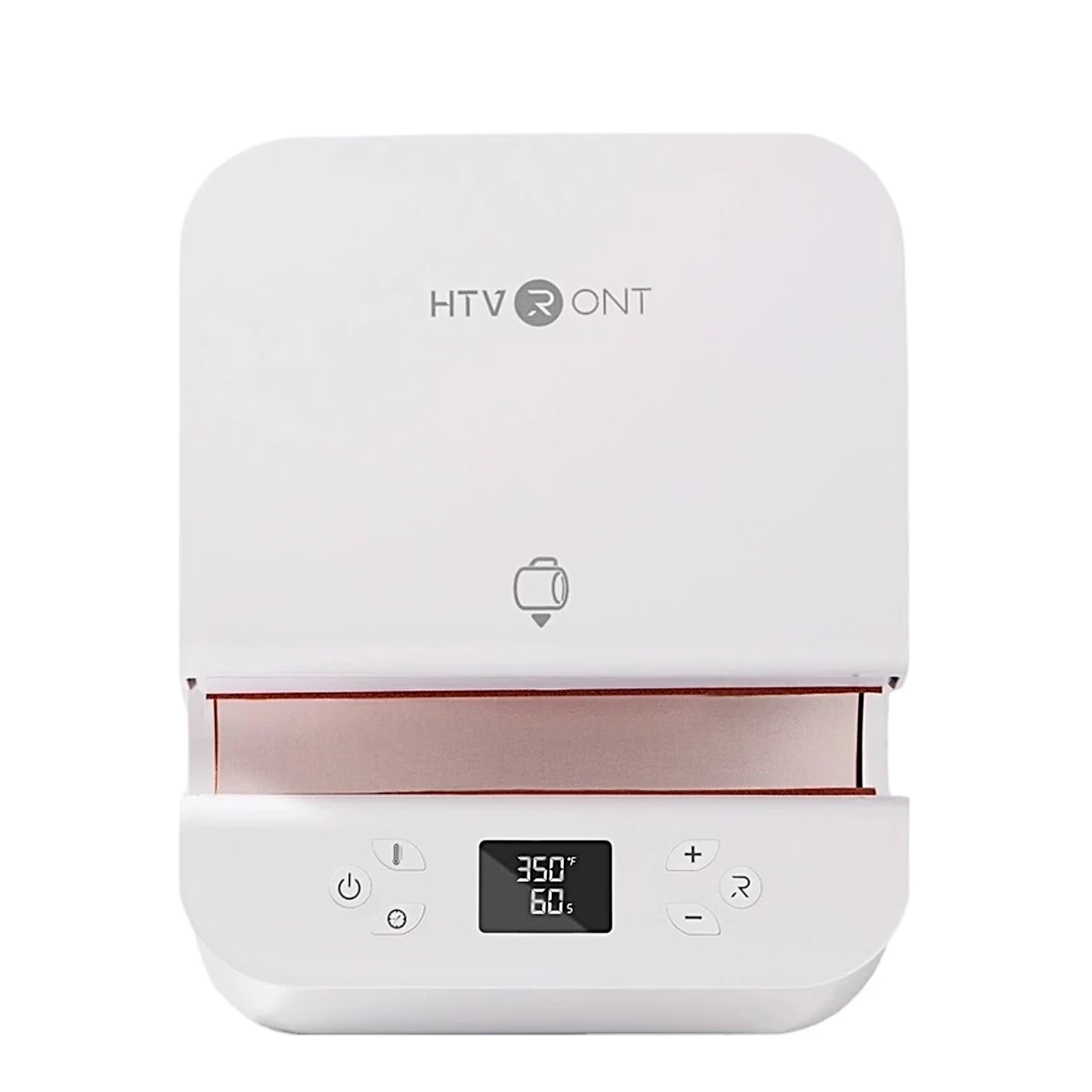
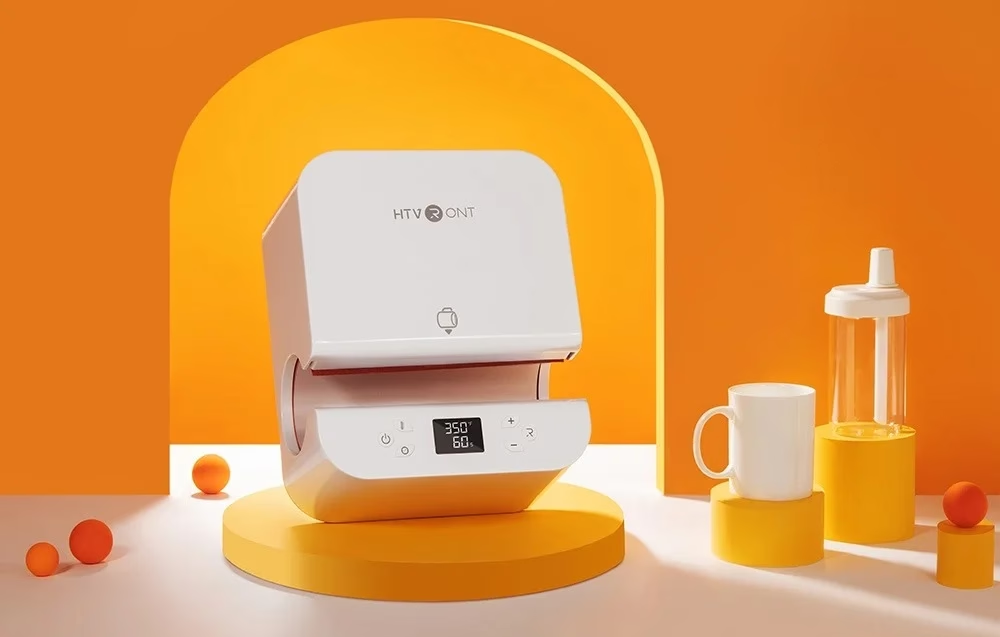
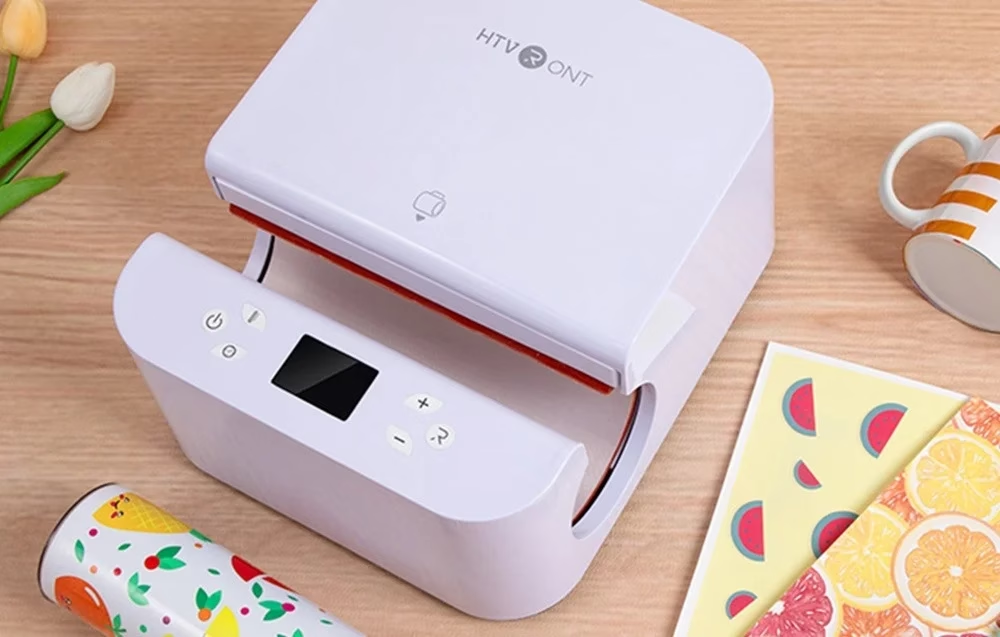
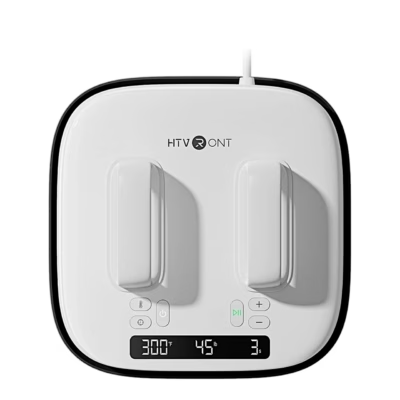
On the control panel with LED screen a short press changes the temperature by 5 °C and the time by 5 seconds, a long press by 10 °C and 10 seconds. A long press on the temperature button switches between Celsius and Fahrenheit. Memory mode keeps the settings for the next use.
Use
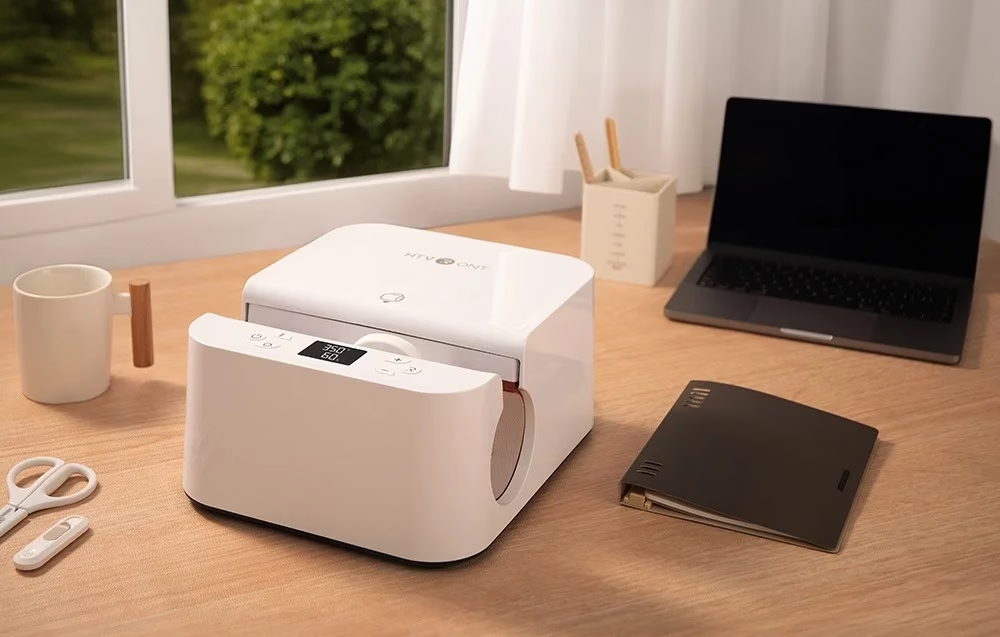
Print the design on sublimation paper, cut the paper to the size of the tumbler and fix it tightly with heat-resistant tape. Switch the press on, set the temperature and time and wait until preheating ends and the start button turns from red to green. Then place the tumbler in the centre of the heating area, press the start button and take the tumbler out with heat-resistant gloves when the countdown ends.

Auto shut-off and emergency stop
If the press is not used for 15 minutes, it switches itself off, beeping and flashing during the last 10 seconds. While the heating area is closing, pressing any button stops it and opens the heating area again.
Cleaning and care
Before cleaning, switch the press off, unplug it and let the housing cool completely. Dry the housing with a soft dry cloth without cleaning agents and keep the press in a clean, ventilated place.
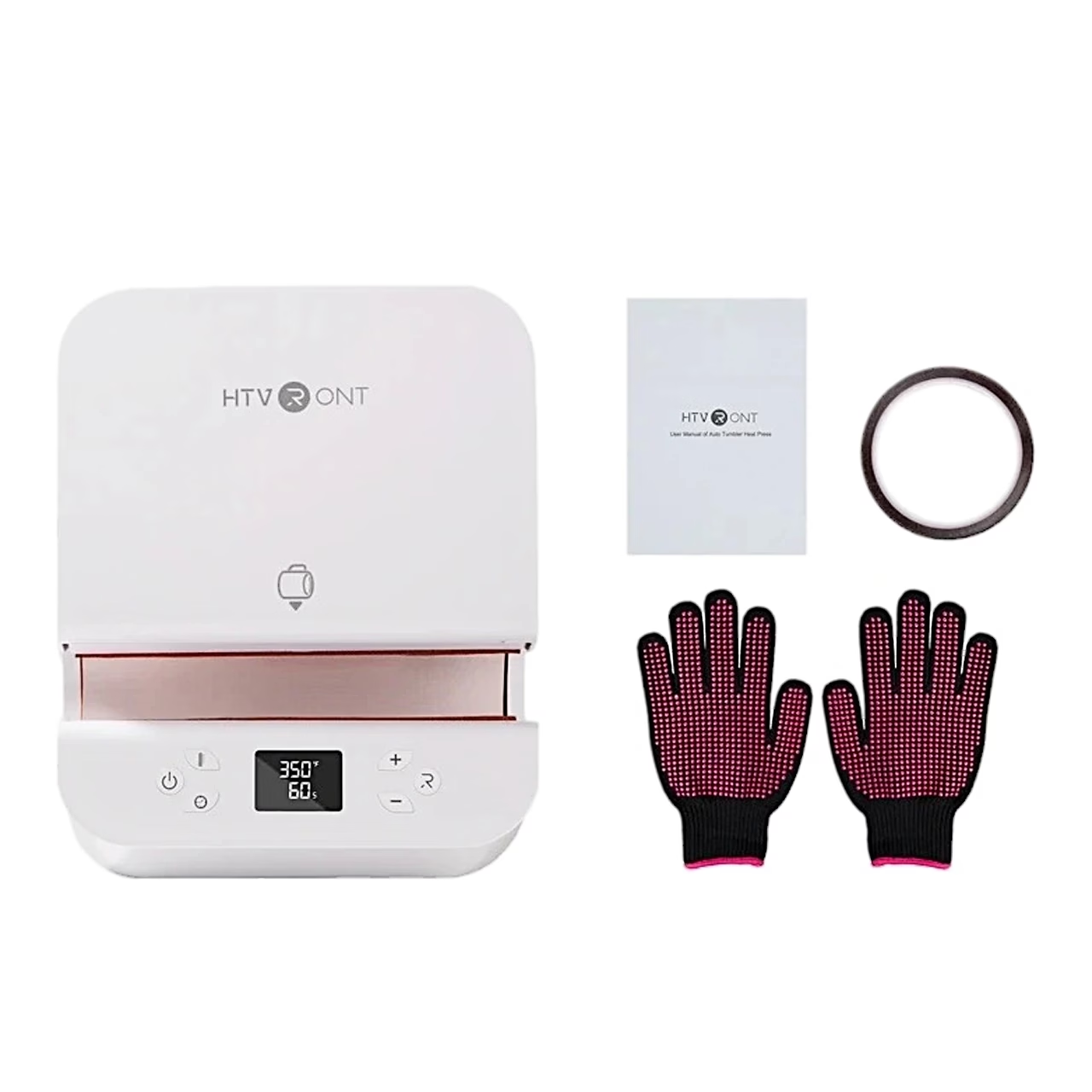
In the box
- Mug press HTVRONT HPT01, 1 pc
- Heat-resistant gloves, 1 pair
- Heat-resistant tape, 1 roll
- User manual, 1 pc





































Reviews
There are no reviews yet.