
Description
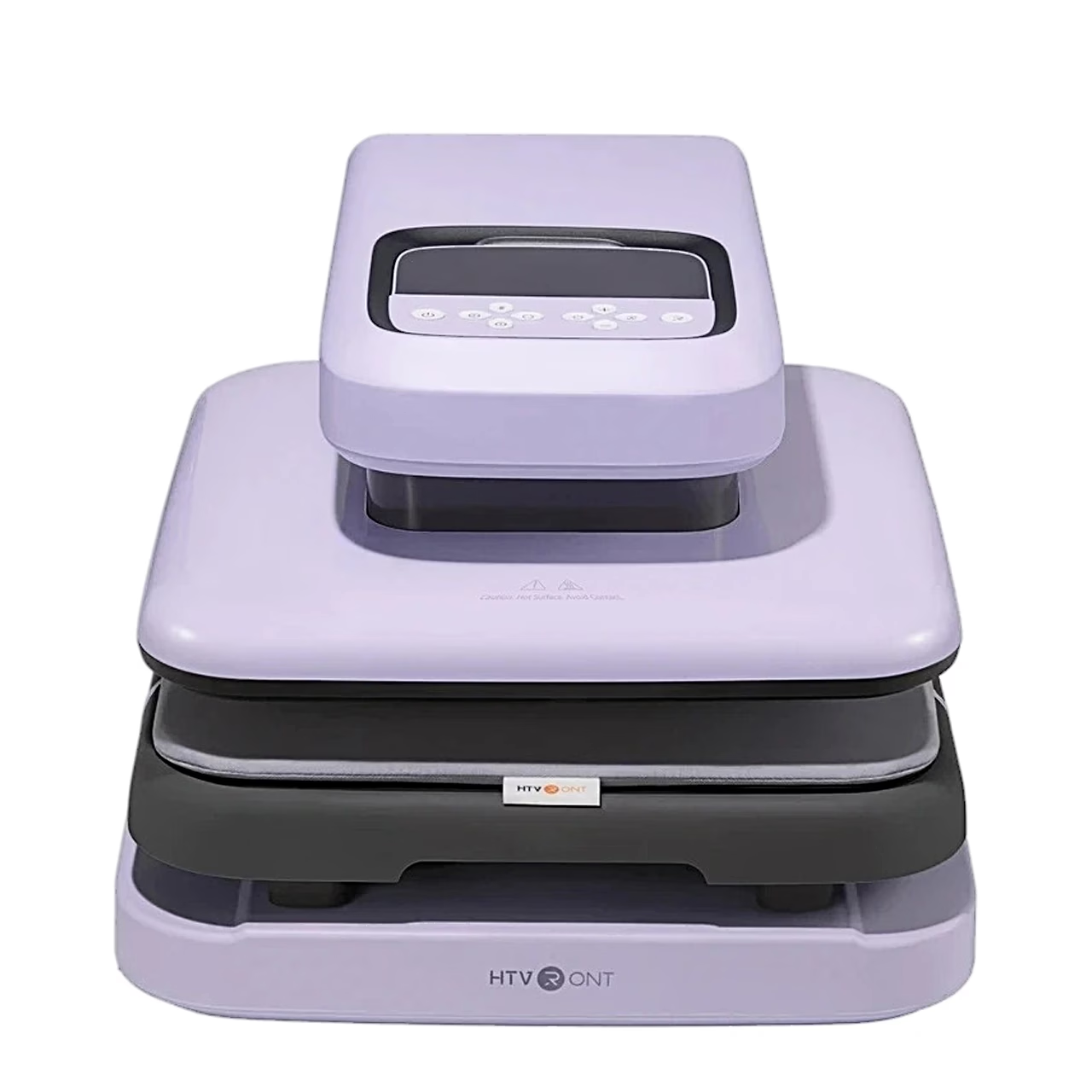
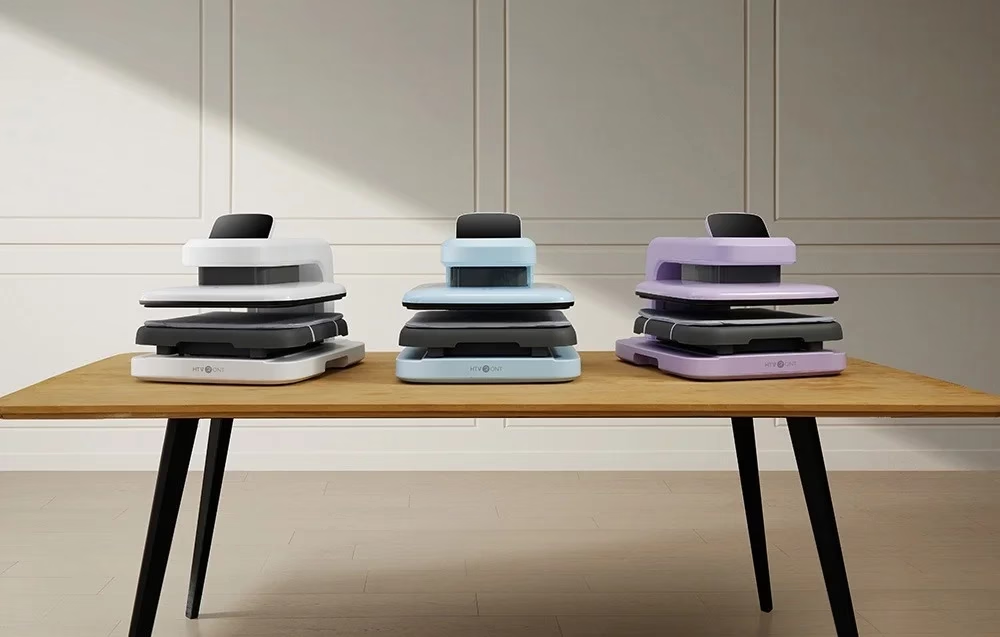
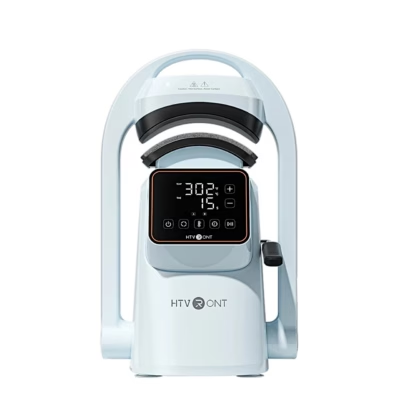
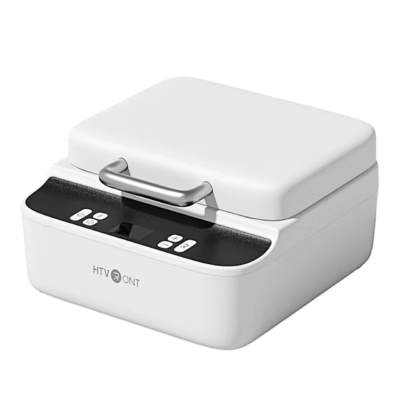
Automatic heat press with a self-lowering and self-raising heating plate
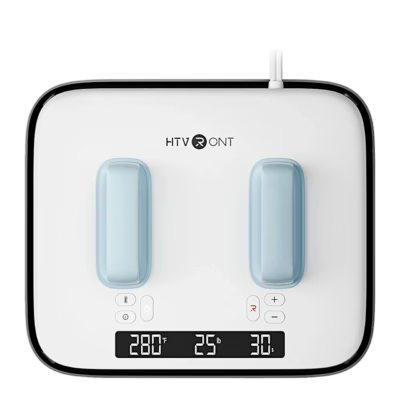
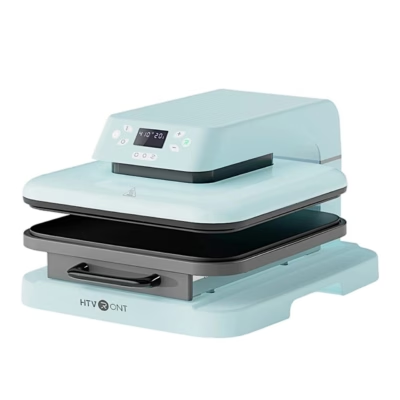
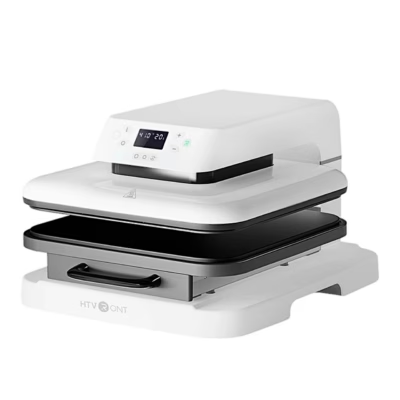
The HTVRONT Auto 2 Digit HPA01 automatic heat press transfers heat transfer vinyl, DTF film, heat transfer paper and sublimation paper designs onto fabric with a 38.1 × 38.1 cm heating plate. Pressure can be set from 20 to 80 kg, temperature from 100 to 210 °C and time from 1 to 999 seconds.
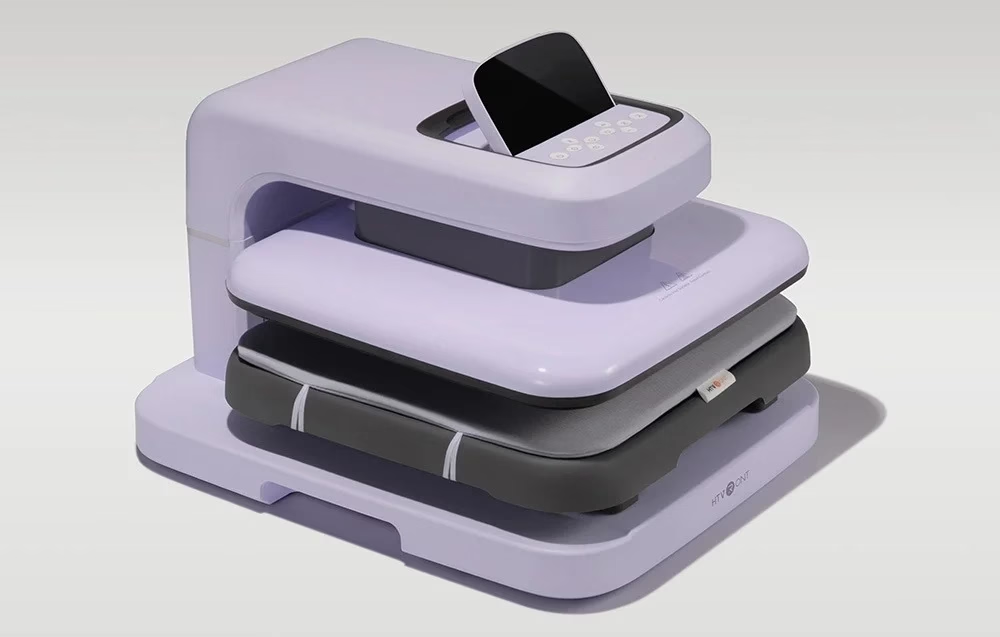
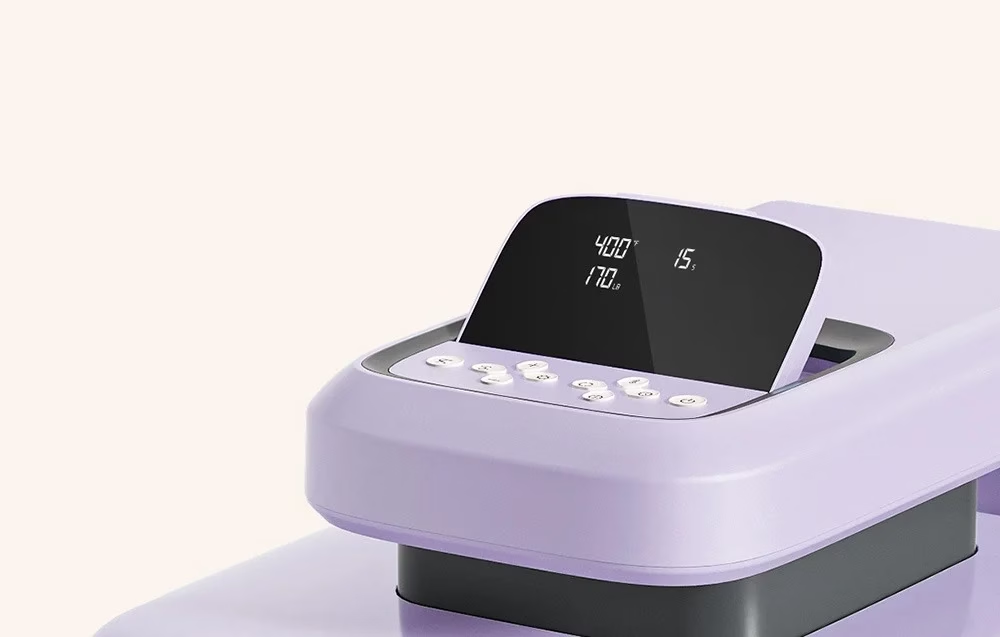
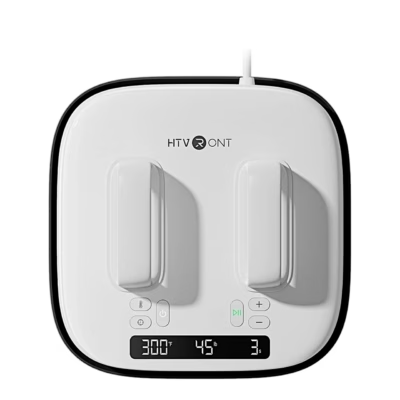
Setting pressure, temperature and time
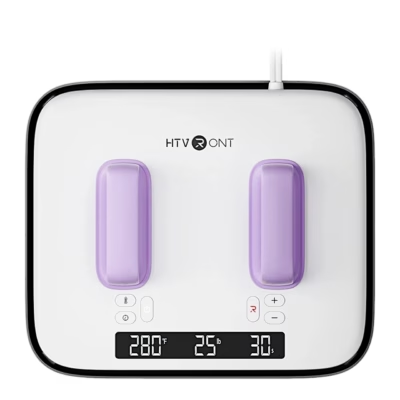
A short press changes the temperature by 5 °C, the time by 5 seconds and the pressure by 10 kg; a long press changes the value continuously. Temperature can be shown in Celsius or Fahrenheit and pressure in kilograms or pounds. The screen position can be adjusted for work.
Preset and custom modes
The mode button selects one of four maker presets: 145 °C and 15 s for plain and colour-changing vinyl, 150 °C and 15 s for glitter and holographic vinyl and DTF film, 160 °C and 20 s for printable vinyl and heat transfer paper, and 200 °C and 40 s for sublimation paper, all at 80 kg. You can also save up to four custom modes, and memory mode keeps the last settings.
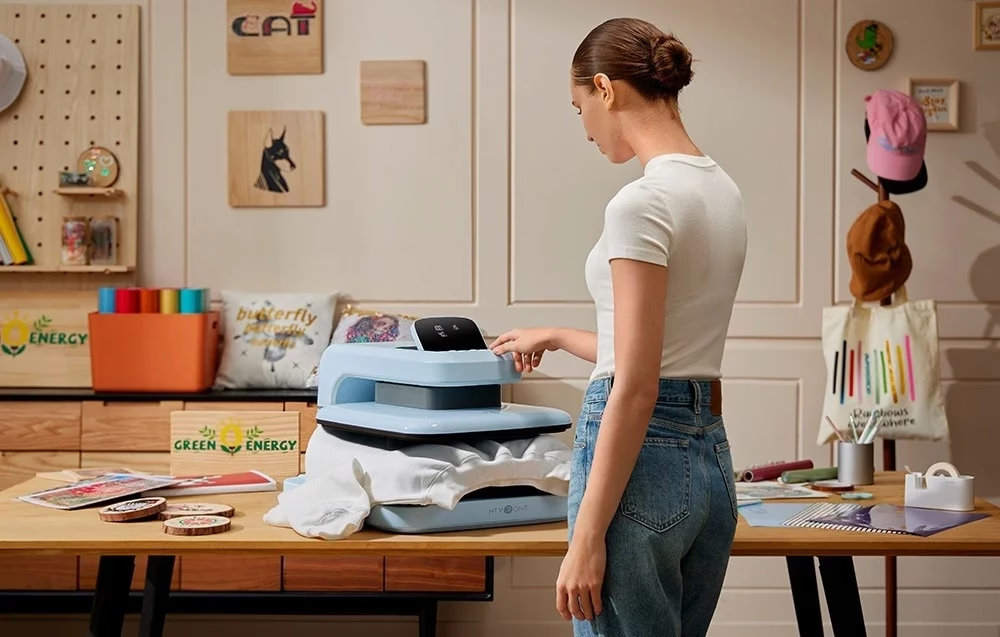
Pull-out pressing base and auto mode
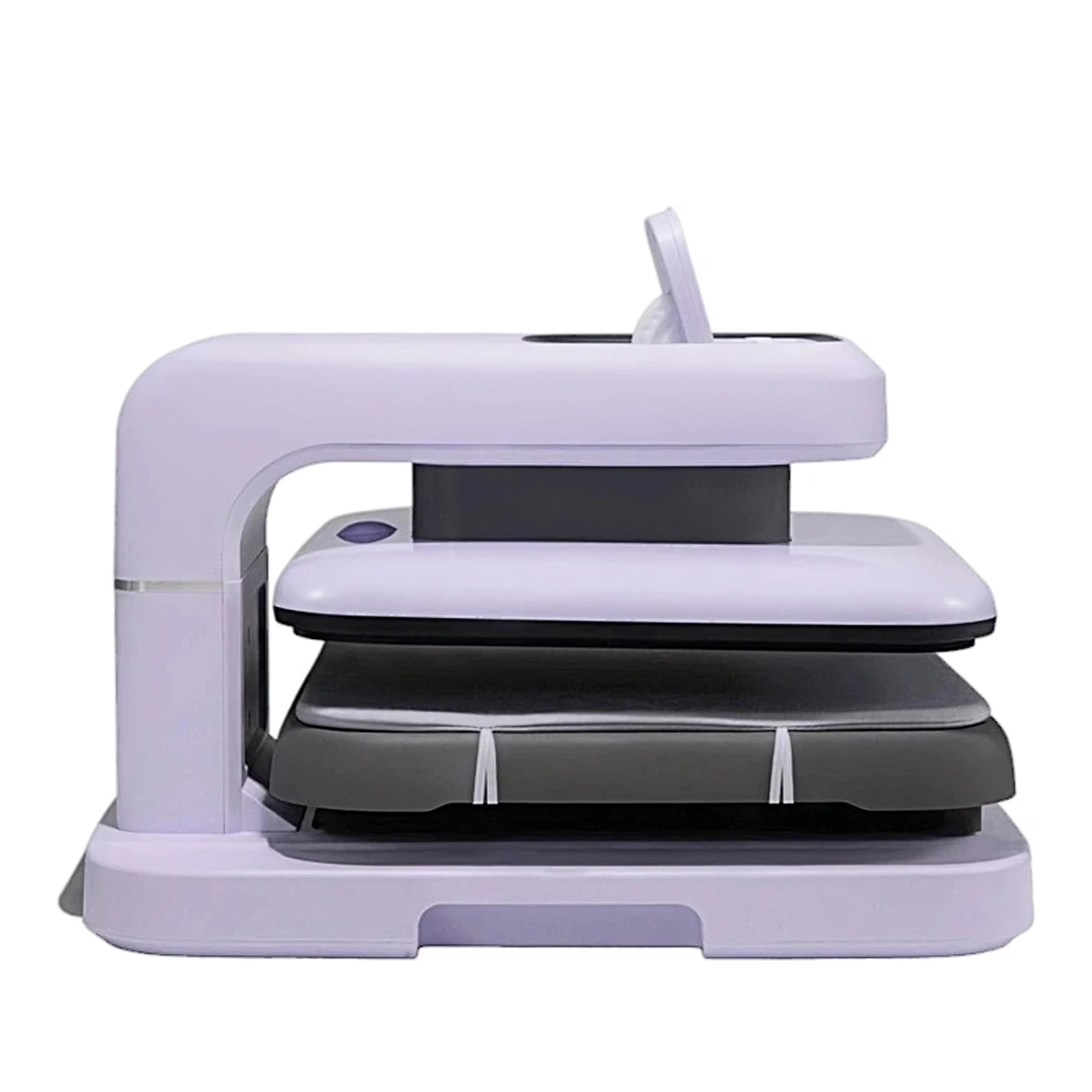
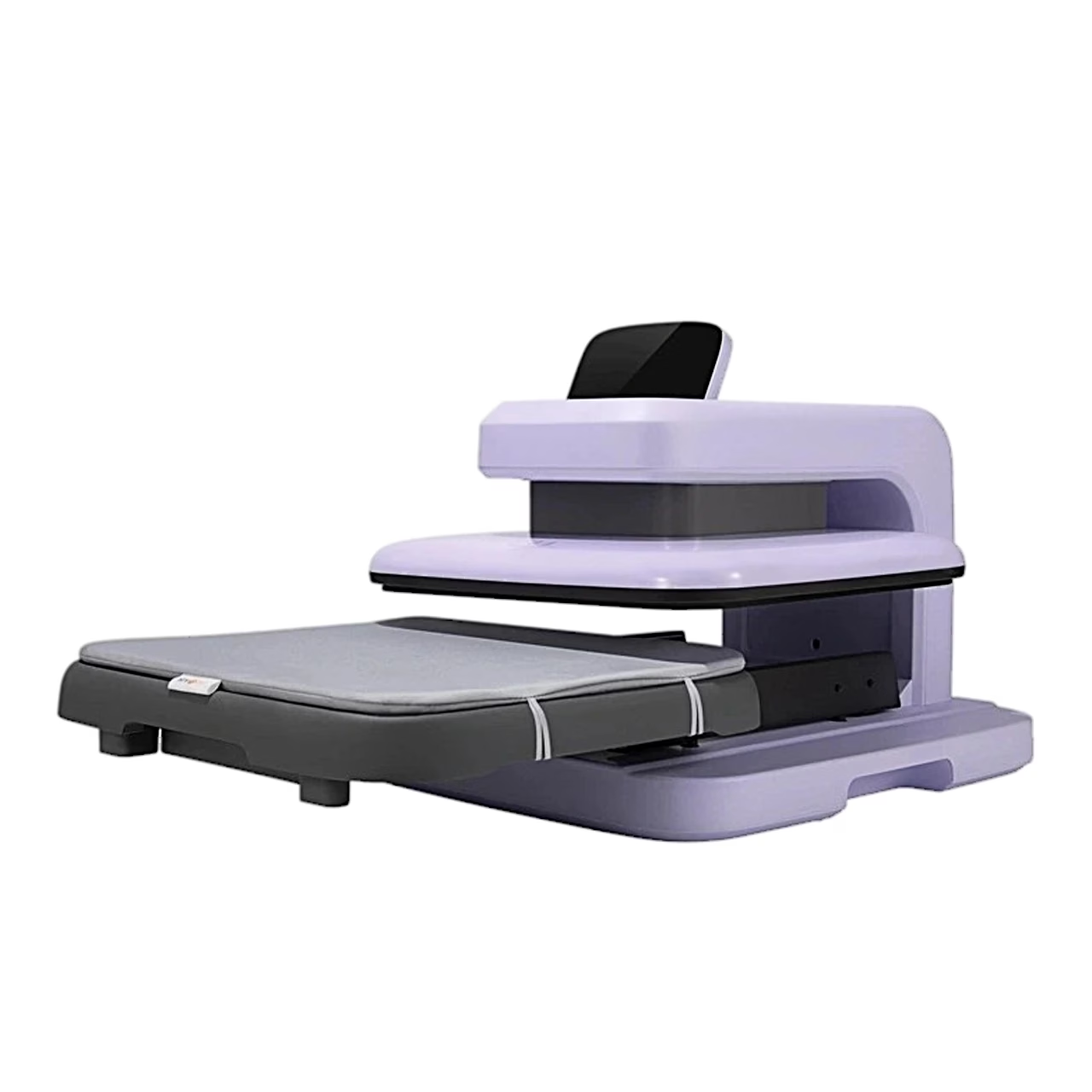
The pressing base pulls out from under the heating plate, so items can be placed and removed away from the hot plate. In auto mode the plate presses down as soon as the base is pushed back in, without pressing the start button.
Use
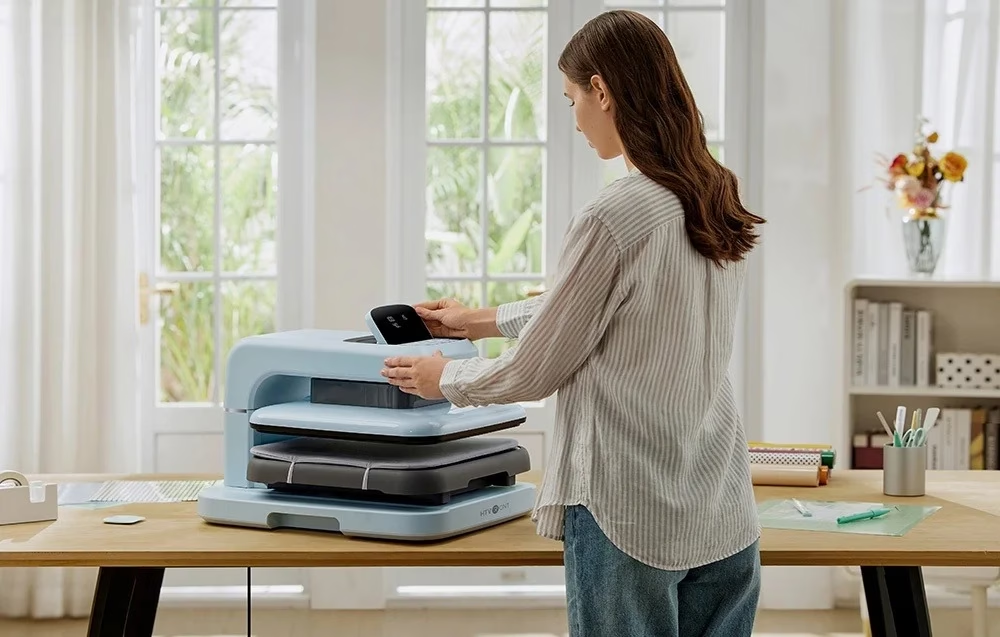
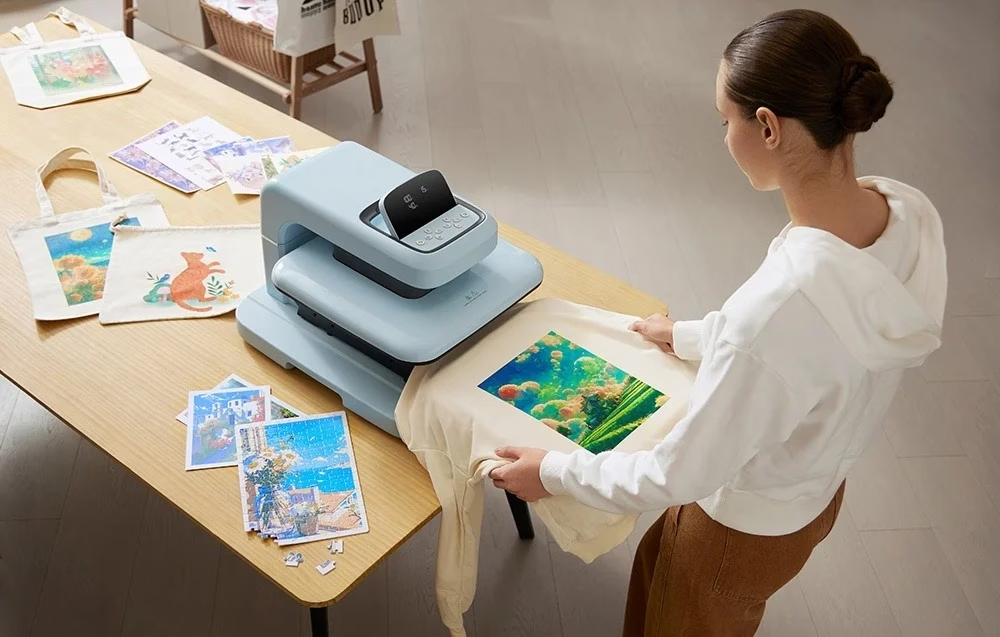
Before first use, remove the protective foam from the heating plate and lift the press by its base. Switch the press on, set temperature, time and pressure and wait until the start button turns from red to green. Pull out the base, place the pre-ironed item and the design on the pressing mat and cover them with the Teflon sheet. Push the base fully back and press the start button; when the timer ends, the plate returns to its starting position.
Auto shut-off and emergency stop
If the press is not used for 15 minutes, it switches itself off, beeping and flashing during the last 10 seconds. Any button stops a descending plate and returns it to its starting position. Holding the power button for 5 seconds switches the press off and restores the defaults of 100 °C, 20 s and 50 kg.
Cleaning and care
Before cleaning, switch the press off, unplug it and let the housing cool completely. Dry the housing with a soft dry cloth without cleaning agents and keep the press in a clean, ventilated place.
In the box
- Heat press HTVRONT Auto 2 Digit HPA01, 1 pc
- Pressing mat, 1 pc
- Teflon sheet, 1 pc
- User manual, 1 pc







































Reviews
There are no reviews yet.