


Description
Managed network switch for home and small office networks
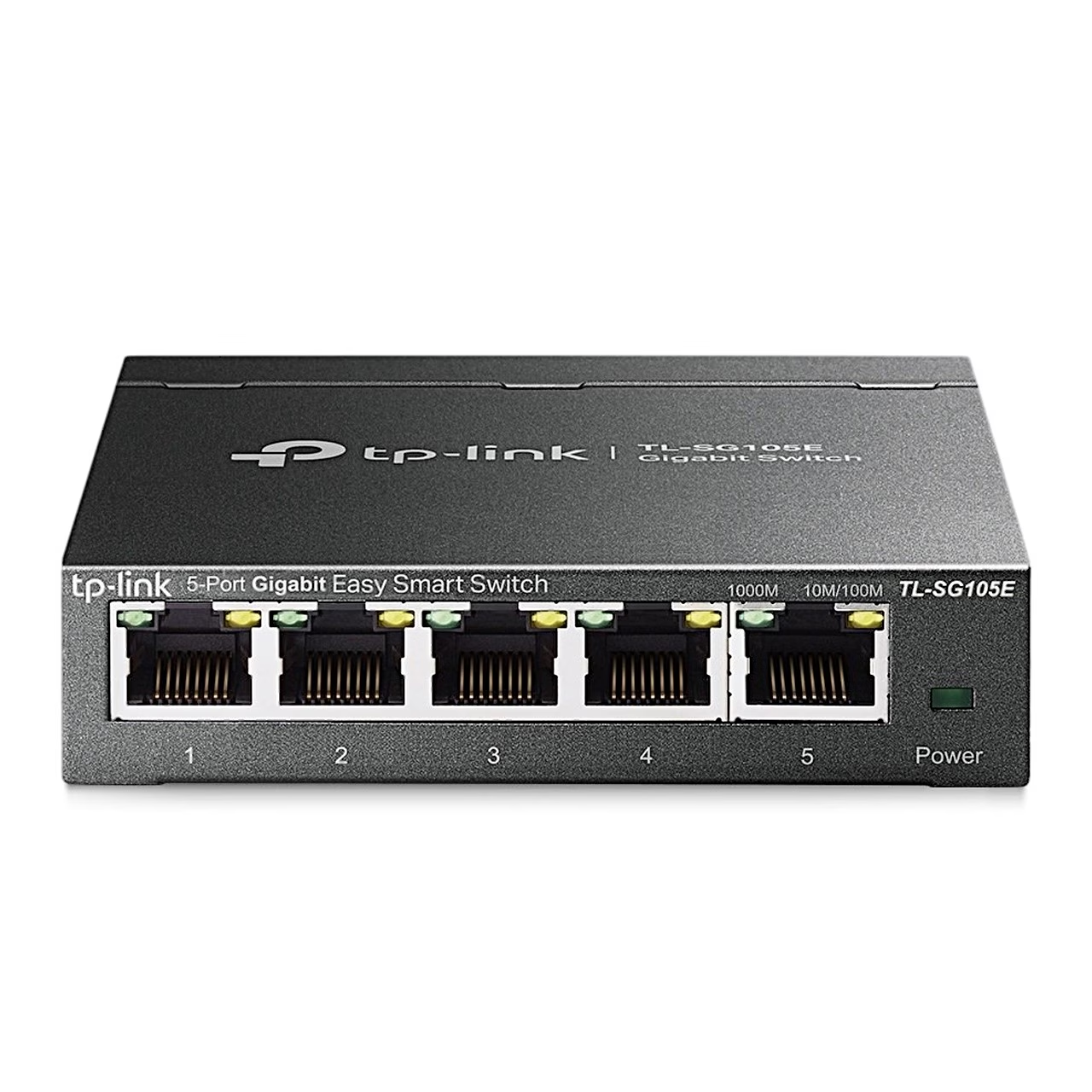
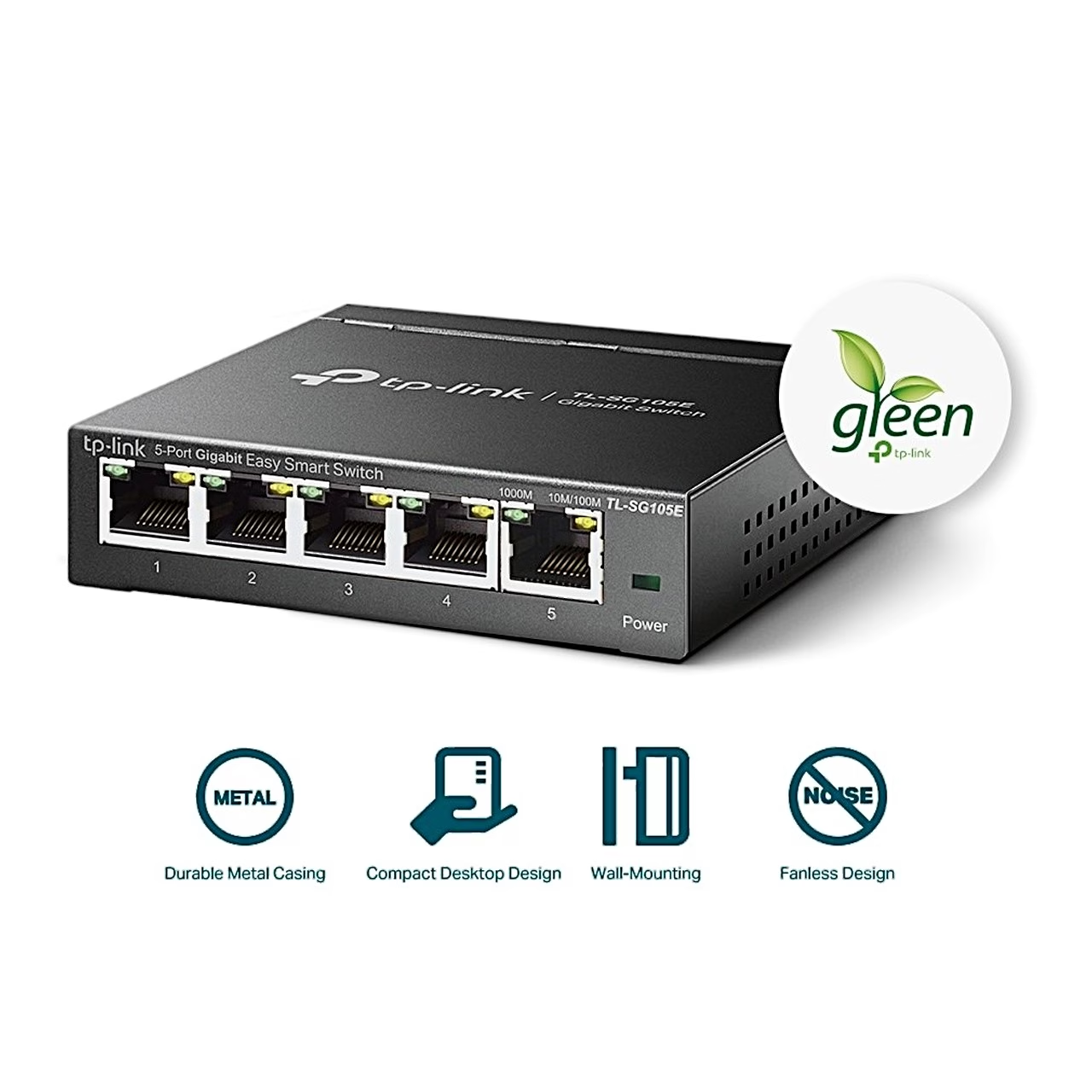
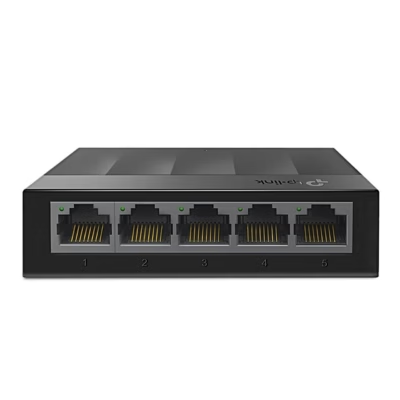
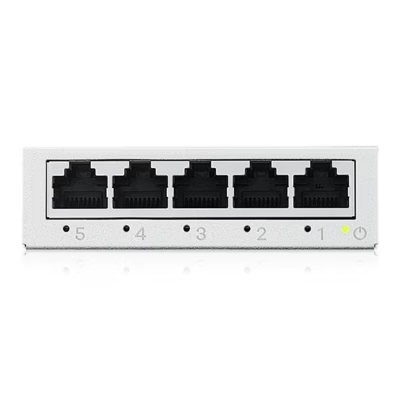
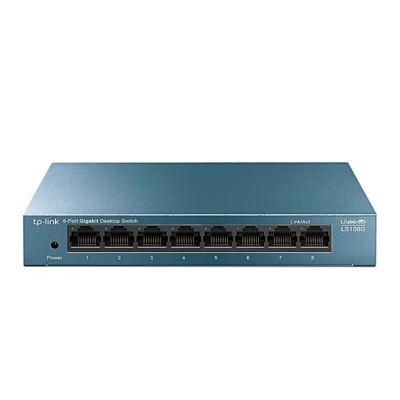
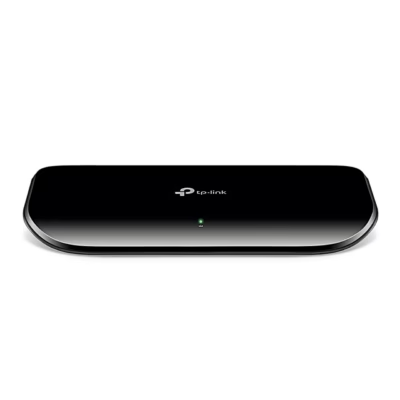
The Gigabit Easy Smart switch TL-SG105E is designed for home and small office networks. It is configured in a web browser on a computer or with the Easy Smart Configuration Utility. The switch works at layer 2 (L2), its MAC address table holds 8192 entries, the packet buffer is 1 MB and the forwarding rate is 7.4 million packets per second.
VLAN, QoS and traffic control
- MTU VLAN, port-based VLAN or 802.1Q VLAN to separate groups of devices
- QoS by port, 802.1p or DSCP with four priority queues
- ingress and egress bandwidth control per port
- broadcast storm control
- IGMP snooping, which sends multicast traffic only to the devices that requested it
- link aggregation (LAG), combining 2–4 ports into one logical link
Monitoring and diagnostics
Port mirroring sends a copy of the selected ports’ traffic to a monitoring port. The cable test detects a short, an open circuit or crosstalk and shows the distance to the fault. Loop prevention detects a network loop and blocks the affected port automatically.
First-time setup
- Connect the switch to the network and the computer to the switch.
- Find the switch’s IP address on the DHCP server, for example the router; without a DHCP server the address is 192.168.0.1.
- Put the computer in the same subnet; with a static address use 192.168.0.x and mask 255.255.255.0.
- Enter the switch’s IP address in a web browser and log in with the user name and password admin.
Maintenance, power and dimensions
In the web interface you can back up and restore the configuration, reboot the switch, restore factory settings and upgrade the firmware; back up the configuration before upgrading. The power adapter plugs into the DC socket on the rear and maximum power consumption is 2.82 W. The switch is 100 mm wide, 98 mm deep and 25 mm high, can be wall-mounted and operates at 0–40 °C.
In the box
- TP-Link TL-SG105E network switch
- power adapter
- quick start guide

















































Reviews
There are no reviews yet.