

Description
Managed network switch for small office and home networks
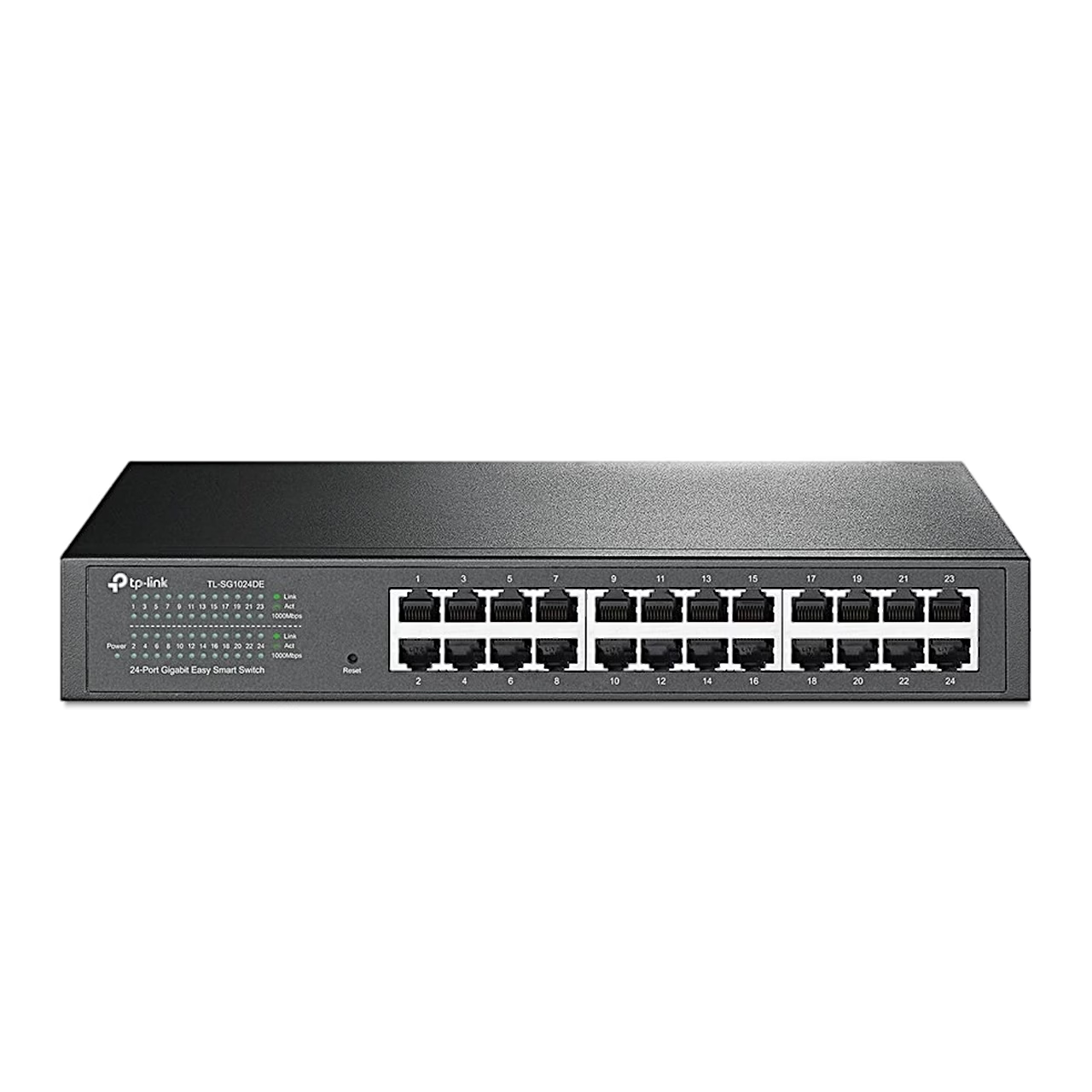
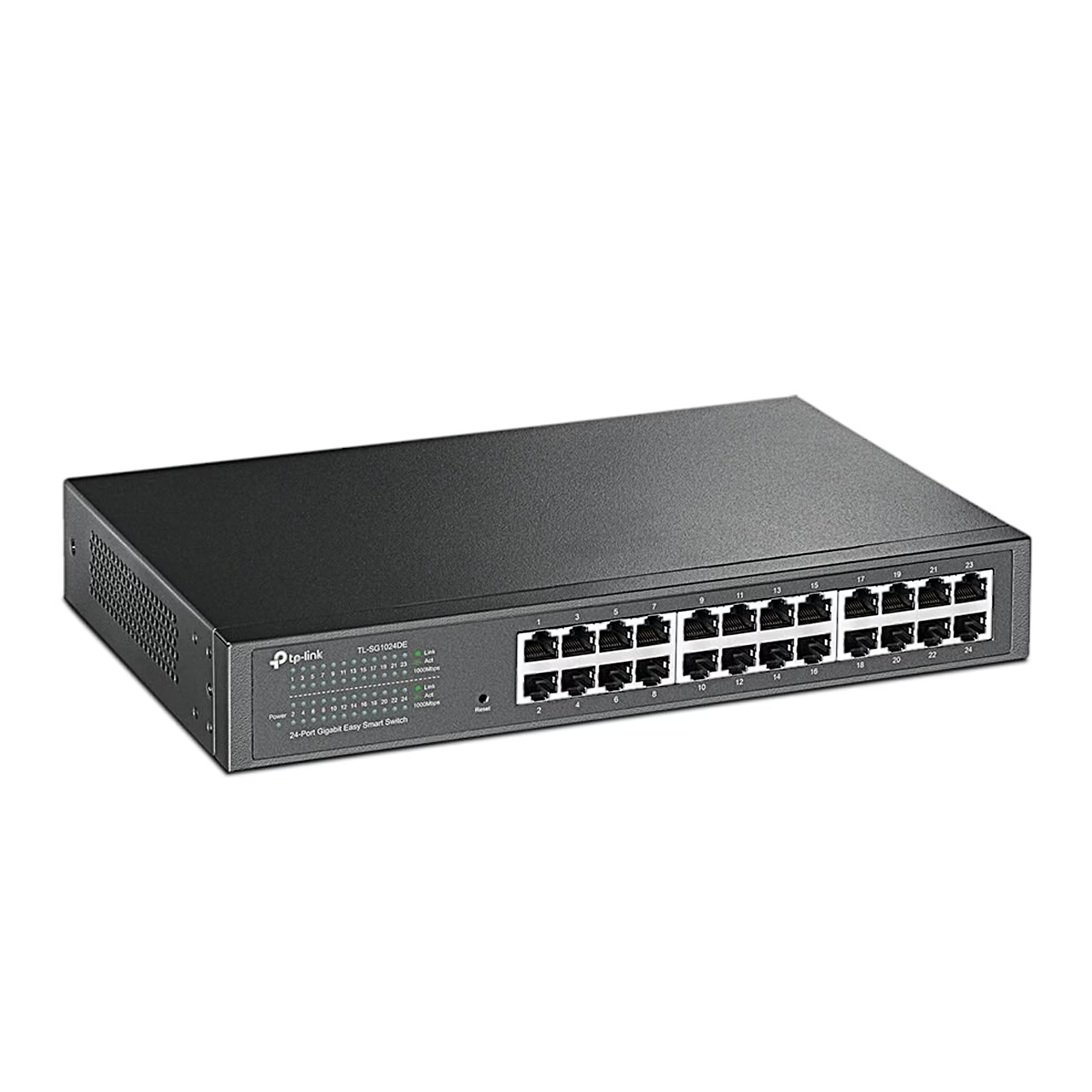
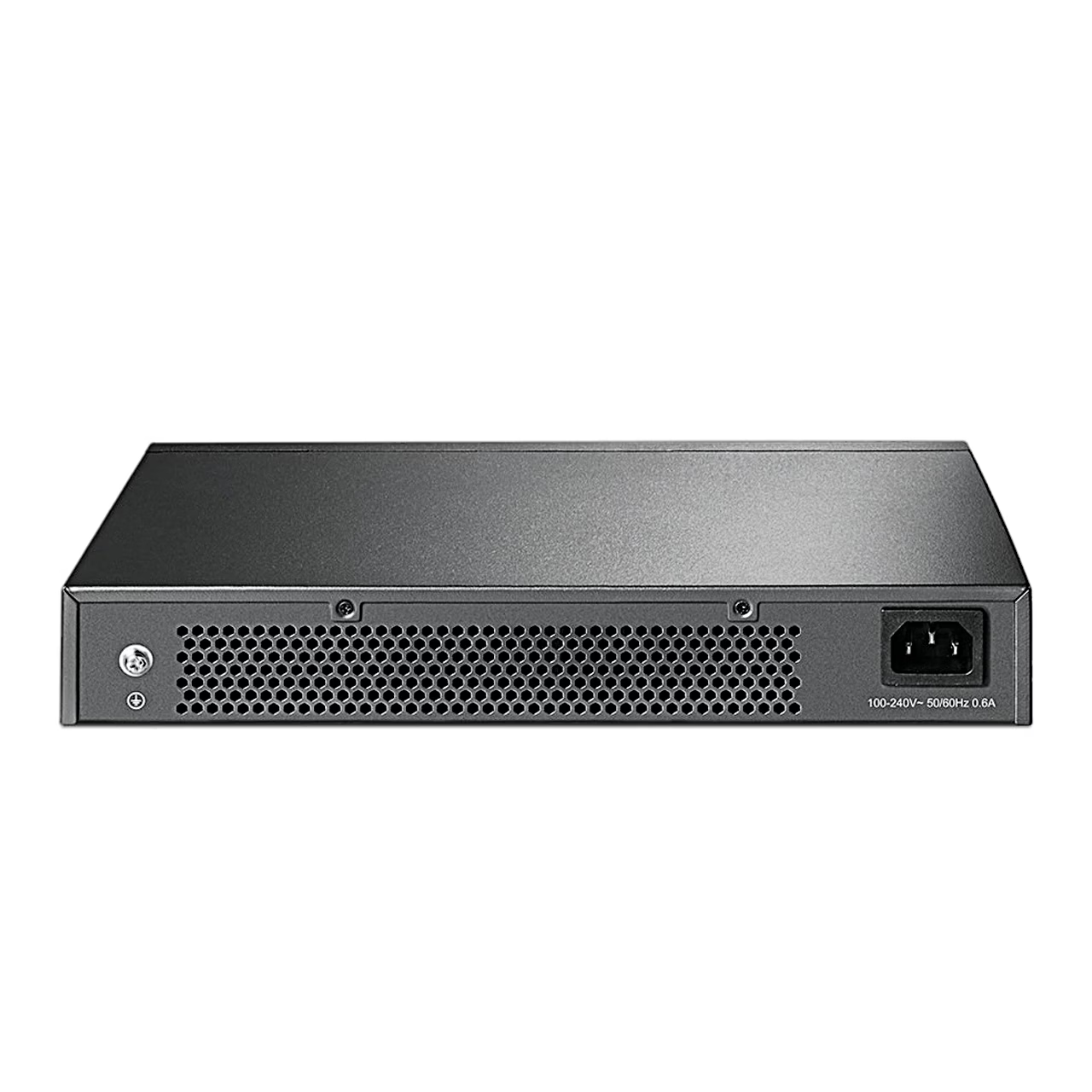
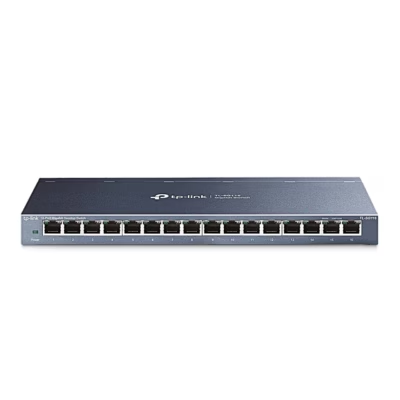
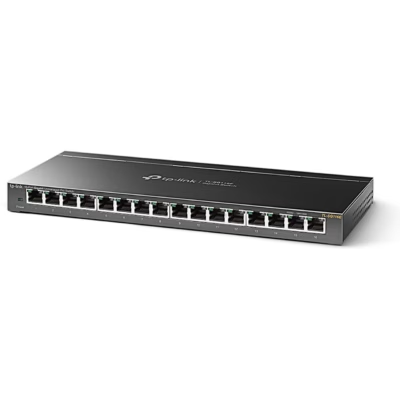
The managed gigabit network switch TP-Link TL-SG1024DE belongs to TP-Link’s Easy Smart series, designed for small office and home networks. All 24 RJ45 ports run at 10, 100 or 1000 Mbit/s. The switch forwards up to 35.7 million packets per second and its MAC address table holds 8000 entries.
VLAN, QoS and IGMP snooping
The network can be split into up to 32 VLANs in three modes: MTU VLAN, port-based VLAN and 802.1Q VLAN. Traffic priority (QoS) can be set by port, 802.1p tag or DSCP value across four priority queues. IGMP snooping sends multicast group data only through the ports with a receiver, not to the whole network. Link aggregation (LAG) combines 2–4 ports into one logical link to increase bandwidth between two switches.
Traffic monitoring and cable test
Ingress and egress rates can be limited separately for each port, and storm control discards broadcast and multicast traffic above the set limit. Port mirroring copies the traffic of selected ports to a port connected to an analysis device. The cable test shows the link status and, on a fault, the distance from the port to the fault. Loop prevention detects a network loop and blocks the port concerned.
Use and setup
To open the web interface, follow these steps from the manufacturer’s guide.
- Connect the switch to the network and your computer to the switch.
- Find the switch’s IP address on the network’s DHCP server, as the switch gets its address there by default.
- If no DHCP server assigns an address, the switch uses 192.168.0.1 and your computer needs an address in the same subnet.
- Enter the switch’s address in a browser and log in with the username and password admin.
- Change the password at the first login.
Backup and firmware
The configuration can be saved from the web interface to a file on your computer and restored from that file later. The manufacturer recommends backing up the configuration before a firmware upgrade. A reset restores all factory settings, after which the switch restarts on its own.
In the box
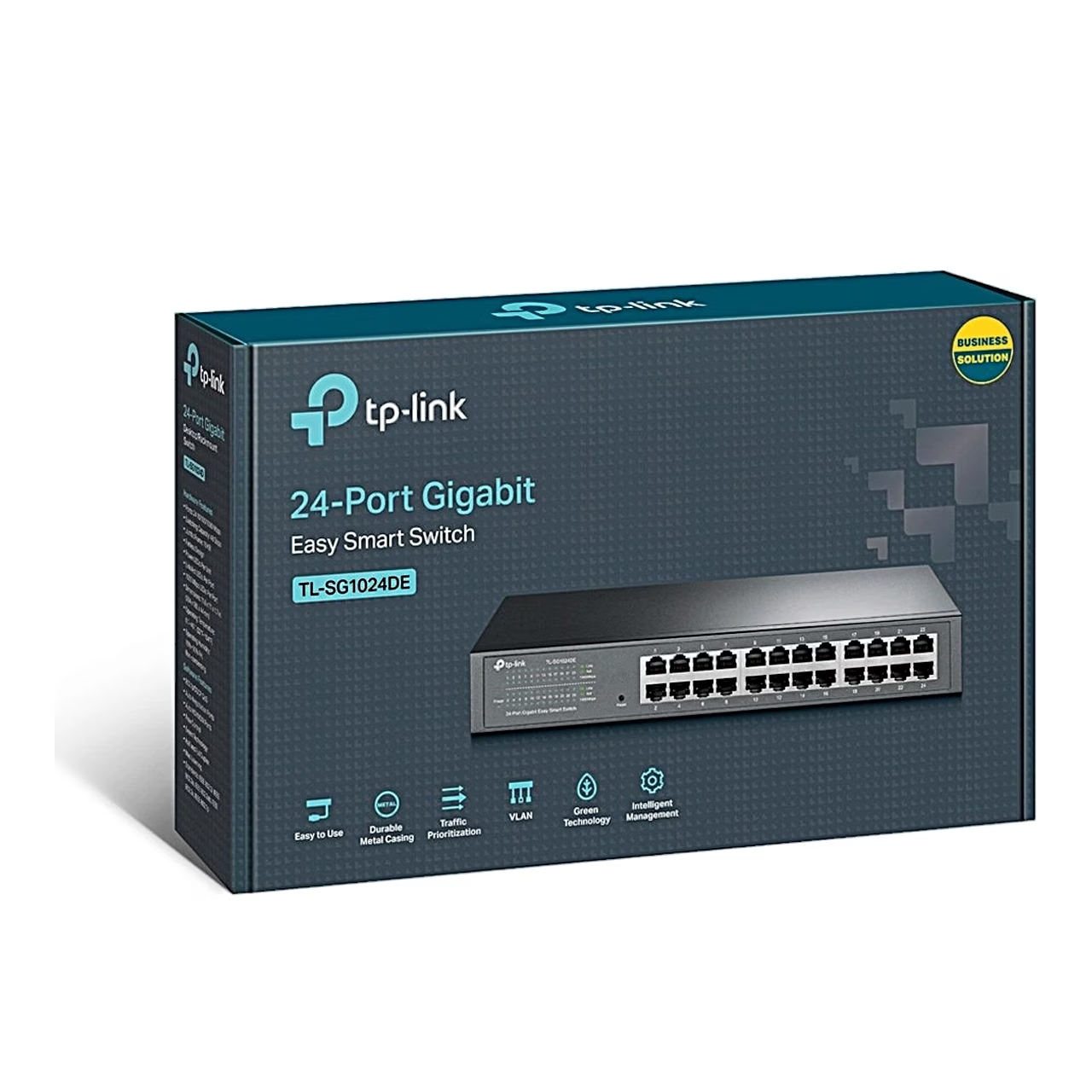
- Network switch TP-Link TL-SG1024DE
- Power cord
- Rack mount kit

















































Reviews
There are no reviews yet.