

Description
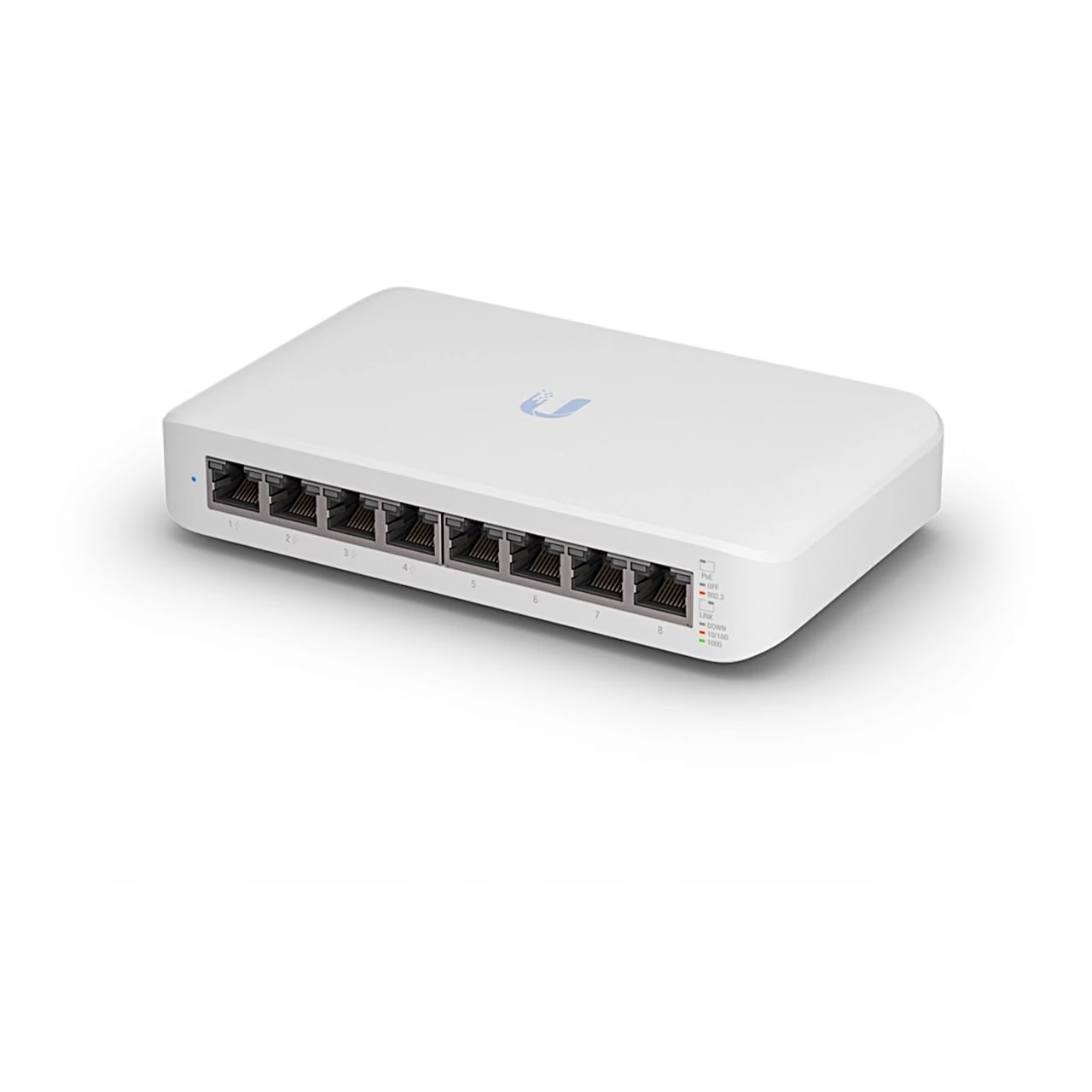
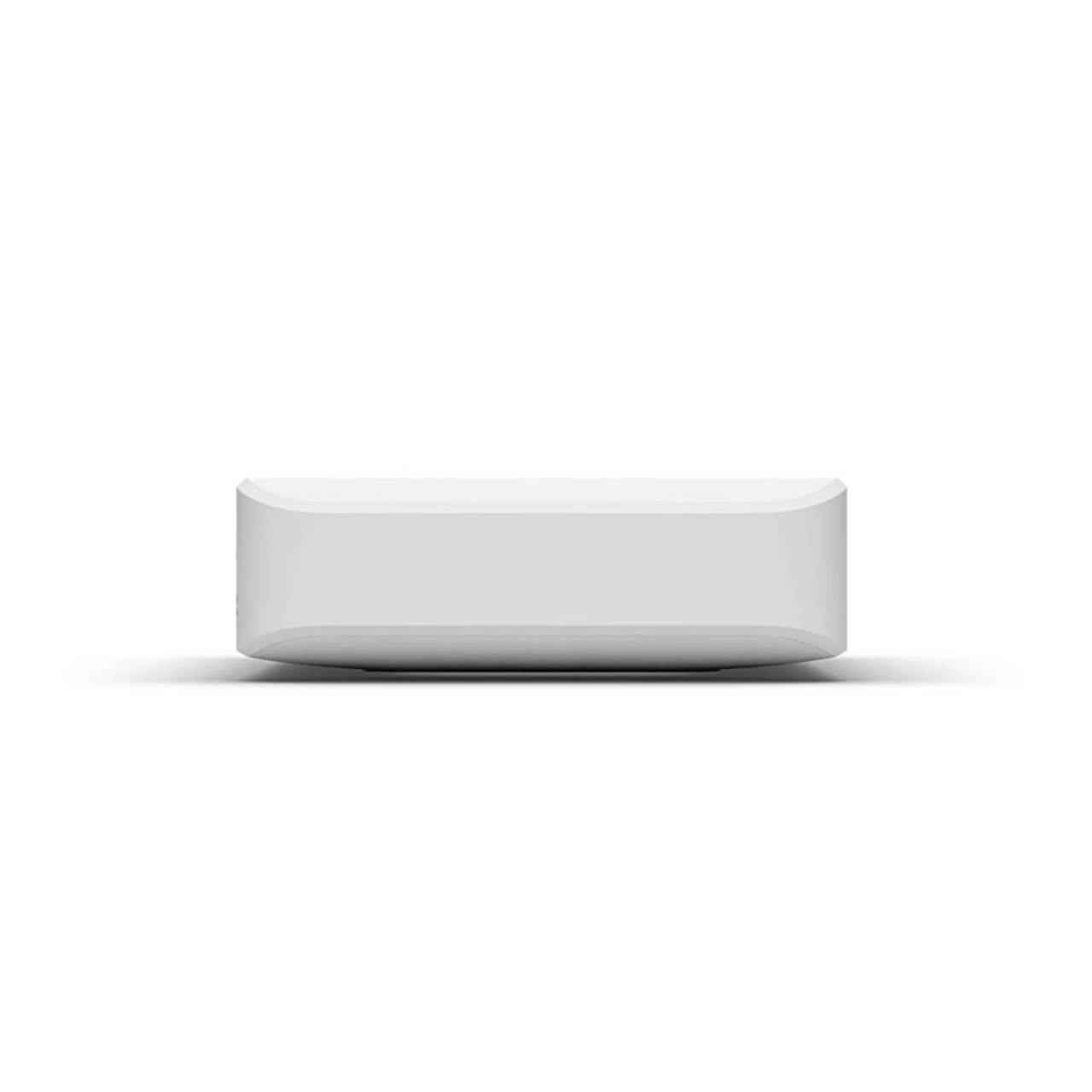
Managed PoE network switch with eight gigabit ports
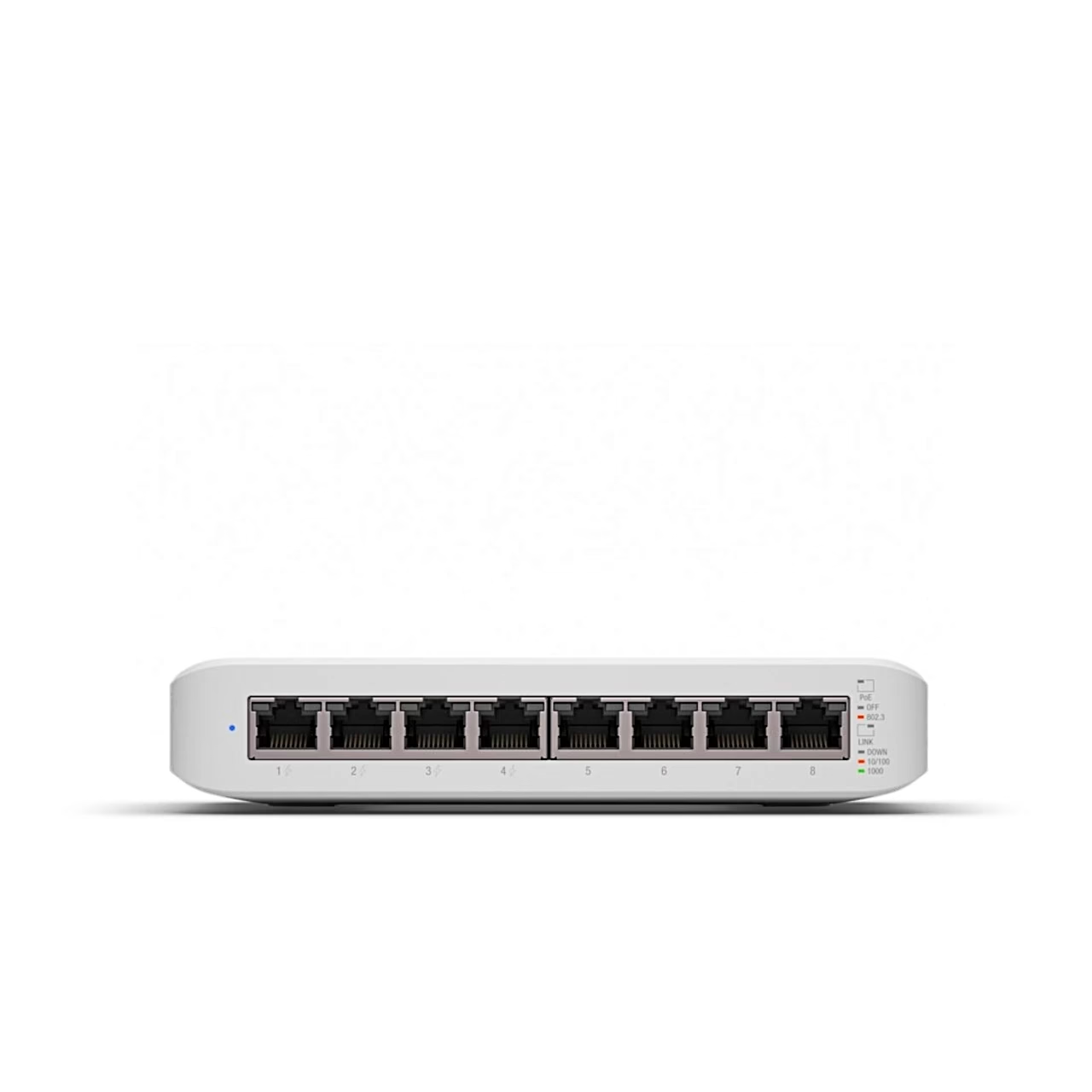
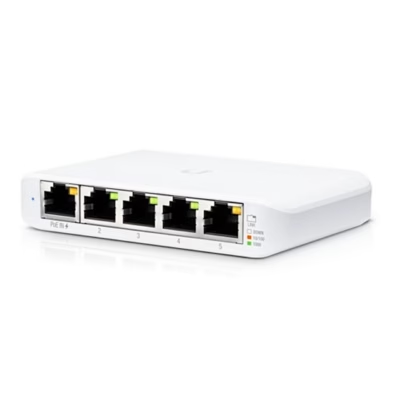
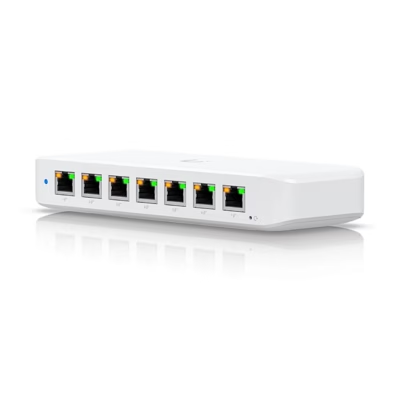
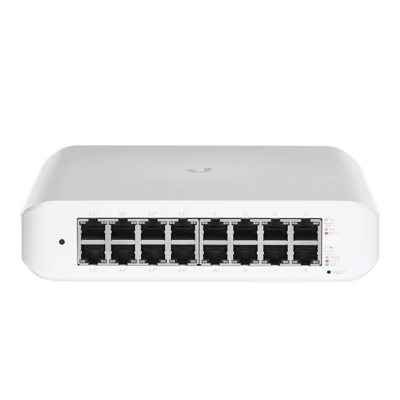
This managed gigabit network switch connects up to eight devices to a wired network at 10/100/1000 Mbit/s. Four ports provide PoE+ power (IEEE 802.3at), so a device connected to them can receive power through the same network cable. The port status is shown by LED indicator lights on the front panel.
Power
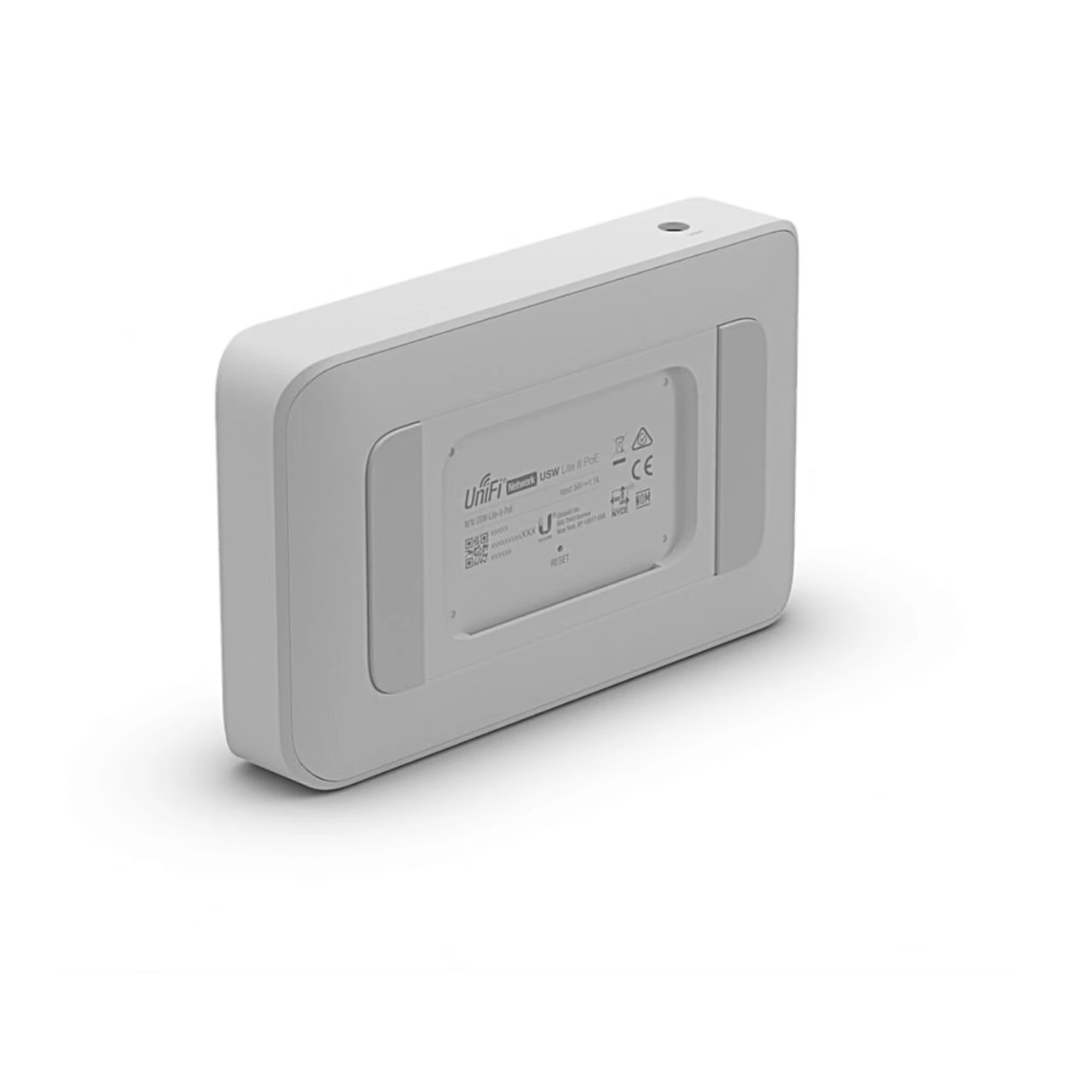
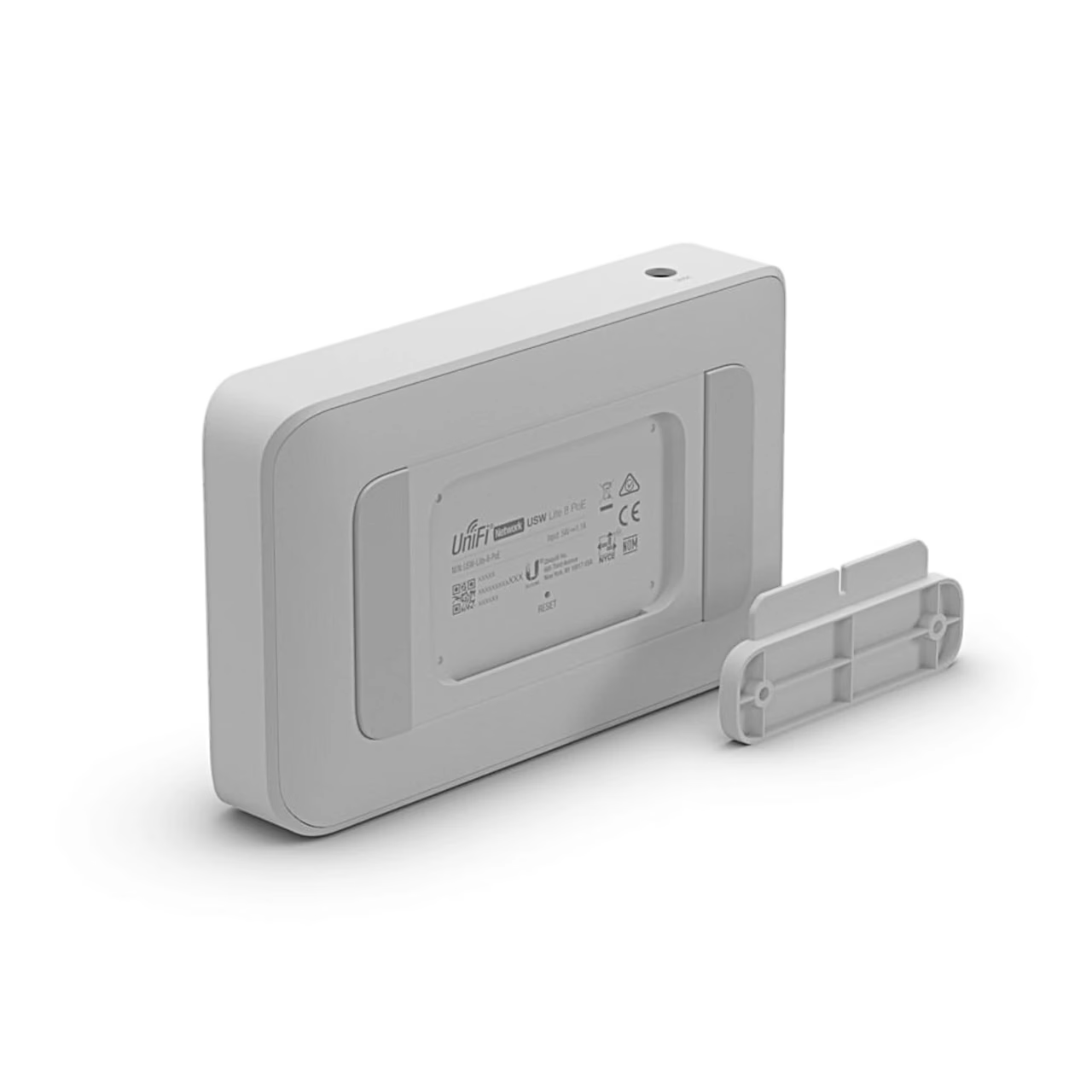
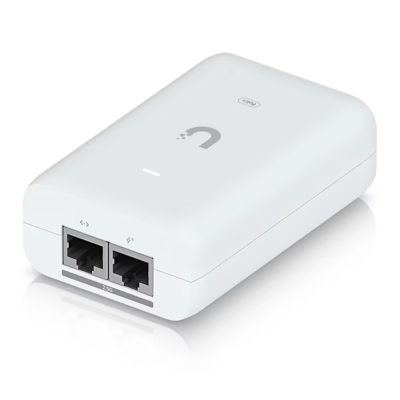
The switch is powered by the 54 V power adapter included in the package, whose plug goes into the DC socket on the back of the housing.
Table or wall mounting
For table placement, it is enough to connect the power adapter to the switch and to the mains. To mount it on a wall, mark the positions of the holes on the mounting plate, drill 6 mm holes in the wall, insert the wall plugs and fix the plate with screws. Then slide the switch down onto the plate from above and connect the power adapter.
Setting up with the UniFi Network app
Connect port 8 of the switch with a network cable to a UniFi gateway that is connected to the internet. Then download the UniFi Network app from the App Store or Google Play and add the switch to your network through it.
Included in the package
- UniFi Switch Lite 8 PoE network switch (1 pcs)
- Power adapter (1 pcs)
- Wall mounting plate (1 pcs)
- Screws (2 pcs)
- Wall plugs (2 pcs)



















































Reviews
There are no reviews yet.