




Description
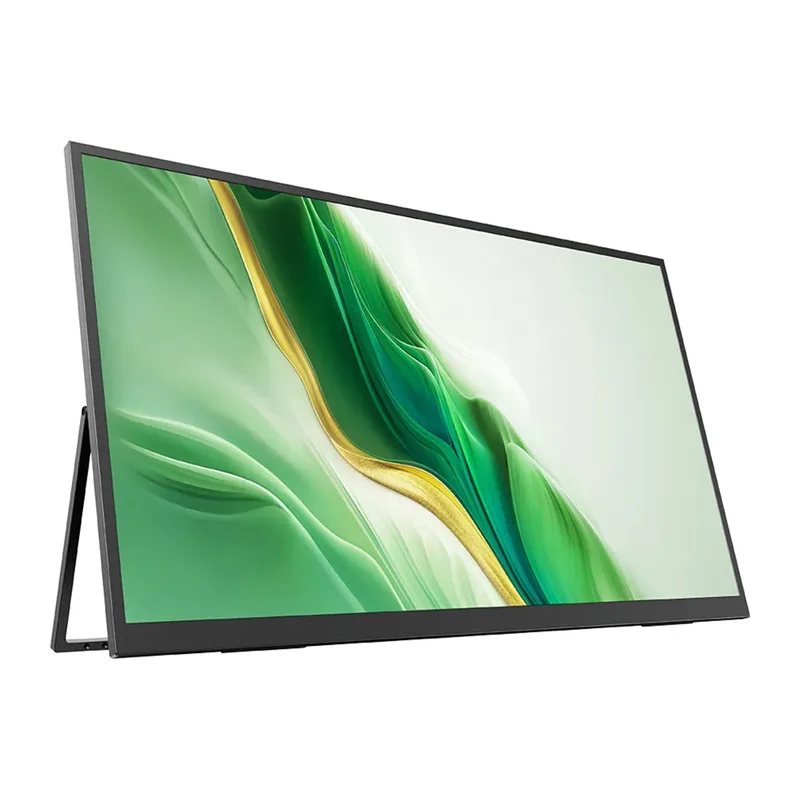
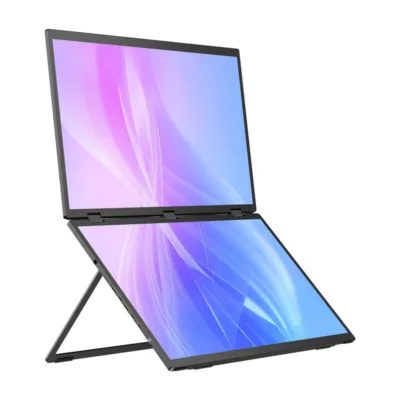
Uperfect UMax 23 M238T01 23.8″ 1920×1080 120 Hz portable monitor: smoother work and a better overview anywhere
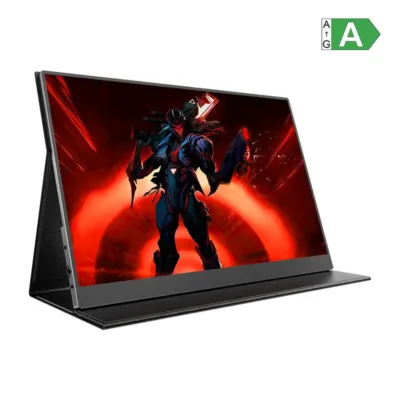
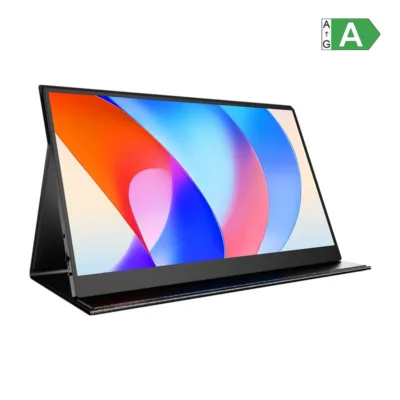
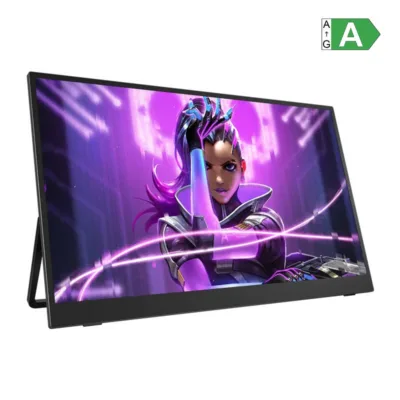
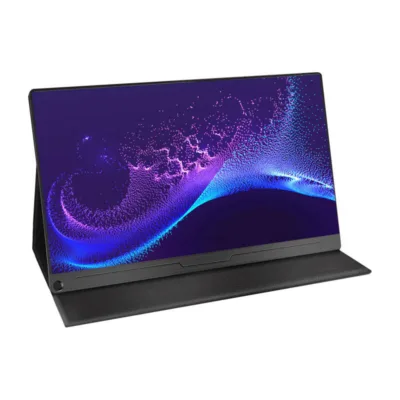
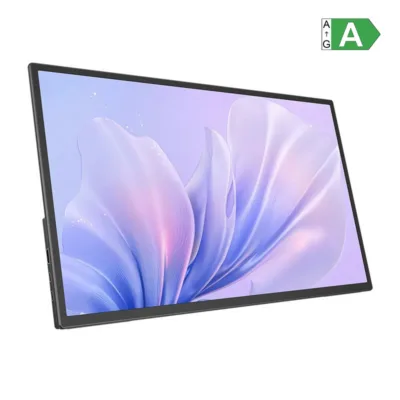
The Uperfect UMax 23 M238T01 23.8″ 1920×1080 120 Hz portable monitor is made for the moment when an ordinary laptop screen feels too narrow. The large and clear field of view makes working with several windows easy, while the 120 Hz refresh rate keeps scrolling, video and moving graphics evenly smooth. The Full HD 1920 × 1080 resolution and the matte surface ensure comfortable use in the office, at home and on the move.
Key features
- The QLED panel with 350 cd/m² brightness and a wide colour space of 125% sRGB brings out photos and videos with true-to-life tones, which simplifies design work and judging content.
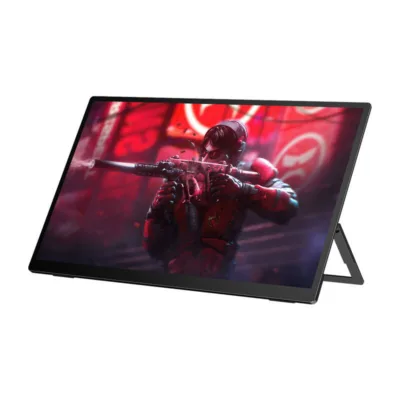
- 120 Hz smoothness reduces motion blur when scrolling and on the timeline for precise editing, and offers a more pleasant experience in casual gaming too.
- A matte screen minimises reflections in rooms with different lighting, and the 178° viewing angle keeps the colours and the contrast stable in side view.
- A large work area of 527.04 × 296.46 mm gives room for tables, a timeline and several windows, and Full HD 16:9 suits everyday work well.
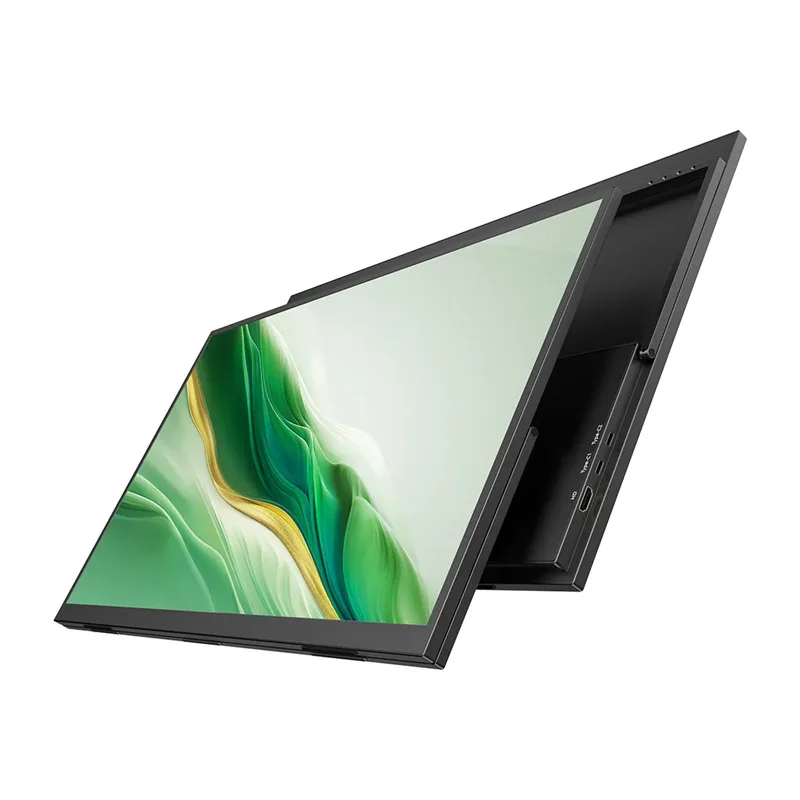
- 2× USB‑C and HDMI allow a quick connection to a laptop, a phone with DP Alt Mode support, a desktop computer or a console, and with the 3.5 mm output you connect headphones or speakers.
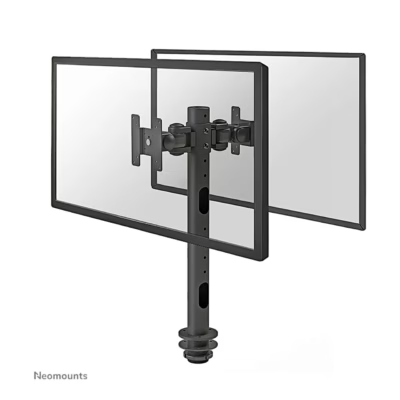
- With VESA 75 × 75 M4 mounts you can easily install the screen on a desk arm or on a wall, to save desk space and improve ergonomics.
- Built-in speakers of 2 × 1 W cover everyday calls and background sound when a separate audio device is not at hand.
- A PD 30 W power supply is included, and an average power consumption of 14 W keeps use economical both in the office and on the road.

A picture for demanding users
The QLED panel ensures 350 cd/m² brightness and a wide colour coverage of up to 125% sRGB and 89% NTSC, which makes judging photos and graphics comfortable. 16.7 million colour shades together with 6bit+FRC technology give smooth transitions, and 1000:1 contrast keeps both bright and dark areas readable.

120 Hz refresh rate
A refresh rate of up to 120 Hz makes scrolling, watching video and gaming visually smooth. Both everyday work and editing and animation benefit from this, where clean motion helps you work more precisely.

Matte surface and wide viewing angles
The matte screen reduces reflections and improves readability in rooms with different lighting. The 178° viewing angle keeps colour and contrast even regardless of position, which suits shared viewing and giving presentations.

Several ports available
The two USB‑C inputs support sound and video for quick connection to modern devices. HDMI suits a desktop computer or a console, and a 3.5 mm AUX lets you connect headphones or external speakers, so that the workstation stays simple and flexible.

Built-in speakers
The monitor has 2 × 1 W integrated speakers for everyday audio output. This is practical for video calls, online lectures and background sound when there is no separate sound system.

Compatible with VESA mounts
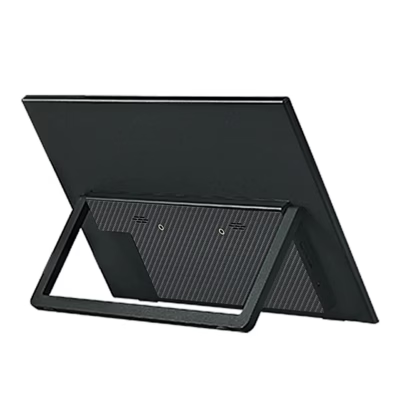
The VESA 75 × 75 mm standard with M4 × 4 mm threads lets you install the screen on a desk arm, a wall or a freestanding stand. This way you create a comfortable and ergonomic workstation and free up extra space on the desk.

Compatible with VESA mounts
Flexible installation with the VESA 75 × 75 pattern helps you set the angle and the height of the screen precisely, which reduces the strain on the neck and eyes over a long working day.
Compatibility and practical recommendations
Connection is easy. If your laptop or mobile device supports USB‑C DisplayPort Alt Mode, one USB‑C cable is enough for picture and sound. As a second option there is an HDMI input for a desktop computer and a console. HDMI also accepts a 4K signal, but the native resolution of the panel is 1920 × 1080, so the picture is scaled to FHD. With the 3.5 mm output you can add headphones or external speakers.
The screen is not touch-sensitive and there is no built-in battery. For power, use the included PD 30 W adapter, especially if the connected device does not supply the monitor sufficiently or stably. The integrated 2 × 1 W speakers are enough for everyday calls and study videos; for more demanding sound we recommend external speakers or headphones.
Quick installation and use
Place the monitor on a stable surface or attach it to a VESA 75 × 75 compatible desk arm or a wall-mounted bracket with M4 screws. Connect the device with a USB‑C cable if your computer supports DP Alt Mode, or use an HDMI cable. If needed, connect power with the included PD 30 W adapter. For sound, use the 3.5 mm connection or the monitor’s built-in speakers. To set up the picture, open the OSD buttons and adjust the brightness, colour modes and refresh rate according to the task.
What’s in the box
- Monitor
- HDMI cable
- 2 × USB‑C ↔ USB‑C cable
- PD 30 W power adapter
- User manual
Ready to expand your work and study environment
If you need a bigger work area and a smoother picture without a permanent desk or a complicated setup, the Uperfect UMax 23 is a practical choice. The 23.8″ matte QLED screen, 120 Hz smoothness and simple connections through USB‑C and HDMI help you get the work done faster and more comfortably, both in the office and on the road.










































Reviews
There are no reviews yet.