


Description
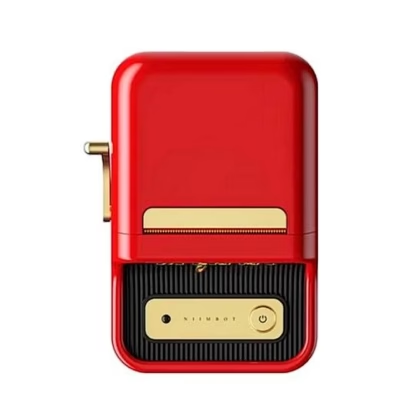
Niimbot B21 Pro portable label printer for everyday tidiness
Niimbot B21 Pro portable label printer helps you quickly create clear labels for home and office, so documents, boxes and small supplies are easy to find. The device uses thermal printing, so no ink or toner is needed: just insert a suitable label roll and start. Connection to your smartphone is via Bluetooth, and labels are designed in a convenient app. 300 dpi resolution ensures a sharp, readable result, and a print width of 20–50 mm lets you match labels to different uses.
Main features
- No ink or toner is needed thanks to thermal technology, which reduces running costs and maintenance.
- 300 dpi quality keeps small fonts, barcodes and price tags clearly legible.
- Prints on 20–50 mm wide rolls, suitable for both paper and transparent labels.
- Stable Bluetooth connection and an intuitive app with fonts, icons and templates for quick design.
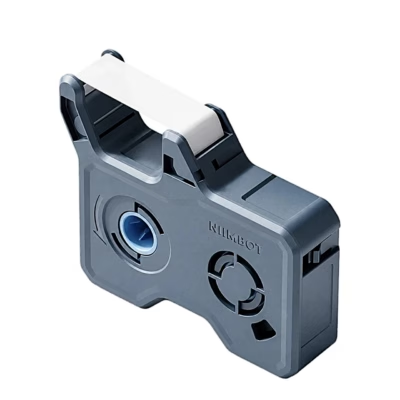
- Dual-colour labels let you add red alongside black; these rolls are not included.
- Powerful 1500 mAh battery and USB-C charging provide long operating time on a single charge.
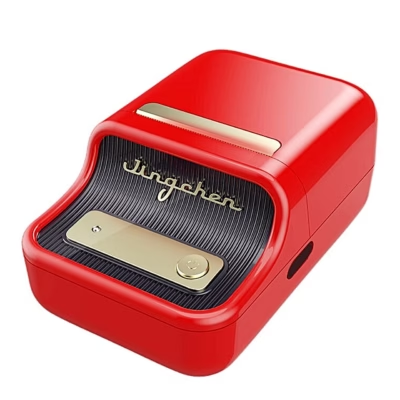
- Compact retro design looks stylish on a desk and does not take up much space.
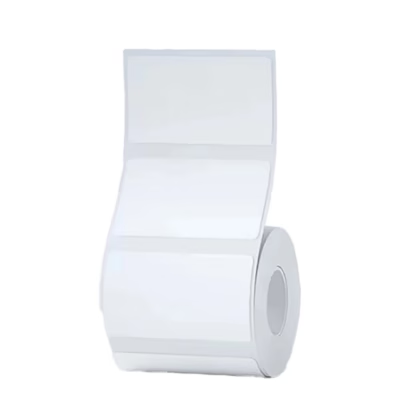
- The package includes a 50 × 30 mm label roll with 230 pieces so you can start printing straight away.
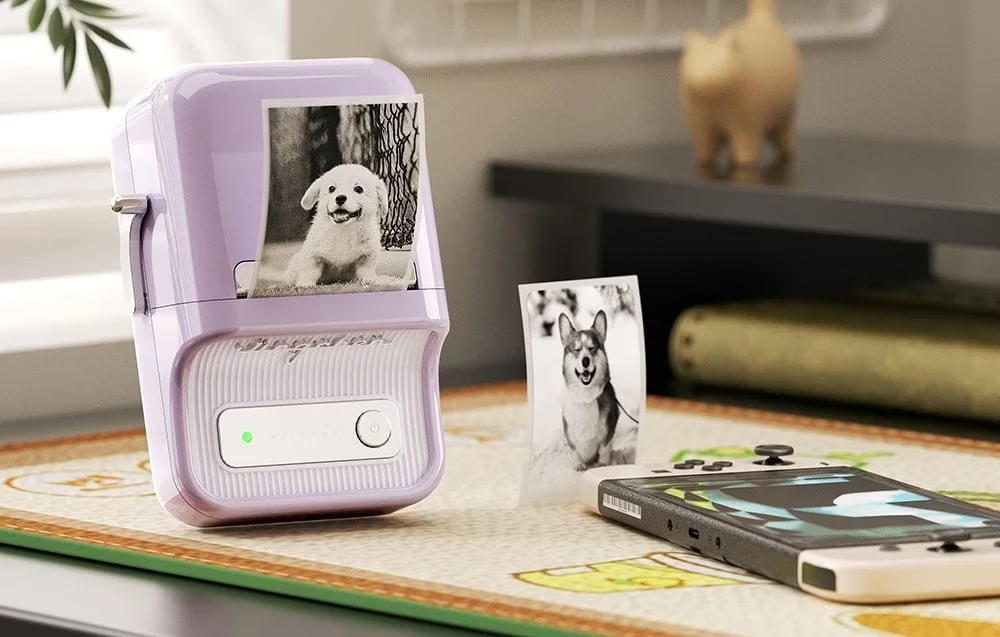
Niimbot B21 Pro portable label printer in lilac
If you want everything to have its place, the Niimbot B21 Pro is a practical choice. The compact body and thermal printing simplify everyday labelling without ink cartridges or toner. You can quickly adjust the content via your smartphone, and printed labels stay clear and even thanks to the 300 dpi quality. The 20–50 mm print width covers most home and office needs.
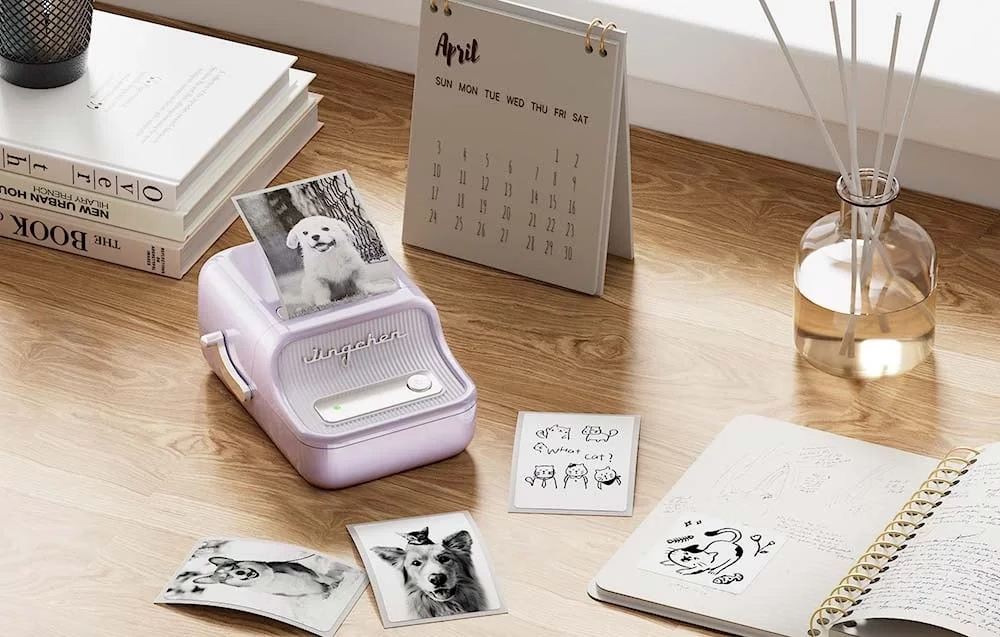
Functionality that makes life easier
The printer is suitable for labelling documents, folders, spice jars, storage boxes and also products for sale. Labels of even quality are also suitable for barcodes, price tags and logistics labels. The built-in 1500 mAh battery allows long operation, and the USB-C charging port makes recharging quick and easy.
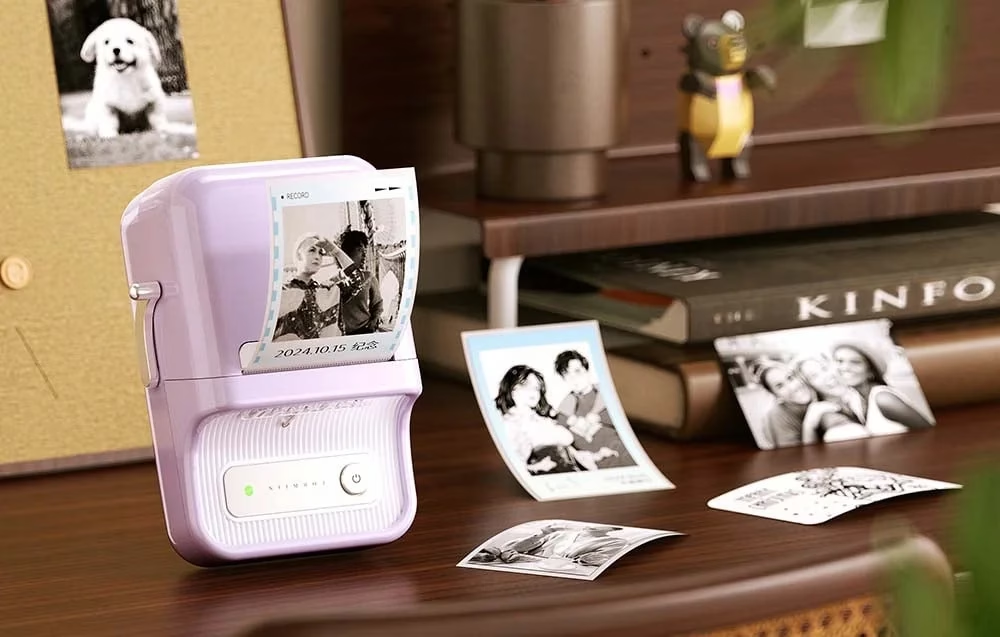
Retro design, modern technology
This is more than an ordinary printer. The retro design, inspired by classic typewriters, looks impressive on a desk and fits well with a modern interior. It is designed to be comfortable to use while also visually pleasing, to keep your work corner tidy and aesthetic.
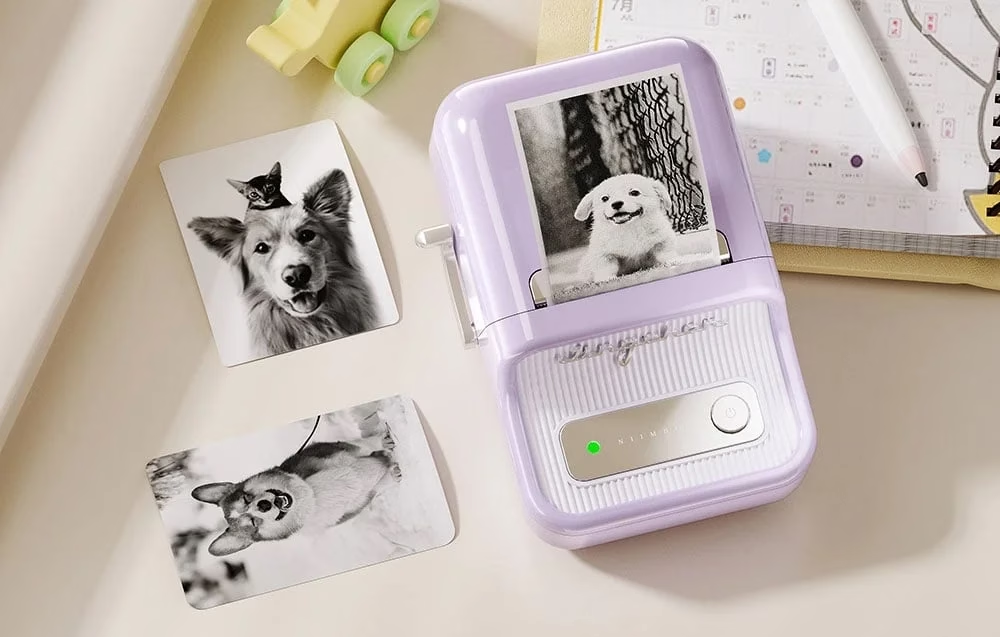
Simple use and wide possibilities
Printing takes three steps: load the roll, design the content in the app and print. There is a choice of different fonts, icons and designs to create labels that suit you. The printer supports several label types, including transparent and paper labels. With special dual-colour rolls, you can add red alongside black; these rolls must be purchased separately.
Compatibility, accessories and maintenance
The device works with your smartphone via Bluetooth, and labels are created in the dedicated app. In the design you can choose fonts, icons and templates to suit a specific need. The 20–50 mm print width allows you to use many roll formats for different tasks.
Paper and transparent labels are supported. If you need red as well as black, choose the separately sold dual-colour rolls. The 50 × 30 mm roll included is suitable for getting started, and additional rolls can be chosen according to the application.
For maintenance, keep the print head and roll path clean and avoid dust and moisture. If needed, gently wipe with a soft dry cloth. Store label rolls in a cool, dark place to ensure even results and a long service life.
Setup and usage tips
Charge the battery with the USB-C cable from a 5 V 1 A power source. Place the chosen label roll correctly in the holder and close the cover carefully. Switch the printer on, pair it with your phone via Bluetooth and open the app to choose size, layout and content. Make a test print, adjust contrast and layout if necessary, then print the required quantity. If you use two-colour labels, select the matching material and layout in the app so that red and black are displayed correctly.
What’s in the box
- Thermal label printer
- USB-A to USB-C cable
- Label roll 50 × 30 mm 230 pcs
- User manual
Choose a reliable tool for everyday labelling
The Niimbot B21 Pro helps keep order and clarity in everyday tasks. Thermal printing reduces costs, 300 dpi ensures clear legibility, and the 20–50 mm print width covers much of what you need at home and at work. If you are looking for a simple and reliable way to create labels, this is a practical choice that saves time and helps you organise your work processes better.










































Reviews
There are no reviews yet.