

Description
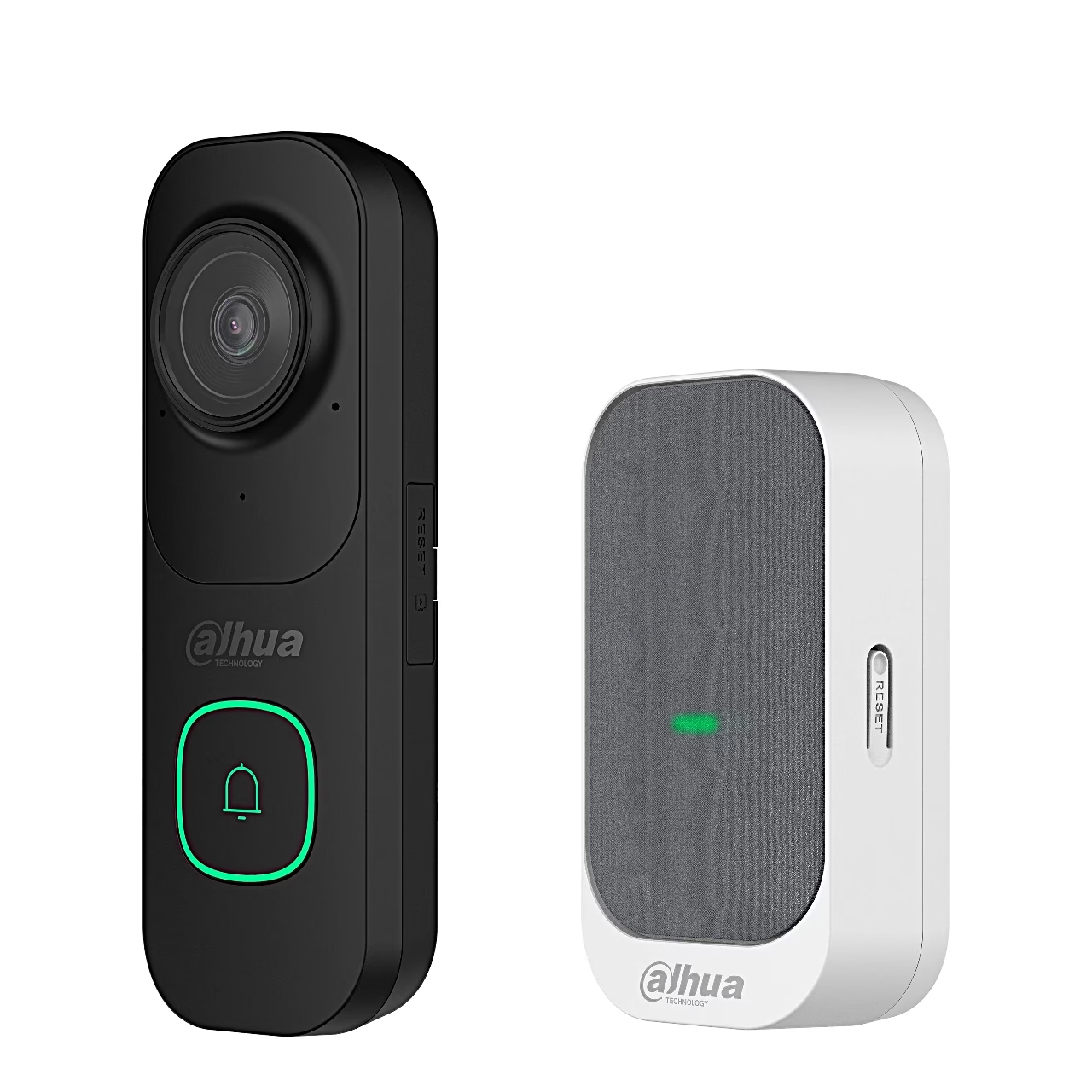
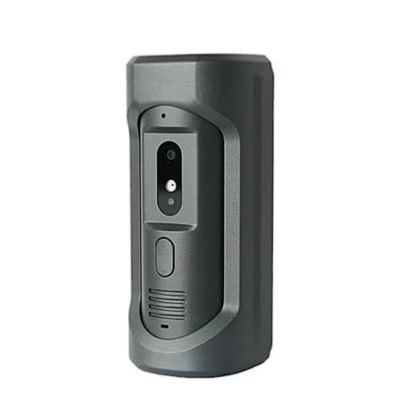
Video doorbell with chime that shows your visitor on your phone
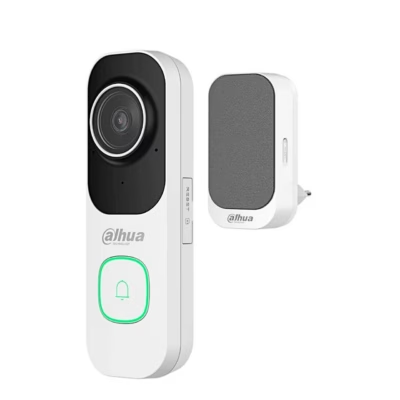
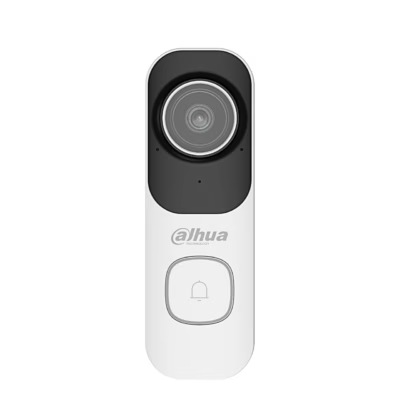
The Dahua VDKP01-BG video doorbell with chime films the doorstep in 2K resolution (2560 × 1440) and its fisheye lens has a 143° diagonal field of view. Pressing the call button calls your phone directly in the DMSS app and rings the indoor chime.
Person and vehicle detection with two-way talk
AI detection tells people and vehicles apart, which reduces false alarms. Motion detection can be limited to up to four rectangular areas, and the doorbell sends an alert on abnormal sounds. The built-in microphone and speaker let you talk to the visitor from your phone. In the dark, two infrared LEDs light the view up to 10 m.
Doorbell camera records to a memory card
Video is stored on a microSD card of up to 256 GB, compressed in H.265. The doorbell joins a 2.4 GHz Wi-Fi 6 network and is paired with your phone over Bluetooth for the Wi-Fi setup. The DMSS app is available for Android and iOS and sends real-time alerts when online.
Change the indoor chime’s ringtone in the app
The chime plugs into a 100–240 V socket and also joins the 2.4 GHz Wi-Fi network. You set ringtone and volume in DMSS. One chime can be linked to several Dahua video doorbells at once, and you can use several chimes in different rooms.
Installation
The doorbell is powered from its USB-C port (5 V, 2 A) or from terminals that accept 10–24 V DC or 14–24 V AC. To set it up, you add the doorbell in DMSS by scanning its QR code. The mounting plate is fixed to the wall in 5 mm holes with wall plugs and screws, the power wires go to the terminals on the back of the doorbell, and the doorbell slides onto the plate. The supplied pin releases the doorbell from the plate.
Cleaning and care
Clean the lens with a soft cloth.
In the box
- Video doorbell Dahua VDKP01-BG, 1 pc
- Chime (indoor ringer), 1 pc
- Mounting plate, 1 pc
- Installation kit with screws and wall plugs
- Release pin, 1 pc
- Power cable, 1 pc
- EU plug, 1 pc
- Quick start guide








































Reviews
There are no reviews yet.