


Description
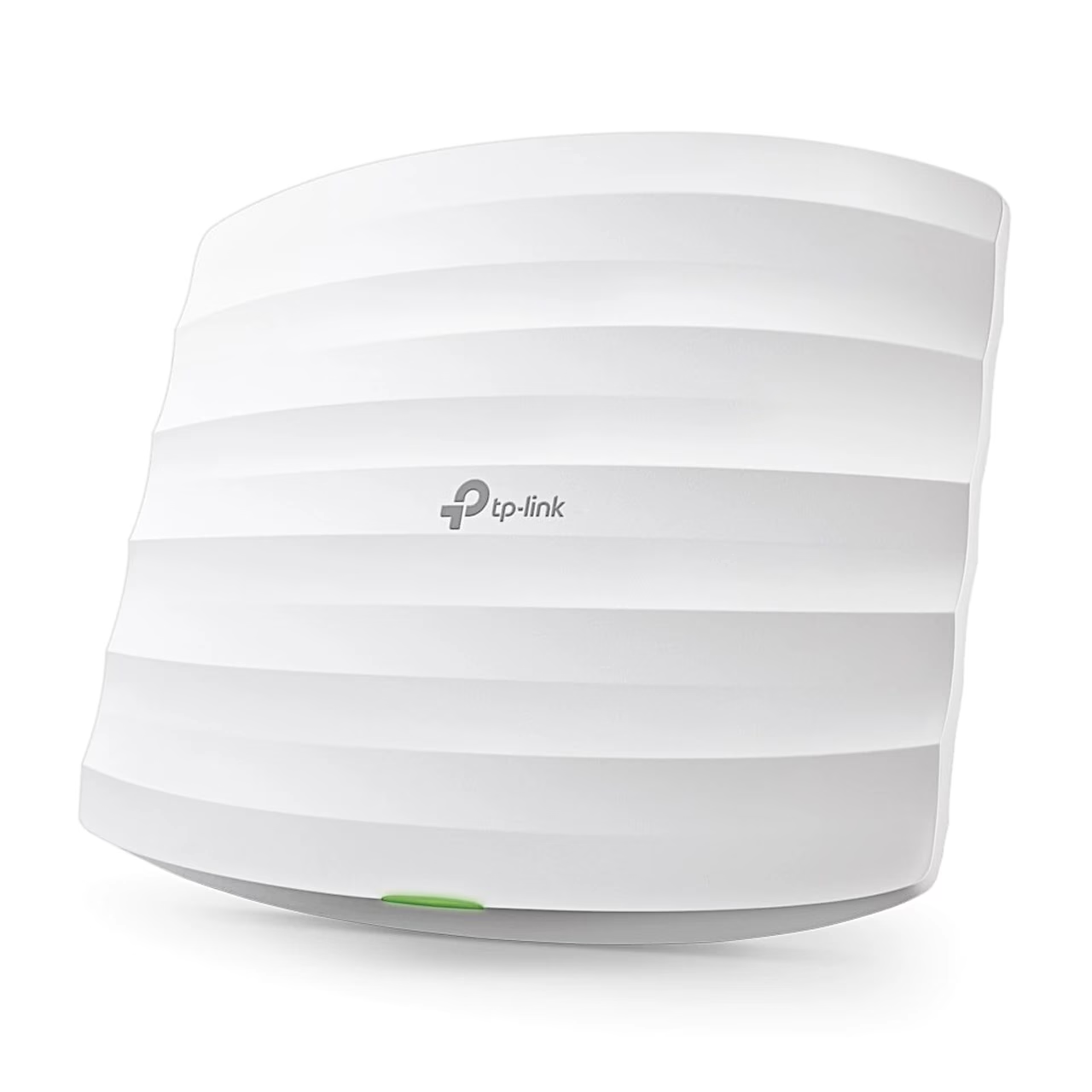
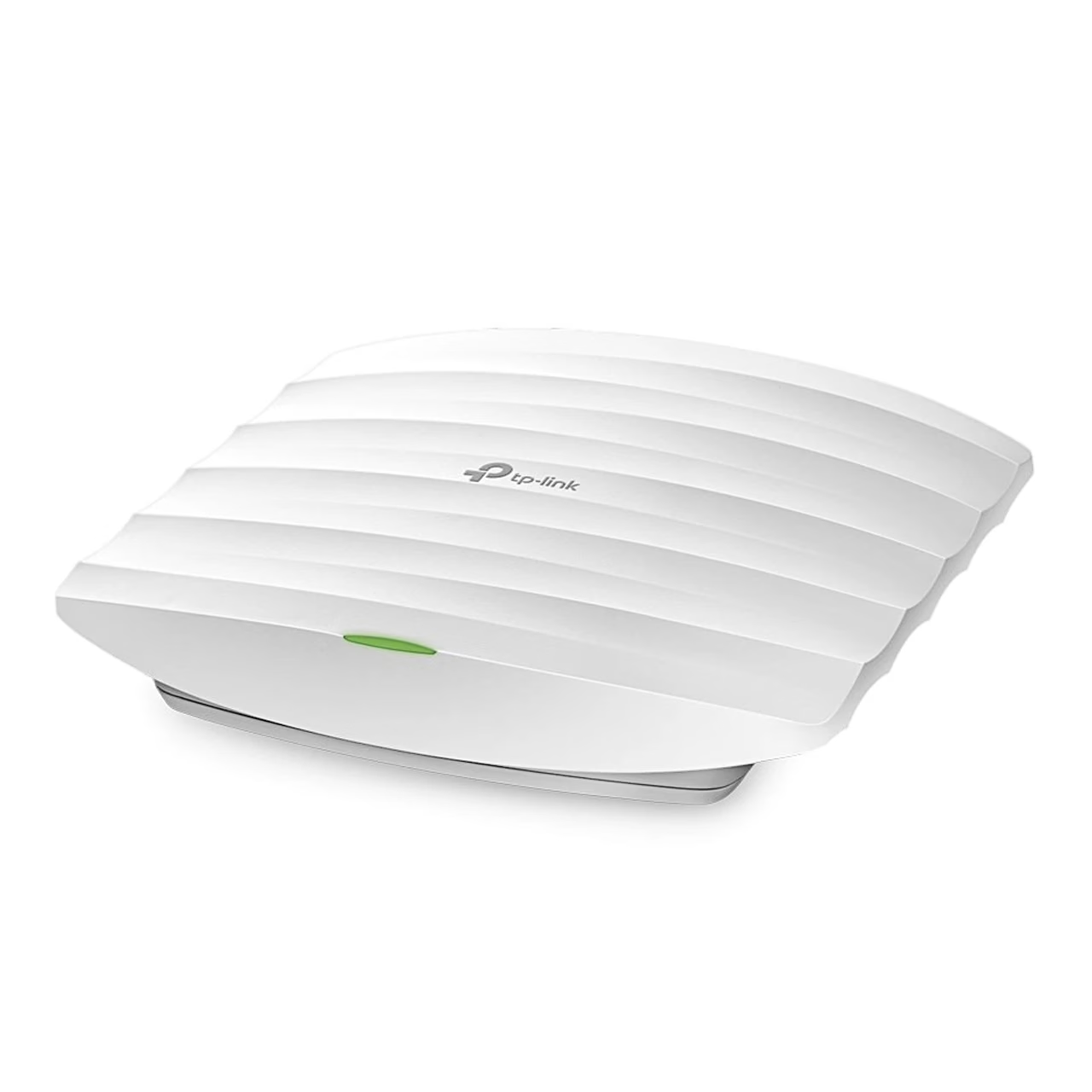
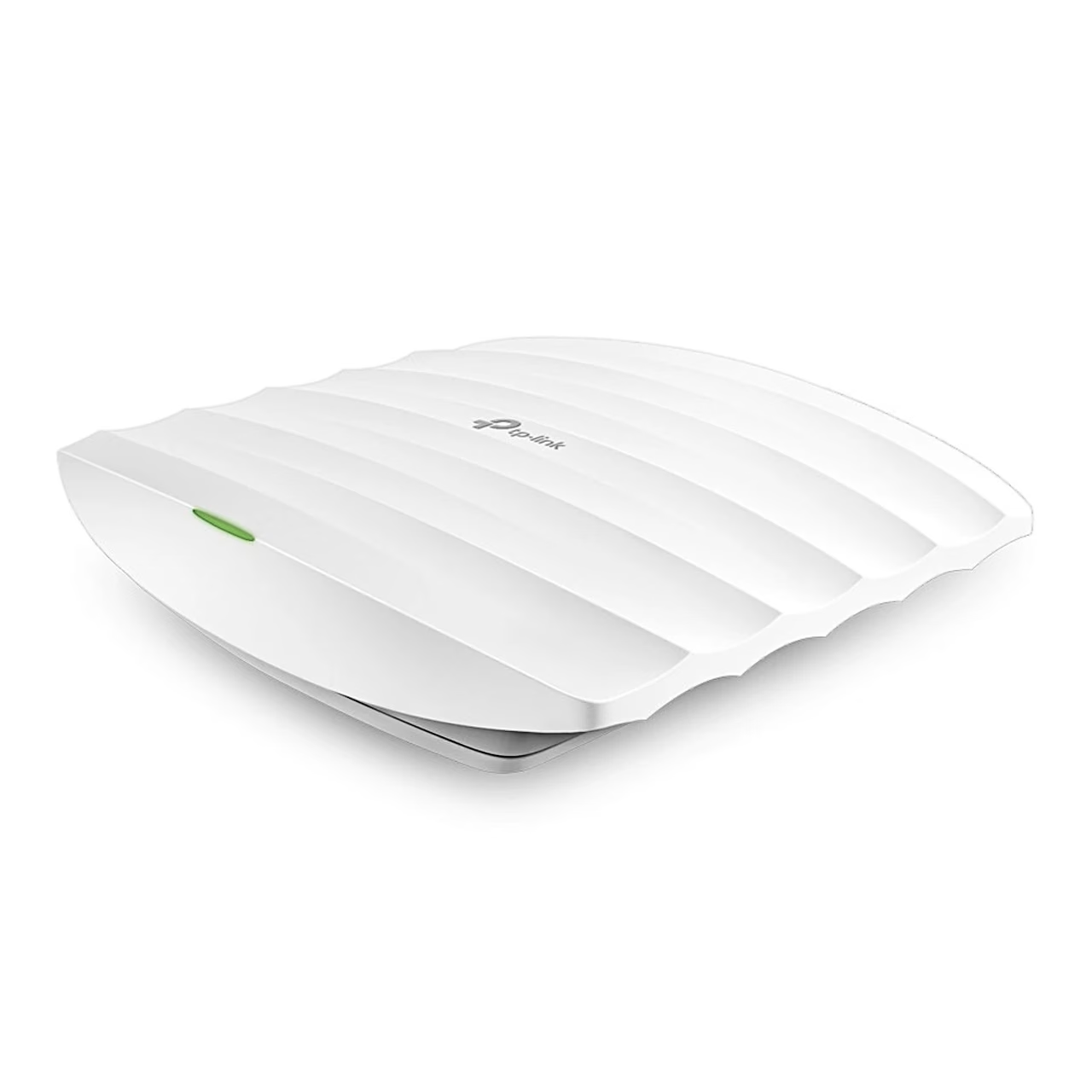
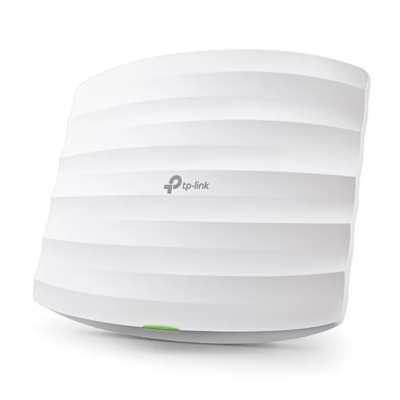
Wireless access point TP-Link EAP115 for 2.4 GHz networks
The EAP115 creates a wireless network in the 2.4 GHz band to IEEE 802.11b/g/n and transfers data at up to 300 Mbit/s. Two internal antennas with a gain of up to 4 dBi carry the signal. The access point mounts on a ceiling or a wall and measures 172.3 × 189.4 × 29.5 mm.
Networks and security
Up to 8 network names (SSIDs) can be created on one access point, each with its own VLAN and security mode. Security modes are WPA-PSK, WPA2-PSK, WPA2-Enterprise and WEP. Traffic is controlled with rate limiting, MAC address filtering, an access control list (ACL) and QoS.
Central management with EAP Controller
Several EAP series access points can be managed from one place with the EAP Controller software, which runs on a Windows or 64-bit Linux computer and opens in a web browser. The software places access points on a floor plan, groups them by site and shows client and traffic statistics. For guests, a login page can be set up with authentication by password, voucher or SMS. A single access point can also be configured through its web interface.
Use
- Install EAP Controller on a computer in the same network as the access point.
- If the computer and the access point are in different subnets, tell the access point the controller’s address with EAP Discovery Utility.
- Start the controller and in the setup wizard select the discovered access points, the network name and the password.
- Create an administrator account and adopt the access point; the default username and password are admin.
In the box
- Wireless access point TP-Link EAP115
- Power adapter 9 V, 0.6 A
- Mounting kit



















































Reviews
There are no reviews yet.