

Description
Gaming monitor with a Rapid IPS panel and console mode
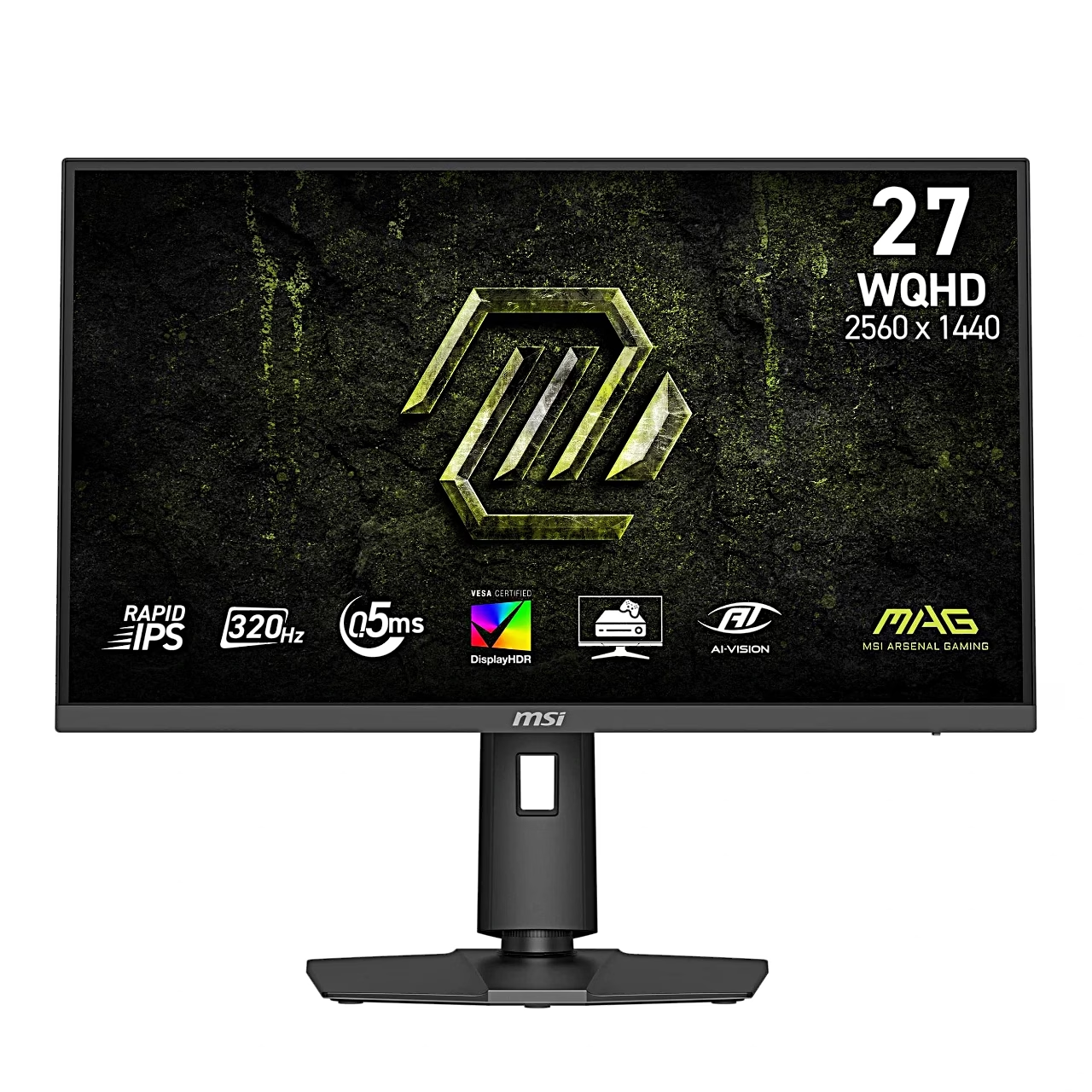
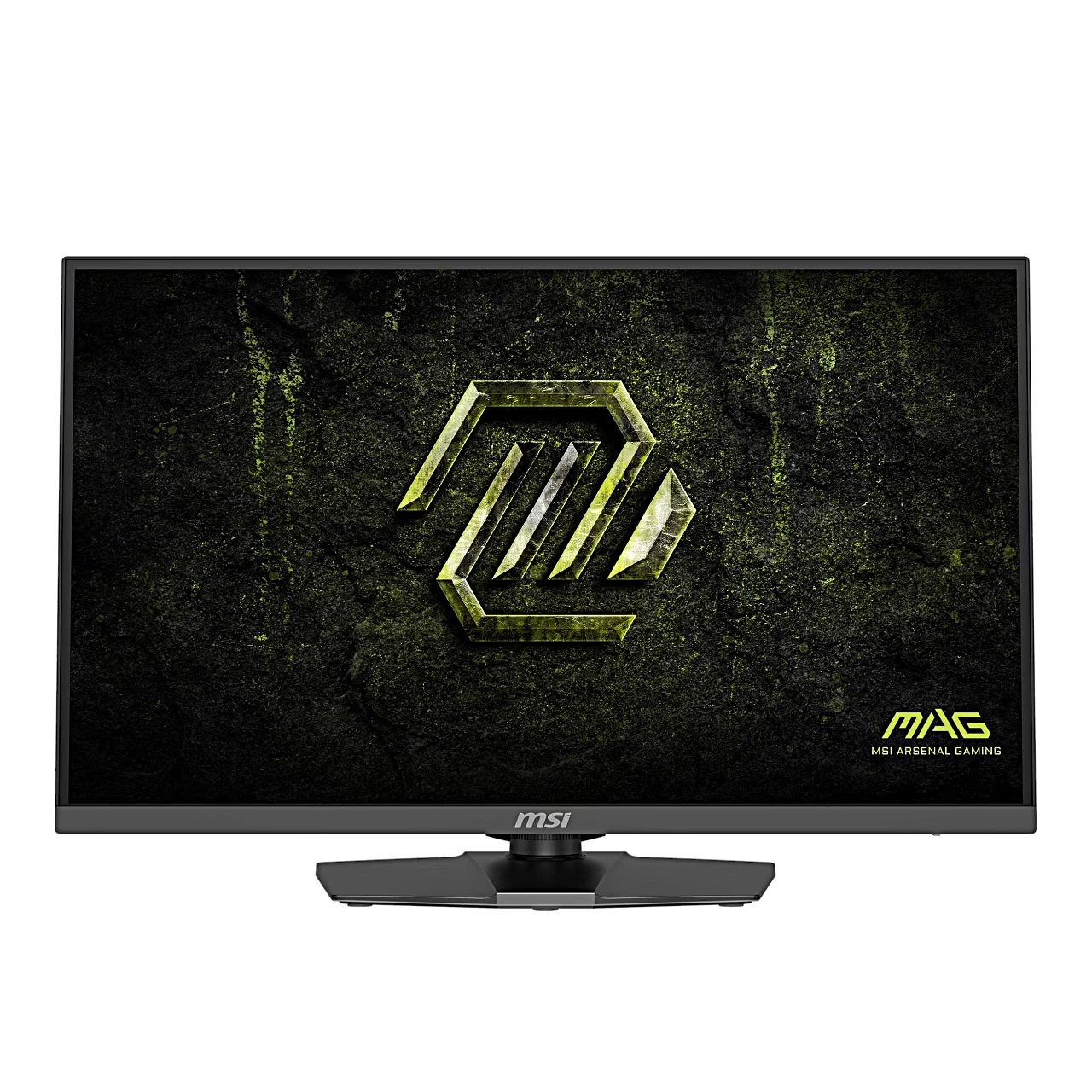
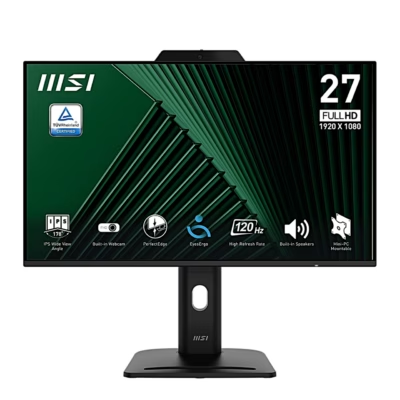
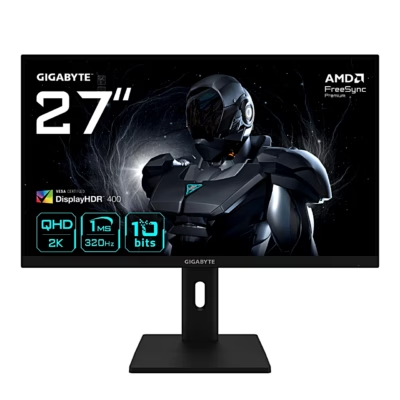
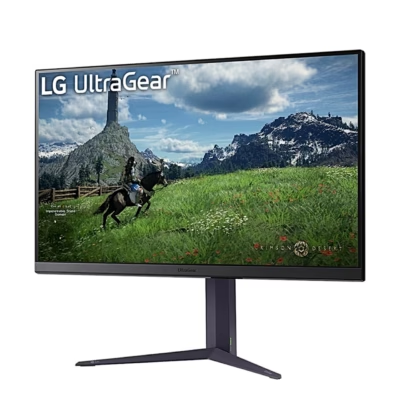
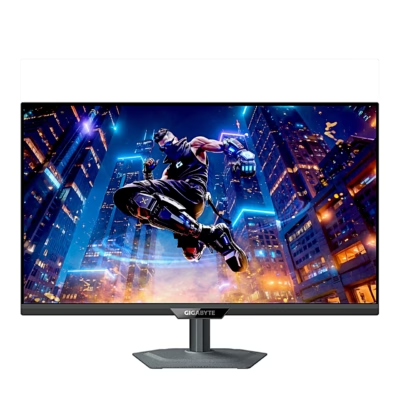
The MSI MAG gaming monitor 274QPF X32 has a 27-inch screen that shows a Quad HD (2560 × 1440) image at up to 320 Hz. The moving picture response time (MPRT) is 1 ms and the screen has an anti-glare surface.
A Rapid IPS panel gives a wide colour gamut
An IPS panel is a liquid crystal display whose crystals turn in the same plane as the glass, so colour tones hold when viewed from the side. This model has a 178° viewing angle and covers 97% of DCI-P3 and 129% of sRGB. A TN panel suits a player sitting straight in front of the screen, an IPS panel also suits photo editing and several monitors side by side.
Game features and consoles
Smart Crosshair uses AI to make the crosshair easier to see, and you can choose its colour and position. The built-in Optix Scope magnifier zooms the image 1.5, 2 or 4 times. HDMI CEC supports PlayStation, Nintendo Switch and Xbox Series X|S consoles, so the monitor switches on with the console. In console mode the monitor also accepts a 2160p signal at up to 120 Hz over HDMI.
Fitting the stand and connecting
Leave the monitor in its foam packaging, align the stand bracket with the monitor’s slot and fix it with the screws, then join the base to the stand and tighten the base screw. Before standing the monitor upright, check that the stand is firmly fixed. Switch the computer off, connect the video cable and the power cord, switch on the monitor and then the computer, and the monitor finds the signal source itself.
Adjustable stand
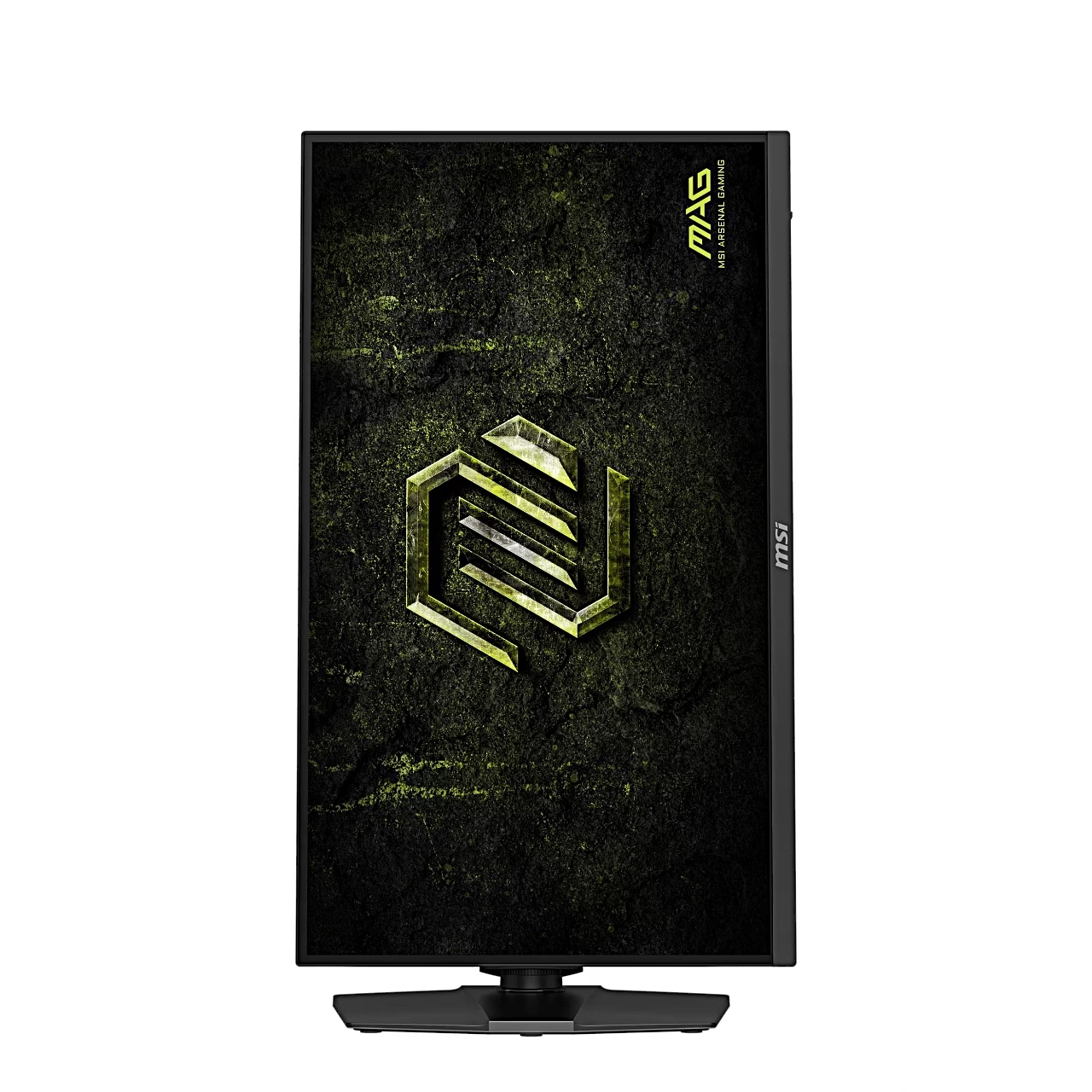
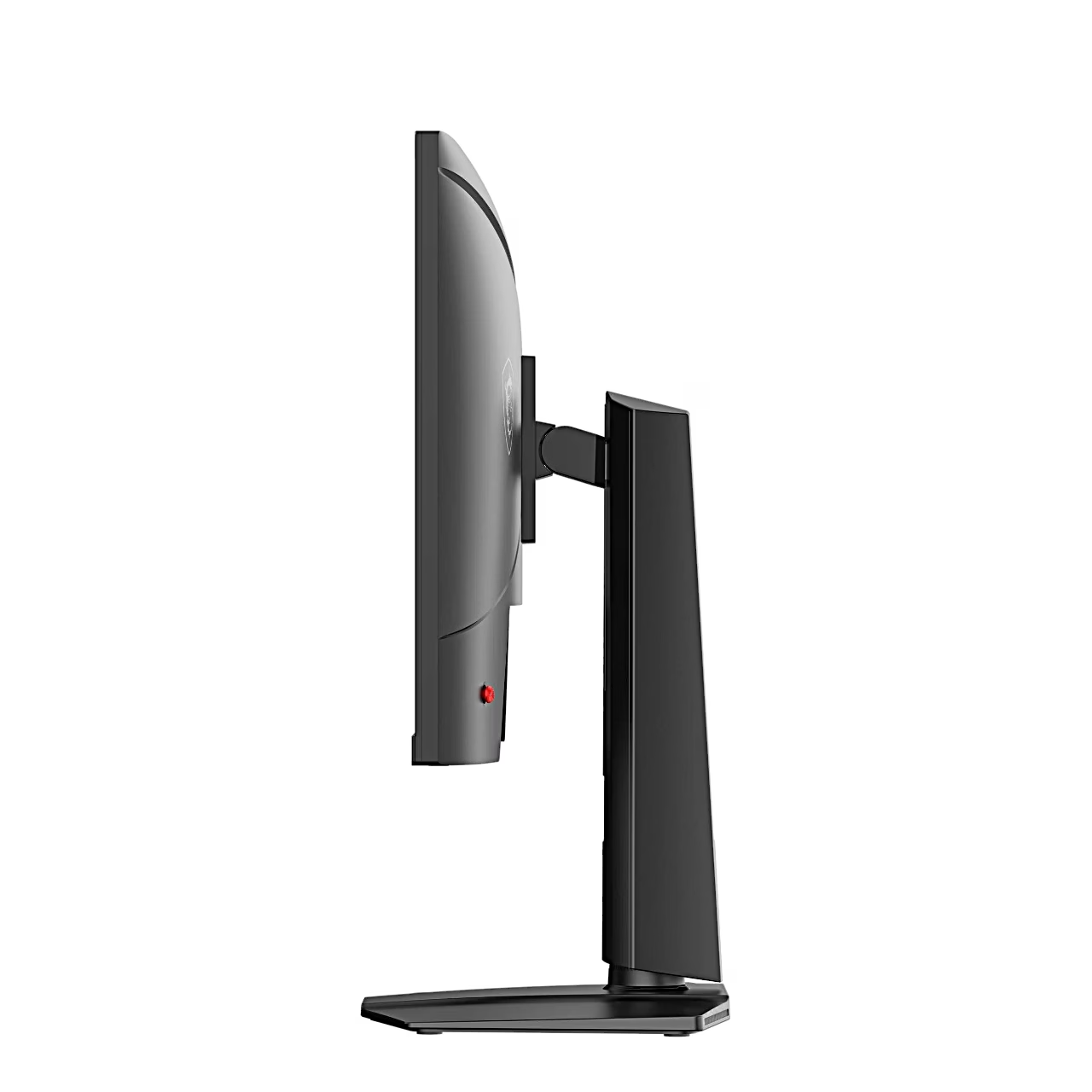
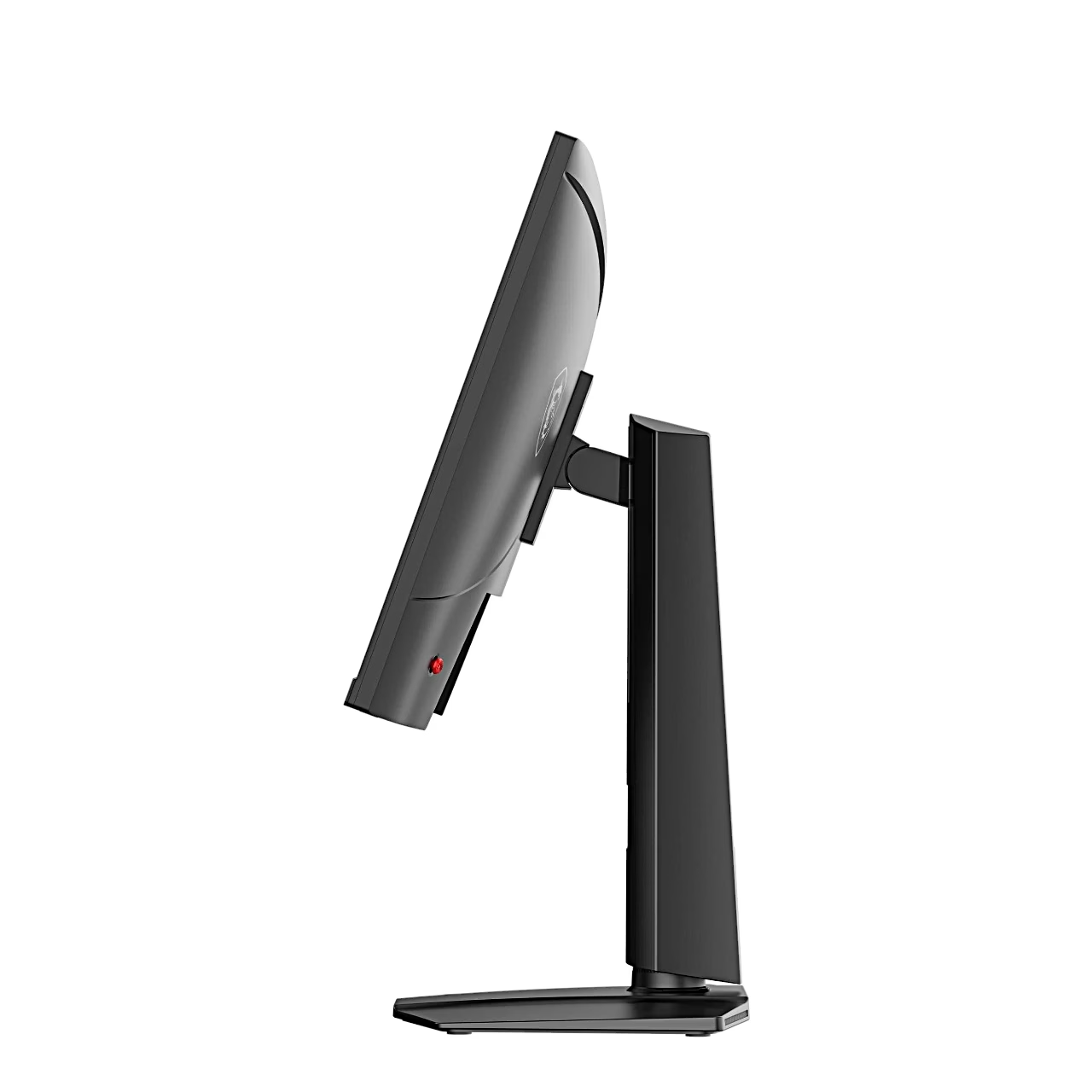
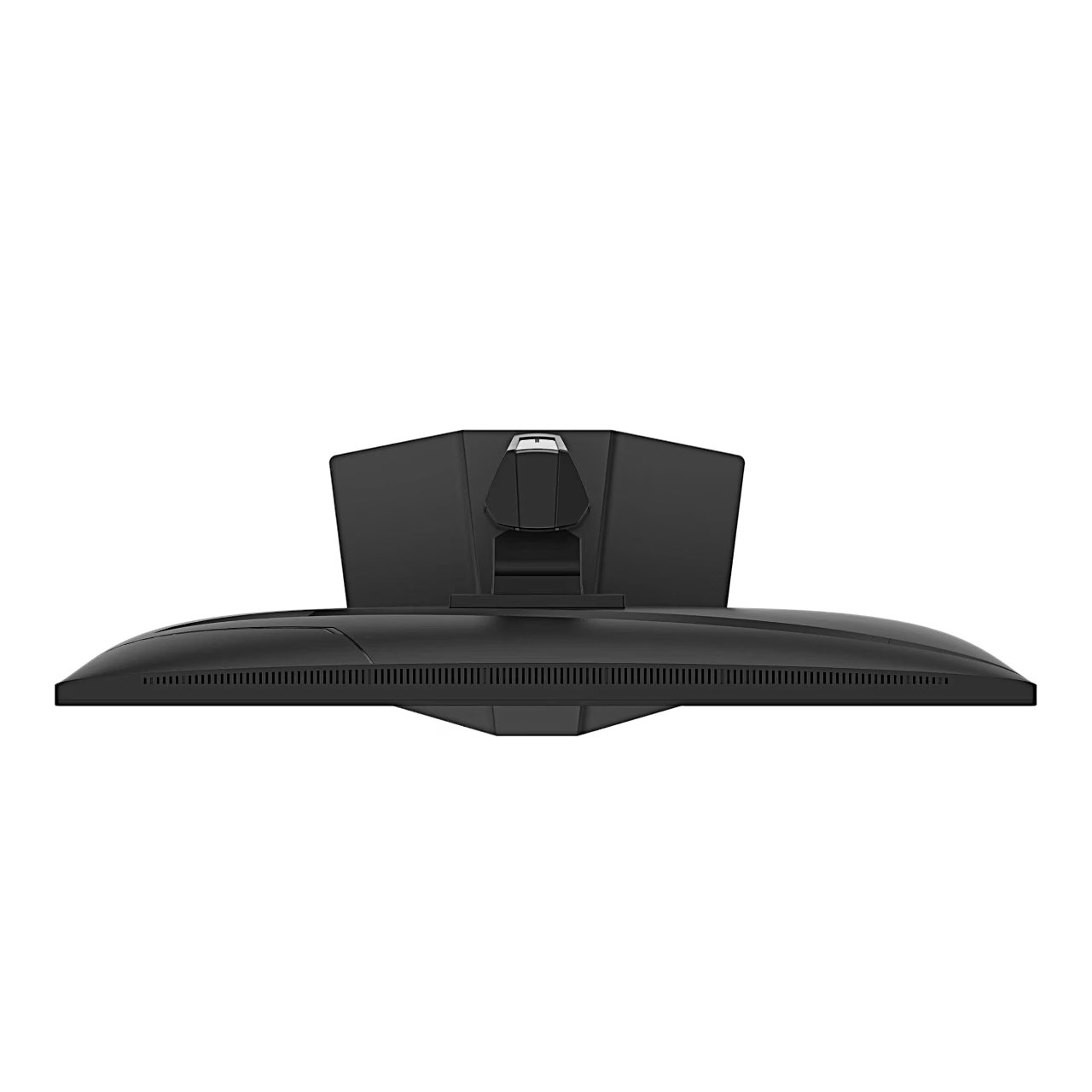
The stand raises the screen over 130 mm, tilts it from −5° to 20°, swivels it 30° to either side and rotates it 90° into portrait position; tilt the screen back slightly before rotating. For a wall or a monitor arm, the back of the screen has a VESA 100 × 100 mm mount for M4 × 10 mm screws.
Cleaning and care
Before cleaning, unplug the power plug and clean the display with a soft cloth without industrial chemicals.
In the box
- monitor
- stand with screws
- base with screws
- power cord
- DisplayPort cable
- quick start guide










































Reviews
There are no reviews yet.