

Description
Smart wall switch for control by button, app and voice
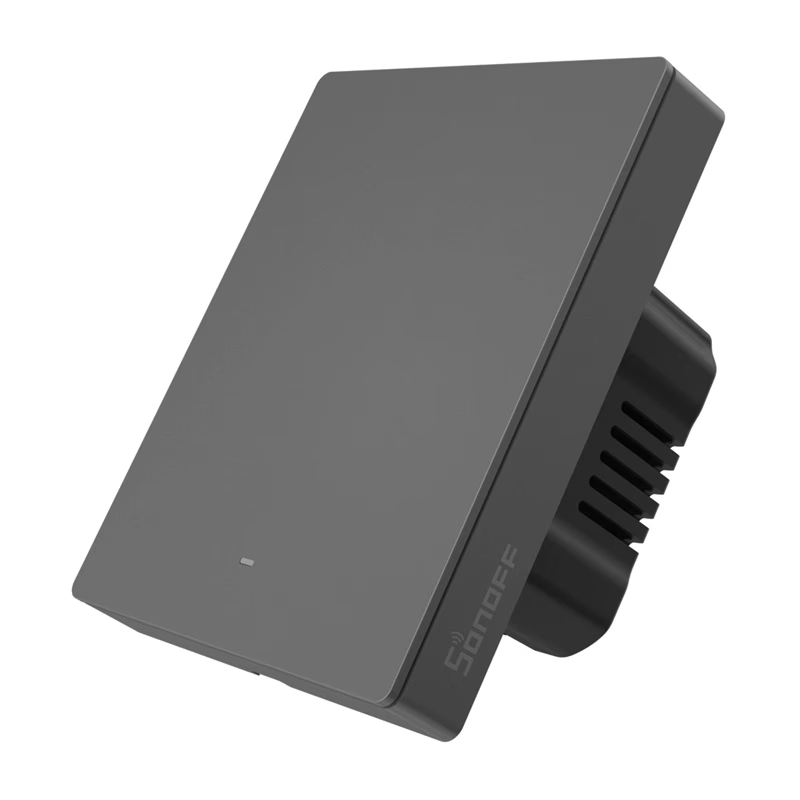
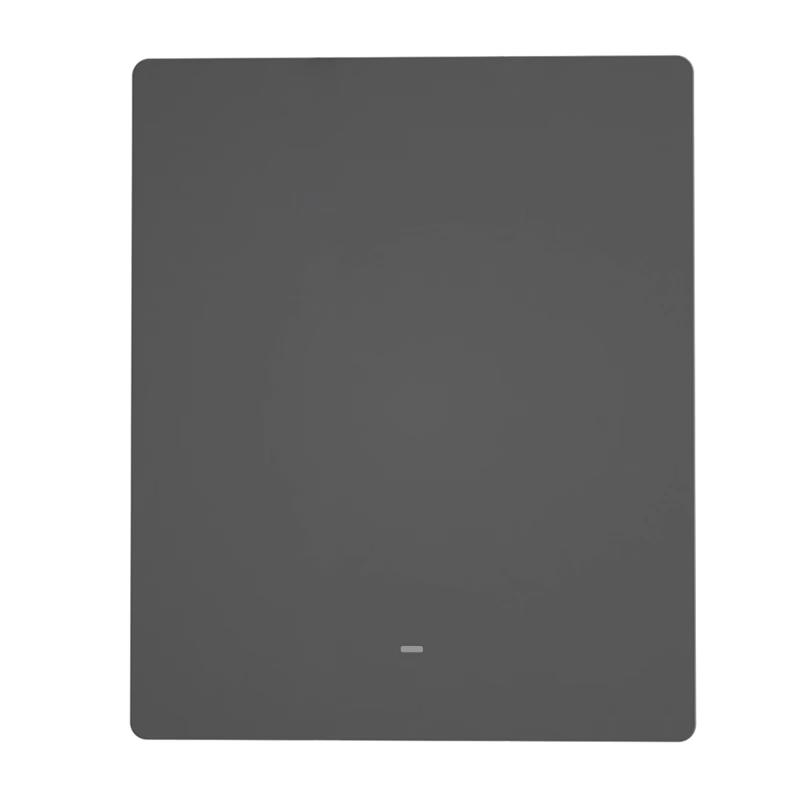
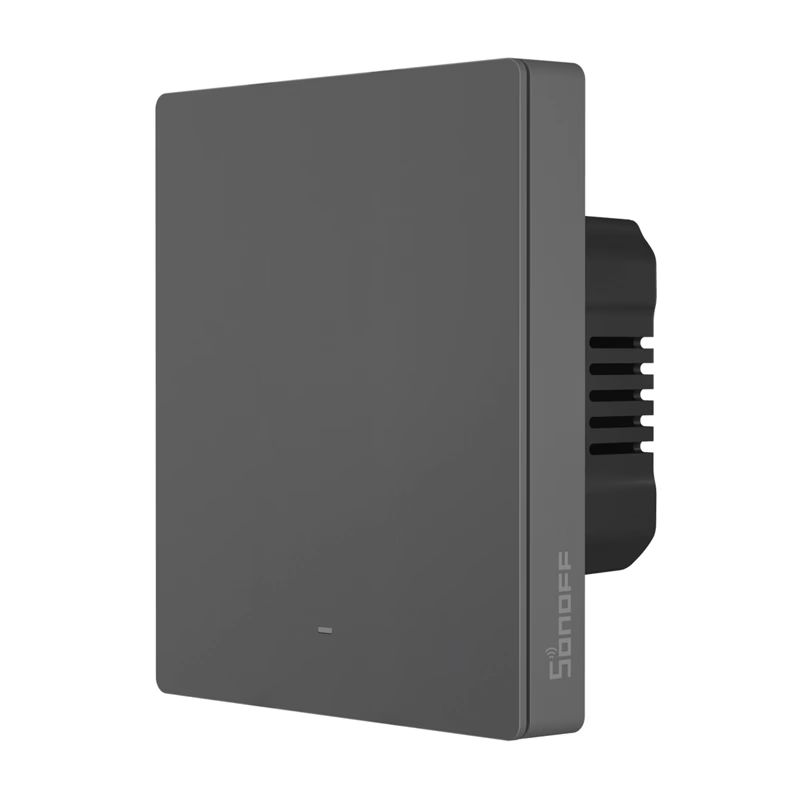
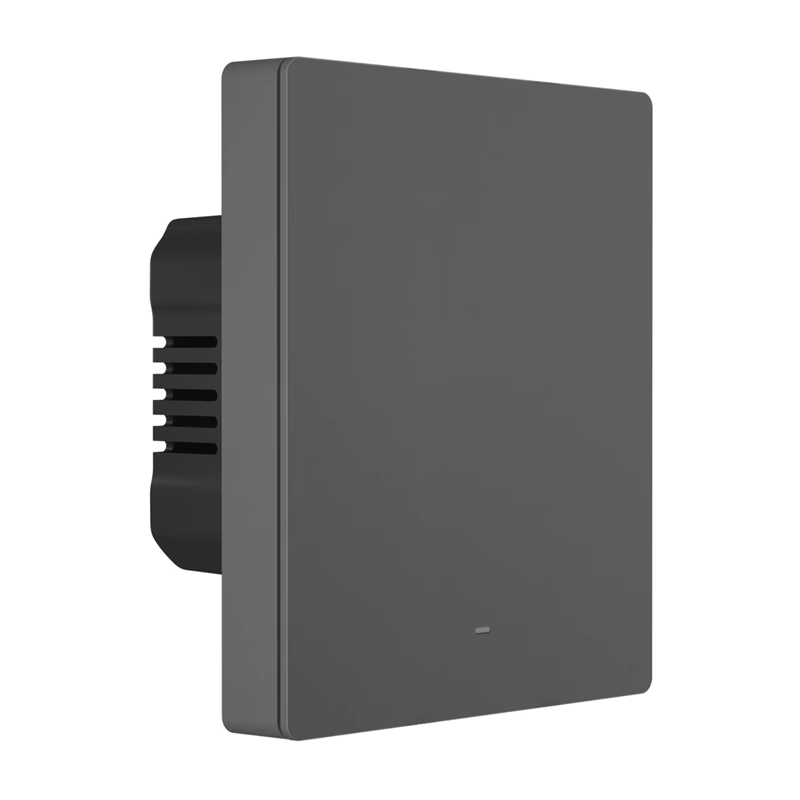
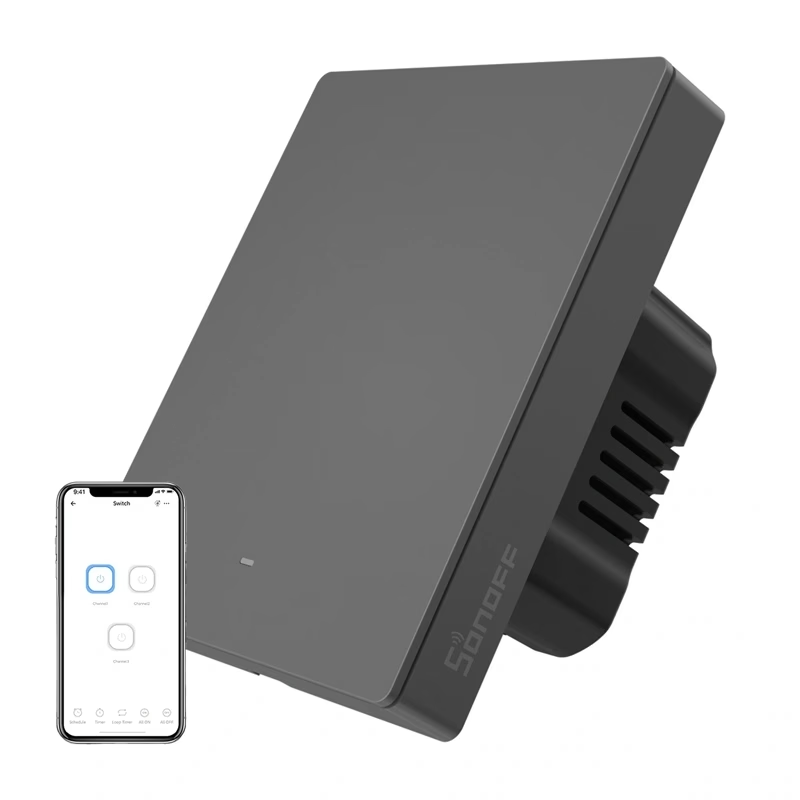
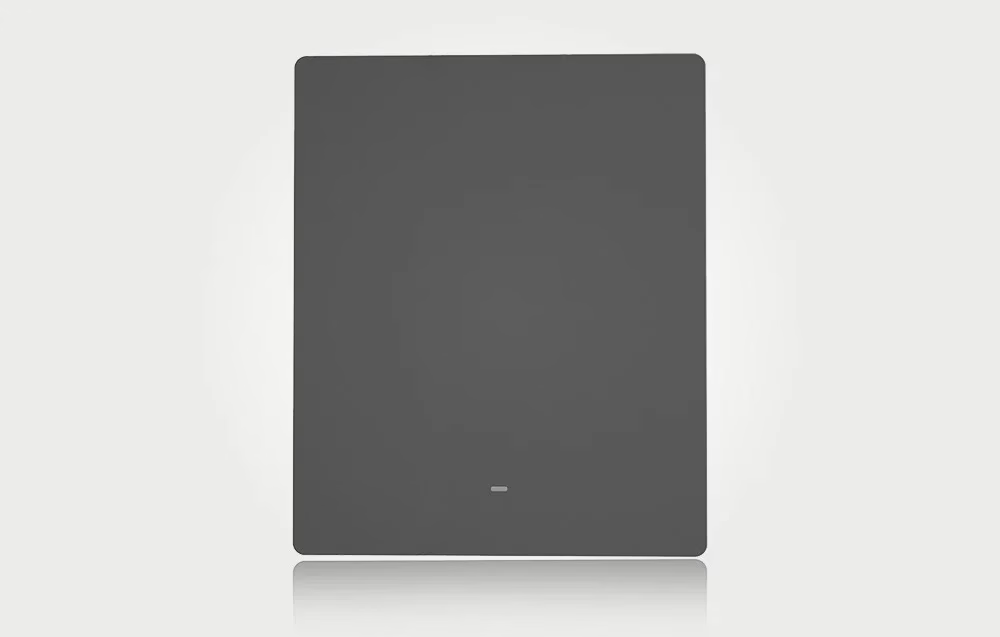
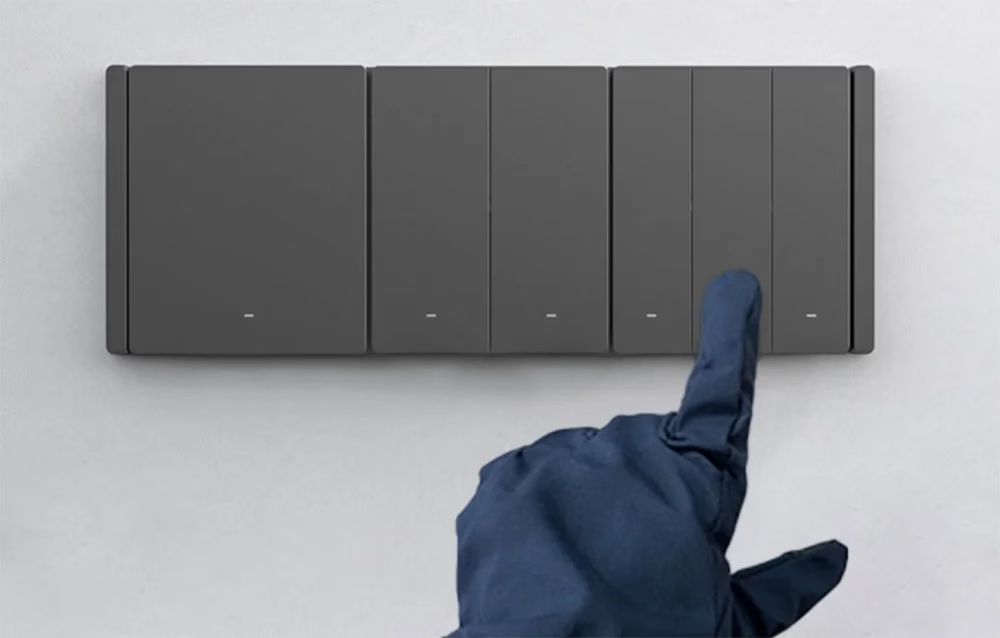
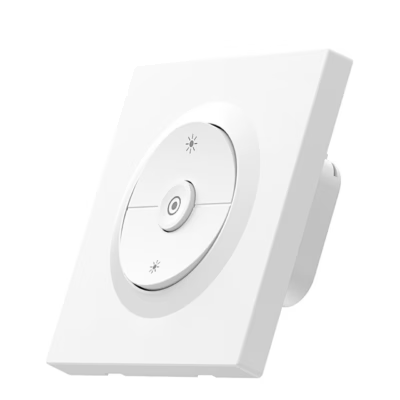
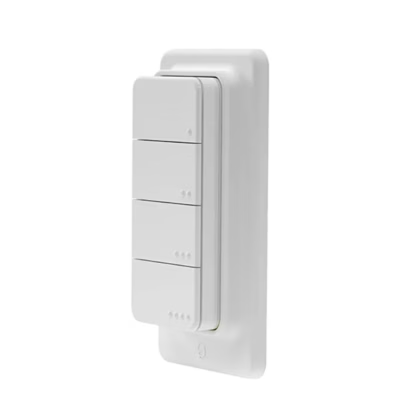
SONOFF M5-1C-80 smart Wi-Fi wall switch has one button and is grey in colour (graphite), and the button can also be pressed with gloves on. With the eWeLink app you can switch the light from your smartphone when you are away from home, and you can share control with family members. Voice commands can be given through Amazon Alexa and Google Home, Alice and Siri Shortcuts.
Schedules, scenes and indicator light
In the app you can set a schedule, a one-time timer or a countdown for the switch, group control and an activity log. A smart scene links the switch with other devices: with the SONOFF DW2-WiFi door sensor, the light turns on when the door opens. The brightness of the Wi-Fi indicator light can be changed in the app, so the switch can be found in the dark. The switch can also be controlled over the local network (LAN).

Wi-Fi switch in a smart home system
The switch can also be controlled from the SONOFF NSPanel touchscreen. With multi-location control you can switch the same light from at least two places without extra wiring. In addition to voice assistants, the switch supports the IFTTT and SmartThings platforms.

Installation
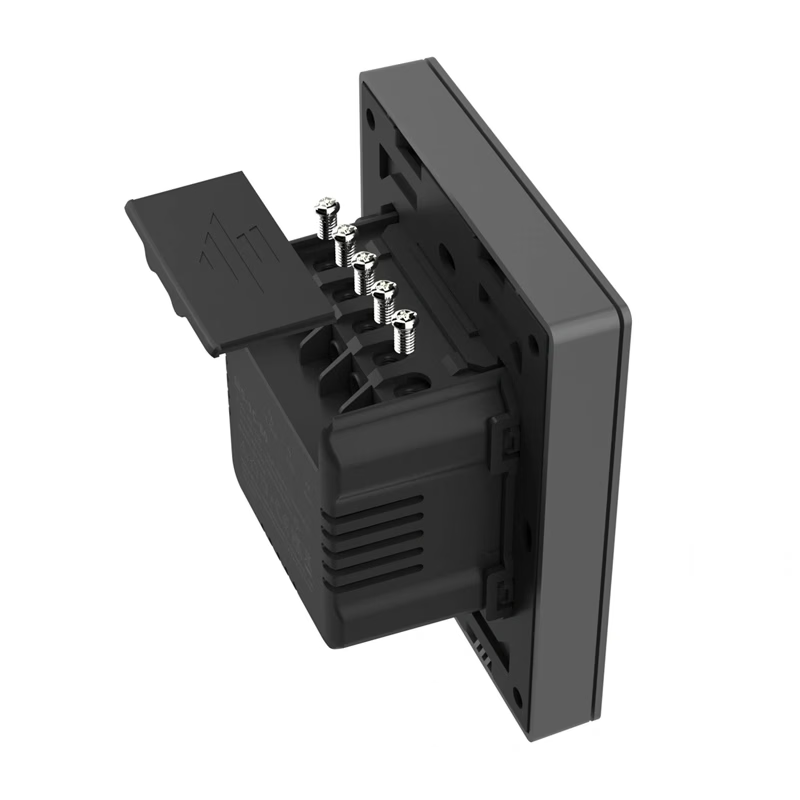
The switch supply voltage is 100–240 V, 50/60 Hz, and it has terminals L in, N in and L out for connection. Installation is carried out by a qualified electrician with the power switched off. The recommended installation height is under 2 m.
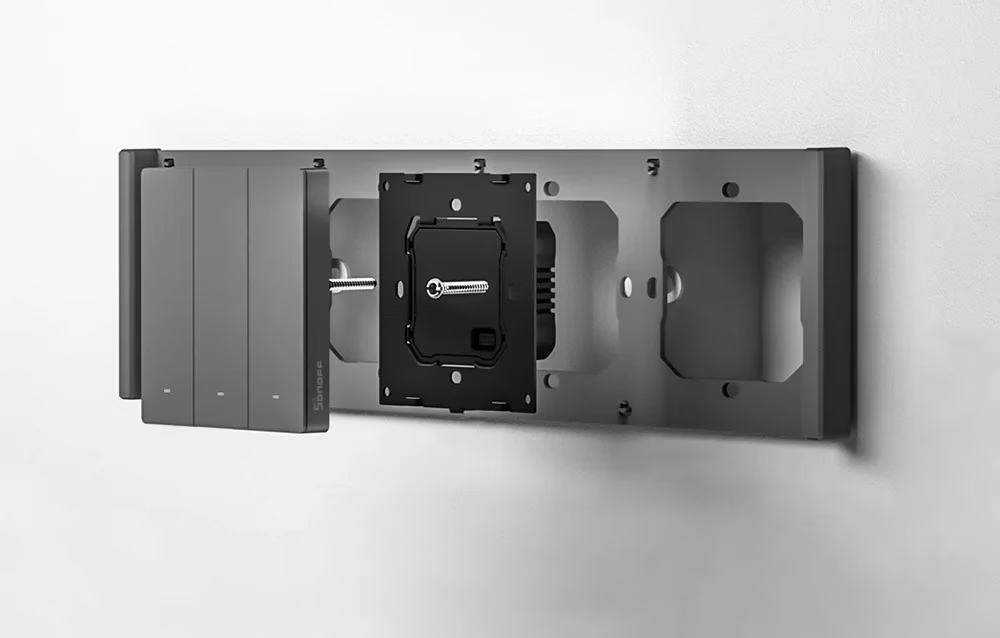
Setup in the eWeLink app
When switched on for the first time, the switch goes into Bluetooth pairing mode, and in the app you add it with the “+” option and “Bluetooth pairing”. If pairing does not succeed within 3 minutes, hold the button for about 5 seconds until the indicator light flashes two short and one long flash. Removing the switch from the app restores factory settings.
In the box
- SONOFF M5-1C-80 smart wall switch
- 2 mounting screws
- user manual










































Reviews
There are no reviews yet.