

Description
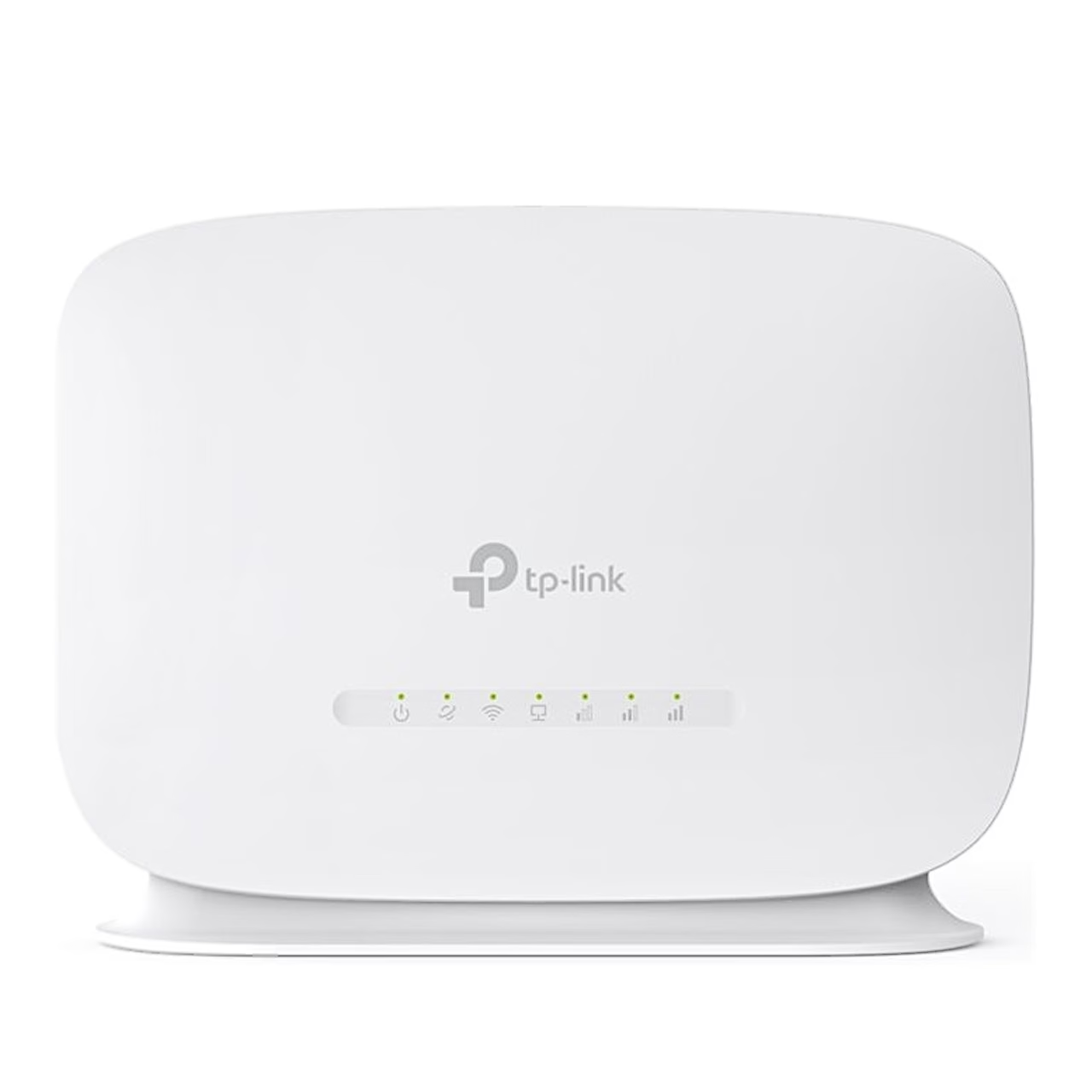
4G router with internal antennas and external antenna ports
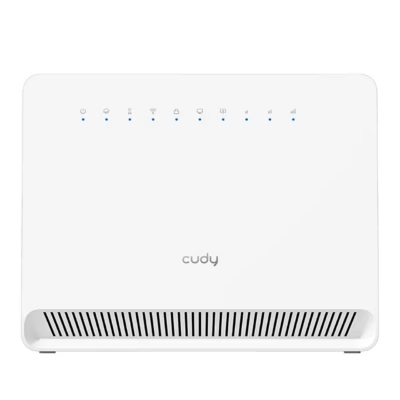
The white 4G router with SIM slot TP-Link TL-MR105 connects to a 4G LTE or 3G network and shares the internet over Wi-Fi and through two Ethernet ports with wired devices.
4G LTE speed and bands
On the mobile network the upload speed is up to 50 Mbit/s. The router works on FDD-LTE and TDD-LTE networks: FDD-LTE bands B1, B3, B5, B7, B8, B20 and B28 and TDD-LTE bands B38, B40 and B41. On 3G it uses bands B1, B5 and B8 (DC-HSPA+, HSPA and UMTS).
Wi-Fi, Ethernet ports and antennas
Wi-Fi runs on 2.4 GHz at up to 300 Mbit/s and connects up to 32 wireless devices. Wired devices have one LAN port and one WAN/LAN port, both 10/100 Mbit/s. Inside are two 4G/3G antennas and two Wi-Fi antennas, and the ports under the back cover take two external 4G antennas.
Installation and use
To connect, push the nano SIM card into the slot until it clicks, plug in the power adapter and wait until the Internet LED lights up. Connect a computer to the LAN port with an Ethernet cable and wireless devices with the network name and password printed on the router label. You set up the router at tplinkmodem.net or in the TP-Link Tether app, where you can also create a 2.4 GHz guest network, set parental controls for websites and time limits, and read and send SMS. In wireless router mode the router connects through the WAN/LAN port to a cable, fibre or DSL modem and switches to 4G if that connection fails.
In the box
- 4G router TP-Link TL-MR105, 1 pc
- Power adapter, 1.5 m cable
- RJ45 Ethernet cable
- Quick installation guide



















































Reviews
There are no reviews yet.