

Description
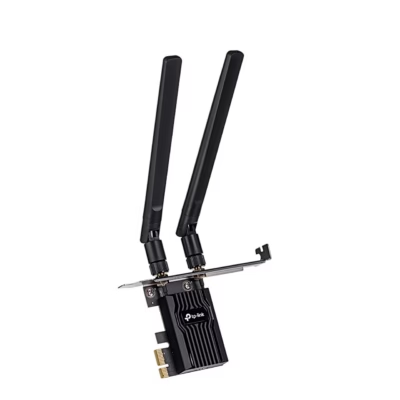
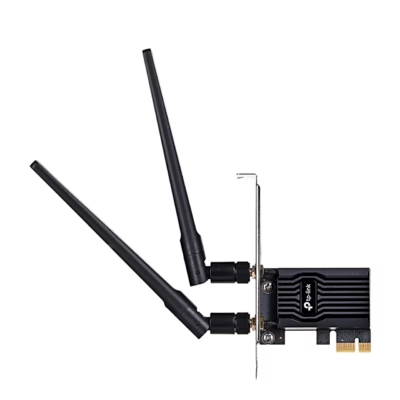
WiFi adapter: Wi-Fi 6 and high-gain antennas
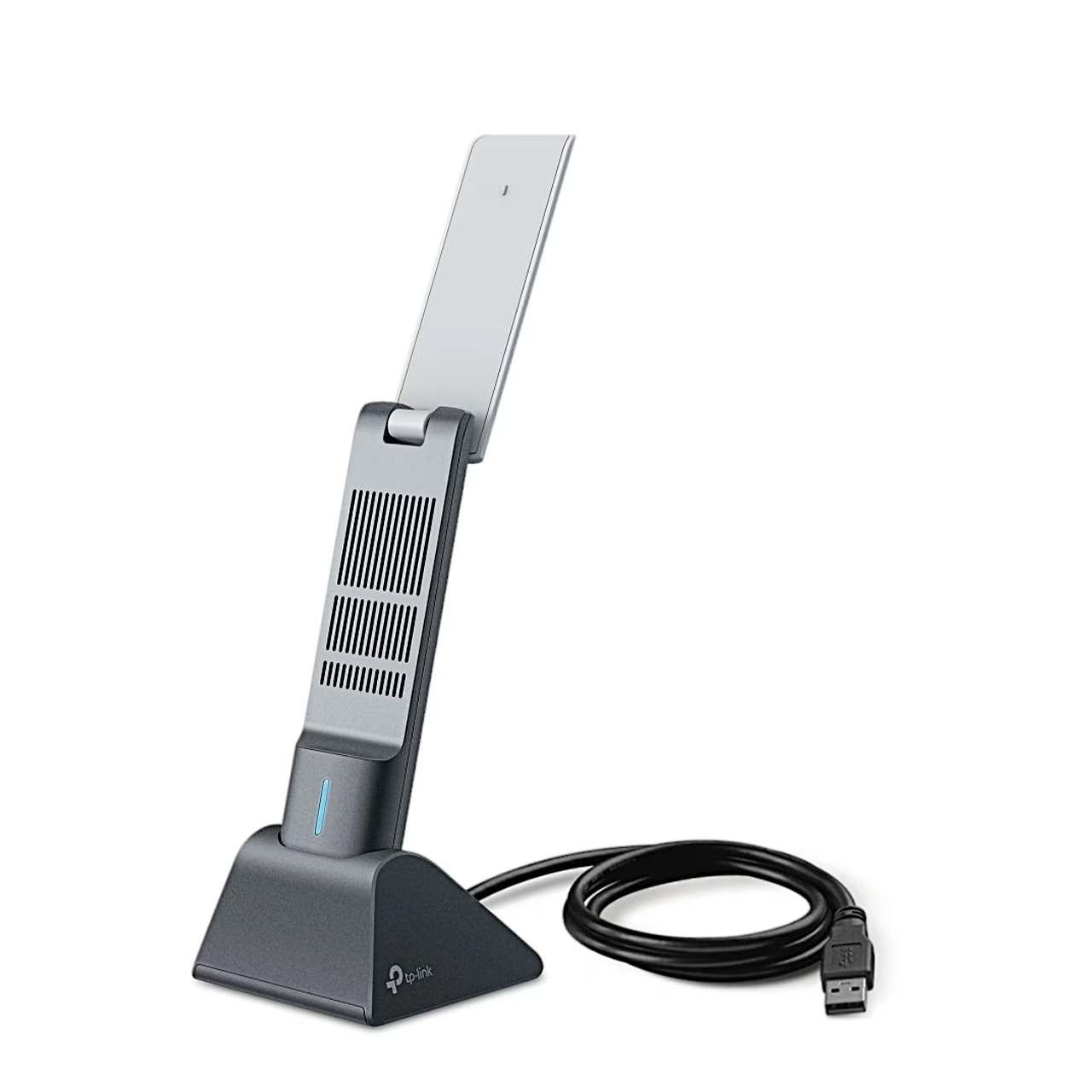
The dual-band WiFi adapter TP-Link Archer TX50UH supports Wi-Fi 6 (802.11ax) and works on the 2.4 GHz and 5 GHz bands. As an AX3000 class adapter its maximum data transfer rate is 3000 Mbit/s. High-gain antennas strengthen the received and transmitted signal.
The adapter is also compatible with 802.11a, b, g, n and ac. To use the Wi-Fi 6 features OFDMA, MU-MIMO, 1024-QAM and HE160, the router must support them as well. To protect the network it supports WEP, WPA, WPA2, WPA3, WPA-PSK, WPA2-PSK and WPA3-SAE encryption.
Connection and operating systems
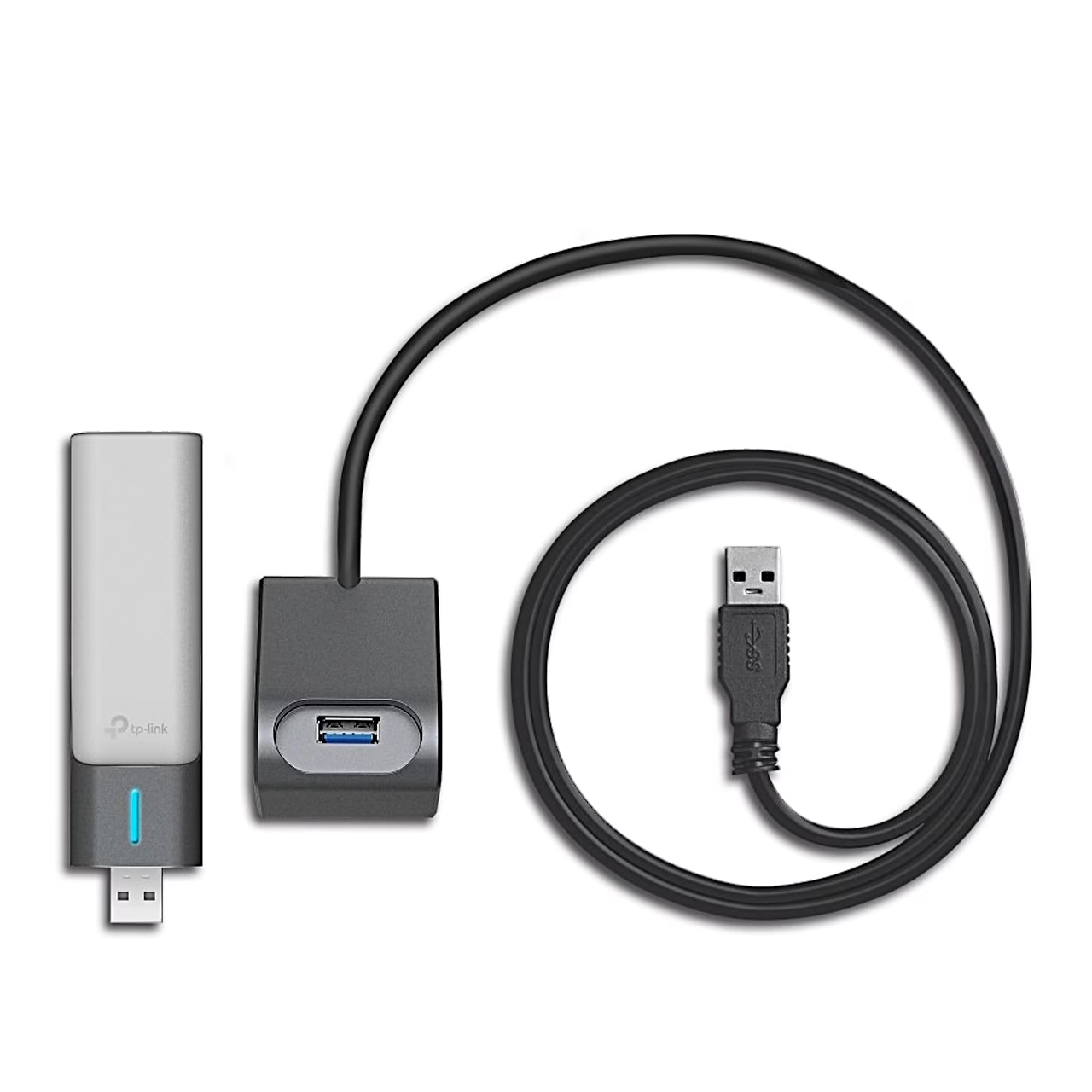
The adapter connects to the computer over USB 3.0, directly to a USB-A port or through the supplied USB cradle with its cable. It supports Windows 10 and 11 (64-bit).
Installation
- Plug the adapter into a USB port on the computer directly or with the supplied cable; TP-Link recommends a USB 3.0 port for full speed.
- Open My Computer or This PC.
- Double-click the TP-Link disk and run SetupInstall.exe to install the driver.
The driver can also be downloaded from www.tp-link.com/support. When the adapter’s LED is on, the driver is installed.
Use
To connect, click the network icon on the taskbar, choose the Wi-Fi network, click Connect and enter the network password. To remove the driver, open Control Panel > Programs > Uninstall a program and double-click TP-Link Archer TX50UH Driver.
Cleaning and care
Before cleaning, remove the adapter from the computer and clean it without liquids, sprays or a damp cloth. Keep the adapter away from water, fire, humidity and heat; the operating temperature is 0–40 °C.
In the box
- WiFi adapter TP-Link Archer TX50UH
- USB cradle with cable
- Quick installation guide

















































Reviews
There are no reviews yet.