

Description
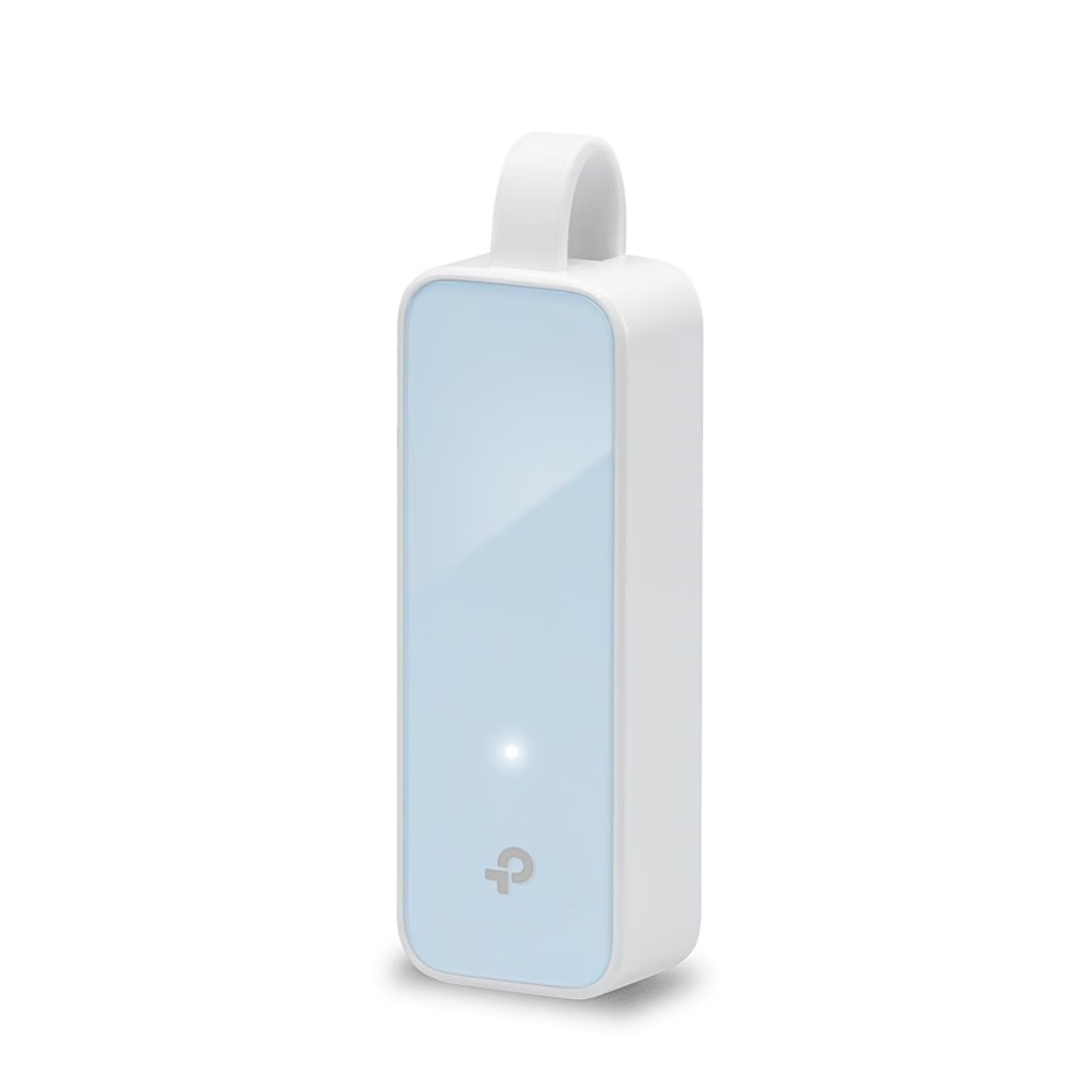
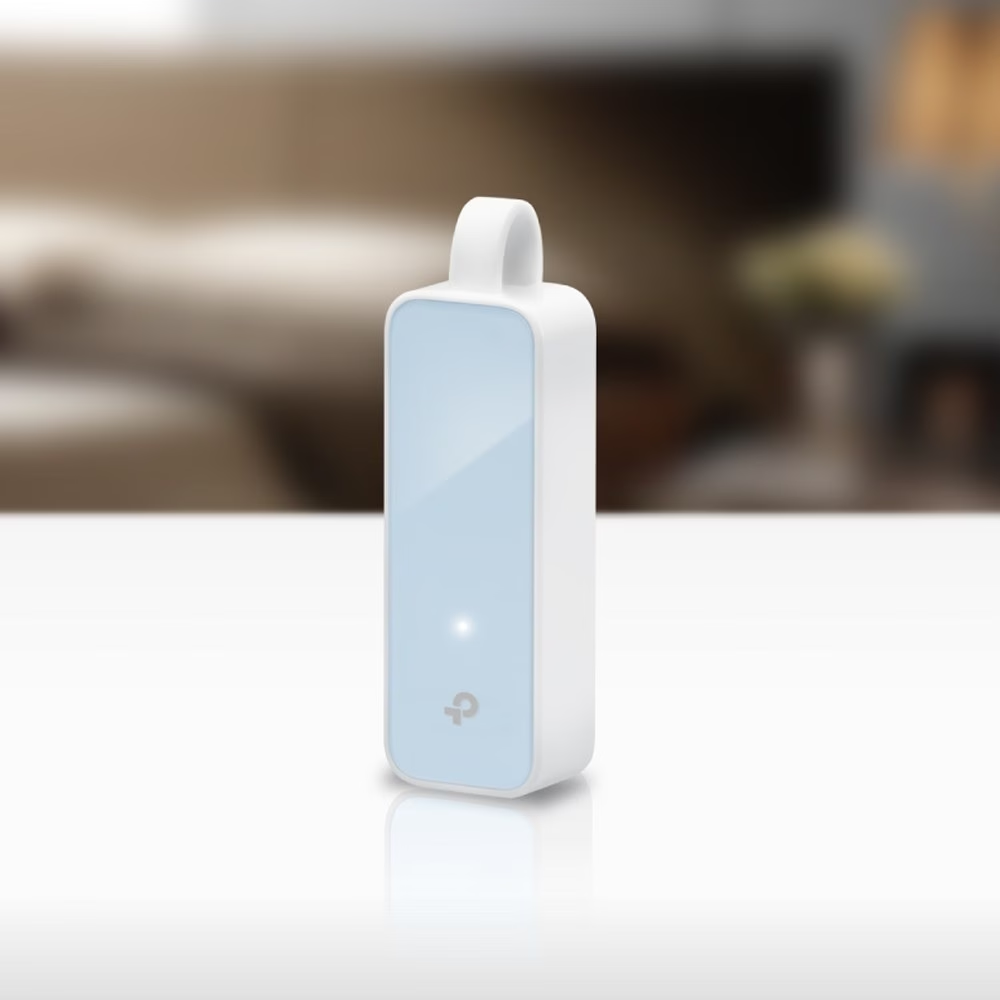
USB network adapter with RJ45 port for laptops and desktops
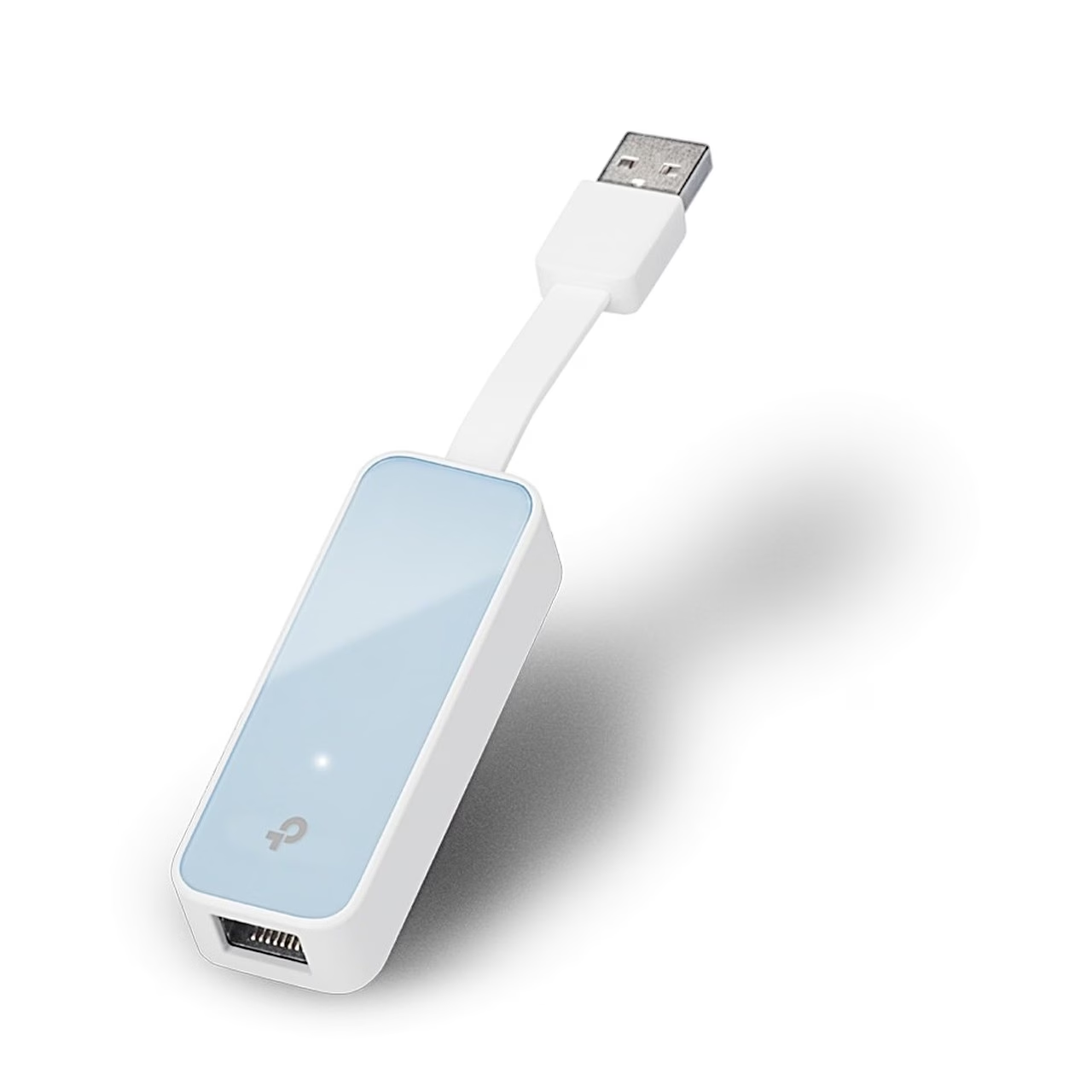
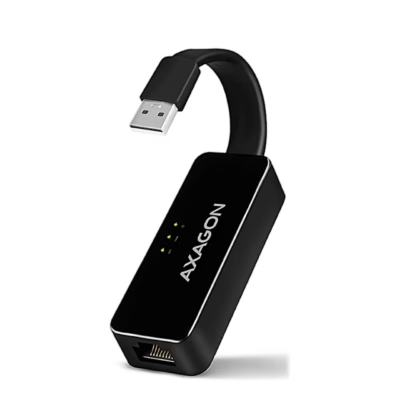
The TP-Link UE200 USB network adapter plugs into a USB-A port, uses a USB 2.0 interface. Its RJ45 port runs at Fast Ethernet speed of 100 Mbit/s and also at 10 Mbit/s.
Supported systems and driver
The adapter supports Windows XP, Vista, 7, 8, 8.1 and 10, macOS and Linux. On Windows 10 it is plug and play: connect it and wait a few seconds. On Windows 7, 8 and 8.1, click to install the driver when prompted; if Windows 7 shows “The program might not have installed correctly” after installation, click CANCEL. For Mac OS X 10.8 and older, download the driver from www.tp-link.com by model number.
Use
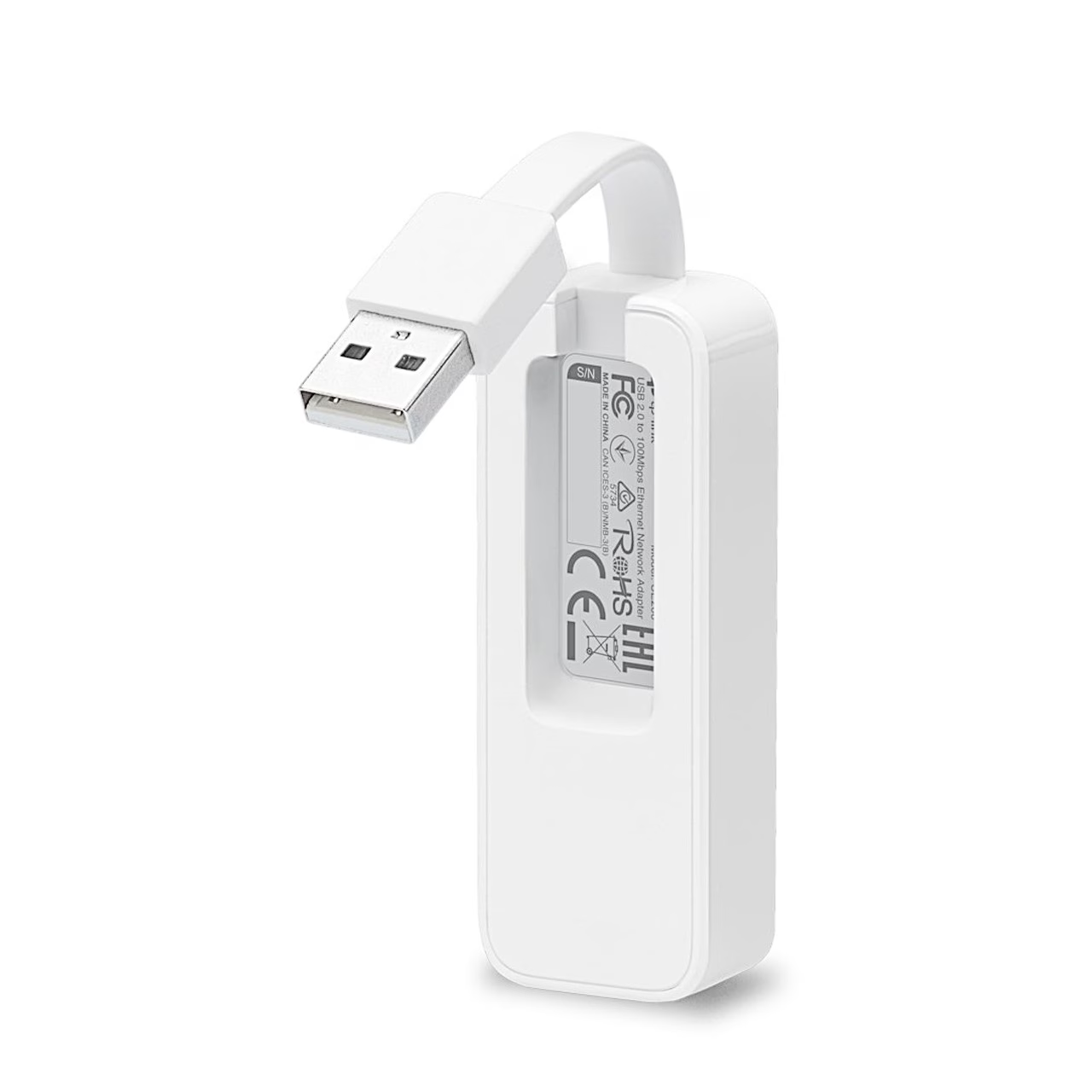
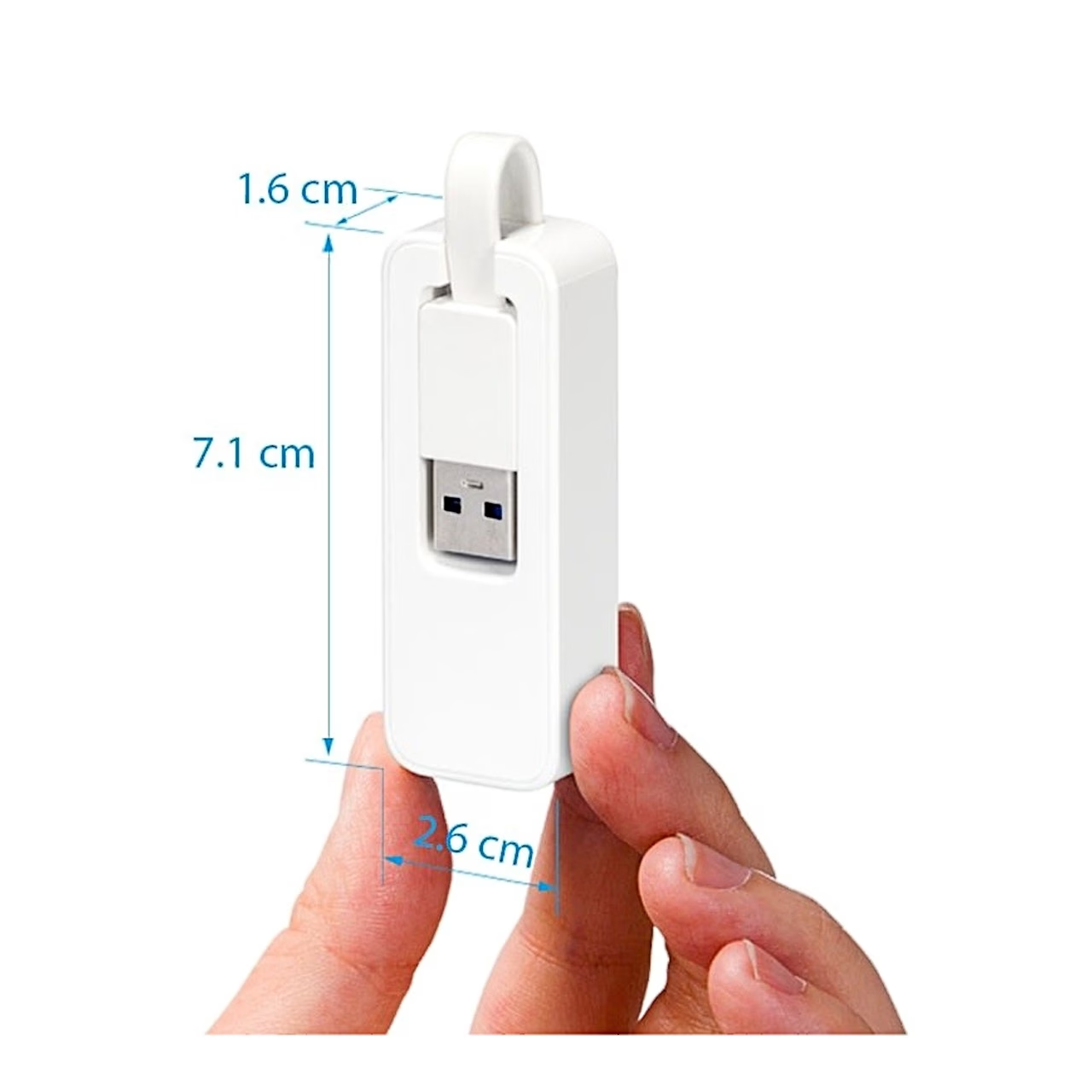
Connect the adapter to the computer’s USB port and the network cable to the RJ45 port. The white LED is lit when the adapter and the network cable are connected correctly and flashes during data transfer. For carrying, the USB cable folds into the recess on the back of the housing.
In the box
- TP-Link UE200 USB network adapter
- Quick installation guide

















































Reviews
There are no reviews yet.