

Description
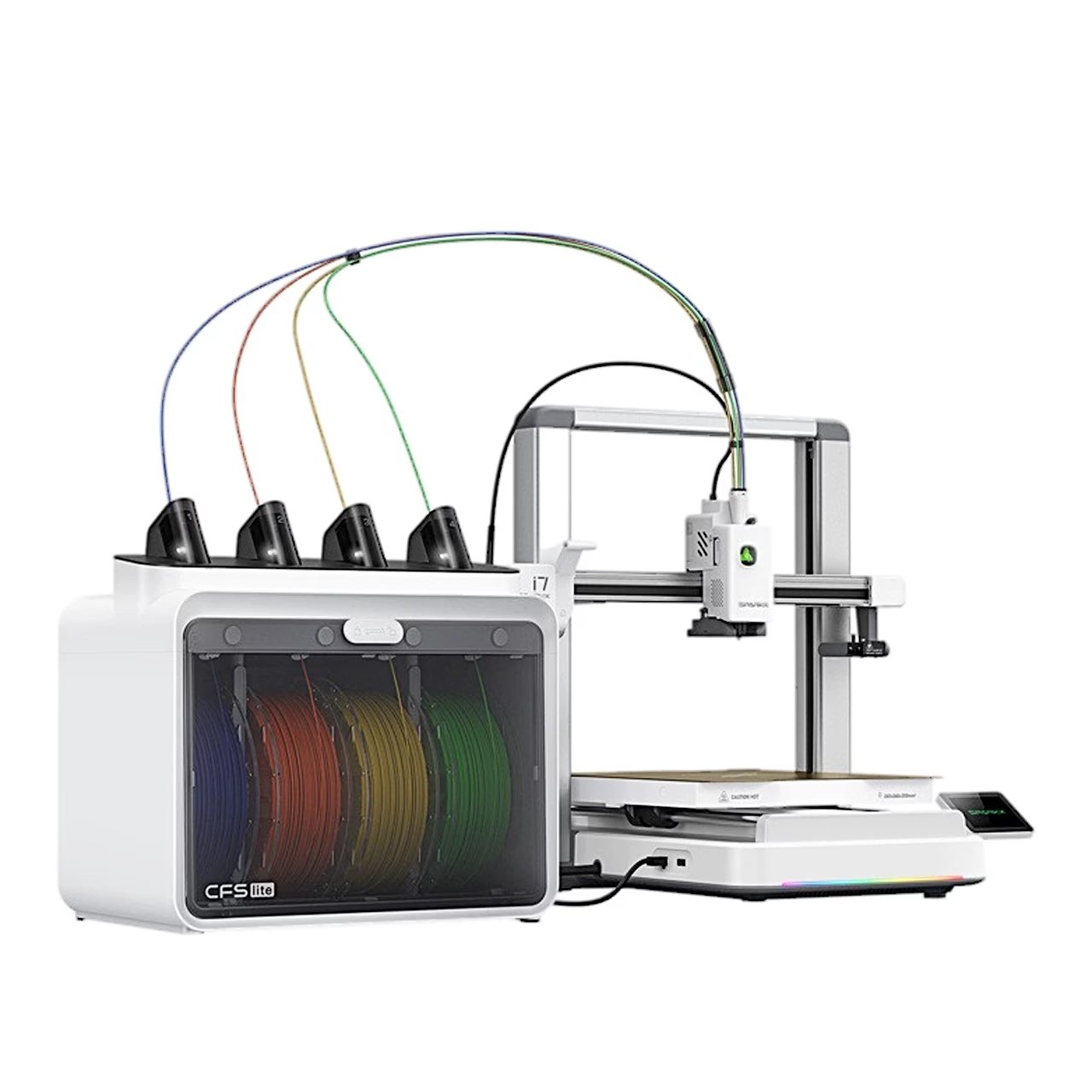
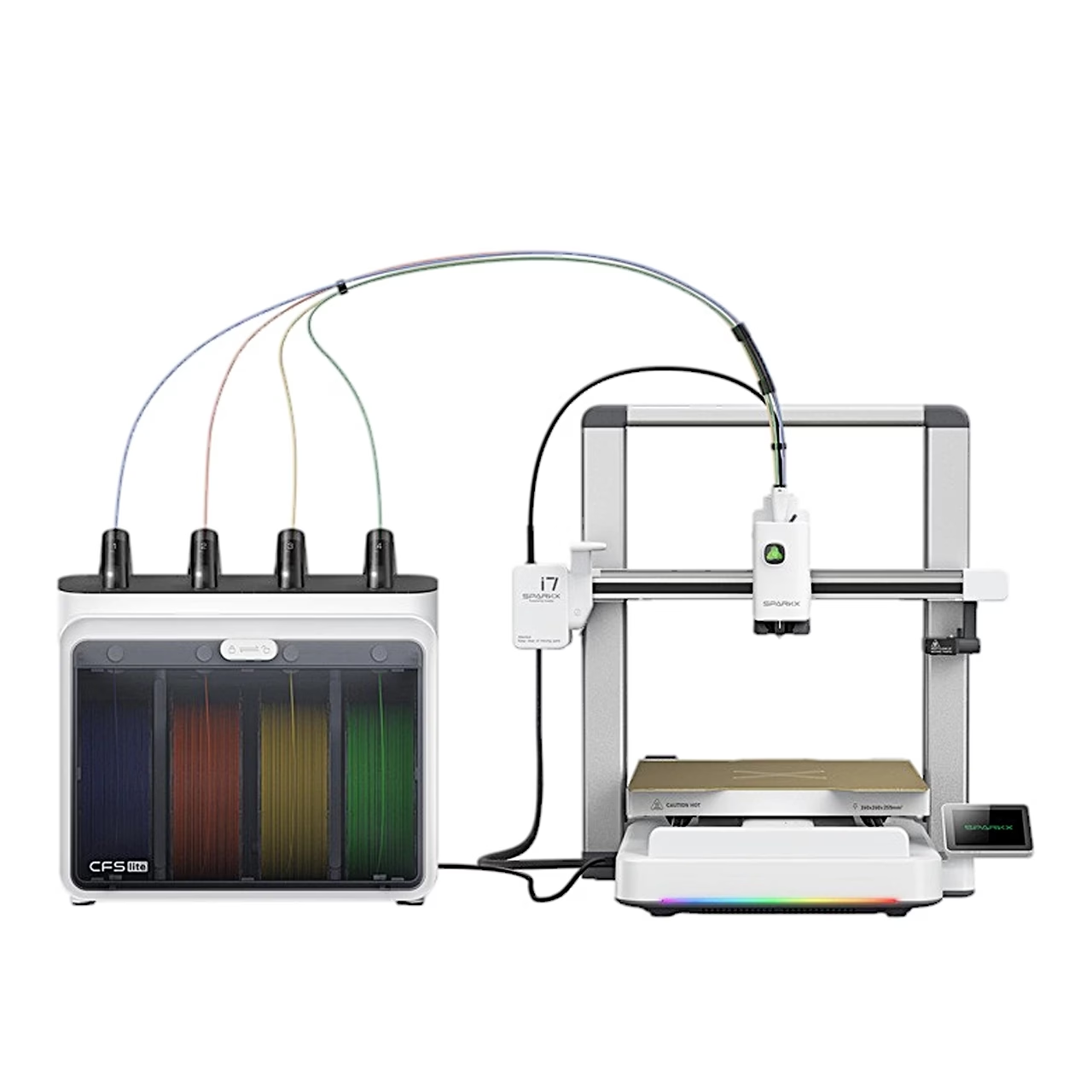
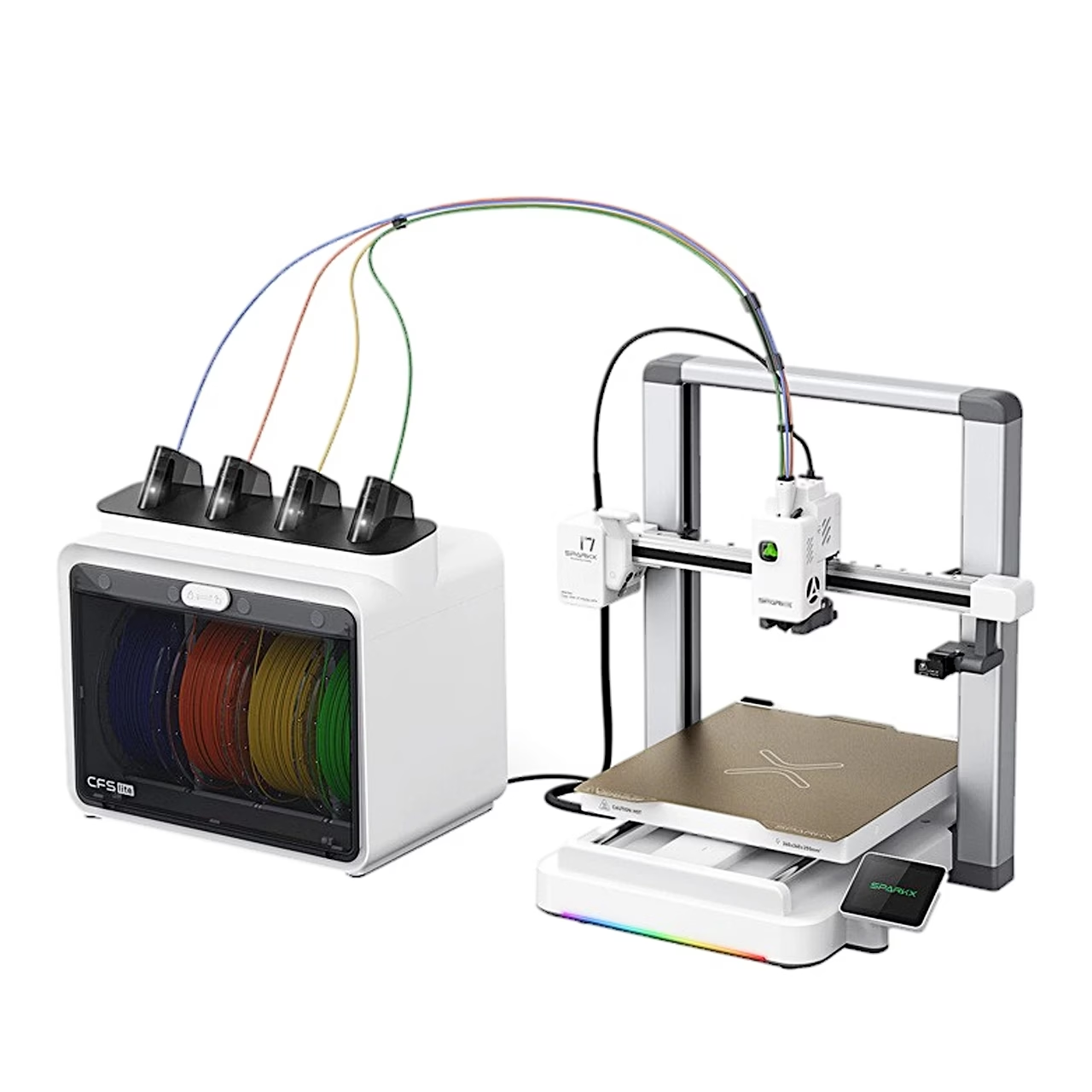
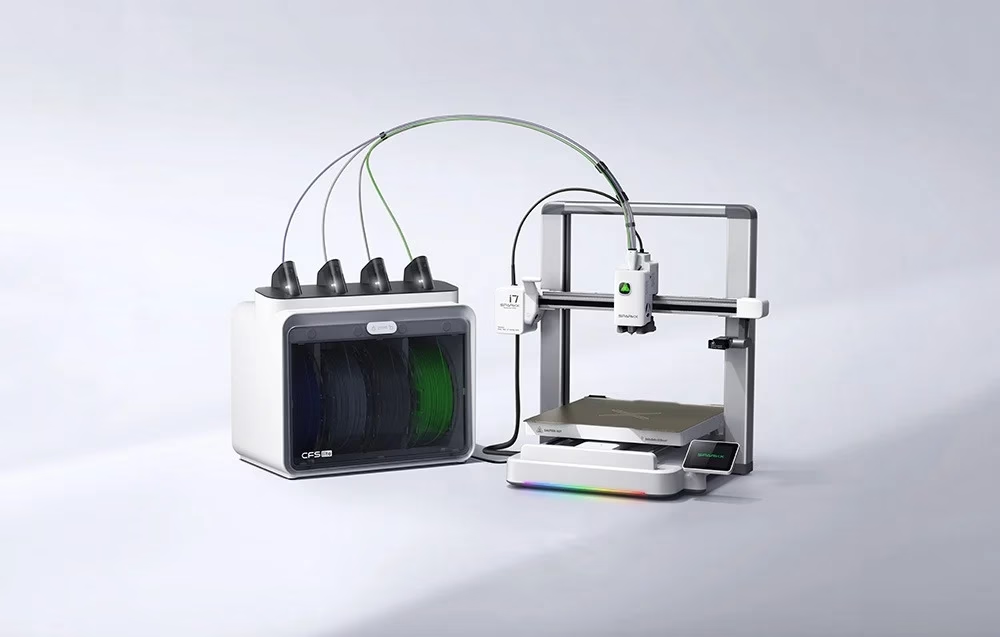
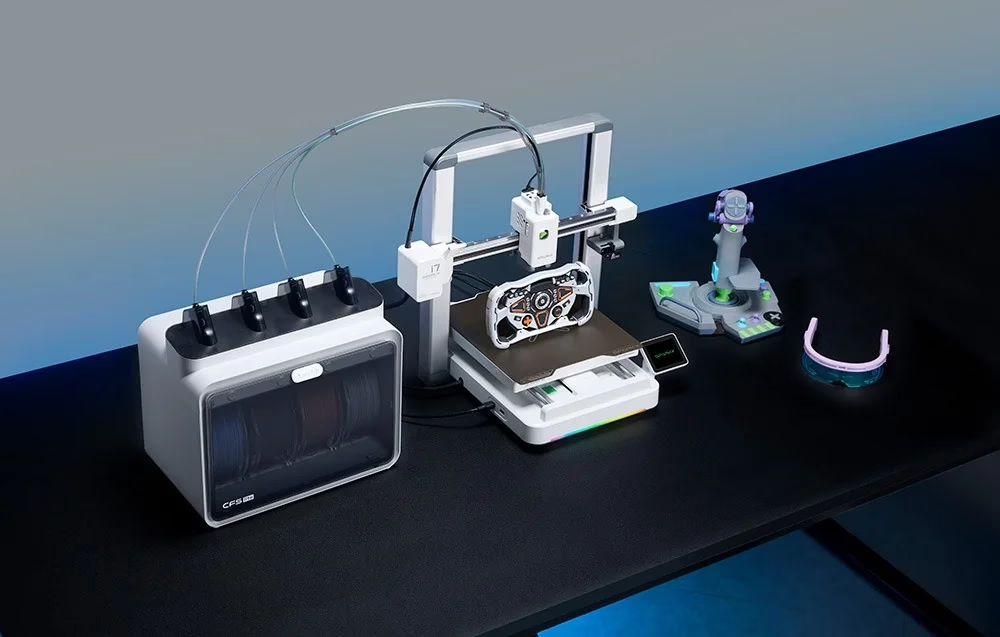
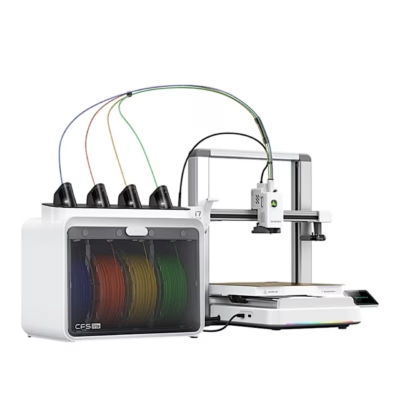
Multi-colour 3D printer with CFS Lite module for four filaments
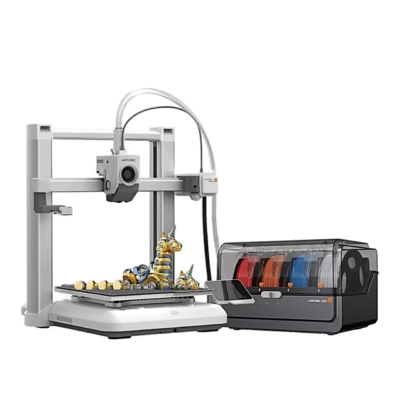
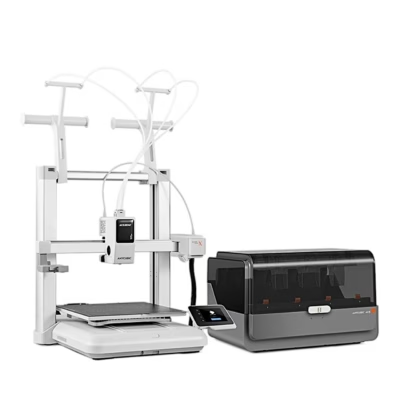
The multi-colour 3D printer Creality SparkX i7 Combo uses FDM technology: it melts 1.75 mm filament and lays it down layer by layer, with a build volume of 260 × 260 × 255 mm. The CFS Lite module in the set holds four filament spools at once and prints multi-colour models without changing the filament by hand.
Speed and print accuracy
The printer reaches a maximum speed of 500 mm/s and acceleration of 10,000 mm/s², with an optimised print speed of 300 mm/s. Input Shaping and Pressure Advance stabilise the print head at high speed. Layer height can be set from 0.05 to 0.3 mm.
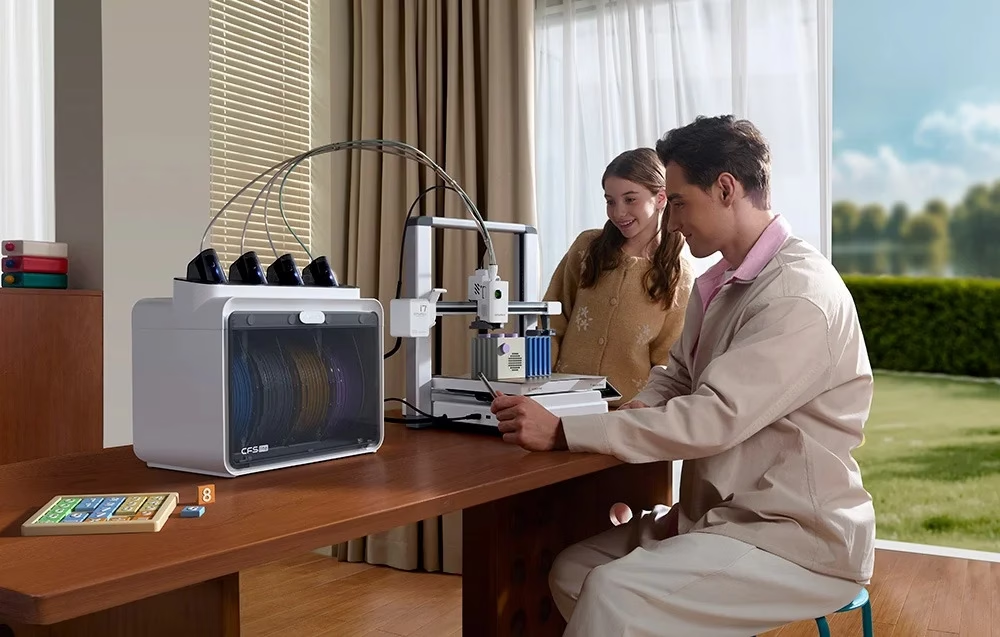
Automatic levelling and control
The print bed is levelled automatically without manual calibration. The printer is controlled from a 2.85-inch IPS touchscreen, and files reach it over Wi-Fi or from a USB stick in G-code or 3MF format. Models are prepared in Creality Print 6.3 or newer, and the printer can be linked to a Creality Cloud app account.
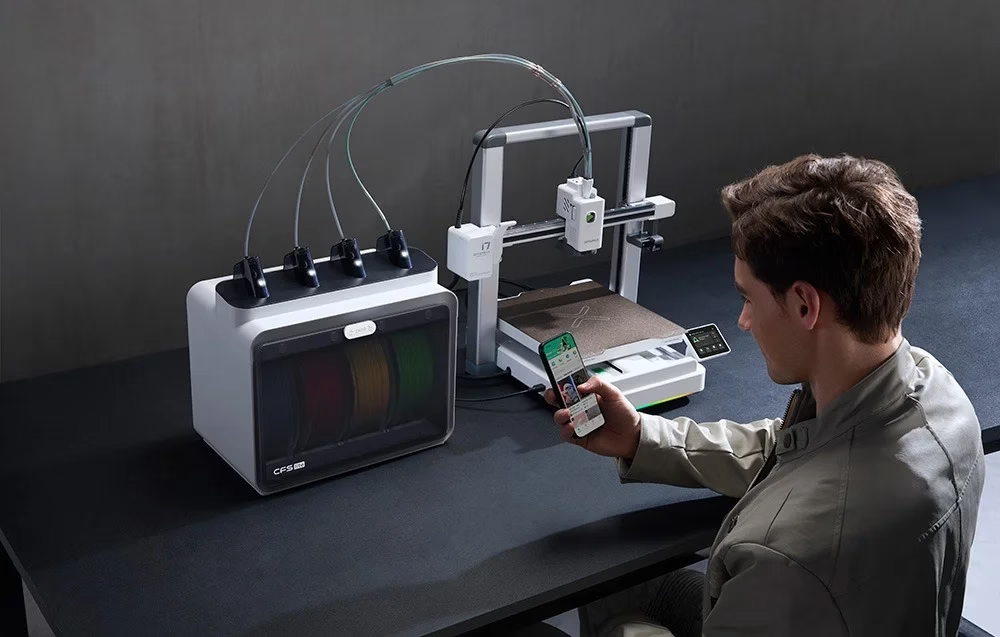
AI camera and print monitoring
The 720p AI camera with LED lighting detects spaghetti failures, where filament piles up in loose strands, as well as air printing and the position of the build plate. Sensors detect filament run-out and tangles, and printing can resume after new filament is loaded. After a power cut the printer resumes from where it stopped.
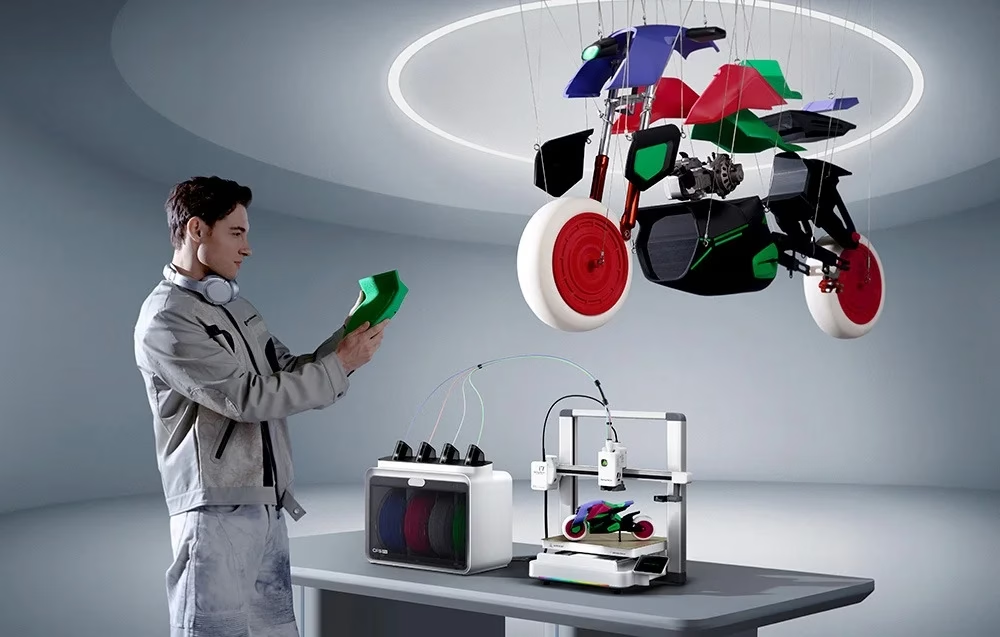
Nozzles, temperatures and filaments
The direct drive extruder’s nozzle and heater block swap without tools. The printer has a 0.4 mm nozzle and also takes 0.2 mm, 0.6 mm and 0.8 mm nozzles. The nozzle heats up to 300 °C and the bed up to 100 °C; the build plate is a double-sided gold textured PEI plate. The printer works with PLA, PLA-Silk, PETG, PLA-CF and TPU filament.
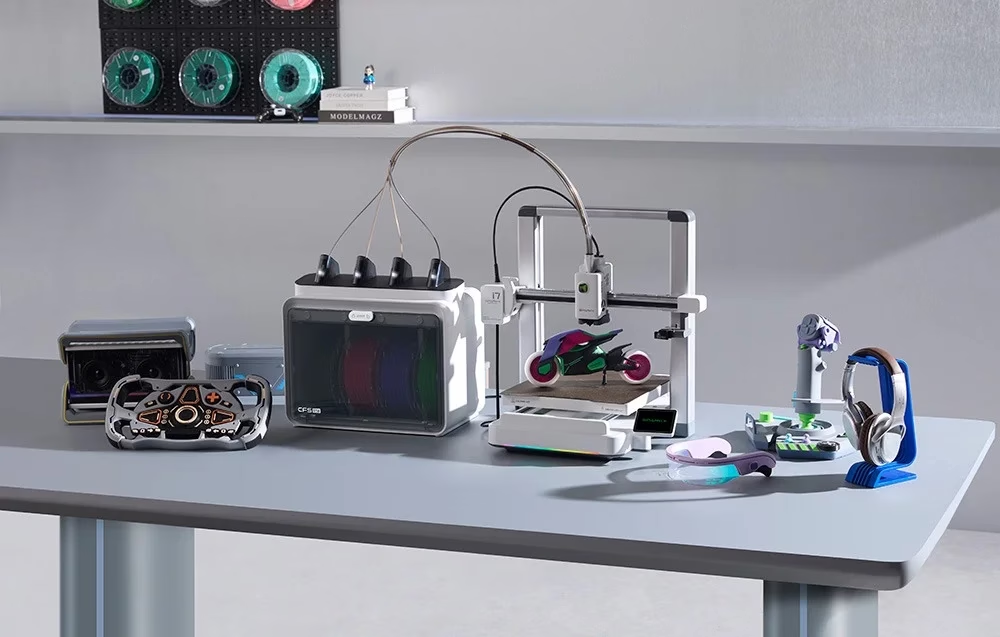
CFS Lite module and automatic filament feed
The CFS Lite module has four filament slots, each with its own feed motor. It recognises Creality RFID filament automatically and continues from the next spool when one runs out. Desiccant keeps the filament dry, and the module is powered from the printer through the RS-485 port.
Assembly and first start
The printer ships in two parts: the base is pushed through the frame until it clicks into place and is fixed with screws using the supplied hex keys. The signal cables are then connected under the mainboard cover, the X-axis transport lock is removed and the print plate is placed on the bed. Leave at least 200 mm behind and 120 mm in front of the printer for the moving bed. After connecting to Wi-Fi and linking a Creality Cloud account, the printer runs a self-check following the on-screen steps.
In the box
- 3D printer Creality SparkX i7 Combo, 1 pc
- CFS Lite filament module, 1 pc
- Print plate, 1 pc
- Spool holder, 1 pc
- Power cable, 1 pc
- PTFE tube, 1 pc
- Filament sample, 1 pc
- Hex keys H2.0 and H2.5, 2 pcs
- Model scraper, 1 pc
- Screws M3×8, 4 pcs
- Base fixing screws, 10 pcs





































Reviews
There are no reviews yet.