

Description
4G router with two SIM slots and automatic failover
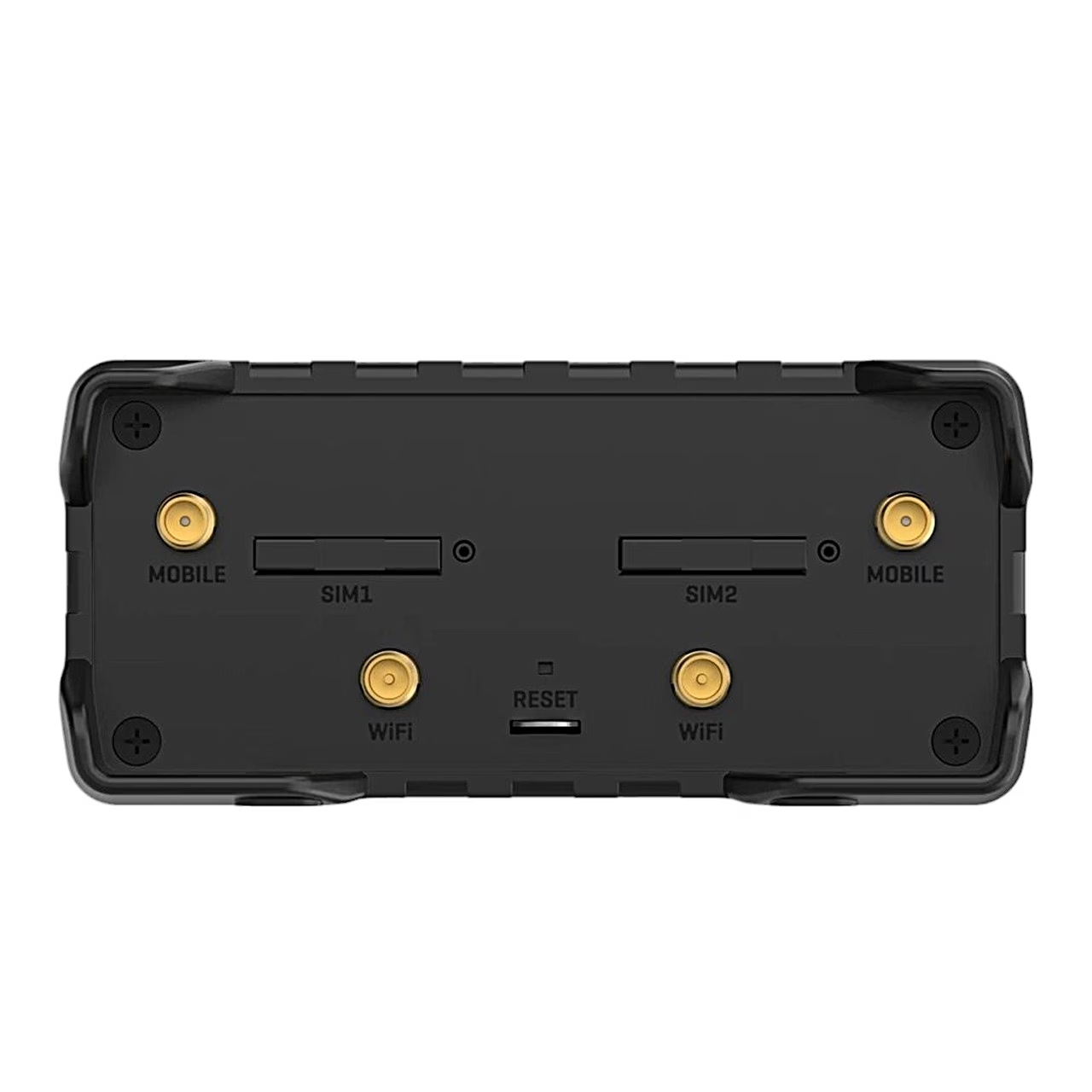
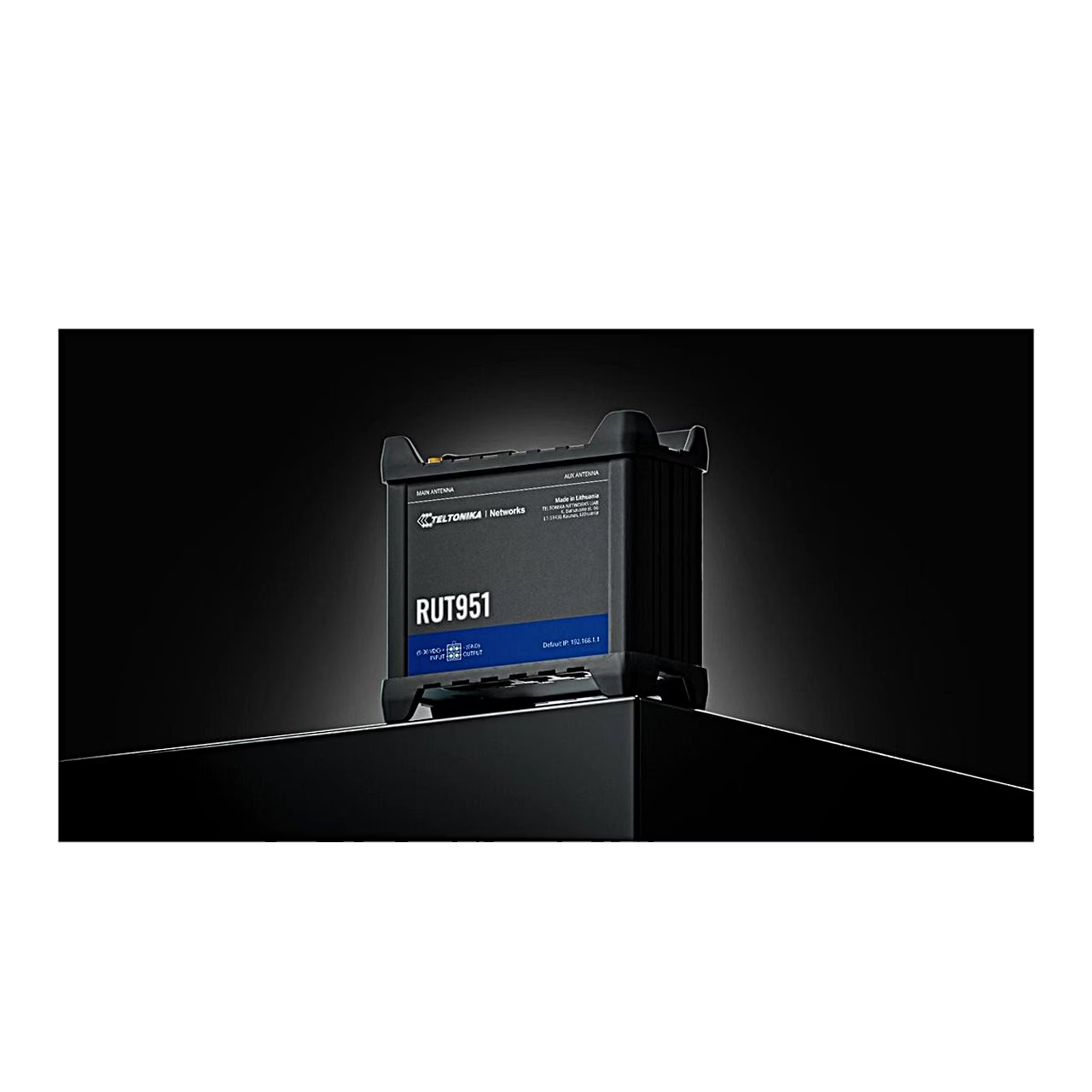
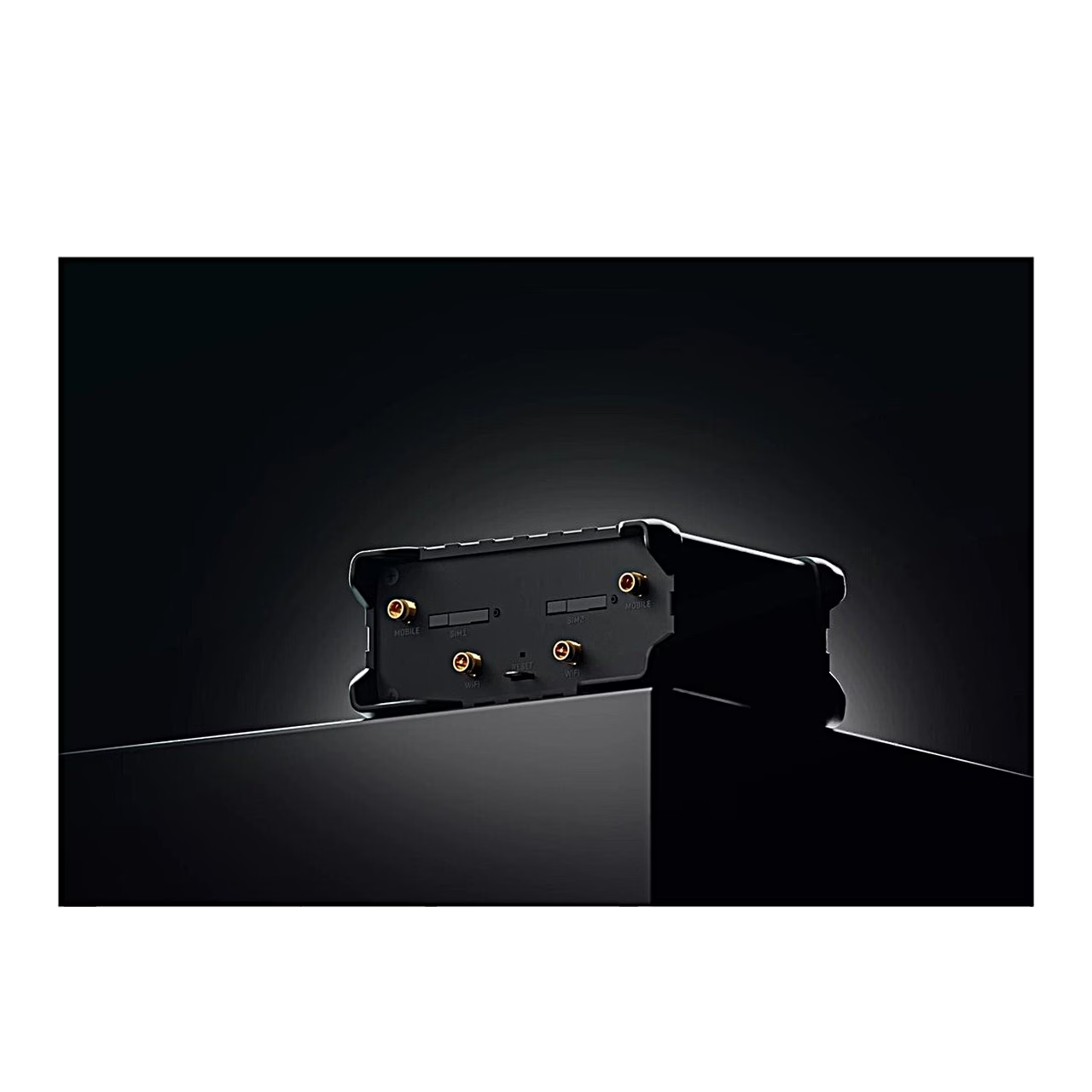
The Teltonika RUT951 connects to the mobile network through an LTE Cat 4 modem with downloads of up to 150 Mbit/s, and up to 42 Mbit/s on 3G. Supported bands are 4G B1, B3, B7, B8, B20 and B28A, 3G B1 and B8, and 2G B3 and B8. The router has two Mini SIM (2FF) slots, and the active SIM switches automatically on weak signal, a reached data limit, roaming or loss of network. A separate data limit can be set for each SIM card.
Wi-Fi access point and Ethernet ports
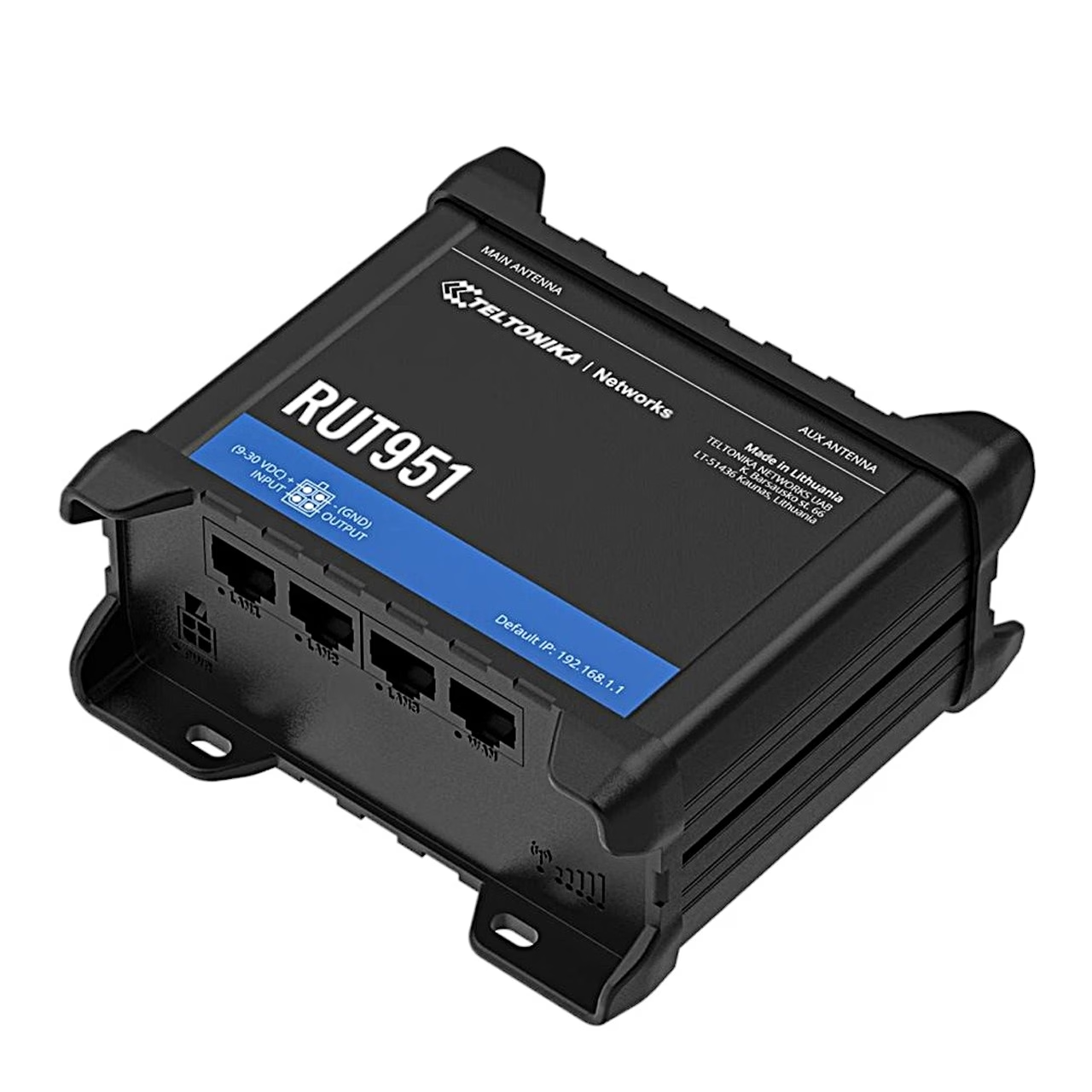
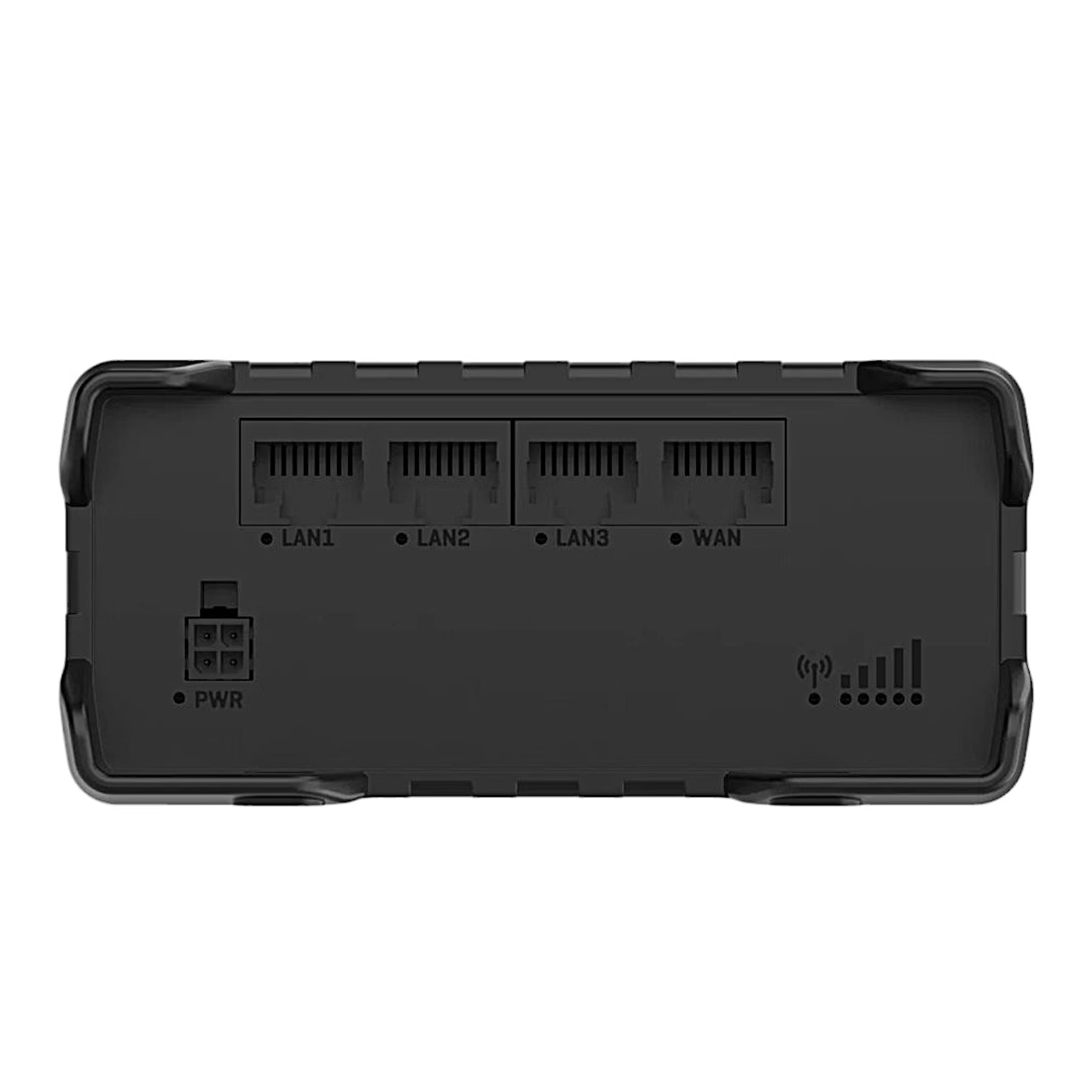
The Wi-Fi 4 (IEEE 802.11b/g/n) access point works in the 2.4 GHz band and accepts up to 100 simultaneous connections. For a hotspot network the router has a customisable landing page and an internal or external RADIUS server. There are three LAN ports and one WAN port at 10/100 Mbit/s, and the WAN port can be configured as a LAN port. Mobile, wired WAN and Wi-Fi WAN back each other up with automatic failover, and traffic can be balanced across several connections.
RutOS, VPN and remote management
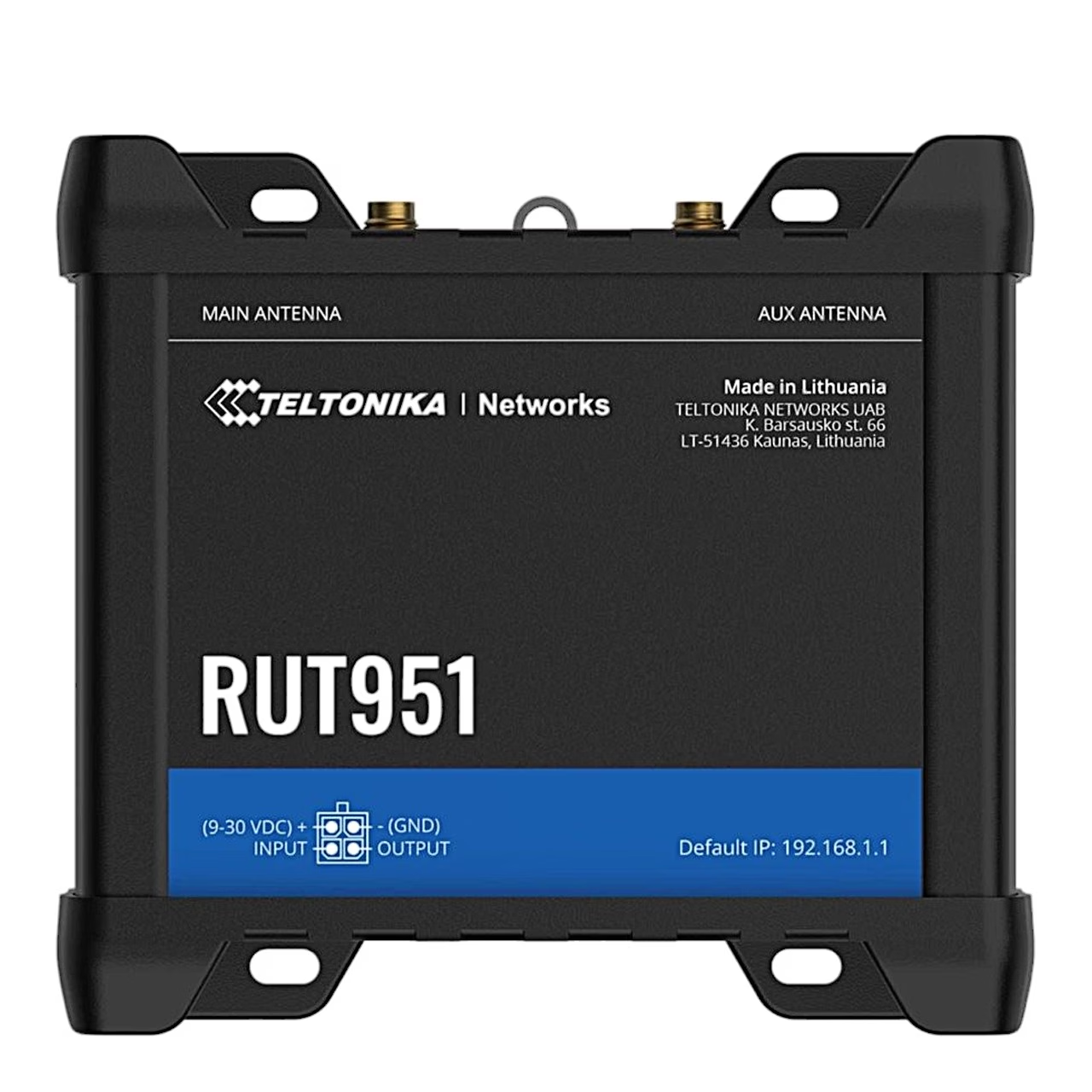
The RutOS operating system is based on OpenWrt, and the router is managed through the web interface or the Teltonika RMS remote management system. VPN options are OpenVPN, IPsec with up to four tunnels, WireGuard, ZeroTier, GRE, PPTP, L2TP and SSTP. For industrial equipment the router supports MODBUS TCP, MQTT and DNP3. The power connector carries one digital input and one digital output, whose events can be reported by SMS, e-mail or RMS.
Power and housing
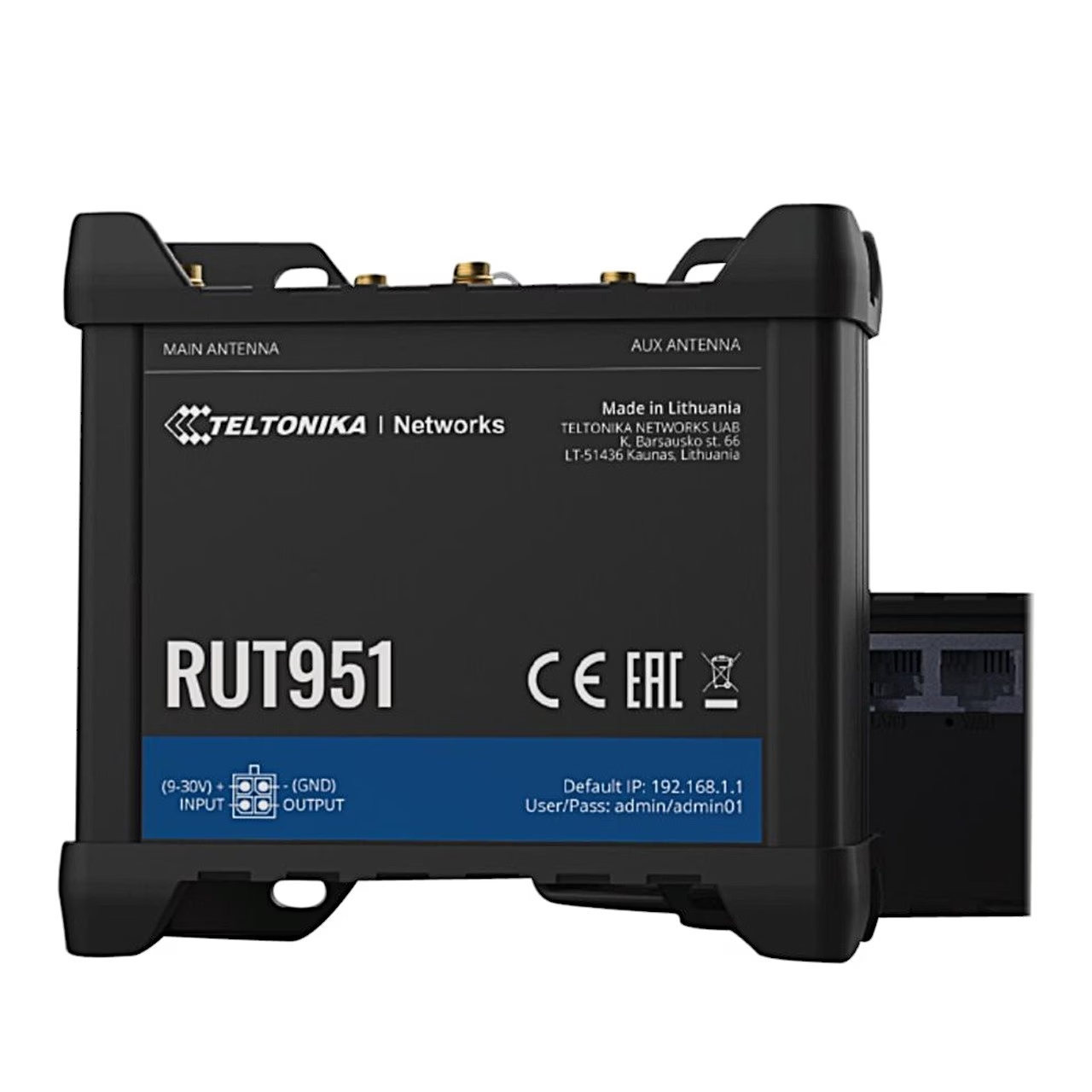
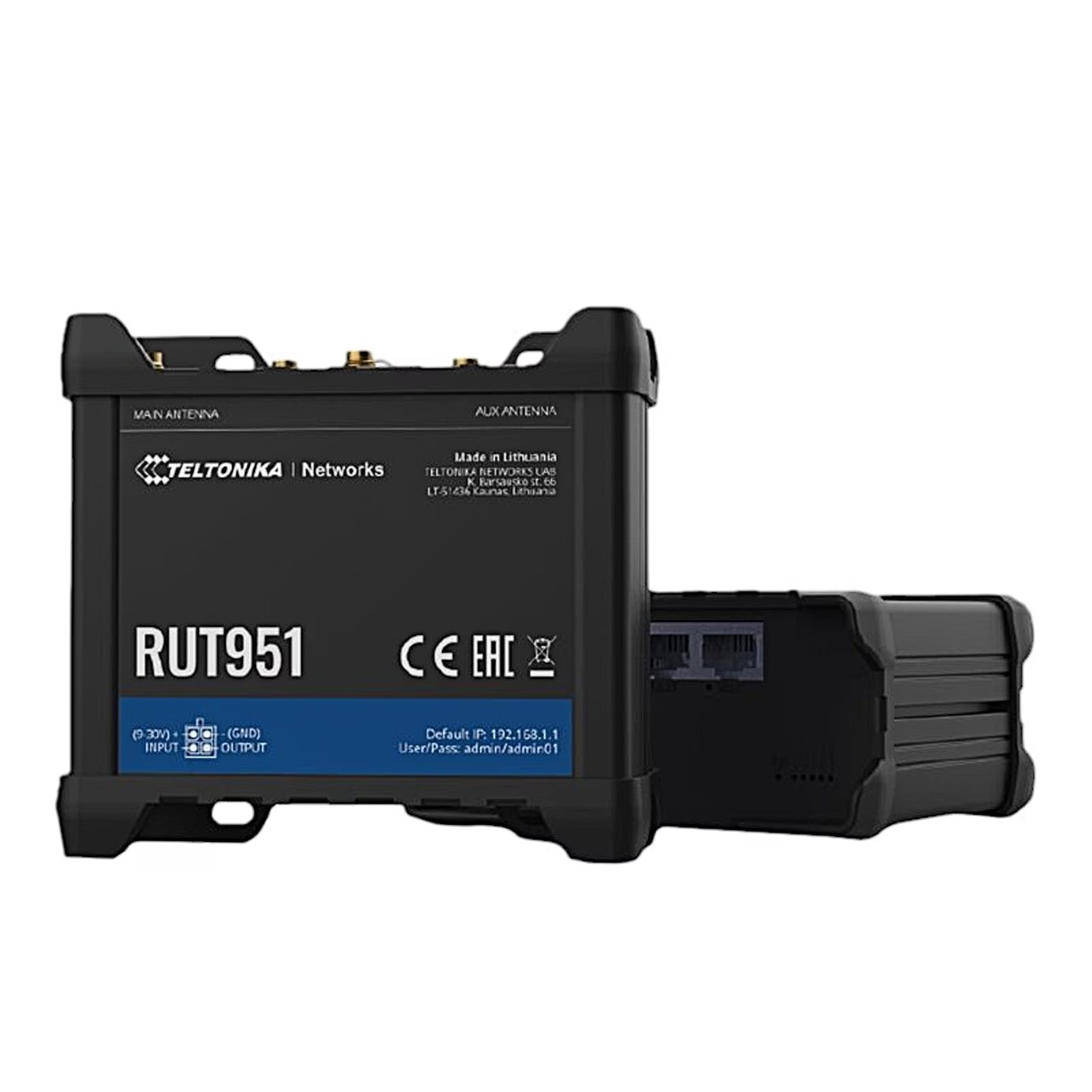
The router runs on 9–30 V DC with reverse polarity protection, and can also be powered by passive PoE through a LAN port. Power consumption is under 2 W at idle and under 7 W at maximum. The housing measures 110 × 50 × 100 mm, weighs 287 g and is rated IP30. The router can be mounted on a DIN rail or placed on a flat surface.
Installation
To fit a SIM card, press the holder button with the SIM needle, pull out the holder, place the SIM card in it and slide it back. Then attach the antennas and connect the power adapter to the socket on the front and to the mains. Connect to the router over Wi-Fi with the SSID and password on the device label, or with an Ethernet cable to a LAN port. To open the web interface go to 192.168.1.1; at first login set a new password of at least 8 characters, after which the configuration wizard starts.
In the box
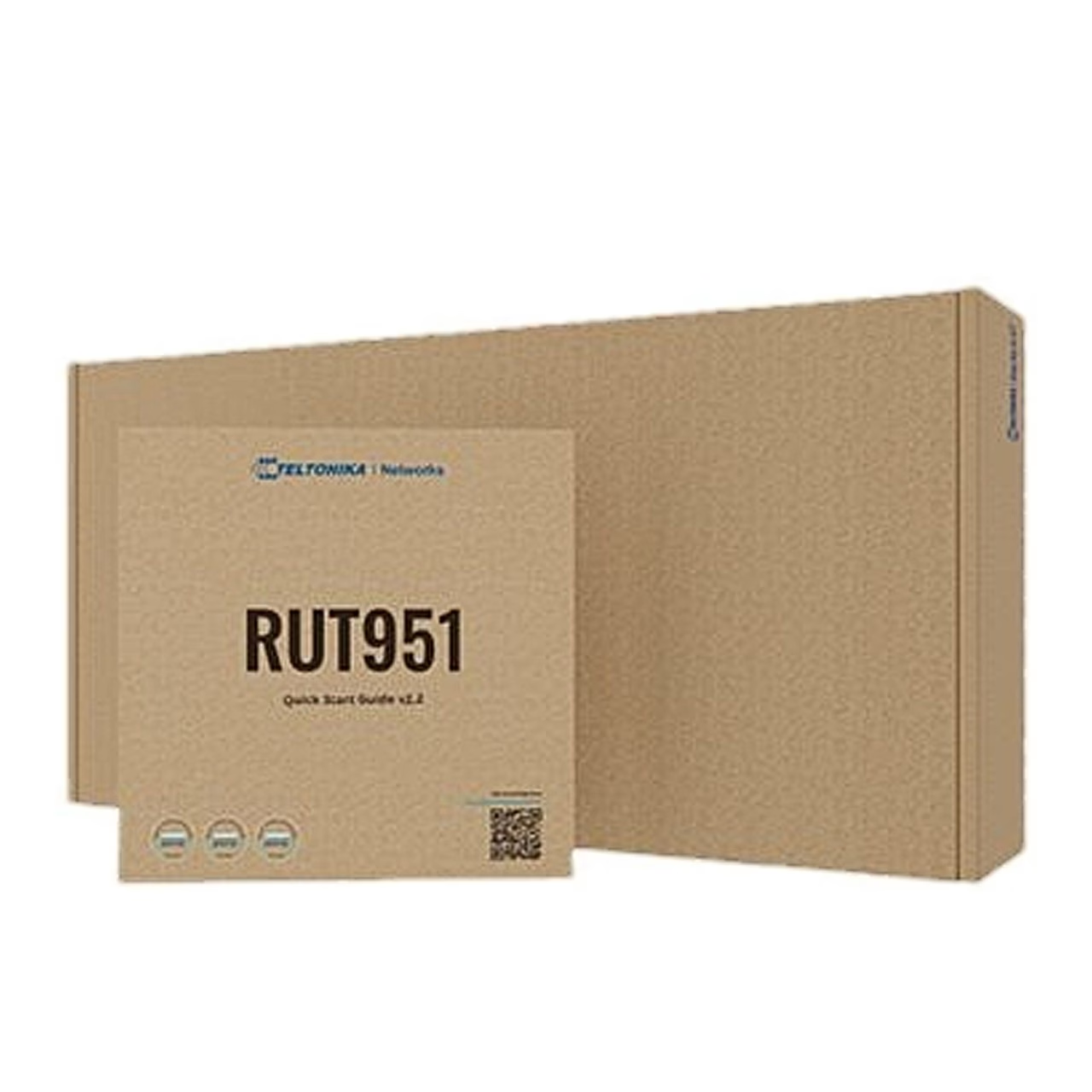
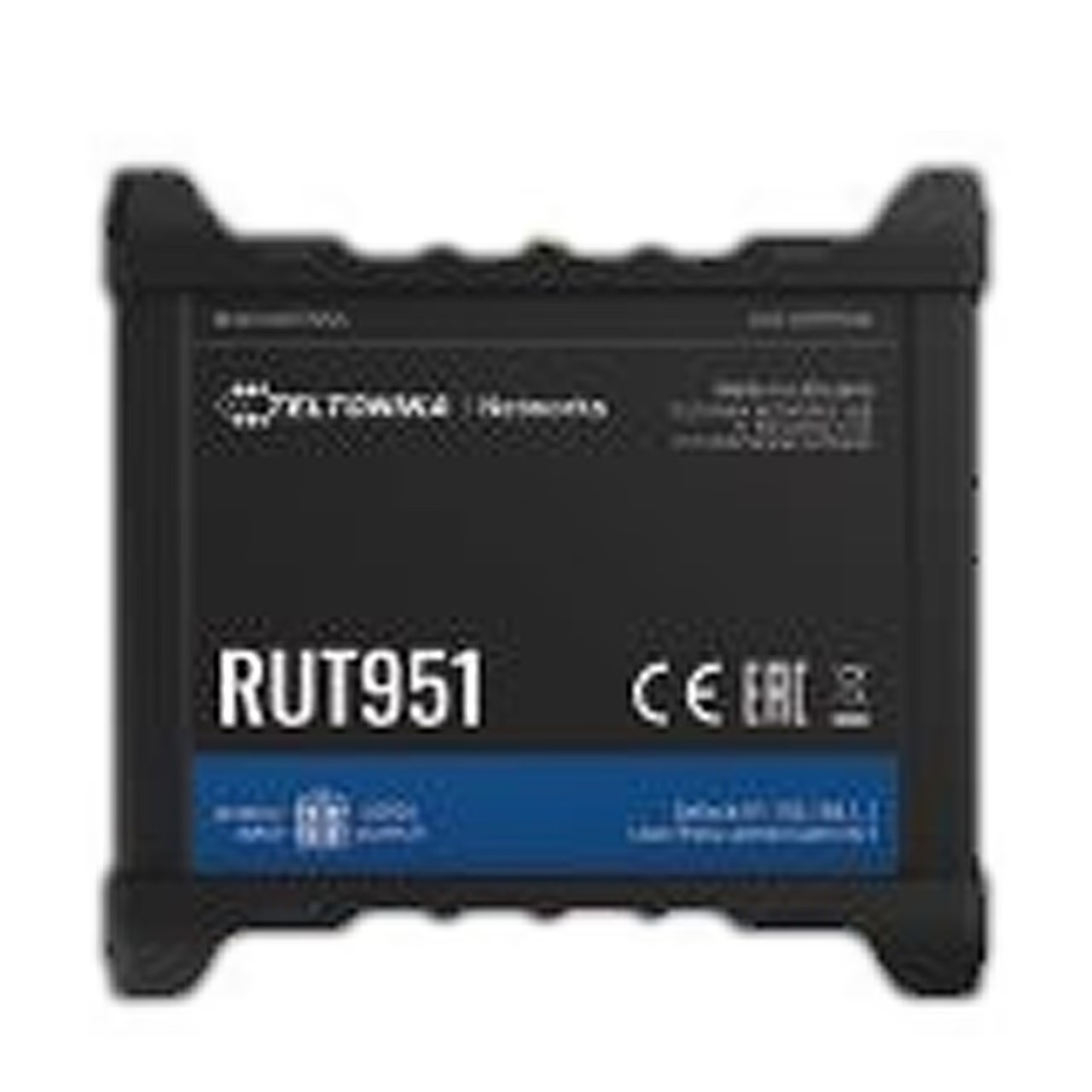
- 4G router Teltonika RUT951
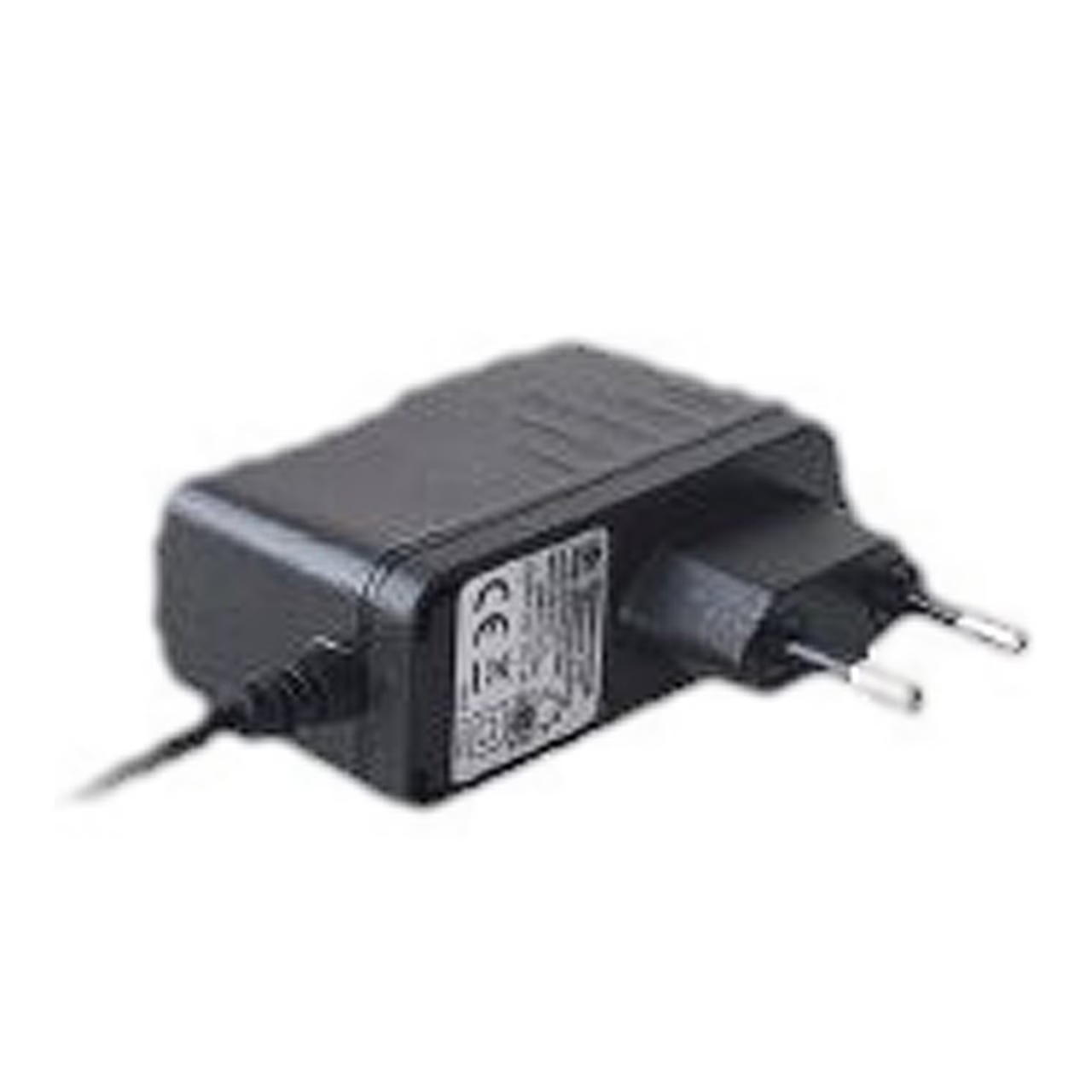
- 9 W power adapter
- 2 LTE antennas, swivel, SMA connector
- 2 Wi-Fi antennas, swivel, RP-SMA connector
- SIM adapter kit
- Ethernet cable, 1.5 m
- Quick start guide


















































Reviews
There are no reviews yet.