


Description
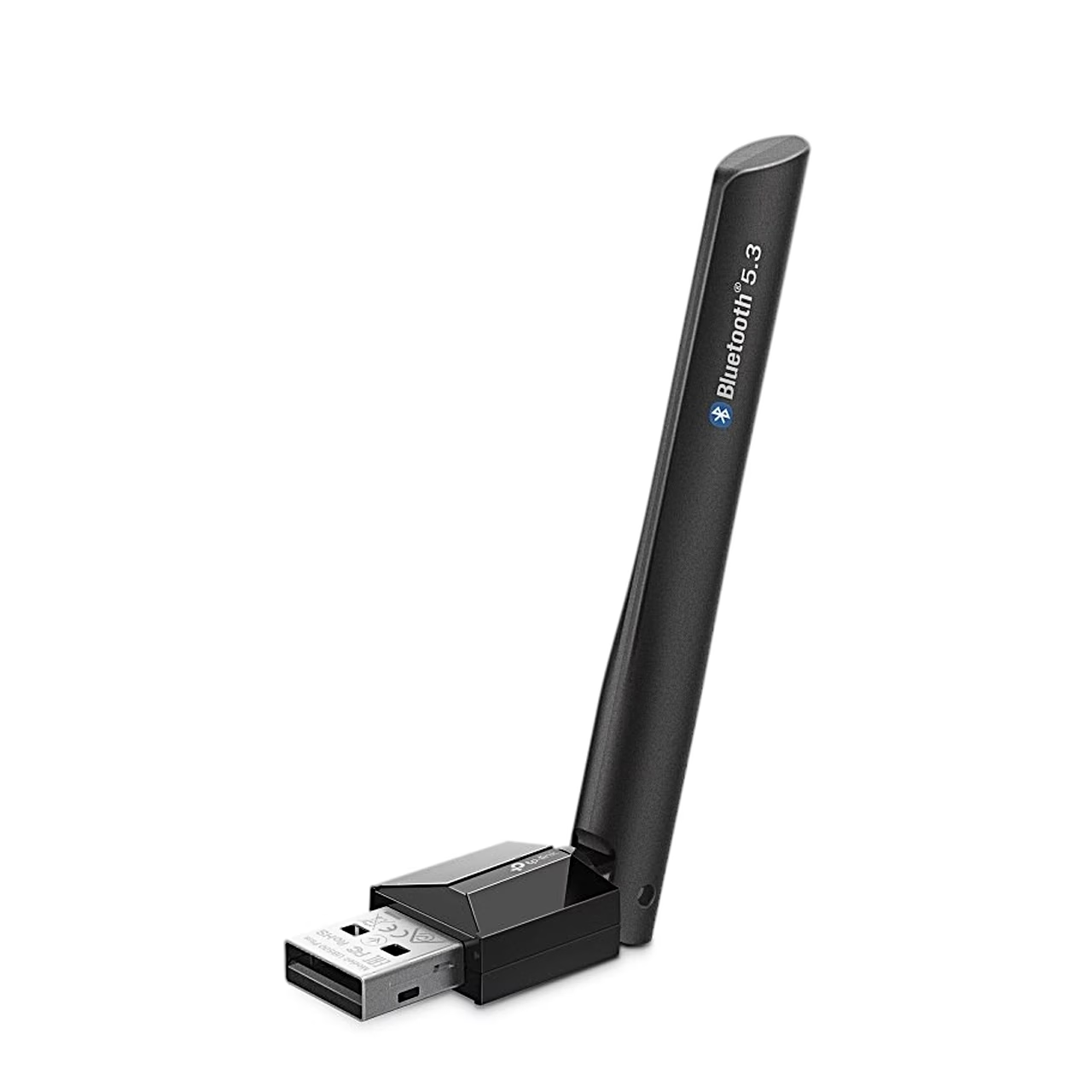
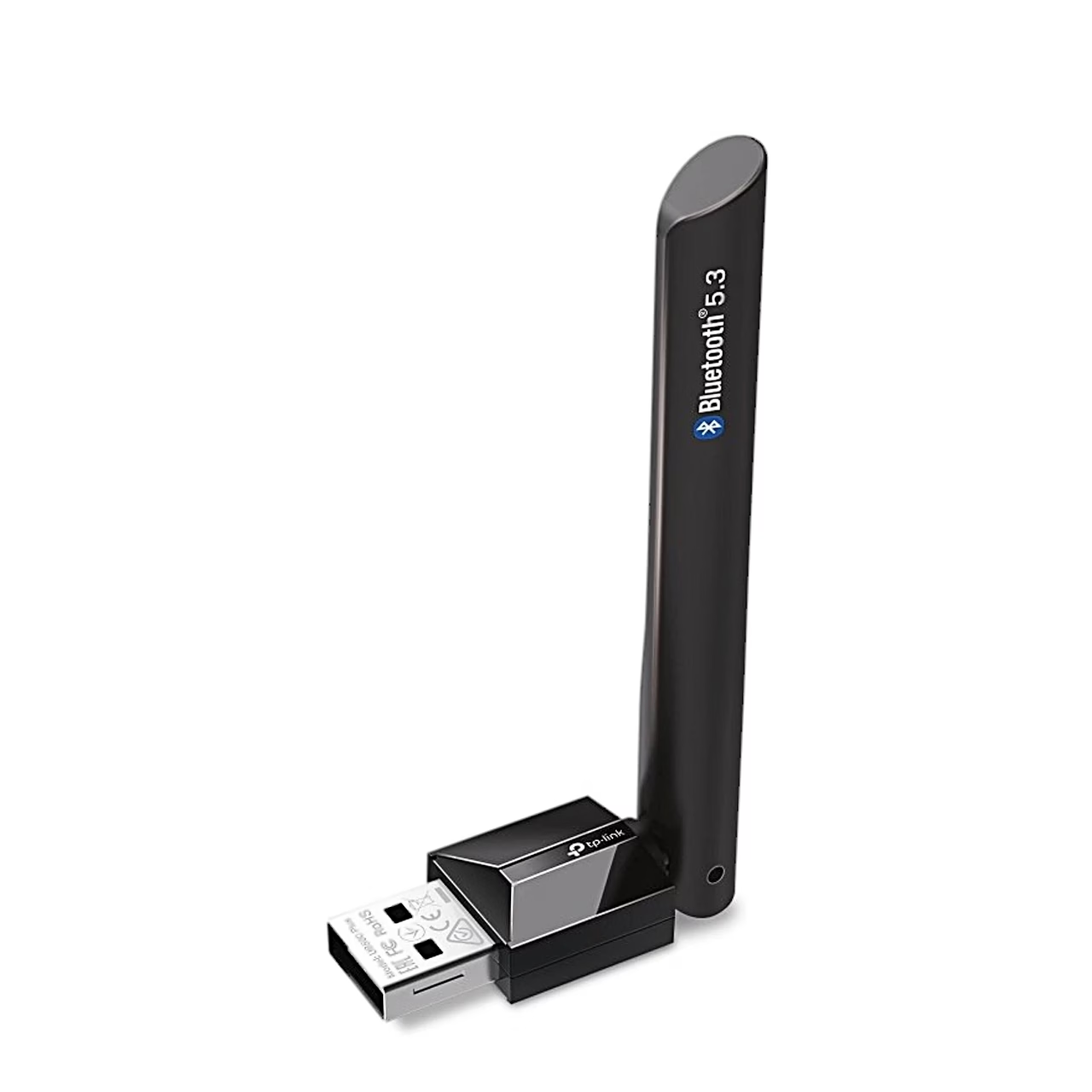
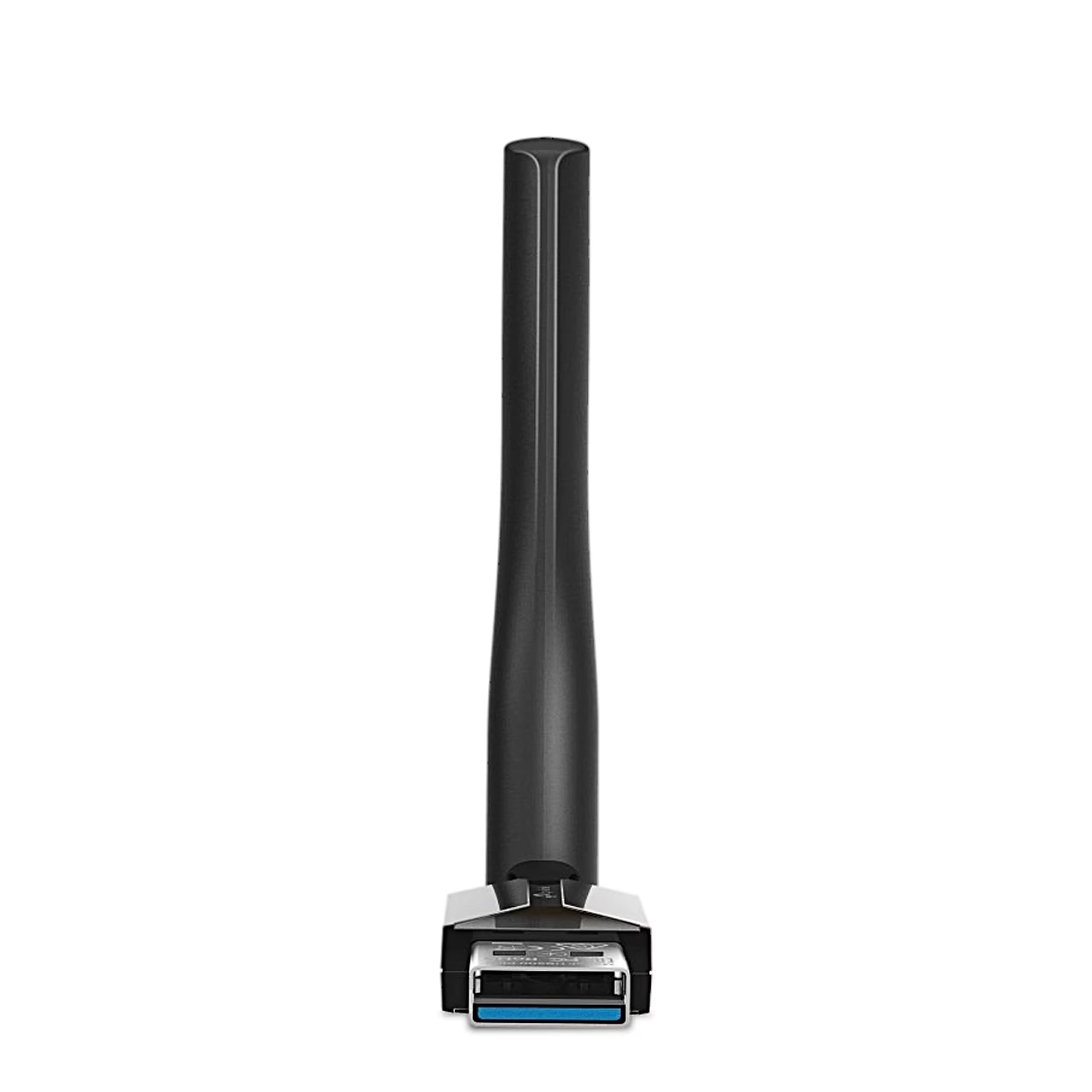
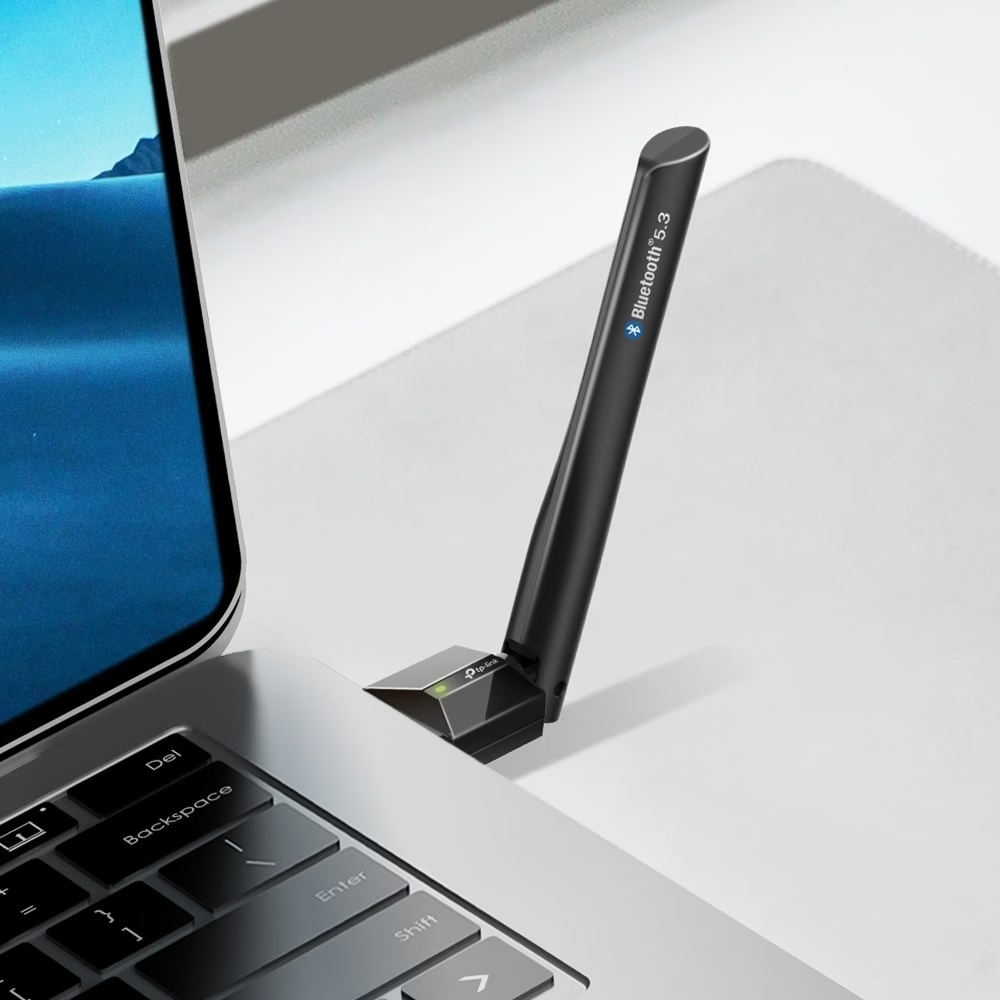
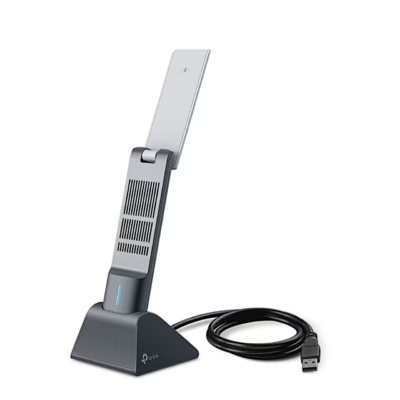
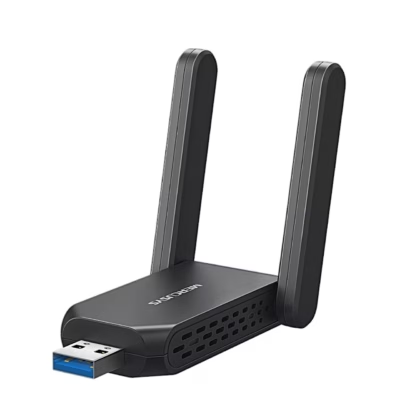
Bluetooth adapter for computers with an adjustable antenna
The Bluetooth 5.3 adapter connects printers, phones, headsets, speakers, keyboards and game controllers to your computer wirelessly. The adapter also works with Bluetooth 5.2, 5.0 and 4.0 devices and supports Bluetooth Low Energy. Once the driver is installed correctly, the adapter is listed in Windows Device Manager.
Installation and driver
Before use, disable all existing Bluetooth devices in Windows Device Manager, both built-in and third-party, and insert the adapter directly into a USB port on the computer. On Windows 11, 10 and 8.1 the driver installs automatically when the computer is connected to the internet. On other systems, download the driver from the TP-Link download centre, extract the file, run Setup.exe and restart the computer after installation. The driver can be removed from Start > All Programs > TP-Link or from Device Manager.
Pairing devices
On Windows 11 and 10, open the Start menu, type Bluetooth and select Add Bluetooth or other device; on Windows 7, open Devices and Printers and select Add Device. Select your device from the list and follow the on-screen instructions. If a pairing code is requested, enter the same code on both devices.
Compatibility
The adapter works with Windows 7, Windows 8.1, Windows 10 and Windows 11 computers. Devices with non-standard Bluetooth protocols, such as Logitech mice, may have compatibility issues.
In the box
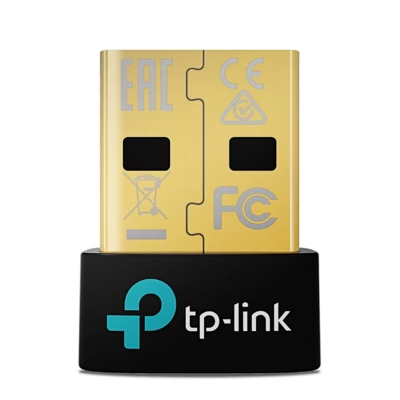
- Bluetooth adapter TP-Link UB500 Plus
- Quick installation guide

















































Reviews
There are no reviews yet.