

Description
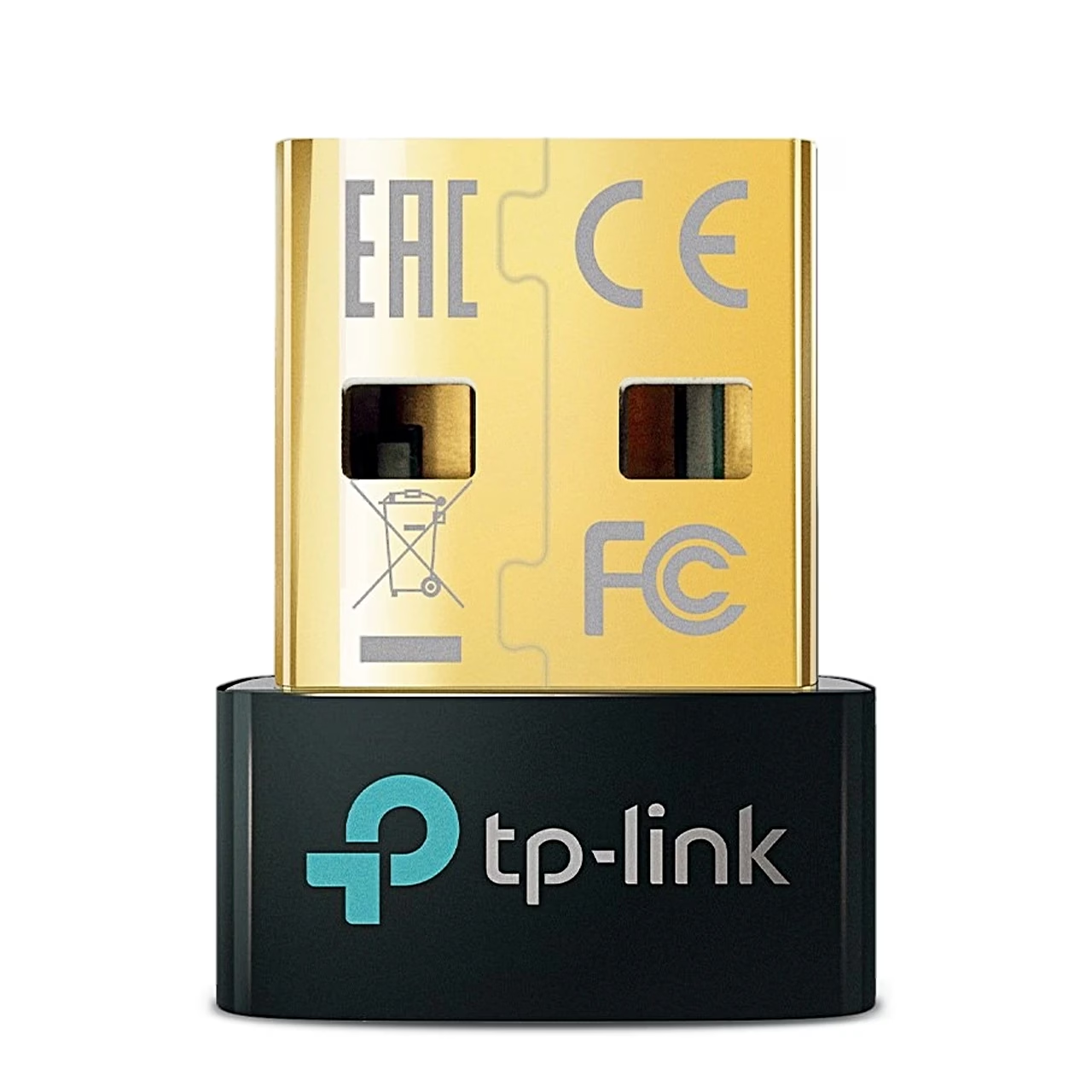
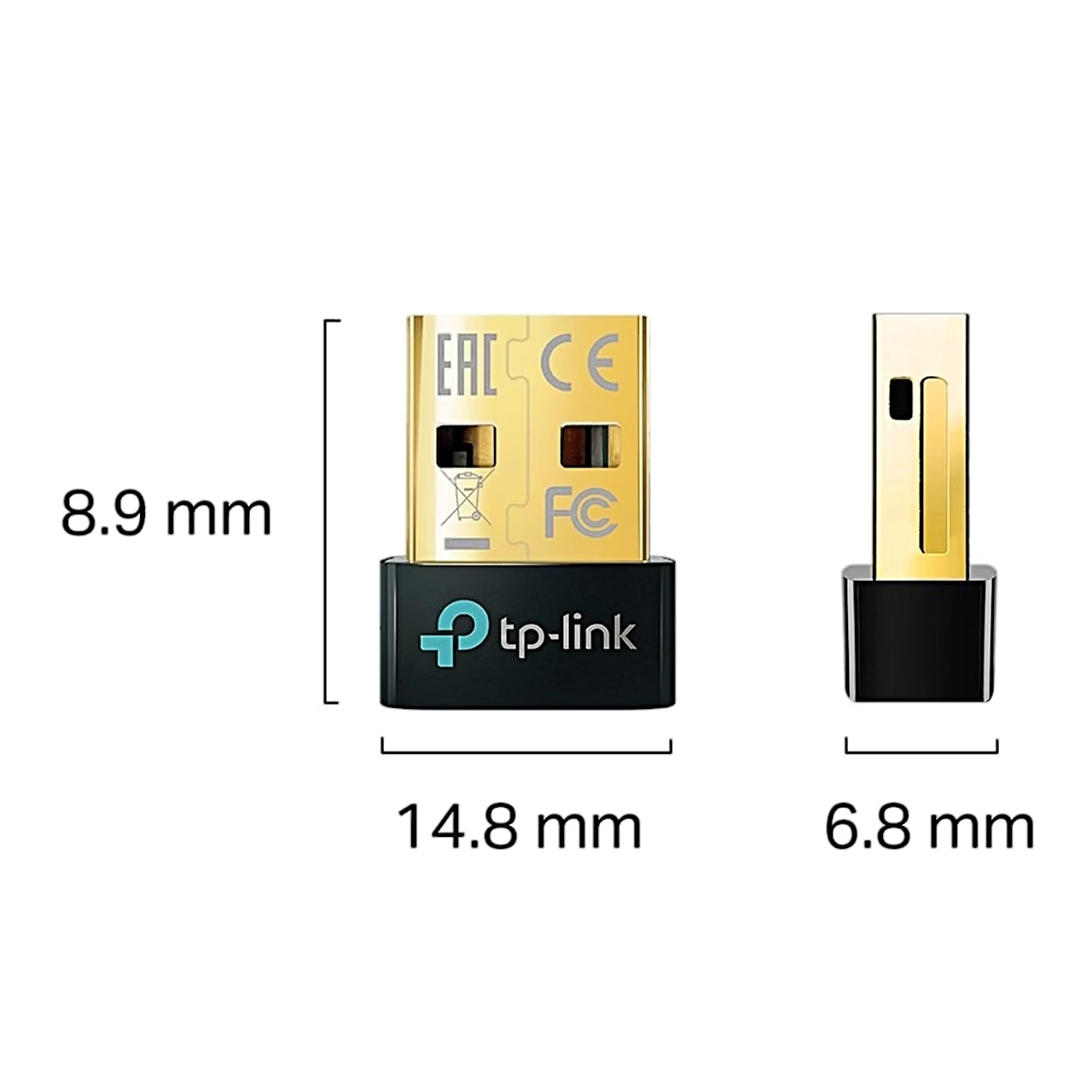
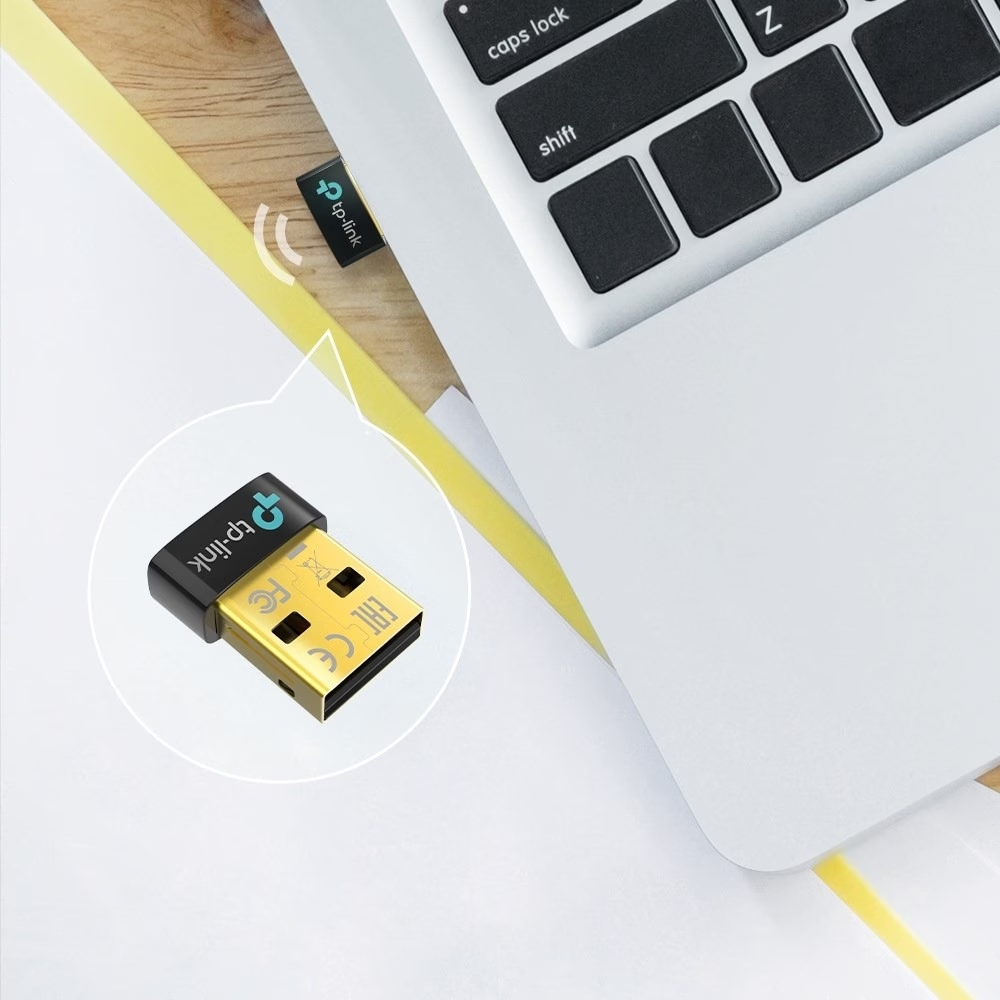
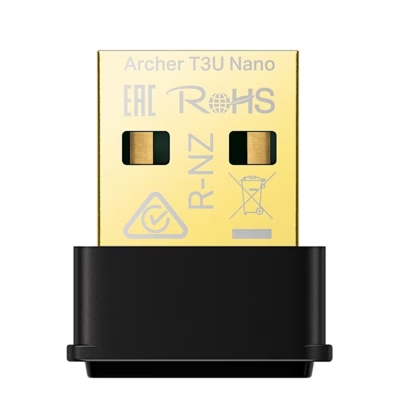
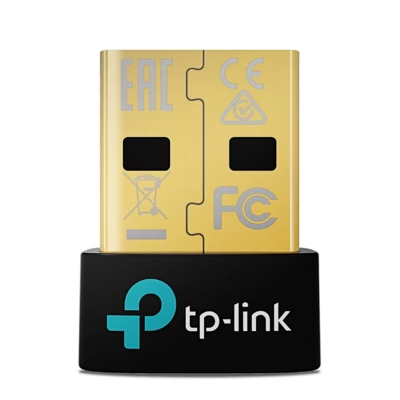
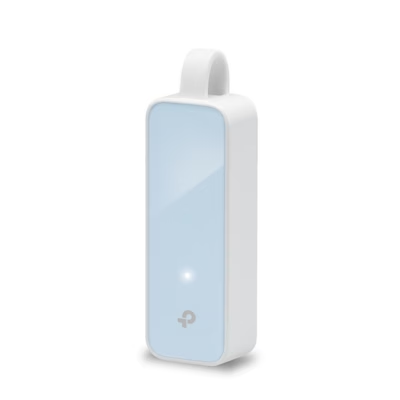
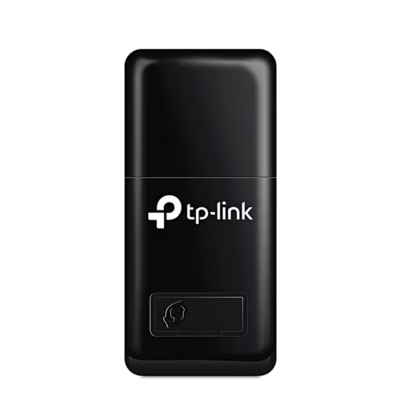
Bluetooth adapter for a computer’s USB-A port
The Bluetooth 5.0 adapter connects devices such as a mouse and headphones to your computer wirelessly. Once the driver is installed correctly, the adapter appears in Windows Device Manager as TP-Link Bluetooth 5.0 USB Adapter.
Installation and driver
Before installing, disable all existing Bluetooth devices in Windows Device Manager, both built-in and third-party. Then insert the adapter directly into a USB port on the computer. On Windows 10 and 8.1 the driver installs automatically when the computer is connected to the internet. Otherwise, download the driver from the TP-Link download centre, extract the file, run setup.exe and restart the computer after installation.
Pairing Bluetooth devices
To pair, right-click the Bluetooth icon on the taskbar and select Add a Bluetooth Device or Add a Device. Select your device from the list and follow the on-screen instructions. The Bluetooth of the device being paired must be switched on and discoverable.
Compatibility
The adapter works with Windows 7, Windows 8.1 and Windows 10 computers, including 64-bit versions. Devices with non-standard Bluetooth protocols, such as Logitech mice, may have compatibility issues.
In the box
- Bluetooth adapter TP-Link UB500
- Quick installation guide
















































Reviews
There are no reviews yet.