

Description
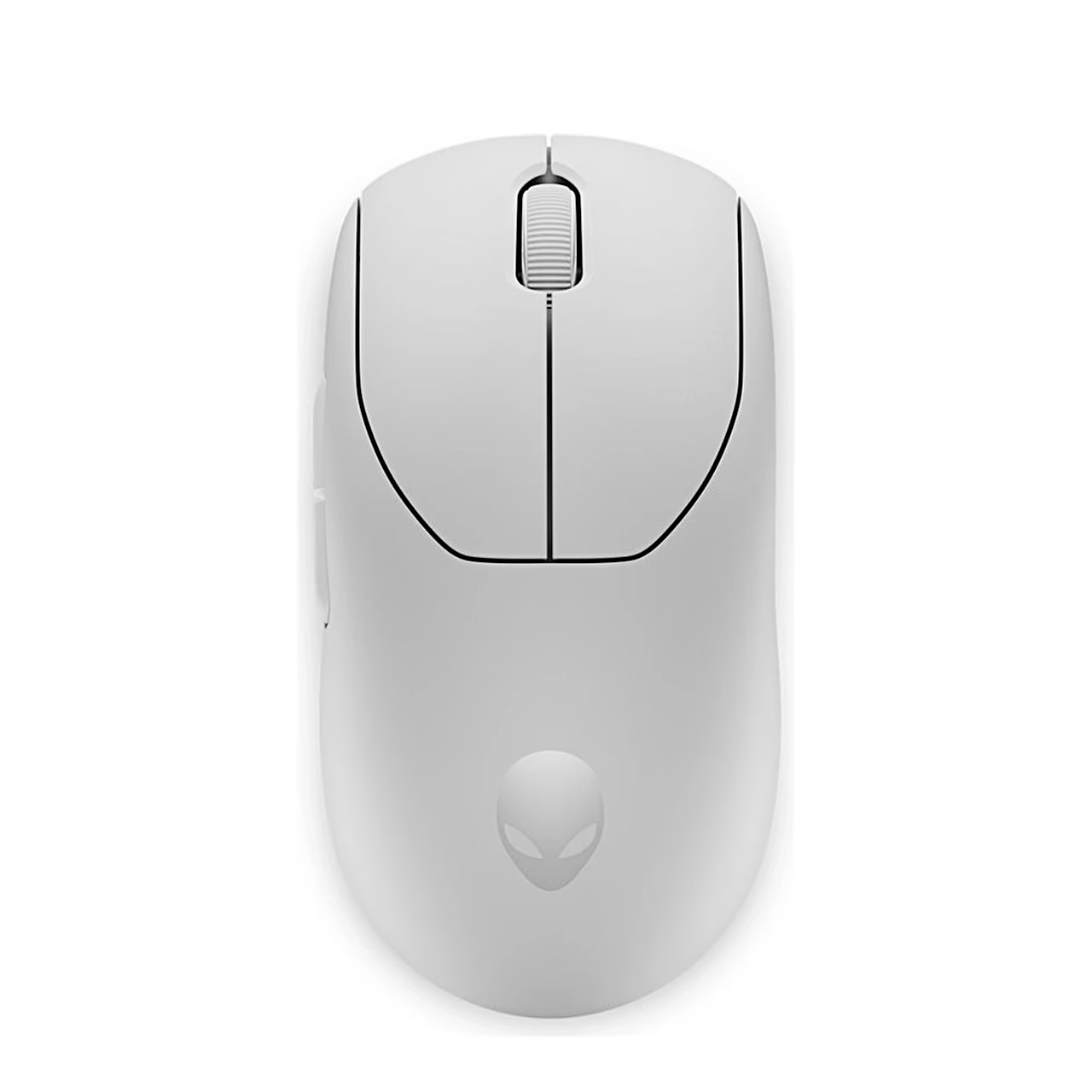
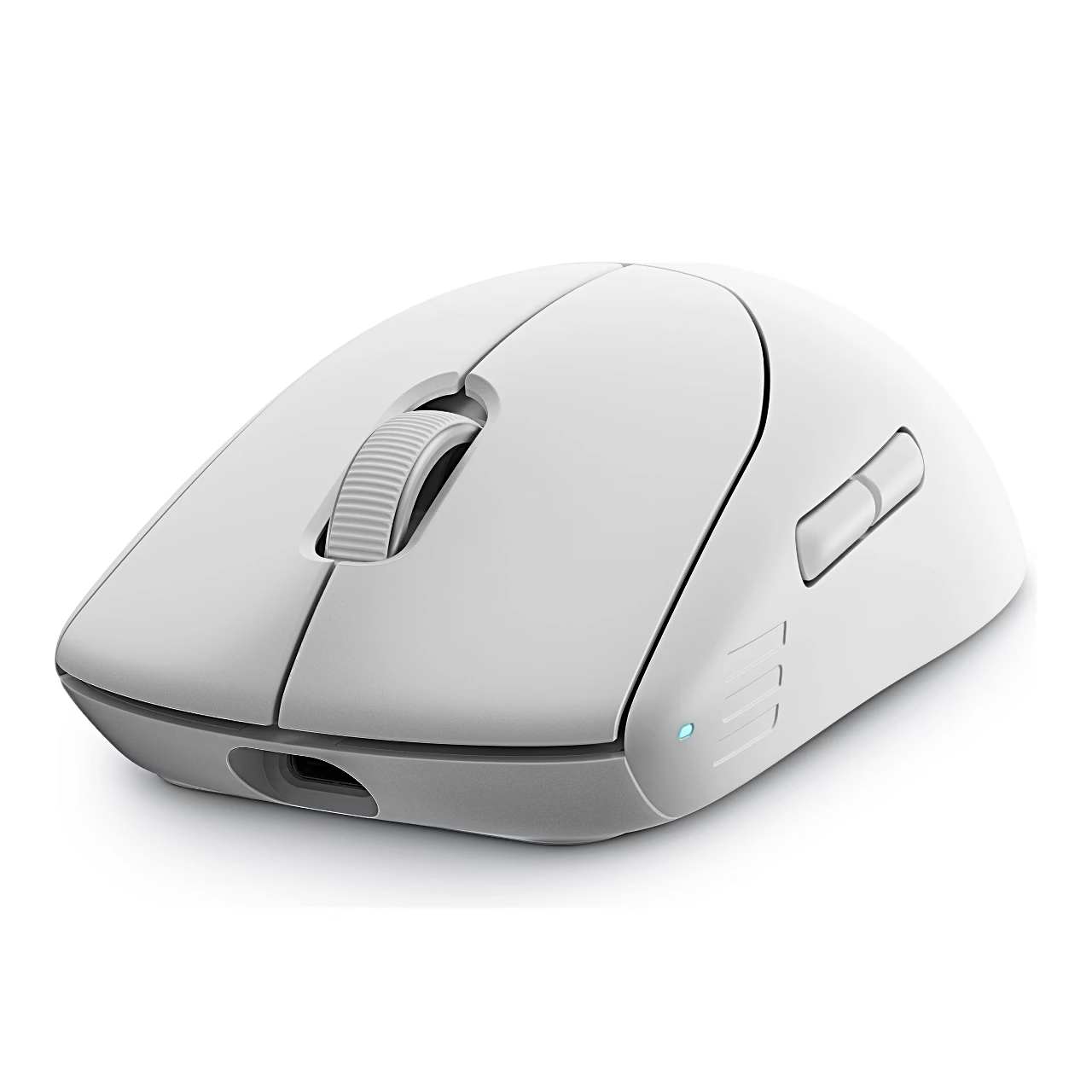
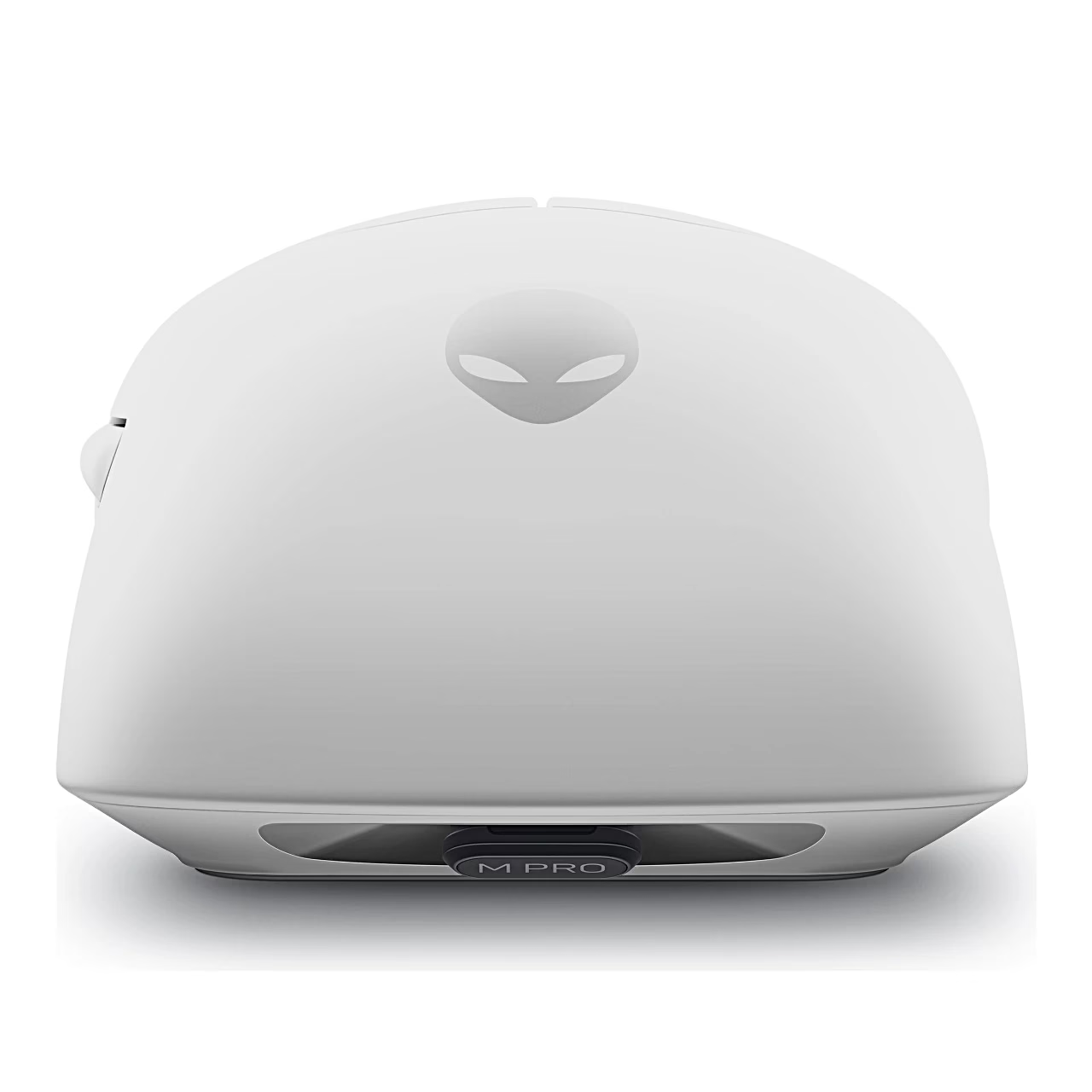
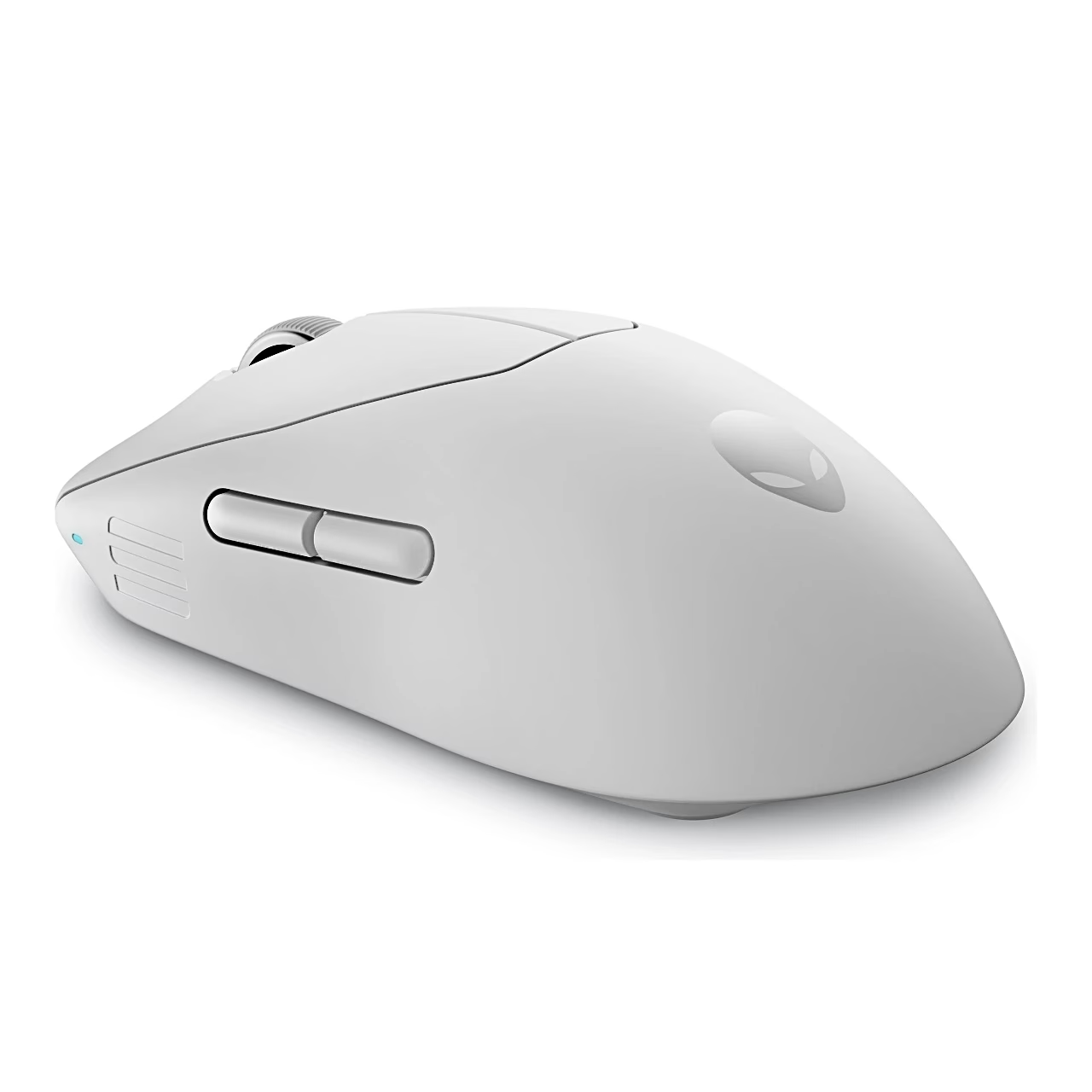
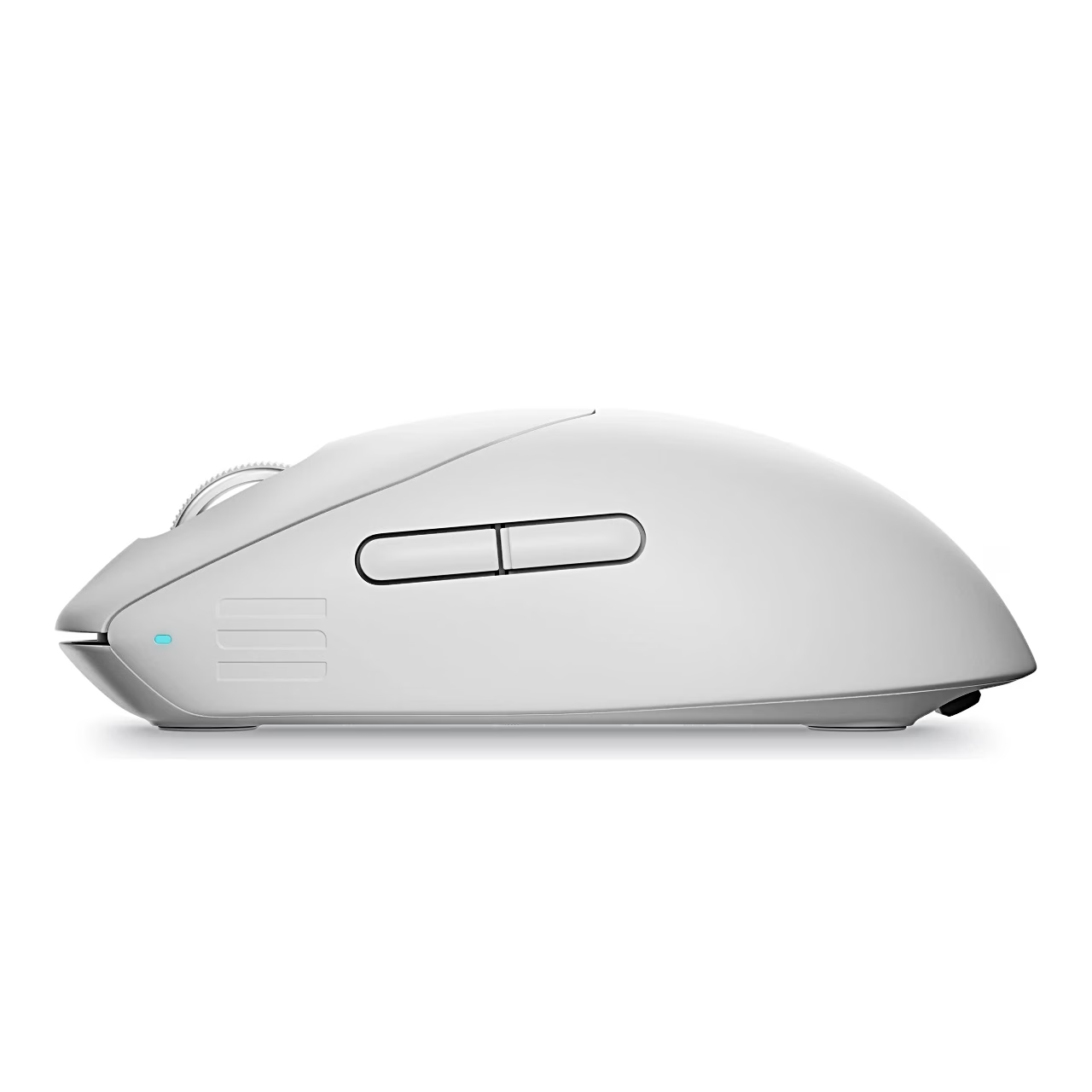
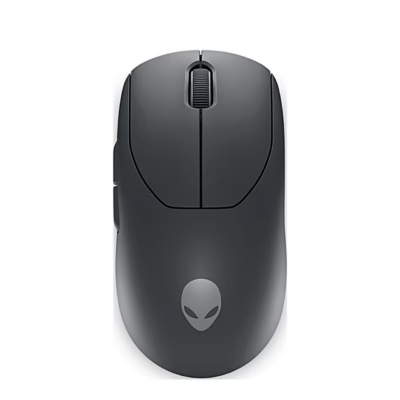
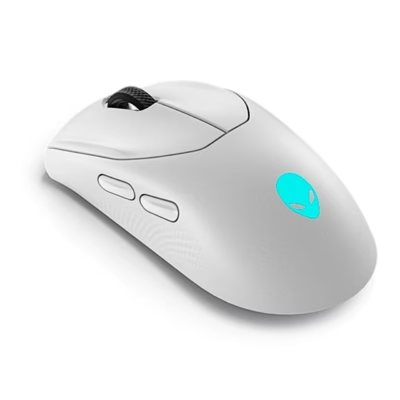
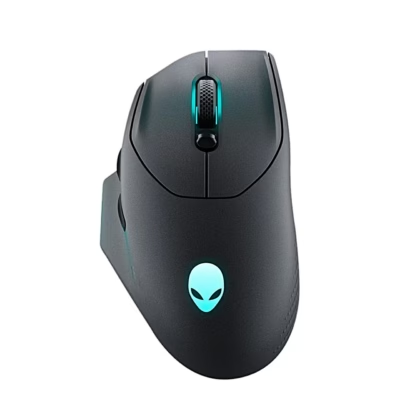
The wireless gaming mouse Dell Alienware Pro connects to the computer through a USB-C receiver or a USB-A to USB-C cable. The polling rate is how many times per second the mouse sends its position to the computer: up to 4000 Hz wirelessly and up to 8000 Hz over the cable. The mouse measures 125 × 64 × 41 mm.
Gaming mouse sensor and DPI levels
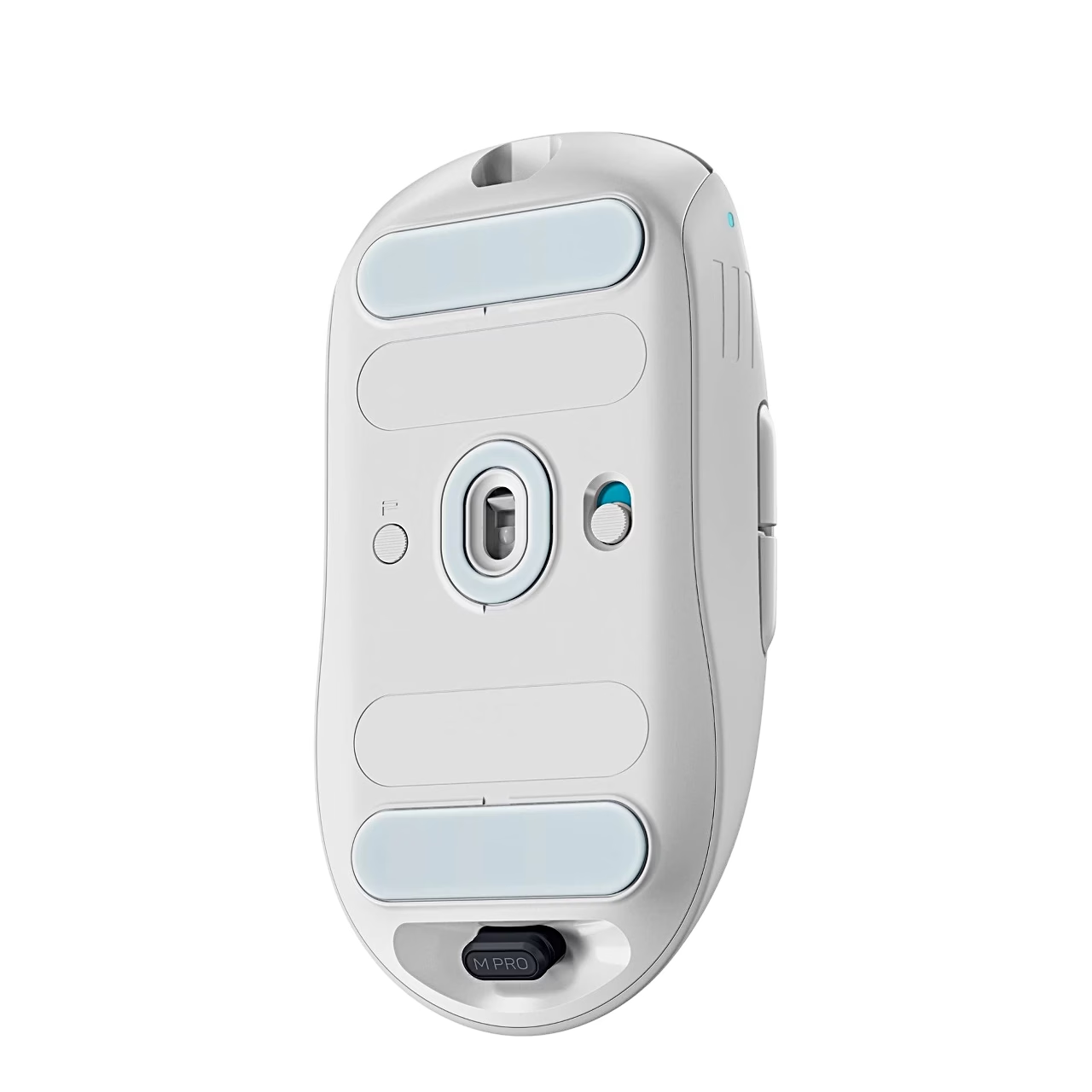
The optical sensor has a resolution of up to 26,000 DPI and tracks movement at up to 650 IPS, or inches per second, and up to 50 G acceleration. The Preset button cycles through five DPI levels, whose values and the polling rate are set in the Alienware Command Center app. There the lift-off distance (LOD), the height at which the sensor stops tracking, can be set to 1 or 2 mm.
Buttons, switches and battery
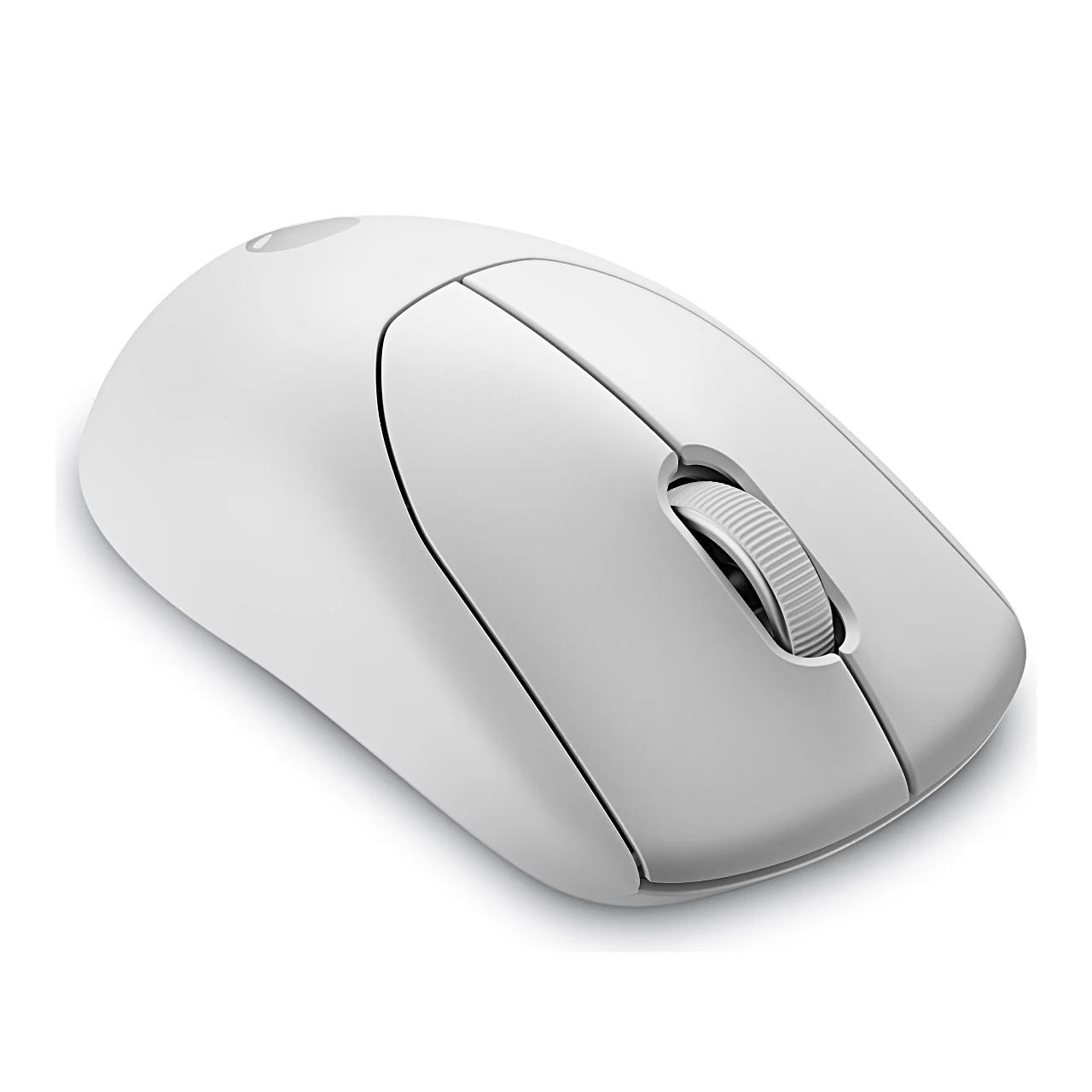
The side buttons, the scroll wheel and the Preset button can be assigned a keystroke, a macro or a shortcut in the app. The switches are optical with magnetic-force keyplates, and the feet are PTFE. The battery lasts up to 120 hours at 1000 Hz and up to 32 hours at 4000 Hz. Connected by cable, the mouse charges automatically; charge it for three hours the first time.
In the box
- Wireless gaming mouse Dell Alienware Pro
- USB-C receiver
- Receiver extender
- USB-A to USB-C charging cable
- Quick start guide and Alienware sticker
- Charger not included
















































Reviews
There are no reviews yet.