


Description
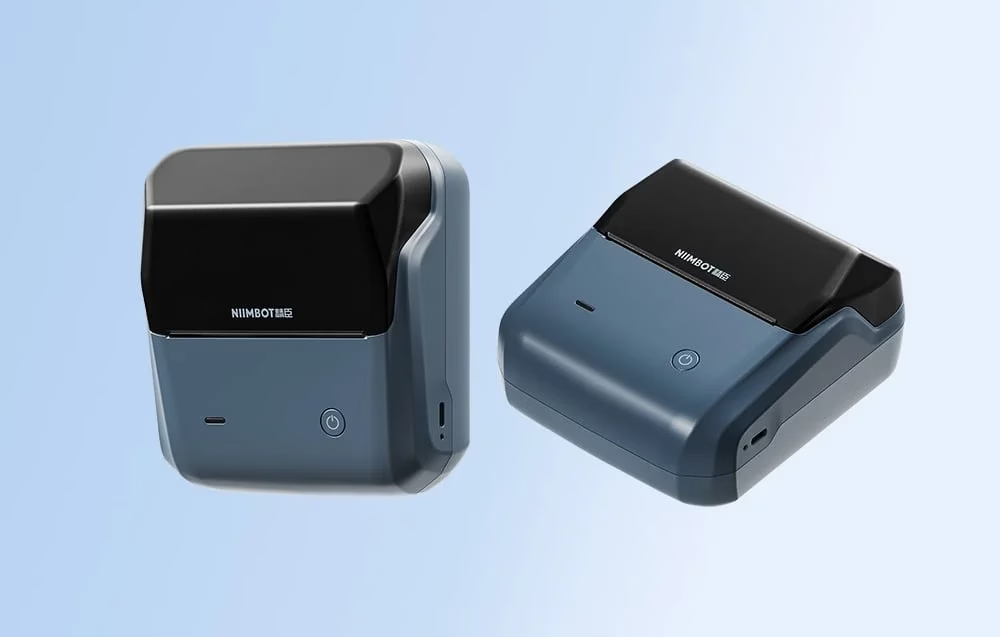
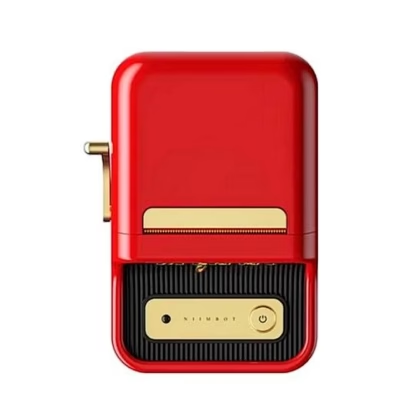
Niimbot B31 portable label printer dark blue helps you organise labelling quickly and without ink
If you are looking for a way to keep price tags, shelf labels and documents in order with a single device, the Niimbot B31 portable label printer makes it simple. Thermal printing works without ink or toner, so all you need is to load a label roll. The printer supports labels from 20–75 mm wide, which covers the everyday needs of a shop, an office and a warehouse alike.
Main features
- Ink- and toner-free thermal printing reduces costs and simplifies maintenance
- Wide label range 20–75 mm lets you make both small and wide labels for different uses
- 203 dpi quality ensures readable text and clear barcodes at up to 80 mm/s
- Bluetooth and USB‑C connectivity for working from both a phone and a computer
- Niimbot Cloud Printing offers thousands of templates, Excel import and batch printing
- RFID roll detection selects the suitable template automatically and saves time
- Durable prints are resistant to scratches, water and oil, and are BPA-free
- 1500 mAh battery allows mobile work and charging via USB‑C
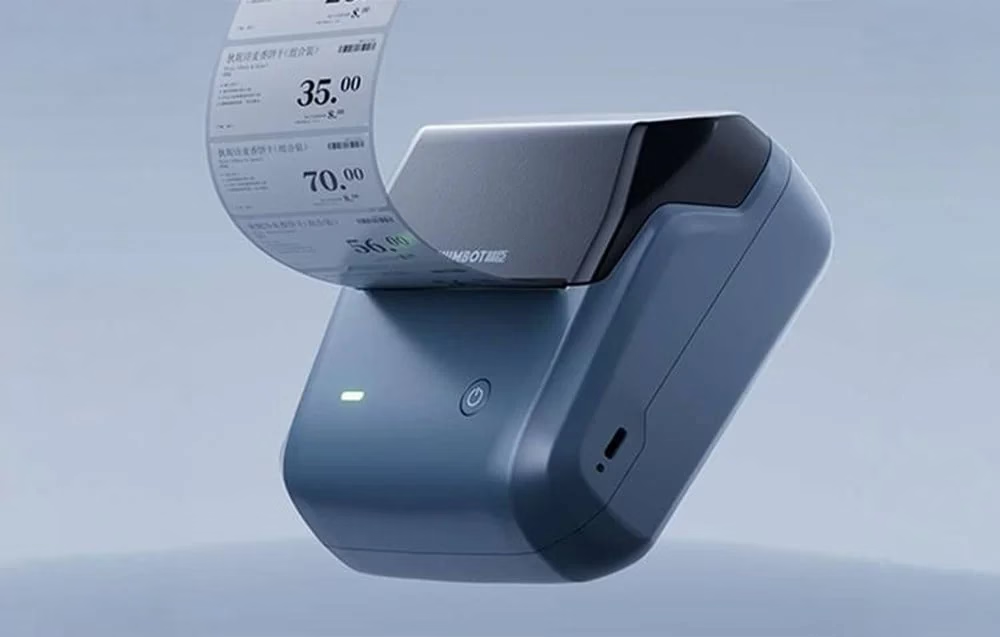
Niimbot B31 portable label printer dark blue
Niimbot B31 improves work organisation in shops, offices and warehouses. Thermal printing needs no consumables, only suitable thermal paper or a label roll. The printer supports labels from 20–75 mm wide, intuitive pinless loading makes changing the roll quick, and automatic rewinding helps prevent labels from being wasted. The result is even and the workflow stays smooth.
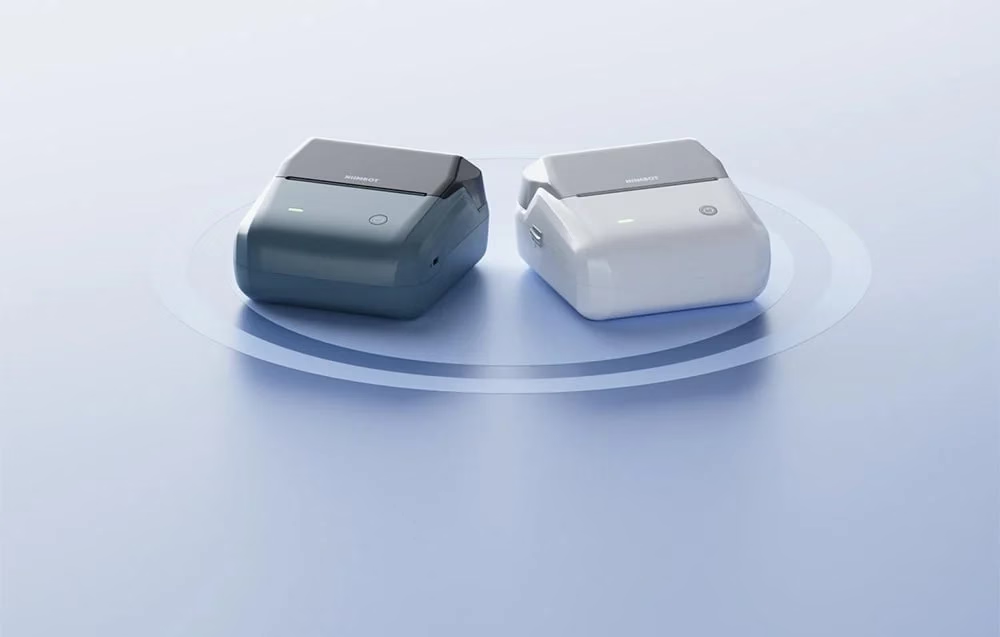
Versatile connectivity and control
The device can be connected to both a computer and a smartphone. Bluetooth and USB Type‑C are supported, and the app allows labels to be created and edited on different platforms. The printer can be paired with several devices at once, which supports teamwork. The smart RFID detection selects the right settings automatically, so design becomes faster and the risk of mistakes is reduced.
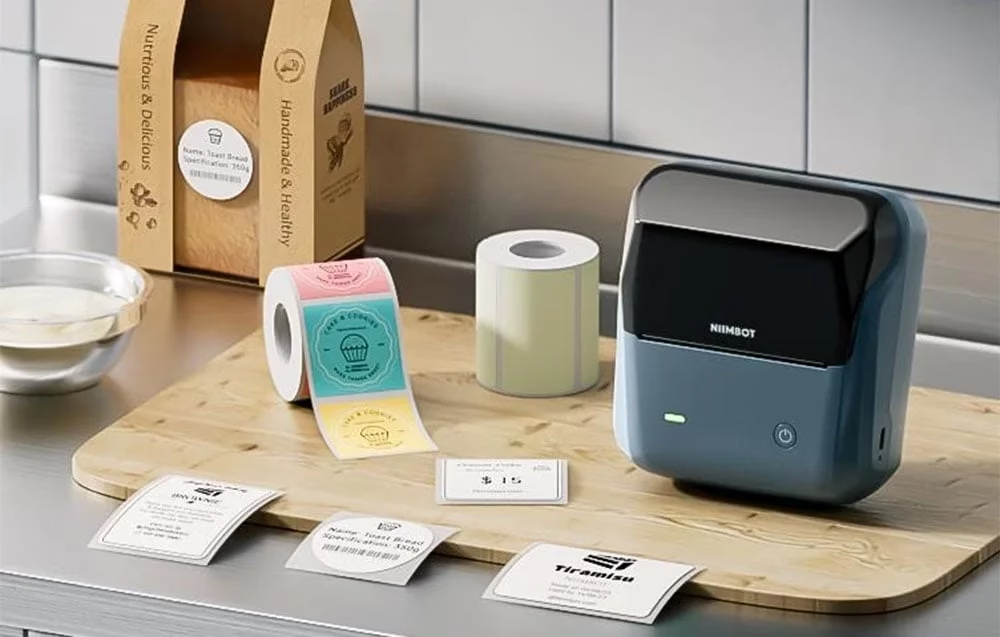
Professional cloud software
Niimbot Cloud Printing gives access to a large collection of templates for different fields. Data can be imported directly from an Excel table if needed, and batch printing makes it possible to print several labels at once. Label design works both in the mobile app and on a computer, work stays in sync and is available in the cloud.
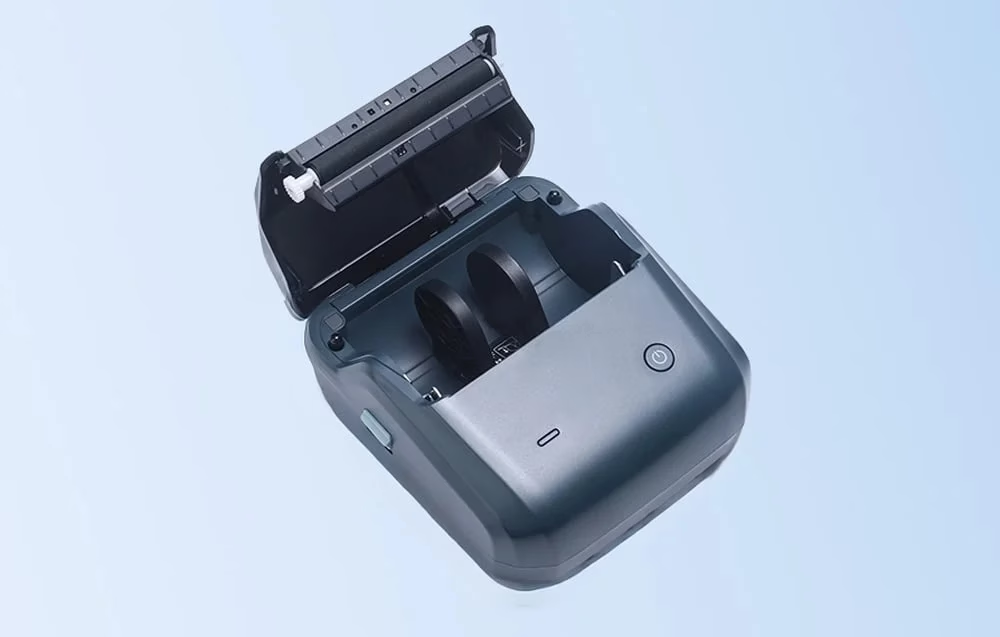
Durability and high print quality
Niimbot B31 prints at a resolution of 203 dpi and at speeds of up to 80 mm/s, so labels are clear and ready quickly. The prints are resistant to scratches, water and oil, BPA‑free, and leave no sticky residue. The built-in 1500 mAh lithium battery supports long use without frequent charging.
Applications in different fields
Niimbot B31 is suitable for use in shops and supermarkets, catering, packaging bakery and ready-made products, and in offices and warehouses. It is also used successfully in the pharmaceutical, clothing and telecommunications sectors. Thanks to different materials, colours and label sizes, it is easy to adapt printouts to the requirements of the job.
Compatibility, software and accessories
The printer works with Windows and macOS, and on mobile with Android and iOS. A connection can be made via Bluetooth or by cable using USB‑C. The app allows text, codes and images to be designed, templates to be saved and shared with the team. Niimbot Cloud Printing supports Excel data import and batch printing, so labels can be created and output faster.
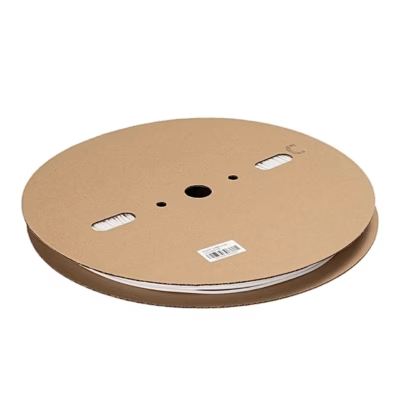
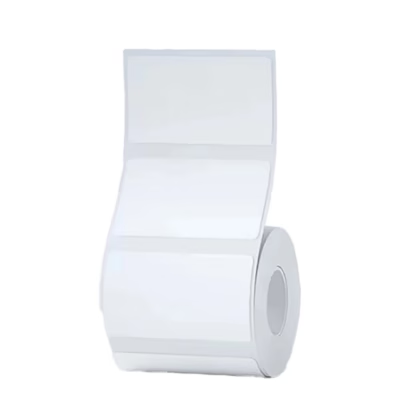
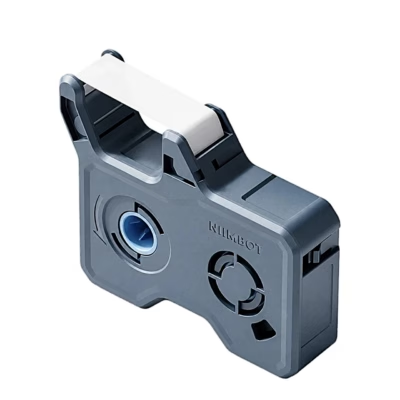
Automatic RFID detection works with compatible Niimbot label rolls, which simplifies choosing the template and dimensions. For an accurate result and durability, use quality thermal labels that match the width you have chosen. Keep spare rolls in different widths and surfaces, and store them dry and cool so that printing stays even.
For maintenance, occasionally clean the print head with a lint-free cloth and a suitable alcohol-based cleaning agent. Avoid heat and direct sunlight, which can affect thermal material. Charge the device with the included USB‑C cable and a 5 V 1 A power supply.
Setup and use
Charge the battery and switch the printer on. Open the cover and place the label roll in the pinless mechanism. Close the cover and let the device align the label. Automatic rewinding brings the correct start of the roll into view so that the print starts accurately. Connect to your phone via Bluetooth or connect to a computer with a USB‑C cable, and open the app.
Choose a template or create your own design. If necessary, import data from Excel and use batch printing when labels need to be produced as a series. Test one label, check its readability and layout, then start series printing. After work, switch off the device and keep the rolls dust-free.
What’s included
- Label printer Niimbot B31
- Label roll to start with
- USB‑C cable for charging and connection
- User manual
Ready for more efficient labelling
Niimbot B31 makes everyday labelling simple and cost-effective. Ink-free thermal printing, 20–75 mm label support and Bluetooth and USB‑C connectivity give you the flexibility to work wherever you need. Cloud tools, templates and batch printing help save time and ensure a consistent result in the shop, the office and the warehouse alike.










































Reviews
There are no reviews yet.