

Description
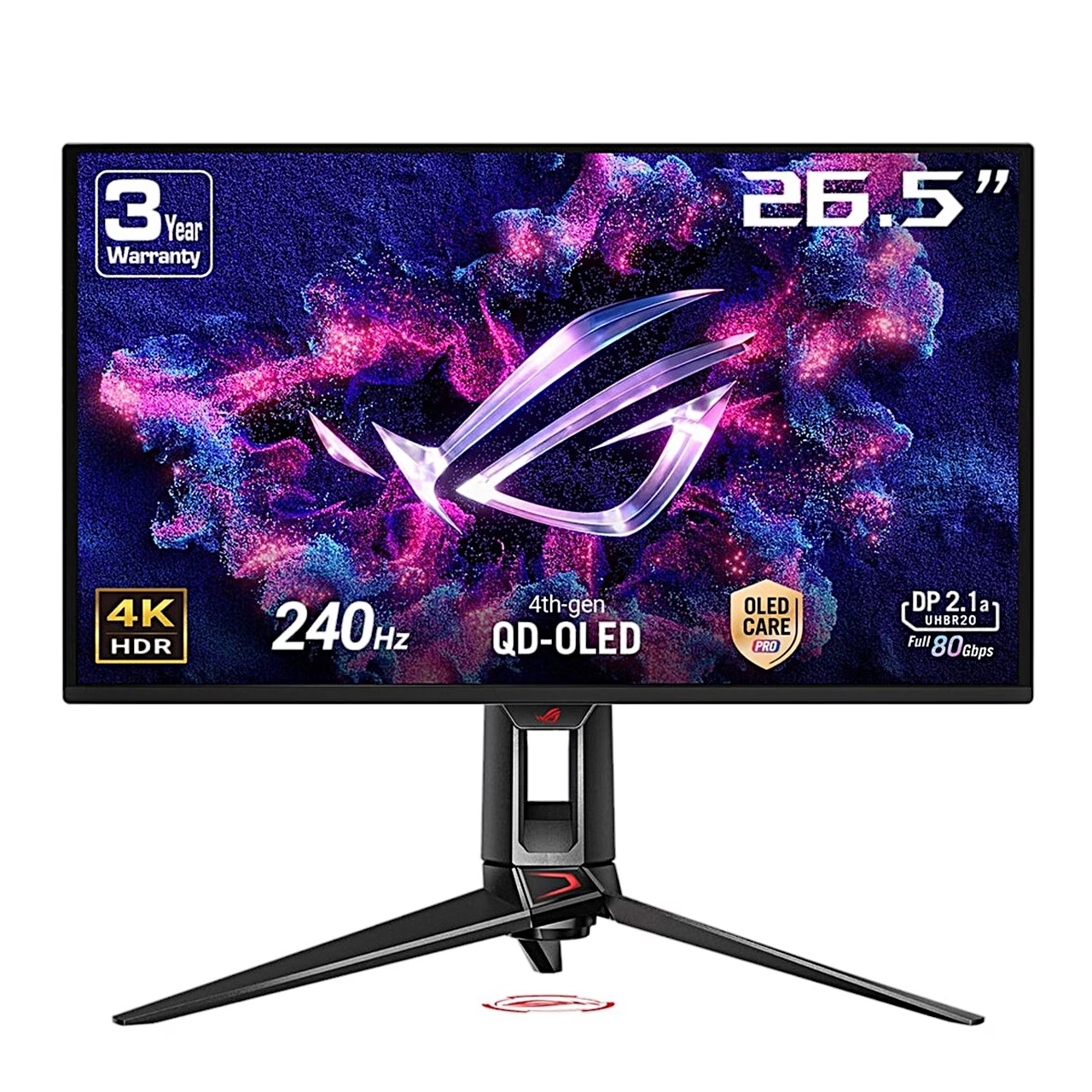
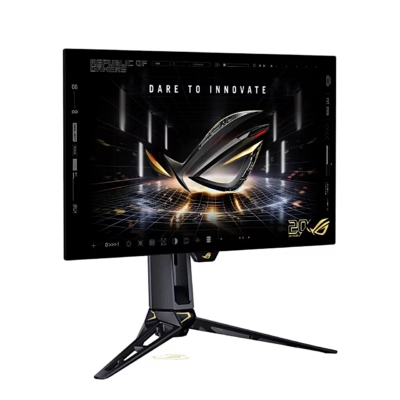
Gaming monitor with a QD-OLED screen and HDR support
The 4K OLED gaming monitor ASUS ROG Swift OLED PG27UCDM shows 10-bit colour and covers 99% of the DCI-P3 colour space. There are nine GameVisual picture modes, including FPS, MOBA, Cinema and sRGB Cal. For gaming, the GamePlus menu offers a crosshair, frame-rate counter, timer and stopwatch.
An OLED panel lights each pixel on its own
An OLED panel is a screen in which every pixel is an organic light-emitting diode that produces its own light. Black pixels stay switched off, which gives the PG27UCDM a contrast ratio of 1,500,000:1 and a response time of 0.03 ms (GTG, grey-to-grey transition). A monitor with an IPS panel suits office work where the taskbar and windows stay in place for hours, while an OLED panel suits games and films in a dim room.
Connections, USB hub and KVM switch
There are four video inputs: DisplayPort 2.1, two HDMI 2.1 ports and a USB-C port that carries video via DP Alt Mode. Three USB-A 3.2 Gen 1 ports work as a USB hub when the monitor is connected to the computer with a USB-B or USB-C cable. The built-in KVM switch links the keyboard and mouse to the computer on the selected input, so one set can control several computers. Variable refresh rate (VRR) matches the picture to the graphics card’s frame rate between 48 and 240 Hz, and the monitor supports AMD FreeSync Premium Pro and NVIDIA G-SYNC Compatible.
OLED screen care and proximity sensor
Pixel Cleaning starts automatically when the monitor is switched off and takes about 6 minutes. To prevent image retention, Screen Move shifts the picture on the screen. The Neo proximity sensor switches the screen off when it detects nobody within 60–120 cm for the selected time of 1, 5 or 10 minutes.
Stand adjustment and installation
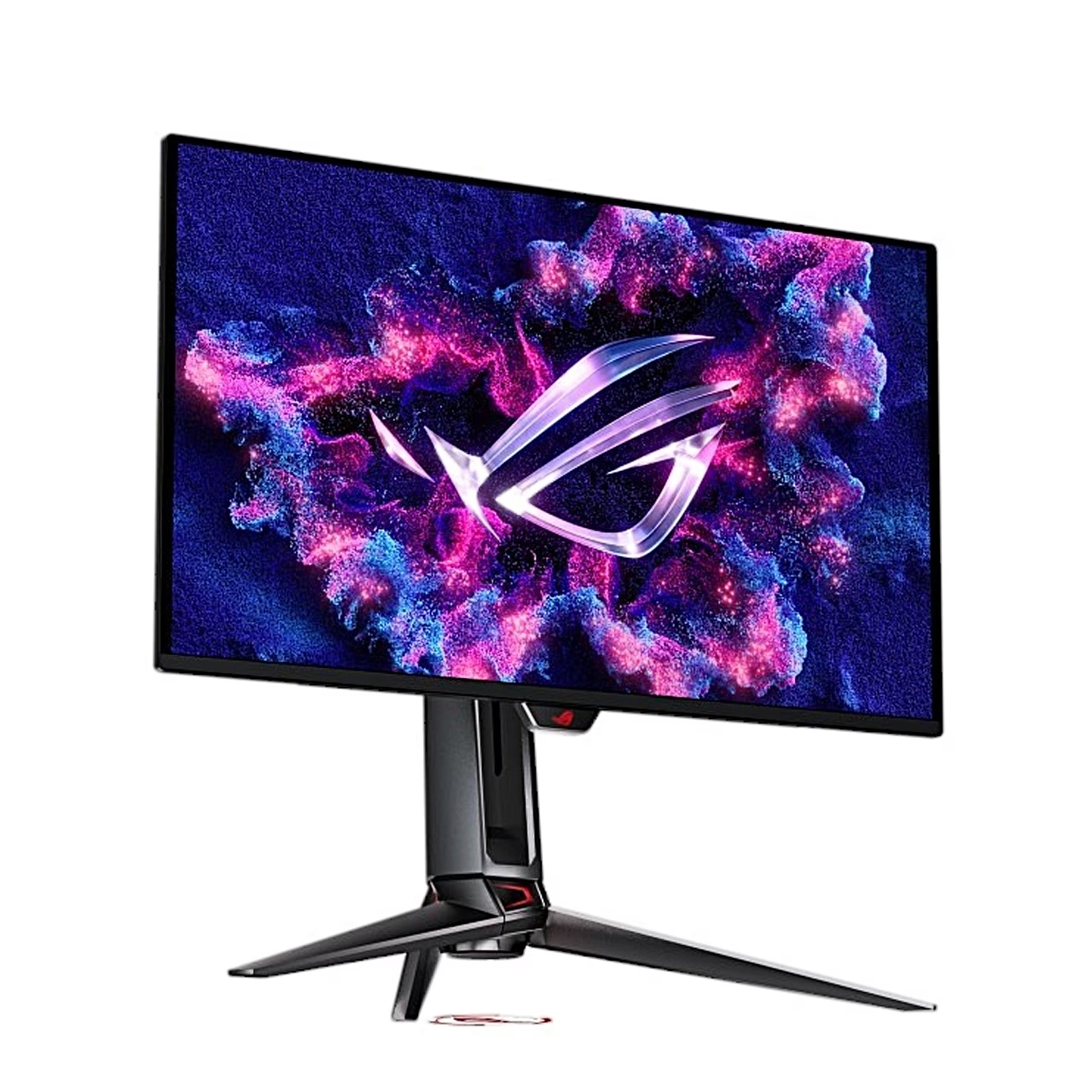
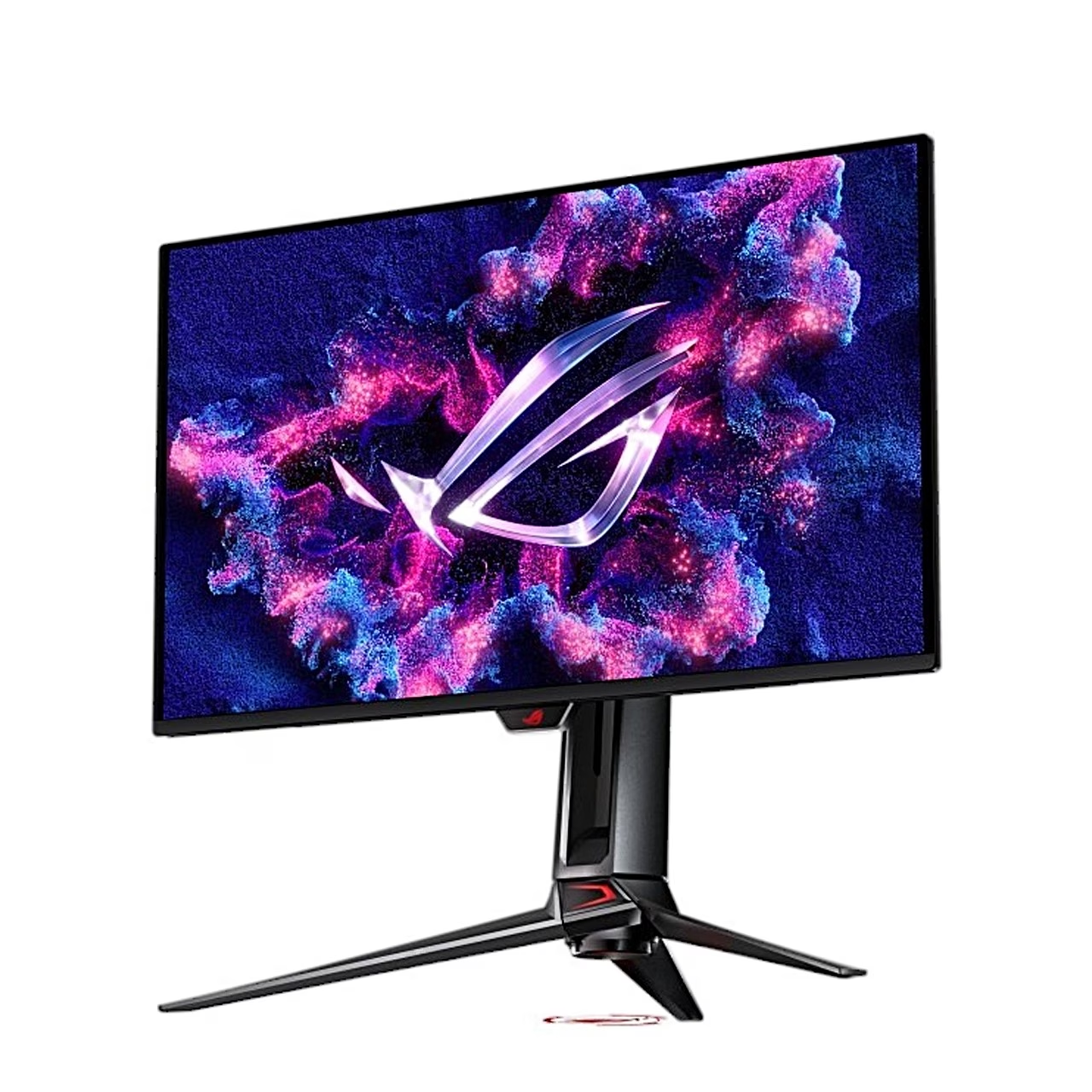
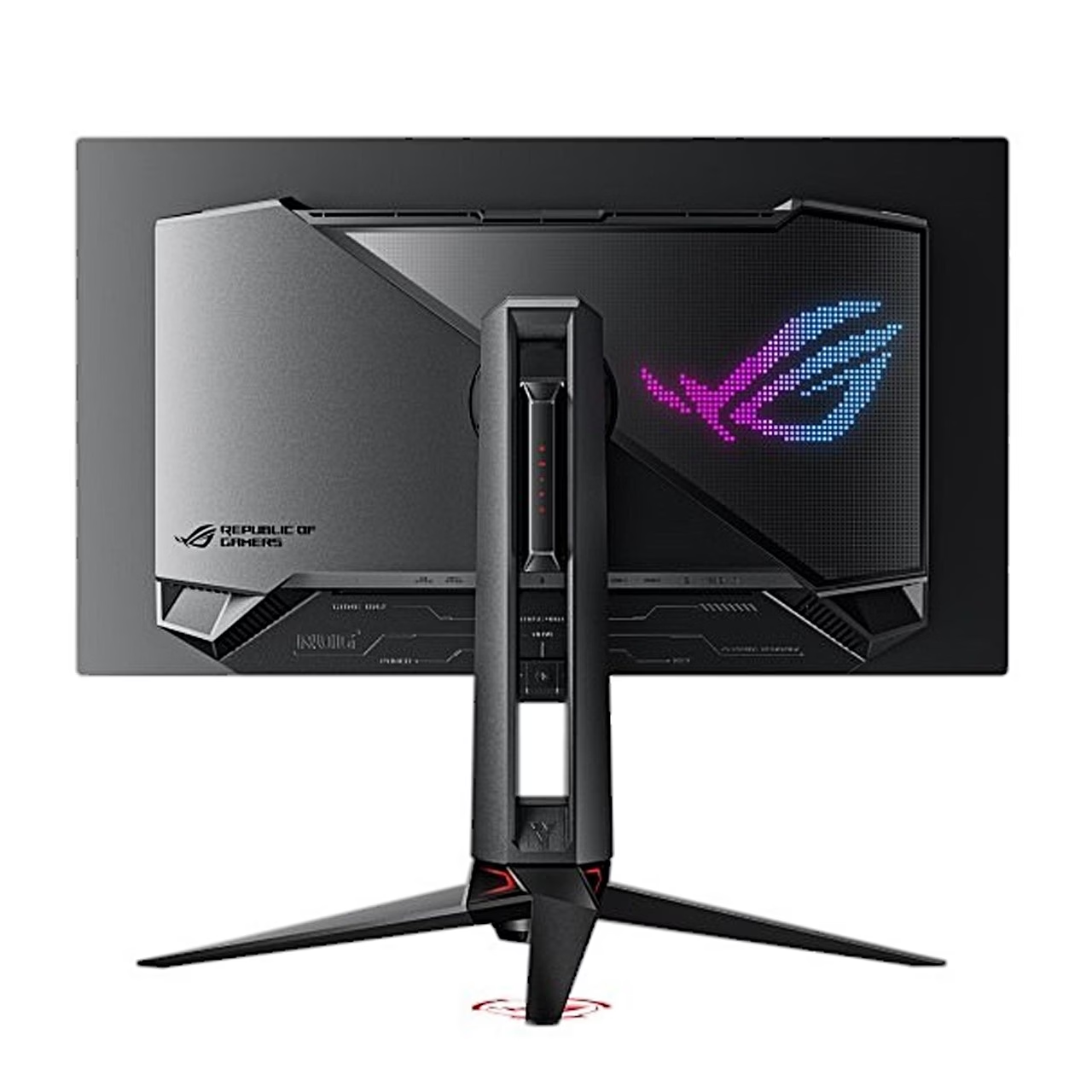
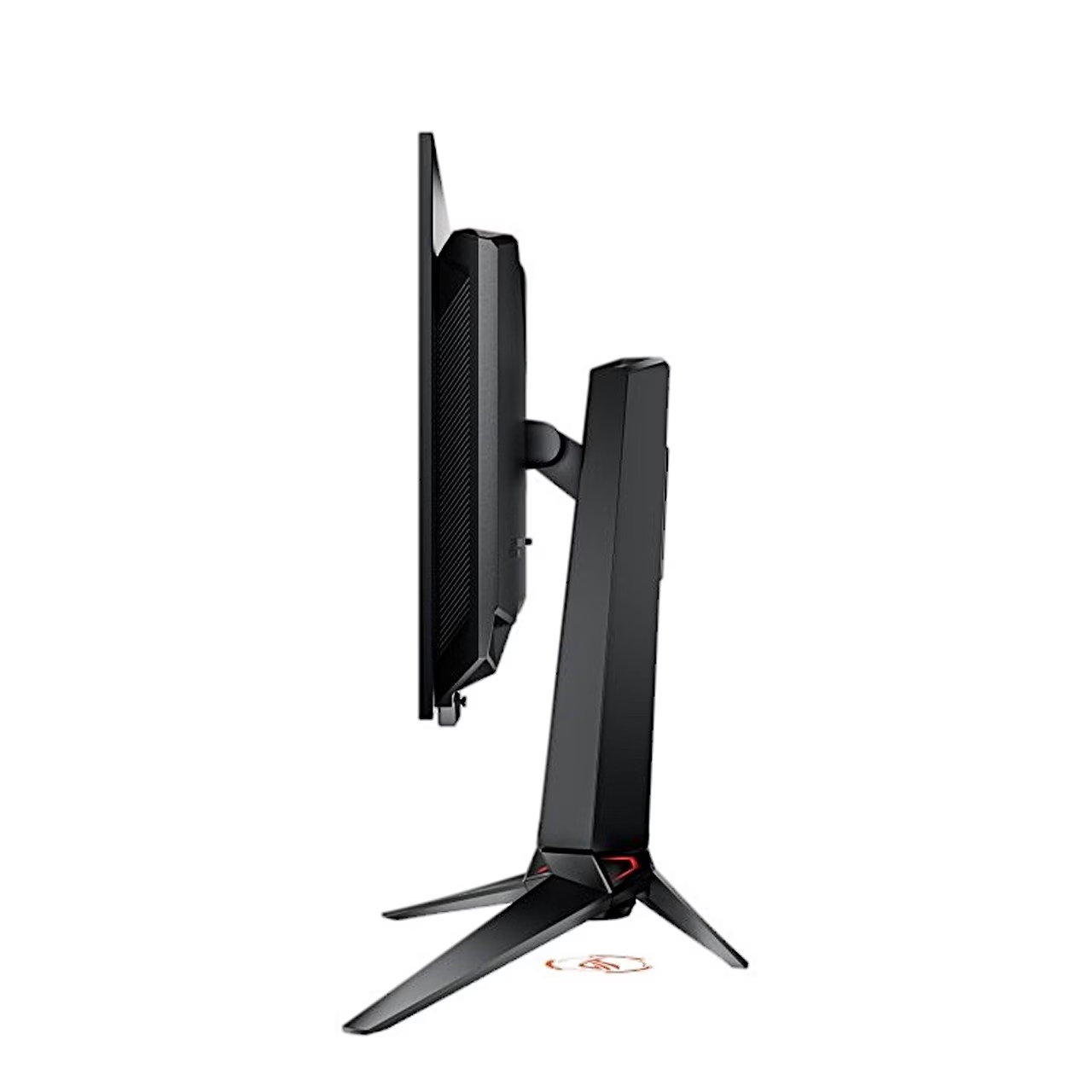
The stand tilts the screen from −5° to 20°, swivels it 30° to either side, raises it by 110 mm and rotates it 90° to portrait. To install, fit the stand to the back of the monitor, place the base under the stand and fasten it with the supplied screw. For wall mounting, remove the stand with the release button and fit the supplied wall mount to the back of the monitor; the VESA mount (100 × 100 mm) screws are M4 × 8 mm.
Cleaning and care
Before cleaning, switch the monitor off and unplug the power cord. Wipe the screen with a lint-free, non-abrasive cloth; for stubborn marks, dampen the cloth with a mild cleaner. Use an alcohol-free and acetone-free cleaner made for OLED screens and spray it onto the cloth, not directly onto the screen.
In the box
- OLED monitor
- Stand with base
- Power cord
- Wall mount kit
- Microfibre cloth
- ROG pouch
- ROG sticker
- Quick start guide









































Reviews
There are no reviews yet.