

Description
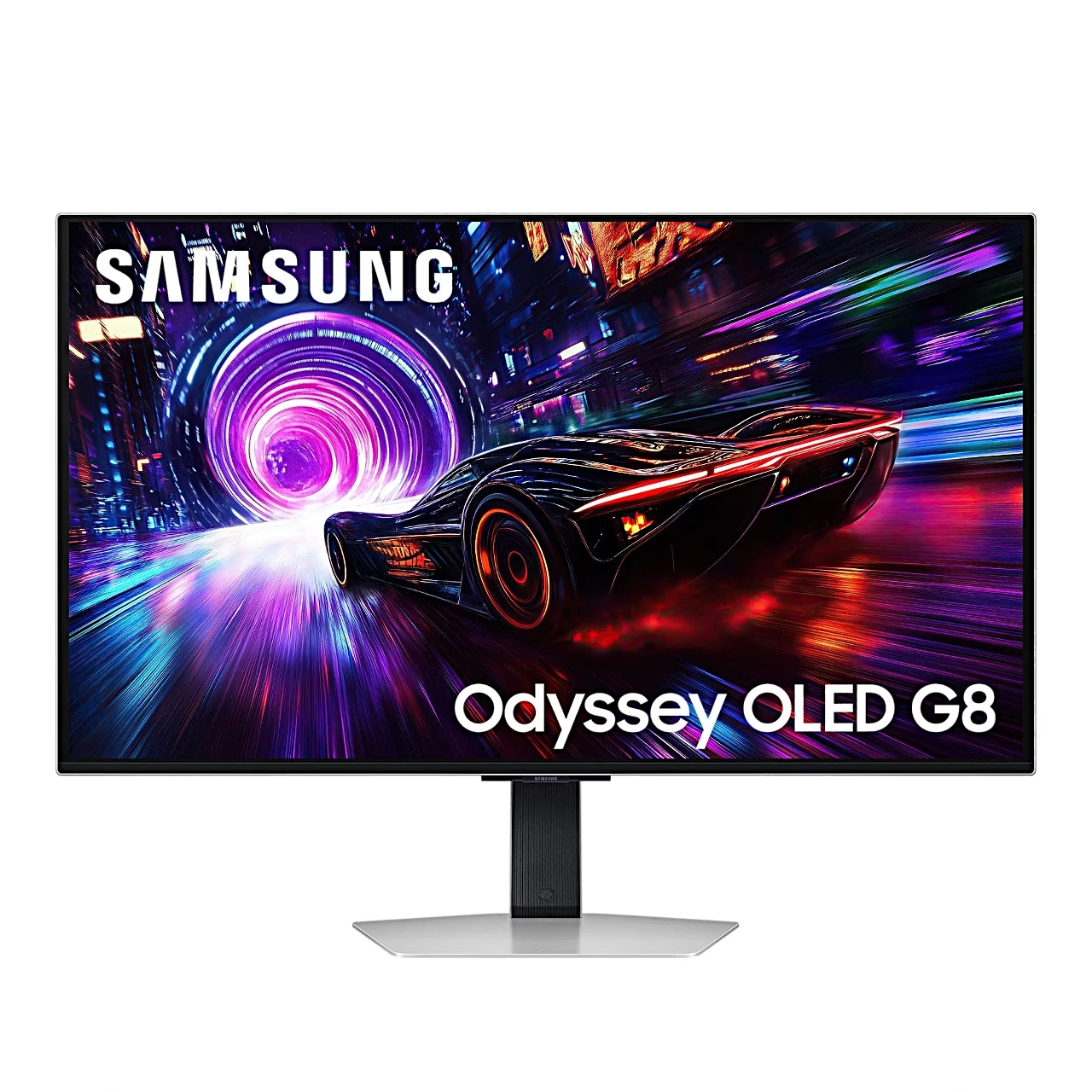
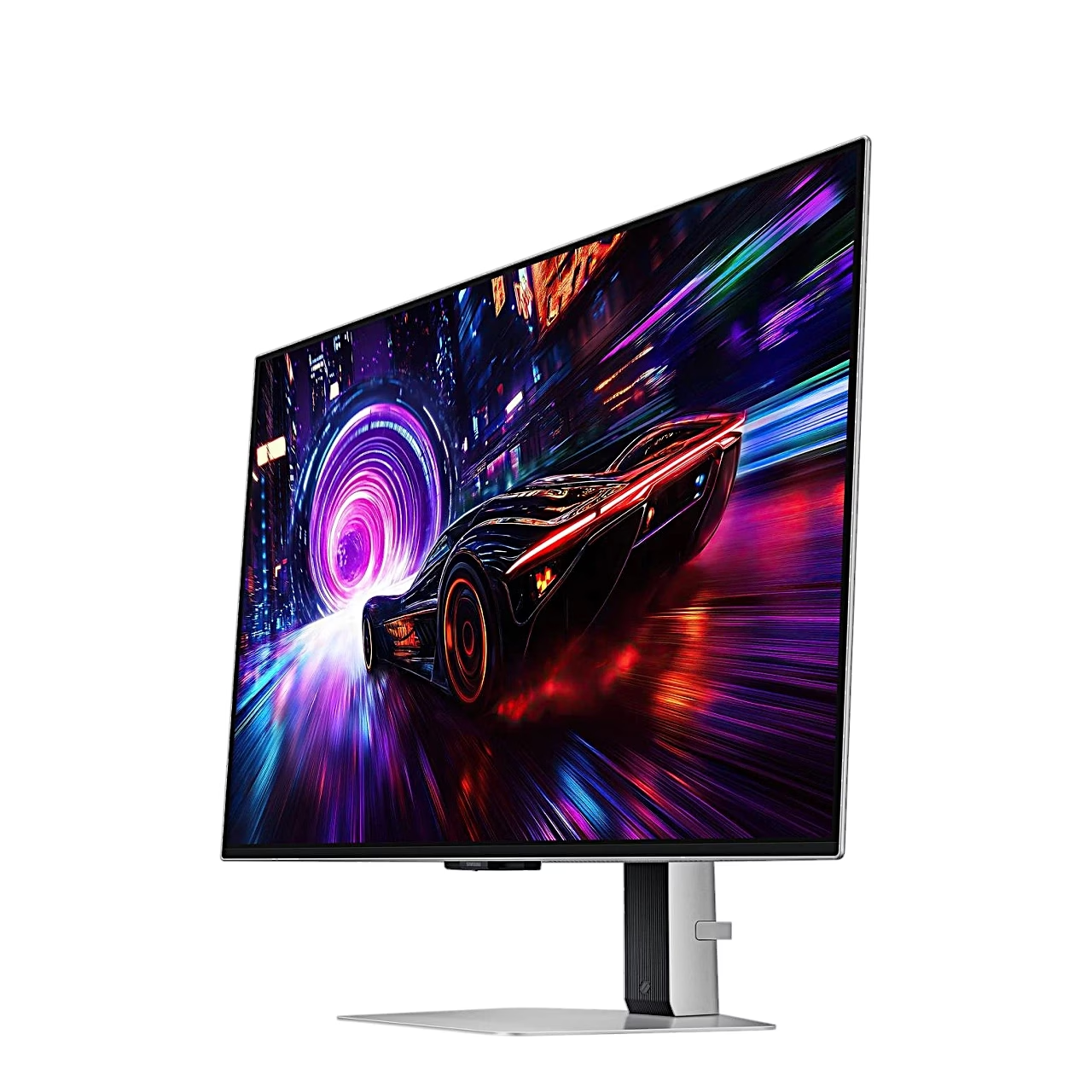
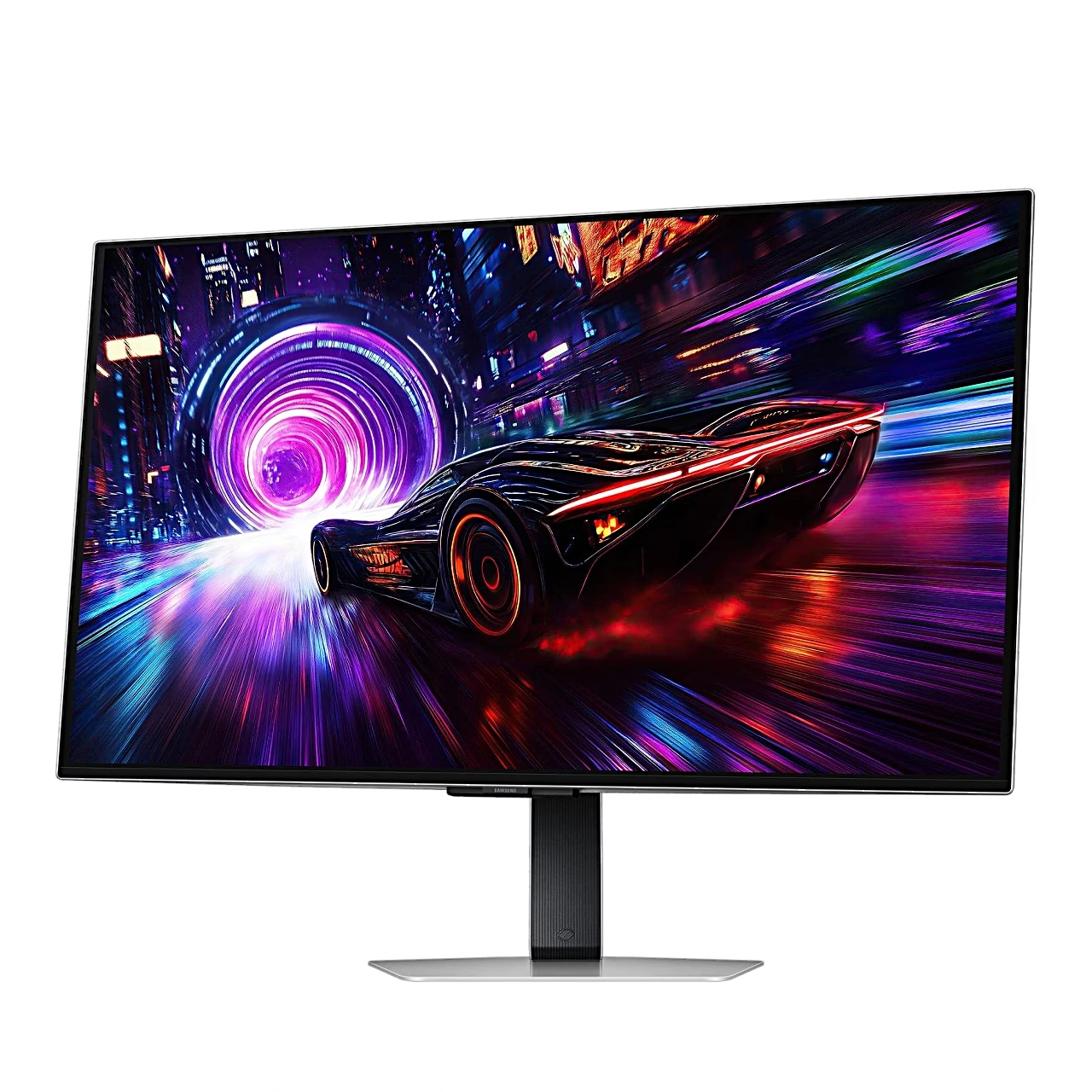
Gaming monitor with a 4K QD-OLED screen
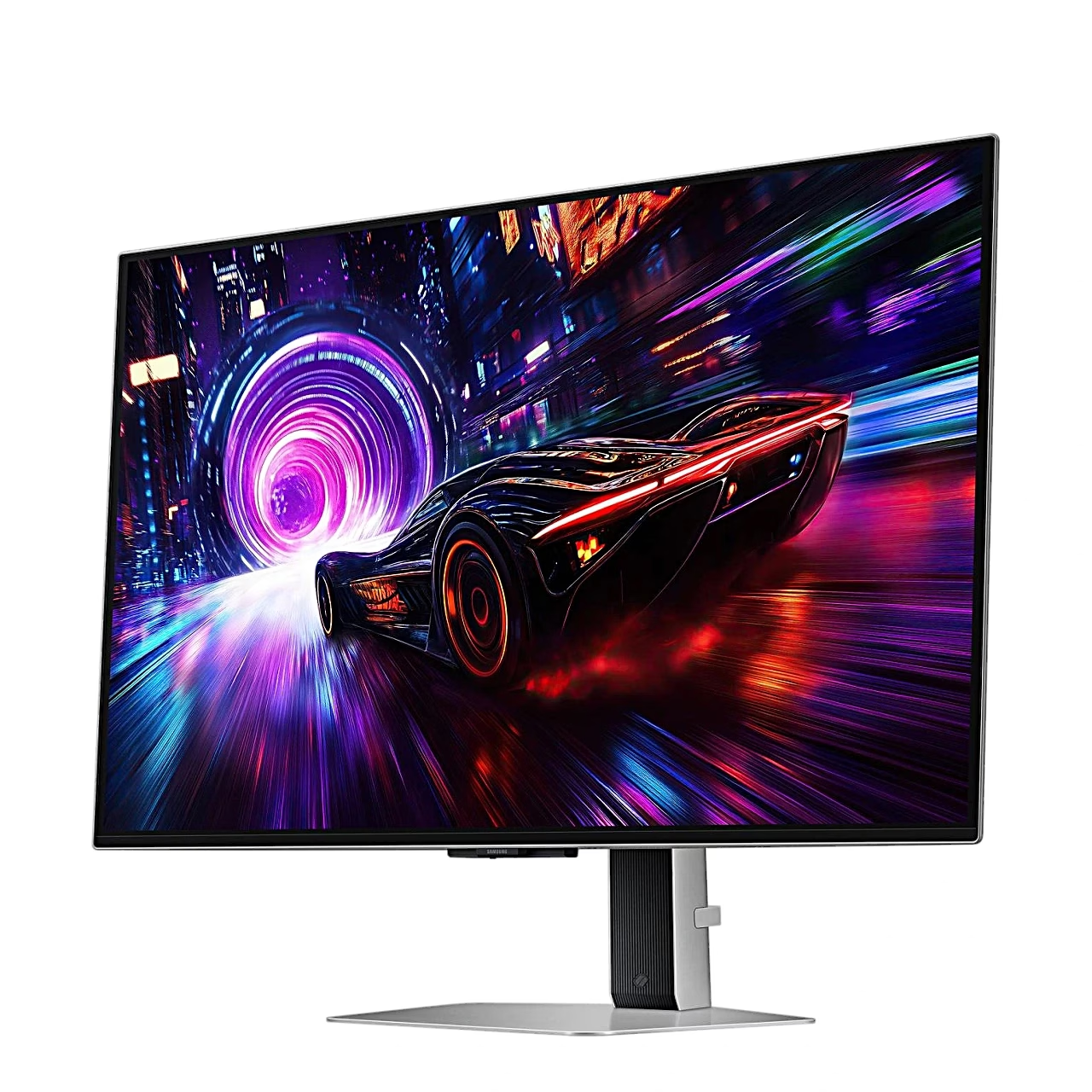
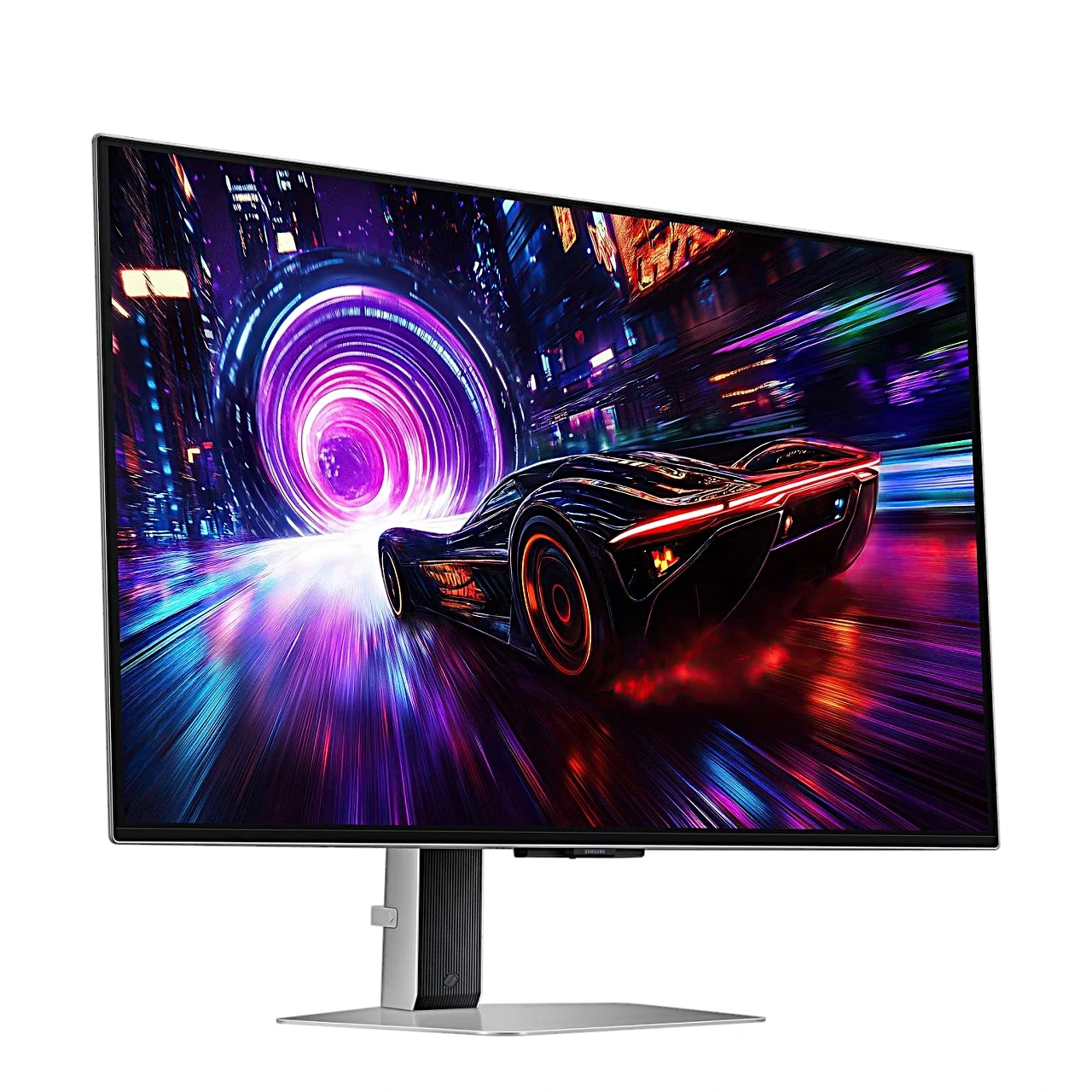
The height-adjustable gaming monitor Samsung Odyssey OLED G8 G81SF shows a 3840 × 2160 image and covers 99% of the DCI-P3 colour space. For HDR content the monitor supports HDR10+ Gaming, for sync it supports AMD FreeSync Premium Pro and it is NVIDIA G-SYNC Compatible. The UL Glare Free certified screen surface reduces reflections of outside light.
OLED screen with self-lit pixels
An OLED panel is a screen in which every pixel is a light-emitting diode made of organic material that lights up without a backlight. Each pixel is driven separately, so the dark areas of the G81SF stay deep black and the static contrast ratio is 1,000,000:1. A backlit IPS panel suits work where windows stay in place for hours, an OLED panel suits games and films in a dark room.
Panel care against image retention
An image that stays in place for a long time wears some OLED pixels more than others. To prevent this, the G81SF starts a screen saver when the same still image stays for 10 minutes, Logo Brightness dims static logos and Pixel Refresh refreshes the pixels.
Connections and USB hub
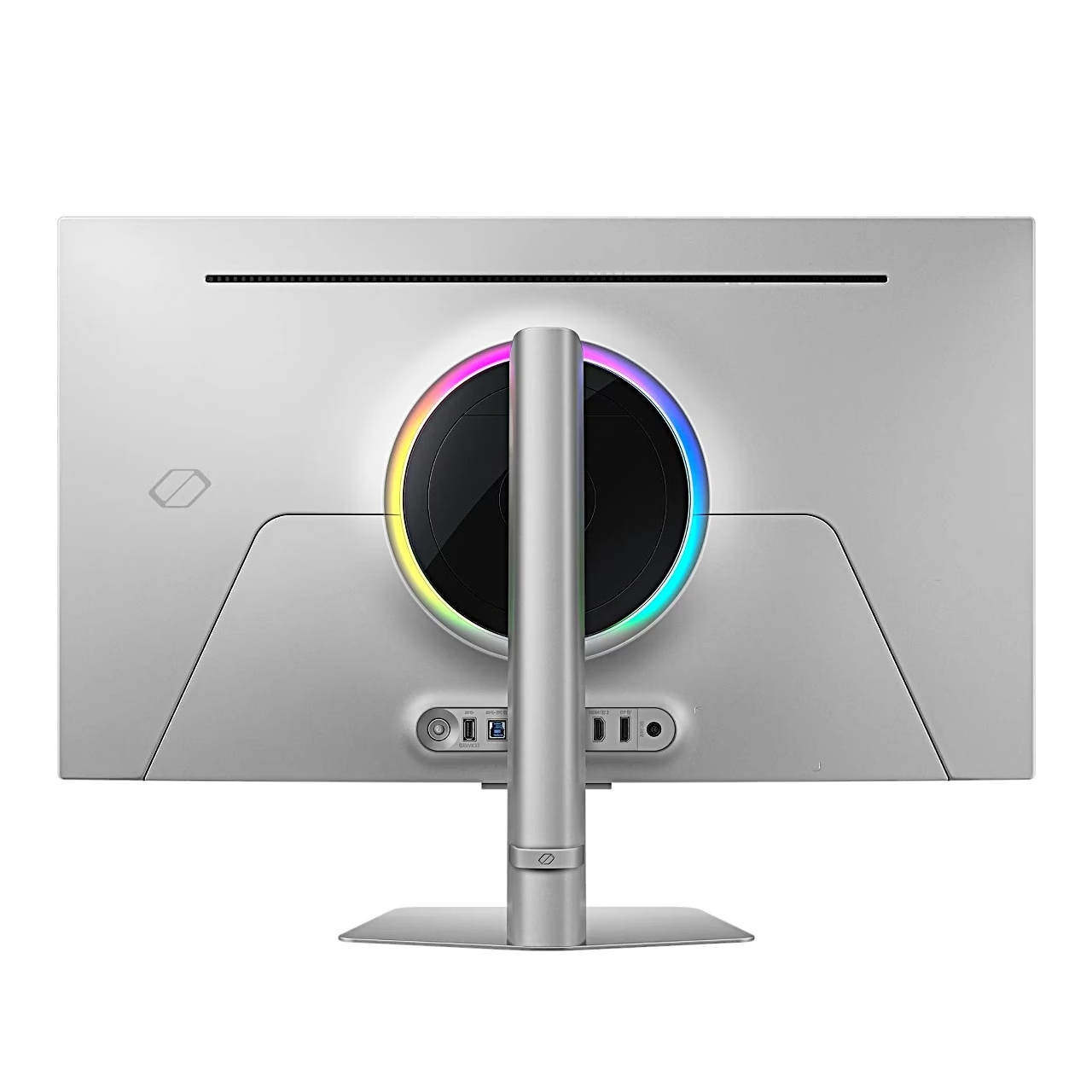
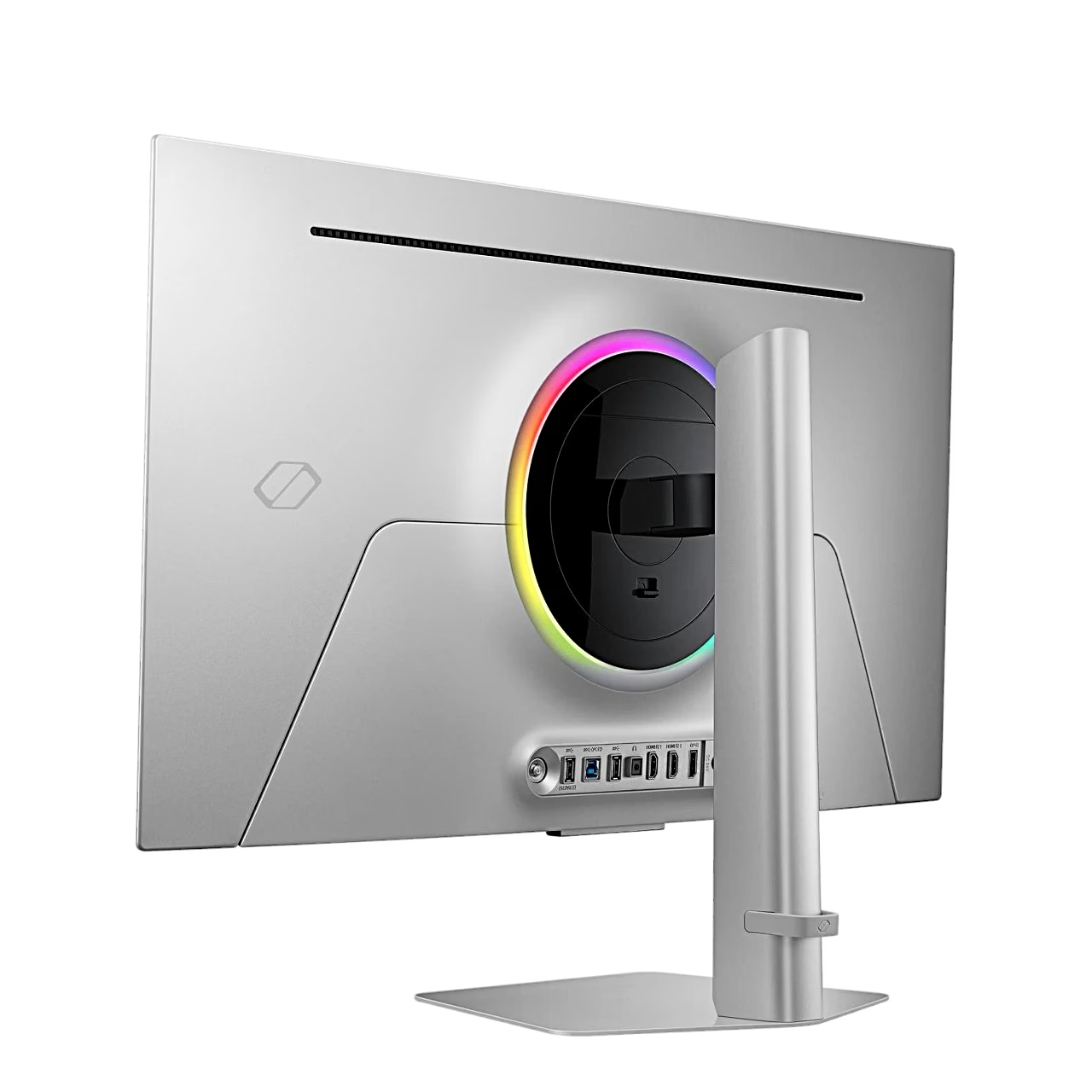
The monitor has 2 HDMI 2.1 ports, 1 DisplayPort 1.4 port and a headphone output for a three-conductor TRS plug. The USB 3.2 Gen 1 hub has 2 USB-A ports that connect to the computer through the USB-B port.
Stand, installation and wall mounting
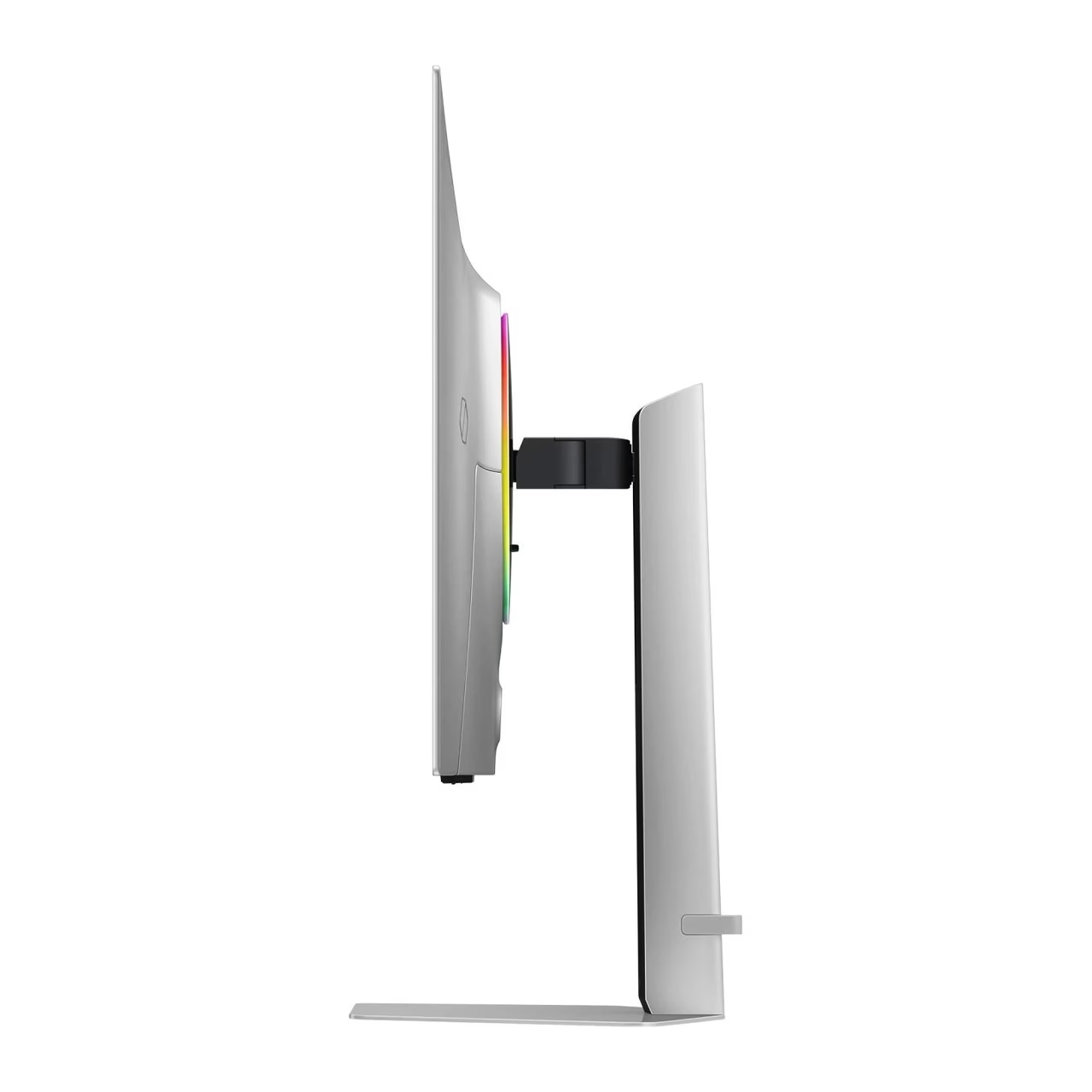
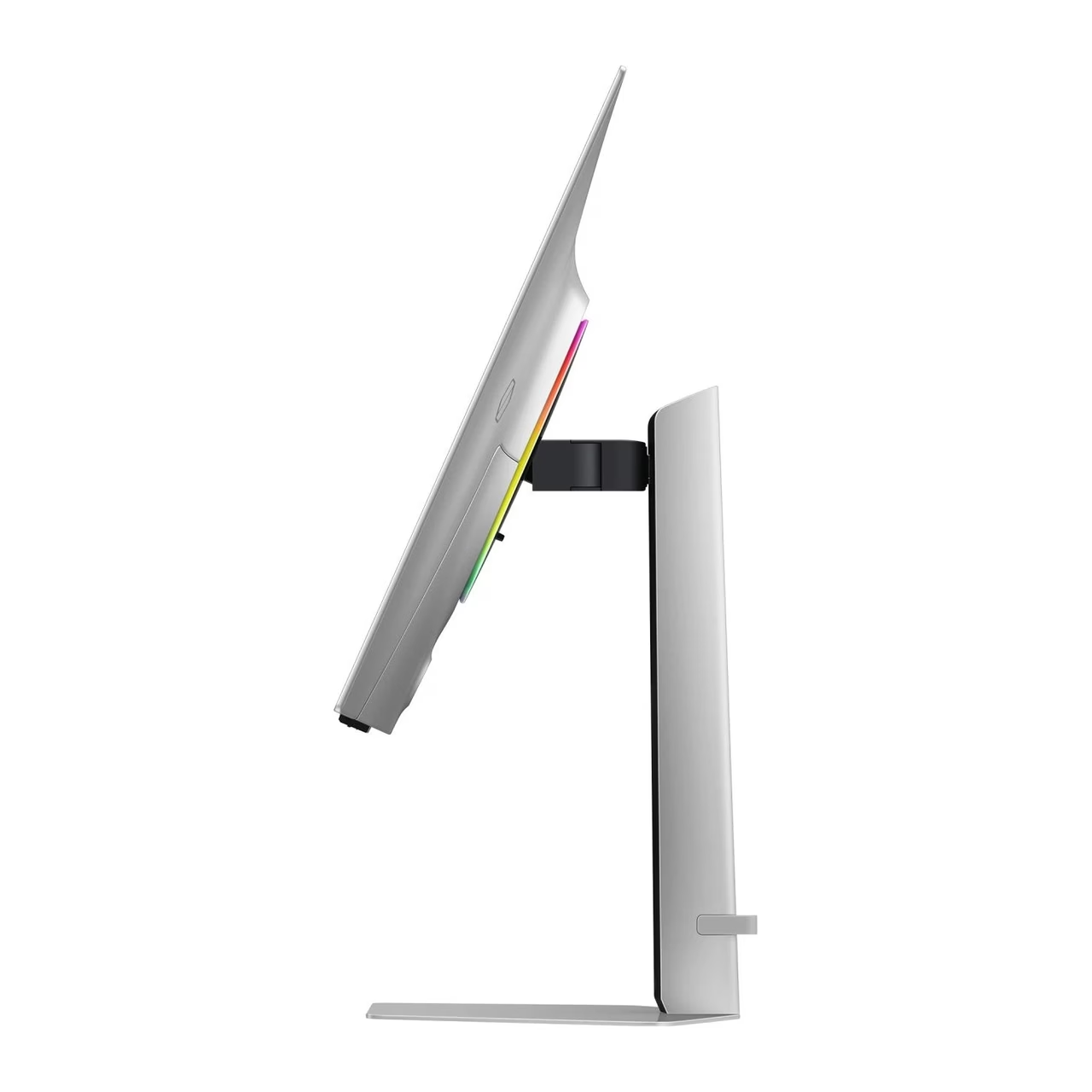
To assemble the stand, insert the stand neck into the base in the direction of the arrow and turn it clockwise until the PUSH button under the base comes out, then push the stand into the monitor body. For air circulation, leave 10 cm of free space around the monitor. The stand raises the screen by 120 mm, tilts it from –2° to 25° and swivels it from –30° to 30°. To turn the screen to portrait orientation (–92° to 92°), first raise the stand to its highest position.
The monitor fits a VESA 100 × 100 mm wall mount with 4 M4 screws of 7.5–10.5 mm length. On the wall the monitor may be tilted by up to 15°.
Cleaning and care
Before cleaning, switch off the monitor and the computer and unplug the power cord. Wipe the monitor with a clean, soft and dry cloth or with a cloth moistened in water and well wrung out. Do not use a cleaner containing alcohol, solvent or surfactant and do not spray water directly onto the monitor.
In the box
- Monitor
- Stand (neck and base)
- Power adapter and power cord
- HDMI cable
- DisplayPort cable
- USB-A to USB-B cable




































Reviews
There are no reviews yet.