

Description
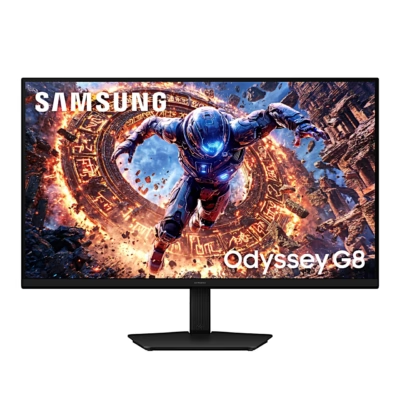
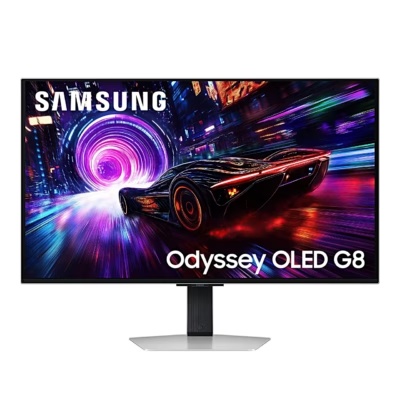
Gaming monitor with a 4K OLED screen for fast games
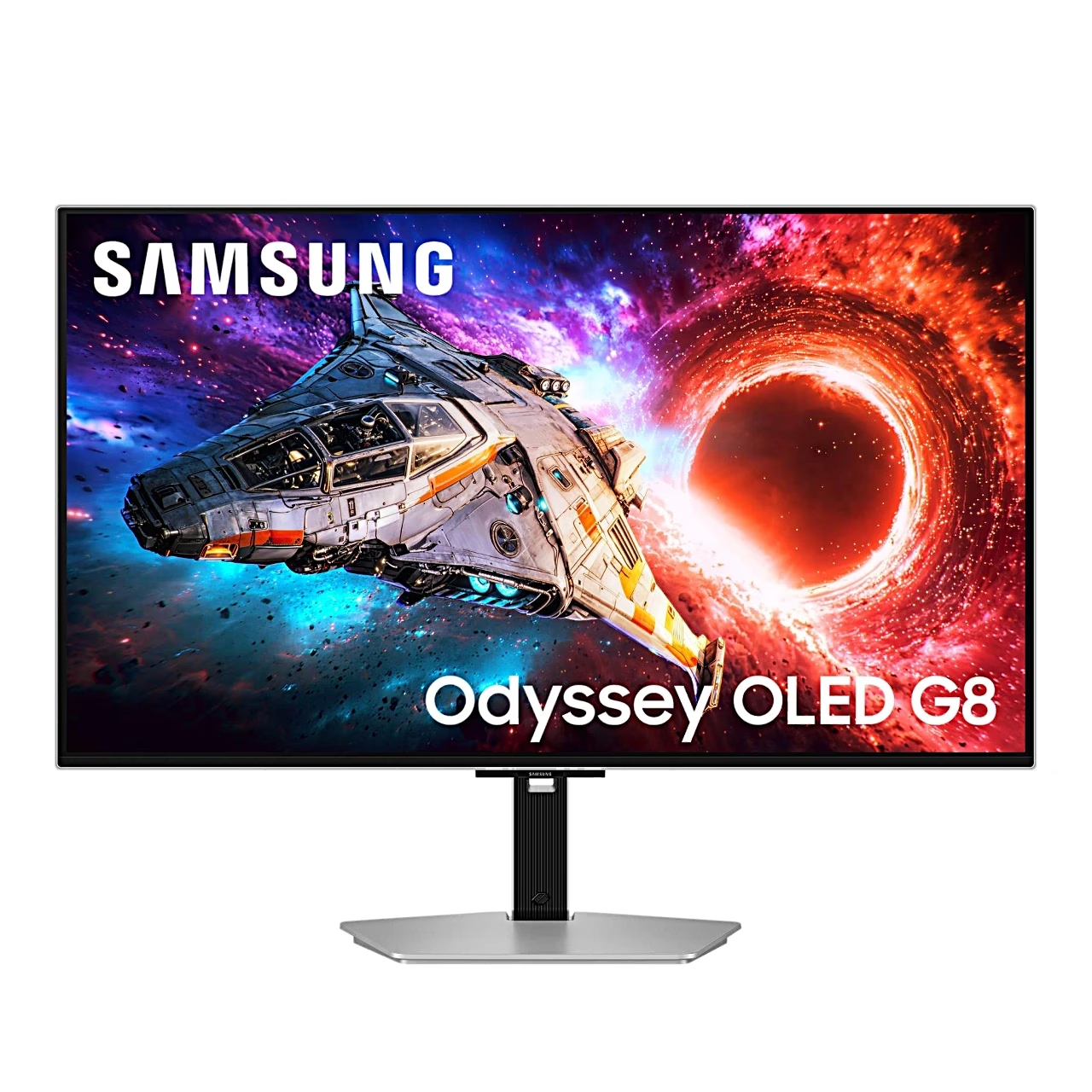
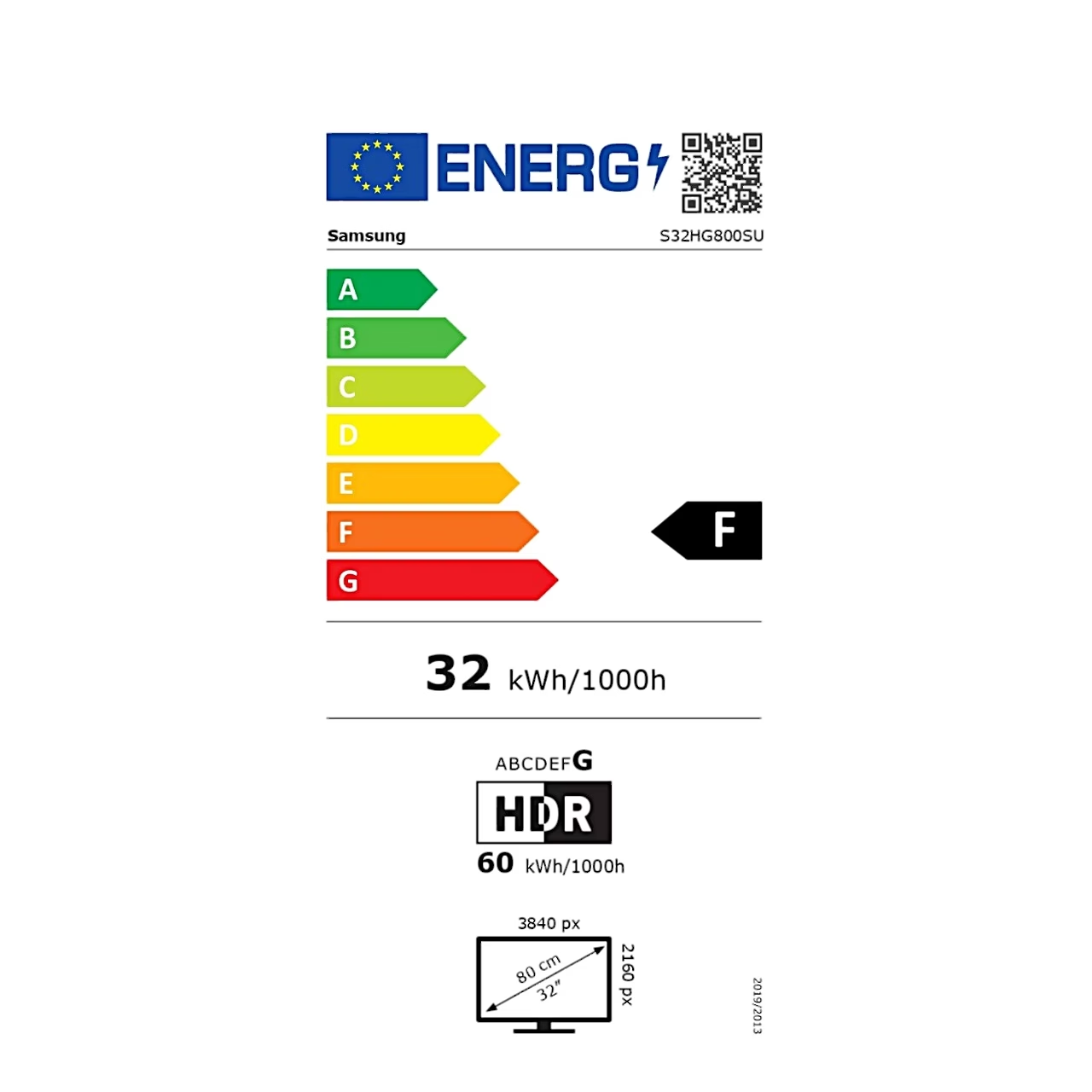
The USB-C gaming monitor Samsung Odyssey OLED G8 G80SH shows a 3840 × 2160 picture on a 32-inch screen at 140 pixels per inch. With a refresh rate of up to 240 Hz and a 0.03 ms response time, fast motion stays sharp.
An OLED panel lights each pixel on its own
An OLED panel is a screen in which every pixel is an organic light-emitting diode that produces its own light. Because each pixel is driven individually, the G80SH’s QD-OLED panel shows deep black and high contrast: a contrast ratio of 1,500,000:1 and HDR peak brightness of up to 1000 cd/m². A backlit IPS panel suits office work where windows stay in place for hours, an OLED panel suits games and films in a dark room.
HDR and game settings
The screen supports VESA DisplayHDR True Black 500 and HDR10+. AMD FreeSync Premium Pro matches the monitor’s refresh rate to the AMD graphics card’s frame rate, so the game picture stays smooth and whole. Black Equalizer brightens dark areas so opponents are easier to spot in dark scenes. AI Upscaling scales input below 4K up to 4K, and the picture modes include presets for FPS, RTS and RPG games.
Connections and USB-C charging
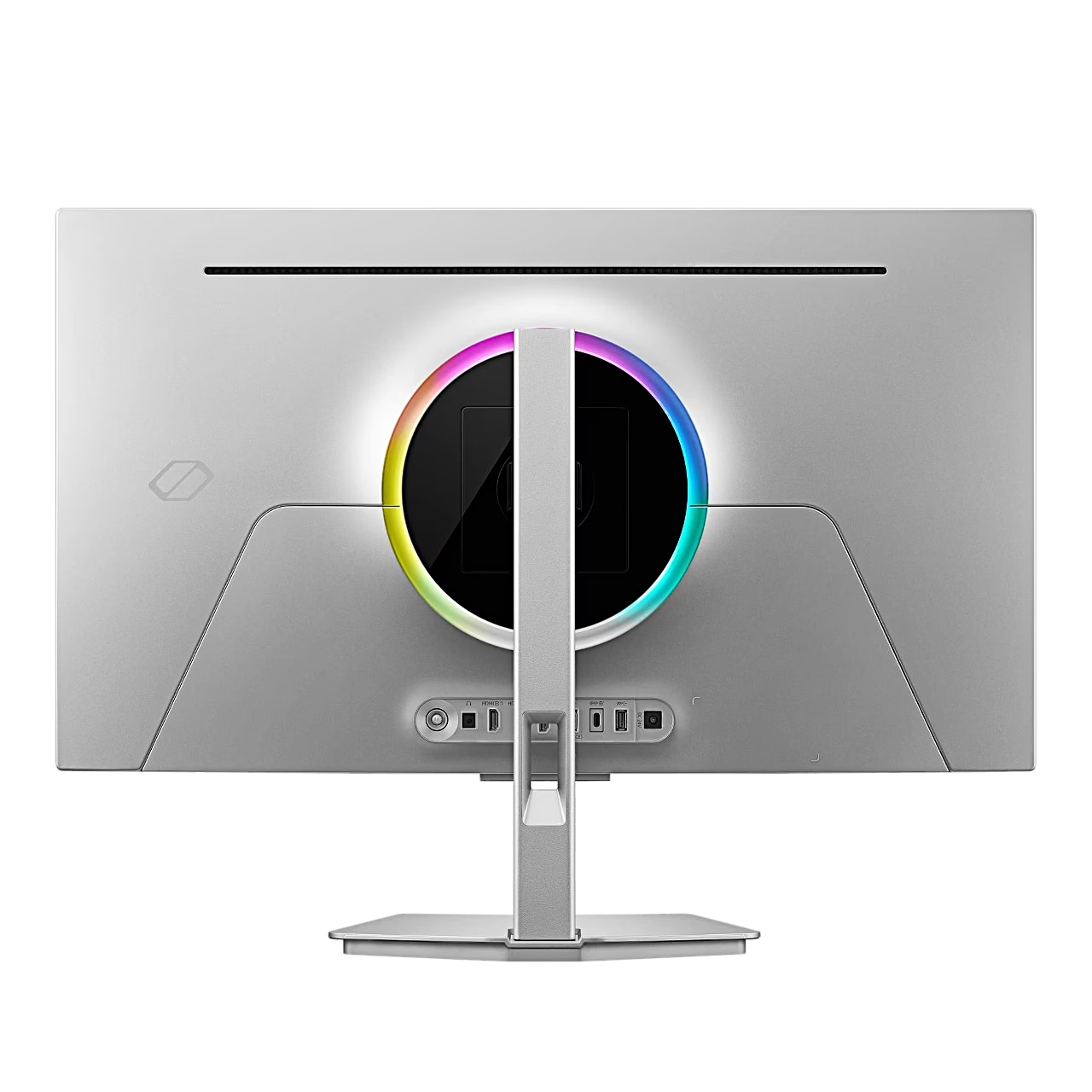
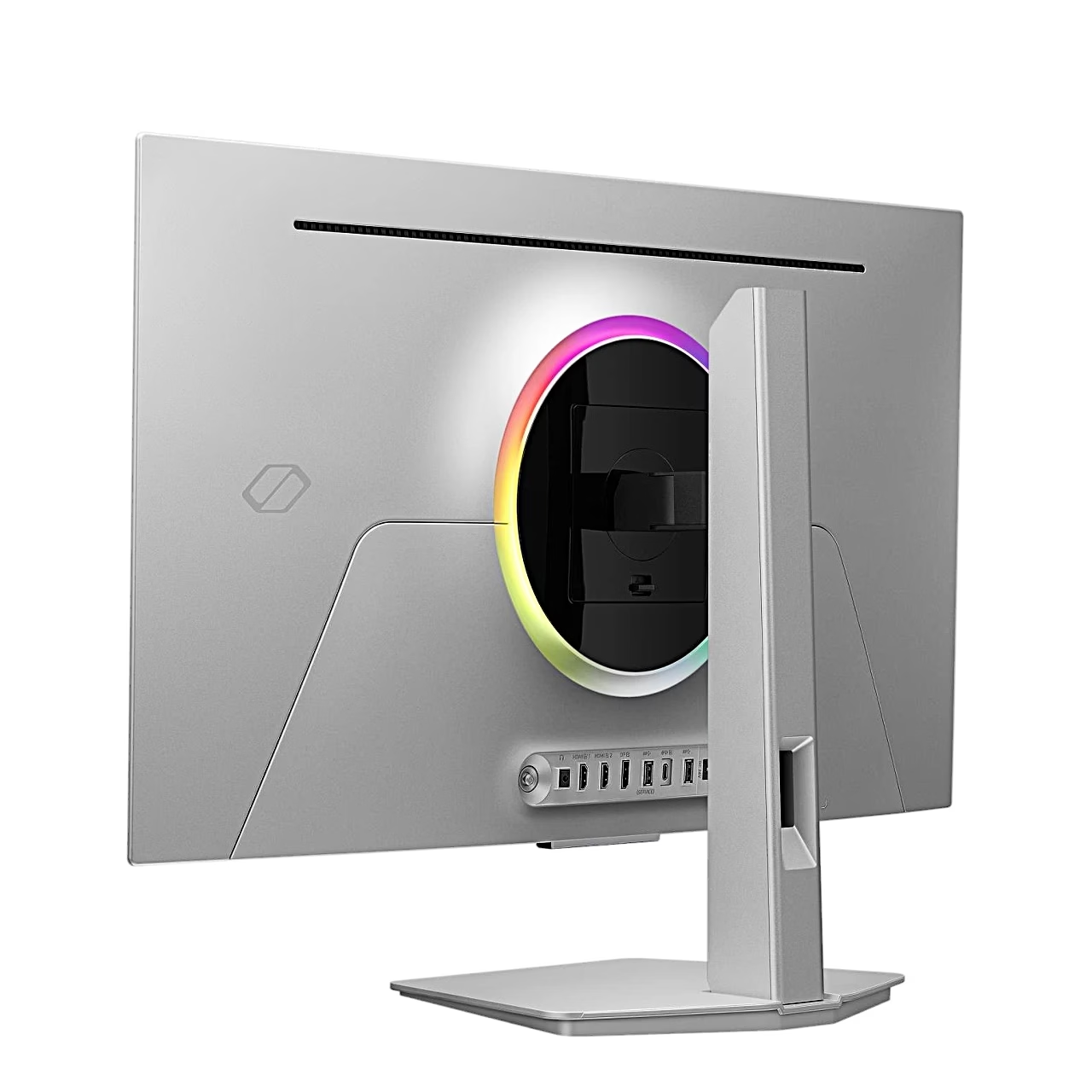
The monitor has two HDMI 2.1 ports, one DisplayPort 2.1 port and a USB-C port that receives the picture and charges a laptop at up to 98 W via USB PD (USB Power Delivery, the standard for charging over USB-C). Video over USB-C needs a USB Type-C 3.1 Gen 2 10G cable. The built-in USB hub’s two USB-A 3.2 Gen 1 ports connect USB devices to the computer through the monitor.
Installation and stand adjustment
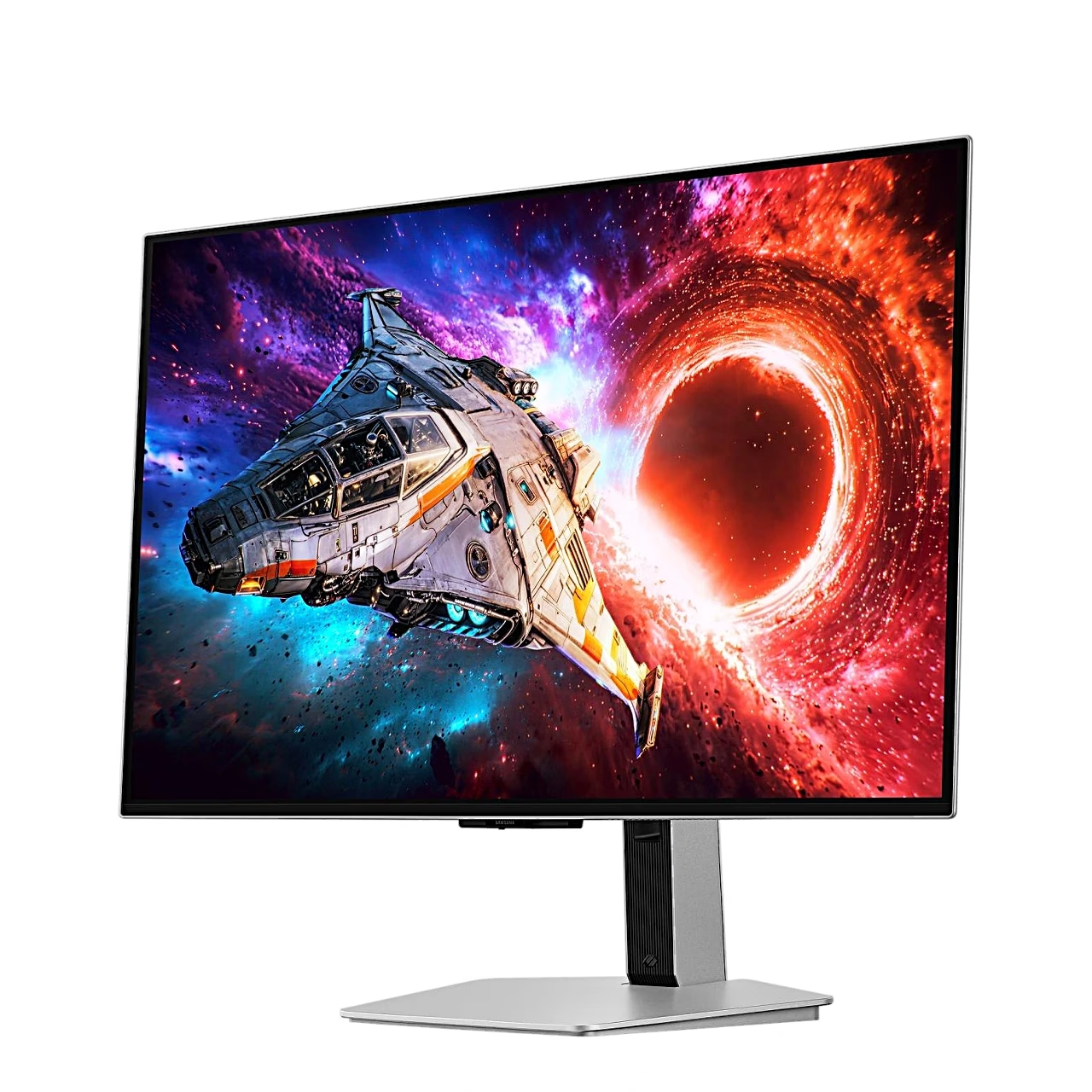
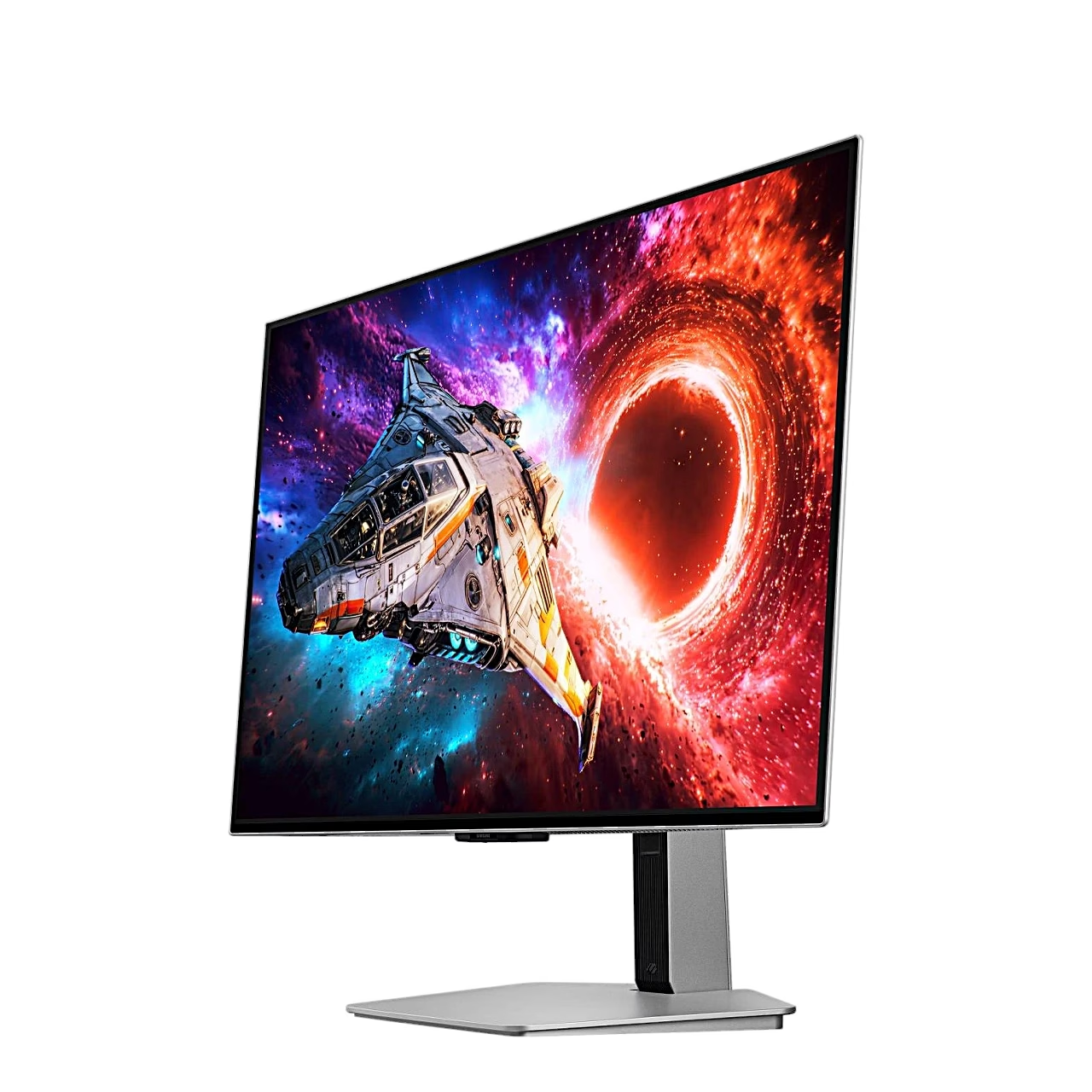
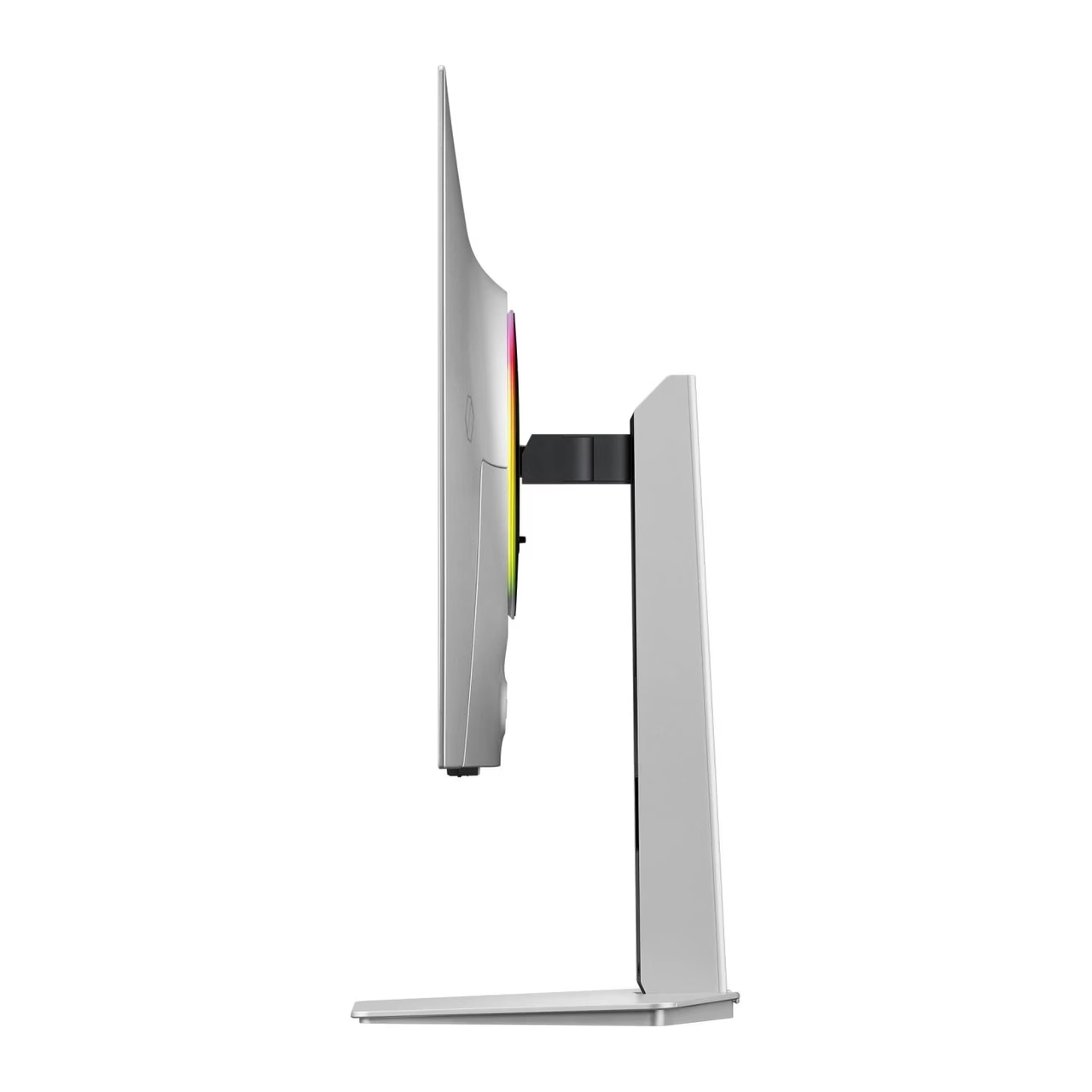
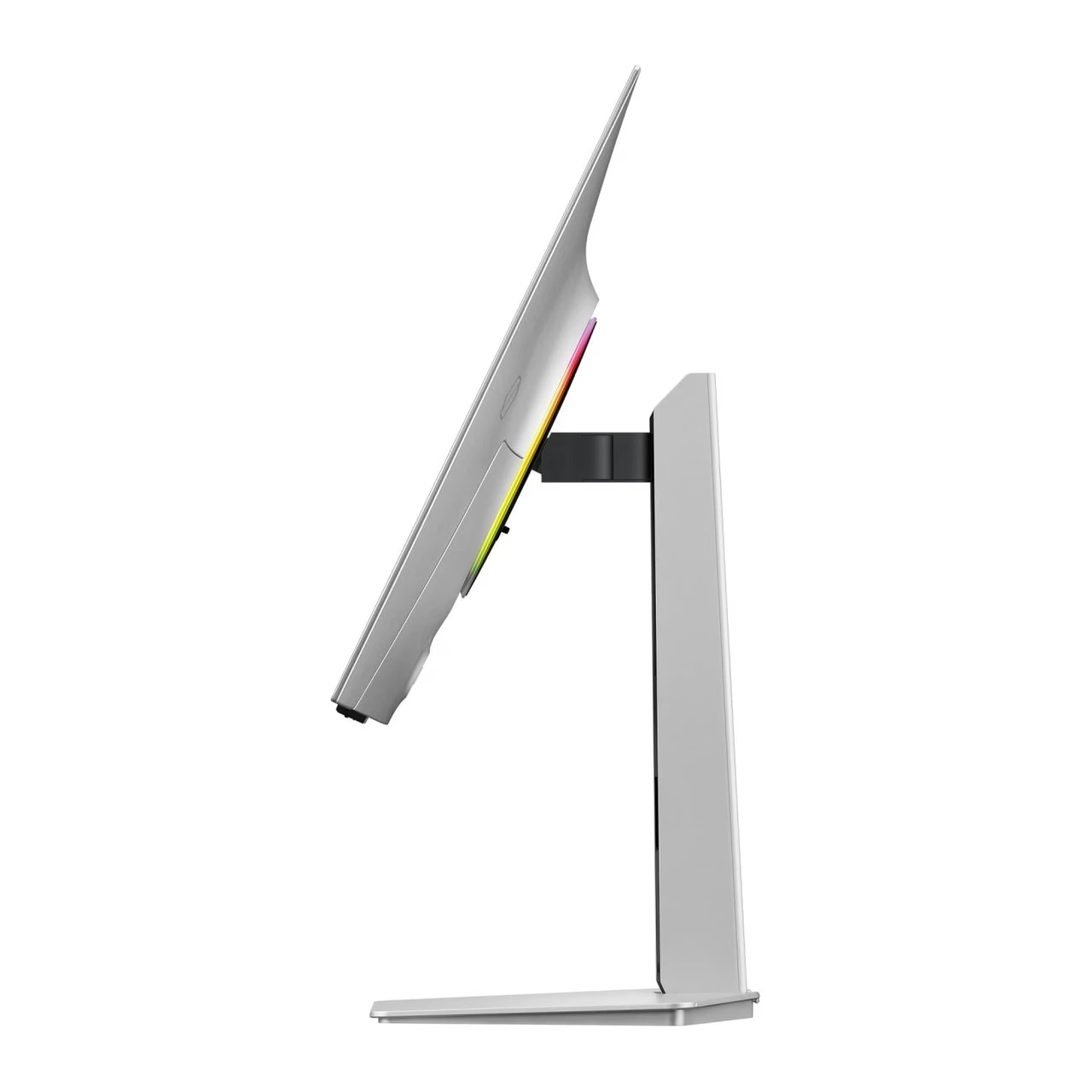
To fit the stand, lay the monitor screen down on a flat, stable surface, insert the stand neck into the base following the arrow, tighten the screw under the base and push the stand into the back of the monitor until it locks. The height adjusts by 120 mm, the screen tilts from −2° to 25°, swivels 30° to each side and turns to portrait once the stand is fully raised. Cables run through the hole in the stand, and the screen fits a wall mount or monitor arm with VESA 100 × 100.
Cleaning and care
Before cleaning, switch off the monitor and the computer and unplug the power cord. Wipe the screen with a clean, soft, dry cloth; the casing may be wiped with a cloth dampened in water and wrung out well. Do not use cleaning agents containing alcohol, solvents or surfactants, and do not spray water directly onto the monitor.
In the box
- Gaming monitor Samsung Odyssey OLED G8 G80SH, 1 pc
- Stand with base
- External power supply
- Power cable, 1.5 m
- DisplayPort cable
- USB-C cable






































Reviews
There are no reviews yet.