

Description
Gaming monitor with a 4K OLED screen and Dual Mode
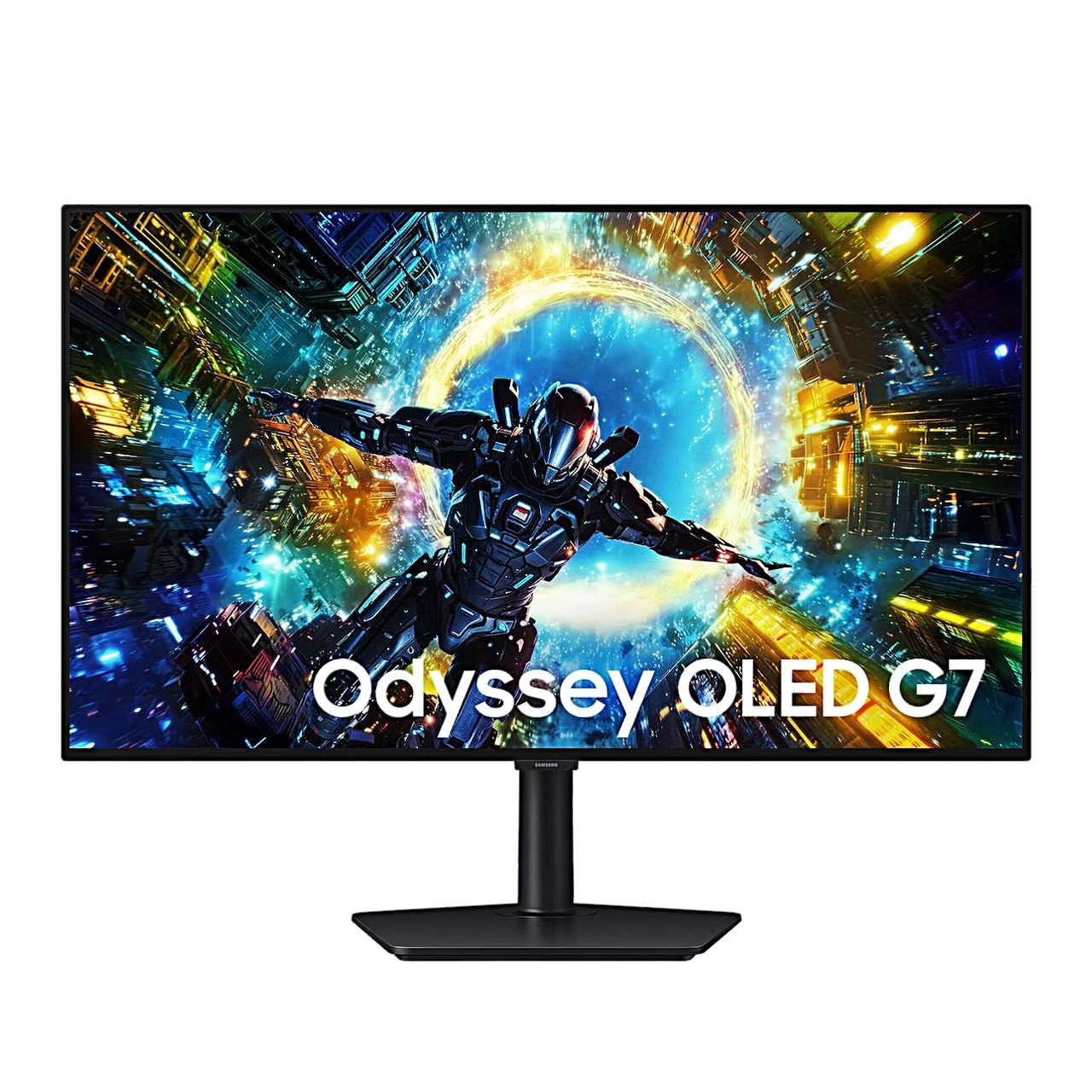
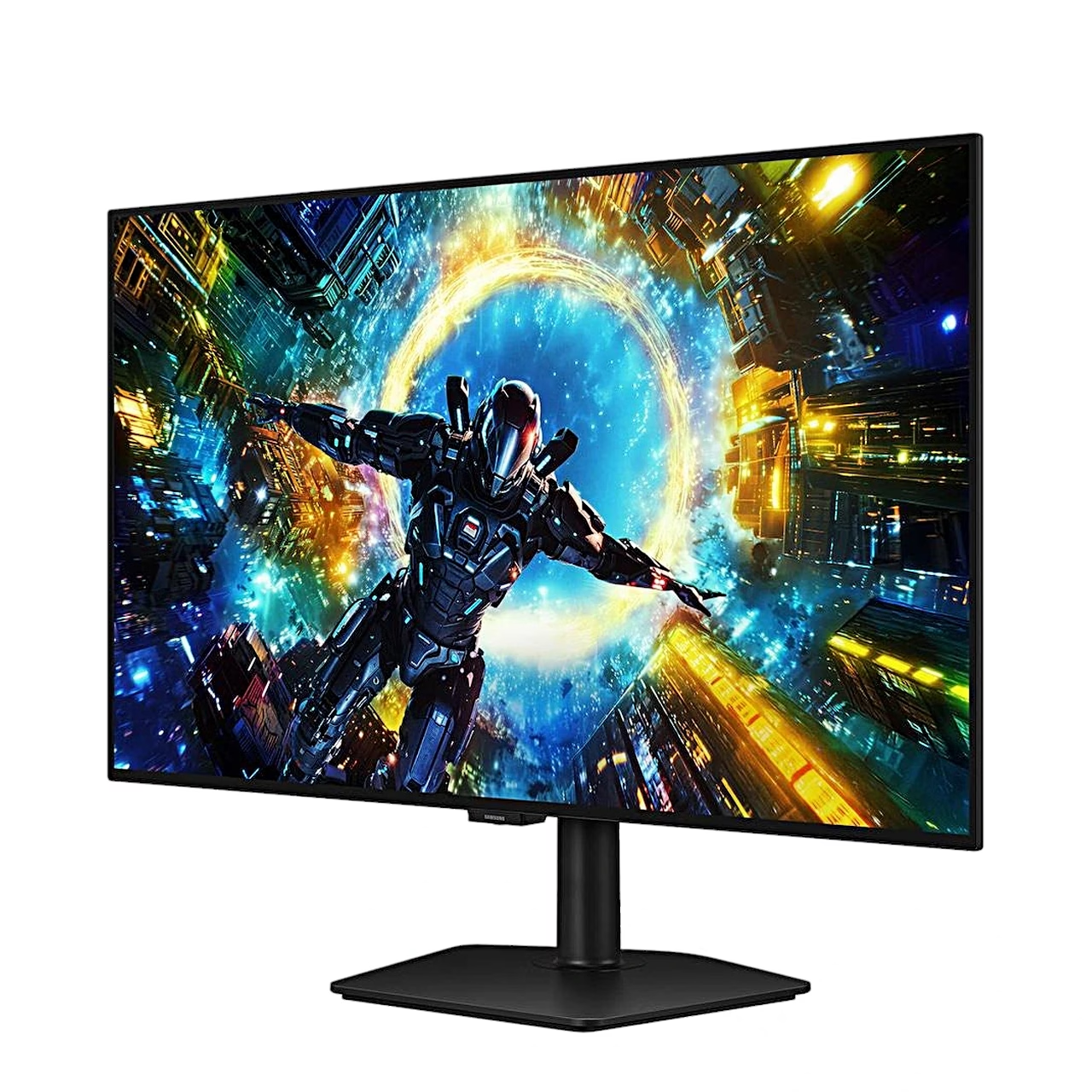
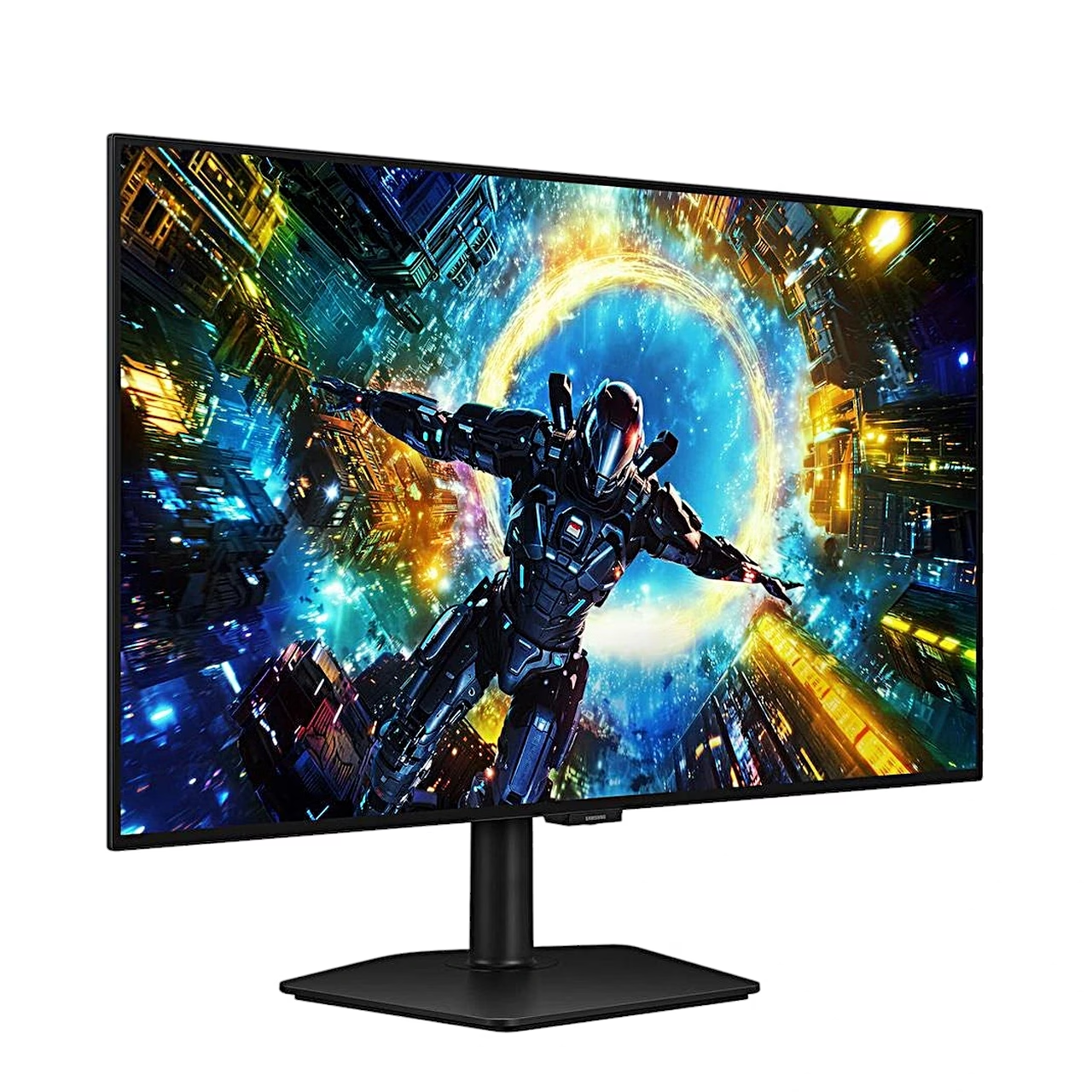
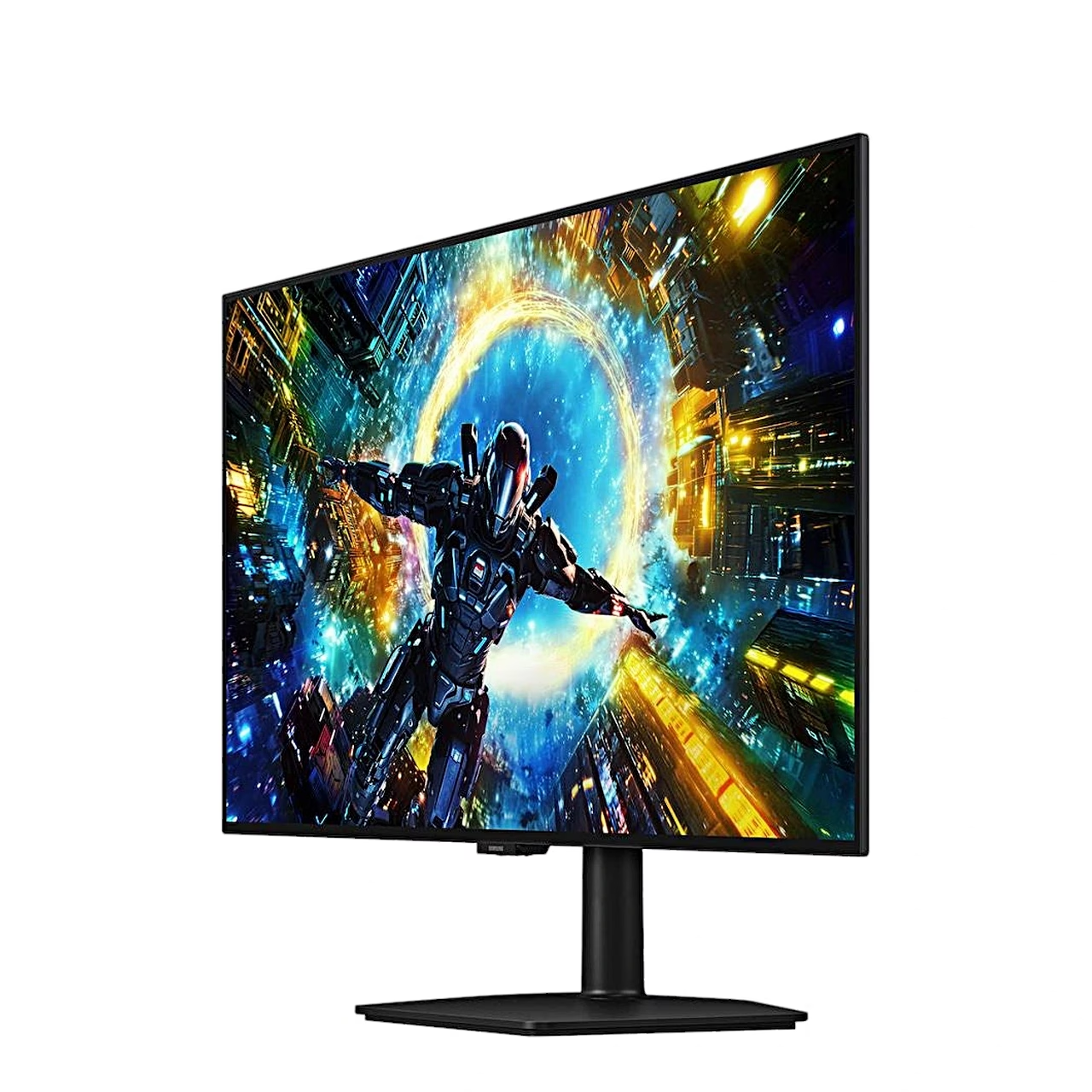
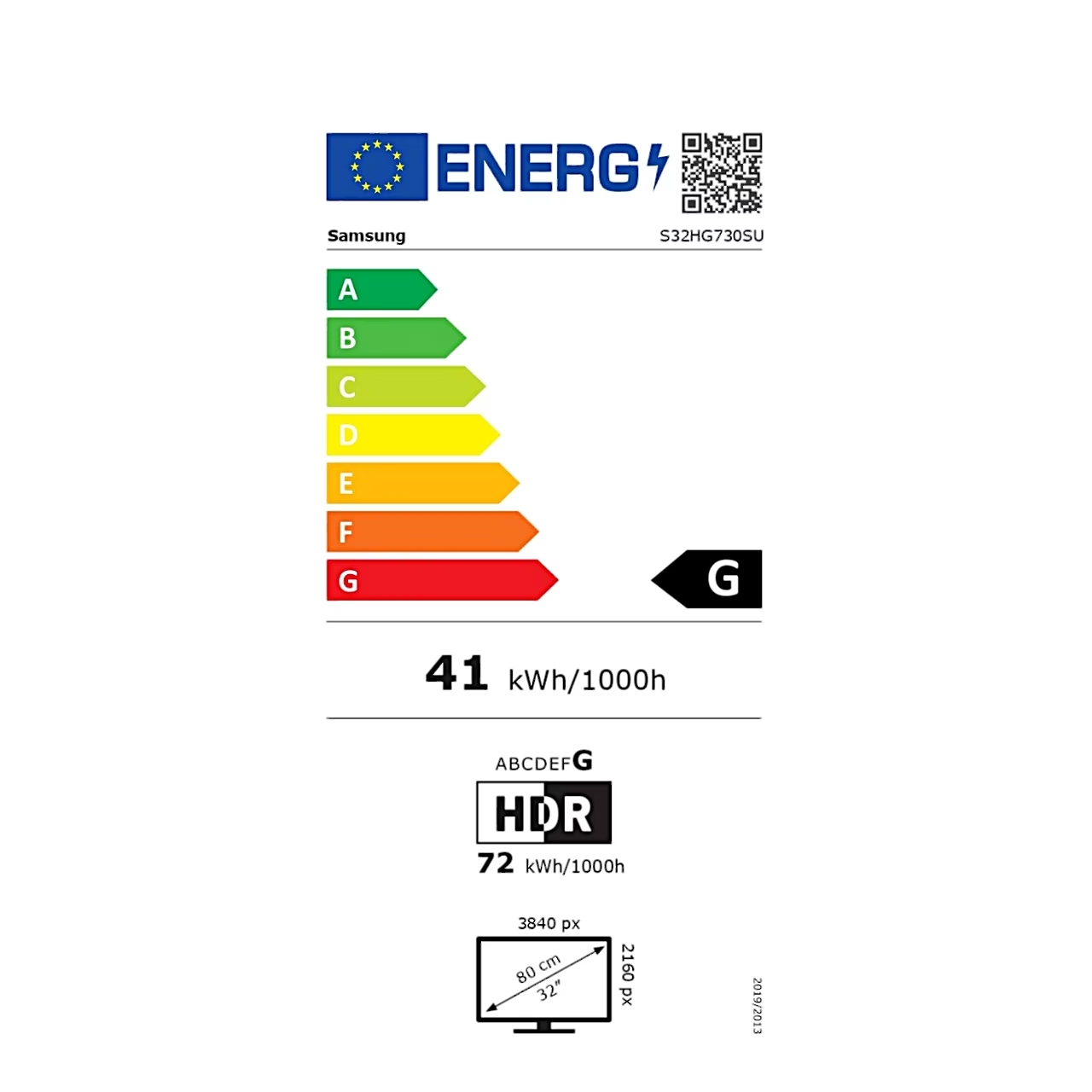
The 32-inch gaming monitor Samsung Odyssey OLED G7 G73SH shows a 3840 × 2160 picture at up to 165 Hz. Dual Mode switches the resolution to Full HD (1920 × 1080) and raises the refresh rate to up to 330 Hz, so you can choose between a sharper or a faster picture.
An OLED panel shows a high-contrast HDR picture
An OLED panel is a display technology in which each pixel is lit by its own organic light-emitting diode rather than a shared backlight. As pixels switch on and off individually, dark areas stay deep black: the Odyssey OLED G7 has a static contrast ratio of 1,500,000:1. For office work, where the same windows sit on screen all day, an IPS panel is the more common choice; OLED is at its best for games and films in a dim room.
HDR picture and game settings
For HDR content the monitor is certified VESA DisplayHDR True Black 400 and has HDR10+ Gaming support. Typical brightness is 275 cd/m², with a peak of 1,300 cd/m² on a small picture area (APL 1.5%). AMD FreeSync Premium Pro matches the refresh rate to the graphics card’s frame rate between 48 and 165 Hz so the picture does not tear or stutter. Black Equalizer changes the brightness of dark areas to make opponents easier to spot in shadow, and Virtual Aim Point shows an aim point on screen.
Adjustable stand and connections
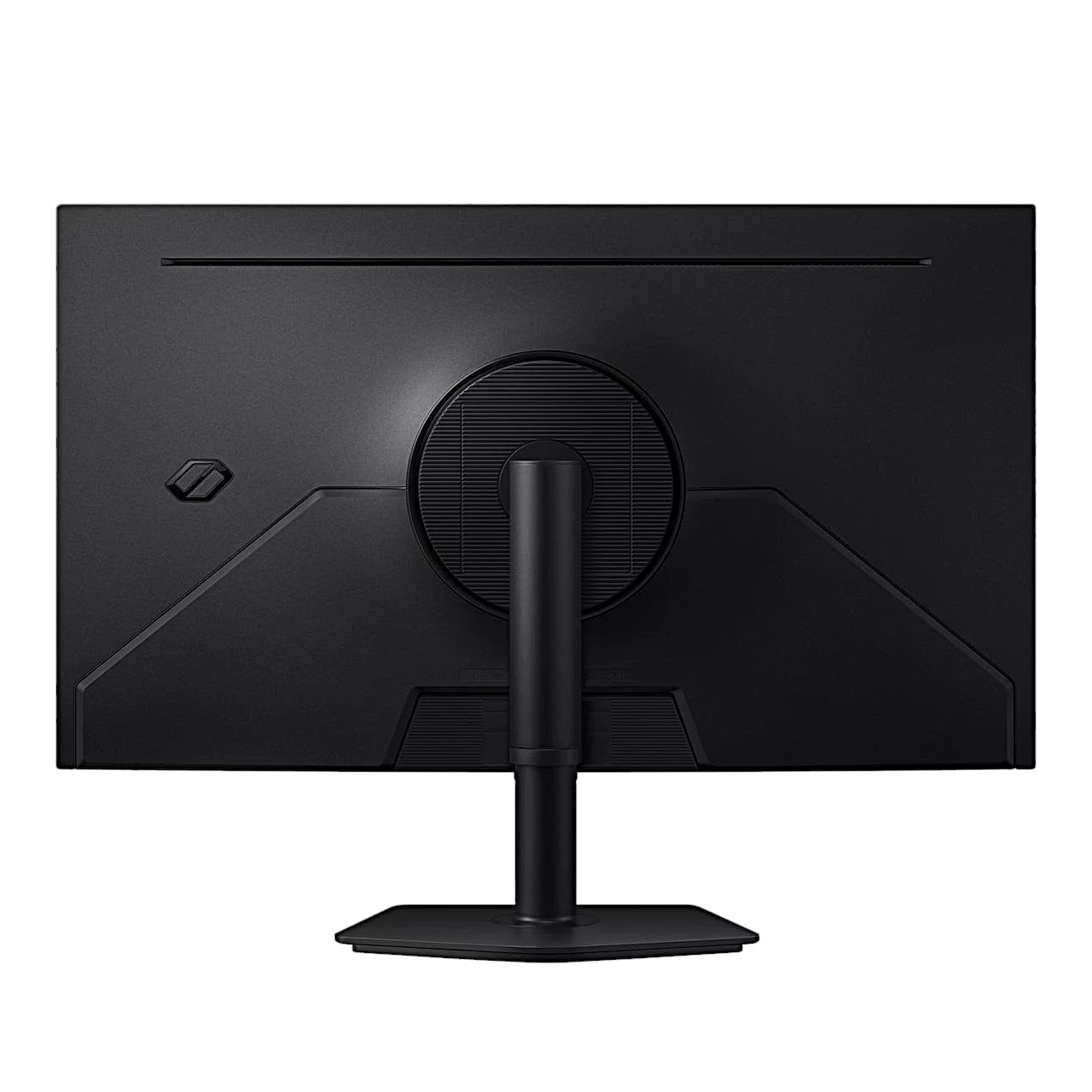
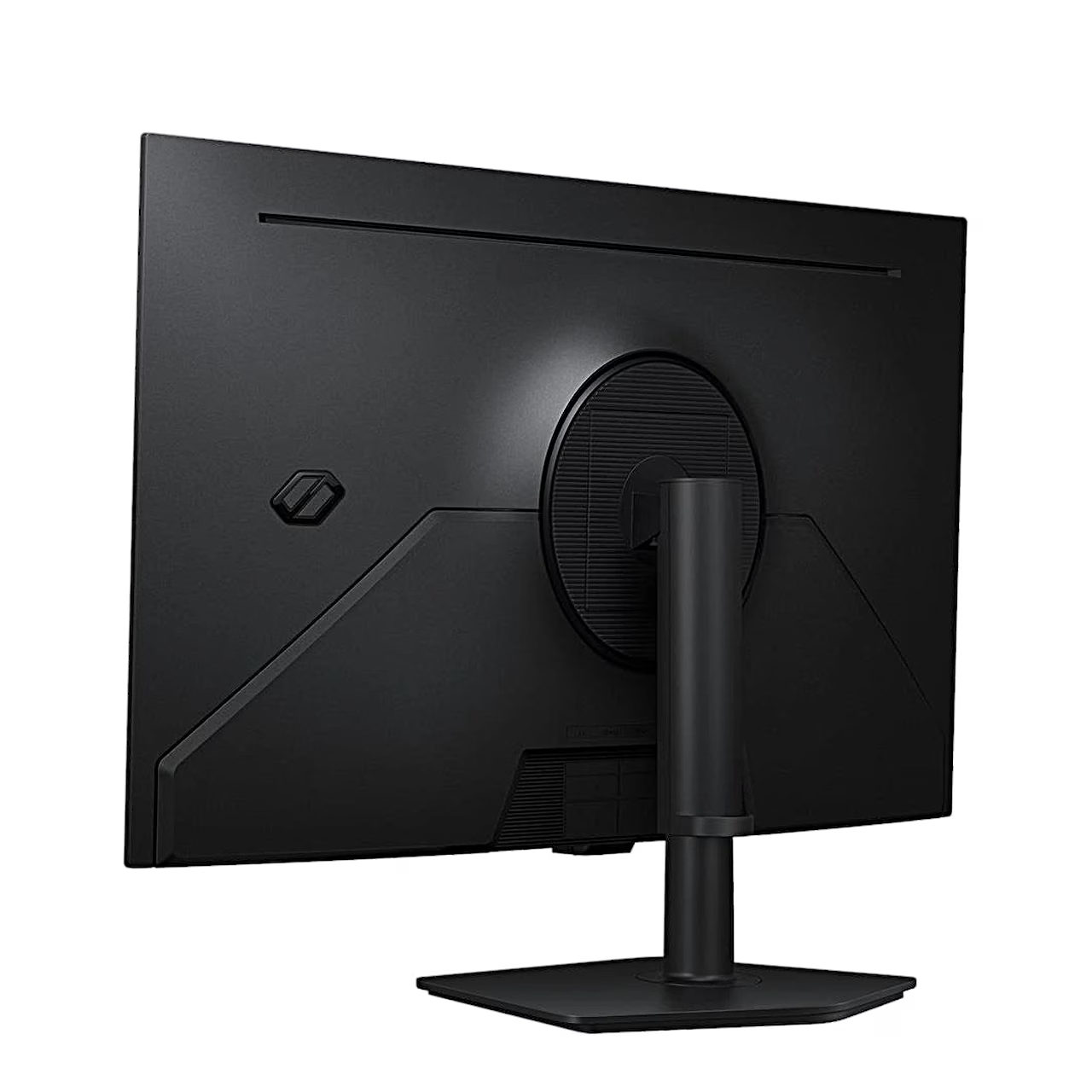
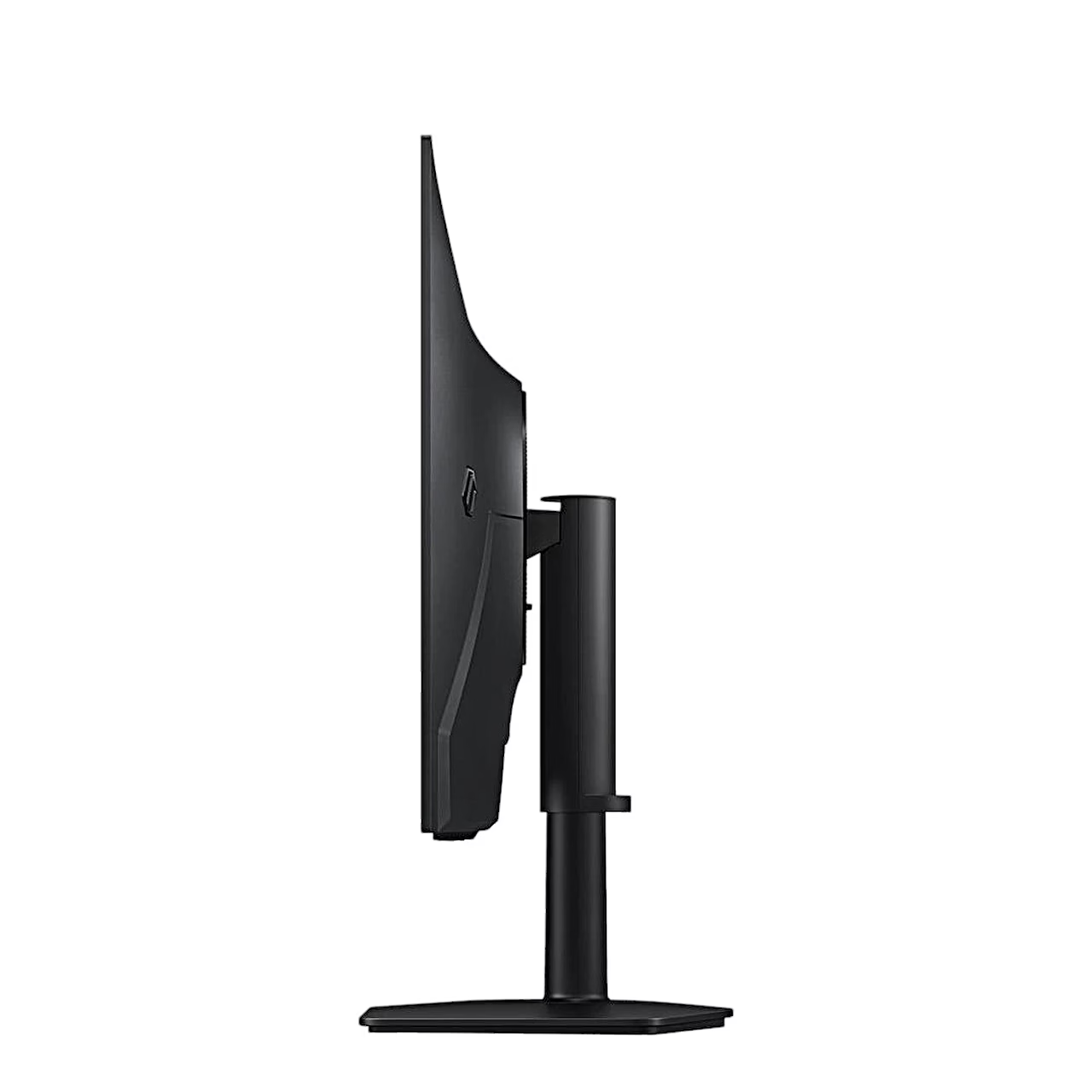
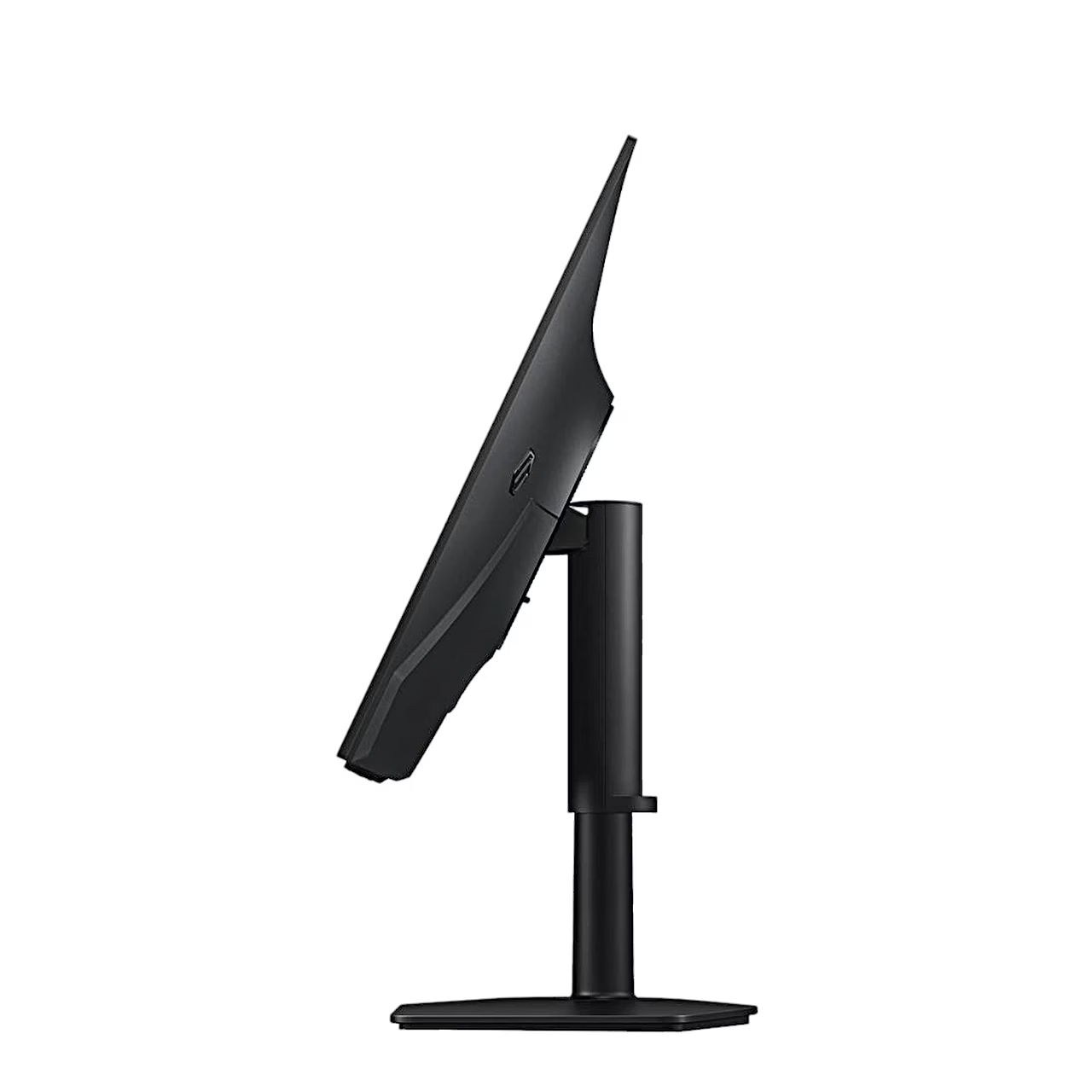
The stand raises and lowers the screen over 105 mm, tilts it 3° forward and 25° back and swivels it 45° to either side. The screen turns to portrait 92° either way once the stand is fully raised. Video inputs are HDMI 2.1 and DisplayPort 1.4, plus a headphone output and a USB-A port for software updates. A VESA 100 × 100 mm mount for M4 screws on the back takes a wall bracket or monitor arm.
Installation and use
Before attaching the stand, lay the monitor screen down on a flat, stable surface. Fit the base onto the stand neck, tighten the screw under the base firmly and push the assembled stand into the back of the monitor until it is firmly fastened. Leave at least 10 cm between the monitor and the wall for ventilation. Settings can also be managed from the computer with Samsung Display Manager software.
Cleaning and care
Before cleaning, switch off the monitor and the computer and unplug the power cord. Wipe the monitor with a clean, soft, dry cloth; the casing can also be wiped with a cloth dampened in water and wrung out well. Use only water, not cleaning agents with alcohol, solvents or surfactants, and always dampen the cloth, not the monitor.
In the box
- Gaming monitor Samsung Odyssey OLED G7 G73SH, 1 pc
- Stand: base and neck with fixing screw
- DisplayPort cable
- Power cord, 1.5 m
- External power adapter






































Reviews
There are no reviews yet.