

Description
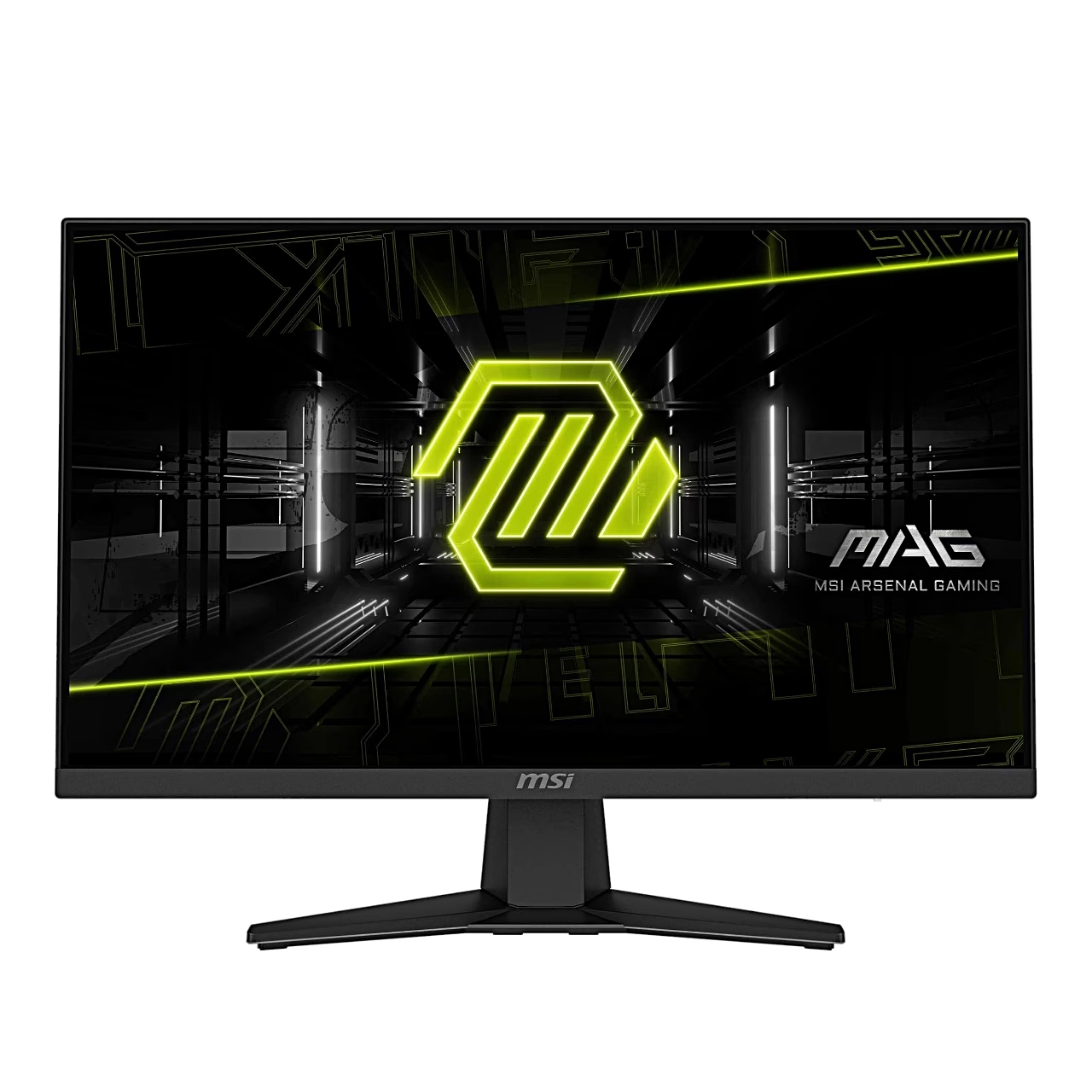
Gaming monitor with a fast Rapid IPS panel
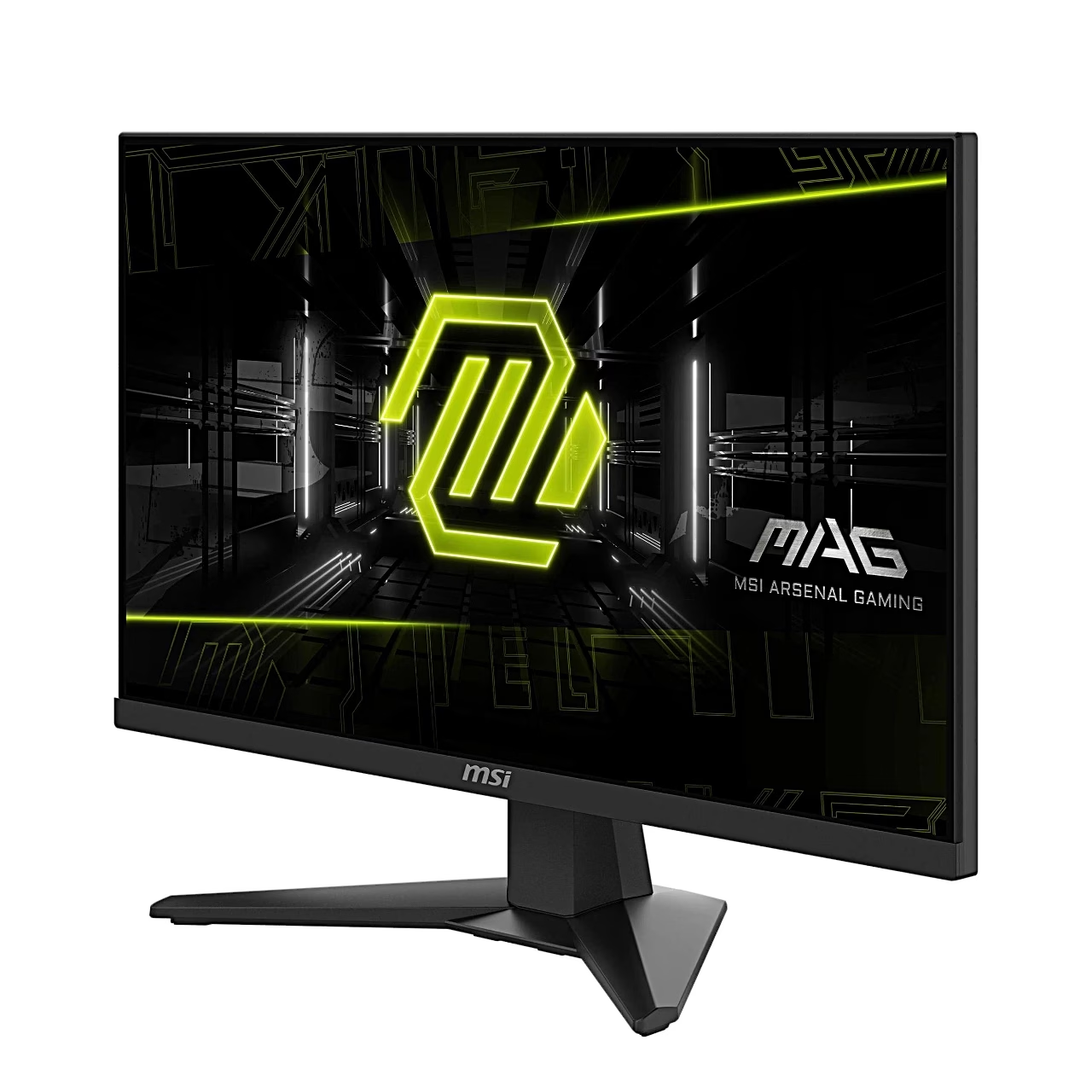
The fast IPS gaming monitor MSI MAG 244F shows 1.07 billion colours (10-bit, 8-bit + FRC) and covers 91% of the Adobe RGB colour space. The screen has an anti-glare surface and HDR Ready support, and its MPRT value is 1 ms.
Smooth gameplay thanks to AMD FreeSync Premium
AMD FreeSync and NVIDIA G-SYNC are adaptive sync technologies that change the monitor’s refresh rate to match the graphics card’s frame rate so that the picture does not tear or stutter. The MAG 244F supports AMD FreeSync Premium in the 48–200 Hz range. With consoles the same principle works over HDMI as variable refresh rate (VRR).
Game modes and picture settings
The menu offers FPS, Racing, RTS and RPG game modes, Night Vision brightens a dark background and AI Vision raises picture contrast and background brightness. The Fastest response time setting reduces motion blur in very fast games. The refresh rate and a timer (Alarm Clock) can be shown in a corner of the screen. Typical brightness is 300 cd/m² and the contrast ratio 1000:1.
Connections and mounting
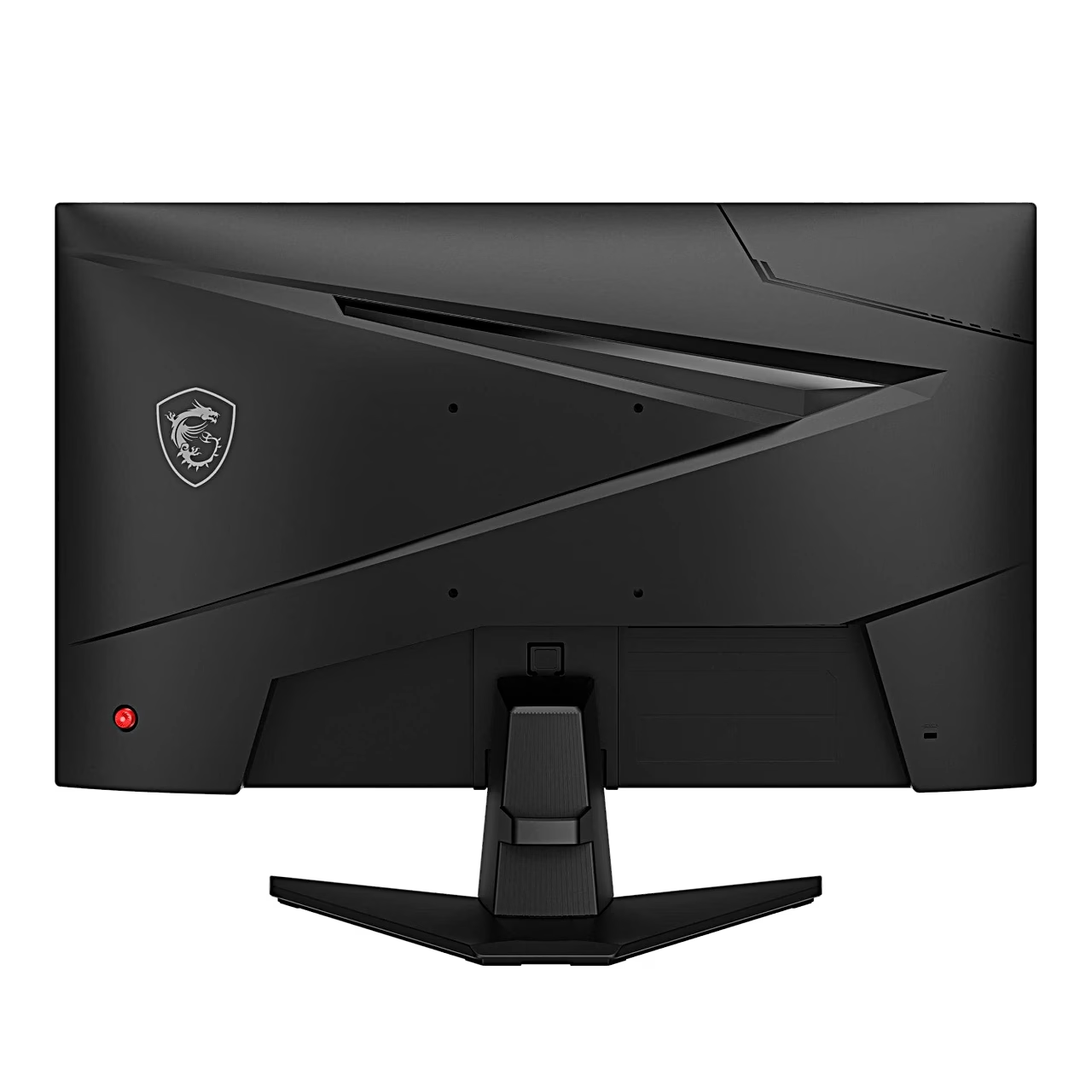
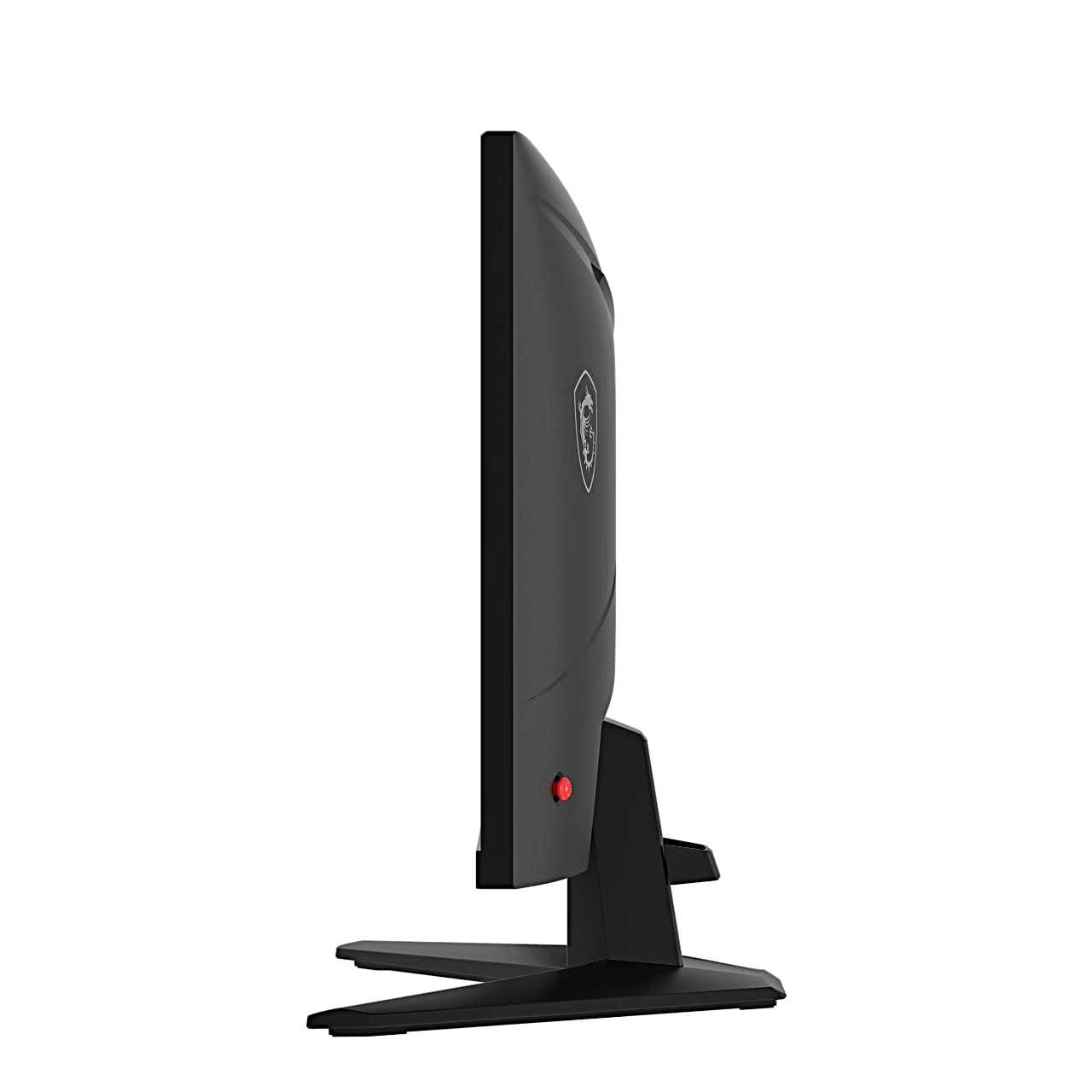
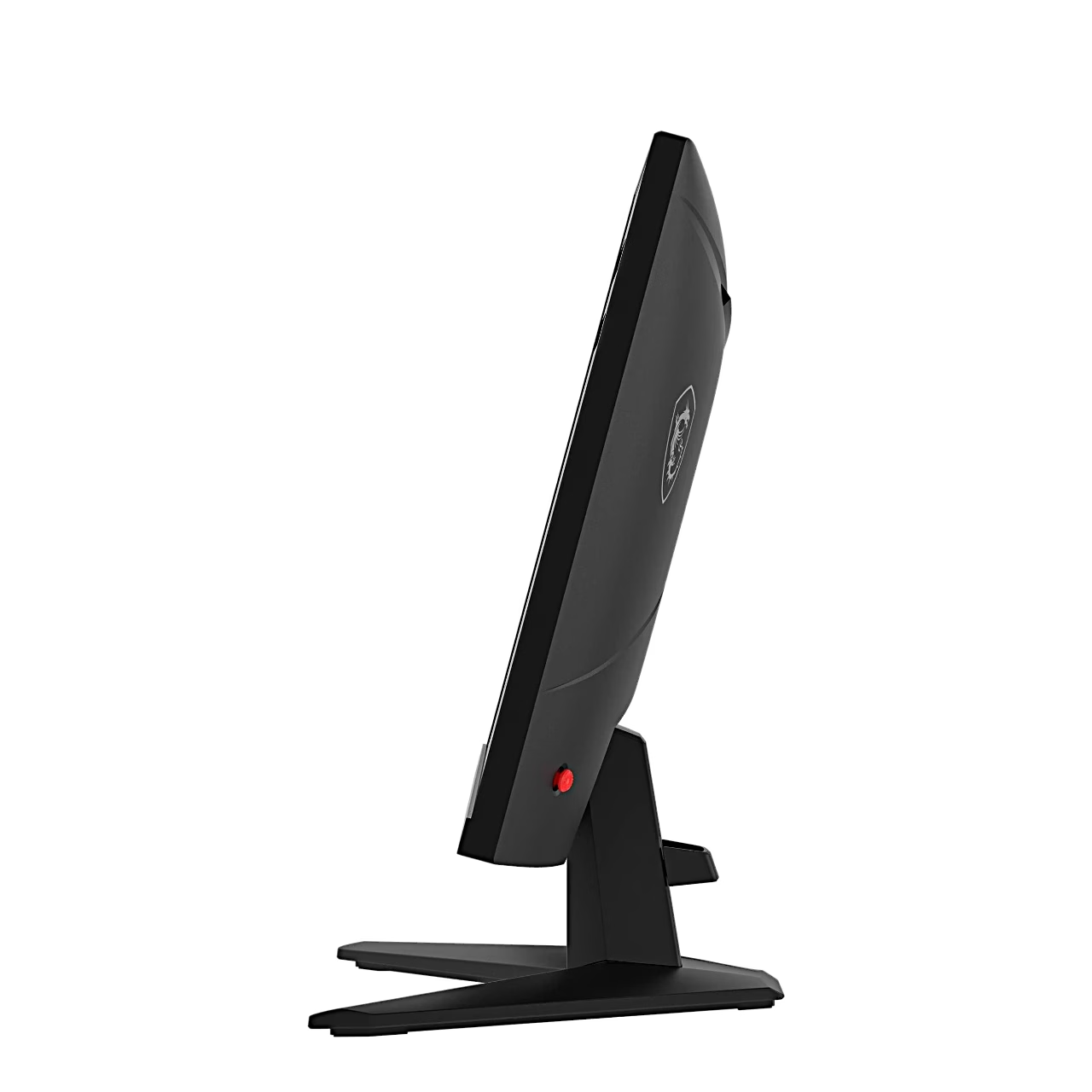
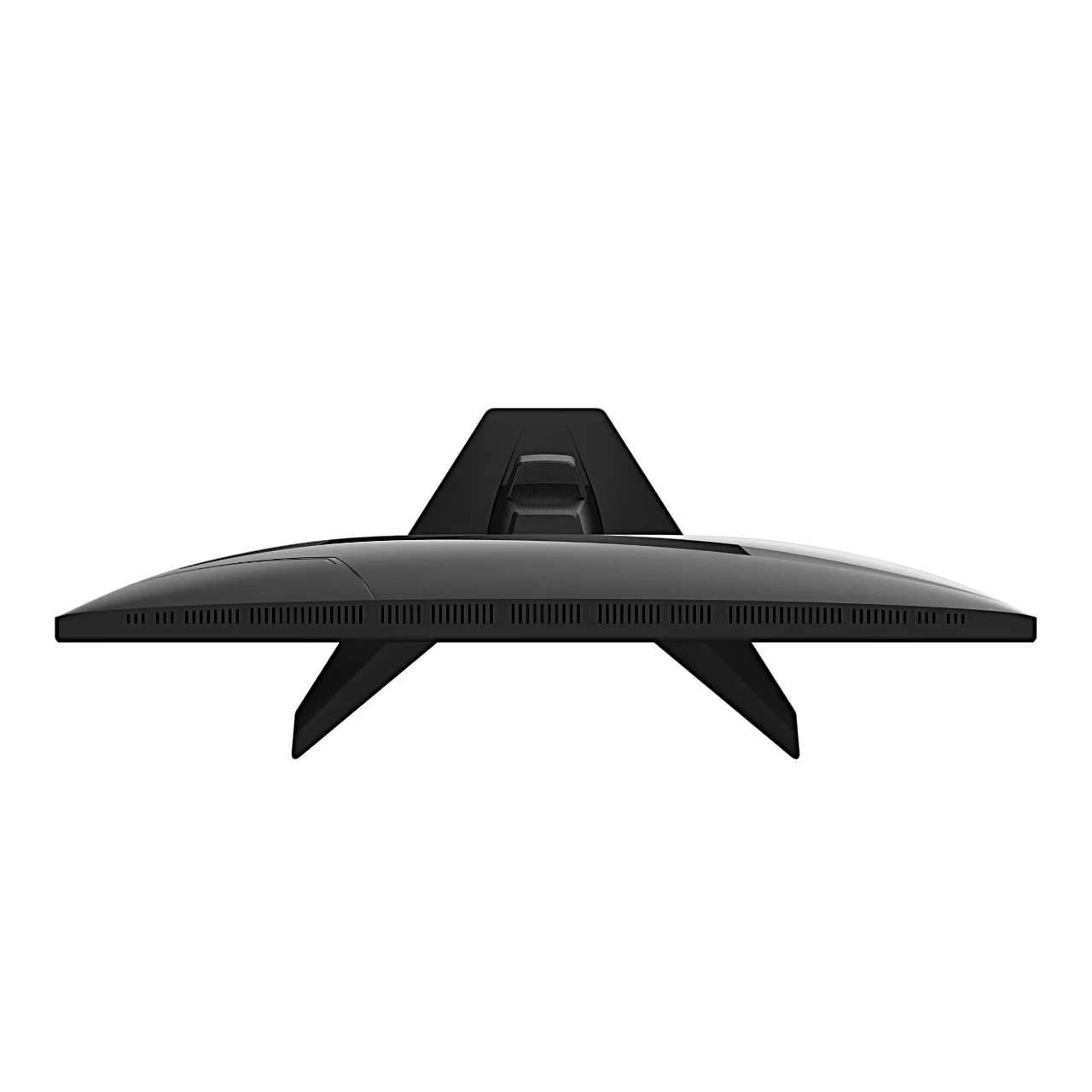
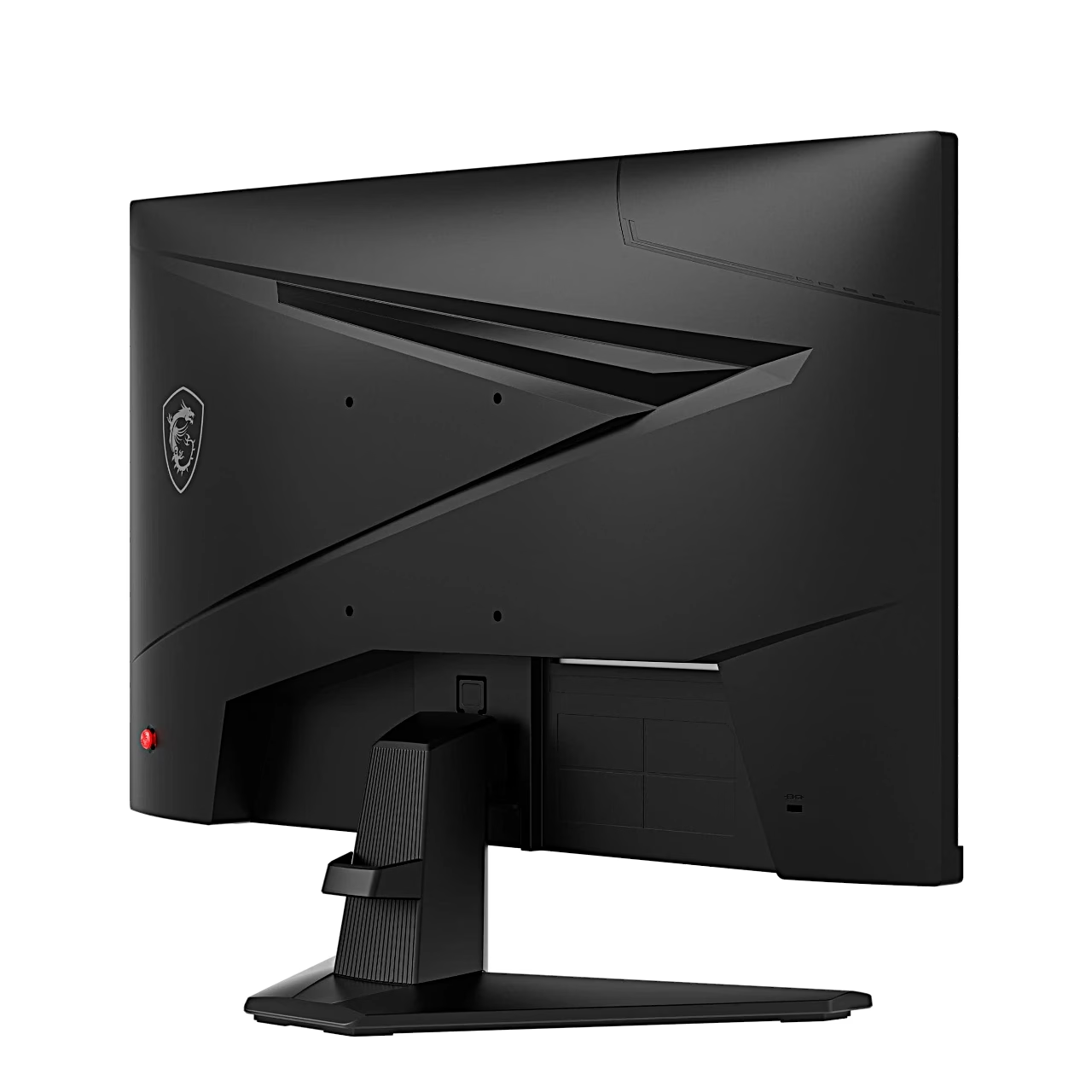
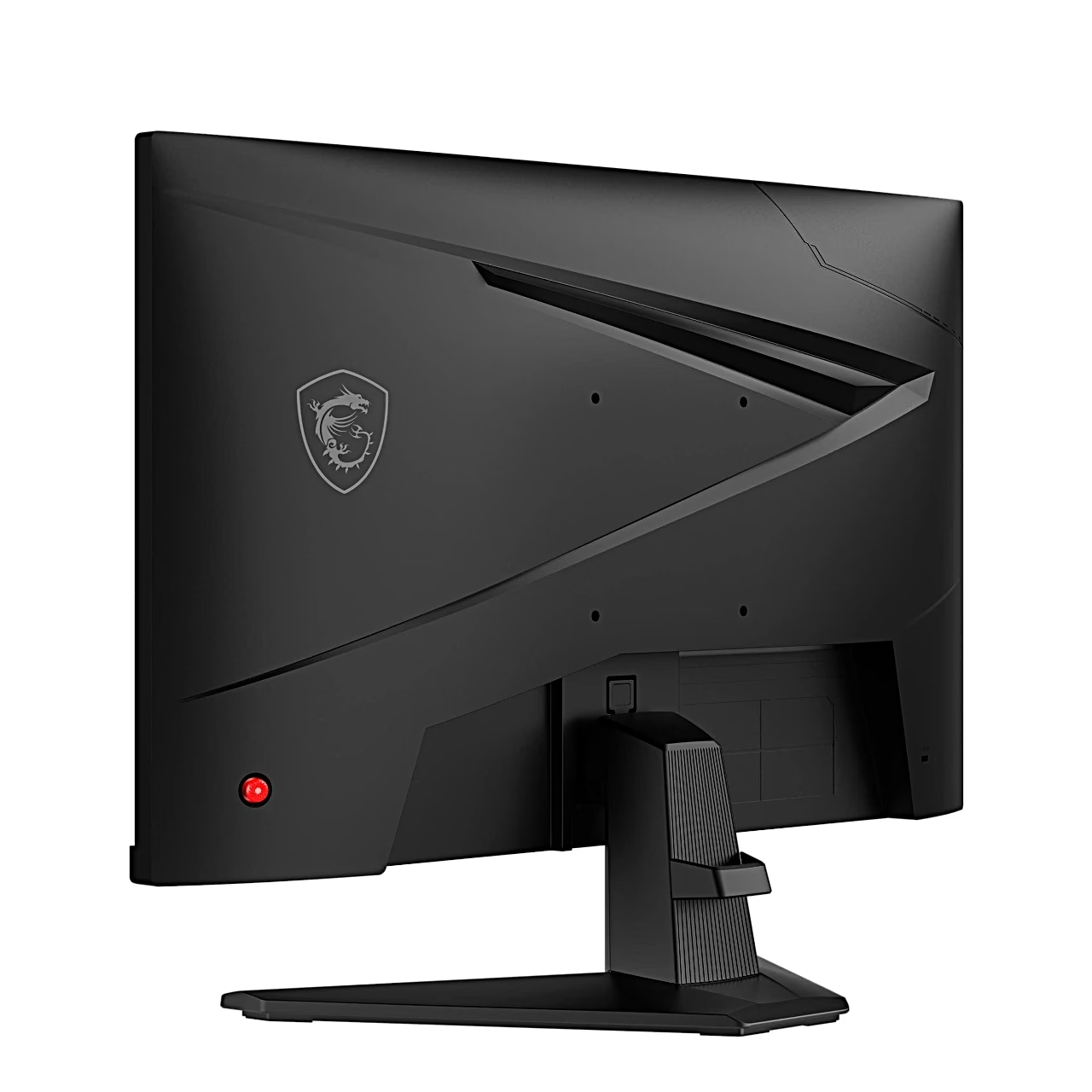
The monitor has an HDMI 2.0b port, a DisplayPort 1.2a port and a headphone output, and both video inputs support a 1920 × 1080 picture at 200 Hz. HDMI CEC switches the monitor on together with a connected console. The stand tilts the screen from –5° to 20°, and the back has VESA 100 × 100 mm mounting holes for M4 × 10 mm screws. The back also has a Kensington lock slot.
Installation and cleaning
The stand fits without tools: leave the monitor in its protective packaging and push the stand bracket into the monitor’s groove, the cable organiser onto the stand and the base onto the stand until they lock in place. Connect the external power supply to the power cord, the power supply to the monitor’s power jack and the power cord to the wall socket. To clean, unplug the power plug, use a soft cloth, do not use industrial chemicals and do not pour liquid into the openings.
In the box
- Monitor
- Stand and base
- External power supply (12 V, 3 A)
- Power cord (C13)
- HDMI cable (HDMI 2.0)
- Quick start guide











































Reviews
There are no reviews yet.