

Description
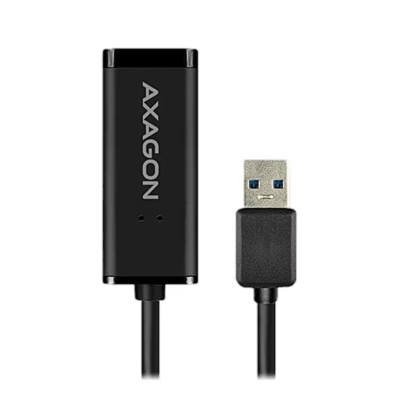
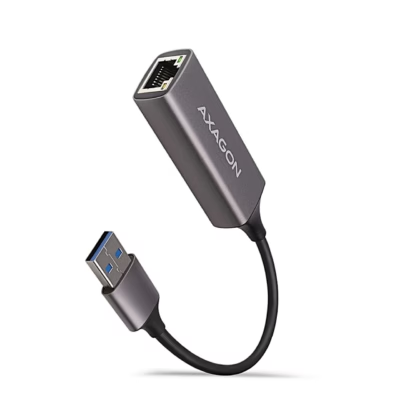
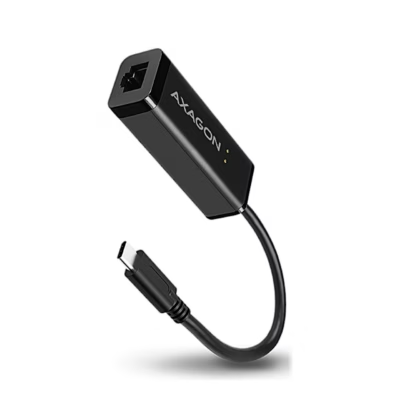
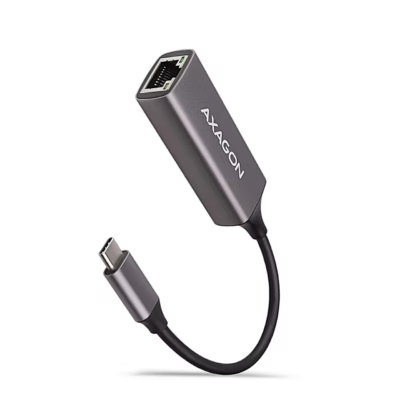
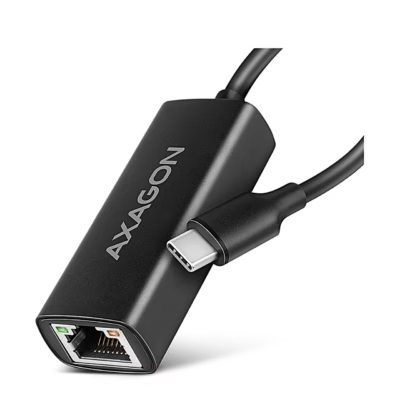
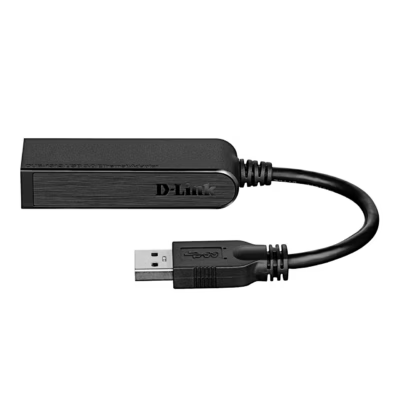
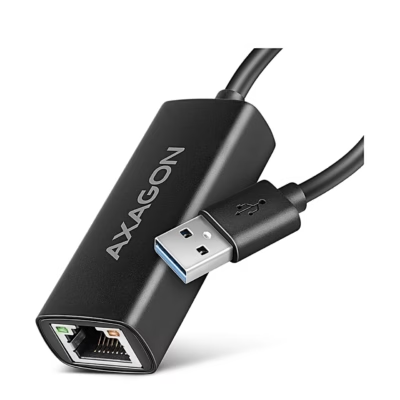
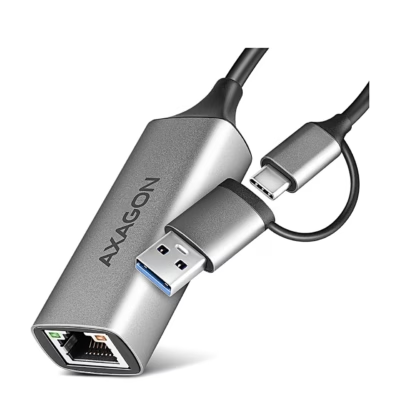
USB network adapter for a Gigabit Ethernet connection
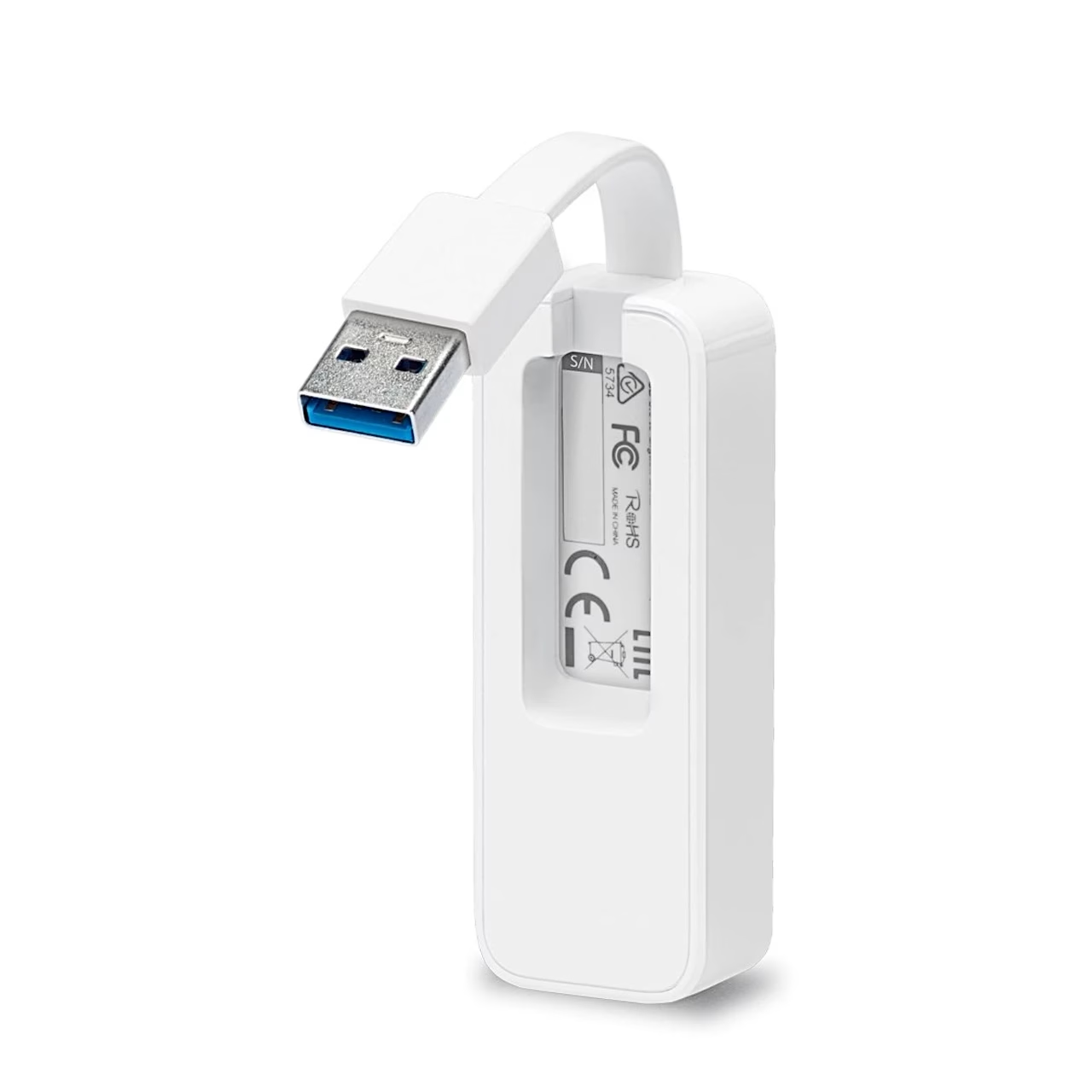
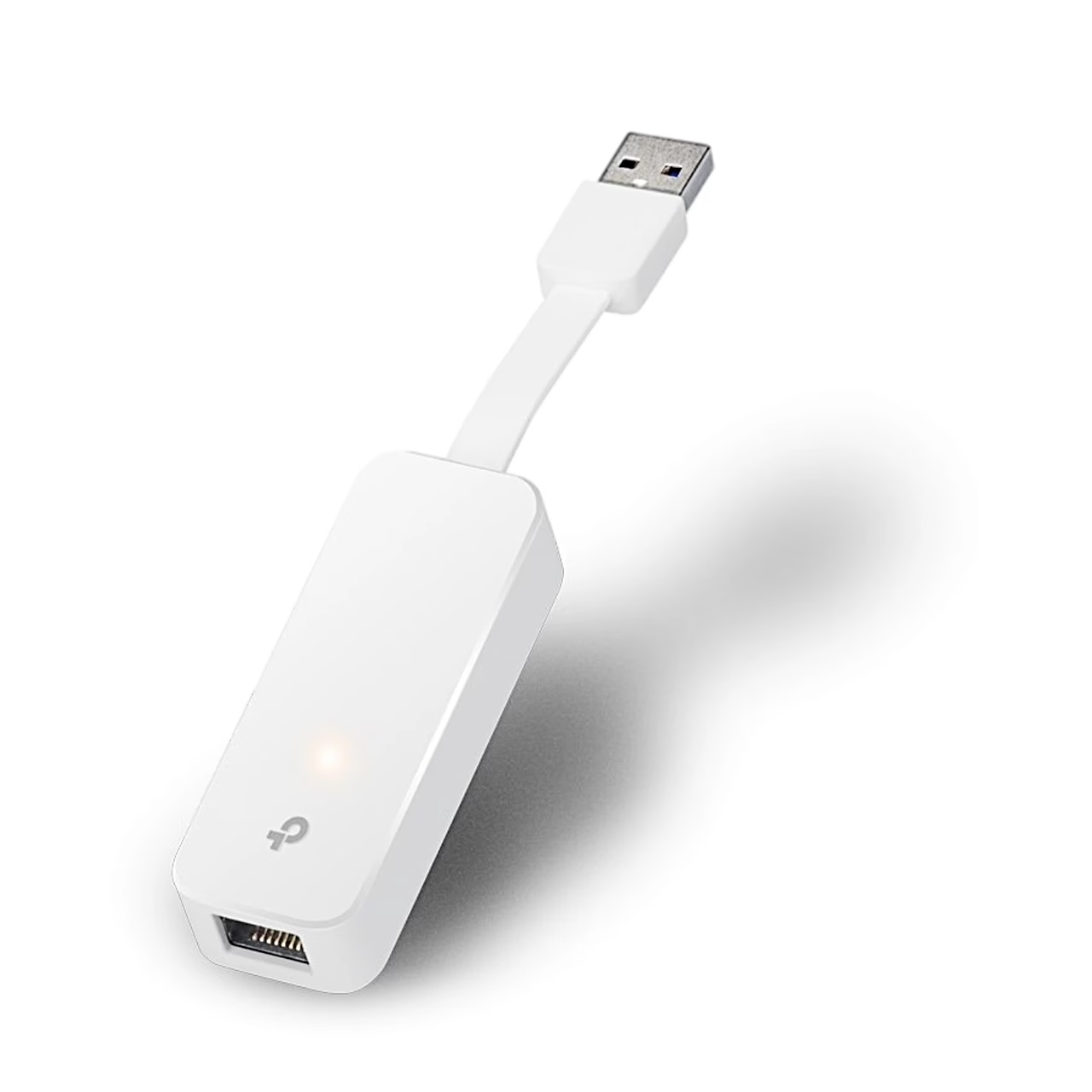
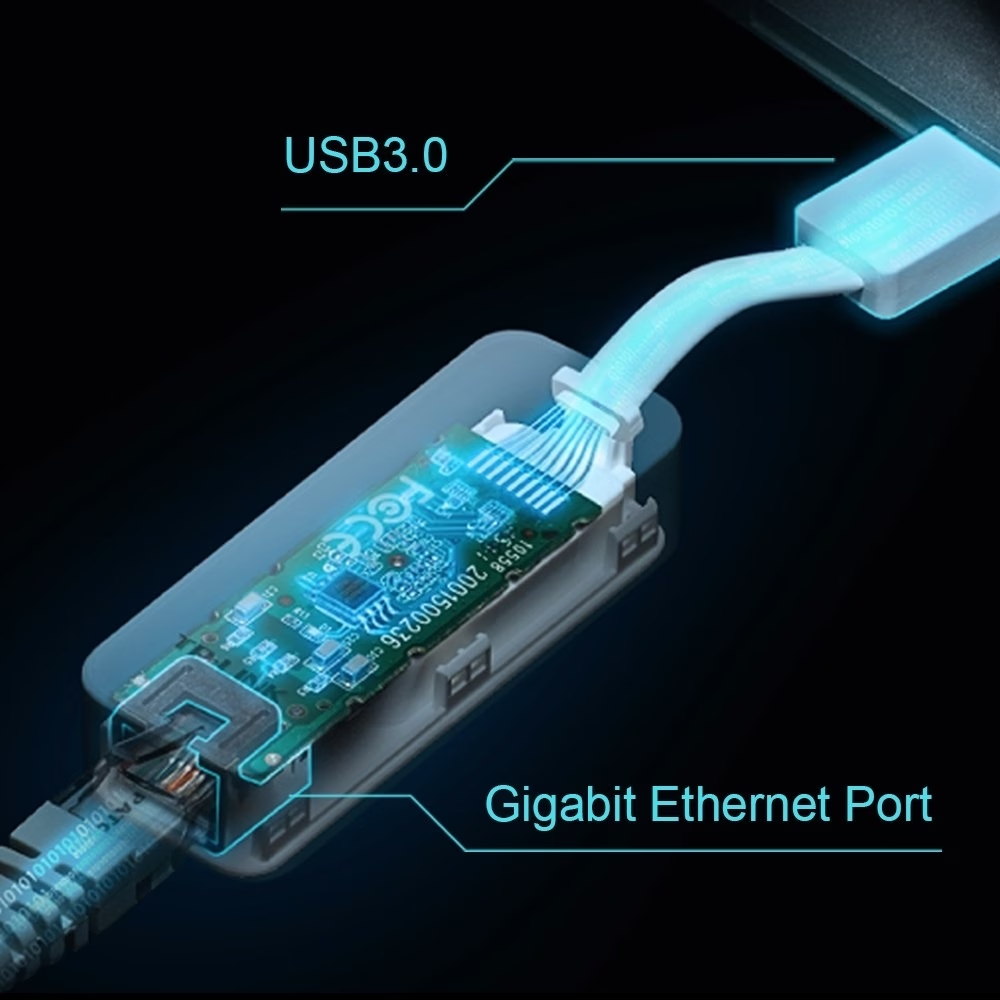
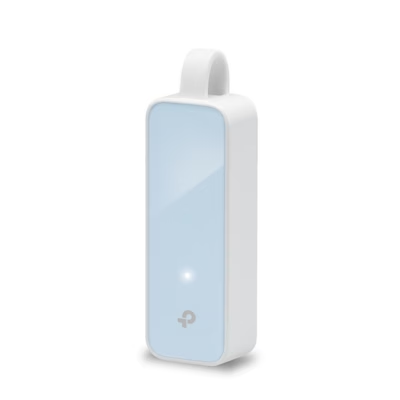
The Gigabit Ethernet USB network adapter connects a computer to a router or network switch with a network cable. The RJ45 port supports 10, 100 and 1000 Mbit/s to IEEE 802.3, 802.3u and 802.3ab, and the USB 3.0 interface runs at 5 Gbit/s. The adapter uses the Realtek RTL8153 chipset. The USB plug clips into a slot on the back of the housing for carrying.
Use and driver
Plug the adapter into a USB port on the computer and wait a few seconds until it is ready. On Windows 7, 8 and 8.1, click to install the driver if prompted; if Windows 7 then shows the message “The program might not have installed correctly”, click CANCEL. For Mac OS X 10.8 and older, download the driver from the TP-Link website by searching for the model number UE300. Then connect the network cable to the RJ45 port.
Status light
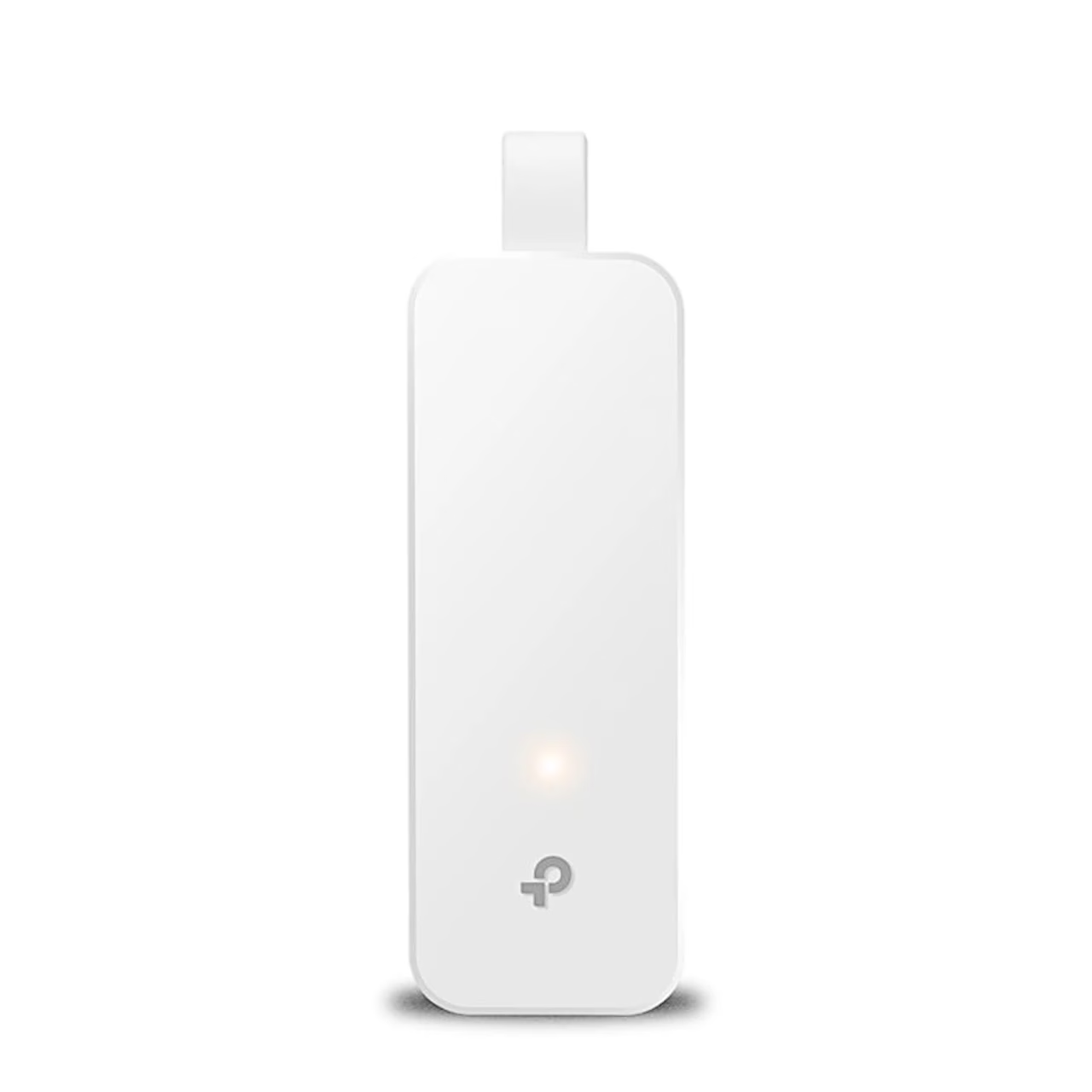
The white LED stays on when the adapter and the network cable are properly connected. It flashes while data is being transferred.
Compatibility
The Ethernet adapter works with Windows XP, Vista, 7, 8, 8.1 and 10, Mac OS X 10.5–10.10 and Linux.
In the box
- USB network adapter TP-Link UE300
- Quick installation guide


















































Reviews
There are no reviews yet.