

Description
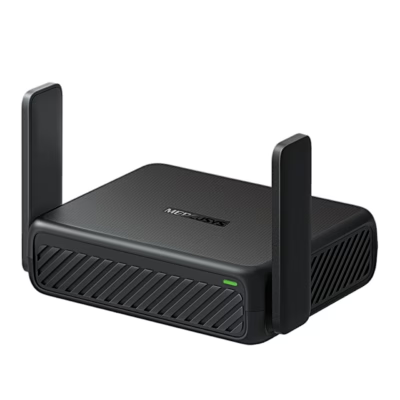
Wi-Fi router with MU-MIMO and Beamforming
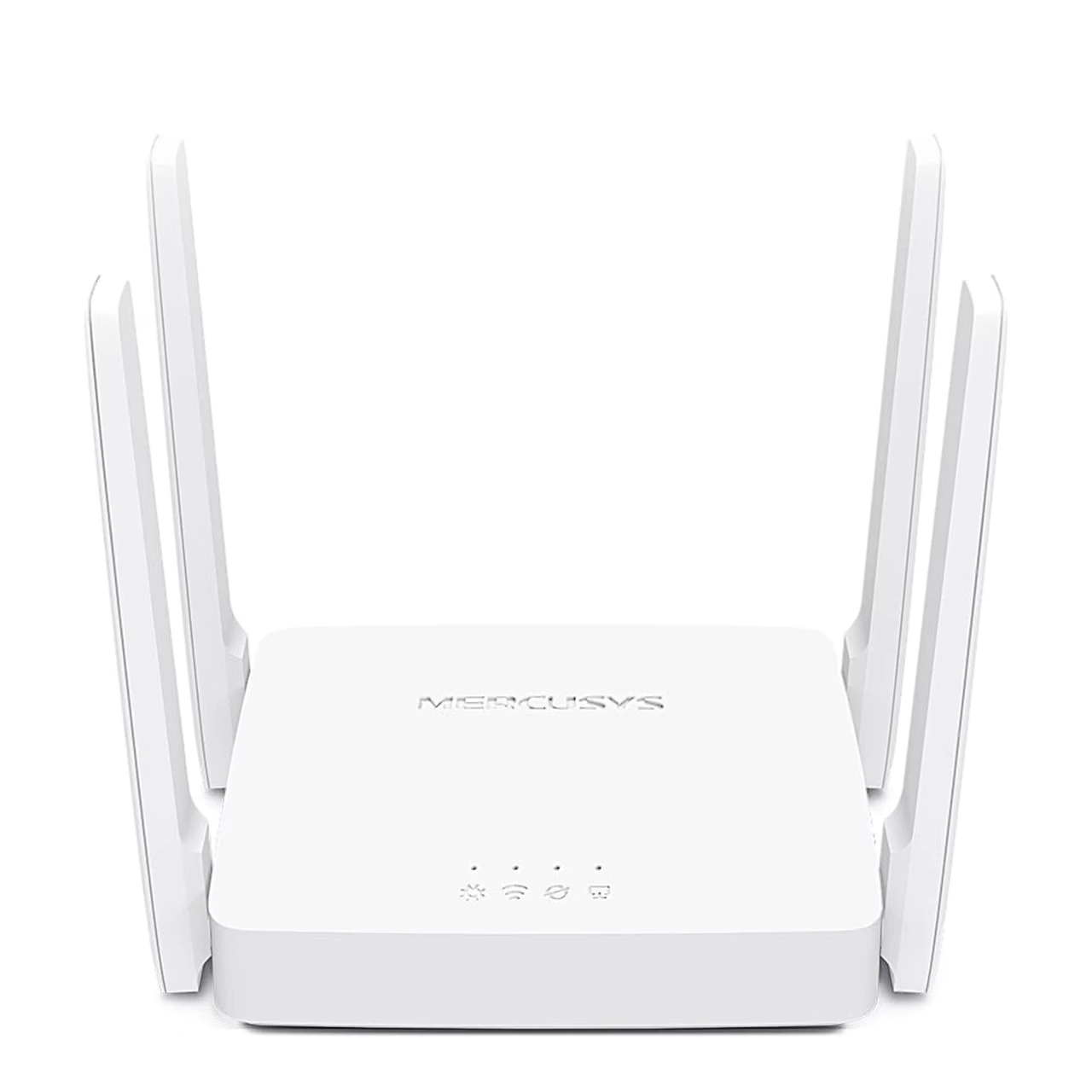
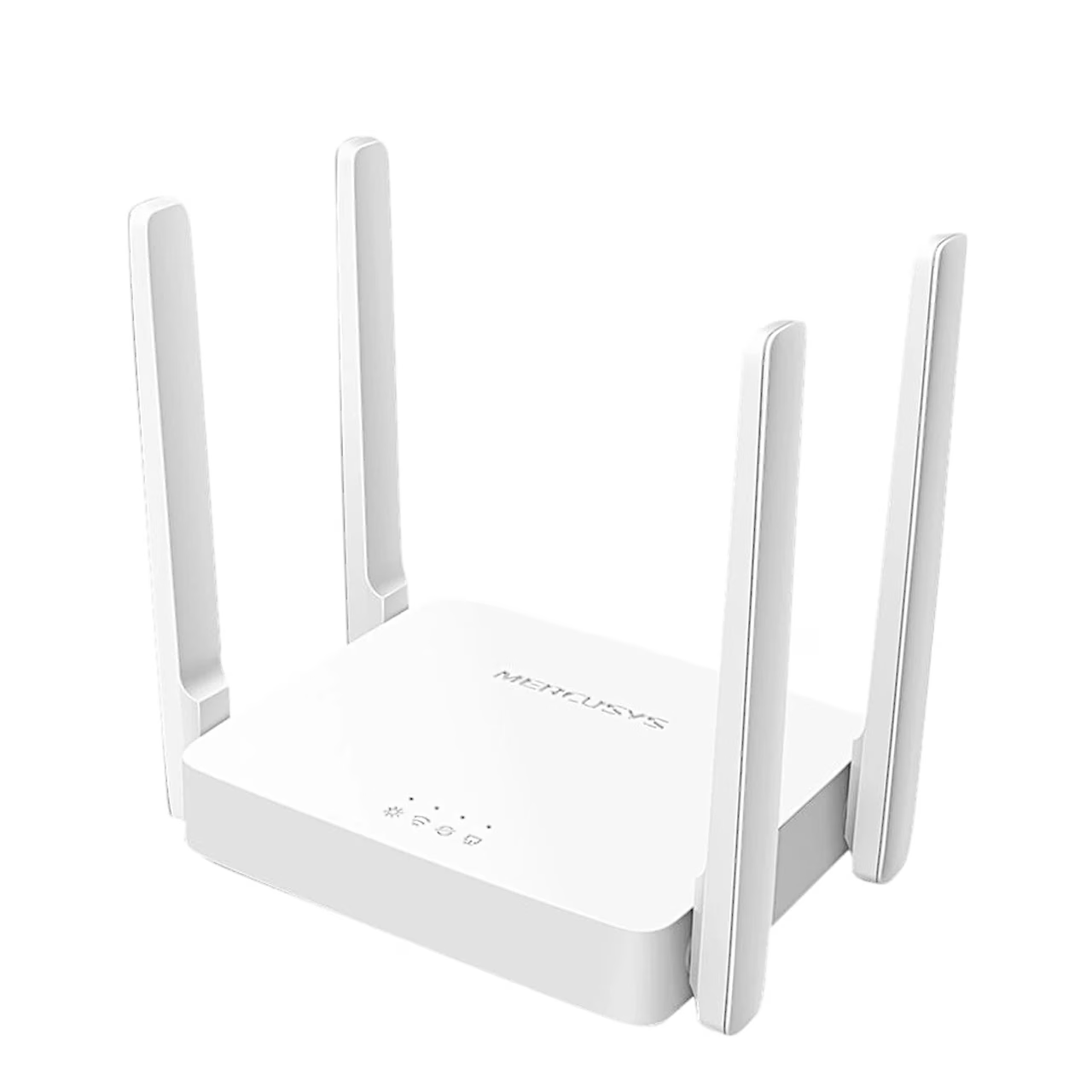
The dual-band Wi-Fi router works to IEEE 802.11b/g/n on the 2.4 GHz band and IEEE 802.11ac/n/a on the 5 GHz band. With MU-MIMO the router sends data to several devices at once, which increases overall network throughput. Beamforming detects the location of connected devices and focuses the signal towards them.
Management via app and web interface
The router can be set up and managed on iOS and Android devices with the Mercusys app or in a browser via the web interface. Parental controls let you create profiles for family members, set a daily online time limit, block websites and pause the connection. Quality of Service (QoS) gives selected devices priority on the network.
Guest network and security
A separate guest network can be created on both the 2.4 GHz and 5 GHz bands. The network is protected by WPA2/WPA3-Personal encryption, an SPI firewall and IP and MAC address binding.
Internet connection and IPTV
For the internet connection the router supports dynamic and static IP as well as PPPoE, L2TP and PPTP. The router can also be used as an access point. For IPTV it offers IGMP Proxy and IGMP Snooping, bridge mode and Tag VLAN, and IPv6 is supported.
Getting started
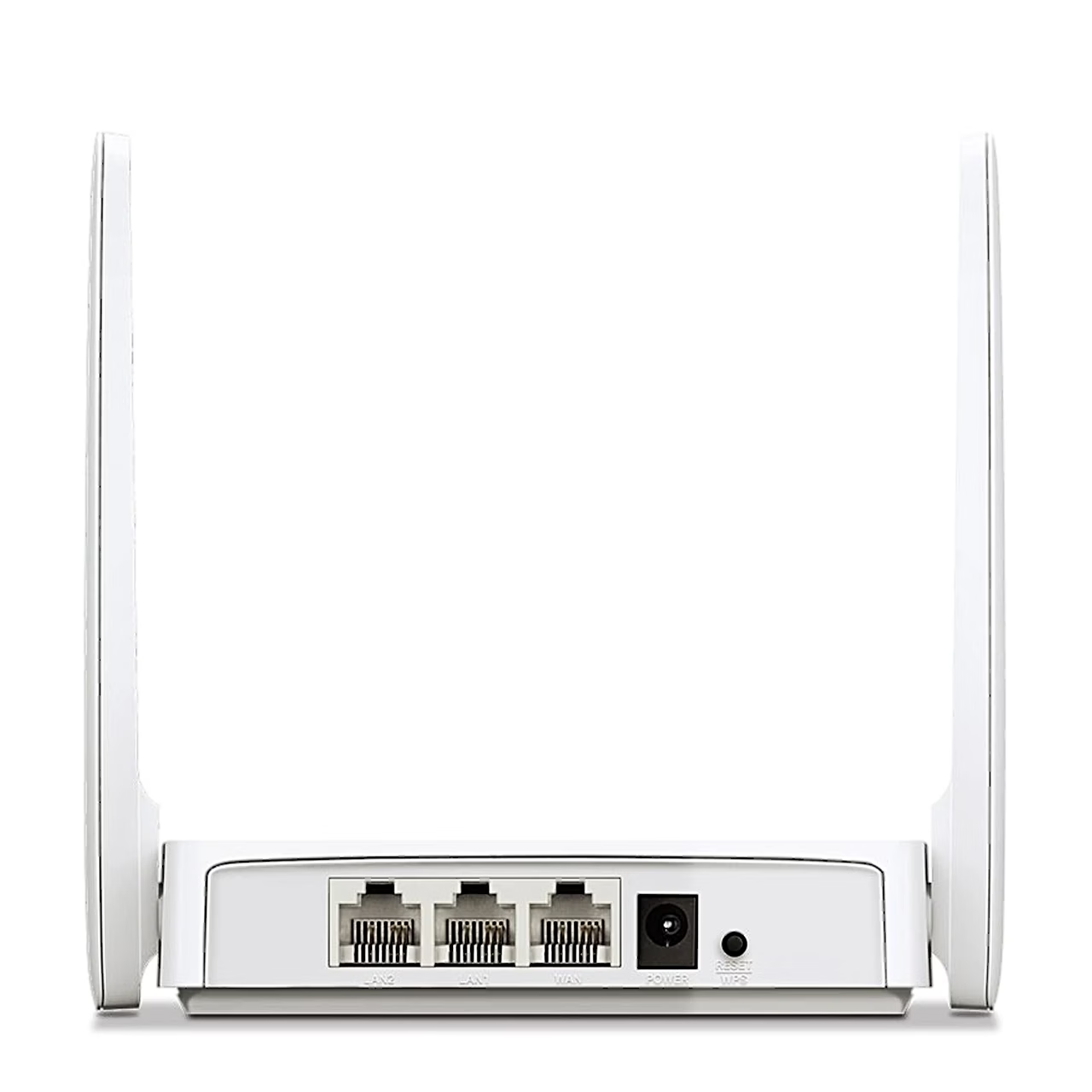
Connect the router to the mains with the power adapter and to the internet line with the Ethernet cable, then follow the instructions in the Mercusys app. Network settings can be changed later in the same app.
In the box
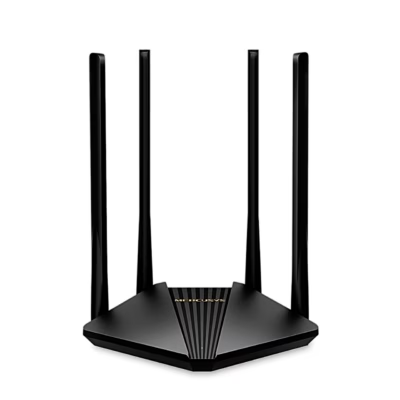
- Wi-Fi router Mercusys AC10
- Power adapter 9 V, 0.85 A
- Ethernet cable (RJ45)
- Quick installation guide
















































Reviews
There are no reviews yet.