
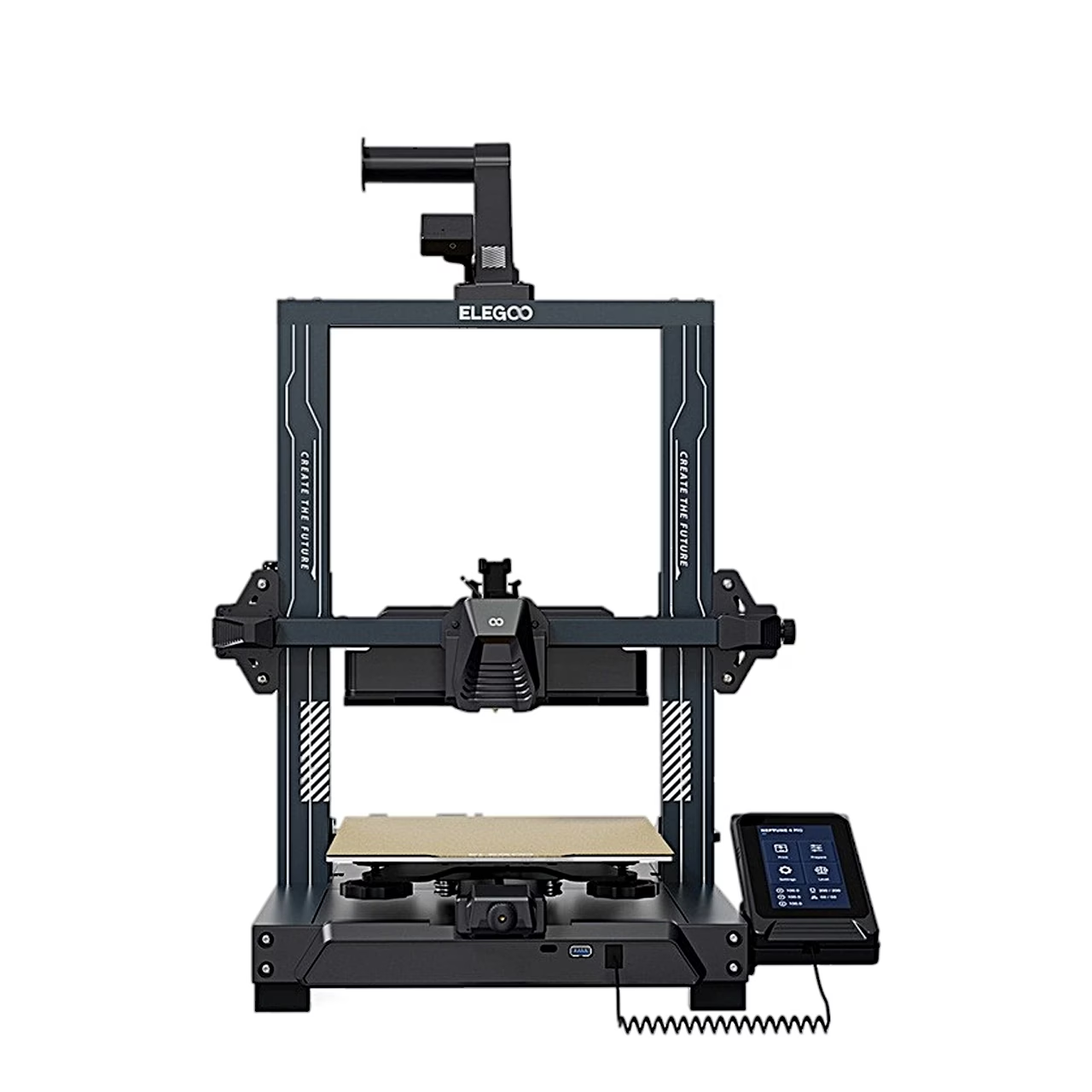
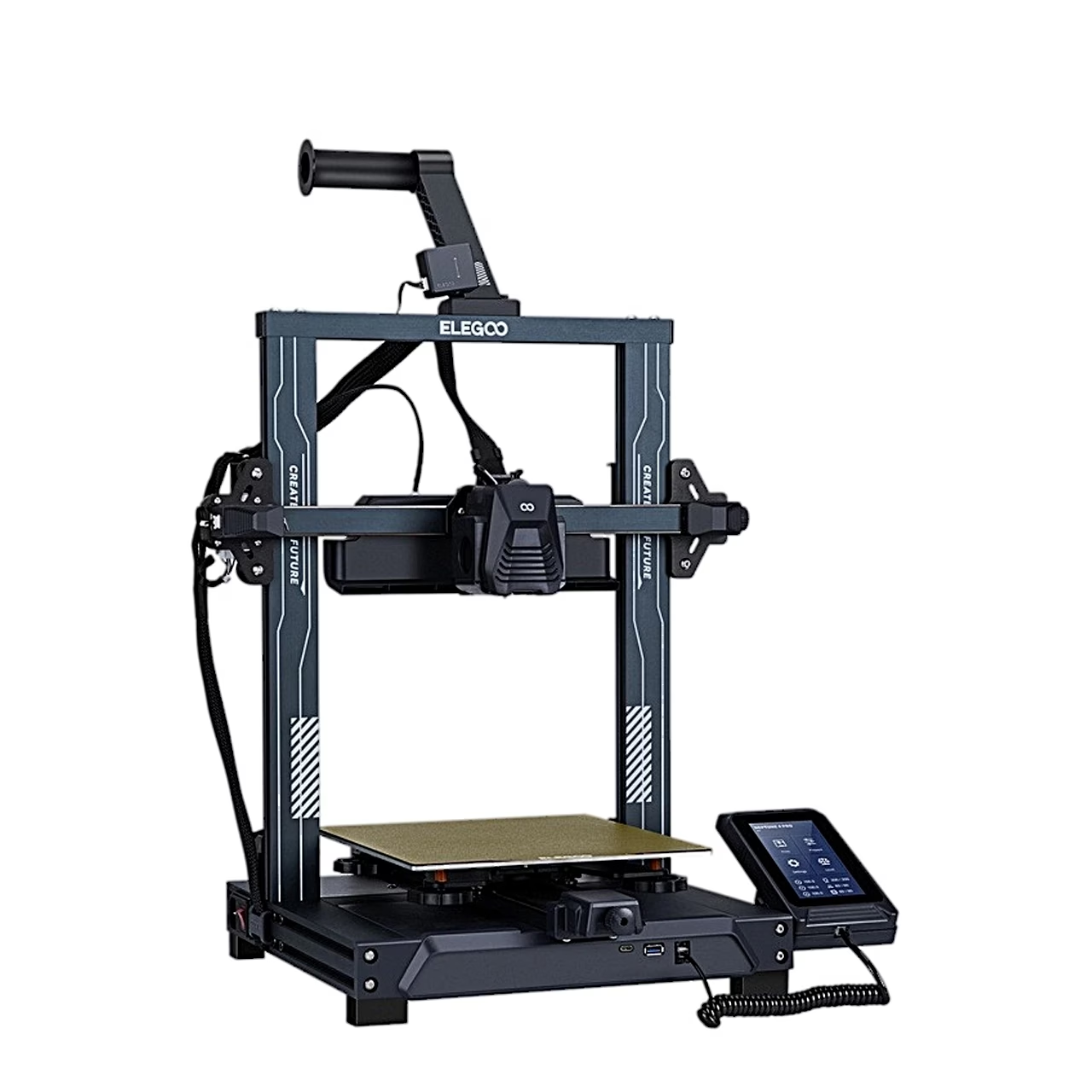
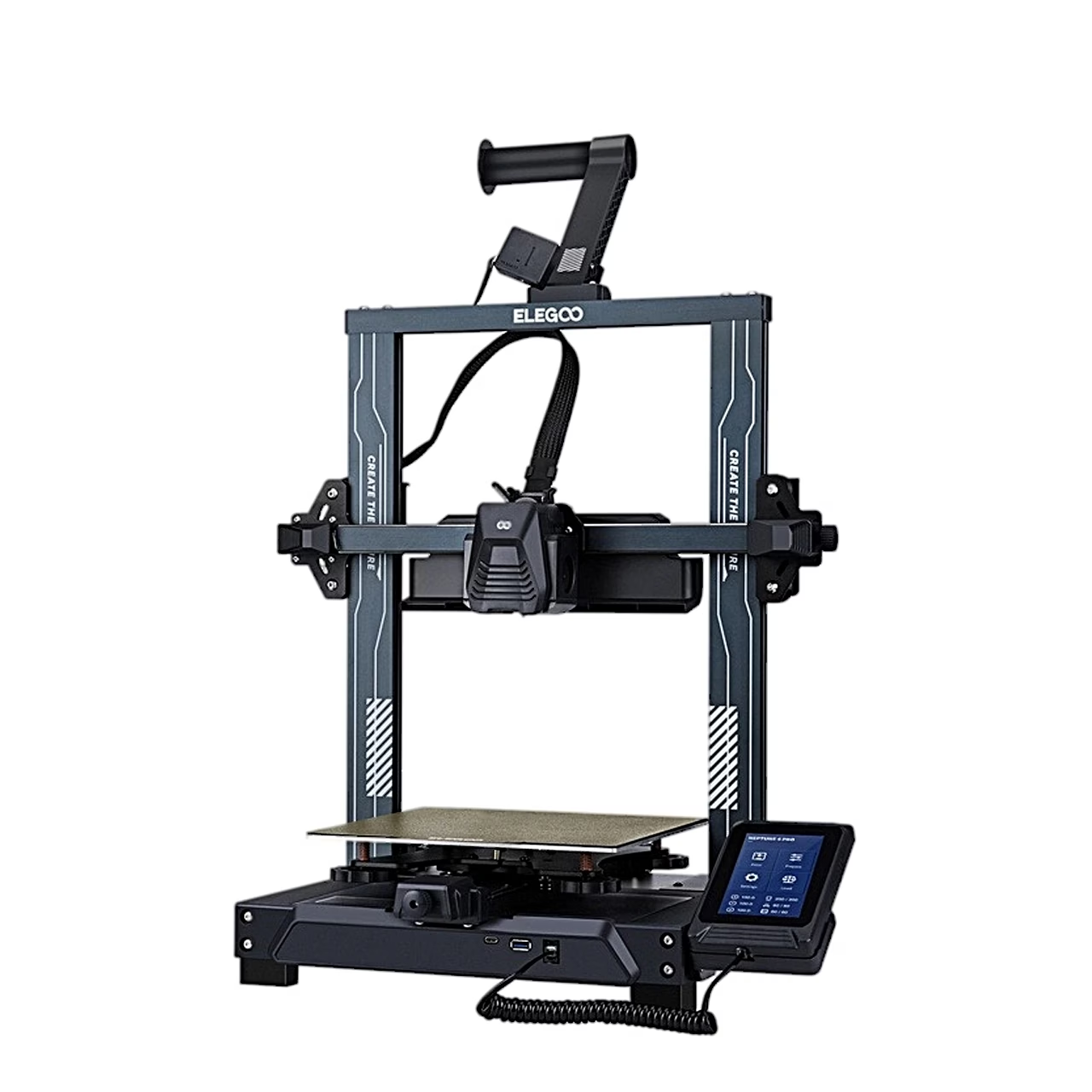

Description
3D printer with Klipper firmware for fast printing
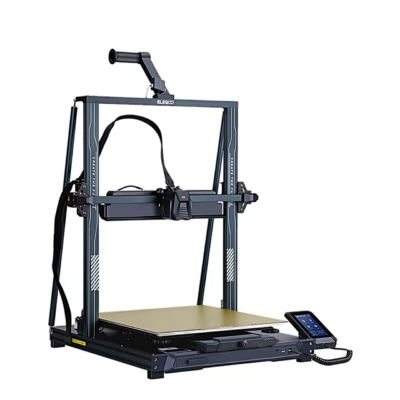
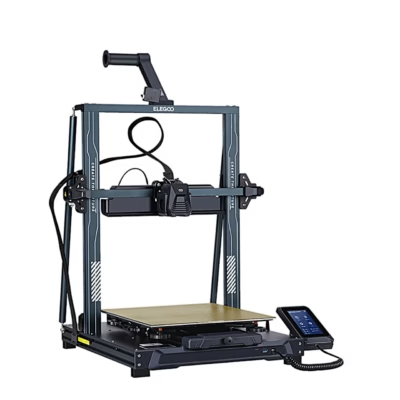
The FDM 3D printer ELEGOO Neptune 4 Pro builds models layer by layer from melted filament and has a build volume of 225 × 225 × 265 mm. It runs Klipper firmware on a 64-bit quad-core 1.5 GHz ARM processor and print speed can be set from 30 to 500 mm/s.
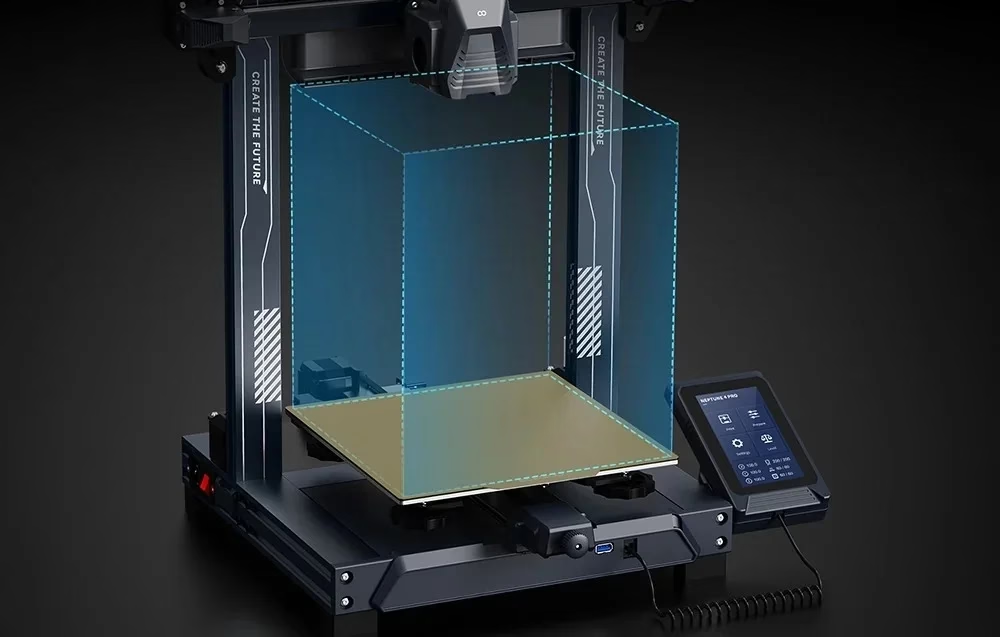
Vibration damping and even filament flow
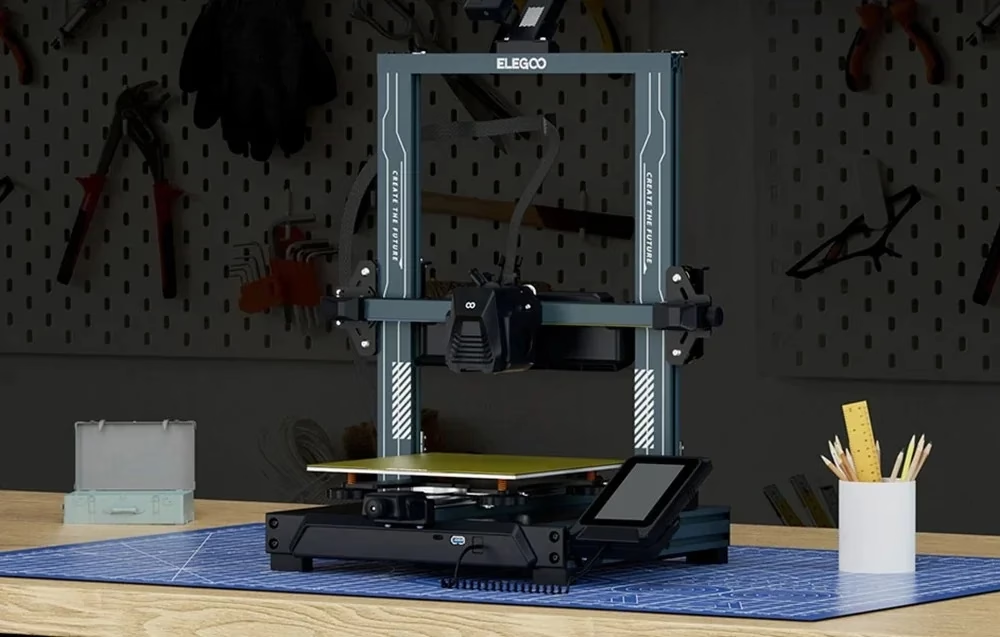
Input Shaping damps frame vibration at high speed and Pressure Advance evens out filament flow, which gives a smoother model surface. The maker’s recommended working speed is 250 mm/s.
Two-zone heated bed and six fans
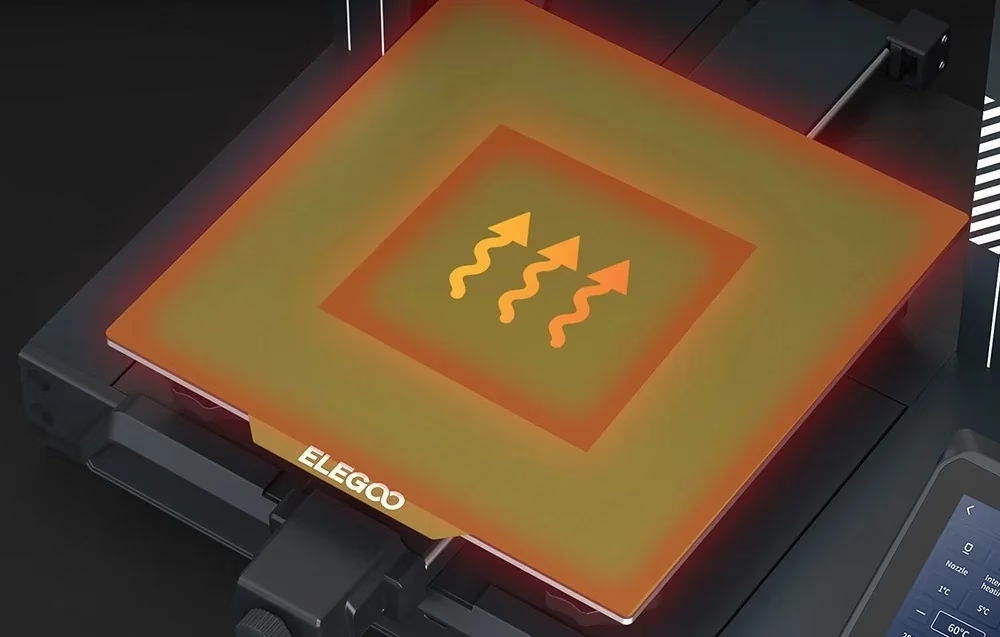
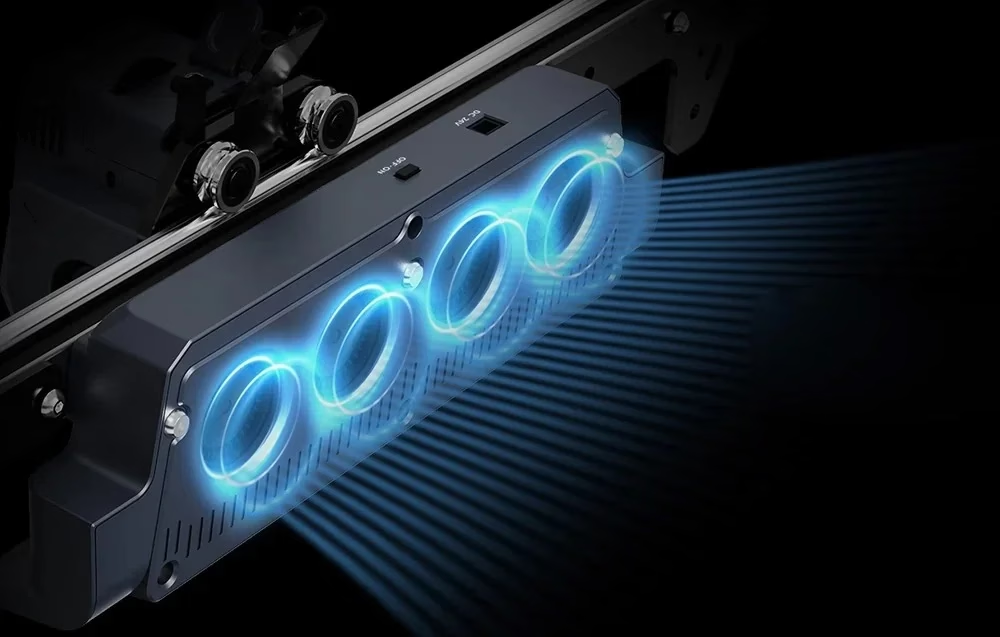
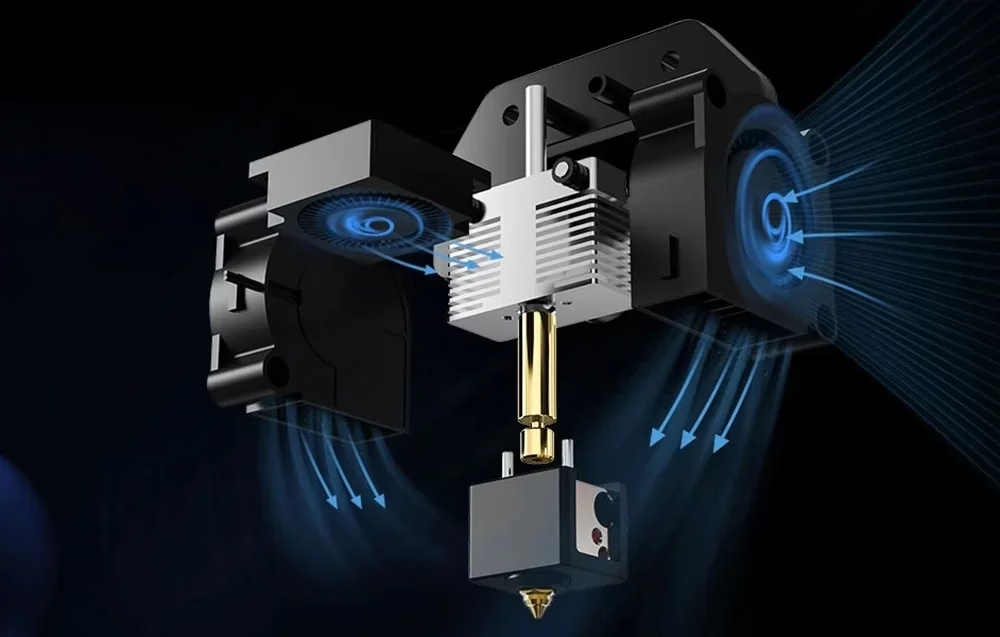
The heated bed is divided into a 100 W and a 150 W zone. Two double-sided 4015 fans and four 4020 fans cool the model, and the rear cooling fan has three modes: Silent, Normal and Sport, at 60, 80 and 100% power.
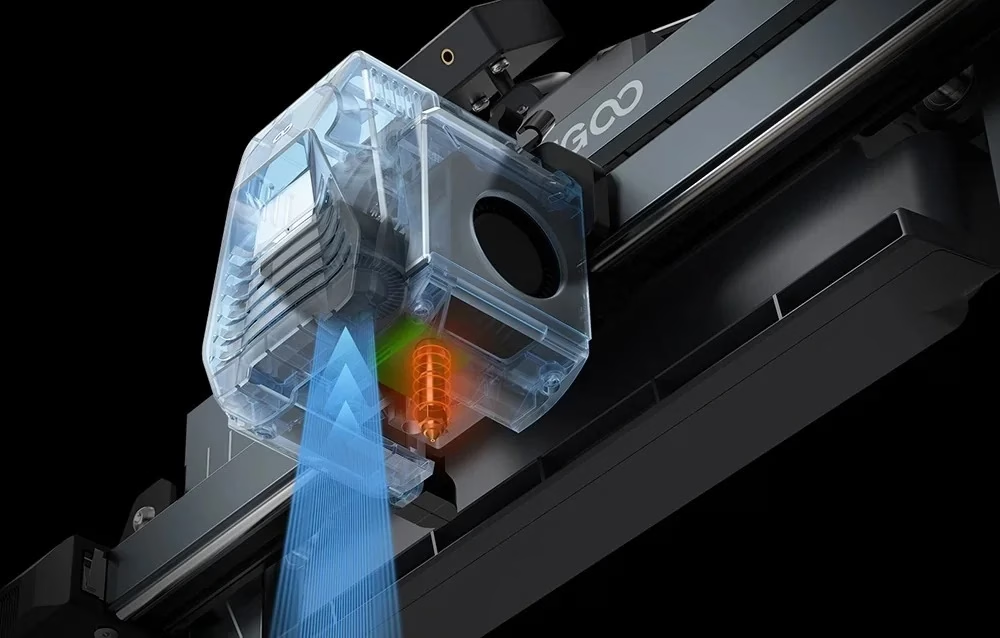
Direct extruder and copper-titanium heat break
The dual-gear direct extruder feeds filament straight into the printhead and the nozzle with its copper-titanium heat break heats up to 300 °C. This lets you print PLA, PETG, ABS, TPU and nylon. The extruder spring tension can be adjusted with a hex key to suit the filament hardness.
Metal guide rails and 121-point levelling
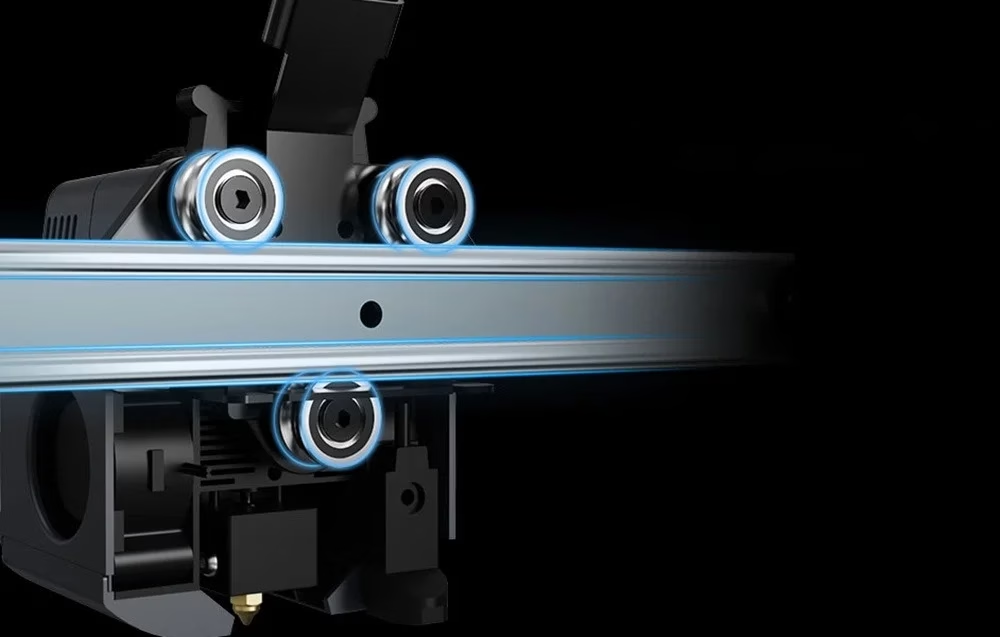
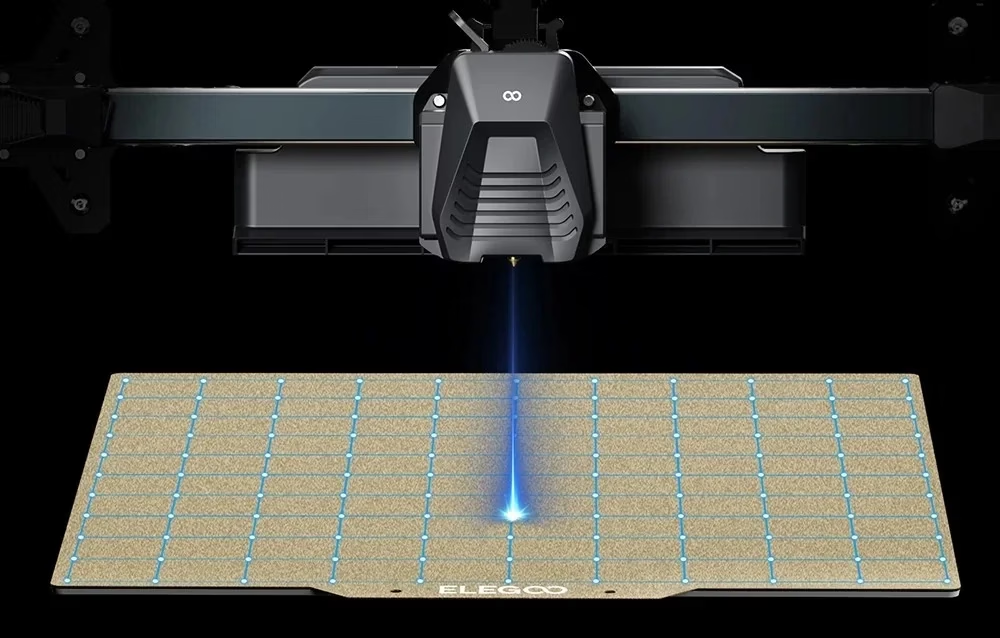
On the X and Y axes the printhead runs on metal guide rails with double U-shaped ball bearings. Automatic levelling measures the magnetic PEI sheet at 36 or 121 points, and the knobs under the heated bed let you pre-level the corners by hand.
Control from the touchscreen and over the network
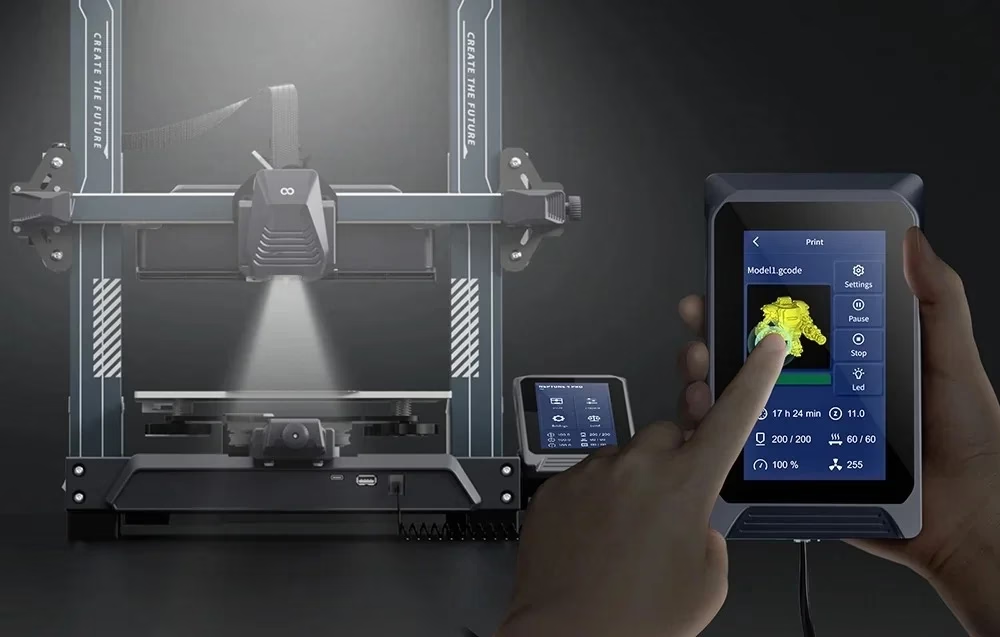
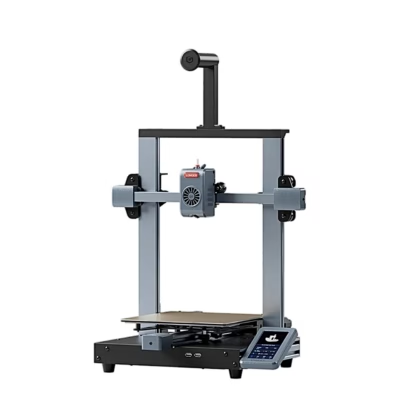
From the detachable 4.3-inch touchscreen you choose the print file, preheat the nozzle and bed and control lighting and fans. Files reach the printer by USB flash drive or over the local network: at the printer’s IP address a browser opens a web interface with print queue and controls. The filament sensor pauses printing when the filament runs out, and after a power cut the printer continues with the Resume option. An LED light sits at the printhead and an LED strip lights the print area.
Assembly and first print
Fix the printhead to the gantry frame with screws, the frame to the base with four HM5 × 45 screws, then fit the screen, spiral cable, spool holder, filament sensor and rear fan and connect the cables. Before switching on, set the voltage switch to the local mains voltage. On first start-up, calibrate the nozzle gap with a sheet of A4 paper, do the assisted levelling and then run automatic levelling. Slice models in ELEGOO Cura, which opens STL and OBJ files and saves G-code.
Cleaning and maintenance
After printing, remove filament residue from the nozzle with a tool while it is still warm. Wipe the switched-off printer with a dry cloth and lubricate the X and Y guides regularly.
In the box
- 3D printer ELEGOO Neptune 4 Pro, 1 pc
- base and gantry frame for assembly
- touchscreen with support block and spiral cable
- spool holder with arm
- filament sensor and rear cooling fan
- power cable, 1 pc
- fastening screws
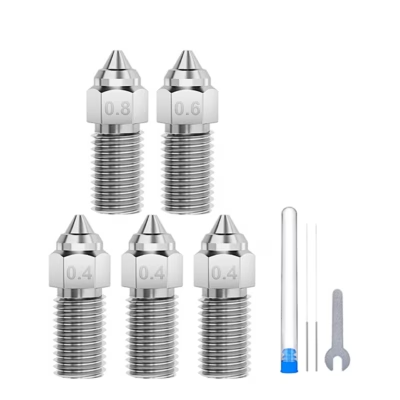
- USB flash drive, spare nozzle and hex keys 1.5–4.0 mm
- screwdrivers, spanners and cable ties








































Reviews
There are no reviews yet.