

Description
3D printer with automatic levelling and direct drive extruder
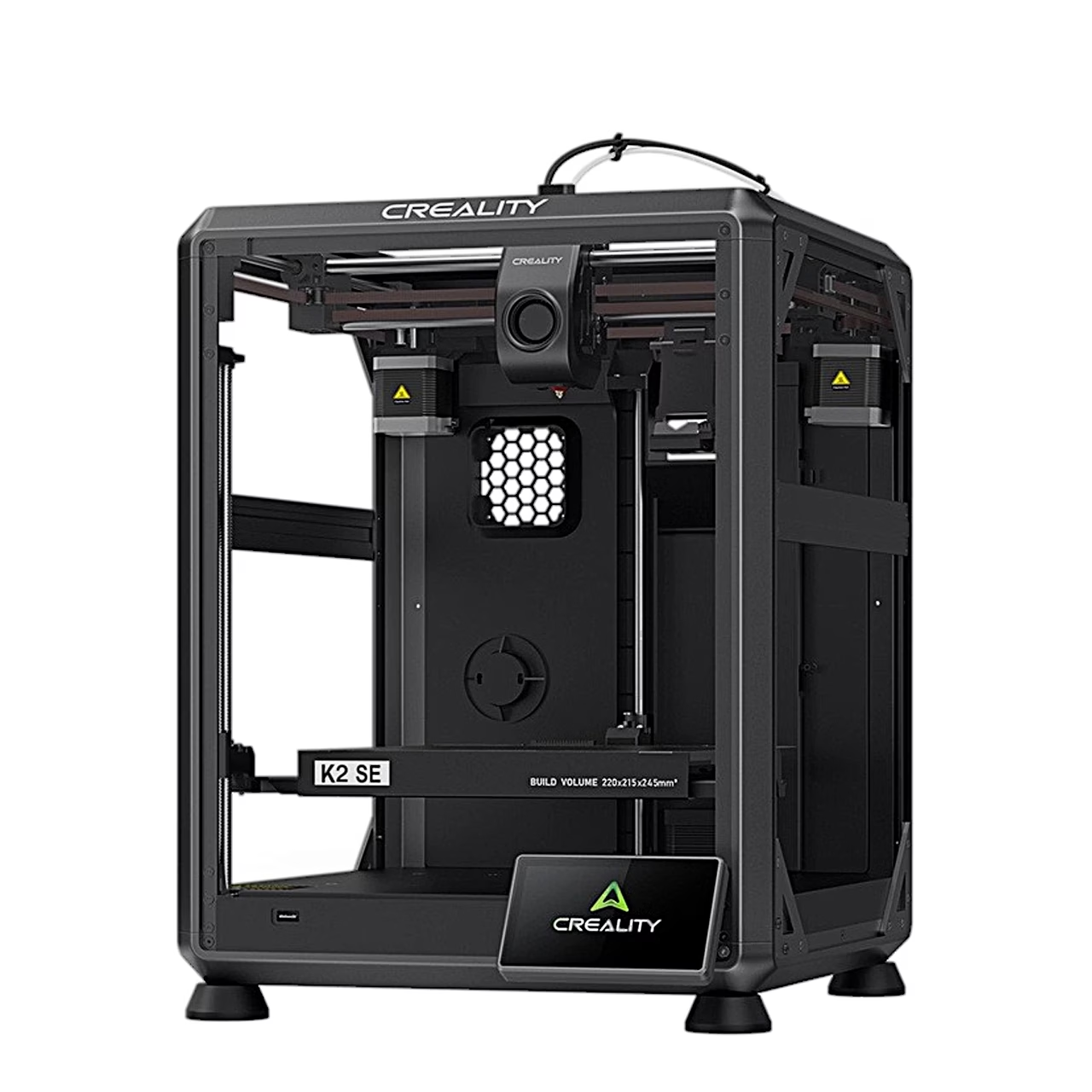
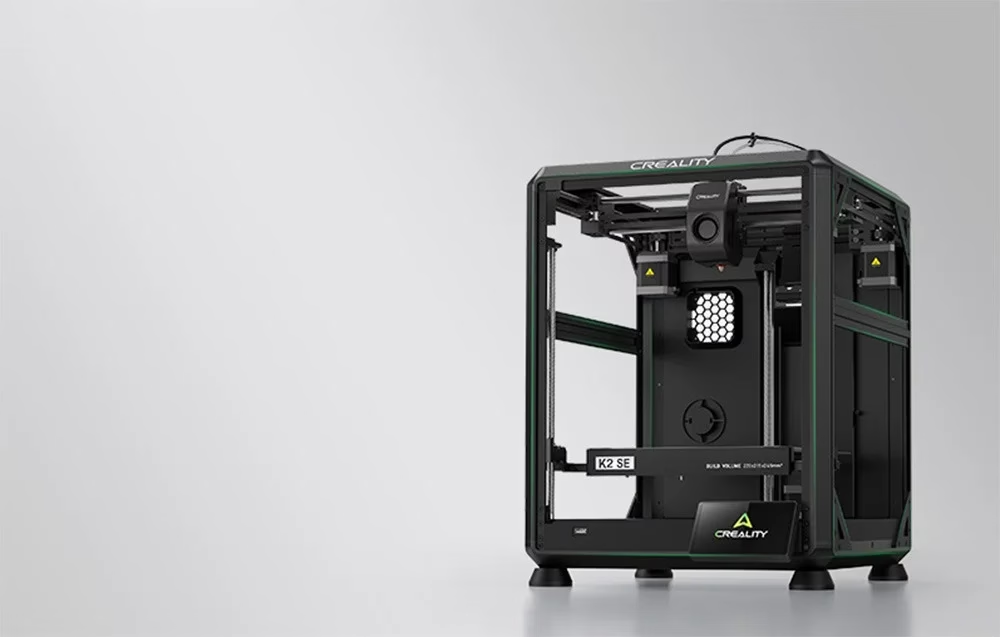
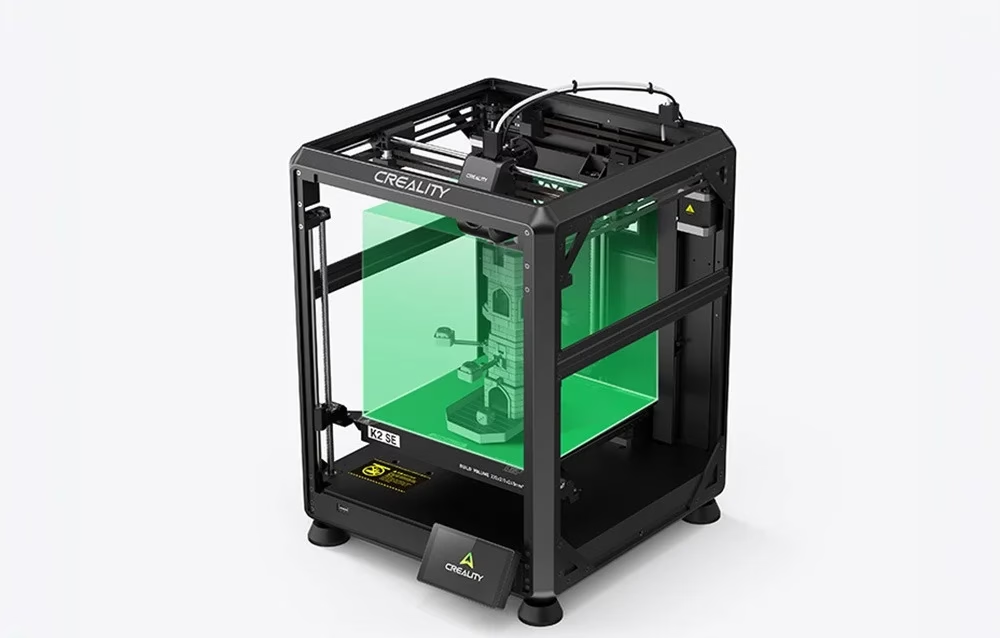
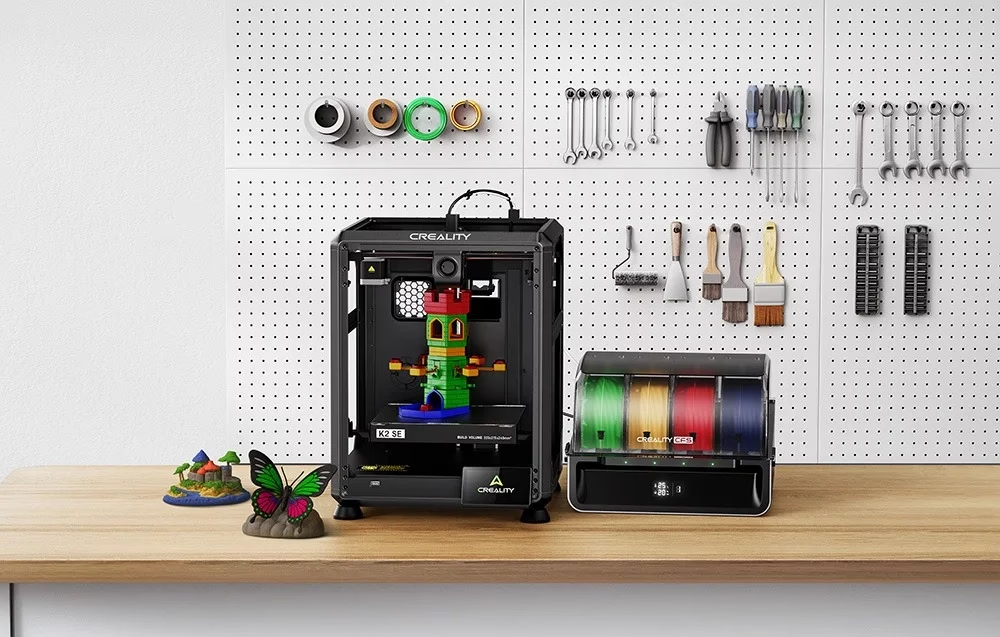
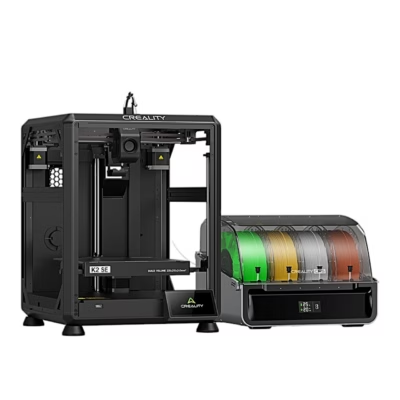
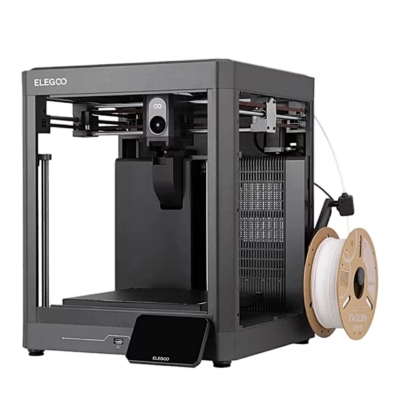
The cube-frame FDM 3D printer Creality K2 SE melts filament and builds the model layer by layer, with a build volume of 220 × 215 × 245 mm. It feeds filament from the spool holder at the back and supports up to four CFS modules, sold separately.
Build volume, layer height and accuracy
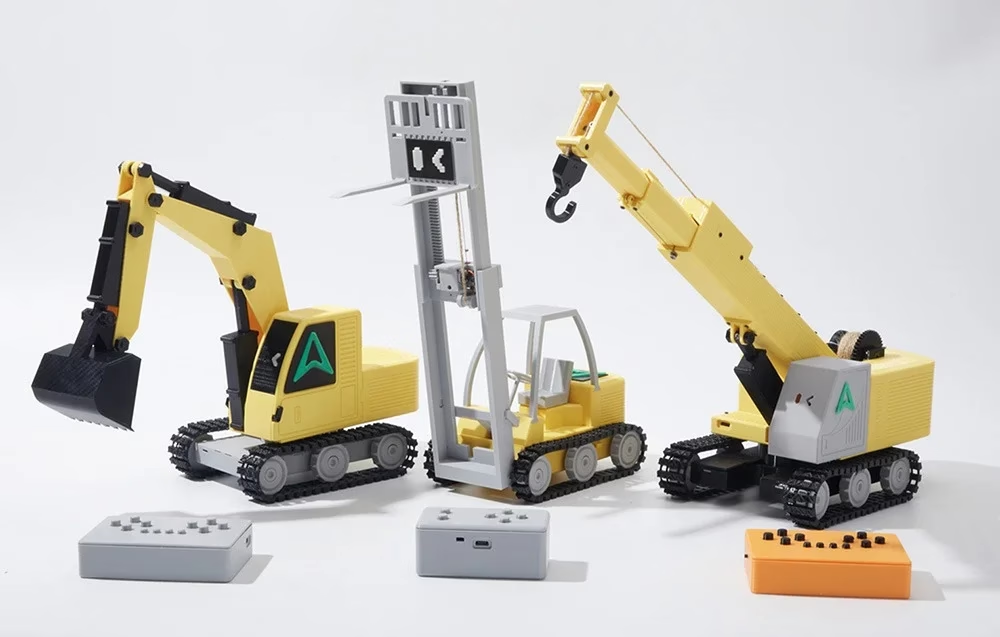
Layer height can be set from 0.1 to 0.35 mm, and print accuracy is 100 ± 0.1 mm. During the self-check the printer tunes its vibration-reducing Input Shaping. Both sides of the epoxy-coated spring steel build plate can be used.
Extruder, nozzle and filaments
The dual-gear direct drive extruder also suits flexible TPU 95A filament. PLA, PETG, TPU 95A and PLA-CF filament are supported; the 0.4 mm nozzle reaches 300 °C and the bed 100 °C.
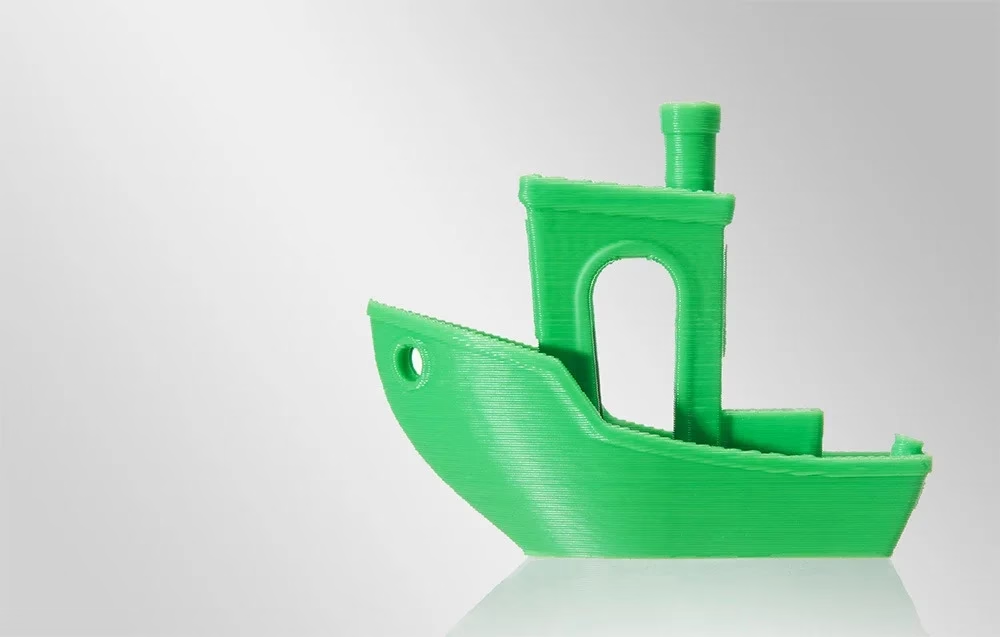
Automatic levelling
When print calibration is selected, the printer levels the platform itself. On first start the self-check takes about 13 minutes and tests nozzle and bed heating, the fans and levelling.
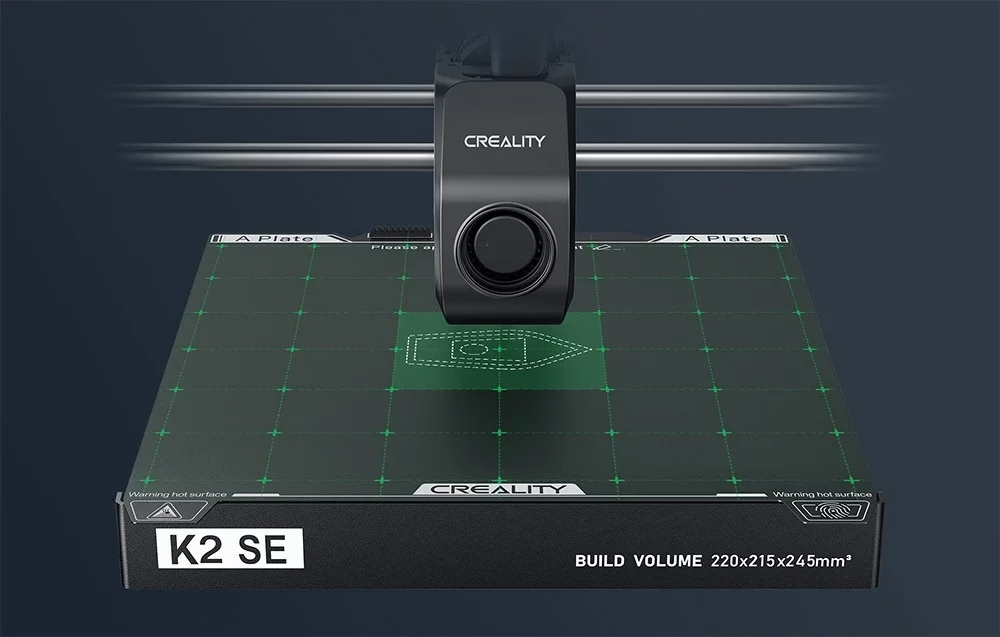
Control and file transfer
A 3.97-inch touchscreen is used to select files and set nozzle and bed temperatures. Print jobs can be started from a USB stick, sent over the local network from the Creality Print slicer or from the Creality Cloud app. The filament sensor detects run-out, and after a power cut the printer resumes the unfinished job.
Installation and first start
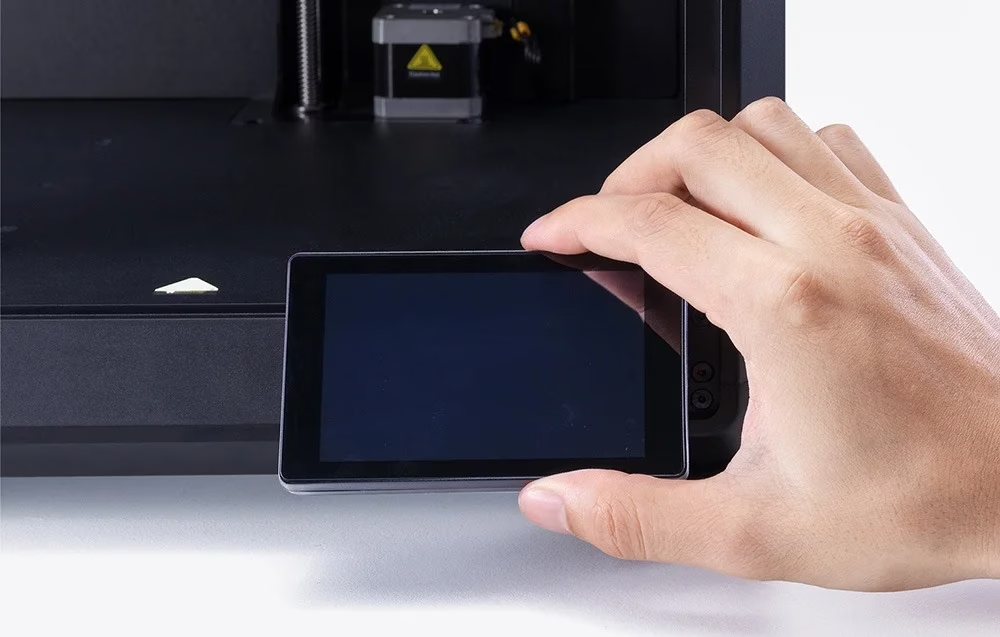
The touchscreen is connected to the base ribbon cable and pressed into the base plate slot; the spool holder is screwed to the back. The power switch is set to 230 V at the factory. On first start remove the three transport screws as shown on screen, choose language, network and time zone, and link the printer to a Creality Cloud account. Filament is led from the spool holder through the PTFE tube into the extruder, and its data is entered on the screen.
Cleaning and maintenance
After switching off, clean the printer body with a dry cloth and remove dust and filament residue from the guide rails. Remove filament left in the extruder with the supplied tools while it is still warm after printing. Lubricate the guide rods and lead screws regularly and calibrate the build platform every 300 print hours or after replacing the nozzle or platform.
In the box
- 3D printer Creality K2 SE, 1 pc
- Touchscreen, 1 pc
- Filament sample, 1 pc
- Spool holder, 1 pc
- Power cable, 1 pc
- Wrench and screwdriver set, 1 pc
- Cutting pliers, 1 pc
- Nozzle cleaner 1.2 mm, 1 pc
- M6 socket spanner, 1 pc
- Double connector with screw, 1 pc
- Quick guide, 1 pc






































Reviews
There are no reviews yet.