

Description
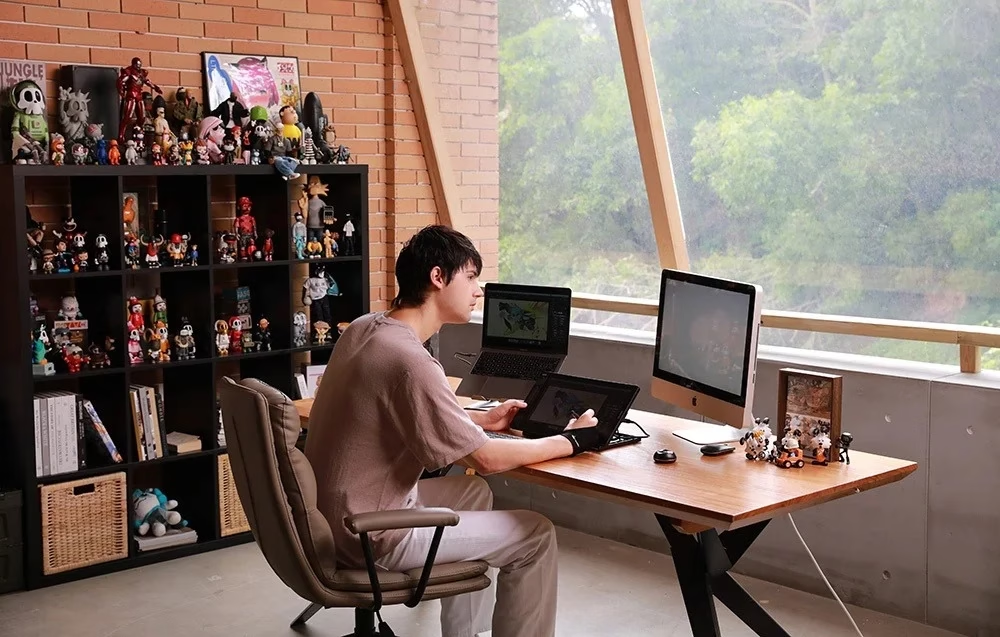
Pen display to take with you
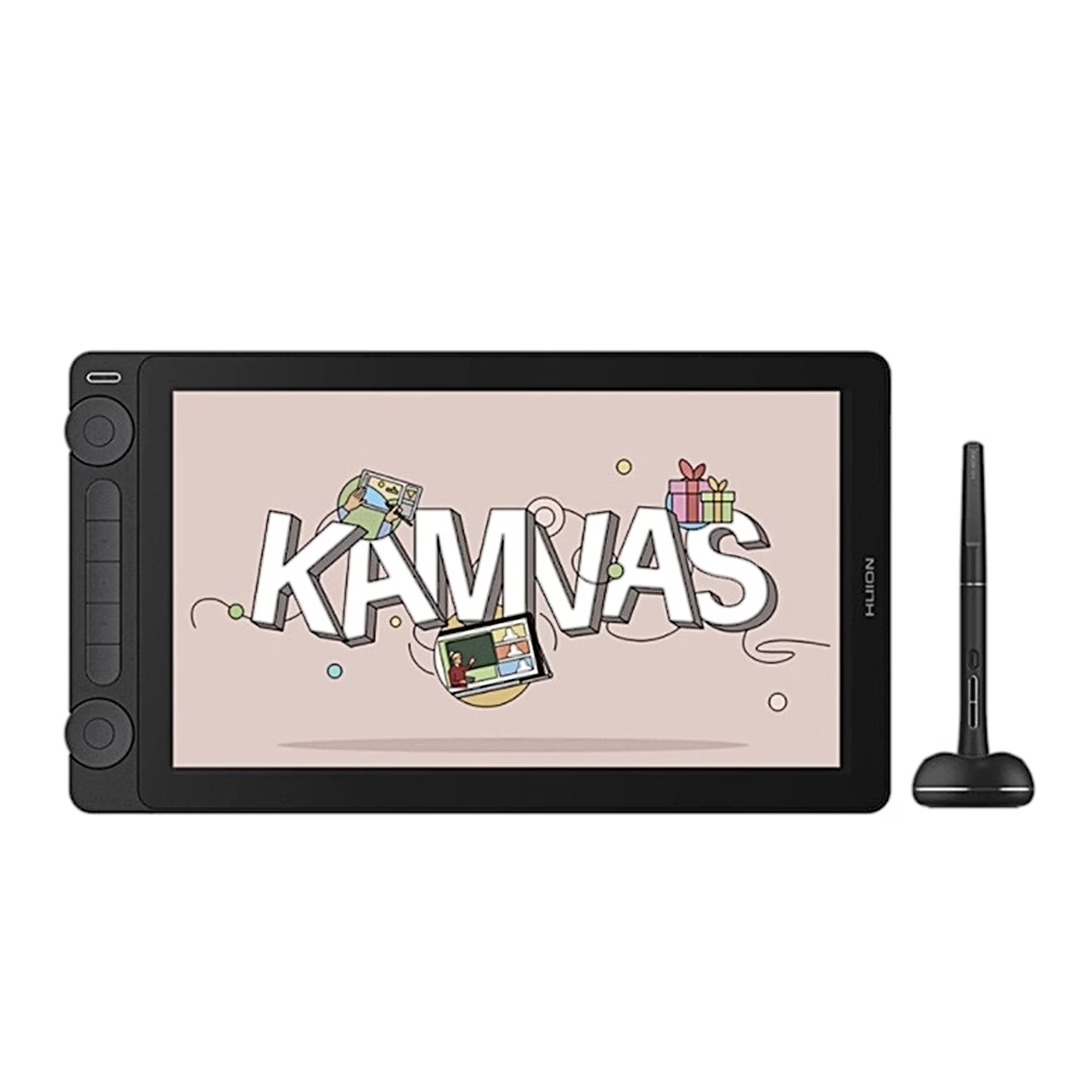
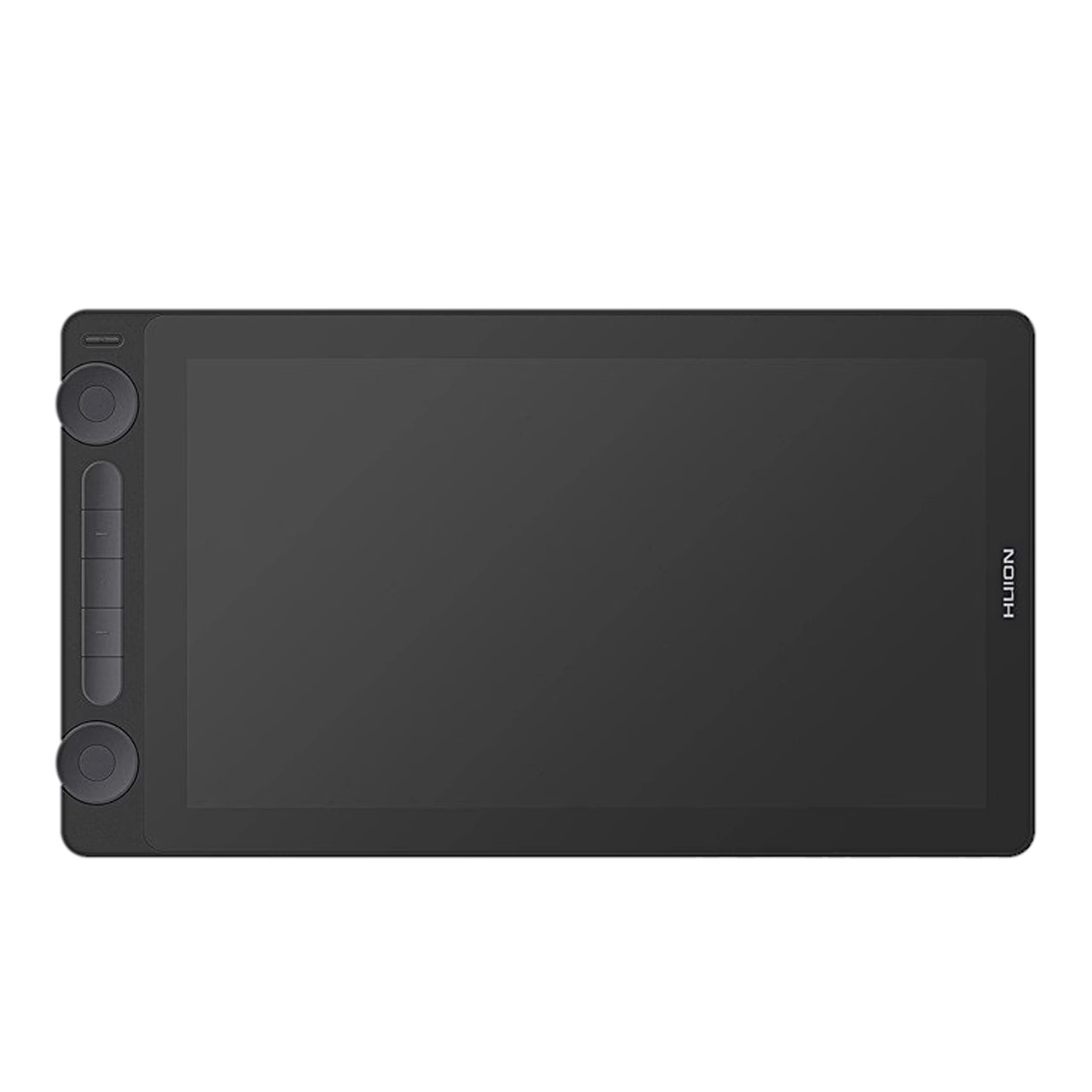
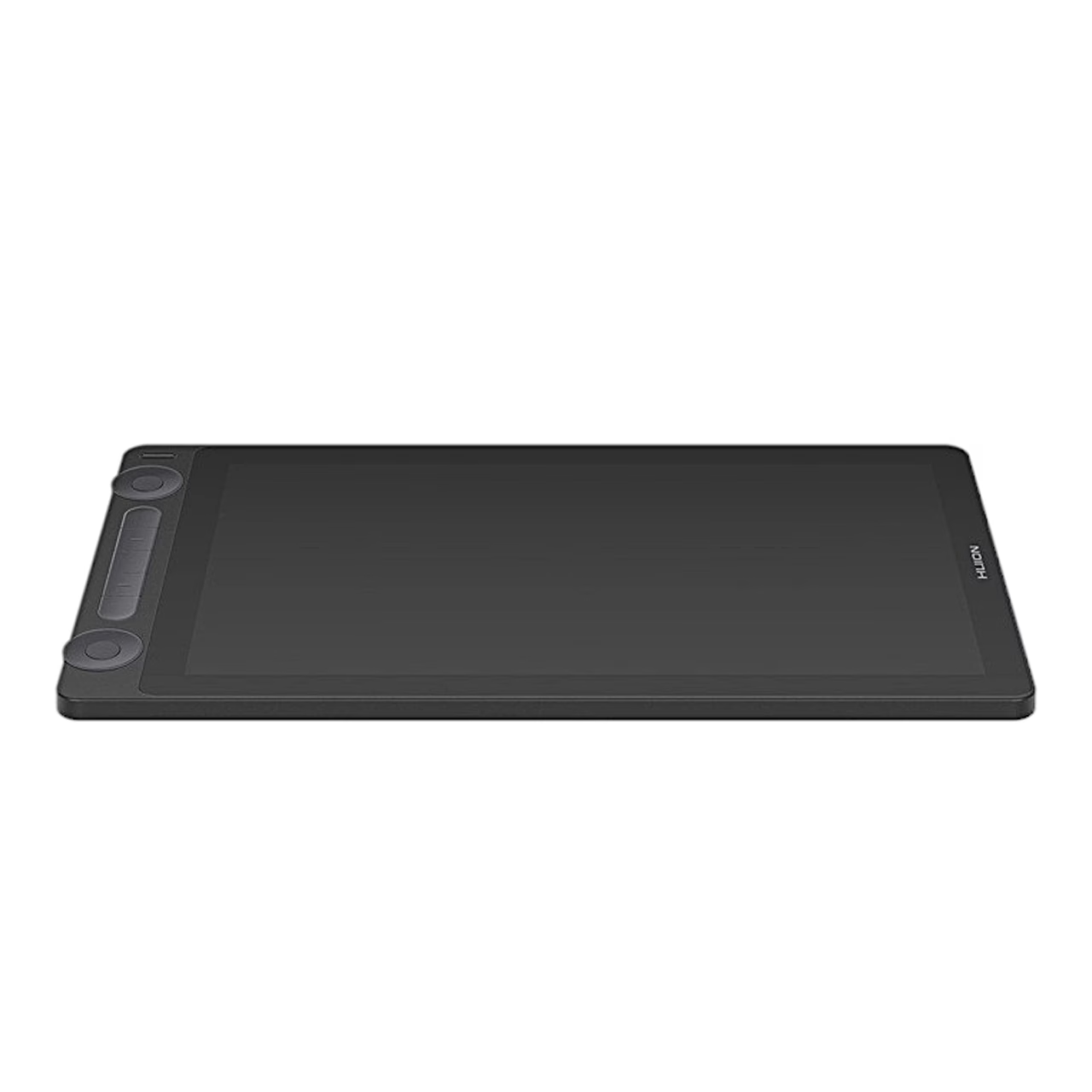
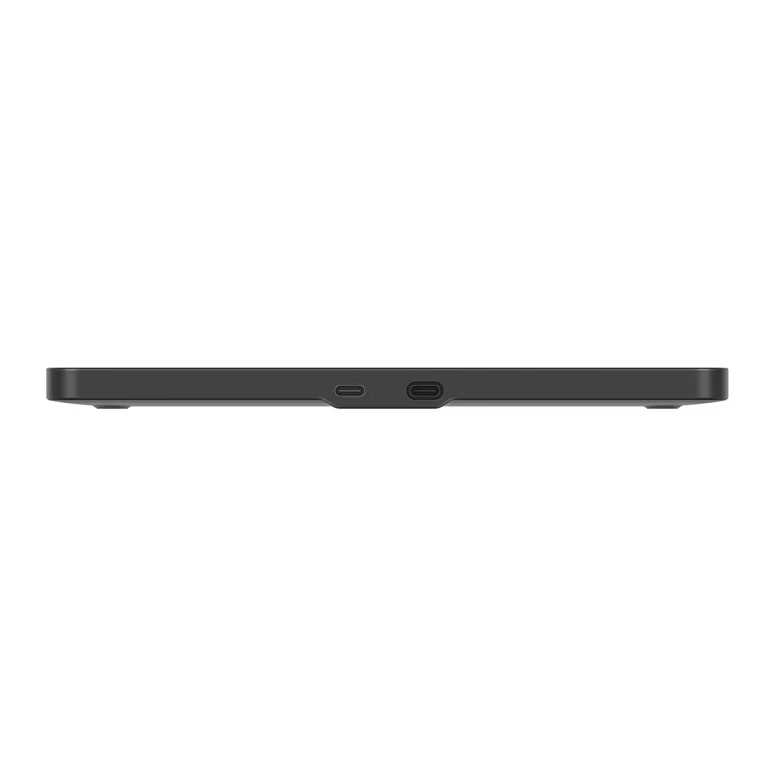
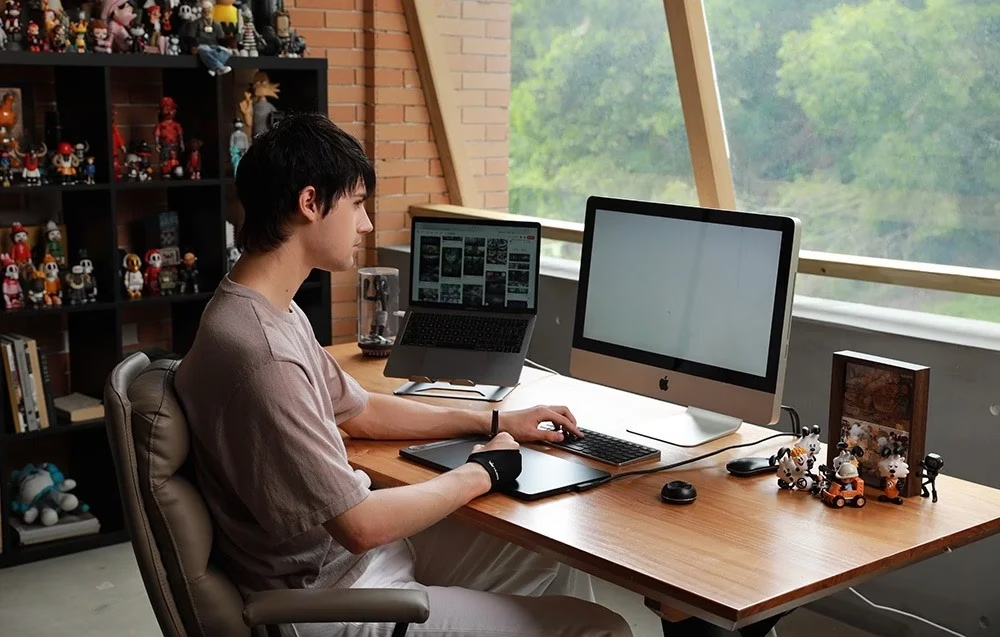
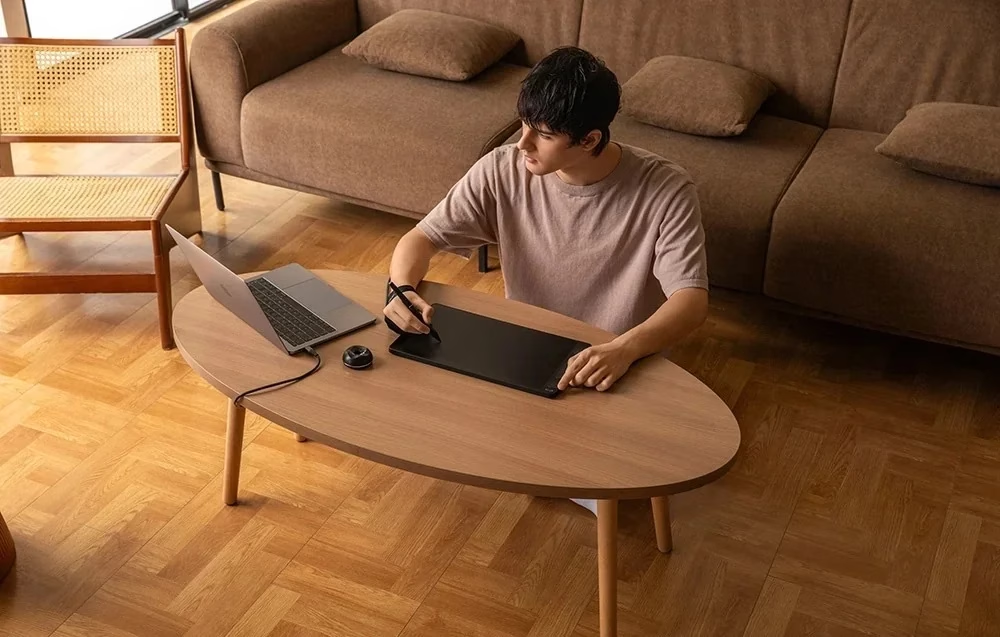
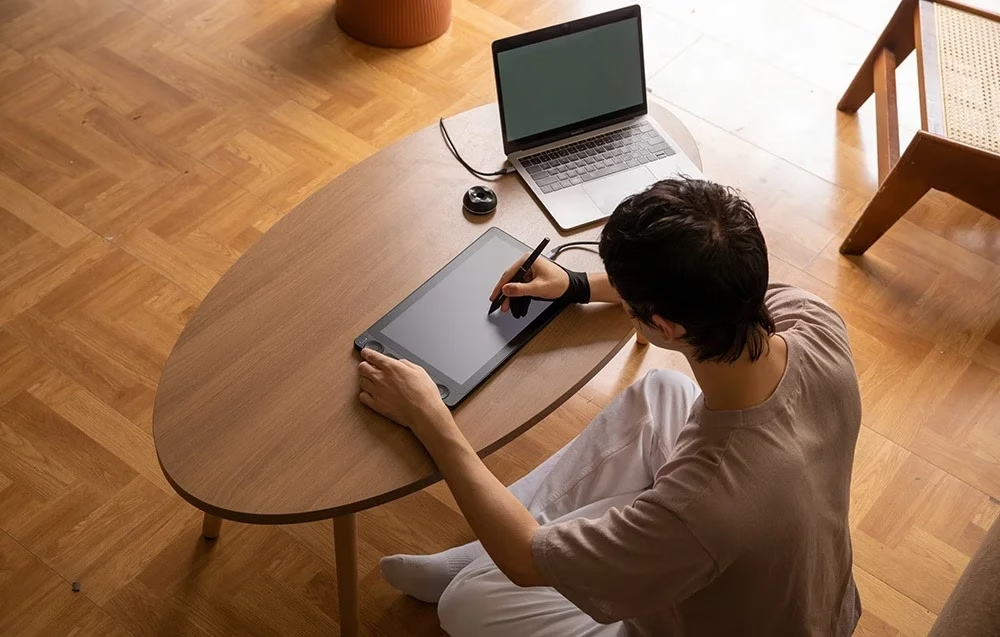
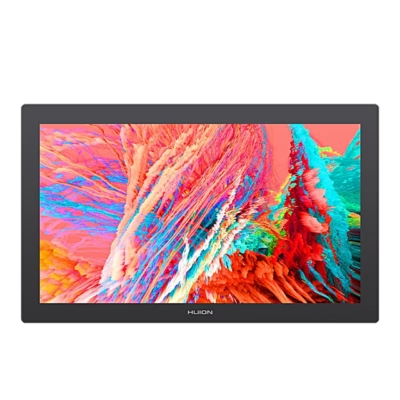
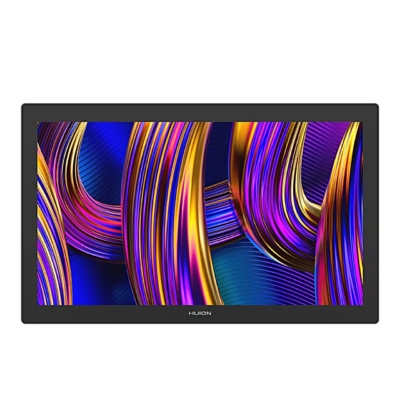
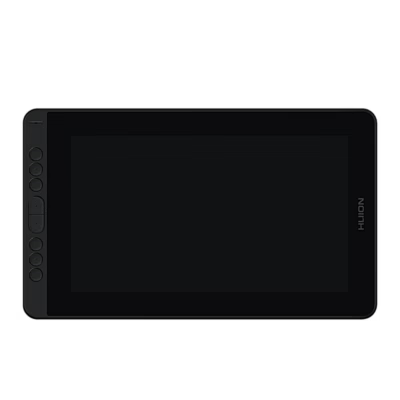
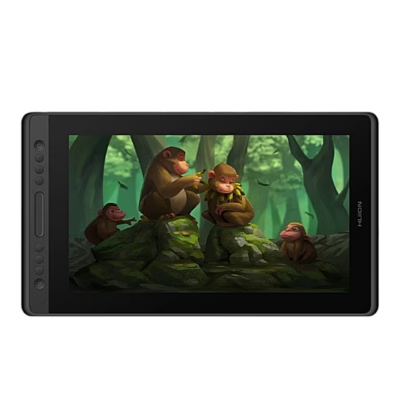
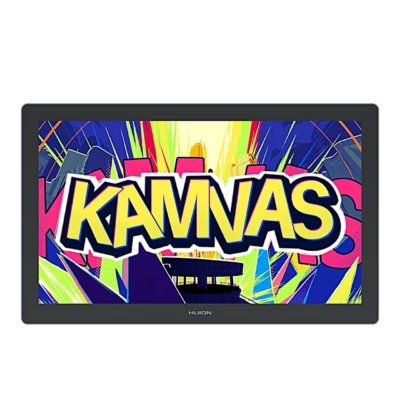
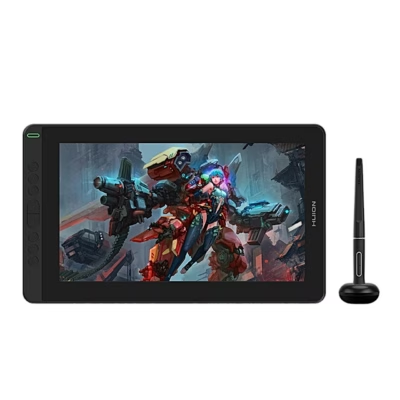
The Huion Kamvas 13 Gen 3 GS1333 is a pen display whose 13.3-inch IPS screen shows the image at Full HD resolution, 1920 × 1080 pixels. The tablet is 11.7 mm thick, the active area is 293.8 × 165.2 mm and its front area is 8% smaller than the previous model’s.
Factory-calibrated IPS screen
The screen covers 99% of sRGB and Rec.709, the colour volume is 120% sRGB and every tablet is factory calibrated. In the on-screen menu you choose Native, sRGB, Rec. 709 or Adobe RGB colour space. The second-generation etched anti-glare glass is fully laminated, so the cursor stays under the pen tip and the surface has a paper-like texture.
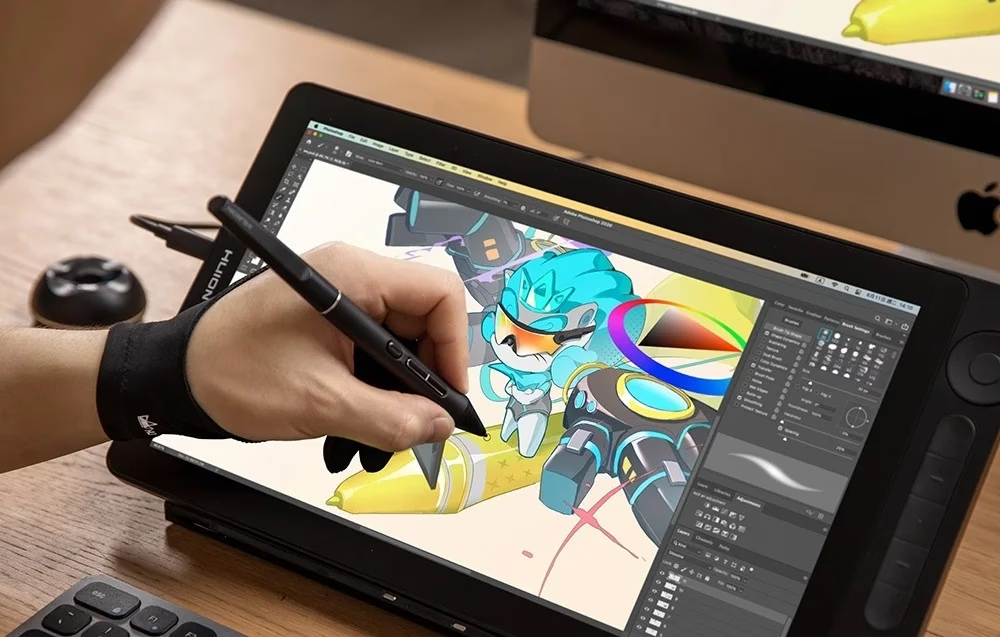
Battery-free PW600L pen senses pressure and tilt
The PenTech 4.0 PW600L pen works without a battery or charging. It has 16,384 pressure levels, ±60° tilt support in compatible software, and its tip retracts 0.35 mm. The pen has three side buttons.
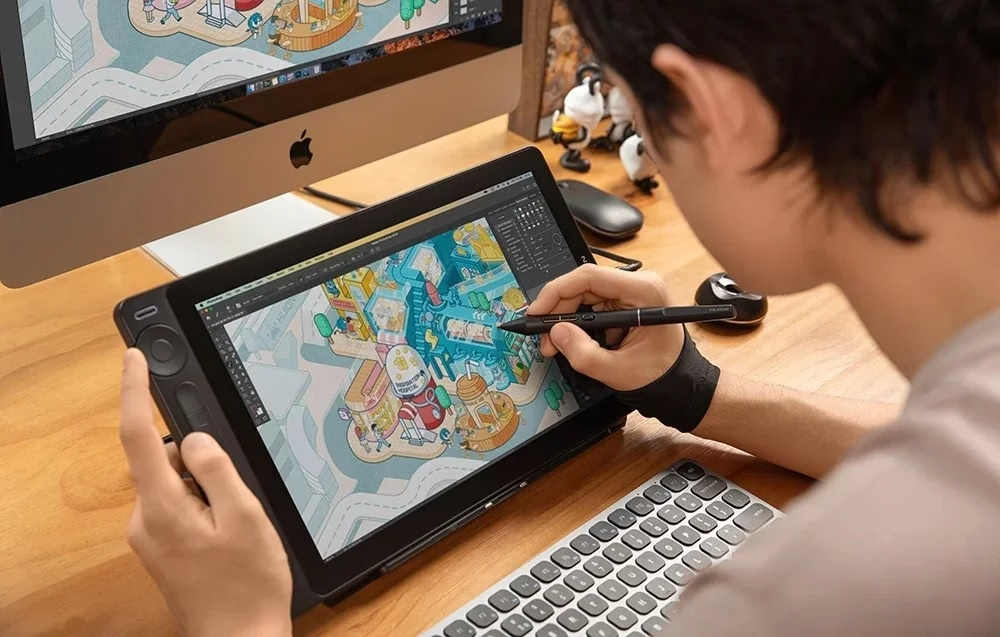
Two dials and five silent keys
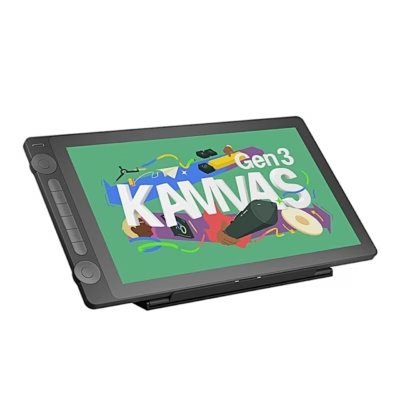
On the edge of the screen are two dials and five silent keys plus two function-switch buttons. The dials protrude about 2 mm from the edge and by default zoom, change brush size and scroll; in the driver you can give each dial its own function, such as switching layers in Photoshop. On Windows the dials also work without the driver through the Radial menu.
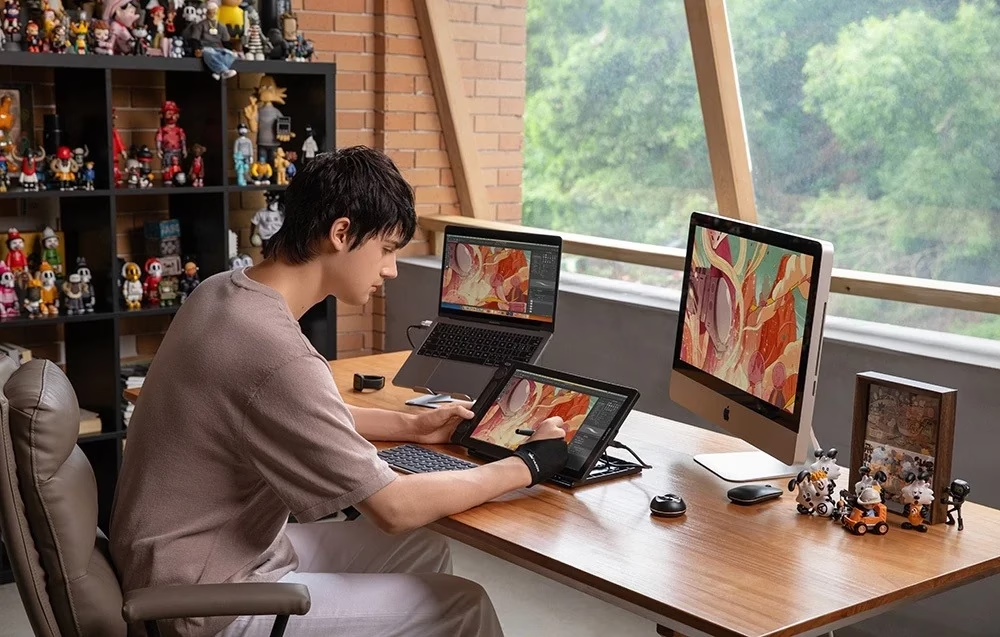
Connection to a computer or Android device
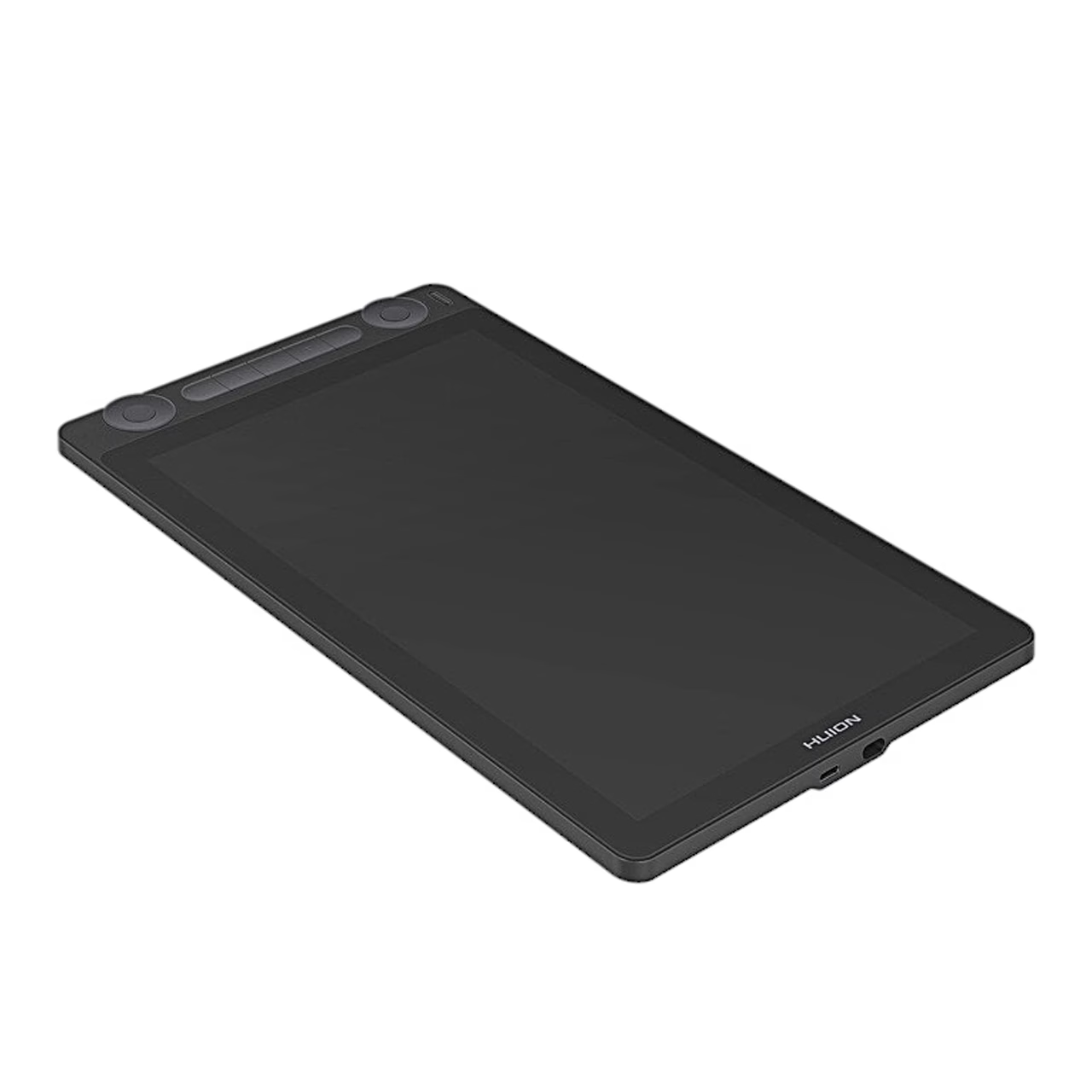
The tablet has a 3-in-1 USB-C port and a full-featured USB-C port that takes video from a computer, tablet or phone whose USB-C port supports USB 3.1 Gen1 and DisplayPort 1.2 output. The driver works with Windows 10 or later, macOS 10.12 or later and Ubuntu 20.04 LTS. The tablet can also be used without the picture as a pen tablet while you follow your work on the computer monitor.
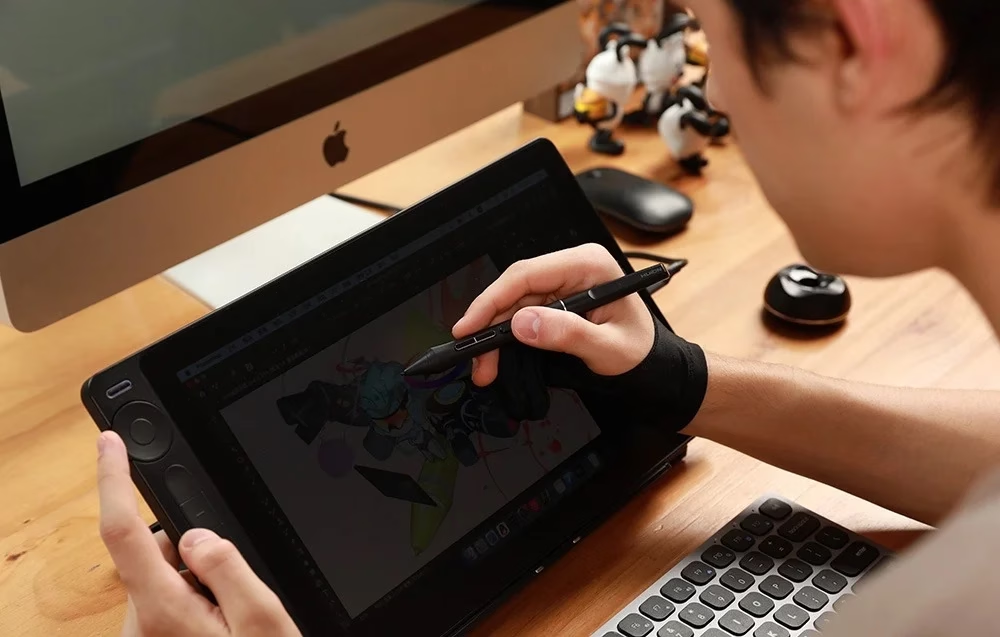
Getting started
Plug the USB-C end of the 3-in-1 cable into the tablet’s first USB-C port and the USB-A, HDMI and USB-A power ends into the computer. A short press of the power button turns the tablet on or off, and a 3-second press opens the on-screen menu, which you operate with the pen. In the driver you can rotate the working area by 0°, 90°, 180° or 270° for left-handed use, calibrate the cursor and change the pressure curve.
Replacing the pen nib
The PH06 pen holder contains 10 PN06 replacement nibs. Open the holder and take a new nib, pull the worn nib out with the clip on the back of the holder and push the new nib into the pen until it stops.
In the box
- Pen display Huion Kamvas 13 Gen 3 GS1333, 1 pc
- 3-in-1 cable, 1.8 m
- USB-A extension cable, 1.2 m
- PW600L pen
- PH06 pen holder
- 10 PN06 pen nibs (inside the holder)
- Cleaning cloth
- Drawing glove
- Quick start guide







































Reviews
There are no reviews yet.