
Brand
RainPoint: Watering equipment
- 2% back as bonus points
- 14-day right of return

Why choose RainPoint?
RainPoint is made for people who want to automate garden watering without a complicated irrigation project and constant manual intervention. The strength of the brand is a clear logic: set the schedule, separate zones if needed, and manage everything conveniently from the app day to day. This means you can start or stop watering even when you are away from home, and adjust the timetable according to the weather or the needs of your plants.
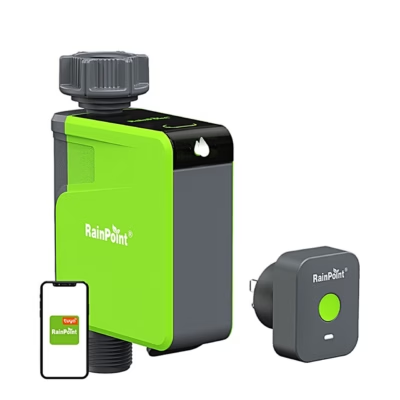
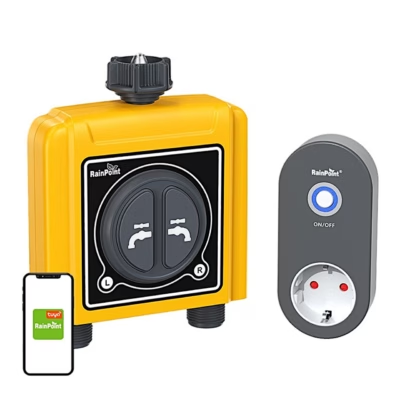
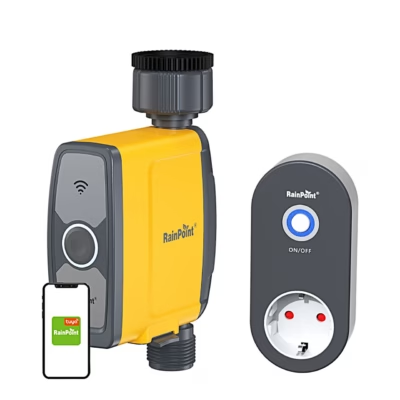
Compared with other similar smart watering solutions, it is worth noting the ecosystem approach of RainPoint. Some solutions use a separate WiFi gateway that connects the outdoor timer to the home network, and in garden conditions this is often more reliable than trying to connect every device directly to WiFi. With RainPoint, the idea of water usage monitoring and notifications is also common: the aim is not only convenience but also noticing overwatering and possible leaks earlier.
The RainPoint selection in our web shop
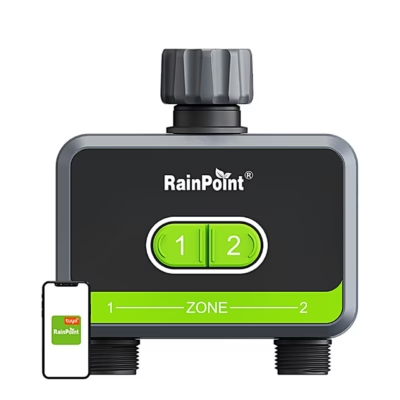
The RainPoint selection at Ruumist Ruumi focuses on automating garden watering, so you can choose a solution that matches your water supply and irrigation area. Common options are watering timers for garden taps that fit between the tap and the hose and suit, for example, terrace plants, a flower bed, a greenhouse or a smaller lawn. If you need more flexibility, the range also includes smarter controllers that let you control watering by phone and set zone-based schedules.
In RainPoint's smart features you will often come across terms such as RainPoint Home, Smart Scene, Seasonal Adjustment and Cycle & Soak. They are designed to make watering both precise and suitable for plants. For example, Cycle & Soak helps divide watering into cycles so that the water has time to soak into the soil instead of running off at once. Seasonal Adjustment lets you correct watering duration by season, so you do not have to rebuild all settings by hand in summer and cooler periods. Some systems also add water flow monitoring logic, which helps you get an overview of consumption and reduce unexpected water losses.
As the products are shown in the product grid, you can check on each individual timer or controller which connection method, power supply and installation suit your garden tap, hose or irrigation line.
What to consider when choosing a RainPoint product?
The first decision is connection and control: is a simple garden tap timer that you set up on site enough, or do you definitely want remote control from an app? If you prefer smart control, check on the product page whether the device works directly over WiFi or needs a separate WiFi gateway. In practice many garden devices require a 2.4 GHz WiFi network, so before ordering make sure your router supports this frequency and that the garden is within range.
The second important criterion is power. The RainPoint range includes battery-powered solutions (e.g. 4 AA batteries are not included) as well as devices that use alternating current (e.g. AC 24 V) or a USB-C mains adapter. A battery timer is convenient where there is no power socket, but factor in replacing the batteries during the season. A mains-powered solution suits you if you want less maintenance and a stable power supply.
Third, check the environmental conditions and suitability. Many RainPoint watering solutions are designed for outdoor conditions, and the typical operating temperature range is roughly 3 to 50 °C, which covers our watering season. If the device will be exposed to frost in autumn, plan the installation so that you can quickly remove the timer if needed and store it. Also check physical compatibility: the threads and seals of the garden tap and hose, and whether there is enough room at the tap for the timer and fittings to fit comfortably.
Finally, pay attention to the app. Several apps are used in the RainPoint world and not every model works with the same app. The simplest approach is to follow the instructions on the product card and choose a device for which the compatible app is clearly stated, so that connecting it goes smoothly.
Frequently asked
Yes, smarter RainPoint solutions let you manage schedules in the app and control watering remotely. Check the product page to see whether the specific device works directly over WiFi or needs a separate WiFi gateway.
Garden smart devices commonly require a 2.4 GHz WiFi network. Before buying, make sure your home network supports the 2.4 GHz frequency and that the signal reaches the watering area.
RainPoint uses several apps (e.g. RainPoint Home), and not all models work with the same app. Always follow the description and manual of the specific product, as this depends on the model.
The range includes both battery-powered timers (e.g. 4 AA batteries are not included) and devices that use alternating current (e.g. AC 24 V) or a USB-C mains adapter. Power information is given on each product.
Check the size and thread of your garden tap and hose connection, make sure there is enough room at the tap for the timer, and decide whether you want a simple timer set up on site or app control. The operating temperature and water resistance information on the product page also help.
-
60,95 €
- Product type
- Irrigation timer and controller
- Number of zones
- 3 pcs
- Features
- App control, Flow meter, Rain delay
- Power supply
- Battery
-
60,95 €
- Product type
- Irrigation timer and controller
- Number of zones
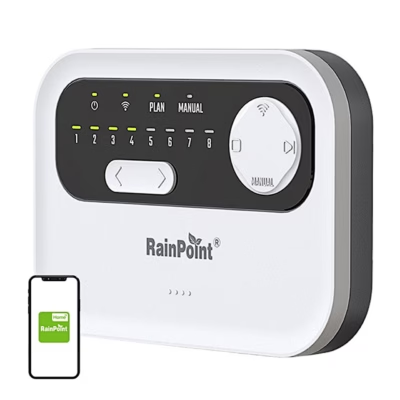
- 8 pcs
- Features
- App control, Rain delay, Wi-Fi
- Power supply
- Mains power
-
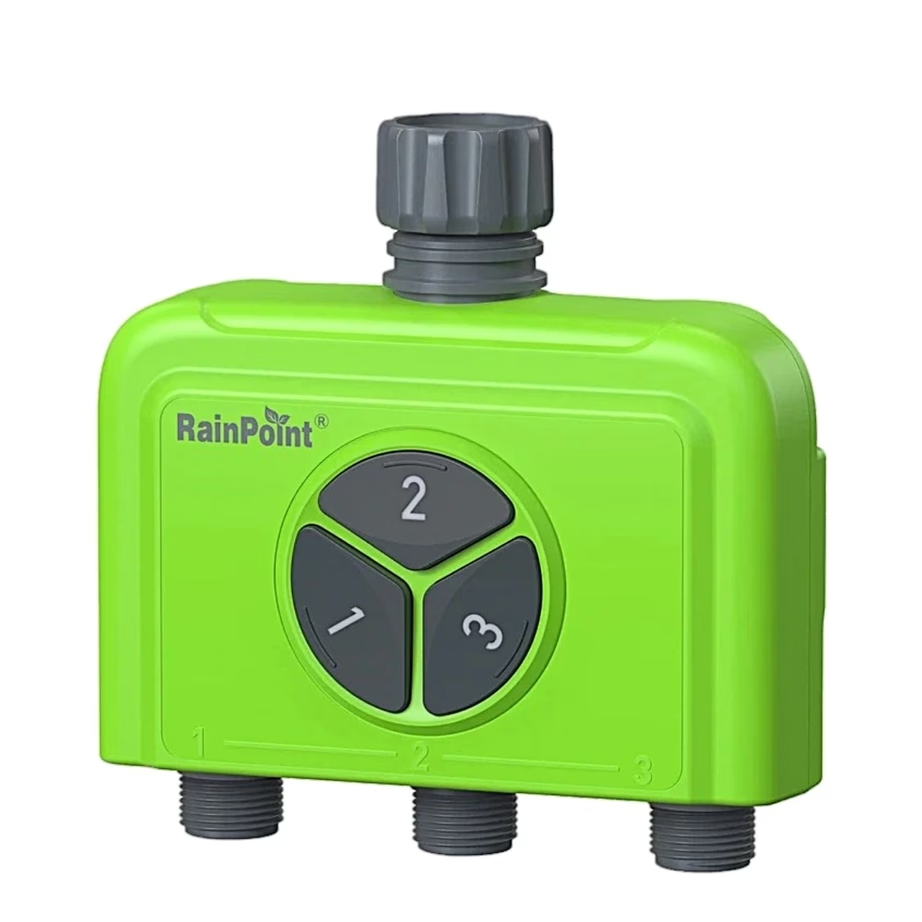
36,95 €
- Product type
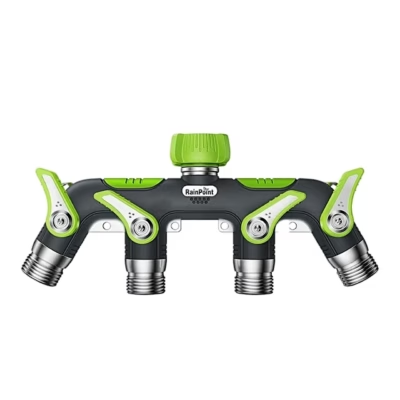
- Hose splitter
- Number of zones
- 3 pcs
-
43,95 €
- Product type
- Hose splitter
- Number of zones
- 4 pcs
-
14,95 €
- Product type
- Hose splitter
-
60,95 €
- Product type
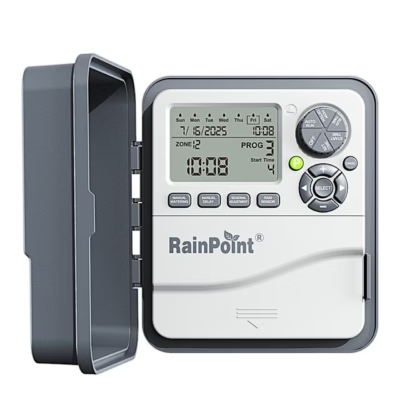
- Irrigation timer and controller
- Number of zones
- 12 pcs
- Features
- Rain delay, Rain sensor
- Power supply
- Battery, Mains power
-
74,95 €
- Product type
- Irrigation timer and controller
- Number of zones
- 8 pcs
- Features
- App control, Rain delay, Rain sensor, Wi-Fi
- Power supply
- AC 24 V
-
26,95 €
- Product type
- Irrigation timer and controller
- Number of zones
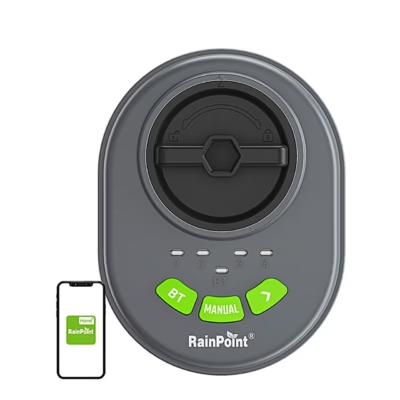
- 4 pcs
- Features
- App control, Bluetooth, Rain sensor
- Power supply
- Battery
-
20,95 €
- Product type
- Drip irrigation kit
-
67,95 €
- Product type
- Drip irrigation kit
- Features
- App control
- Power supply
- Solar panel
-
54,95 €
- Product type
- Irrigation timer and controller
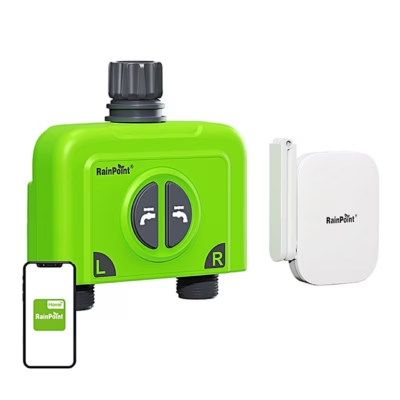
- Number of zones
- 2 pcs
- Features
- App control, Bluetooth, Rain delay, Wi-Fi
- Power supply
- Battery
-
40,95 €
- Product type
- Irrigation timer and controller
- Number of zones
- 1 pcs
- Features
- App control, Bluetooth, Rain delay, Wi-Fi
- Power supply
- battery power 4 AA batteries not included
-
53,95 €
- Product type
- Irrigation timer and controller
- Number of zones
- 2 pcs
- Features
- App control, Flow meter, Rain delay, Wi-Fi
- Power supply
- Battery
-
48,95 €
- Product type
- Irrigation timer and controller
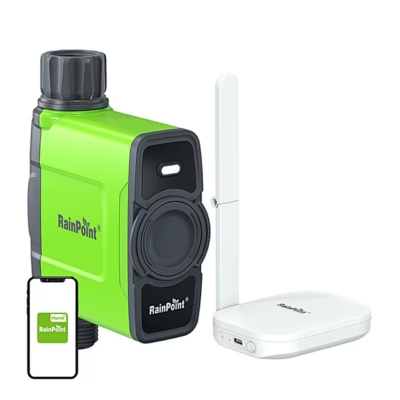
- Number of zones
- 1 pcs
- Features
- App control, Flow meter, Rain delay, Wi-Fi
- Power supply
- 4 AA batteries not included
-
27,95 €
- Product type
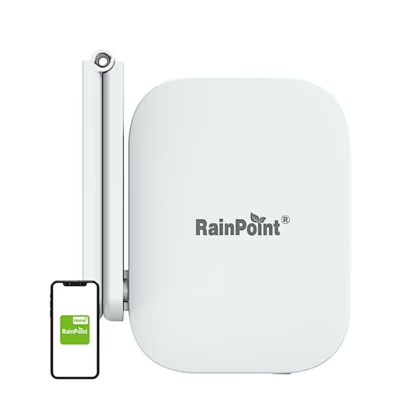
- Wi-Fi gateway
- Features
- App control, Wi-Fi
- Power supply
- Mains power
-
77,95 €
- Product type
- Irrigation timer and controller
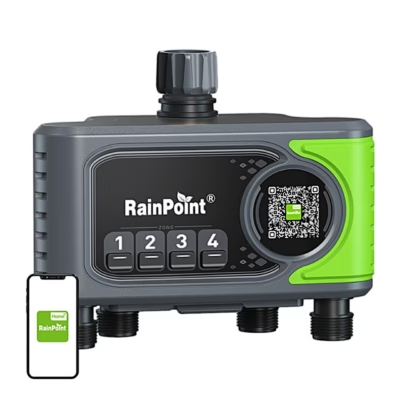
- Number of zones
- 4 pcs
- Features
- App control, Rain delay, Wi-Fi
- Power supply
- Battery
-
53,95 €
- Product type
- Irrigation timer and controller
- Number of zones
- 2 pcs
- Features
- App control, Flow meter, Rain delay, Wi-Fi
- Power supply
- Timer, 4 × AA battery, USB-C mains adapter
-
48,95 €
- Product type
- Irrigation timer and controller
- Number of zones
- 1 pcs
- Features
- App control, Flow meter, Rain delay, Wi-Fi
- Power supply
- Battery
-
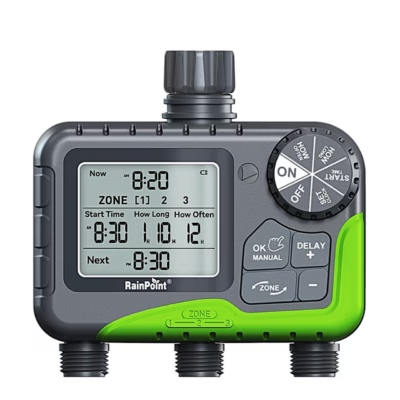
55,95 €
- Product type
- Irrigation timer and controller
- Number of zones
- 3 pcs
- Features
- Rain delay
- Power supply
- 4 × AA battery
-
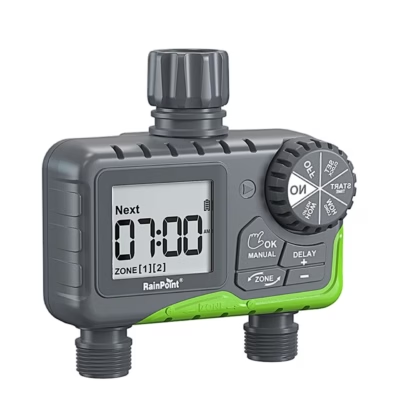
30,95 €
- Product type
- Irrigation timer and controller
- Number of zones
- 2 pcs
- Features
- Rain delay
- Power supply
- Battery
-
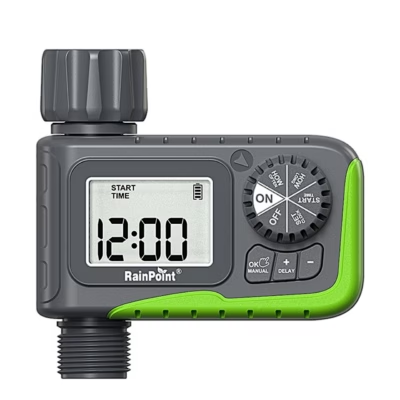
25,95 €
- Product type
- Irrigation timer and controller
- Number of zones
- 1 pcs
- Features
- Rain delay
- Power supply
- Battery
-
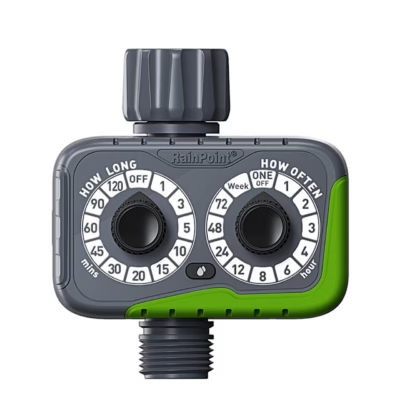
19,95 €
- Product type
- Irrigation timer and controller
- Number of zones
- 1 pcs
- Power supply
- 2 × AAA batteries not included



All products shown.



































