

Description
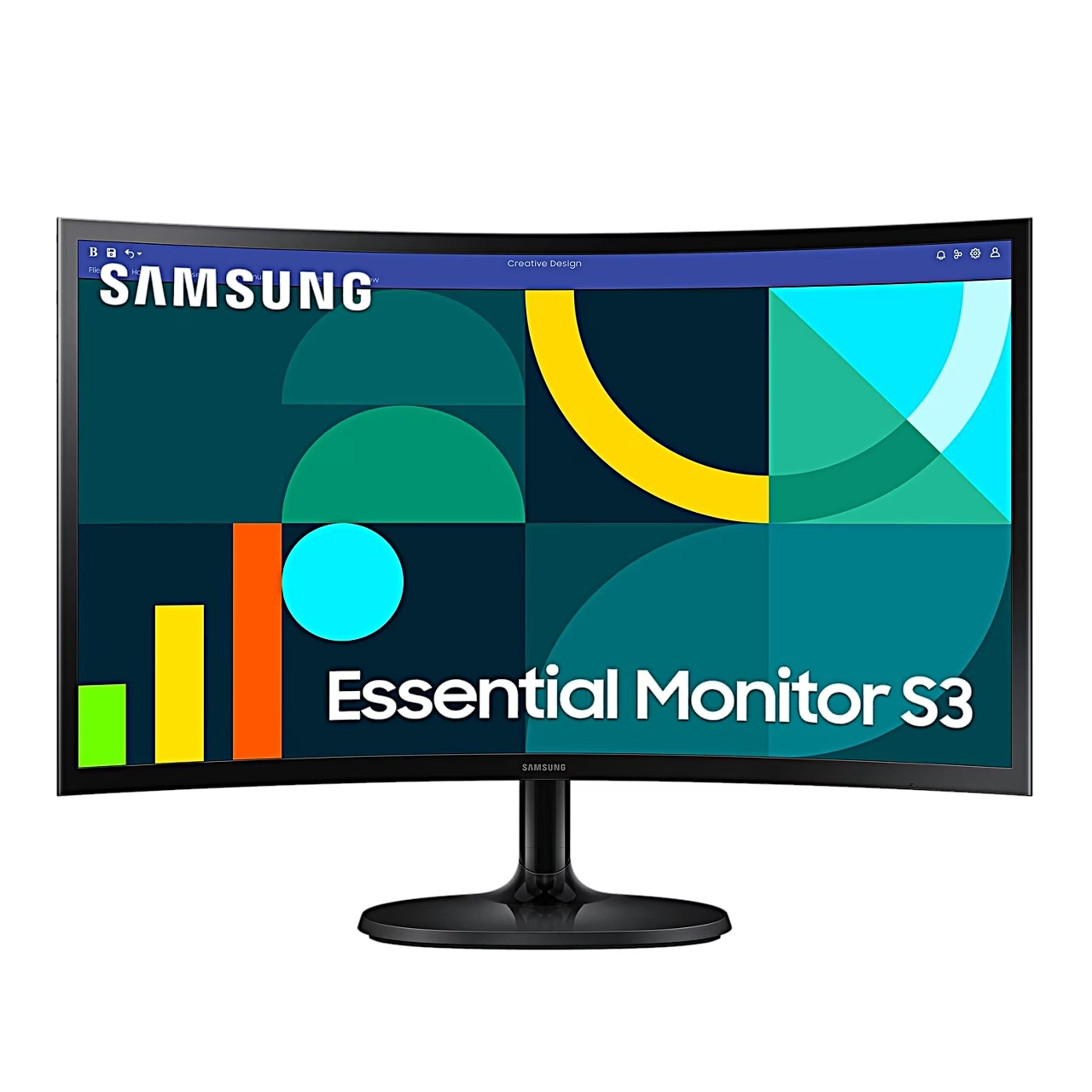
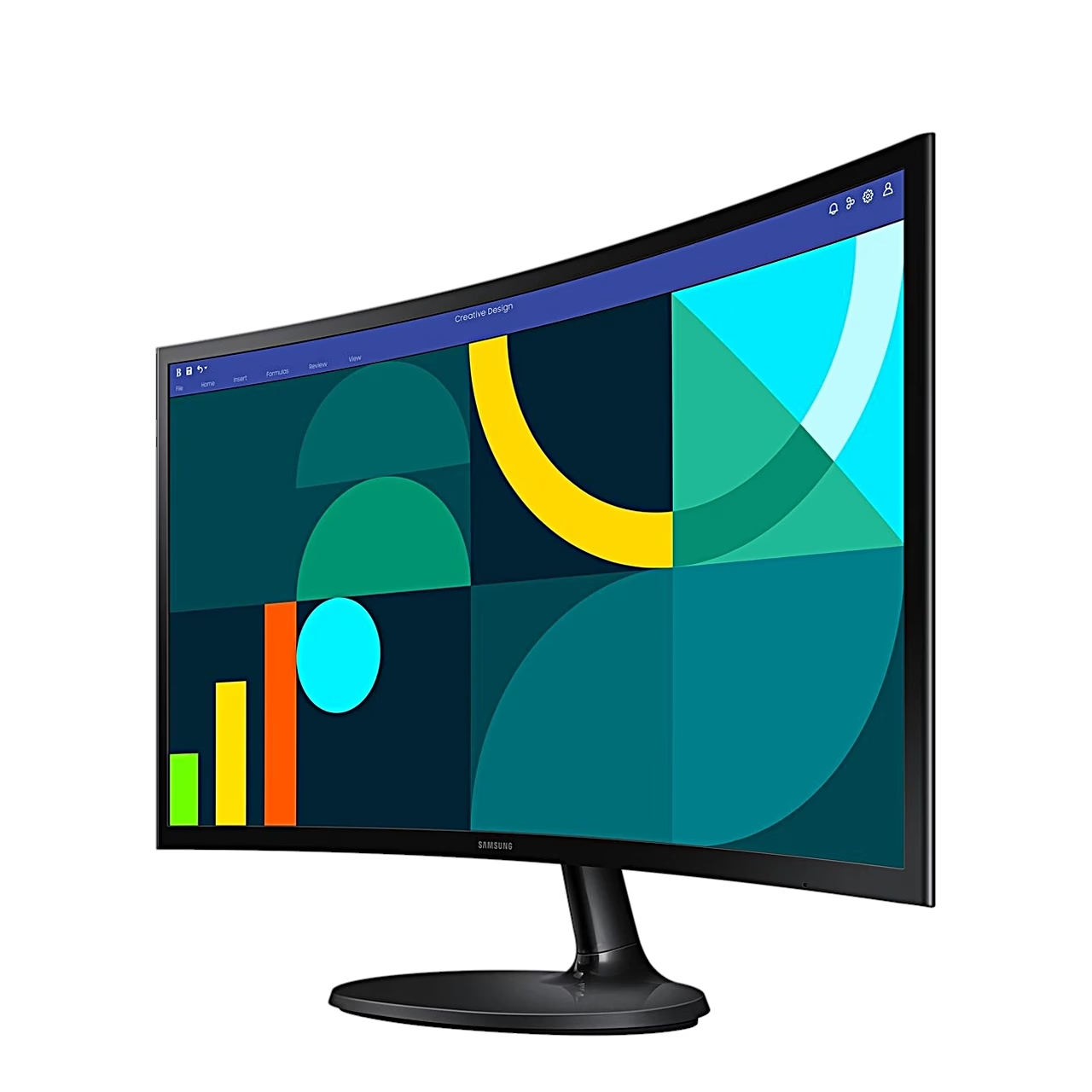
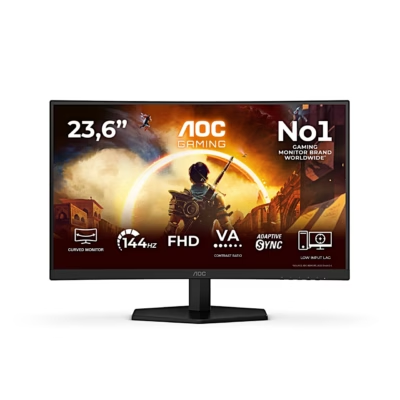
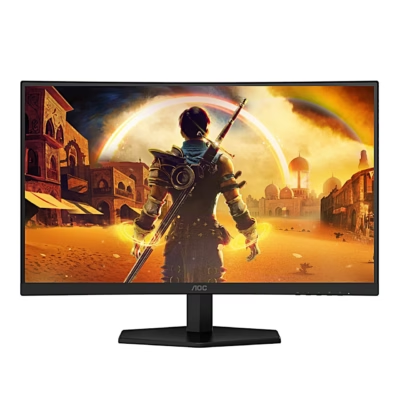
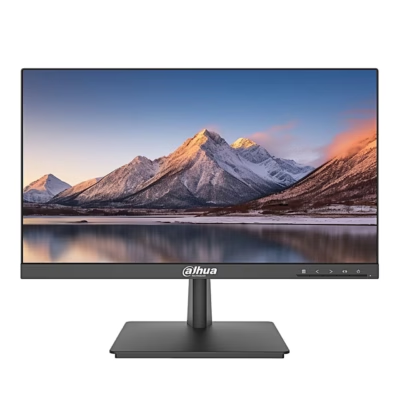
Curved computer monitor with a VA panel
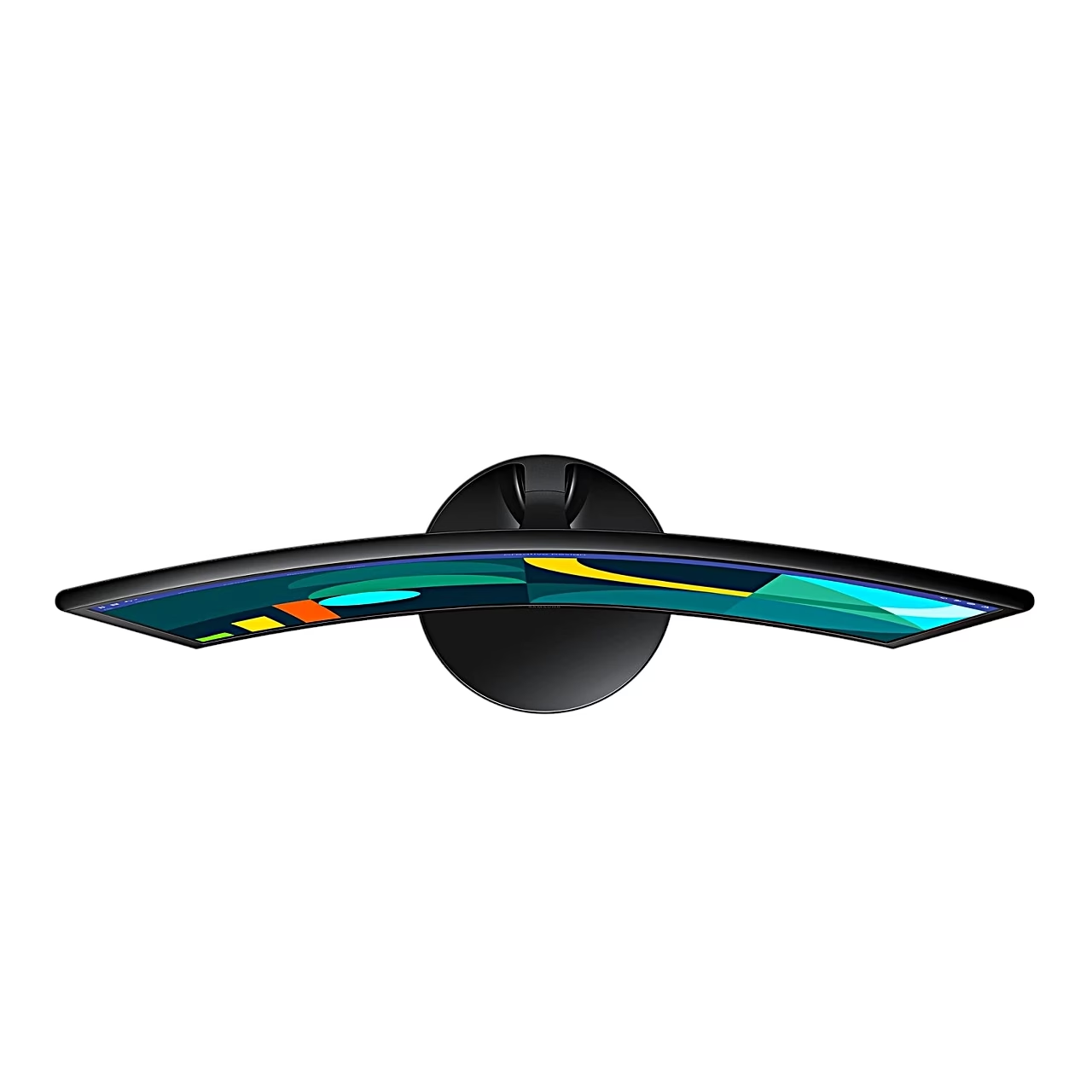
The curved computer monitor has a 1800R curvature: the screen’s arc follows a circle with a 1800 mm radius. Brightness is 250 cd/m², the viewing angle 178° horizontally and vertically, and the screen covers 95% of sRGB.
Refresh rate and Game Mode
At 1920 × 1080 the refresh rate reaches 100 Hz over HDMI and 60 Hz over D-Sub. Response time is 4 ms (GTG), and the Response Time setting speeds up the panel response. Game Mode sets up the picture for gaming on a PC or a games console.
Eye Saver Mode and flicker-free backlight
At the High level of Eye Saver Mode, blue light around 400 nm is reduced. The backlight is flicker-free. Eco Saving Plus cuts power consumption by up to 50% compared with maximum brightness, and Off Timer switches the monitor off after 1–23 hours.
Connections
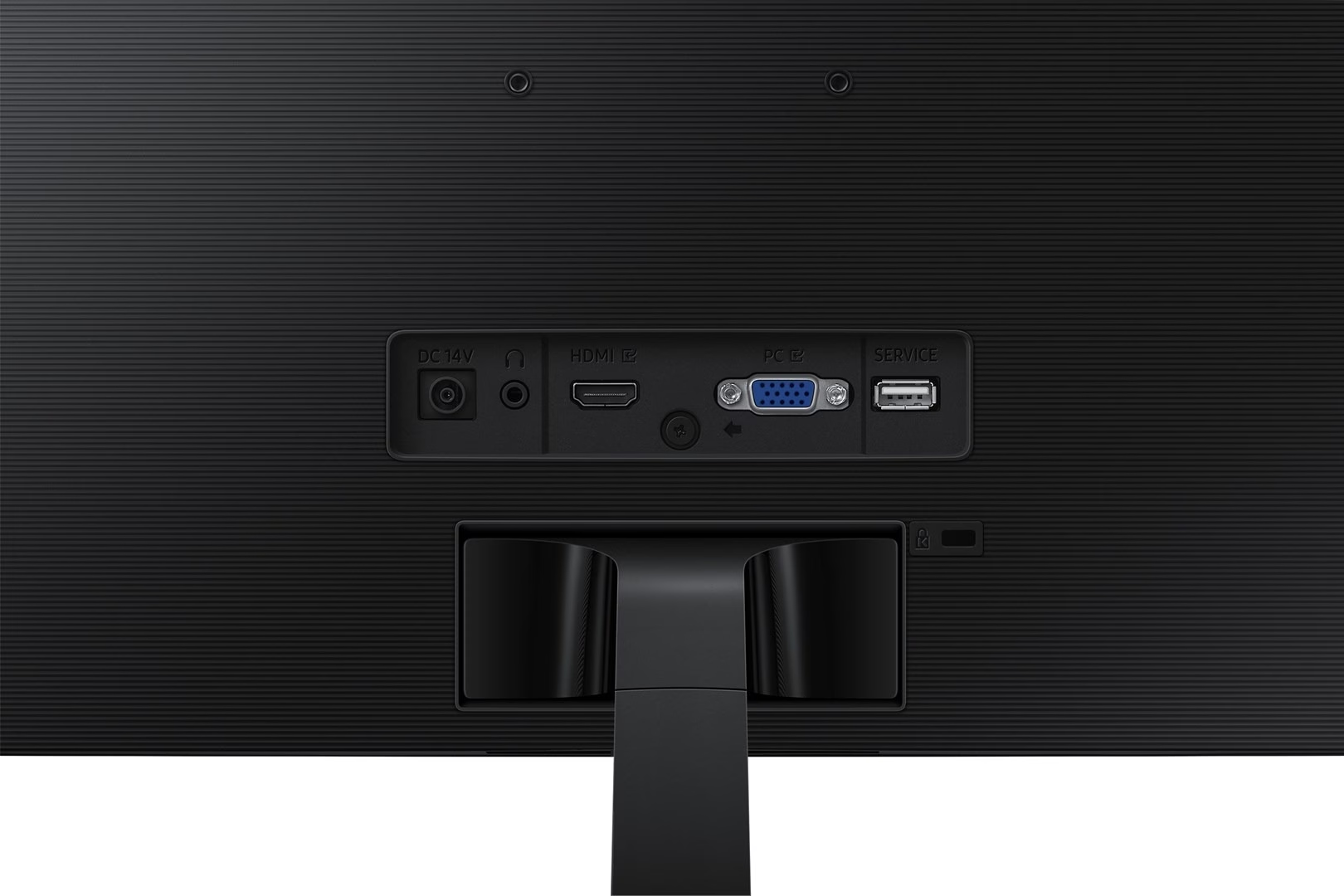
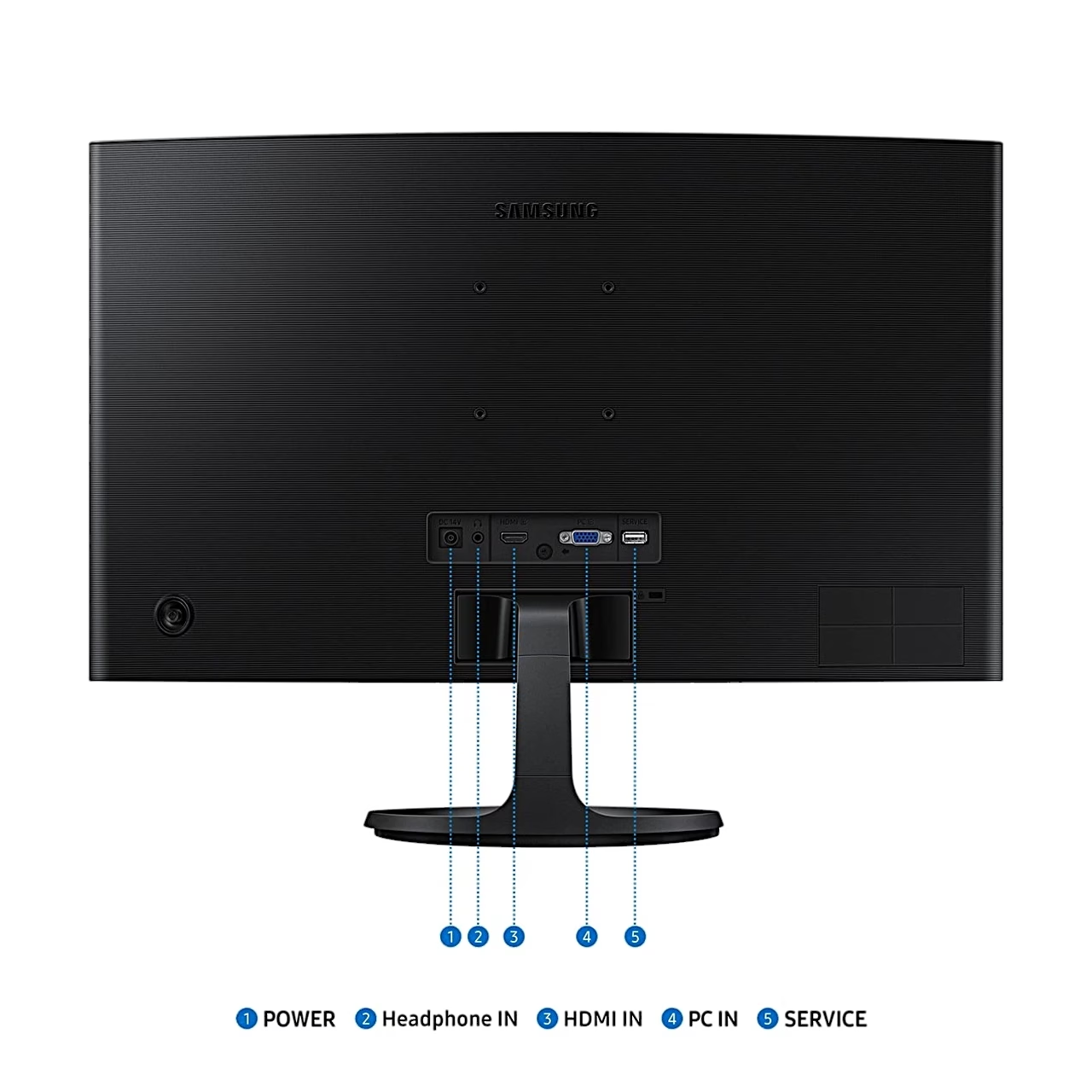
The back has HDMI 1.4 and D-Sub inputs, a headphone socket and a SERVICE USB port for software updates. Headphones play sound over the HDMI connection.
Use
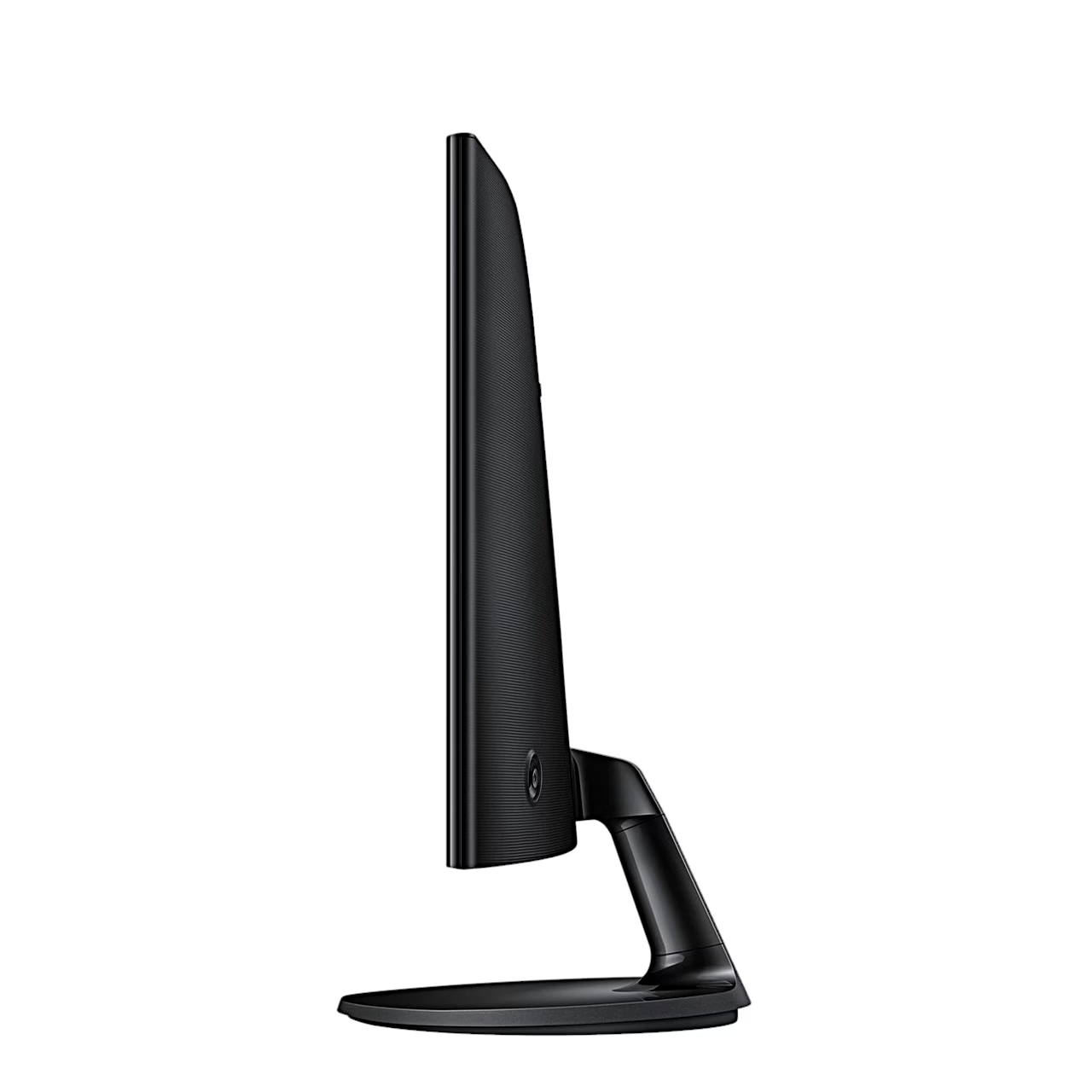
Lay the monitor screen-down on a flat surface, push the stand neck into the base and tighten the screw under the base. Push the assembled stand into the back of the monitor, stand the monitor up and remove the packaging. Connect the power cord to the power adapter, the adapter to the monitor’s DC 14 V socket and the cord to the wall socket, then switch the monitor on with the JOG button on the back. The screen tilts from −2° to 22°.
Cleaning and care
Switch off the monitor and the computer and unplug the power cord. Wipe the monitor with a clean, soft, dry cloth or a cloth dampened in water and wrung out well. Use a cleaner free of alcohol, solvent and surfactant, applied to the cloth rather than directly to the monitor.
In the box
- Monitor
- Stand neck and base
- Power adapter
- Power cord (1.5 m)
- HDMI cable






































Reviews
There are no reviews yet.