

Description
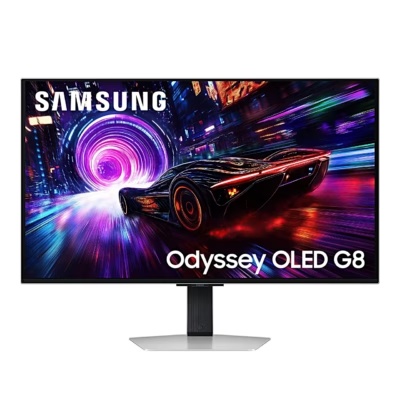
Gaming monitor that switches between 6K sharpness and 330 Hz speed
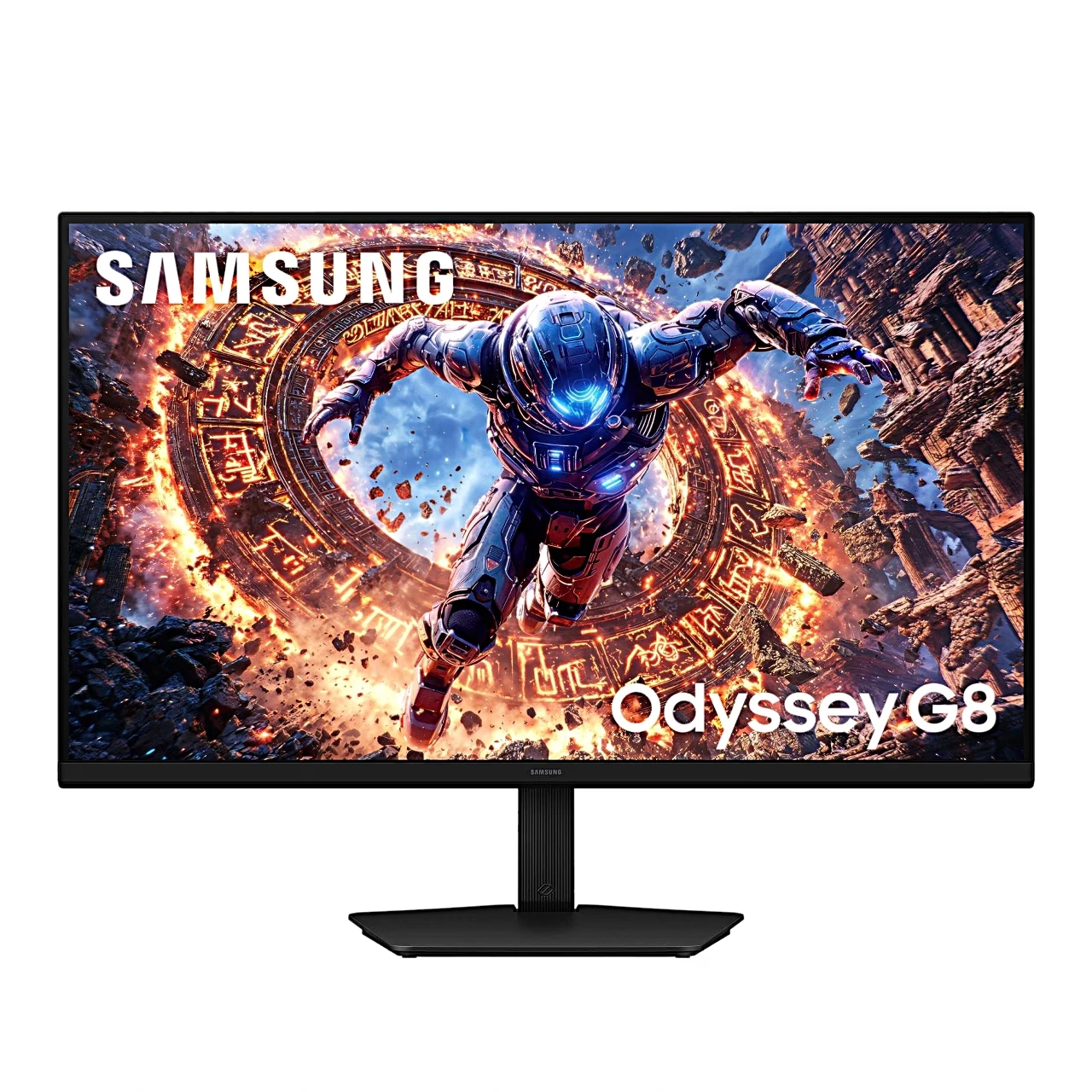
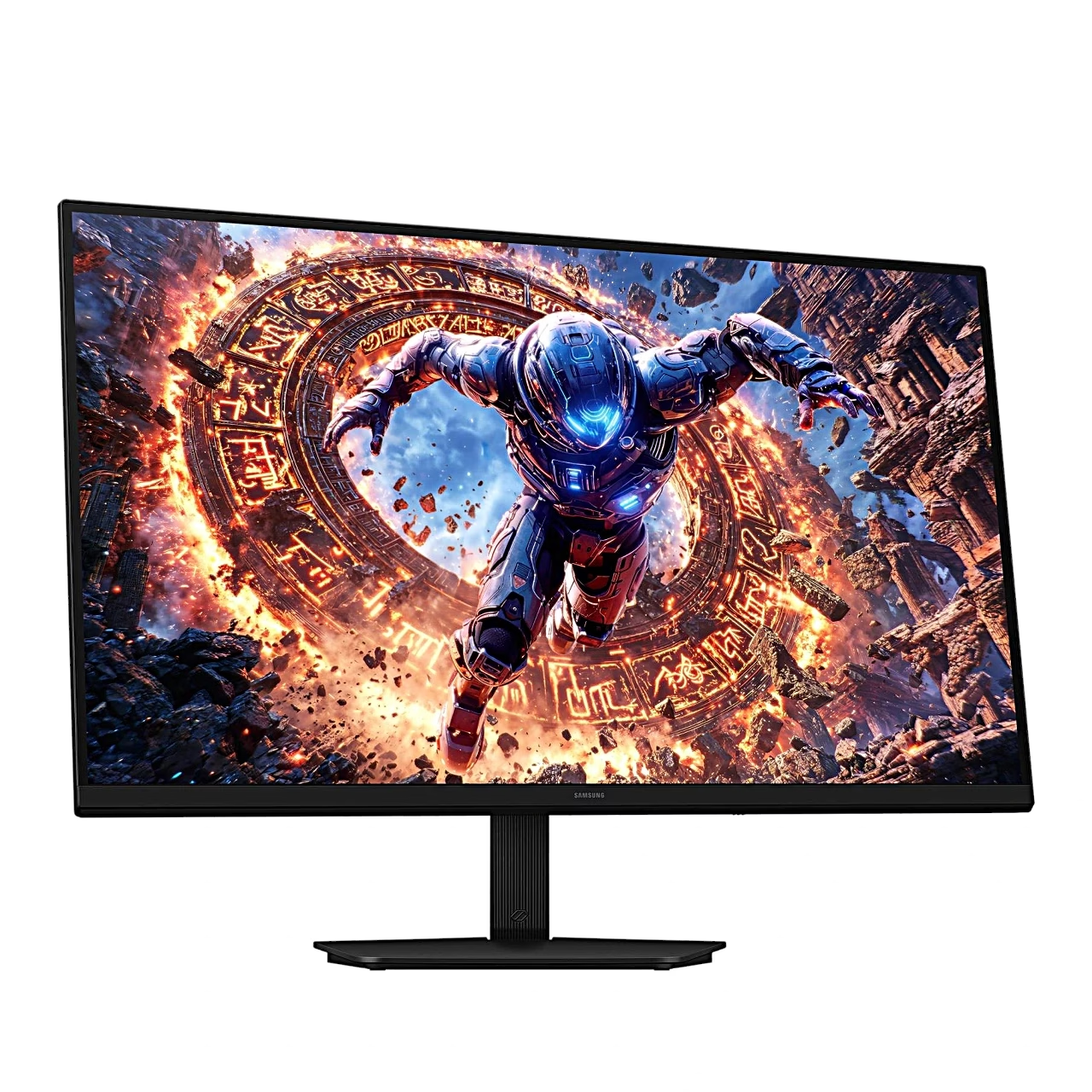
The Samsung Odyssey G8 G80HS gaming monitor shows a 6K picture at 6144 × 3456 and up to 165 Hz on a 32-inch IPS screen. Dual Mode switches the screen to 3072 × 1728, where the refresh rate rises to 330 Hz. Response time is 1 ms (GTG) and the screen supports HDR10+ Gaming content.
AMD FreeSync and NVIDIA G-SYNC keep the game picture tear-free
AMD FreeSync and NVIDIA G-SYNC are adaptive sync technologies with which the monitor sets its refresh rate to the frame rate of the graphics card, so no offset between two frames, or tearing, appears in the picture. The Odyssey G8 supports FreeSync Premium and G-SYNC Compatible in the range 48–165 Hz and 48–330 Hz in Dual Mode. FreeSync works with AMD graphics cards and Xbox, while NVIDIA GeForce 10 series and newer cards use the same sync over DisplayPort.
Two HDMI 2.1 ports and a DisplayPort 2.1 input
There are three video inputs: two HDMI 2.1 ports and one DisplayPort 2.1. Over DisplayPort the optimum resolution is 6144 × 3456 at 165 Hz, over HDMI 3840 × 2160 at 165 Hz. The USB hub connects to the computer over a USB-B cable and provides two USB-A 3.2 Gen 1 ports.
Black Equalizer and factory-calibrated colours
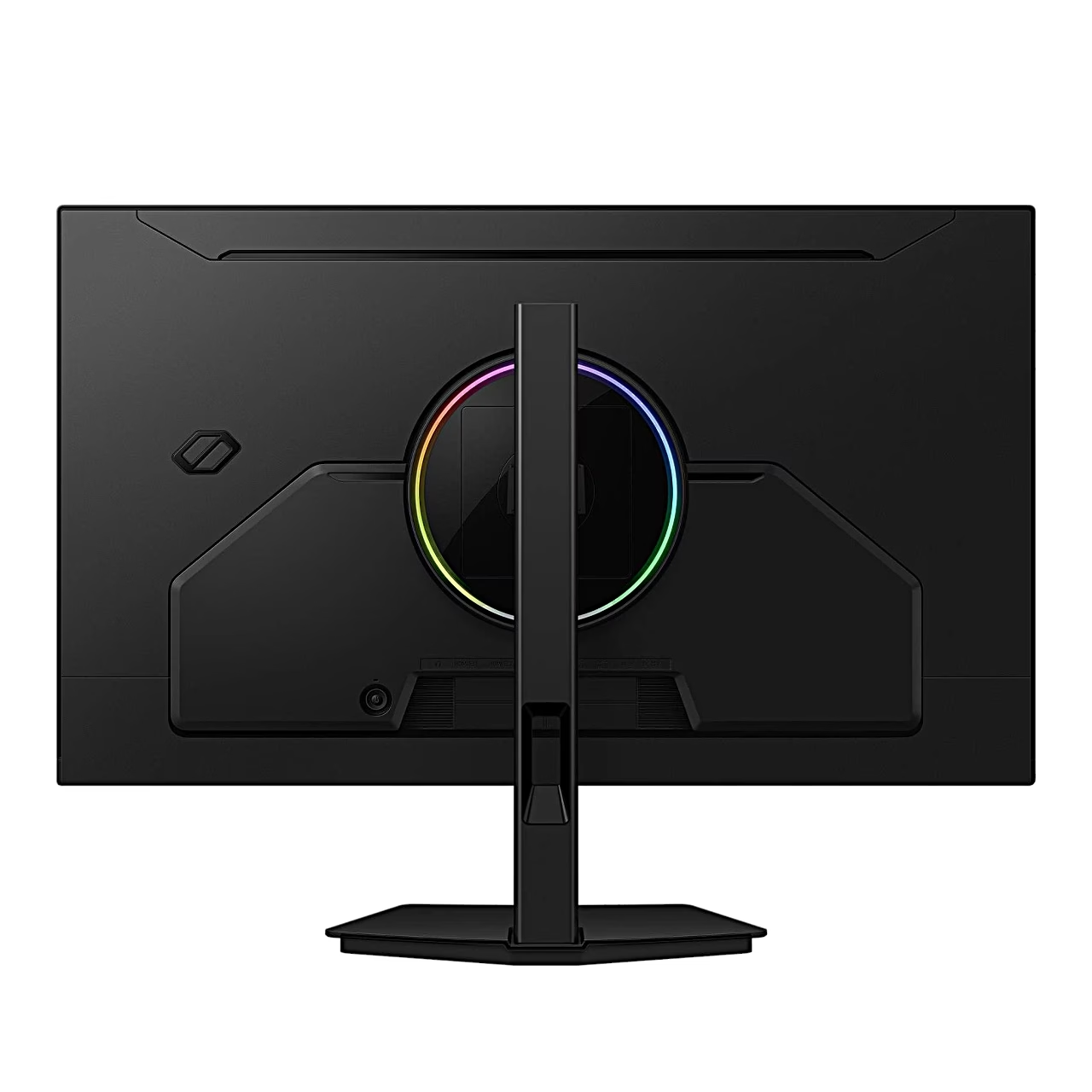
Black Equalizer makes dark areas of the screen brighter so opponents in shadow are easier to spot. The screen covers 99% of the sRGB colour space and is factory calibrated with a calibration report. Infinity Core Lighting switches the LED lighting behind the screen on or off.
Height-adjustable stand and portrait mode
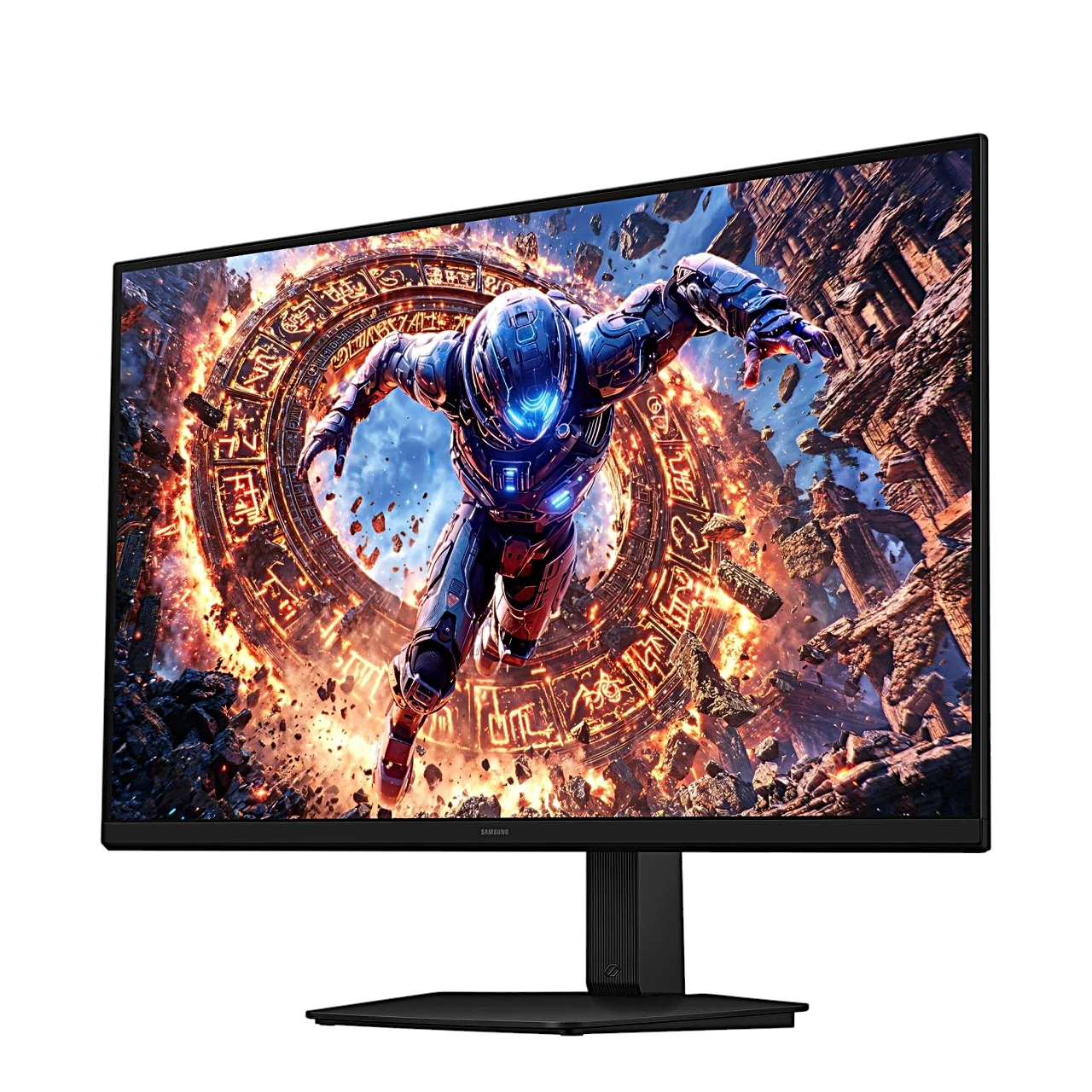
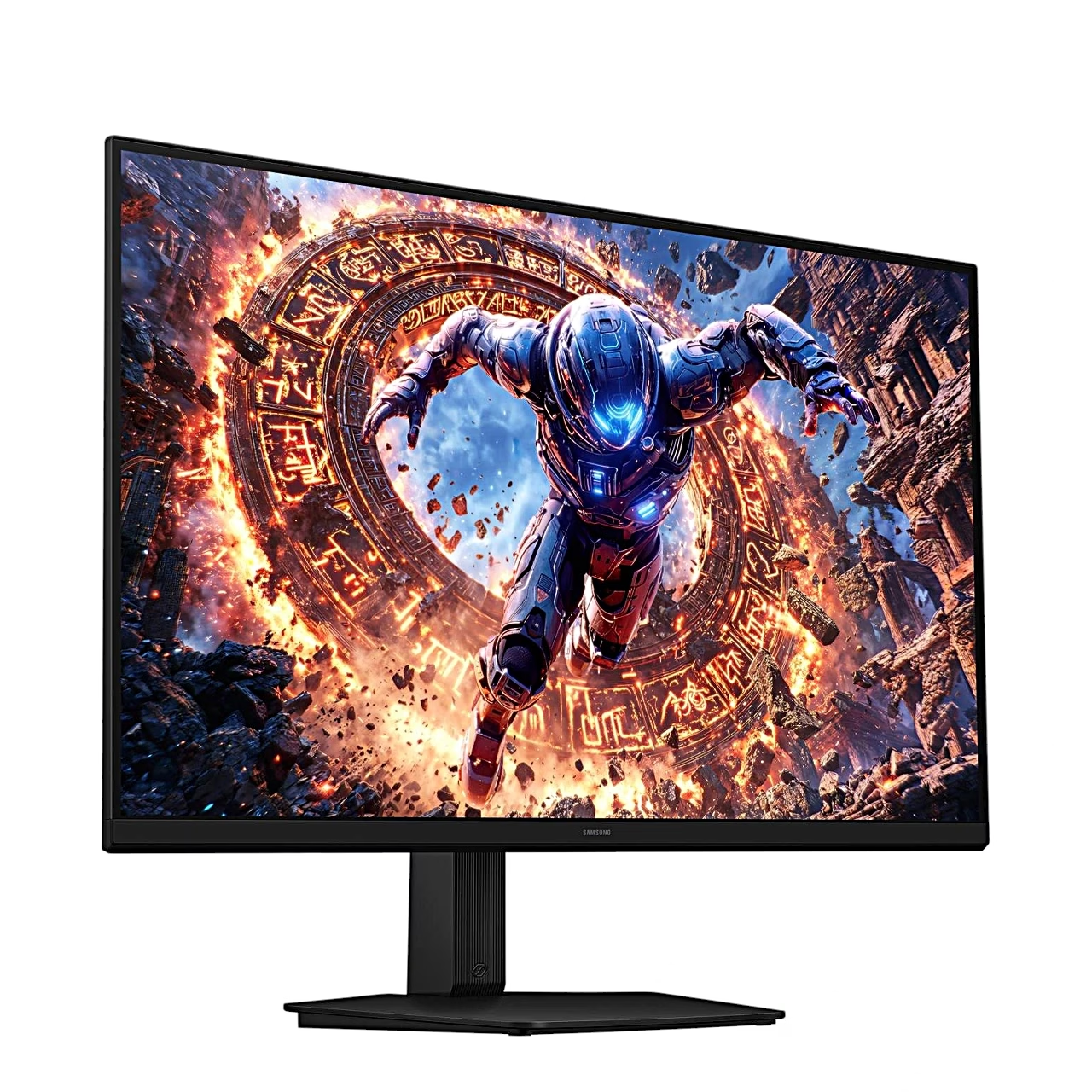
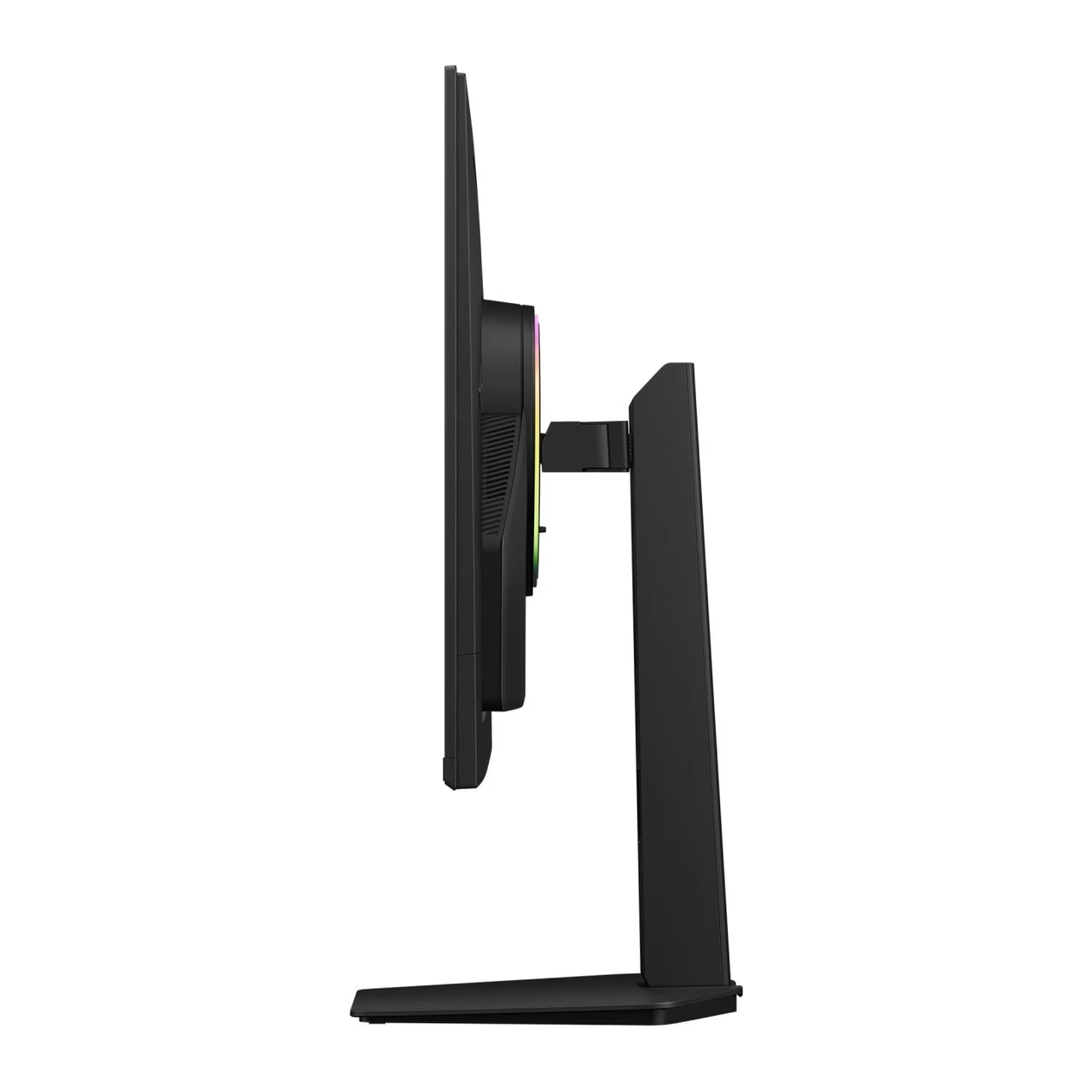
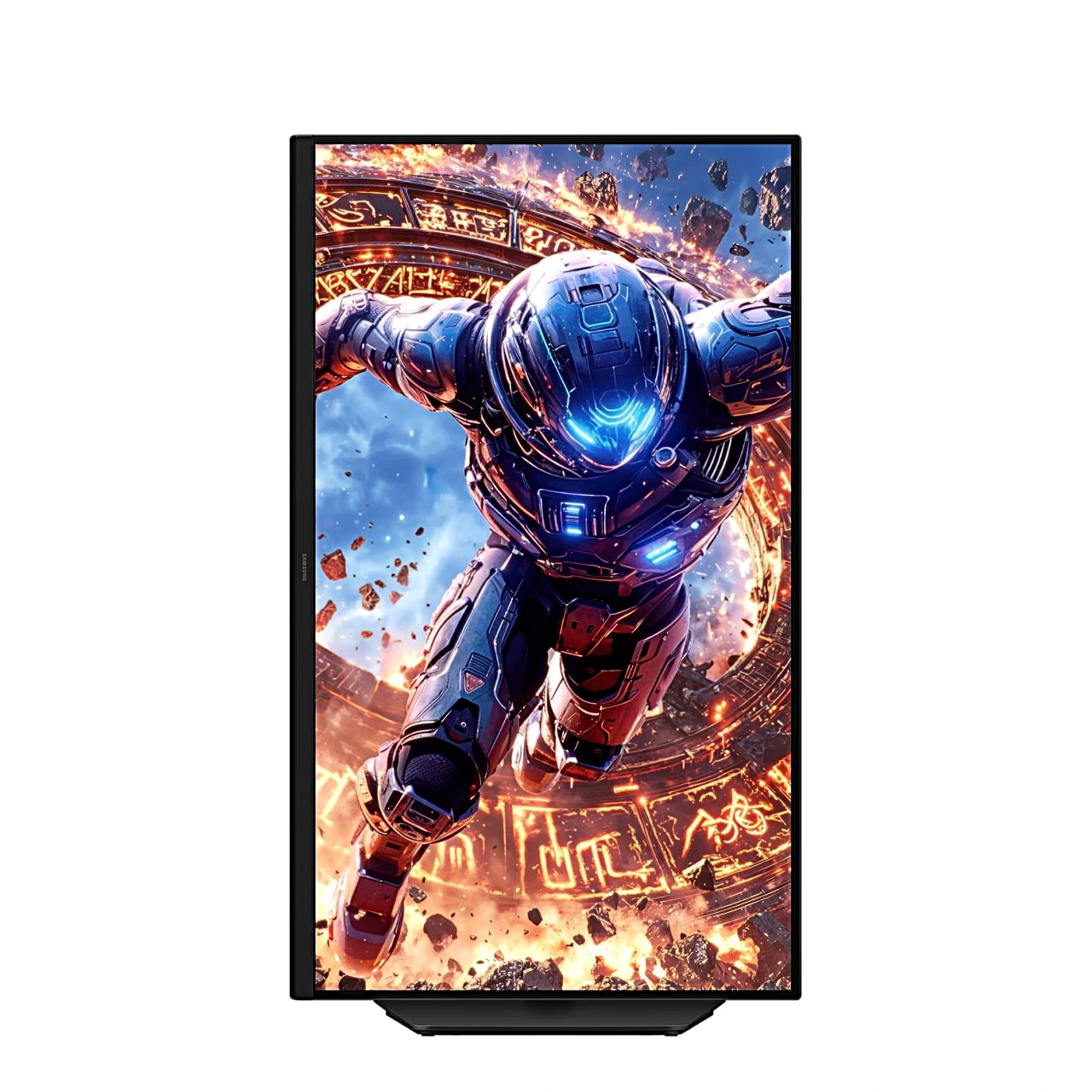
The stand lets you raise and lower the screen by 120 mm, tilt it from −2° to 25° and swivel it 30° to either side. The screen rotates 92° in either direction to portrait once the stand has been fully raised. For a wall mount or monitor arm the back has a VESA 100 × 100 mm interface for four M4 screws.
Installation
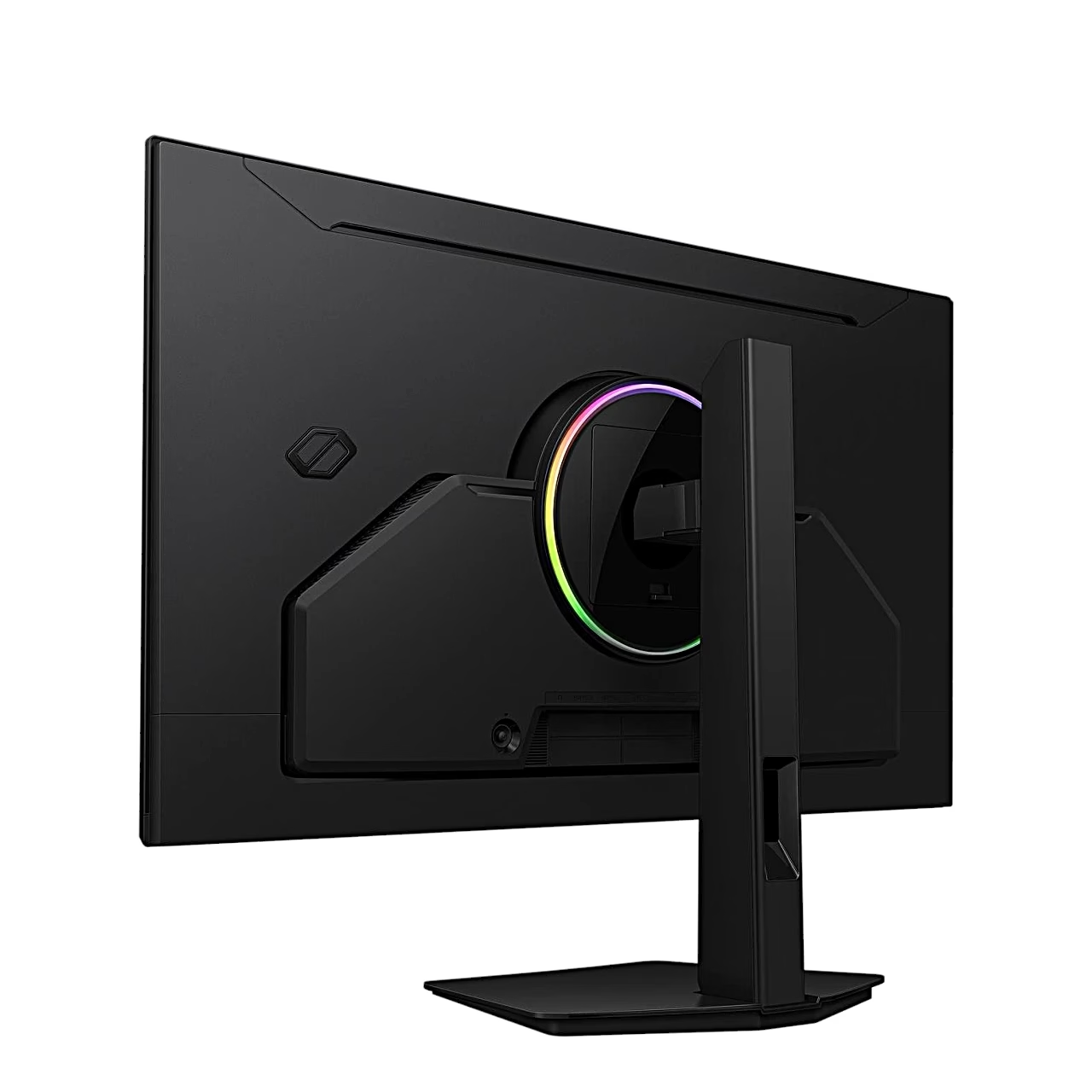
To assemble the stand, align the arrow on the base with the front of the stand neck, insert the neck into the base from above and tighten the screw underneath the base firmly. Then push the assembled stand into the mount on the back of the monitor, check that it is firmly attached and stand the monitor upright.
Cleaning and care
Before cleaning, switch off the monitor and the computer and unplug the power cord, holding the plug. Wipe the screen with a clean, soft and dry cloth, and the casing with a soft cloth dampened in water and wrung out well. Apply water to the cloth, not directly to the monitor.
In the box
- Gaming monitor Samsung Odyssey G8 G80HS, 1 pc
- Stand with base
- Power adapter and power cord, 1.5 m
- HDMI cable
- DisplayPort cable
- USB 3.0 cable


































Reviews
There are no reviews yet.