

Description
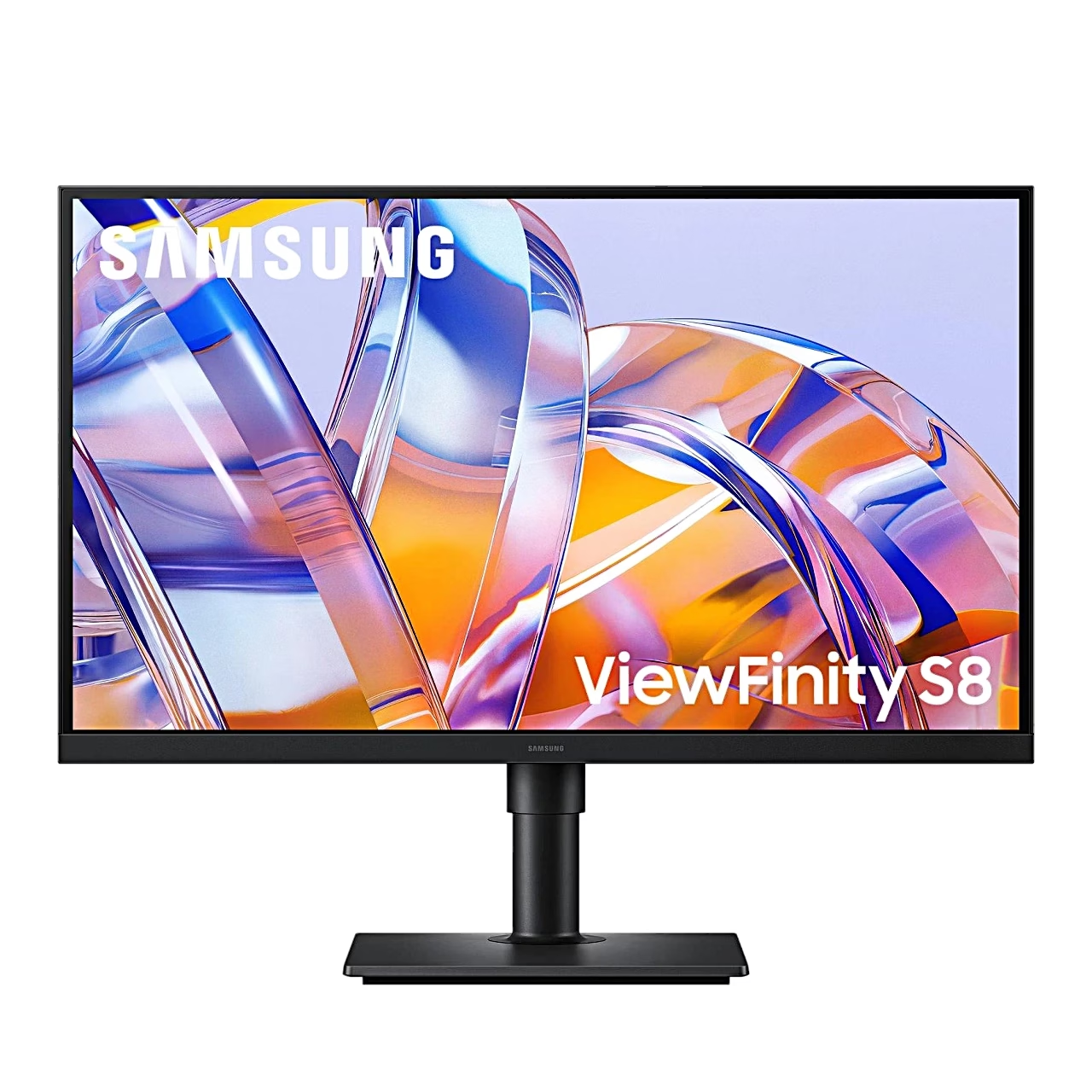
Computer monitor for a single-cable USB-C laptop workstation
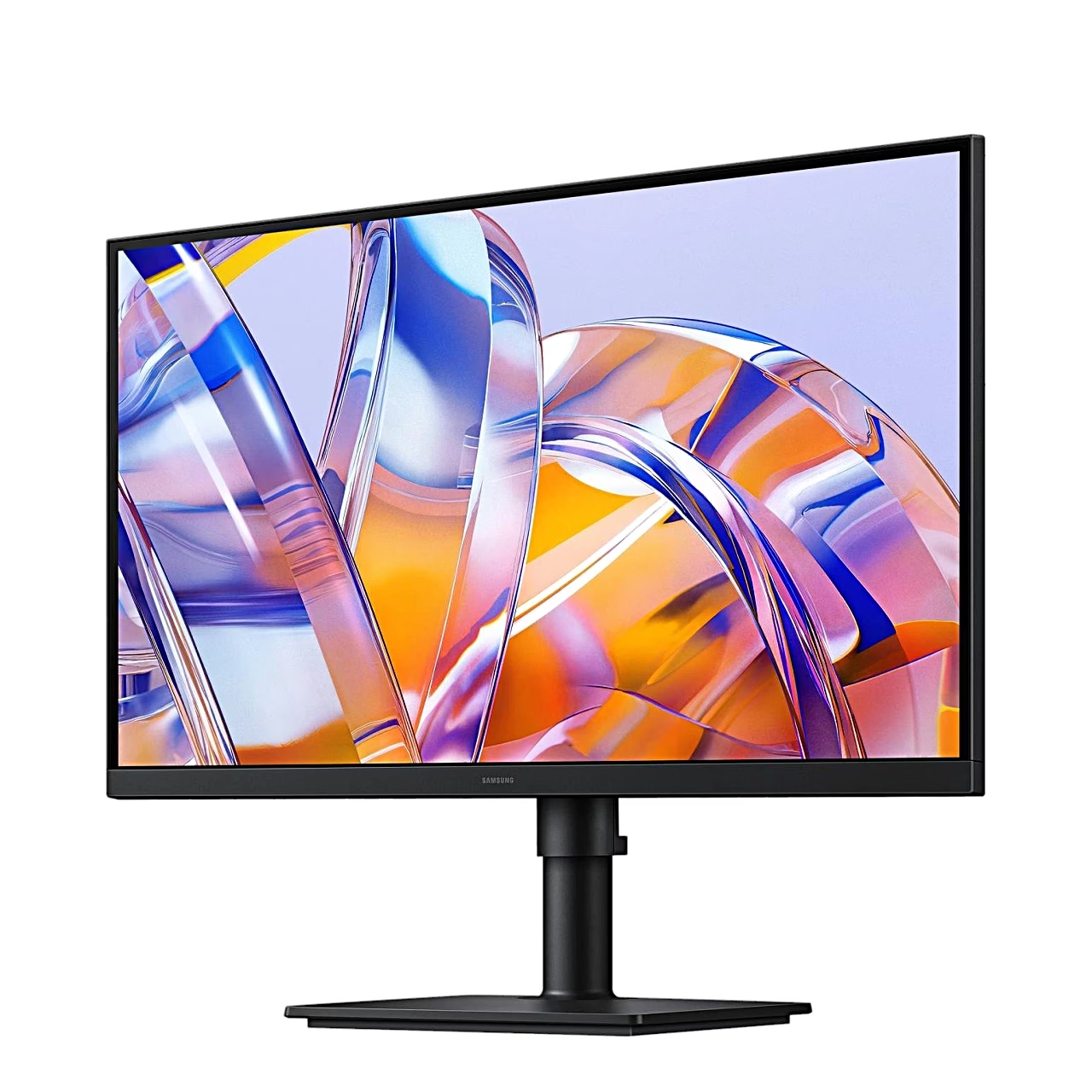
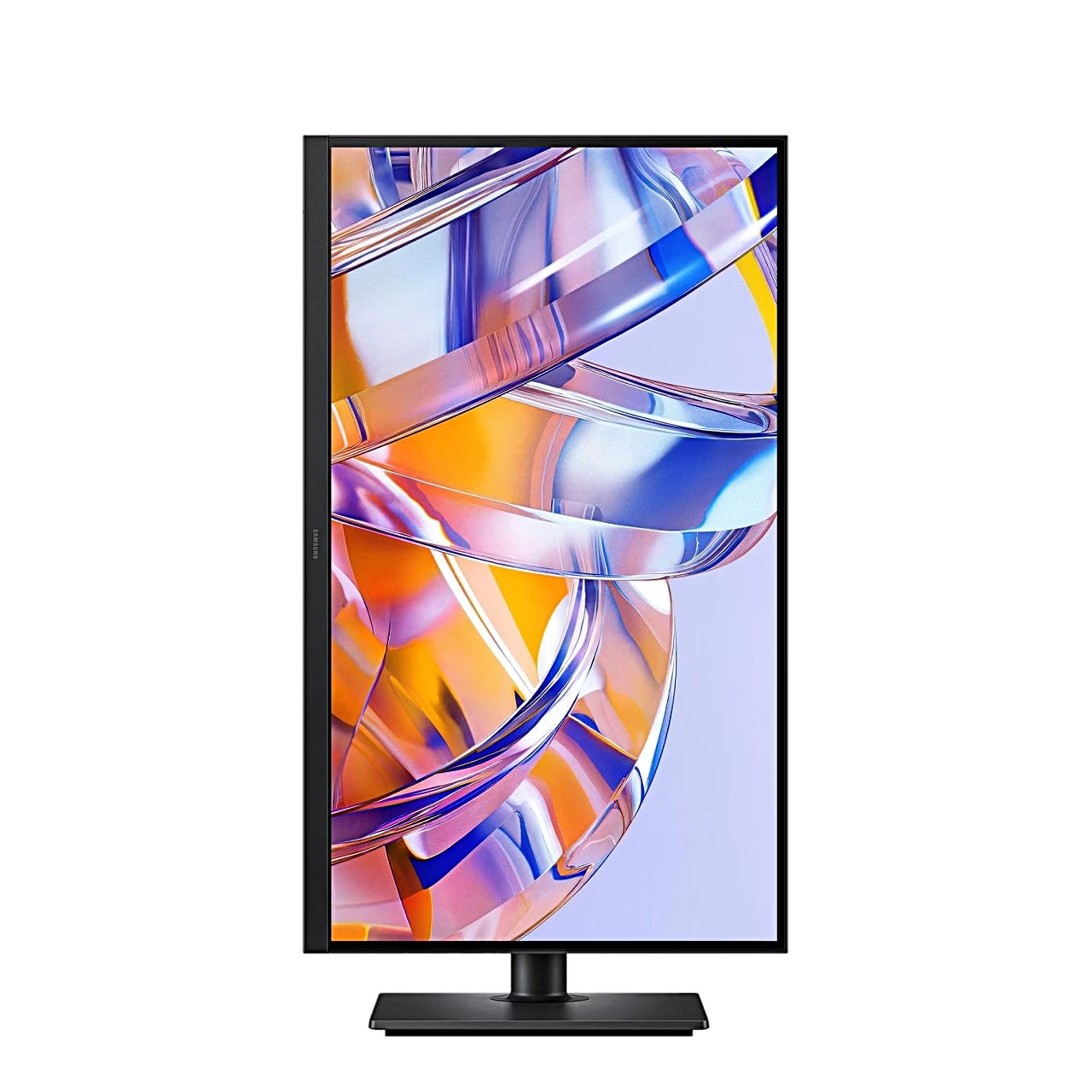
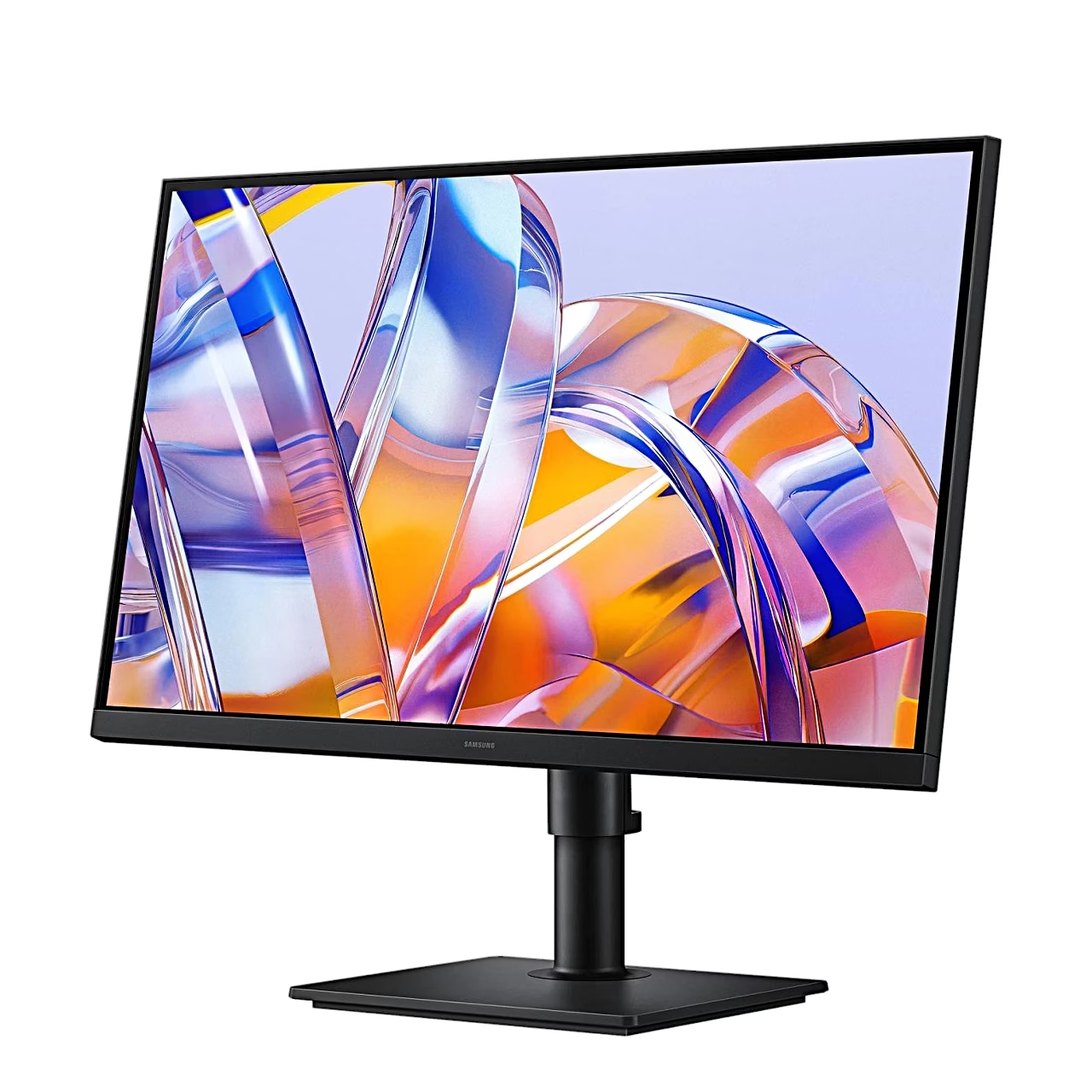
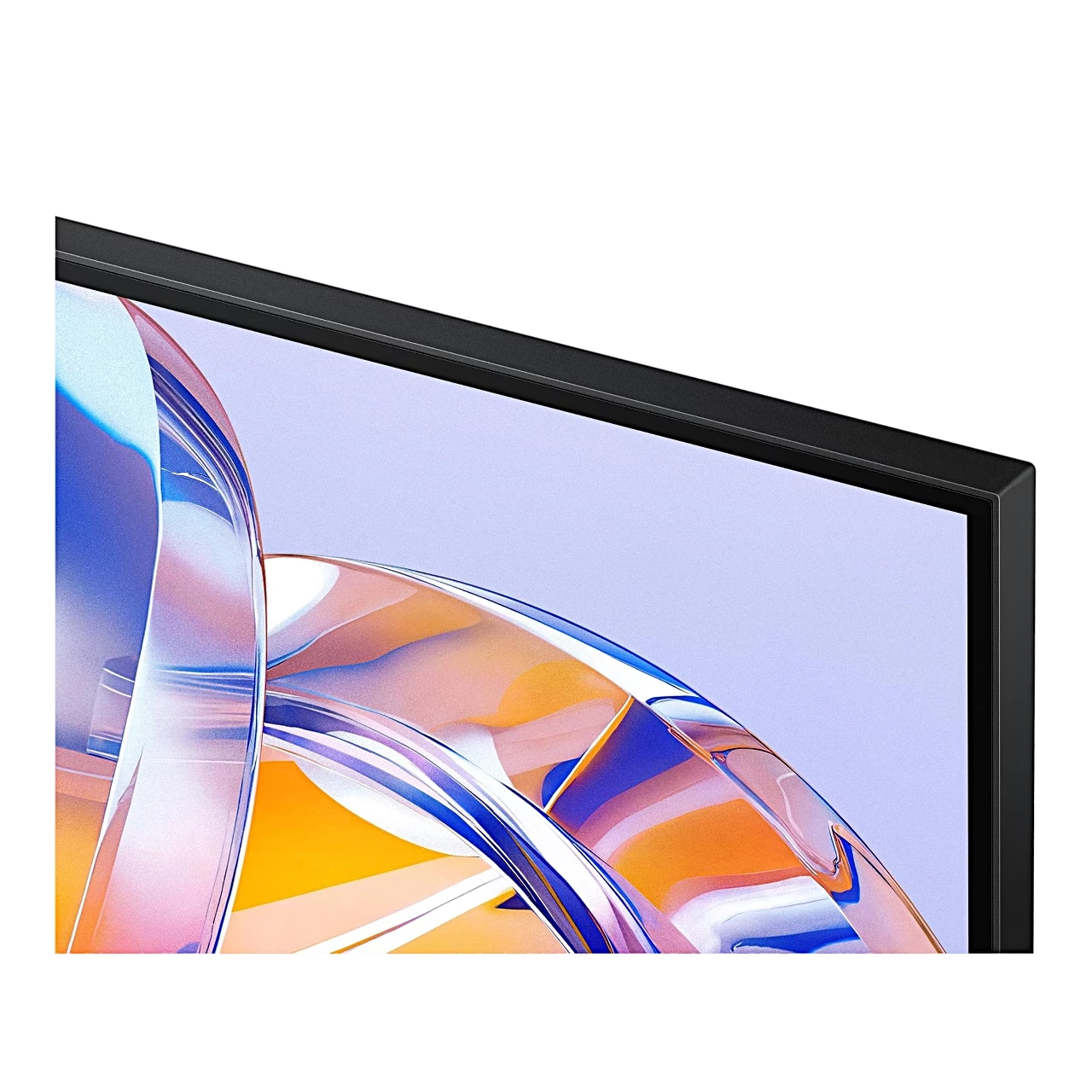
The Samsung ViewFinity S8 S80UH computer monitor connects to a laptop over a USB-C cable that carries picture and data and charges the laptop at 90 W. The screen is a 27-inch IPS panel showing a 4K UHD picture at 3840 × 2160 and 60 Hz, with HDR10 support.
An IPS panel keeps colours consistent from the side
An IPS panel is a liquid crystal display whose crystals rotate in the same plane as the glass, so the colour of the picture stays the same when viewed at an angle. This monitor has a viewing angle of 178° horizontally and vertically, and the screen covers 99% of the sRGB colour space. A TN panel responds faster and uses less power, while an IPS panel suits photo editing and several monitors side by side.
USB hub, LAN port and KVM switch in one monitor
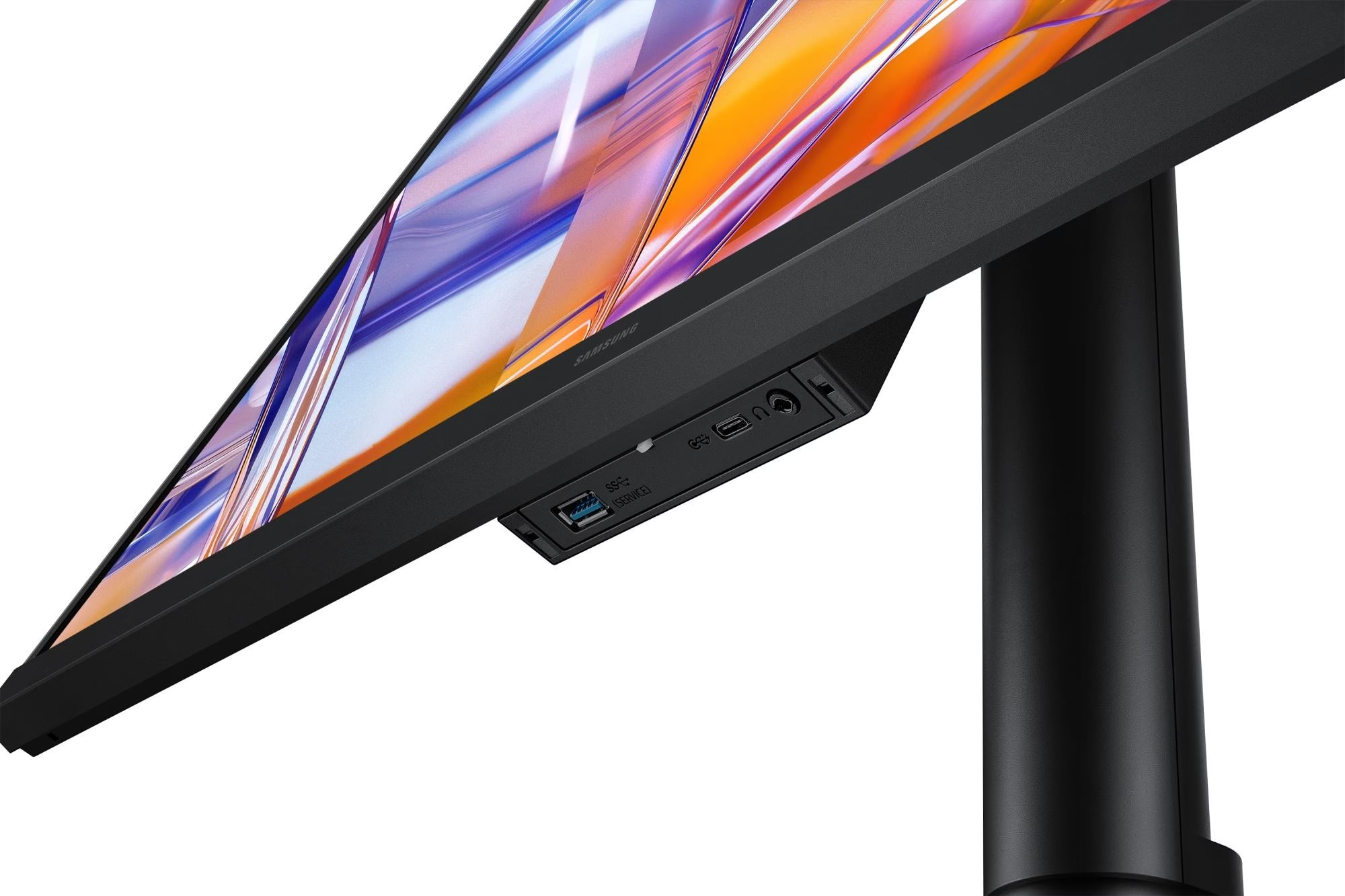
There are three video inputs: HDMI 2.0, DisplayPort 1.2 and USB-C, each carrying a 4K picture at 60 Hz. The USB hub has four ports: three USB-A ports and one USB-C port that charges a connected device at up to 15 W. The LAN port gives the computer connected over USB-C a wired network connection. The built-in KVM switch (keyboard, video and mouse switch) changes the source of the USB hub, so one keyboard and mouse control two computers. In picture-in-picture (PIP) and picture-by-picture (PBP) mode the screen shows two sources at once.
Height-adjustable stand rotates the screen to portrait
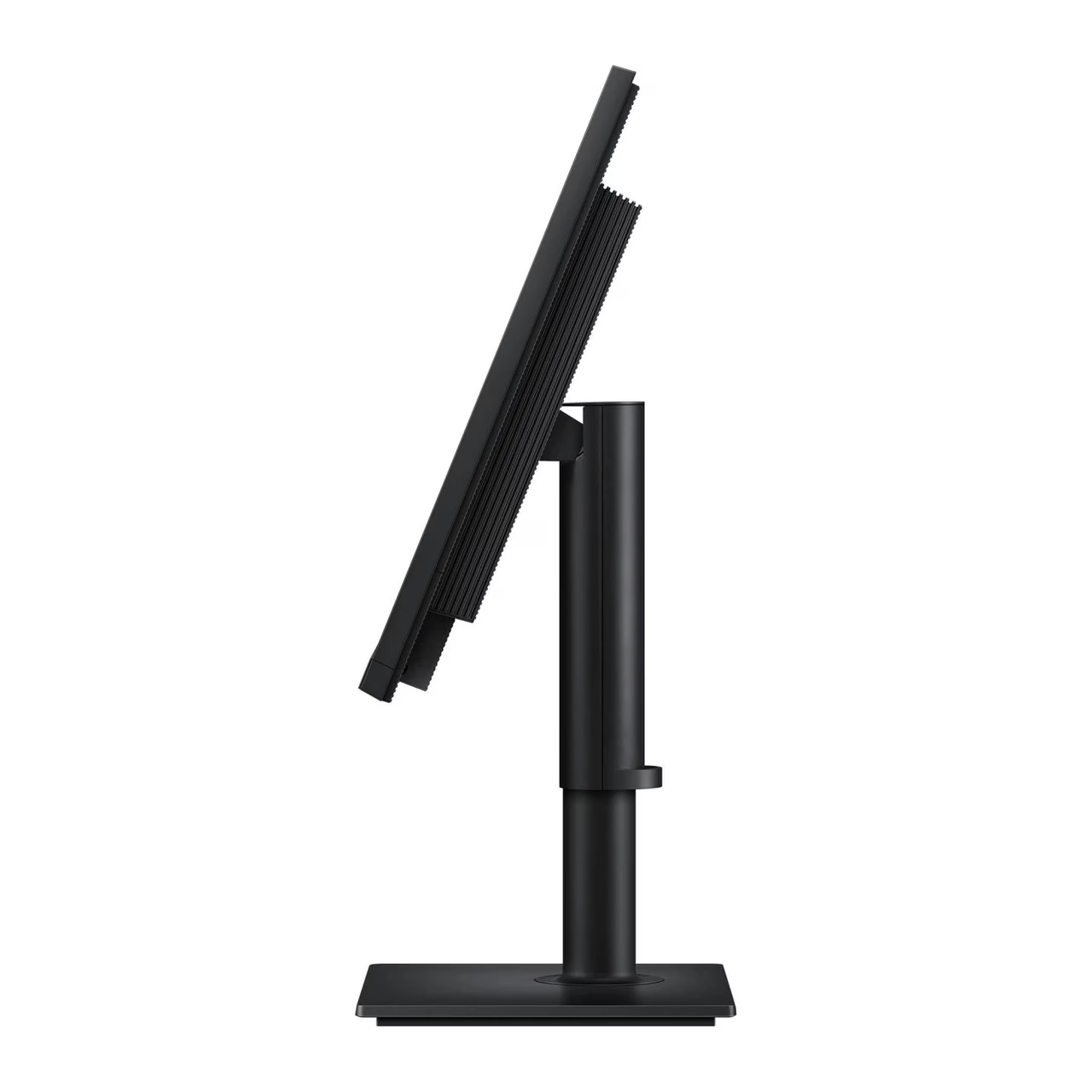
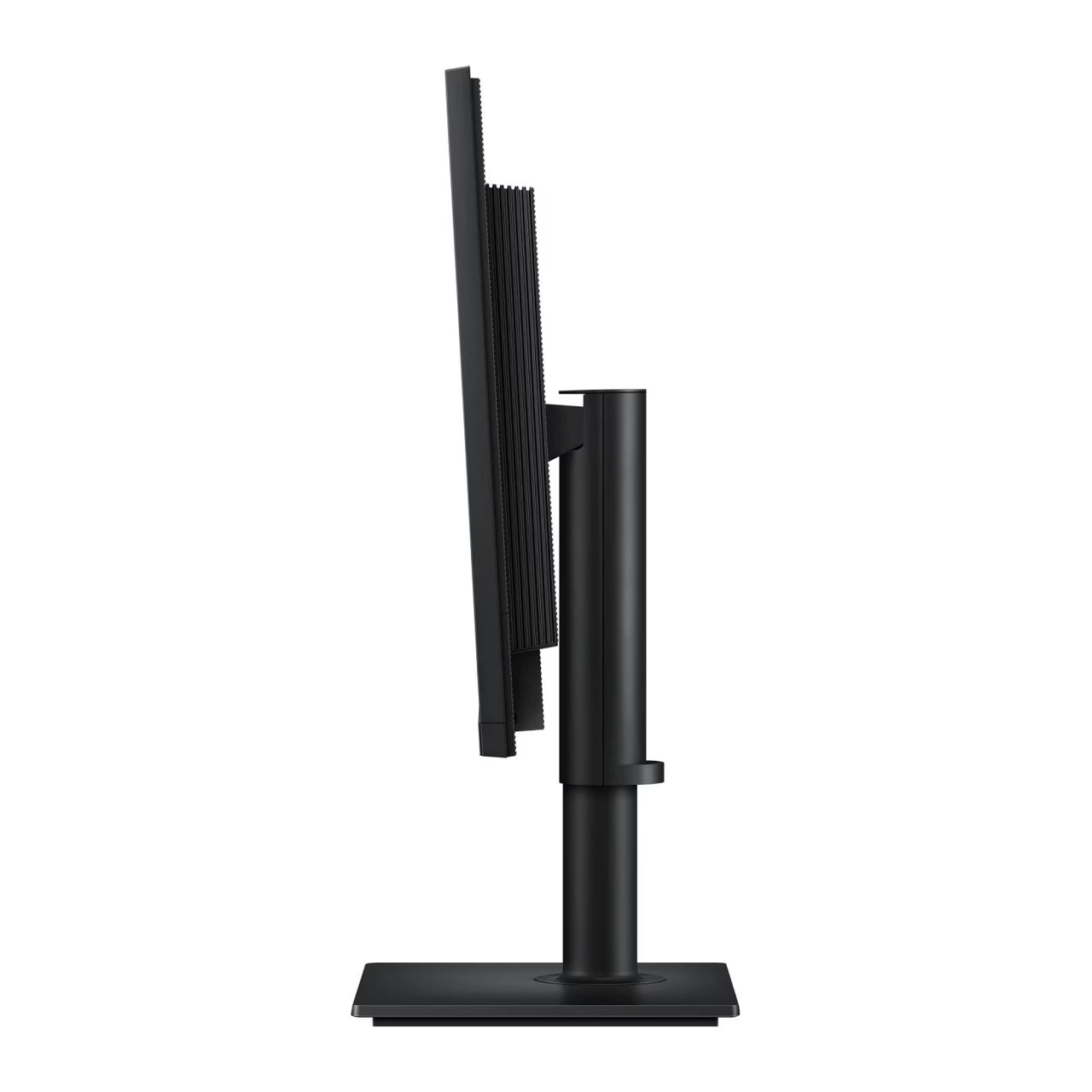
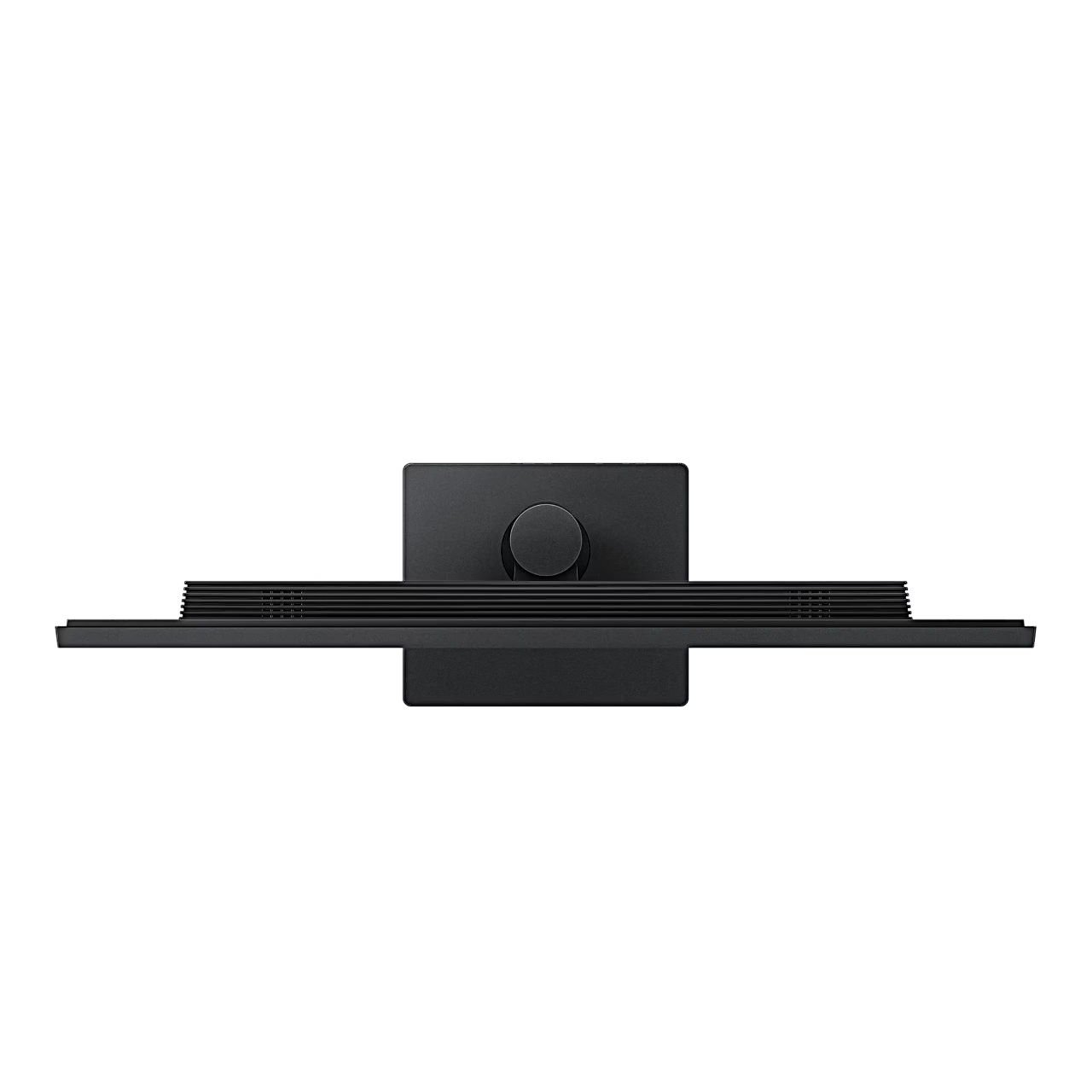
The stand lets you raise and lower the screen by 120 mm, tilt it from −3° to 25° and swivel it 45° to either side. The screen rotates 92° in either direction to portrait once the stand has been raised to its highest position. For a wall mount or monitor arm the back has a VESA 100 × 100 mm interface for four M4 screws.
Installation and use
To fit the stand, push the stand neck into the mount on the back of the monitor, place the base under the neck and tighten the screw underneath the base firmly. Power and signal cables are gathered in the cable holder on the stand. Eye Saver Mode reduces blue light around 400 nm and the screen is flicker-free.
Cleaning and care
Before cleaning, switch off the monitor and the computer and unplug the power cord, holding the plug. Wipe the screen with a clean, soft and dry cloth; for the casing, dampen a soft cloth in water and wring it out well. Apply water to the cloth, not directly to the monitor, and use a cleaner without alcohol, solvent or surfactant.
In the box
- Computer monitor Samsung ViewFinity S8 S80UH, 1 pc
- Stand with base
- Power cord, 1.5 m
- USB cable with USB-A and USB-B connectors
- USB-C cable





































Reviews
There are no reviews yet.