

Description
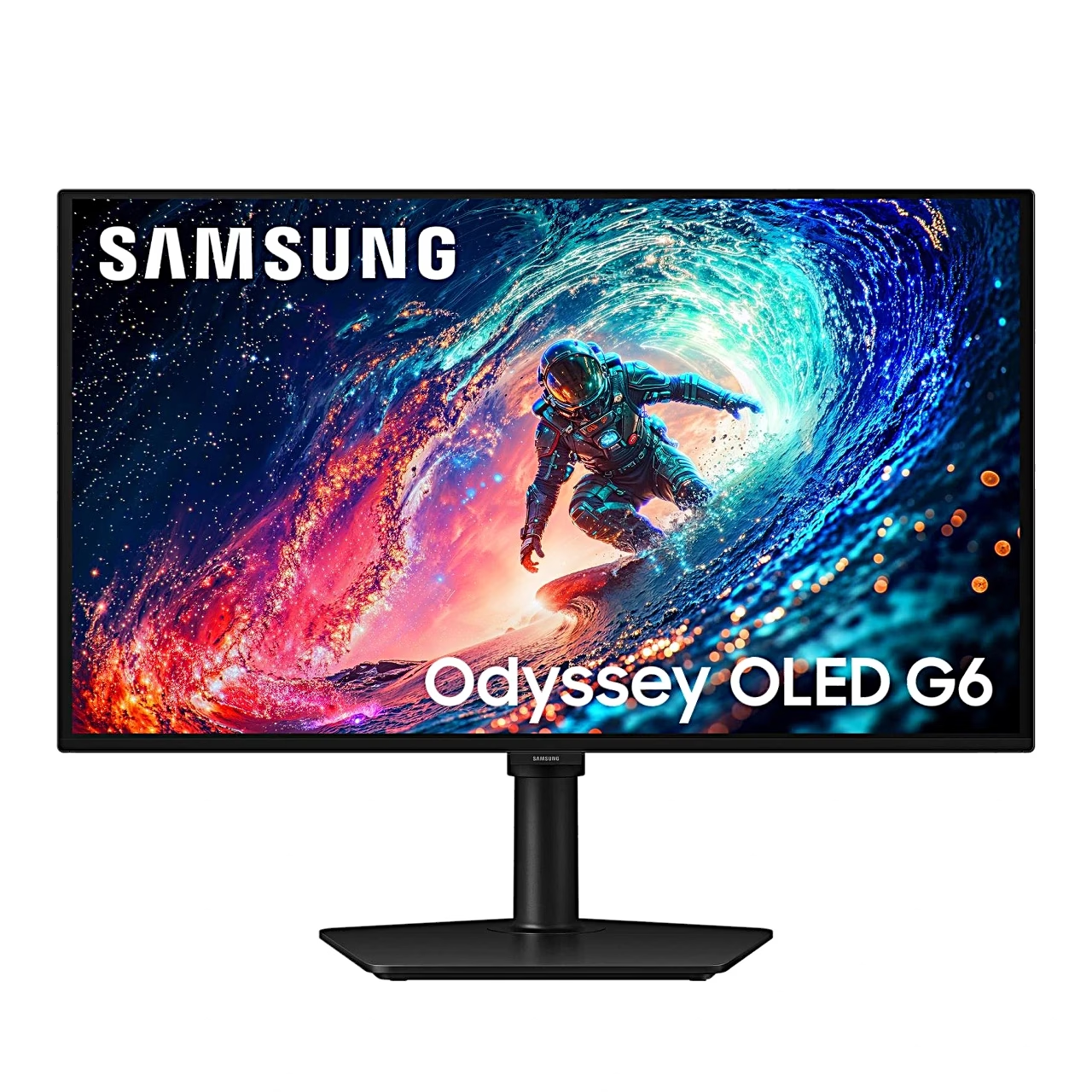
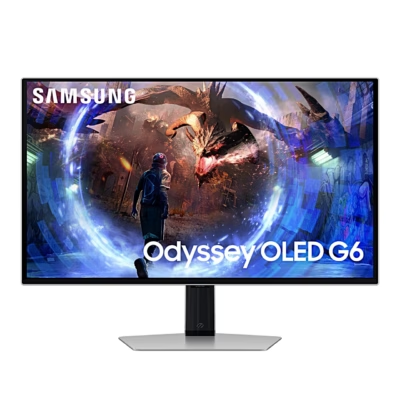
Gaming monitor with a QD-OLED panel and height-adjustable stand
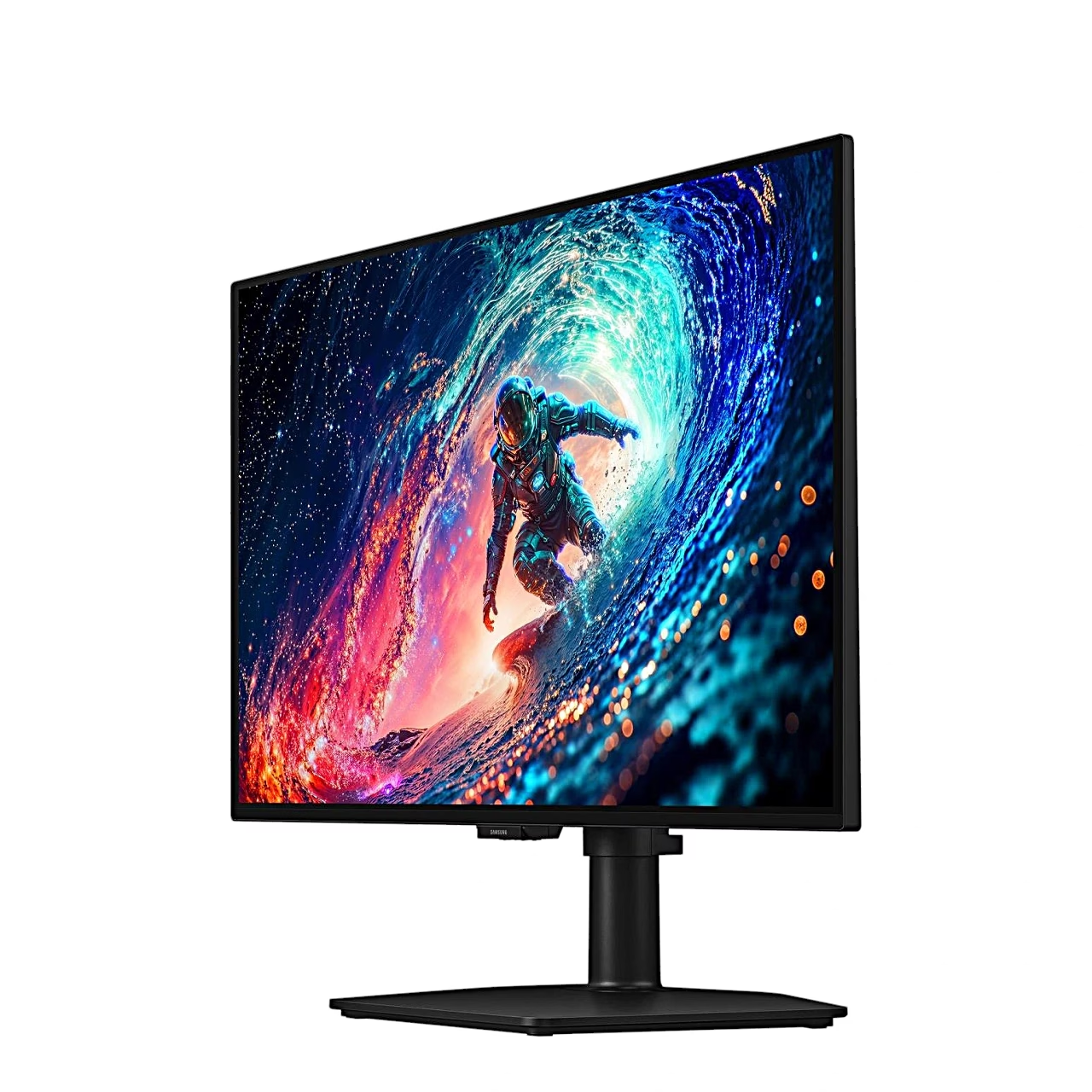
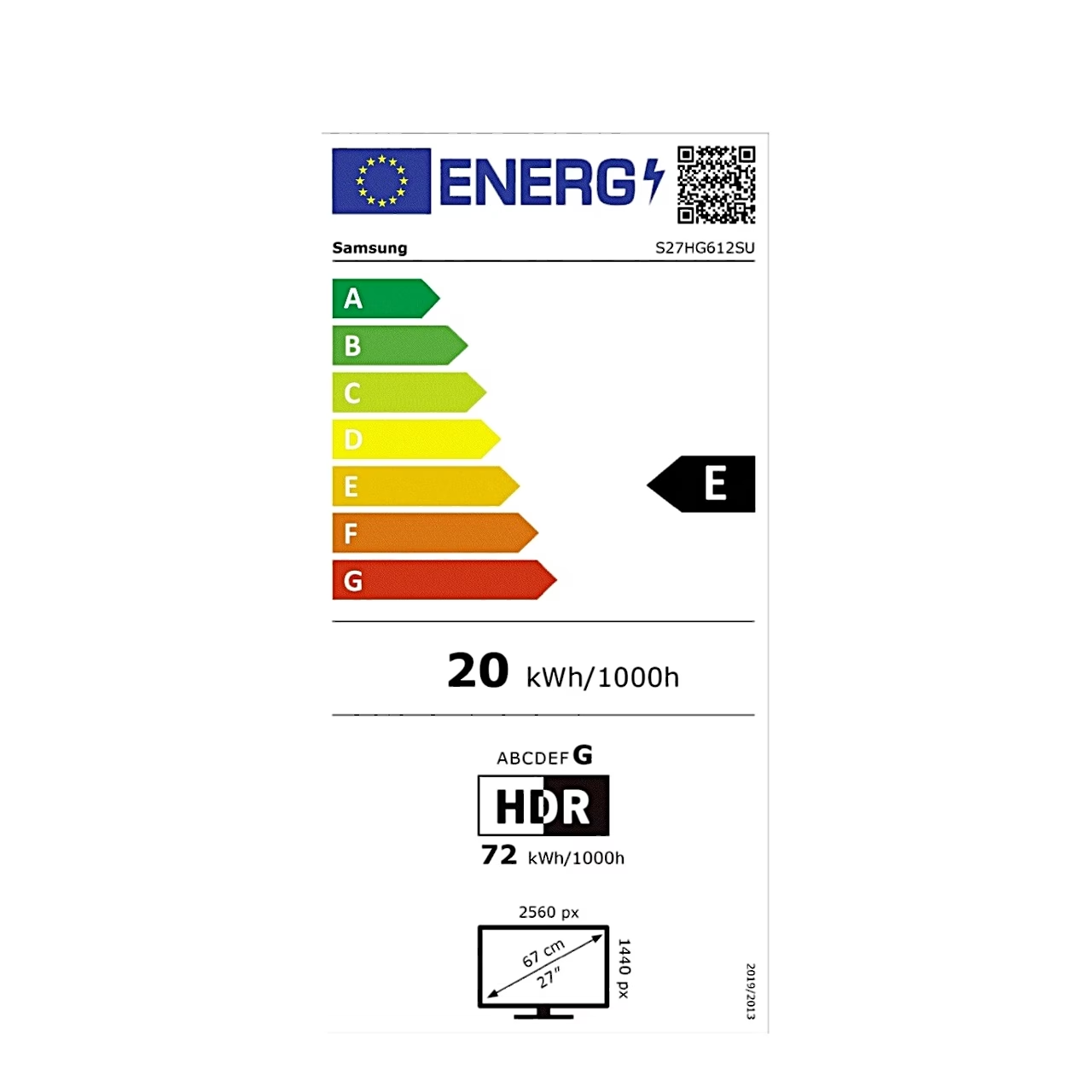
The 27-inch gaming monitor Samsung Odyssey OLED G6 G61SH shows a Quad HD picture at 2560 × 1440 with a refresh rate of up to 240 Hz. The QD-OLED panel has a 0.03 ms grey-to-grey (GTG) response time and an anti-glare surface. AMD FreeSync Premium and G-SYNC Compatible synchronise the picture with the graphics card.
A self-emissive OLED panel delivers deep black
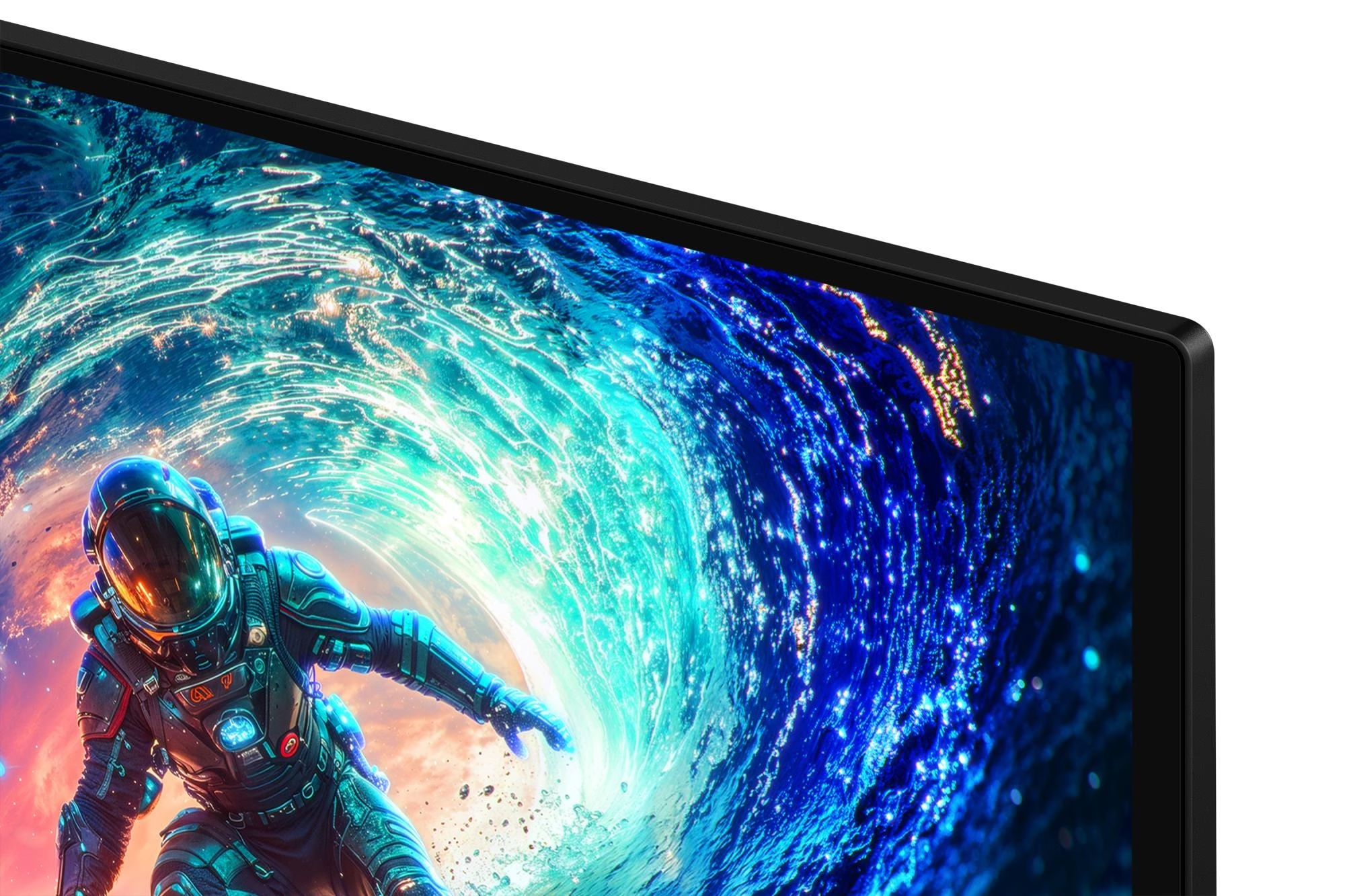
An OLED panel is a screen in which every pixel is an organic light-emitting diode that lights itself, so a dark picture stays fully black without a backlight. This model’s contrast ratio is 1,000,000:1, the panel shows up to a billion colours and covers 99% of the DCI-P3 colour space. A backlit IPS panel suits long office sessions with a fixed taskbar, while the OLED panel gives a fast, high-contrast picture for games and films.
HDR10+ Gaming and OLED panel care
The panel supports the HDR10+ Gaming standard, with 200 cd/m² average and 400 cd/m² peak brightness. To wear the pixels evenly, the monitor has Samsung OLED Safeguard with a thermal modulation system and a screen saver.
Game settings for dark areas and aiming
Black Equalizer brightens the dark areas of the picture, making opponents easier to find in shadows. The on-screen menu also offers the Virtual AIM Point crosshair and the Super Arena Gaming UX interface, and Auto Source Switch+ finds the active input by itself.
Connections and adjustable stand
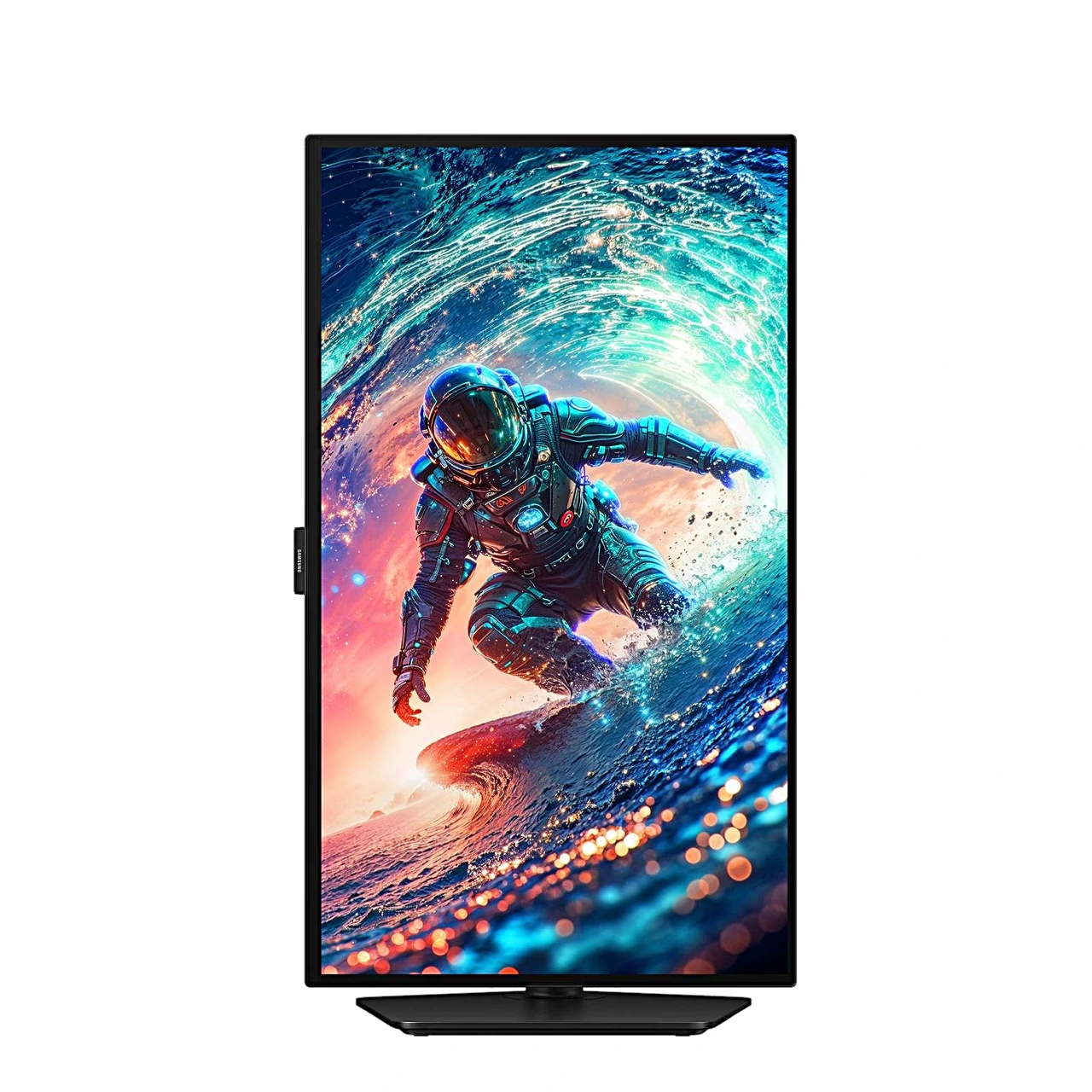
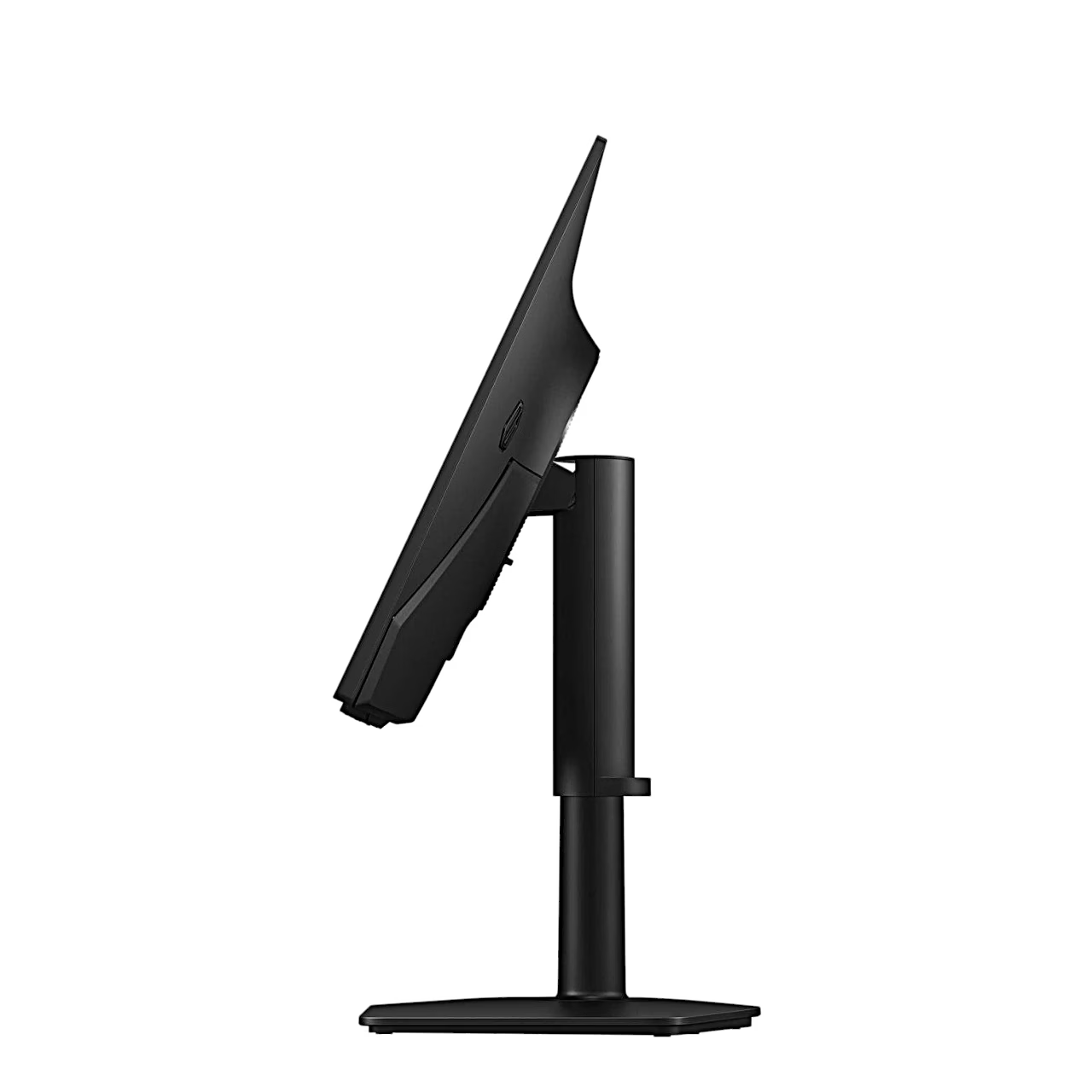
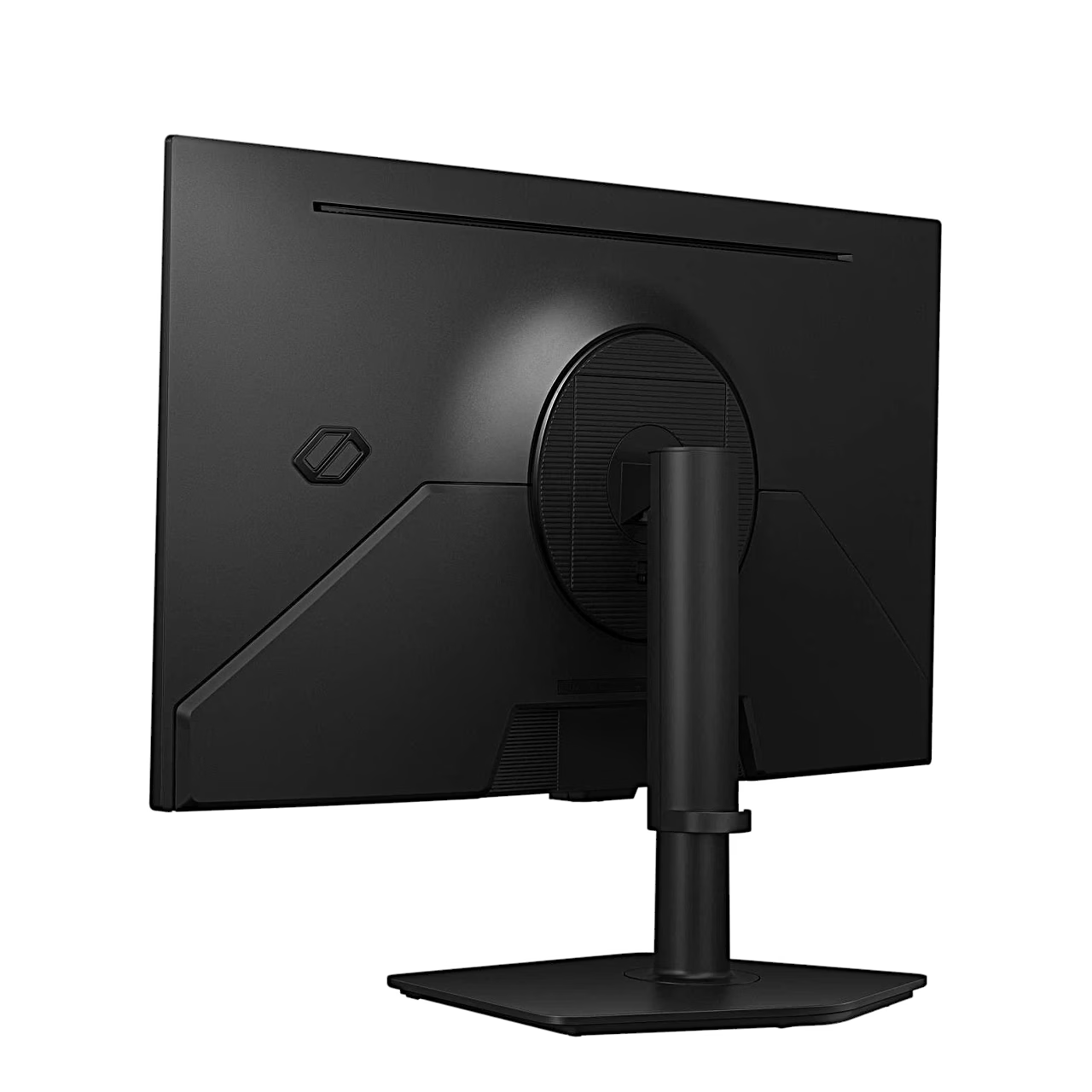
Video sources connect over HDMI 2.1 and the DisplayPort 1.4 port, headphones to the 3-conductor TRS jack. The screen can be raised by 105 mm, tilted 3° forward and 25° back, swivelled 45° to either side and rotated to portrait. Before rotating, raise the screen to its highest position. With the stand removed, the screen fits a VESA 100 × 100 wall mount using four M4 screws.
Attaching the stand
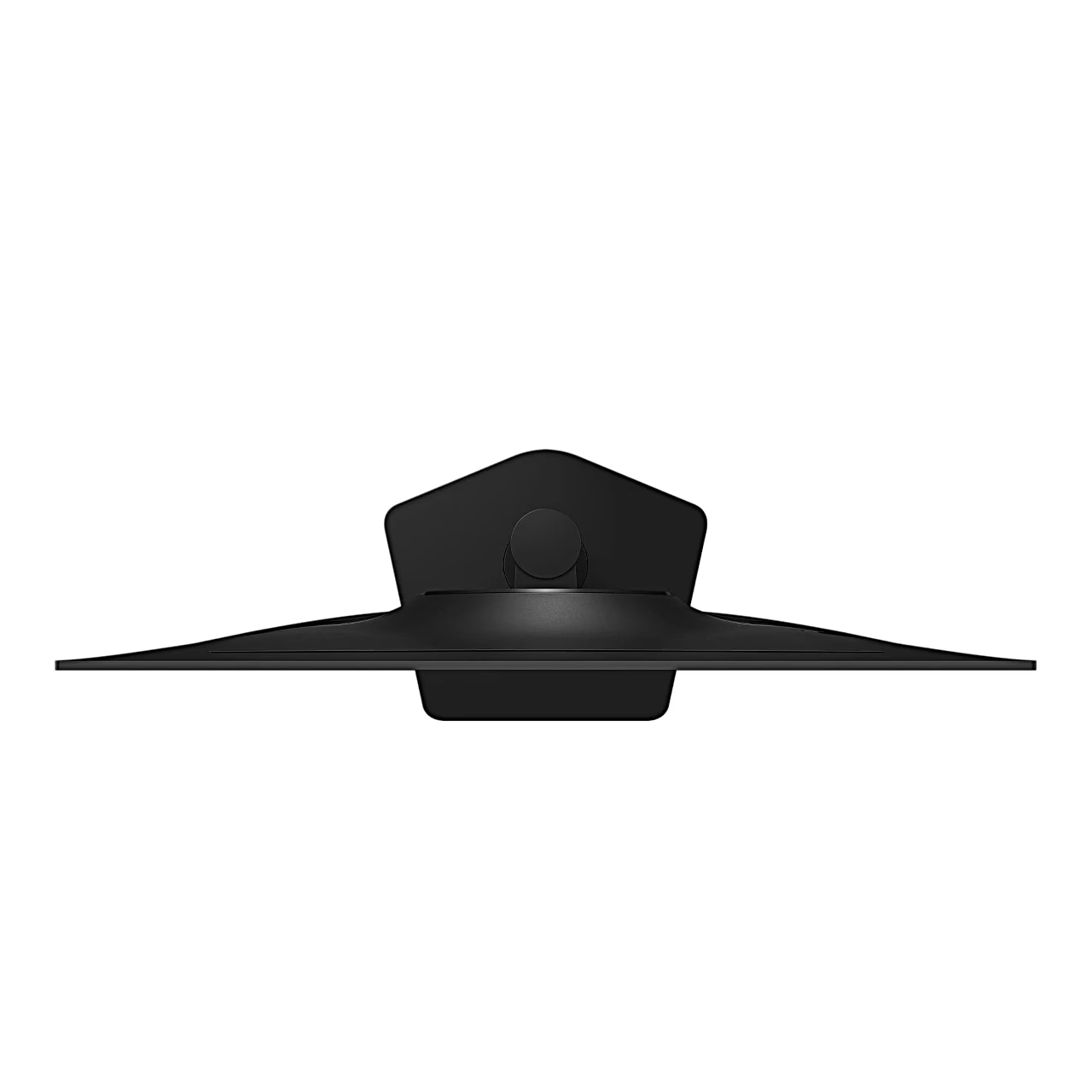
Place the base plate on the neck and tighten the connecting screw underneath. Lay the monitor screen-down on a flat, stable surface, push the stand fully into the housing and stand the monitor upright.
Cleaning and care
Switch off the monitor and the PC and unplug the power cord. Wipe the screen with a clean, soft, dry cloth and the housing with a cloth dampened in water and wrung out well. Cleaners containing alcohol, solvent or surfactant are not used, and water is never sprayed directly onto the monitor.
In the box
- Monitor Samsung Odyssey OLED G6 G61SH, 1 pc
- Stand (neck and base plate), 1 pc
- Power adapter, 1 pc
- Power cable 1.5 m, 1 pc
- HDMI cable, 1 pc
- DisplayPort cable, 1 pc







































Reviews
There are no reviews yet.