

Description
Smart wall switch with a potential-free contact for Z-Wave
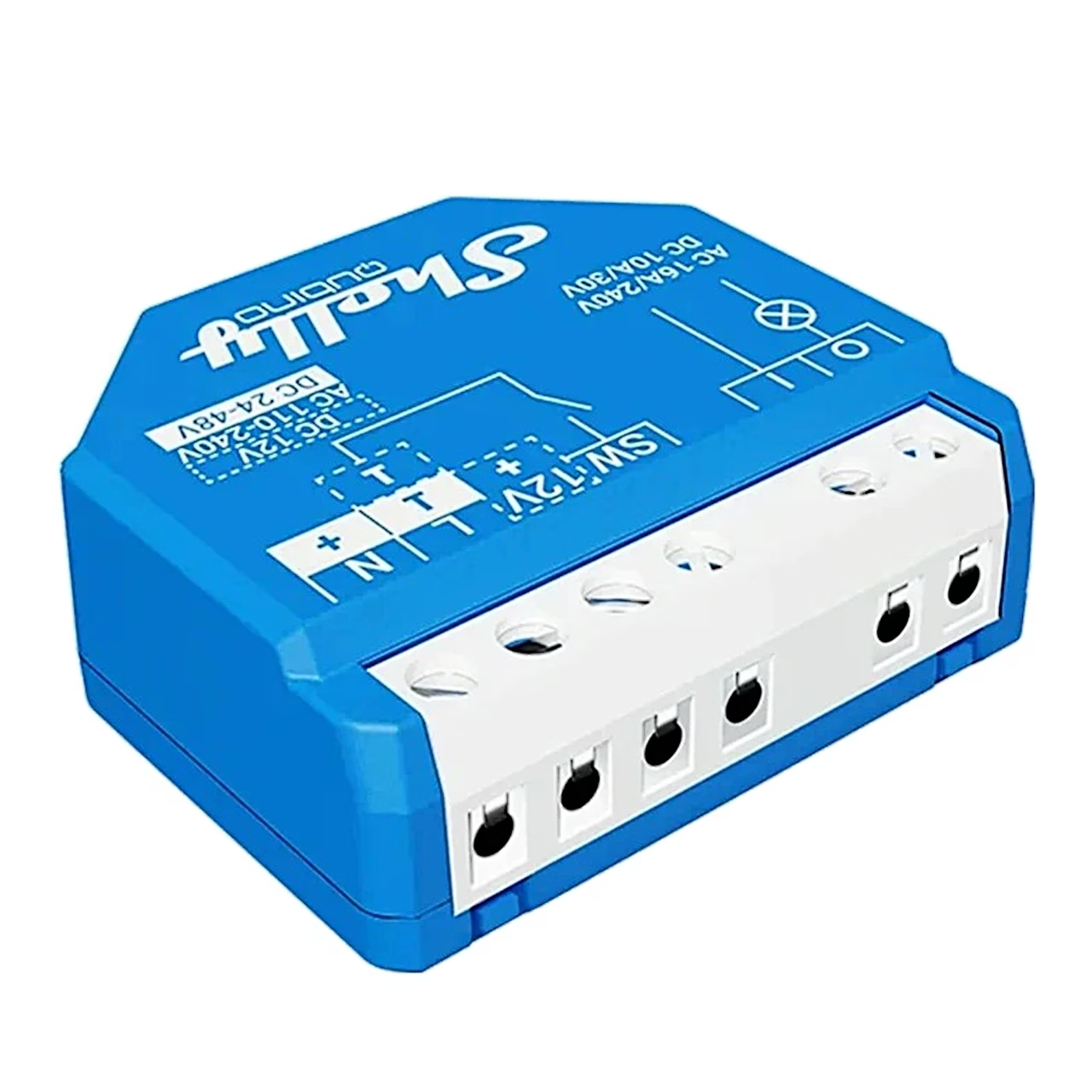
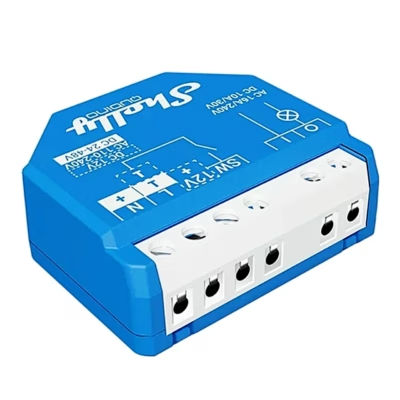
Switching loads of up to 16 A, the smart wall switch Shelly Wave 1 LR controls one device such as a lamp, ceiling fan, infrared heater, electric lock, garage door or irrigation system. The output is a potential-free, or dry, contact: the module puts no voltage on the output itself but closes or opens an external circuit, so loads with a different supply voltage can be connected.
Load, power supply and control
In AC circuits the contact switches up to 240 V and 16 A, in DC circuits up to 30 V and 10 A. The module runs on 110–240 V AC, 24–48 V DC or 12 V DC. It works with switches and push-buttons, the contact can be set to normally open or normally closed, and the auto-on and auto-off timer is adjustable from 0 to 32535 seconds or milliseconds. You create schedules in the hub app, and through Z-Wave associations the module also controls other Z-Wave devices.

Network range and security
In Z-Wave Long Range mode at 864 MHz the module communicates directly with the hub at up to 80 m indoors and up to 1000 m outdoors. On a Z-Wave Plus network at 868.4 MHz the indoor range is up to 40 m and the device also acts as a repeater that passes on the signal of other devices. You add it to the network by scanning the SmartStart QR code, and S2 authentication with AES-128 encryption protects the communication.
Compatibility
Setup and app control require a Z-Wave hub, and Long Range mode requires a hub that supports ZWLR. The maker has tested the module with Home Assistant, Fibaro HC 3, Homey, Homee Cube Gen 7 and Gen 5, SmartThings, Vera Ezlo, Cozify and Hubitat.
Installation
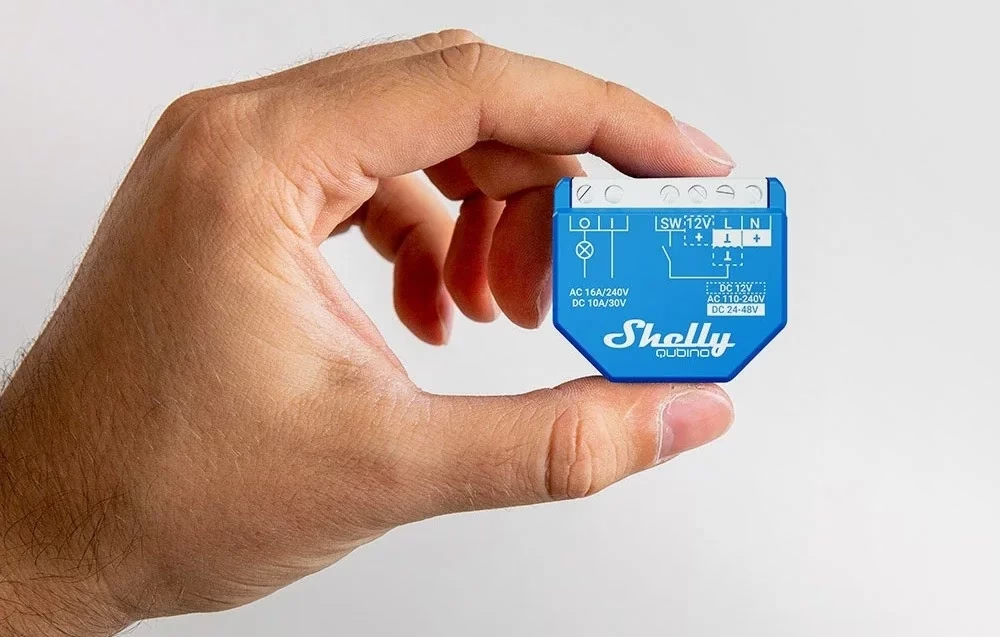
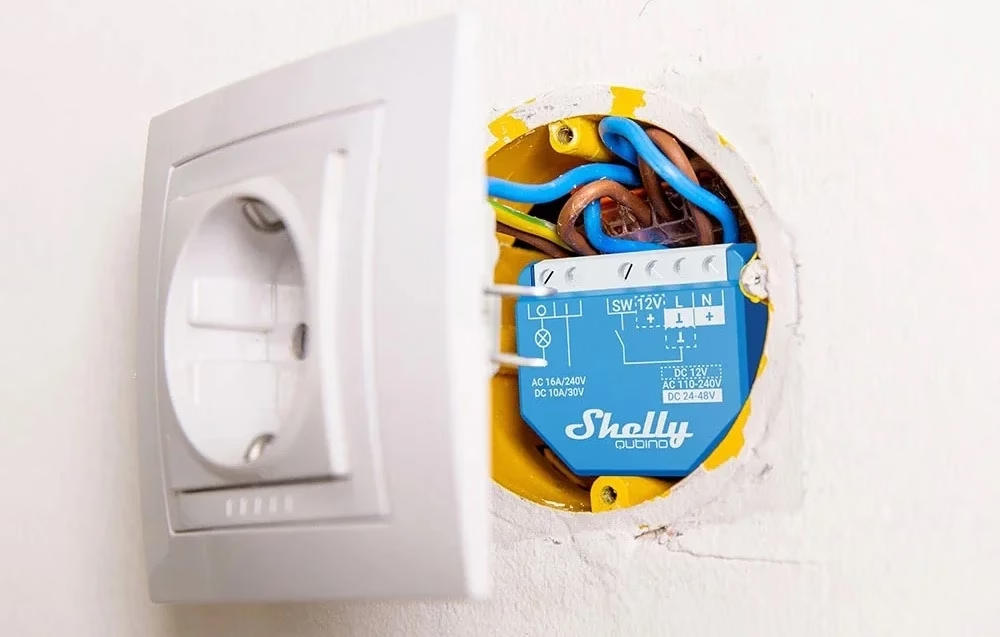
The 37 × 42 × 16 mm module is installed in a flush-mount box by a qualified electrician and on AC supply it requires a neutral wire on terminal N. Before installation the circuit breakers are switched off and a tester confirms there is no voltage on the wires. The terminals take 0.5–1.5 mm² conductors stripped 5–6 mm, and the maximum screw terminal torque is 0.4 Nm. The circuit is protected by an EN 60898-1 circuit breaker, characteristic B or C, rated up to 16 A.
Maintenance and firmware
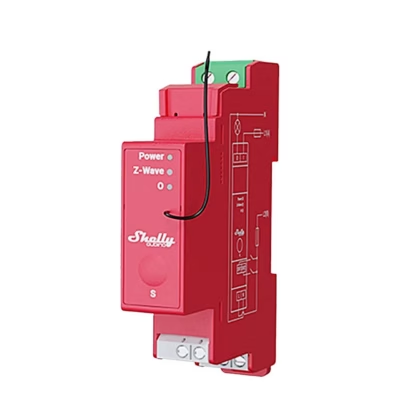
The module’s firmware updates are available on the Shelly support portal, and it supports over-the-air updates. If the temperature stays above 80 °C for more than 5 seconds, the module switches its output off and notifies the hub. After a power cut the device restores its previous state or stays off, as you configure it. To reset to factory settings, hold the S button until the LED is solid blue, press it repeatedly until it is solid red, then hold it again until the red LED blinks; the reset has succeeded when the LED finally blinks blue.
In the box
- Smart wall switch Shelly Wave 1 LR, 1 pc
- User and safety guide, 1 pc








































Reviews
There are no reviews yet.