

Description
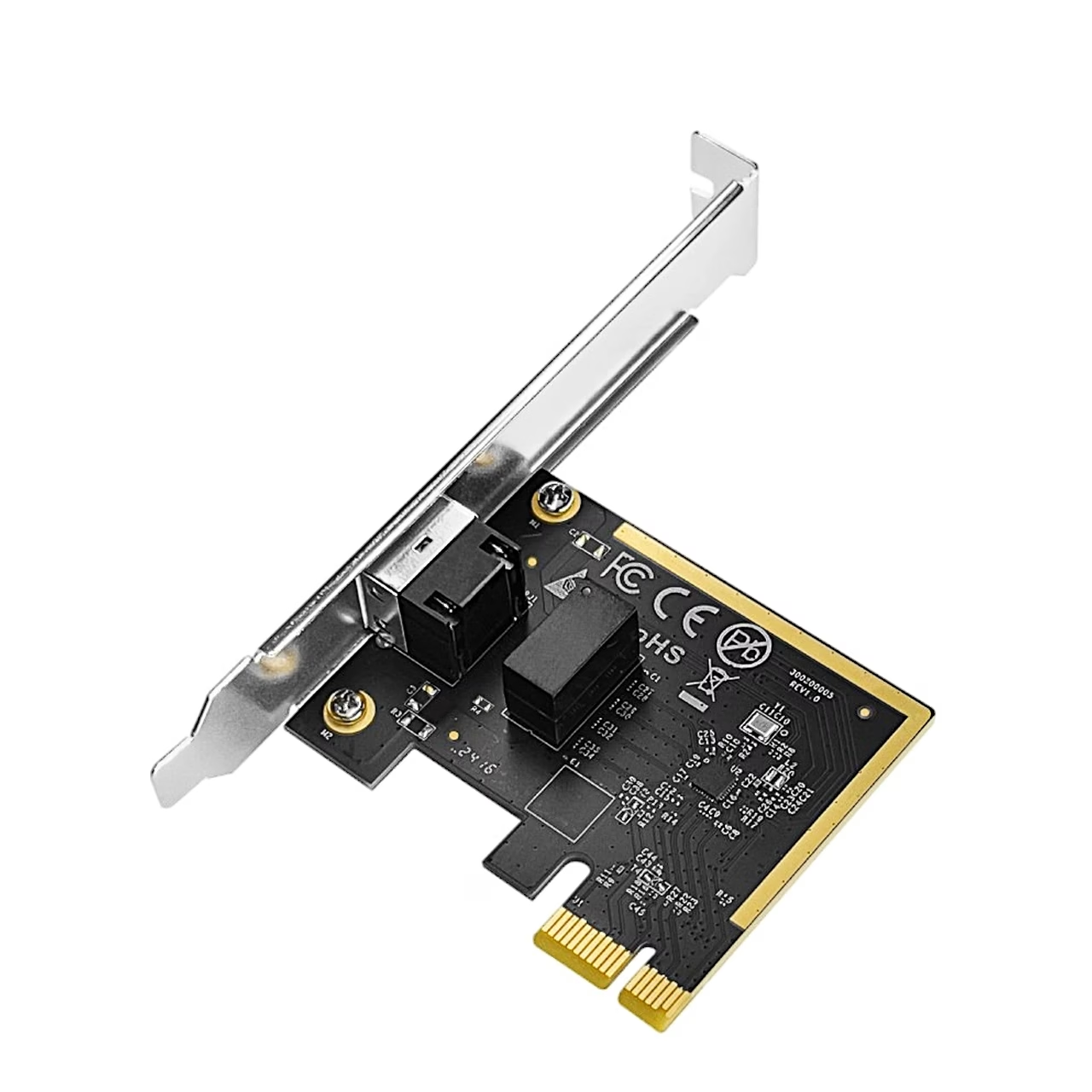
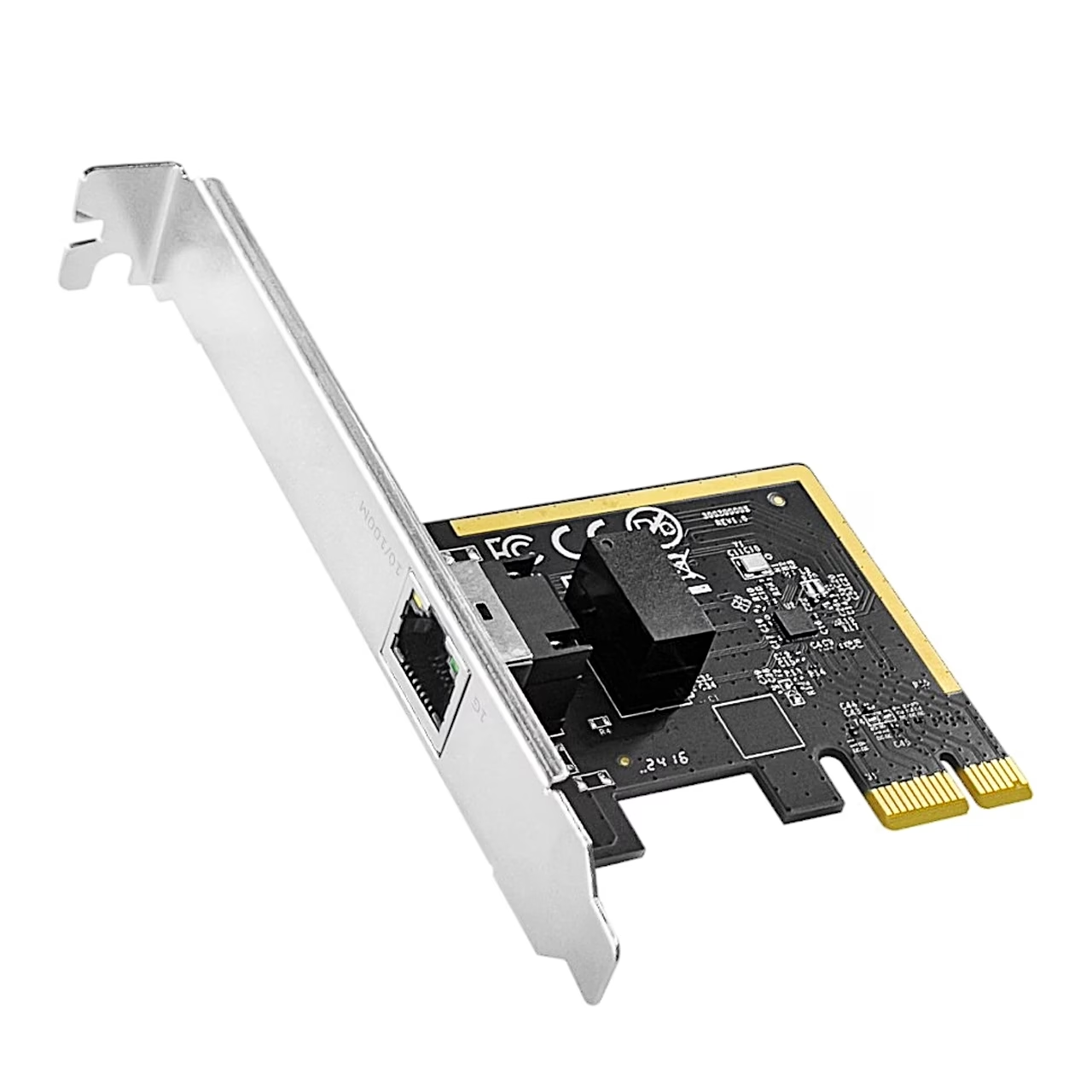
PCIe network adapter for a gigabit wired connection in a desktop PC
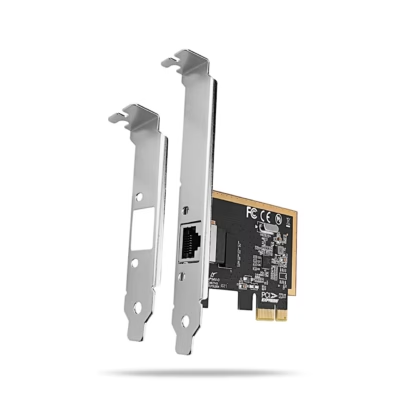
The Cudy PE10 fits a free PCIe slot on the motherboard and works in PCIe x1, x4, x8 and x16 slots. Its RJ45 port supports 10, 100 and 1000 Mbit/s, so it connects to both gigabit and 100 Mbit/s routers or switches.
Supported systems and standards
The card supports Windows XP, 7, 8, 8.1, 10 and 11 and Linux. It supports the IEEE 802.3, 802.3i, 802.3u and 802.3ab network standards, IEEE 802.3x for flow control and IEEE 802.3az Energy Efficient Ethernet. It operates at 0–70 °C and 10–90% relative humidity.
Installation
Unplug the computer’s power cable and remove the side panel. Insert the card into a free PCIe slot, secure it with a screw, refit the panel and switch the computer on. Connect an Ethernet cable between the card and your router or switch. If no network connection appears, download the driver from www.cudy.com/pe10 or via the QR code in the guide. If the computer does not detect the card, check that it is seated firmly and try another slot.
In the box
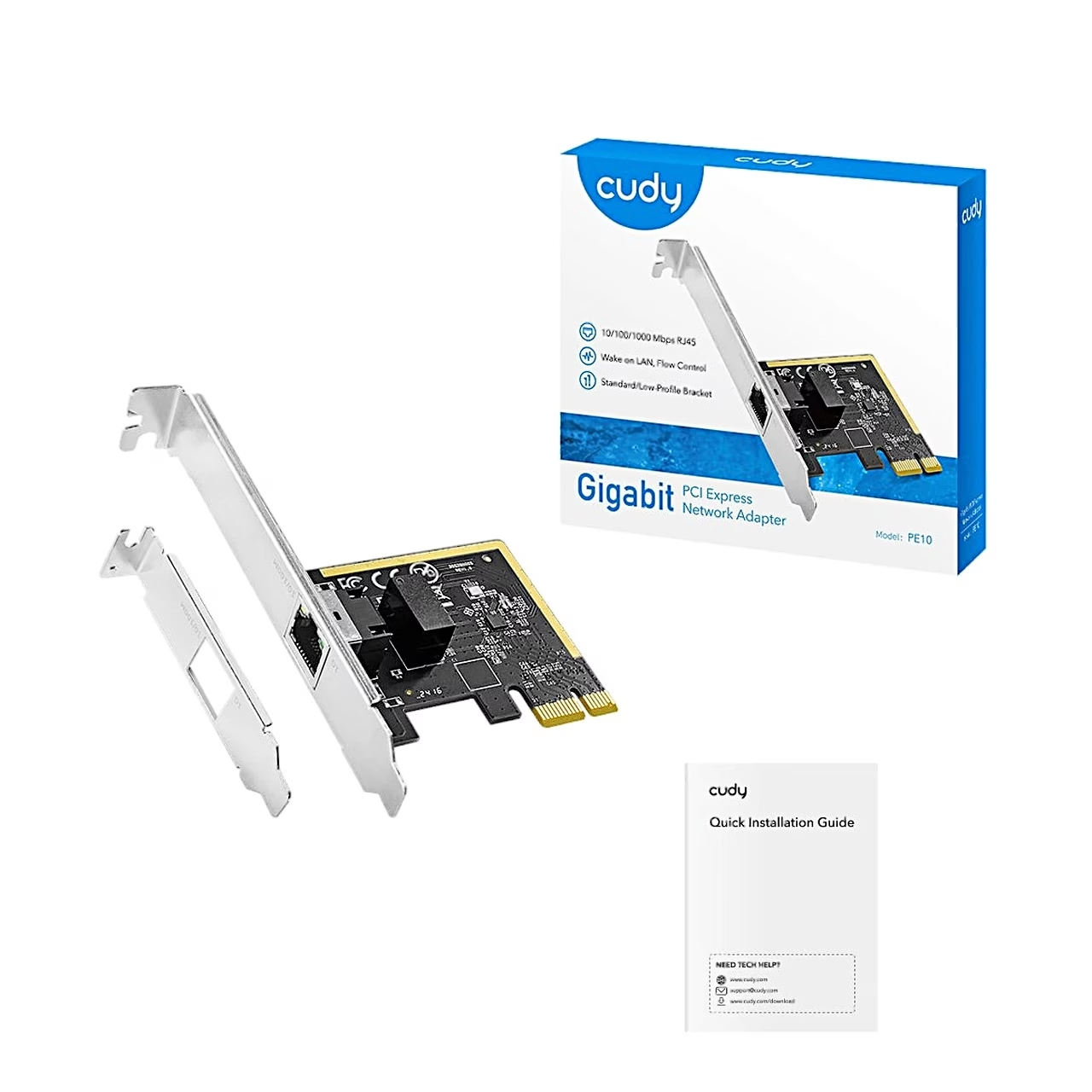
- Cudy PE10 PCIe network adapter with full-height bracket
- Low-profile bracket
- Installation guide

















































Reviews
There are no reviews yet.