

Description
Unmanaged network switch with three operating modes
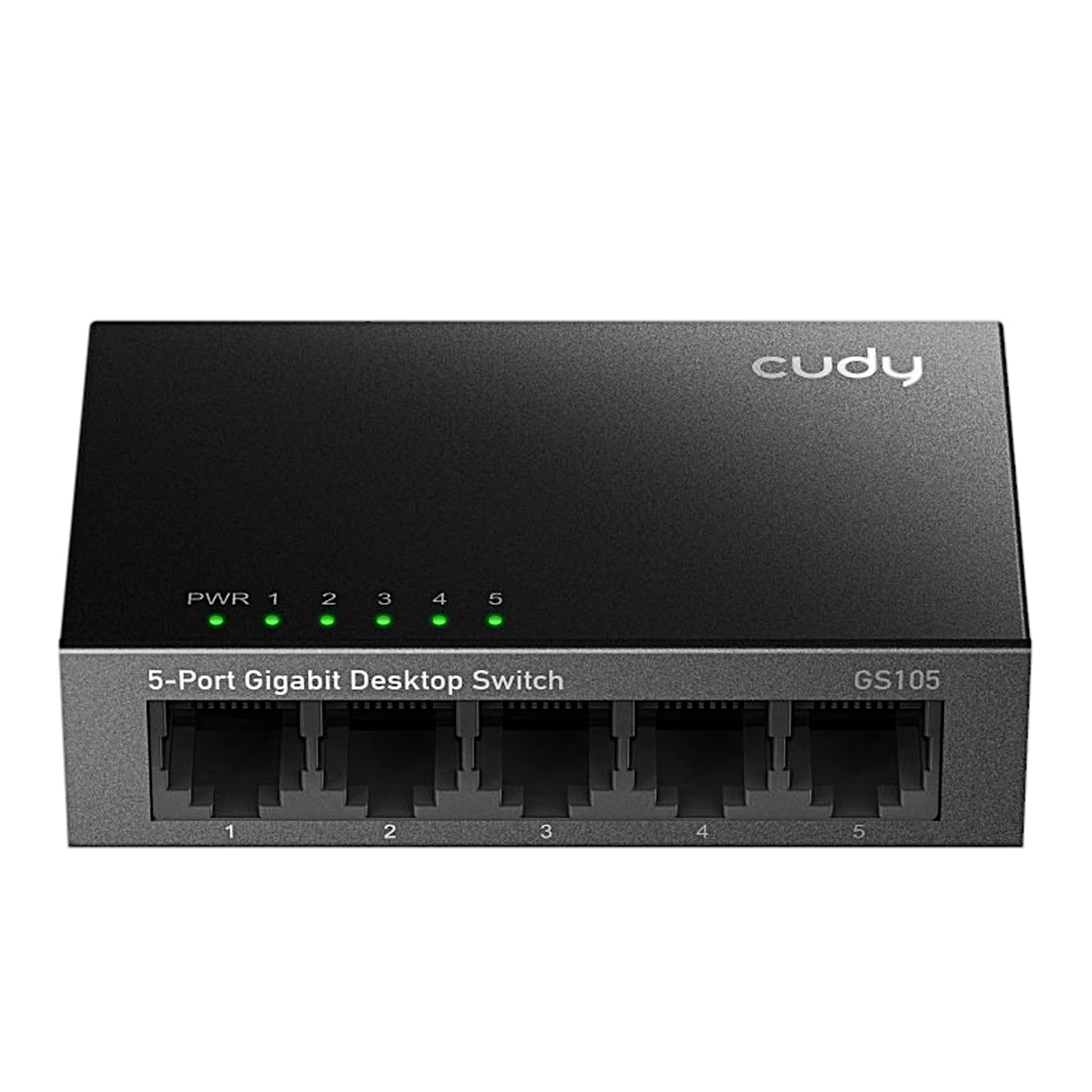
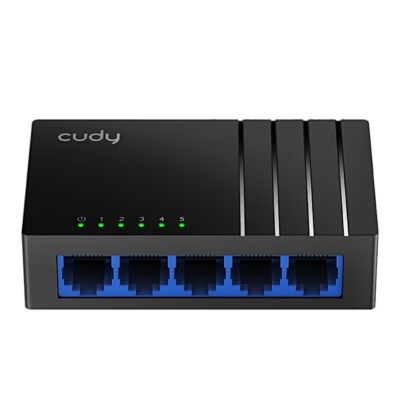
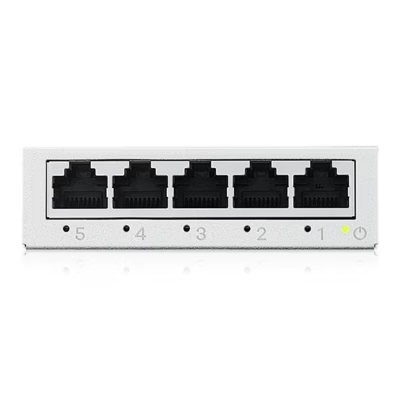
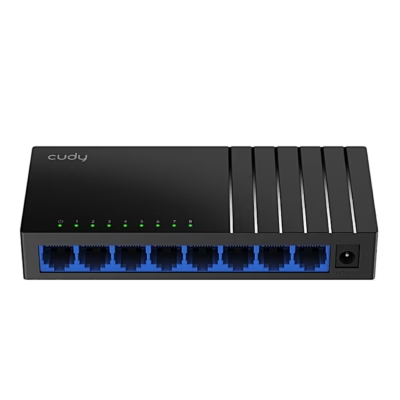
This unmanaged network switch connects five wired devices to one local network, with each port running at up to 1000 Mbit/s. Switching capacity is 10 Gbit/s and throughput 7.44 Mpps.
Switch modes set by DIP switch
A DIP switch on the front panel selects one of three modes. In Default mode the device works as a standard switch and all ports communicate freely. In VLAN mode ports 1–4 are isolated from each other and exchange data only with uplink port 5. In Extend mode ports 1–4 run at 10 Mbit/s and a cable can be up to 250 m long. The Link LED is lit in VLAN mode, flashes in Extend mode and is off in standard mode. The LOOP LED lights up when a network loop occurs.
Data transfer and power
The switch forwards frames by store-and-forward, with a 1 Mbit packet buffer. IEEE 802.3x flow control briefly pauses the sender under heavy load so that packets are kept. In standard mode, Gigabit speed needs Cat5 or better UTP cable up to 100 m long. The switch is powered by a 5 V DC adapter and its maximum power consumption is 1.2 W.
Use
Select the mode with the DIP switch, connect uplink port 5 to your router or upstream network with a network cable and your other devices to ports 1–4. Then connect the power adapter; the PWR LED lights up when power is on. The switch works at 0–40 °C and 10–90% relative humidity.
In the box
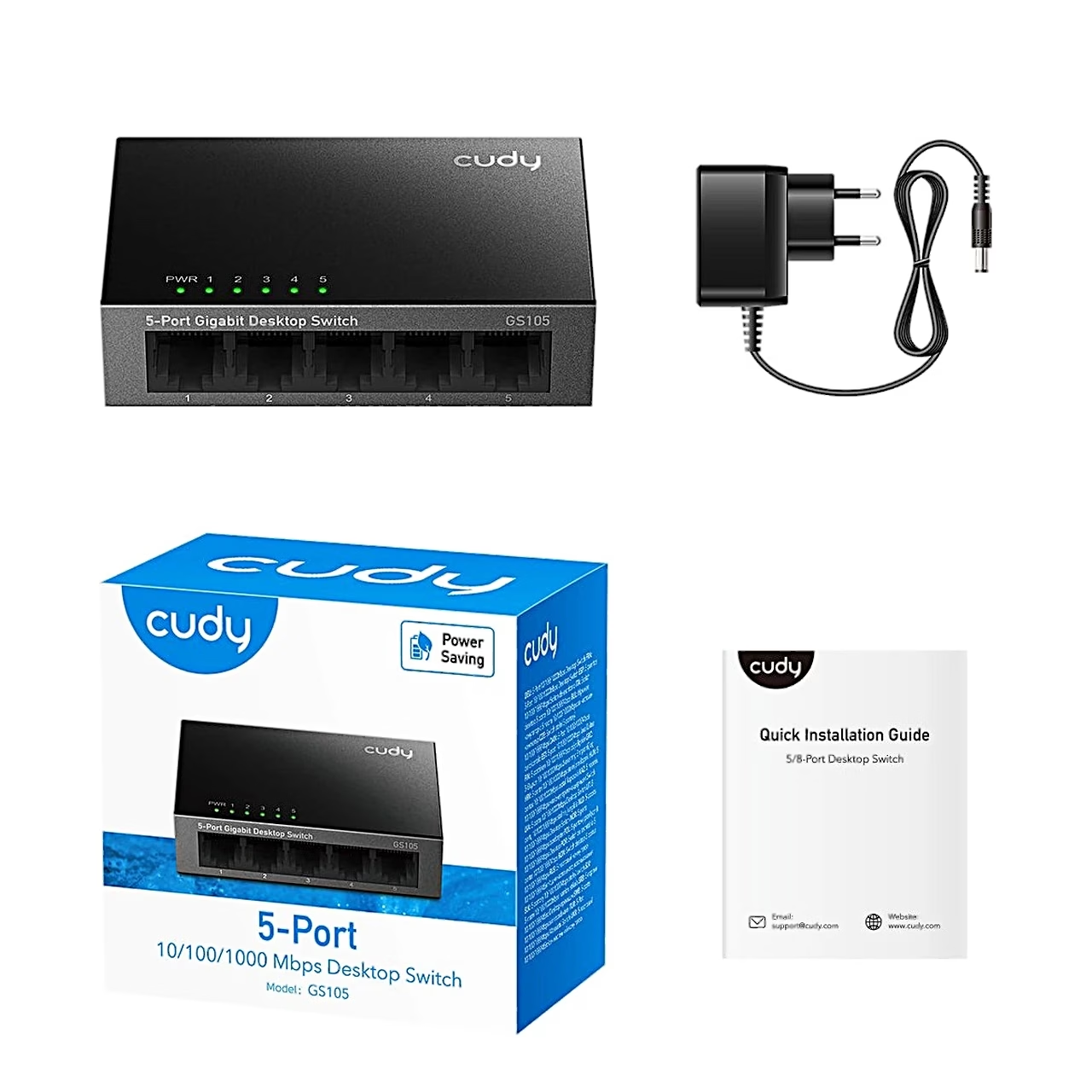
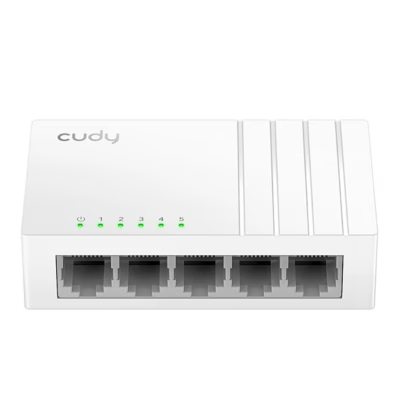
- Cudy GS105 network switch
- Power adapter
- Quick installation guide




















































Reviews
There are no reviews yet.