

Description
Wi-Fi router with Wi-Fi 6 and OFDMA
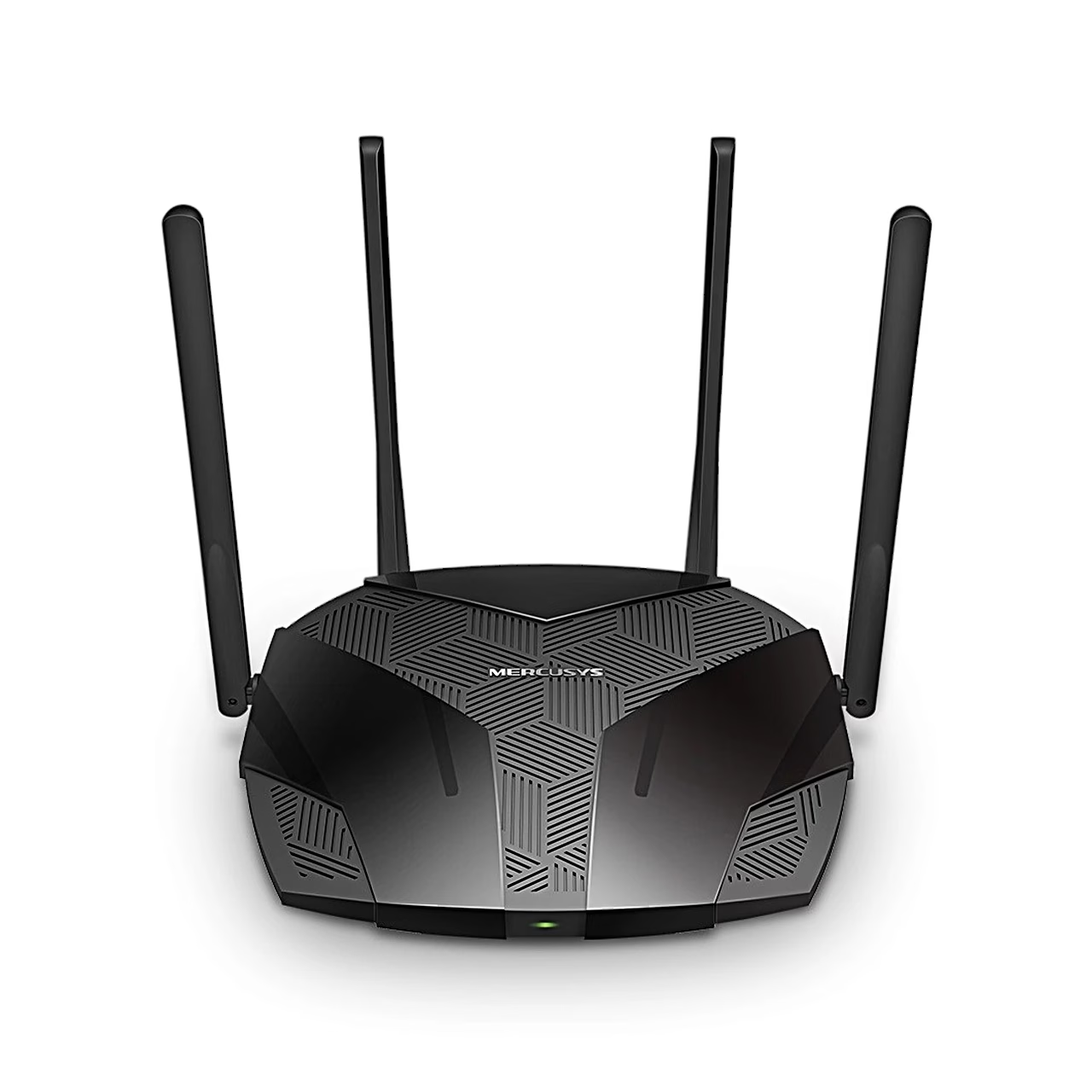
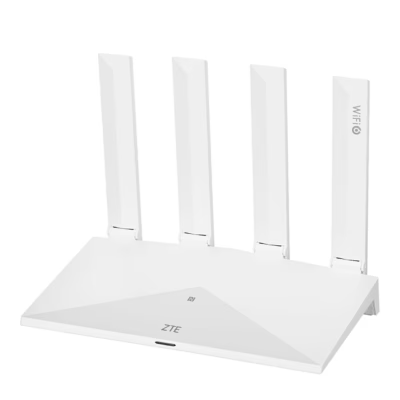
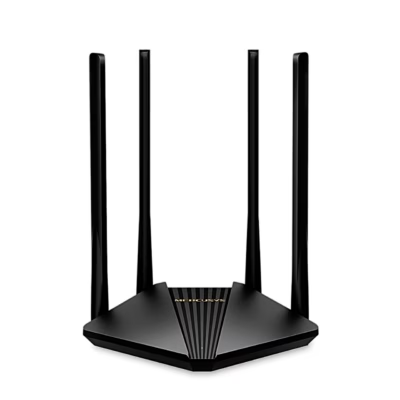
The MR80X is an AX3000-class Wi-Fi router that uses channels up to 160 MHz wide on the 5 GHz band and 1024-QAM modulation. OFDMA and MU-MIMO share channels between several devices, and BSS Coloring reduces interference from neighbouring networks. Smart Connect uses the same Wi-Fi settings on both bands and moves each device to the band with the better signal and speed. The Qualcomm chipset has a 64-bit dual-core processor and a 12-thread network processor; in the manufacturer’s lab test the router kept up to 256 devices connected.
Four antennas and beamforming
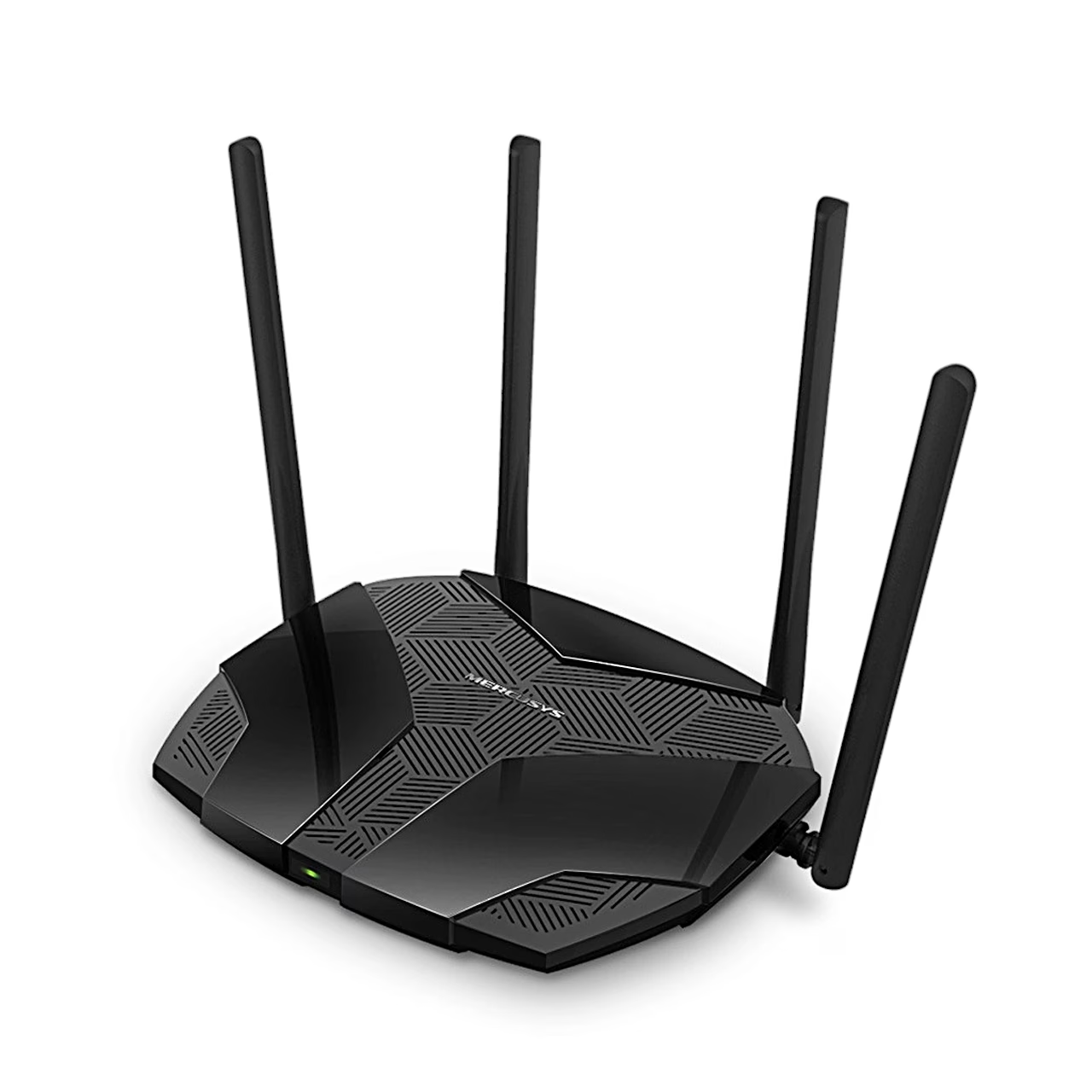
Two antennas serve the 5 GHz band and two the 2.4 GHz band, each with 5 dBi gain and a built-in signal amplifier. Beamforming detects connected devices and concentrates the signal towards them.
Parental controls, VPN and mesh network
You can create a profile for each family member, set a daily time limit, block websites and pause the internet. As a VPN server and client the router supports OpenVPN, WireGuard, PPTP and L2TP/IPSec, and Kill Switch cuts the internet connection if the VPN connection drops. The wireless network is protected by WPA3. With EasyMesh, the MR80X can form a mesh network with one network name and password together with EasyMesh access points from other brands too.
Installation and setup
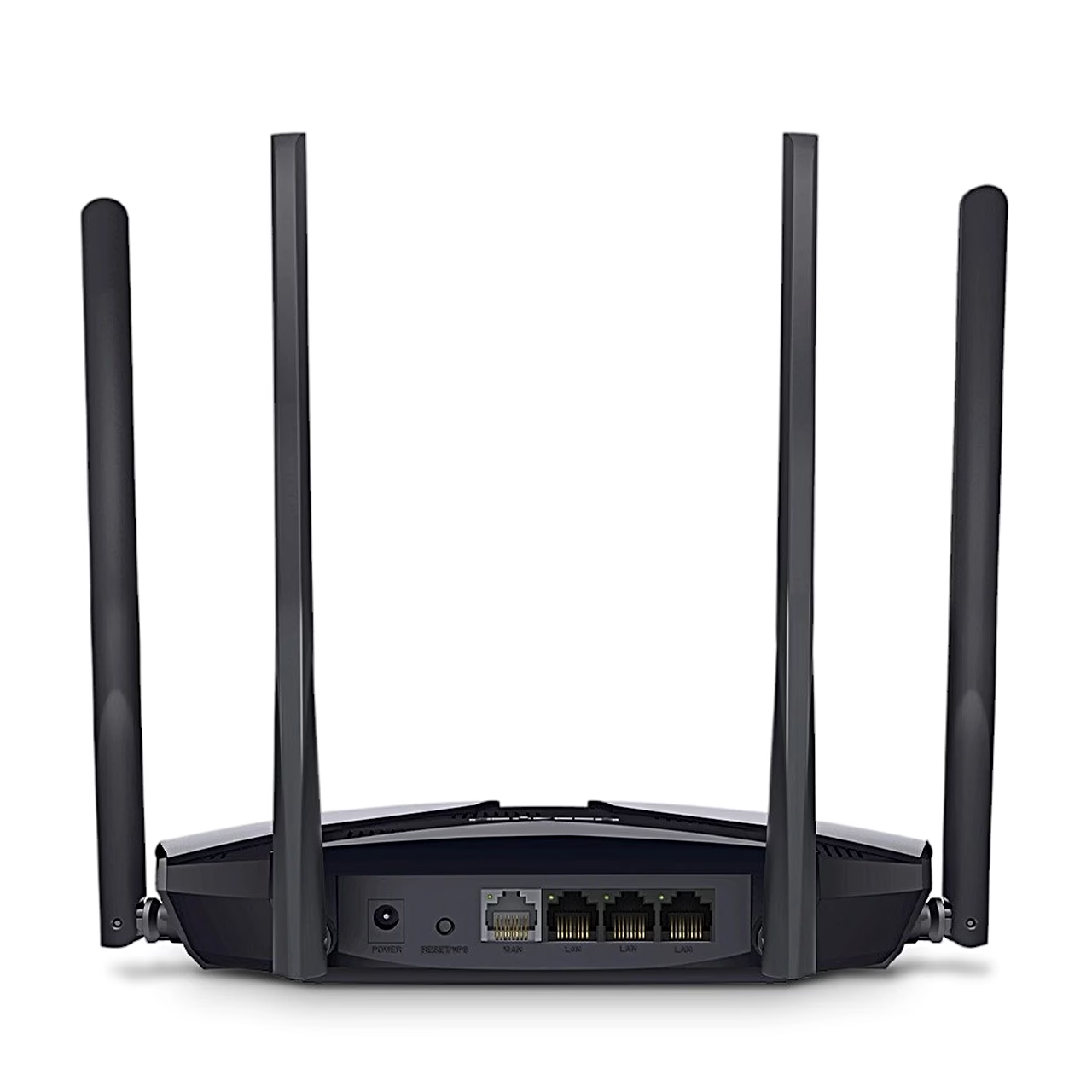
The router can stand on a desk or be mounted on a wall. Connect the power adapter and the Ethernet cable, then follow the instructions in the MERCUSYS app on an iOS or Android device. The app shows connected devices, sets up a guest network and prioritises chosen devices, and it sends an alert when a new device joins. In access point mode, the MR80X turns an existing wired network into a wireless one.
In the box
- MERCUSYS MR80X Wi-Fi router
- Power adapter
- Ethernet cable
- Quick installation guide


















































Reviews
There are no reviews yet.