

Description
Wi-Fi router with VDSL/ADSL modem
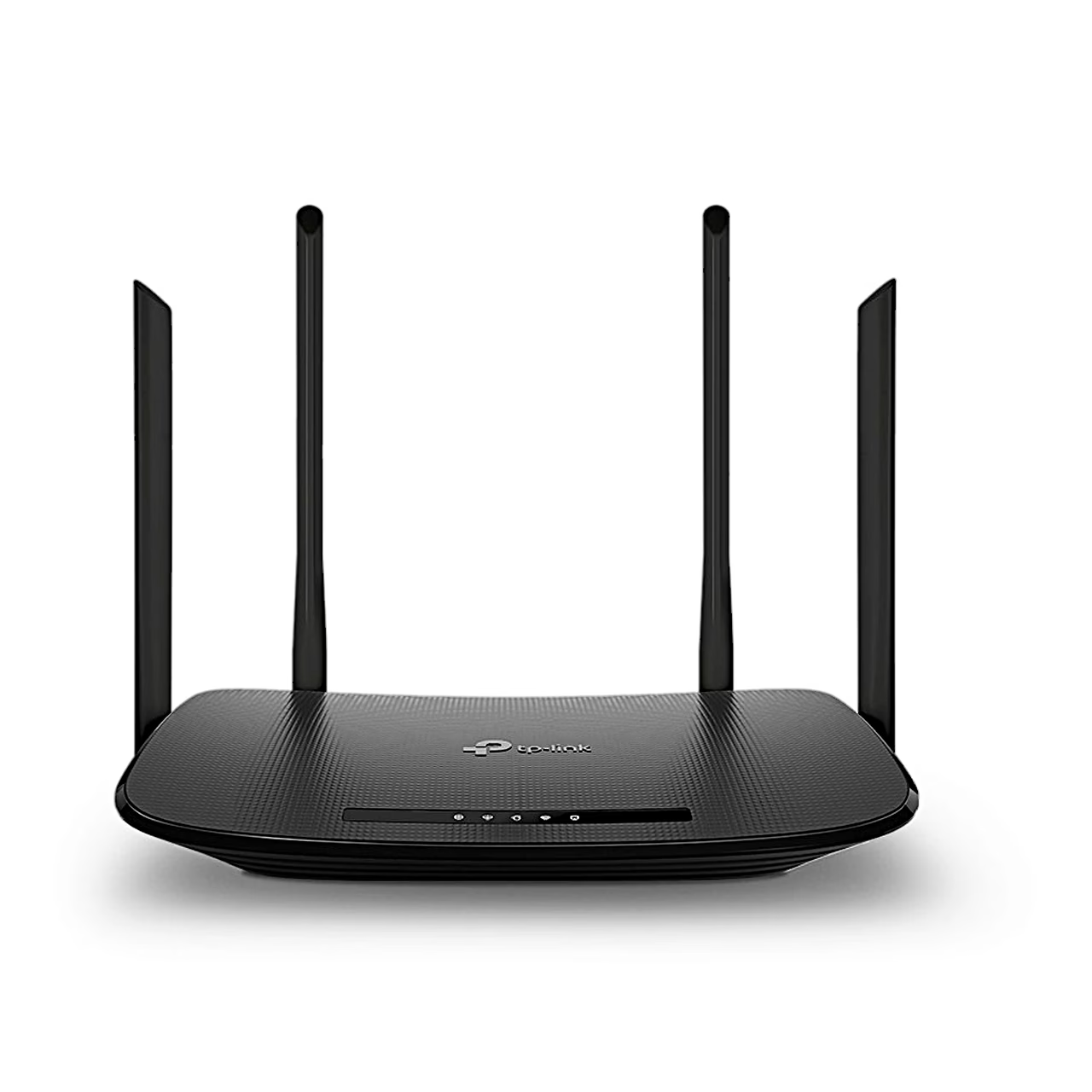
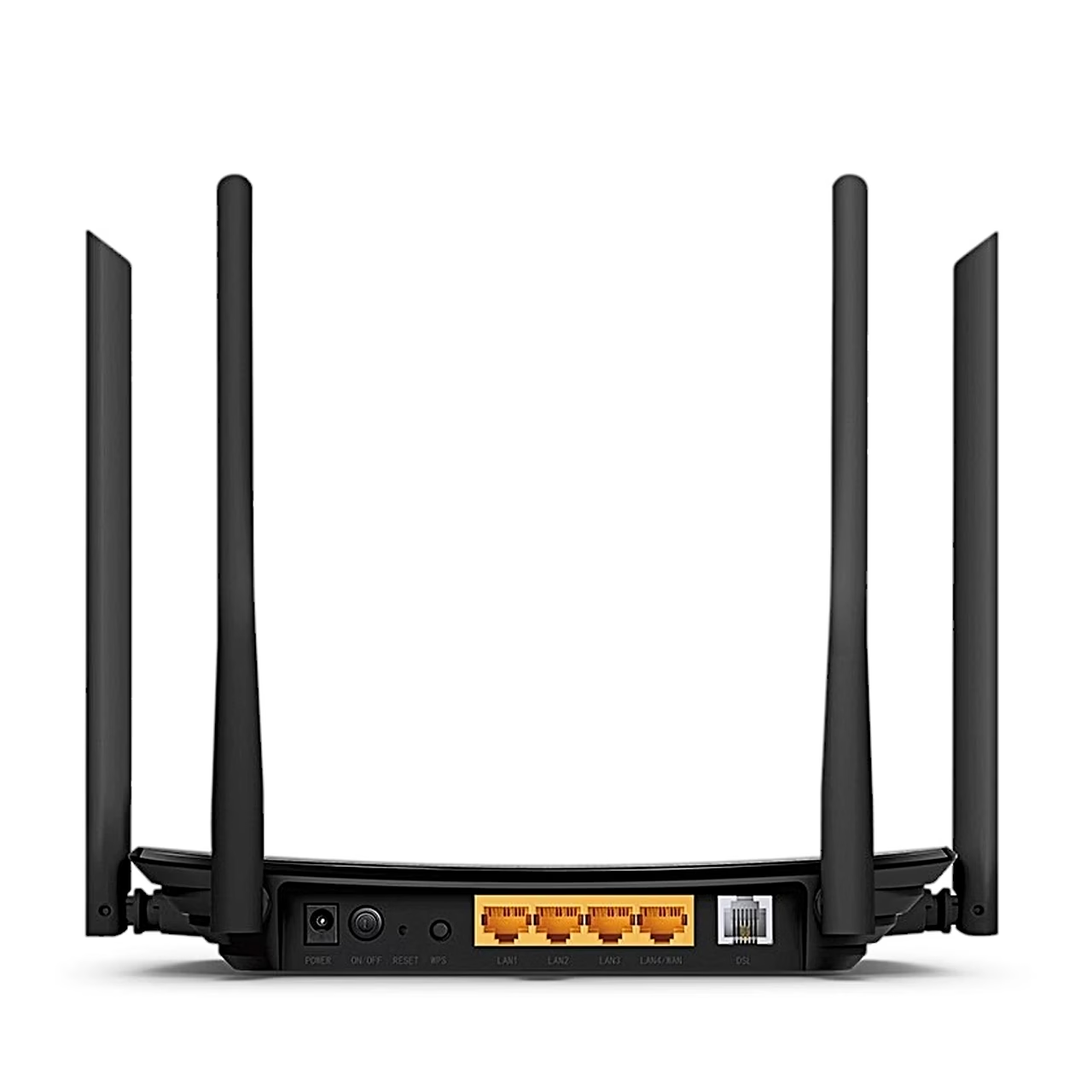
The TP-Link Archer VR300 modem router connects to the phone line through its DSL port, which goes to a splitter or straight into the phone socket. If your internet comes from an existing modem or an Ethernet socket in the wall, connect it to the LAN4/WAN port and the router works in wireless router mode. Wired devices have four 100 Mbit/s LAN ports, and one of them can be assigned to an IPTV set-top box.
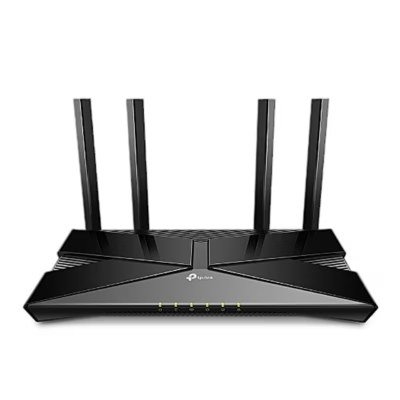
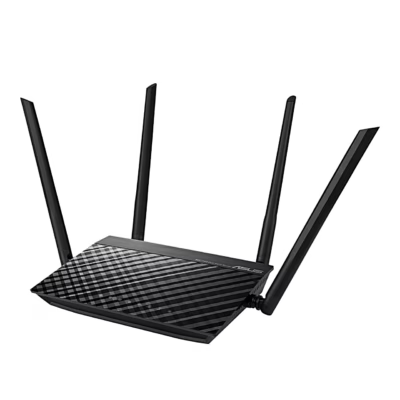
Dual-band Wi-Fi and four antennas
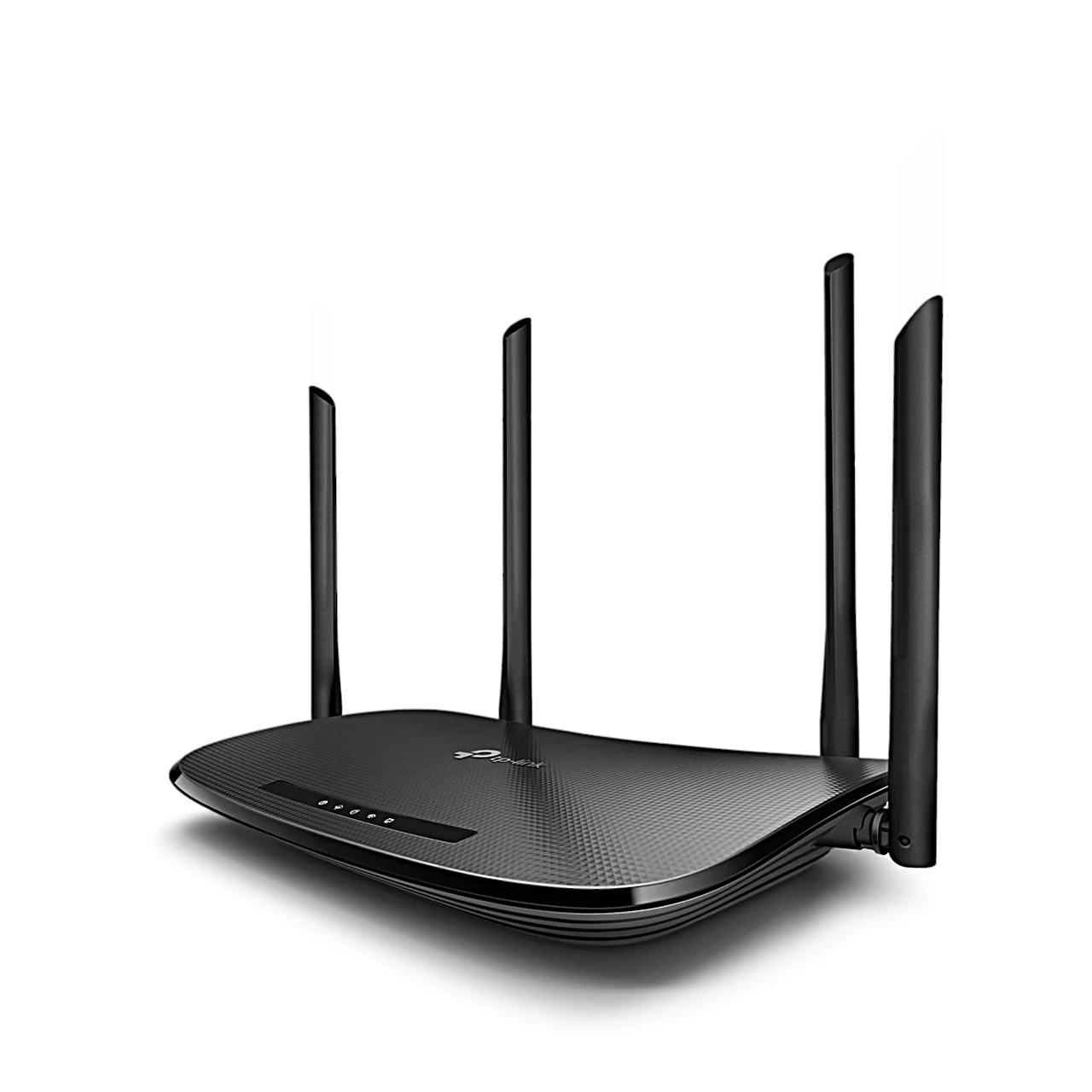
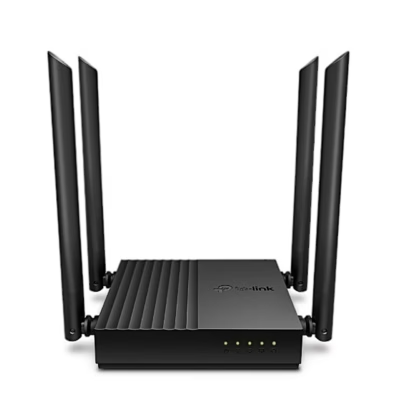
The four external antennas are adjustable, and the manufacturer recommends positioning them upright for the best range. With the WPS button, a WPS-capable device joins the network at the press of a button without choosing the network name.
Guest network, parental controls and VPN
The guest network gives visitors Wi-Fi on 2.4 and 5 GHz without exposing your main network. Parental controls set which websites a child’s device can open and at what times it has internet access. Bandwidth control assigns a minimum or maximum bandwidth to each computer. Through the IPSec VPN server you can reach your home network securely while away, with up to 10 connections at a time.
Installation and setup
Place the router on a shelf or desk in a dry spot, away from heat and strong electromagnetic radiation, with a power socket nearby. Connect the DSL line and the power adapter, switch the router on with the ON/OFF button and wait 1–2 minutes until the LED flashes slowly orange. Connect your computer to a LAN port with an Ethernet cable or wirelessly with the network name and password on the router’s label. Then open tplinkmodem.net or 192.168.1.1 in a web browser, create a password and run Quick Setup.
In the box
- TP-Link Archer VR300 Wi-Fi router
- power adapter 12 V, 1 A
- phone cable (RJ-11)
- Ethernet cable (RJ-45)
- quick installation guide


















































Reviews
There are no reviews yet.