

Description
Wi-Fi router with four operating modes
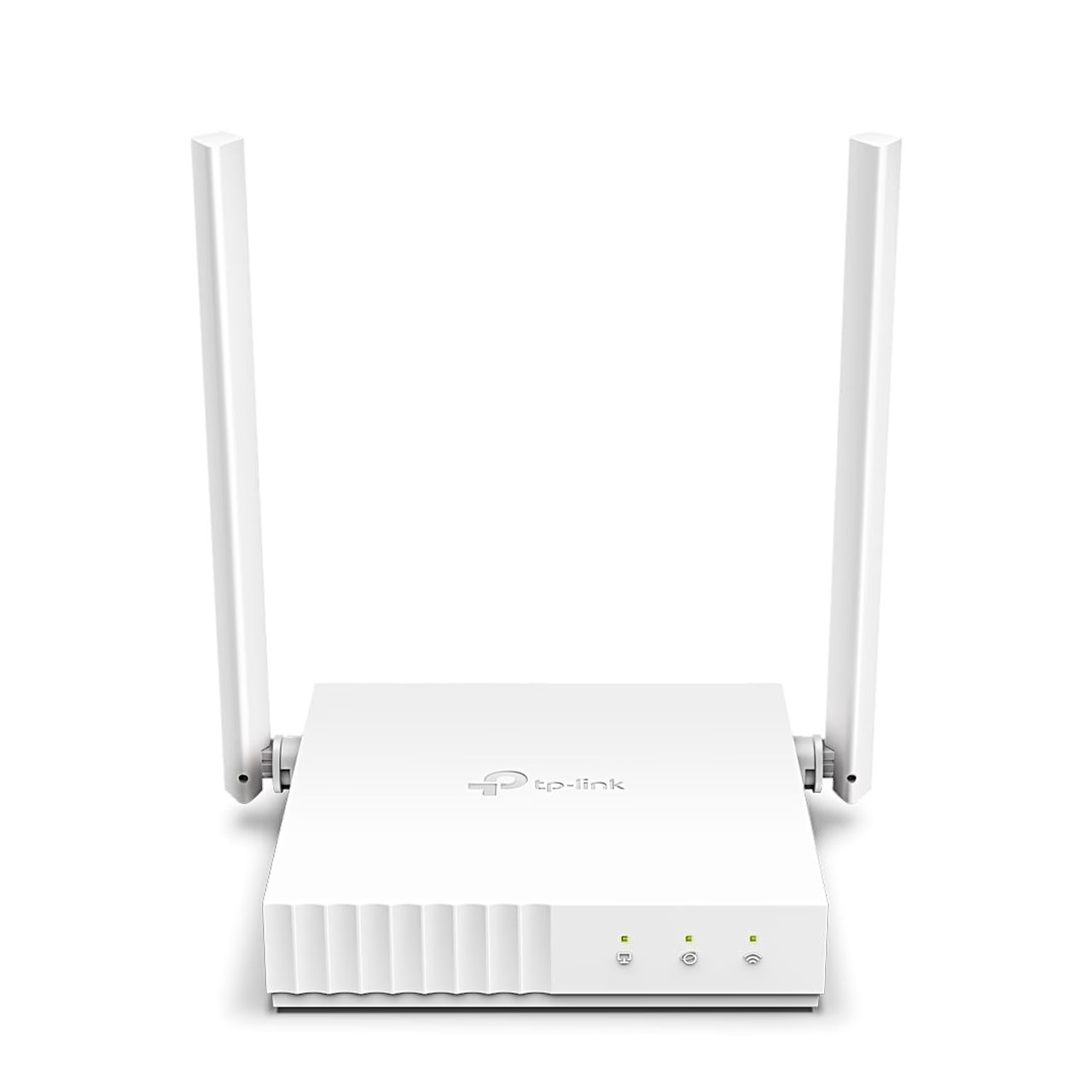
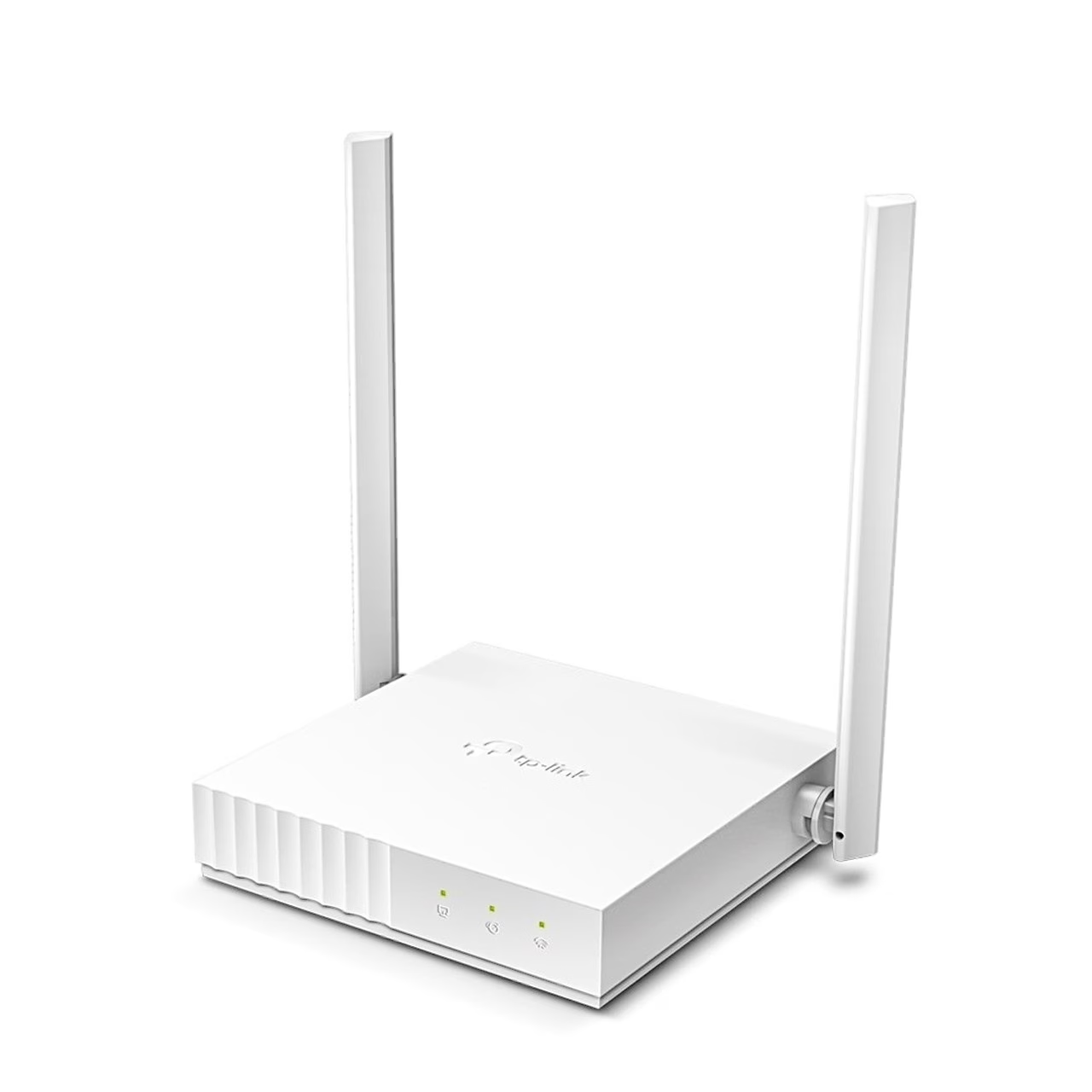
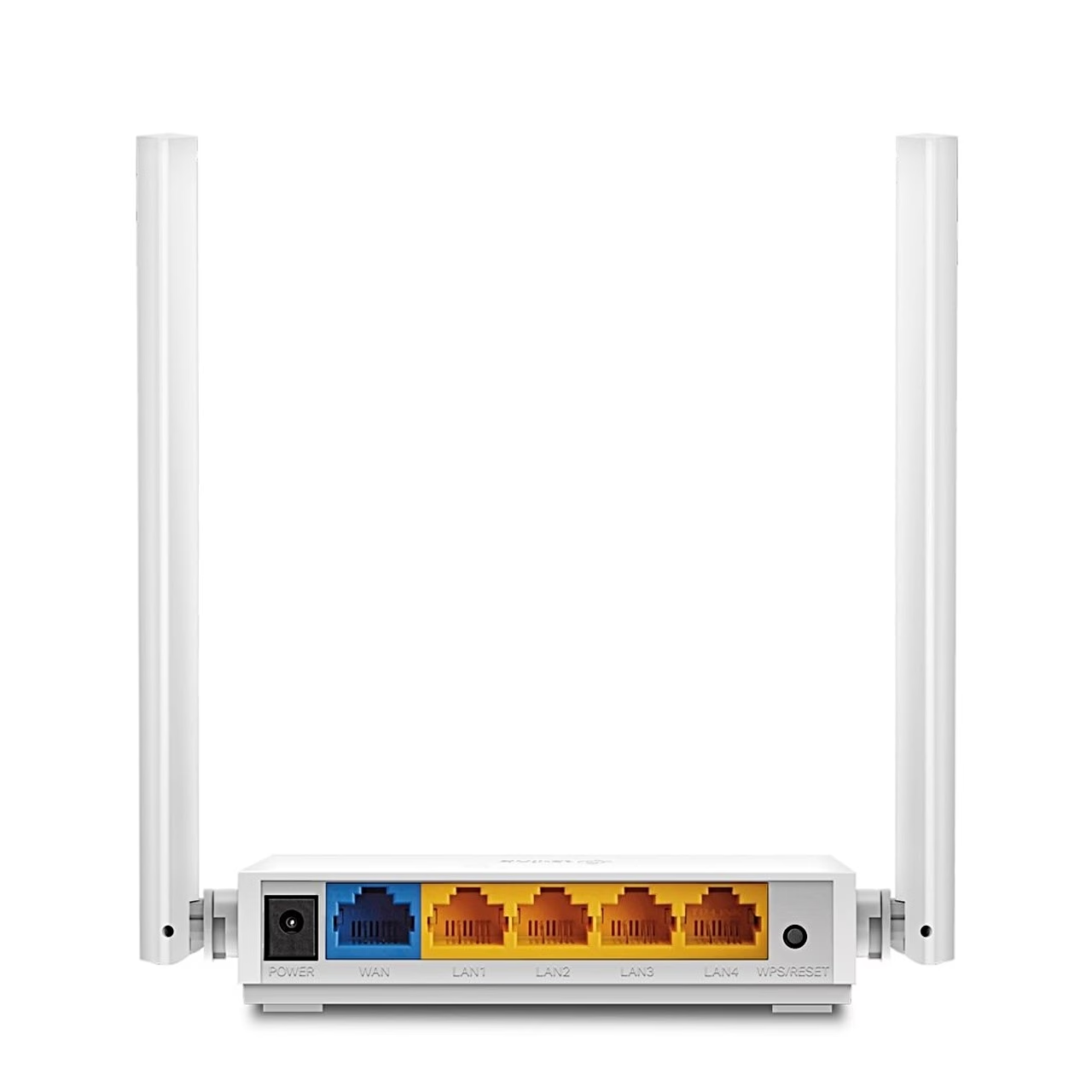
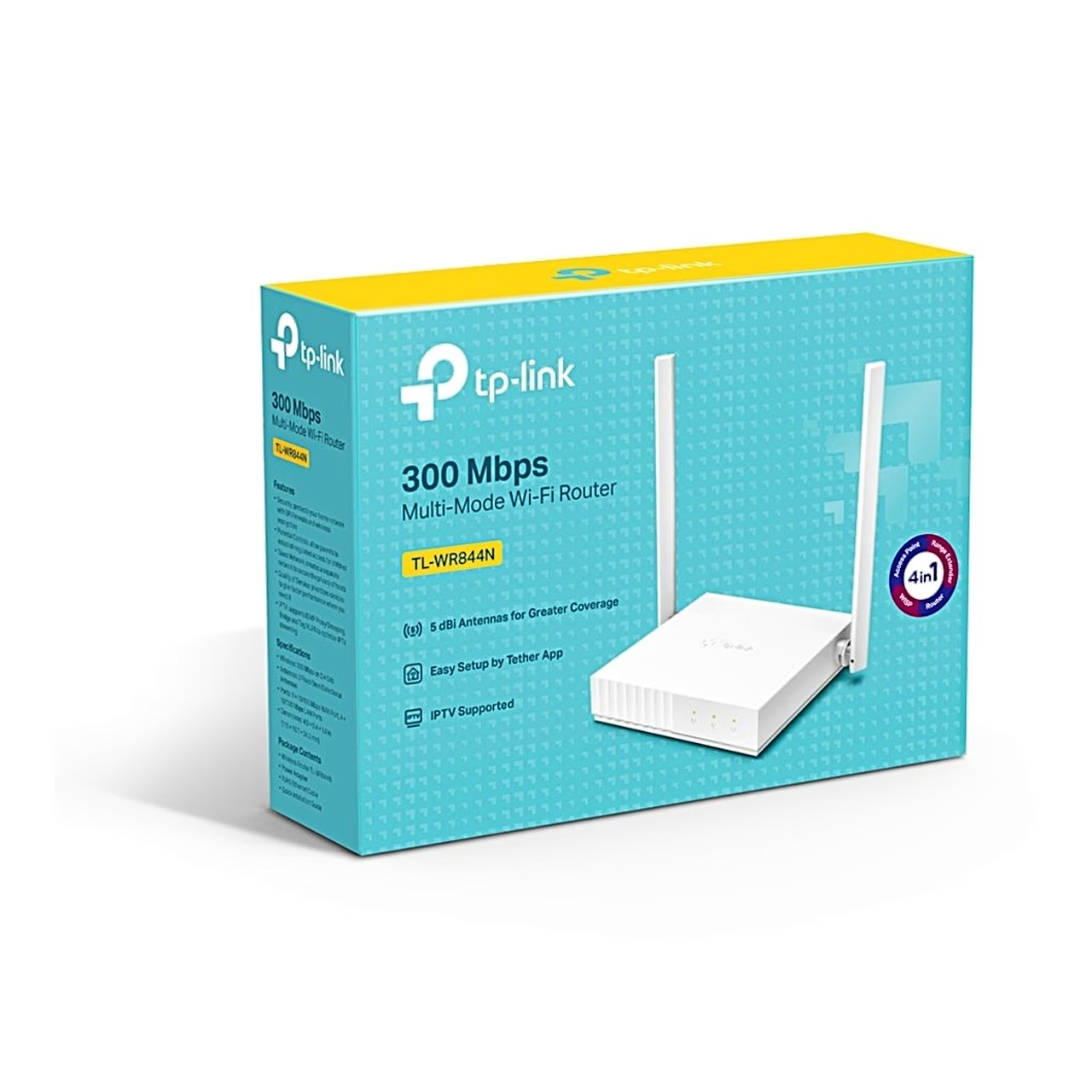
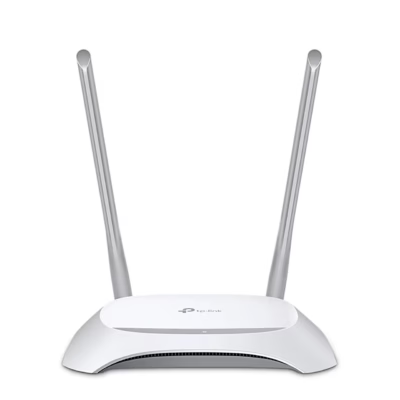
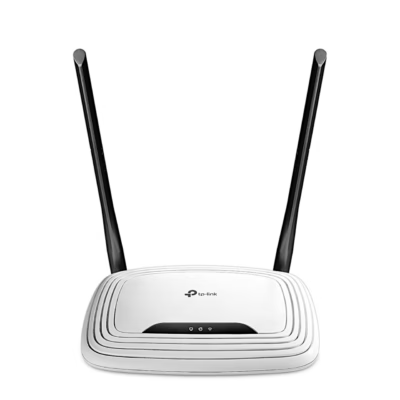
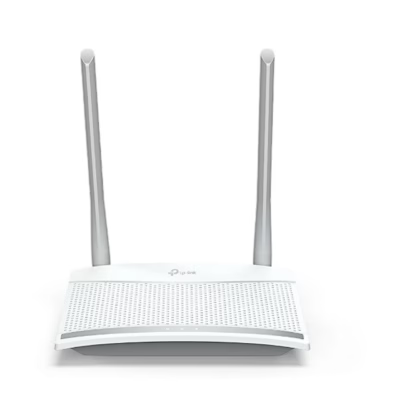
The TP-Link TL-WR844N is a Wi-Fi 4 (802.11n) router with wireless speeds of up to 300 Mbit/s. Its two external 5 dBi antennas give the best coverage when set upright. The rear panel has four 10/100 Mbit/s LAN ports for wired devices and a WAN port for the internet connection.
In router mode the TL-WR844N shares an Ethernet connection from a modem or a wall socket. In WISP mode it takes the internet wirelessly from a provider’s network. In range extender mode it repeats the signal of an existing Wi-Fi network, and in access point mode it adds Wi-Fi to a router connected by cable.
Guest network, parental controls and security
You can create a separate 2.4 GHz guest network with its own name and password and decide whether guests can see each other and the devices on your local network. A parental controls profile sets blocked websites, a daily time limit and a bed time for each family member’s devices. QoS gives a chosen device bandwidth priority for a set period. The wireless schedule switches Wi-Fi off during the periods you choose. The IPTV/VLAN settings assign LAN ports to an IPTV service. The SPI firewall is on by default, and access control admits only whitelisted devices or blocks blacklisted ones.
Installation and setup
Switch the modem off, connect it to the router’s WAN port with an Ethernet cable, switch the modem on and wait about 2 minutes, then connect the router’s power adapter. Connect your computer by cable or over Wi-Fi with the network name and password on the label underneath the router, or an Android device with the WPS button. Then open tplinkwifi.net in a browser, create a password and follow the Quick Setup; afterwards you can also manage the router with the Tether app. The router stands on a shelf or desk or mounts on a wall with two screws 80 mm apart; each screw is at least 20 mm long and projects about 4 mm from the wall.
Maintenance and factory reset
Firmware upgrade, backup and restore are in the System menu of the web interface. Holding the WPS/RESET button for more than 5 seconds restores the factory settings.
In the box
- Wi-Fi router TP-Link TL-WR844N
- Power adapter
- Ethernet cable
- Quick installation guide
















































Reviews
There are no reviews yet.