
Skip to content

Shipping country

Clearance -15%

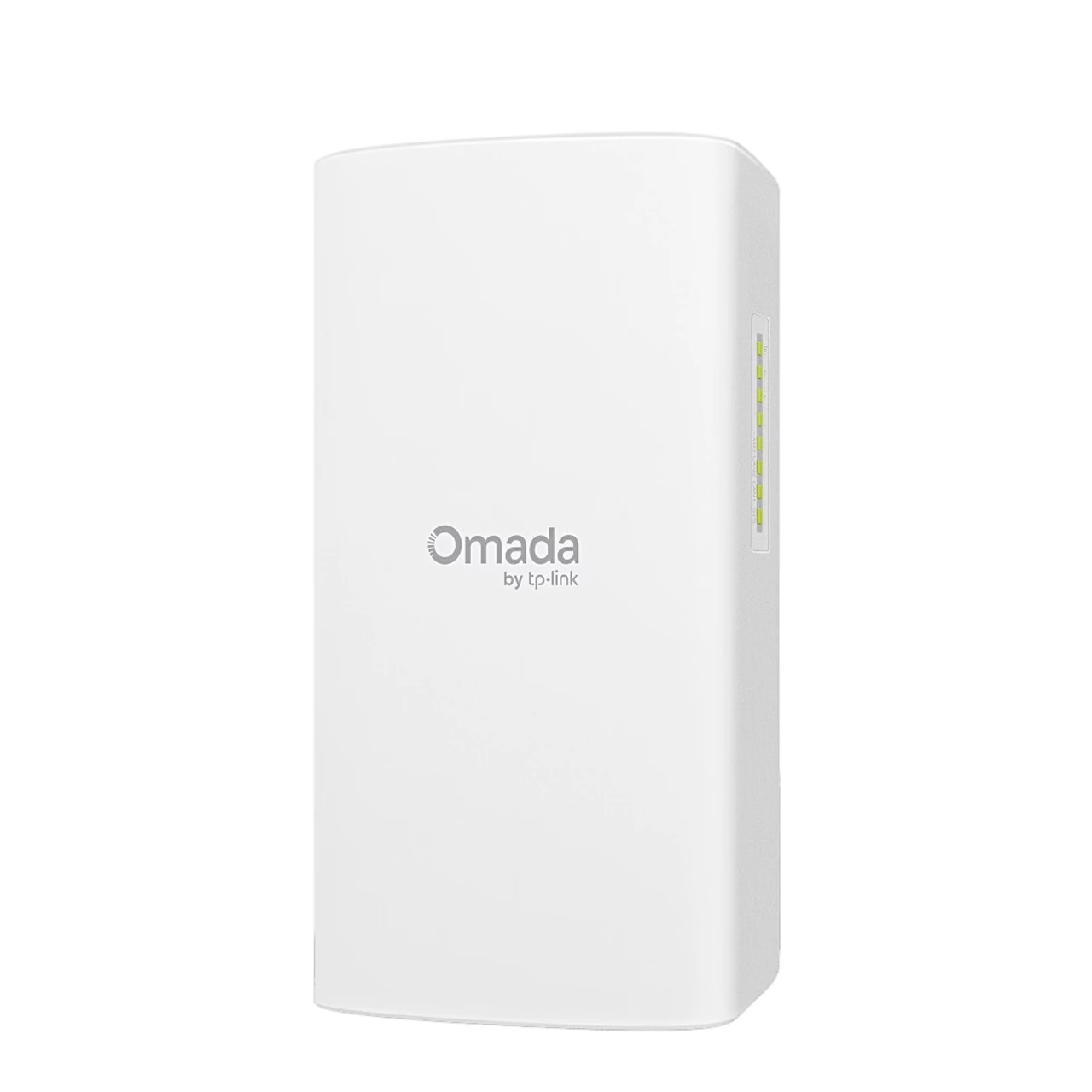
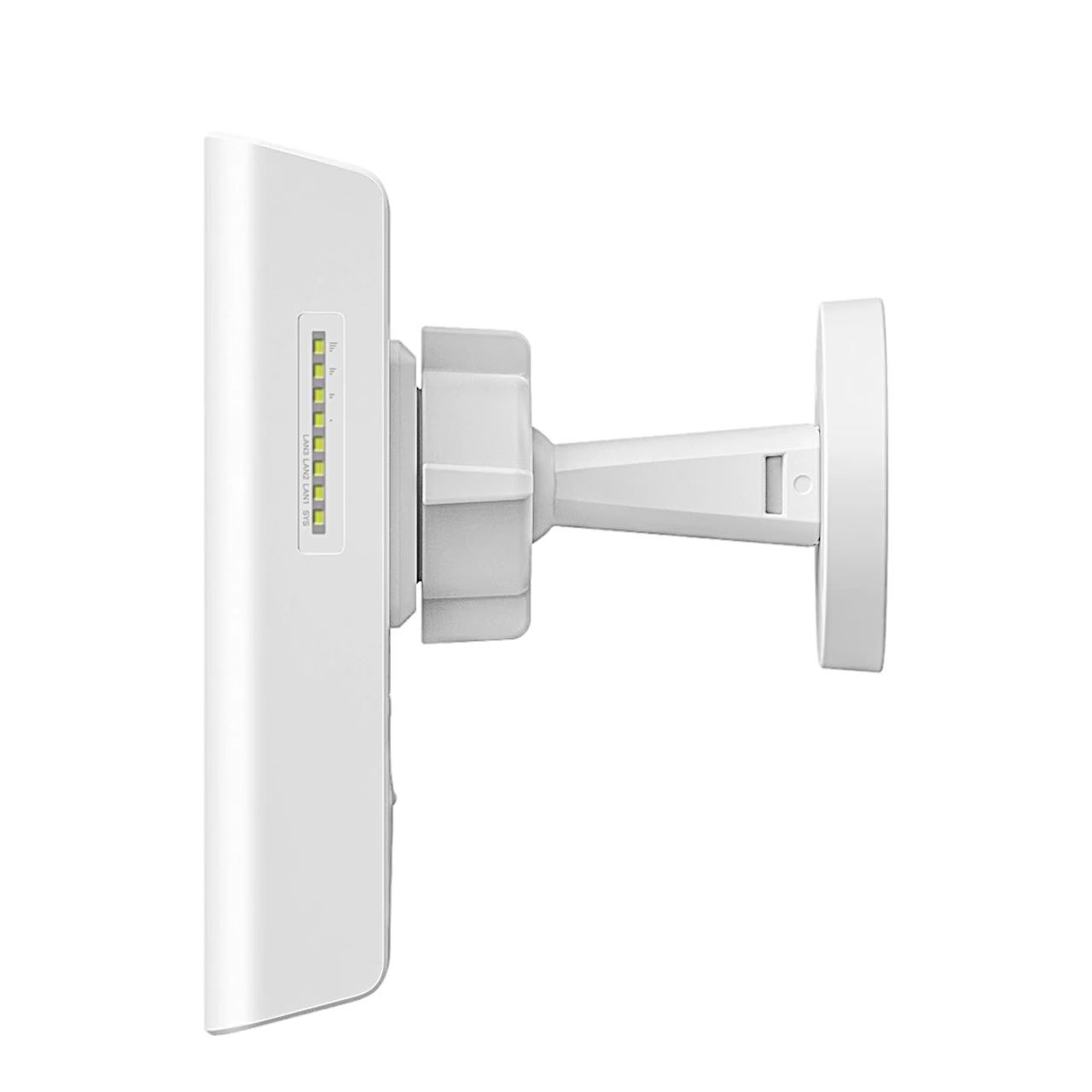
Wireless bridge TP-Link Omada Flex Bridge 5, 5 GHz, 5 km, white

  • Brand:
  • Product code: 611973
  • EAN: 1210002610940

The wireless bridge TP-Link Omada Flex Bridge 5 links buildings on the 5 GHz band at up to 867 Mbit/s and, according to the manufacturer, over up to 5 km. Its two PoE outputs can power 2 IP cameras, so the bridge also suits linking surveillance cameras. A 54 V passive PoE adapter is in the box and the enclosure is rated IP66.

178,99 €

Out of stock This product is out of stock or sold out.

Tell me when it is back

Leave your address and we write once, when it is back in stock.

We use the address only for this one e-mail. You confirm the request first with the link we send you. An unconfirmed request is deleted after 30 days, a finished one after 90.

Category:

Description

Wireless bridge for long distances

The 5 GHz wireless bridge TP-Link Omada Flex Bridge 5, designed for links between buildings, uses the Wi-Fi 5 standard. The signal is directed by two internal 17 dBi directional antennas with a beamwidth of 40° horizontally and 18° vertically. The bridge works as a point-to-point or point-to-multipoint link: the manufacturer recommends up to 8 Flex Bridge units, and up to 32 with the separately sold Sector Bridge 5 hub.

Ports and PoE power for cameras

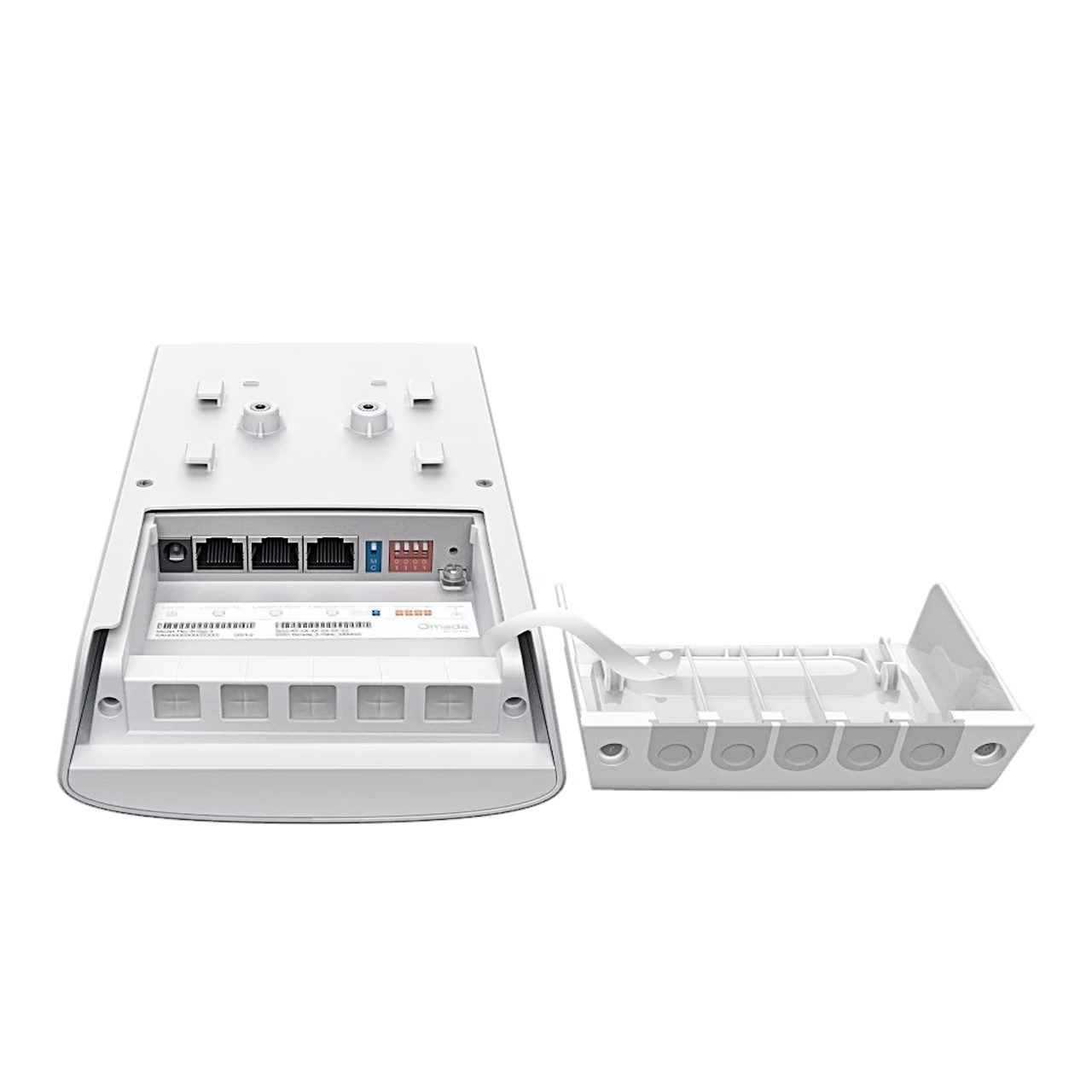
The unit has 3 Gigabit Ethernet ports: one PoE input to power the bridge and 2 PoE outputs, for example for IP cameras. The outputs deliver up to 10 W on one port or 5 W per port when both are used. The bridge is powered by an 802.3at/af PoE switch, by 24 V passive PoE from the supplied adapter, or by a 12 V DC source such as a solar power system. Maximum power consumption is 12 W on DC and 26.06 W on PoE with the PoE outputs in use.

Mounting and pairing

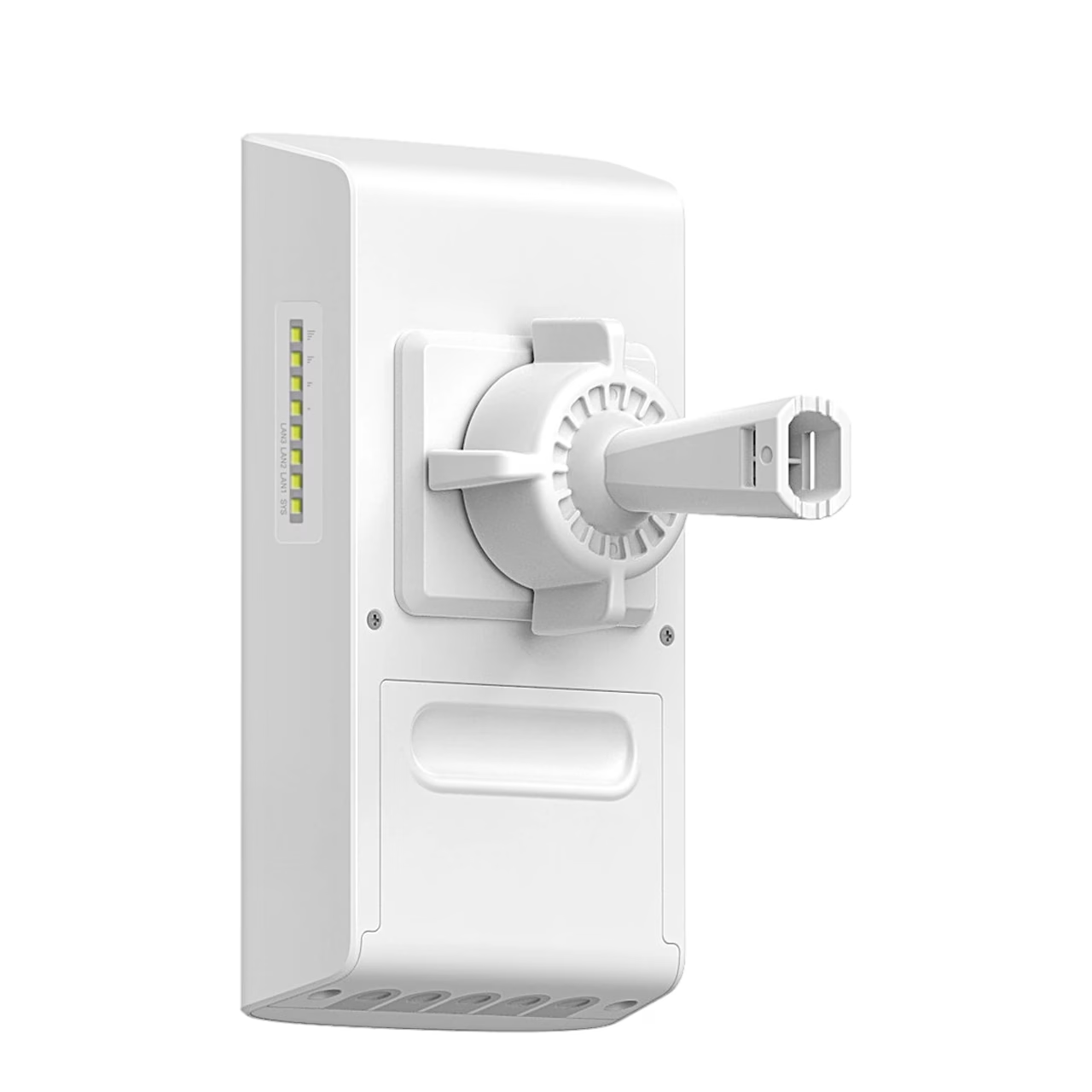
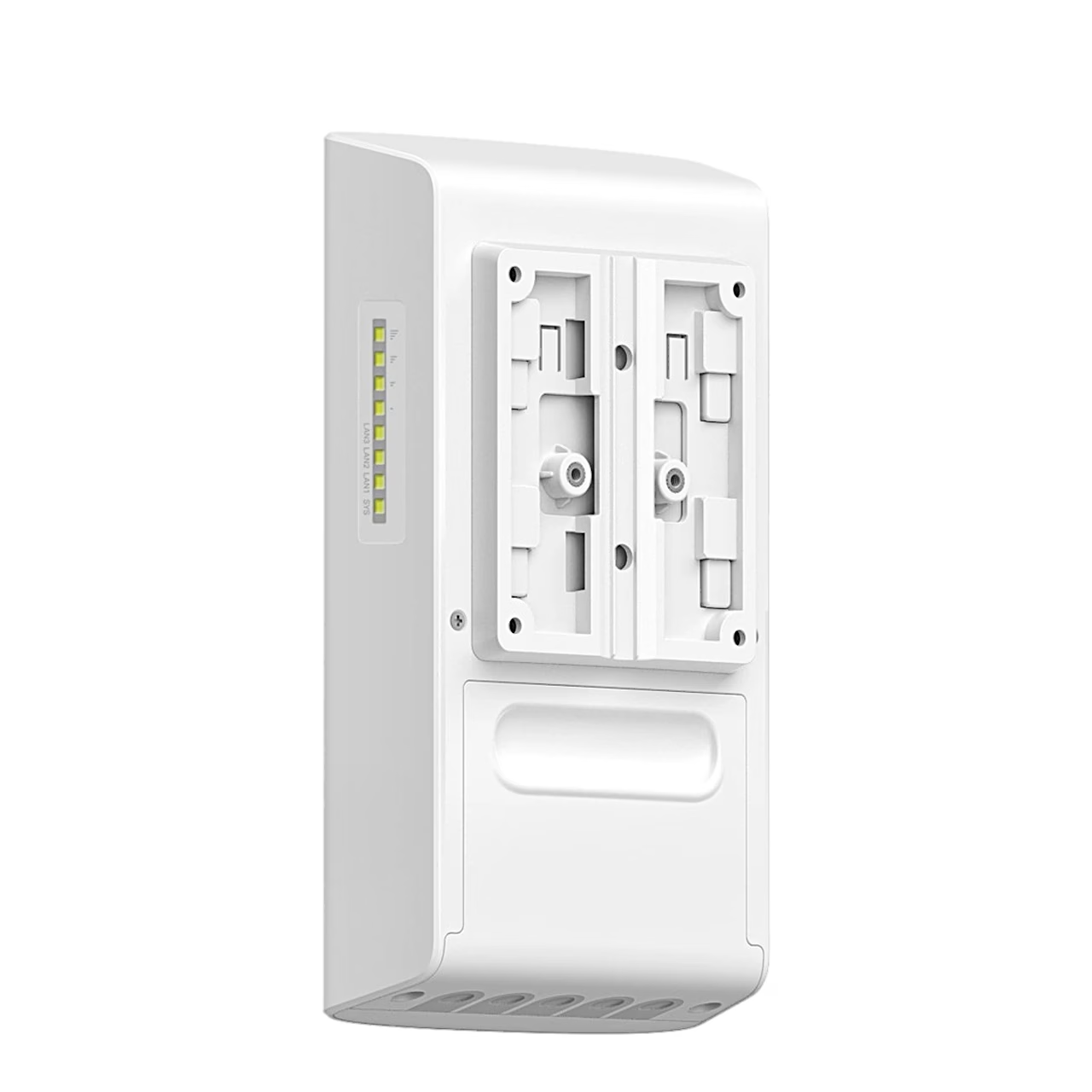
The supplied mounting kit fixes the bridge to a pole or wall. To pair, set the role and pairing code with the DIP switches: a main and a client unit with the same settings form a network on their own, usually within 2 minutes. Under factory settings the pairing window stays open for 2 hours; after that it can be reopened through the app, a controller or the web interface. During antenna alignment the Omada app shows signal strength in real time.

Management

On site, the bridge can be set up with the Omada app in standalone mode without an internet connection. With an Omada SDN controller, such as Omada Central or a hardware or software controller, it can also be monitored and managed via the cloud.

Outdoor enclosure

The IP66 rating means the enclosure is dust-tight and protected against powerful water jets. When installed with proper grounding and a shielded cable, the unit has 6 kV lightning protection. It operates from –40 °C to 70 °C.

In the box

  • Wireless bridge TP-Link Omada Flex Bridge 5
  • 54 V passive PoE adapter
  • Power cord
  • Pole and wall mounting kit
  • Installation guide

Additional information

Weight 1,1 kg
Series

Omada 5 GHz 867 Mbps Long-Range Connectivity for Indoors/Outdoors Wireless Flex Bridge

Frequency band

5 GHz

Data transfer rate

867 Mbit/s

Connection range according to manufacturer

5 km

Antenna gain

5 GHz: 17 dBi, 2.4 GHz: 1 dBi

Beam width

40° horizontally, 18° vertically

Connection type

point-to-point, point-to-multipoint

Ethernet ports

3 × 1 Gbit/s (RJ-45)

PoE outputs

2

PoE output power

10 W on one port, 5 W on two ports

Power supply

802.3at/af PoE, 24 V passive PoE, 12 V DC

Maximum power consumption

12 W (DC), 26.06 W (PoE incl. PoE outputs)

Management

Omada app, Omada controller, Omada Central, web interface

Protection rating

IP66

Lightning protection

6 kV

Installation

Pole, Wall

Dimensions (W × D × H)

214.2 × 50.8 × 119.8 mm

Operating temperature

–40 °C to 70 °C

Operating humidity

10–90%

Colour

White

Wi-Fi standard

Wi-Fi 5

PoE standard

PoE (802.3af), PoE+ (802.3at), Passive PoE

Installation location

Indoor, Outdoor

  • Only a customer who bought the product from us can review it: signed in, or through the link in the e-mail we send after the order. We check the purchase against the order.
  • We read every review before it is published (rules below).
  • The average rating is the plain average of all published ratings.
  • The buyer receives loyalty points for an approved review, whatever its rating or content. Text and a photo earn extra points. Reviews that earned points are marked.

  1. Write about the product and your own experience with it.
  2. A review may not contain personal data, links or advertising.
  3. Offensive or unlawful content is not allowed.
  4. Whether a review is published never depends on its rating.
  5. A photo must be taken by you, and the product must be clearly visible on it.
  6. A photo may not show people who can be recognised, or personal data such as documents, addresses or number plates.
  7. If we do not publish a photo, we send the reviewer the reason by e-mail.

Reviews

There are no reviews yet.

Bought this product from us? Sign in, or open the link in the e-mail we send after the order.

Similar products available

Suitable accessories

Võrgulülitid

Võrgukaablid

More from the same brand

See all TP-LINK products (96)

See also:

Newsletter

New collections first

Only useful and necessary news: new products, items back in stock and member offers. No spam.

Create account

A link for setting your password will be sent to your e-mail address.

We send only useful and necessary information, and you can unsubscribe with one click. You confirm by e-mail before the first letter.

Your personal data will be used to support your experience throughout this website, to manage access to your account, and for other purposes described in our privacy policy.

Menu

Shipping country

AssistantBETA

AI helper

Hi!

I am your AI assistant! Ask me freely, in your own words, what you would like to find or what more information you need, and I will gladly help you!

You can also choose one of these:

    Cart

    Your cart is empty.