

Description
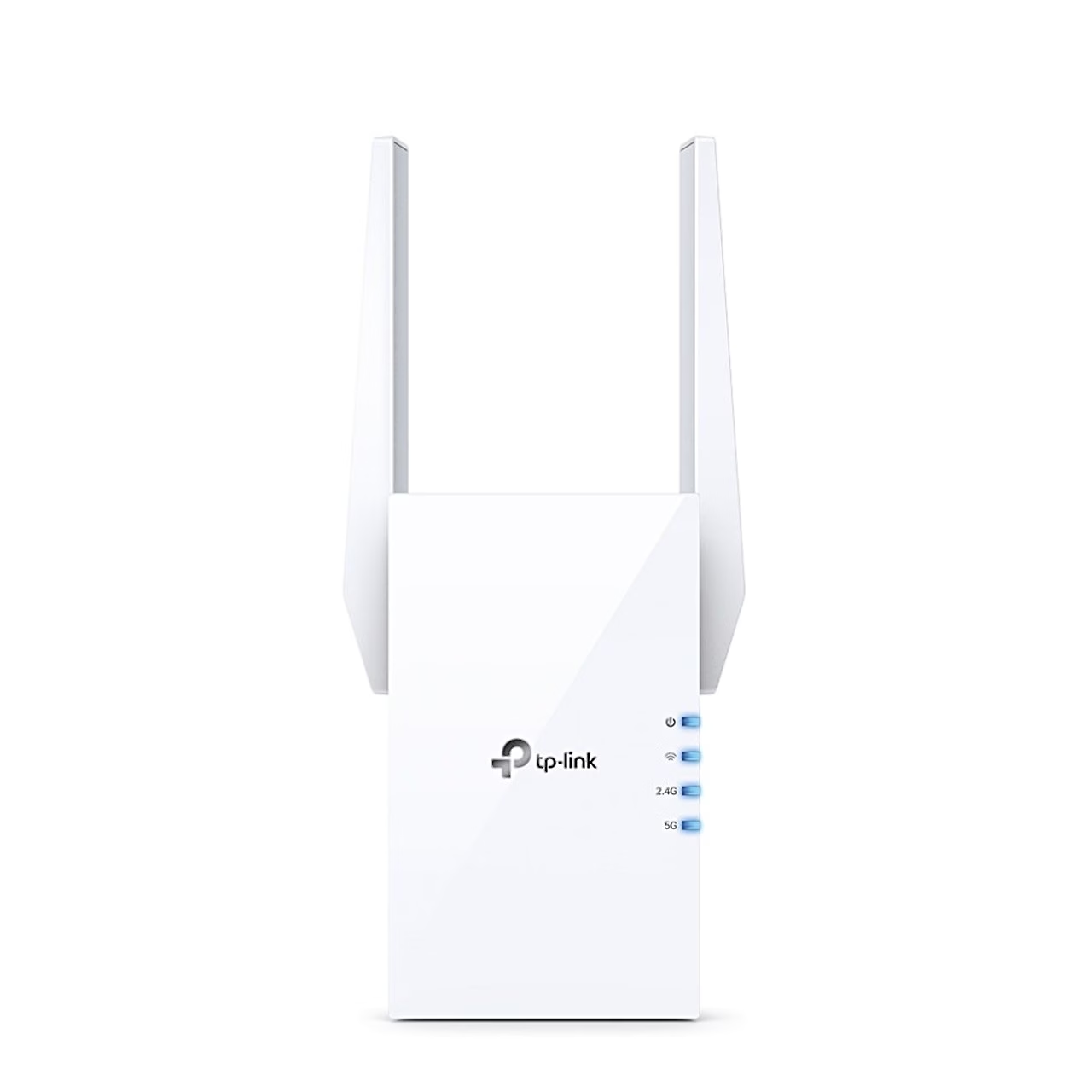
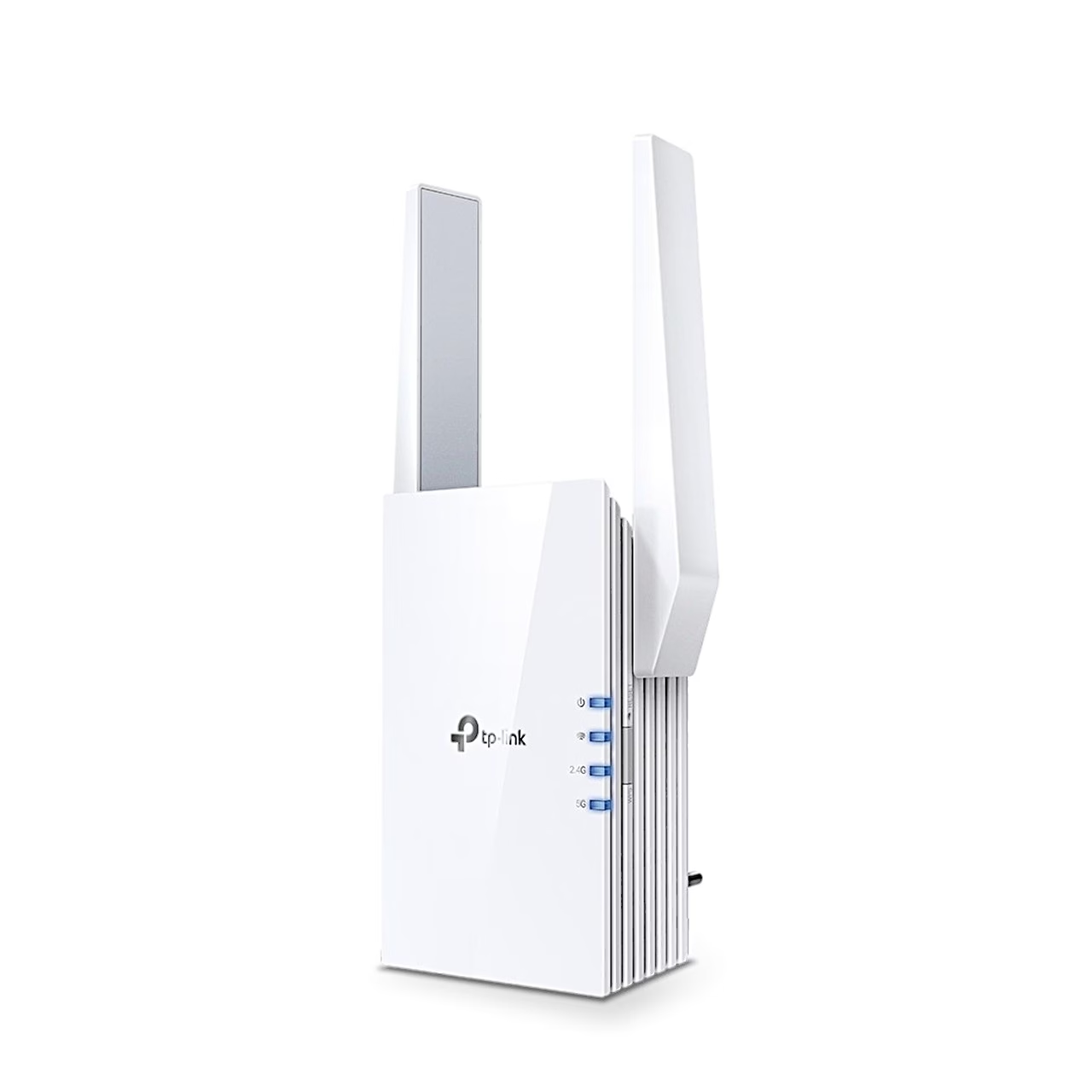
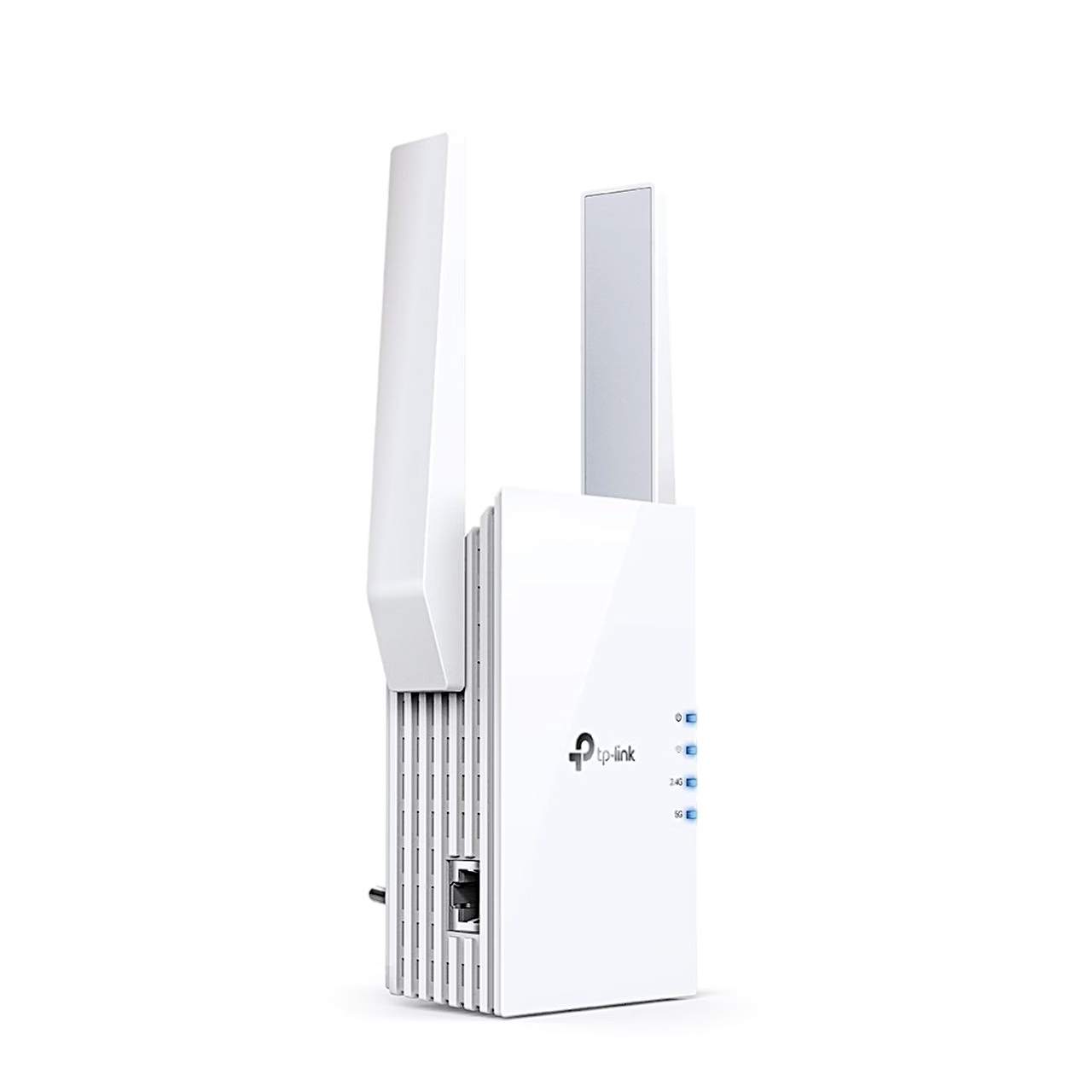
Wi-Fi range extender with two external antennas
The TP-Link Wi-Fi range extender RE605X repeats your router’s network on the 2.4 and 5 GHz bands through two external antennas. Indicator lights on the front show power, signal strength and the connection to each band.
OneMesh and access point mode
OneMesh is TP-Link’s mesh system: the router and extender share the same network name, password and access settings, and devices switch between router and extender on their own as you move. In access point mode, the RE605X turns an existing wired network into a Wi-Fi network.
Setup
First plug the extender into a socket next to the router and wait until the power light is solid. Set it up with the Tether app, in a web browser at tplinkrepeater.net or with the WPS button: press the router’s WPS button and, within two minutes, the extender’s WPS button for 1 second. Then move the extender to roughly halfway between the router and the area with weak coverage. After about 2 minutes, a blue signal light shows a suitable spot and a red one shows the router is too far away.
In the box
- Wi-Fi range extender TP-Link RE605X
- Quick installation guide
















































Reviews
There are no reviews yet.