


Description
Wi-Fi range extender repeats the router’s signal on two bands
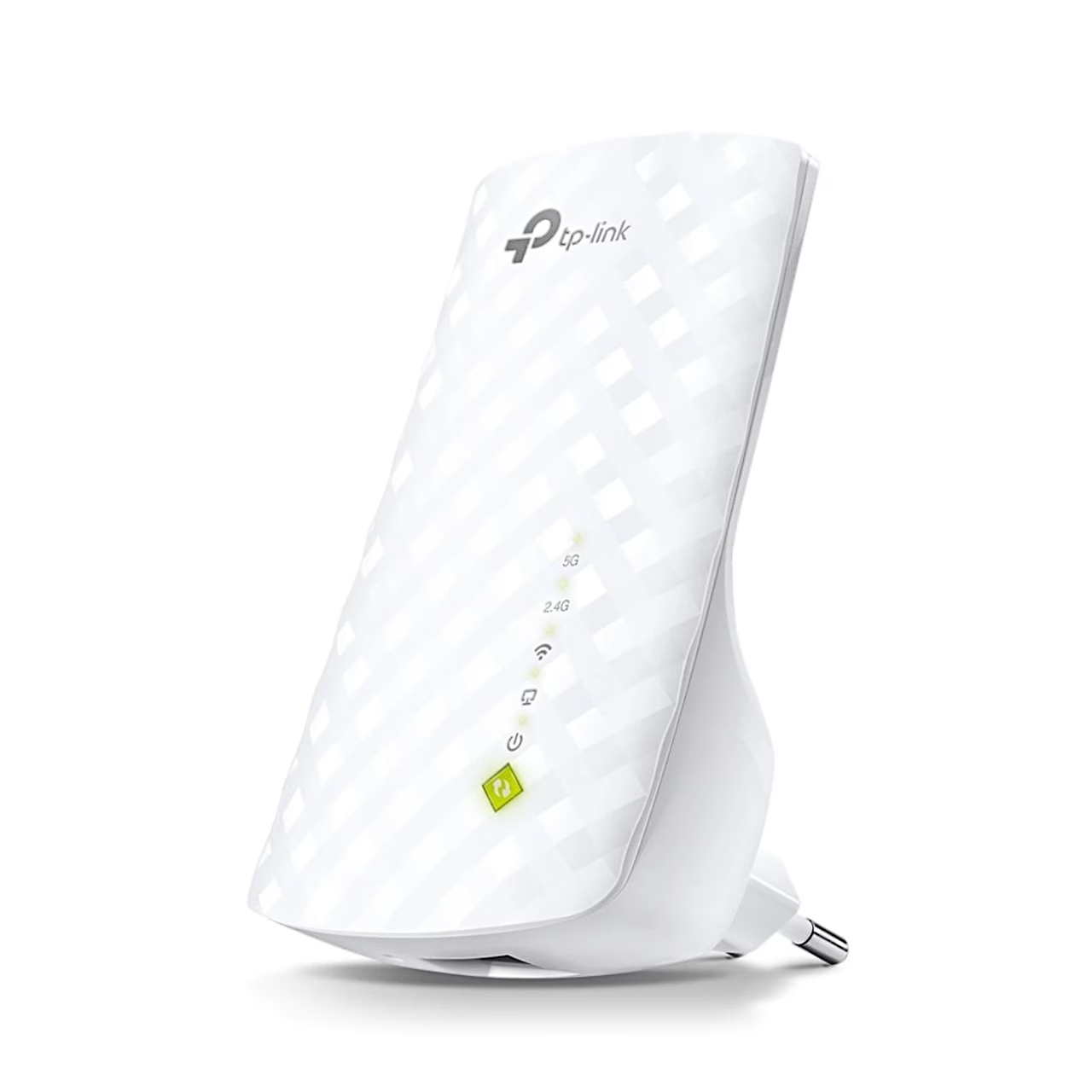
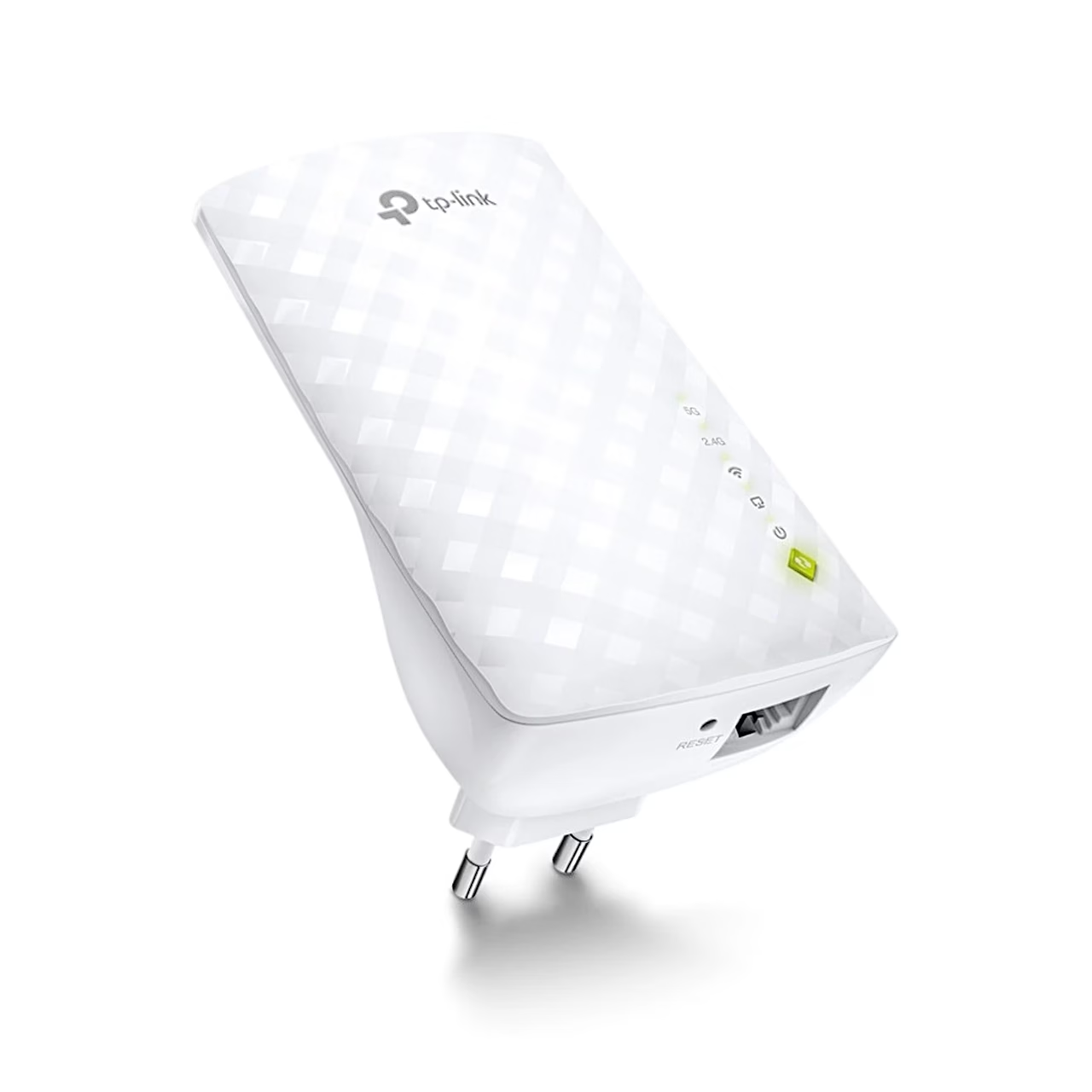
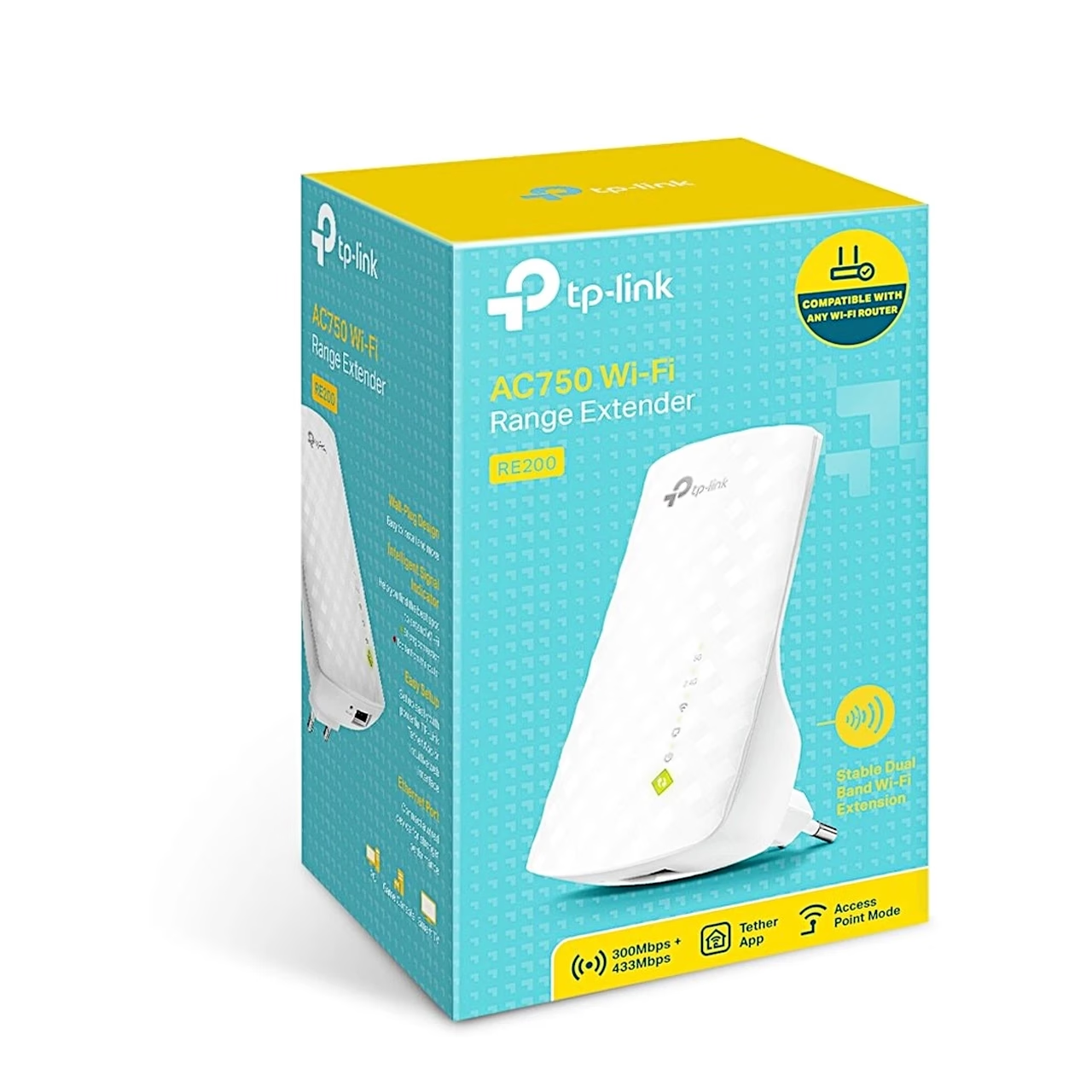
The AC750 TP-Link RE200 Wi-Fi range extender connects to your router wirelessly and extends the Wi-Fi 5 network at up to 300 Mbit/s on 2.4 GHz and up to 433 Mbit/s on 5 GHz. A wired device such as a smart TV, games console or desktop computer connects to the 10/100 Mbit/s Ethernet port. In access point mode the RE200 turns an existing wired network into a Wi-Fi network.
Setup with the app, a browser or the WPS button
First plug the extender into a socket next to the router and wait until the power light stays on. You set it up with the Tether app, in a web browser at tplinkrepeater.net, or with WPS by pressing the router’s WPS button and then, within two minutes, the extender’s WPS button for one second. With a dual-band router, repeat the WPS connection for the other band.
Choosing the location by the indicator light
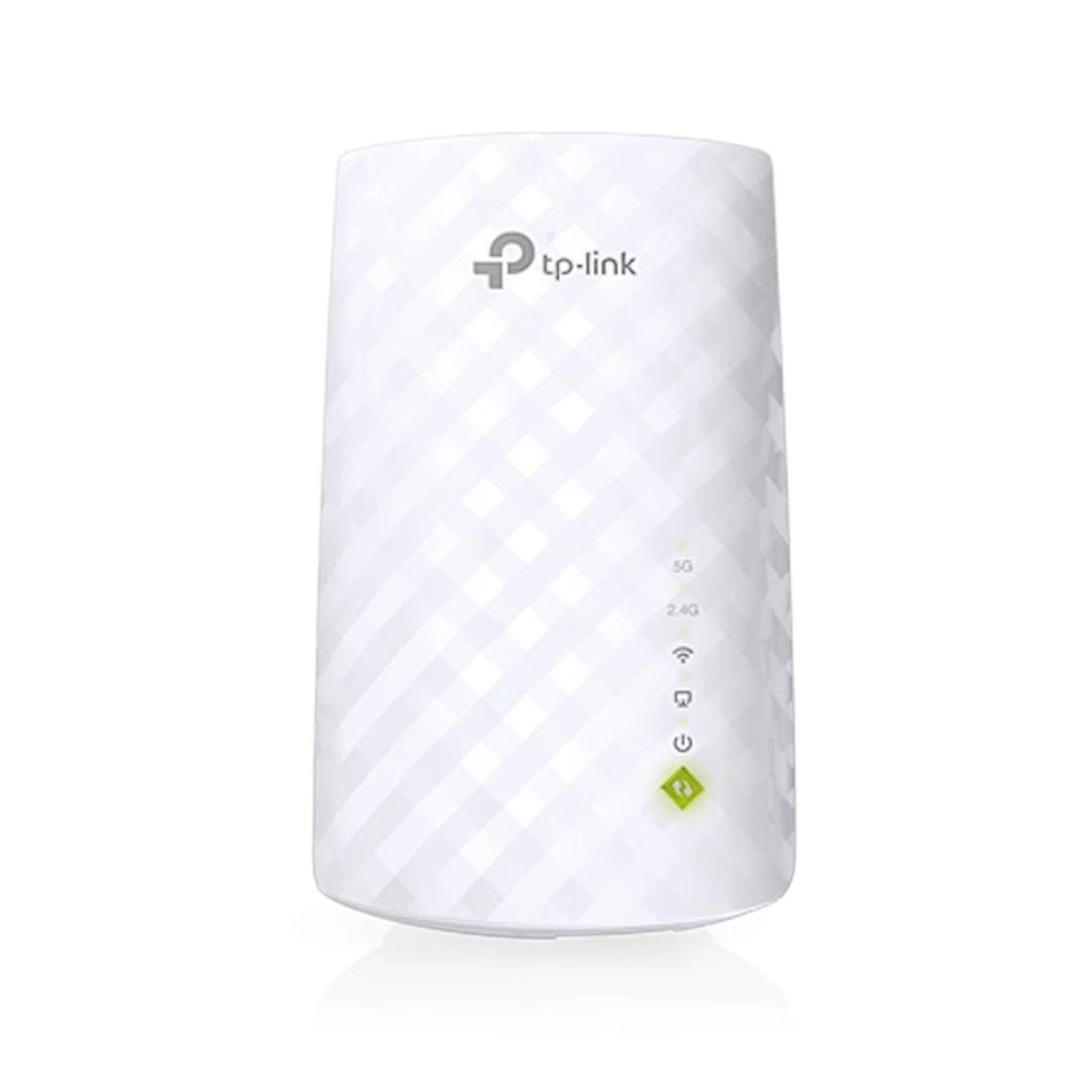
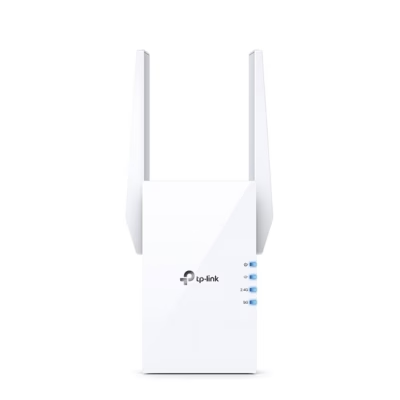
After setup, place the extender about halfway between the router and the area with weak coverage, within the router’s range. After about two minutes the signal light shows the location: green means a suitable spot, red means the extender should be moved closer to the router. The Location Assistant tool in the Tether app gives more detailed help with placement. Separate lights also show the 5 GHz and 2.4 GHz connection to the router and the Ethernet, power and WPS status.
In the box
- TP-Link RE200 Wi-Fi range extender
- Quick installation guide















































Reviews
There are no reviews yet.