

Description
Portable Wi-Fi router for home and travel
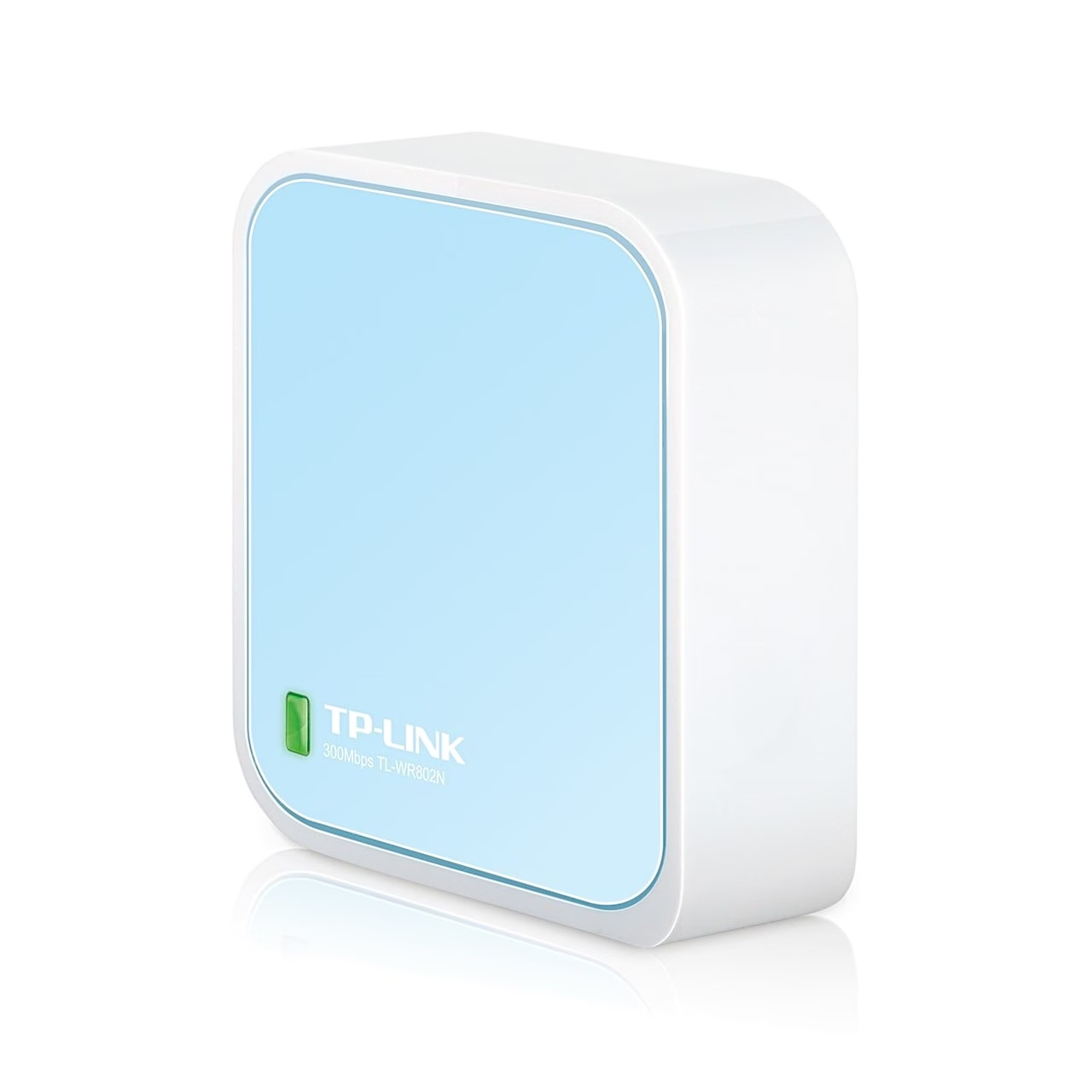
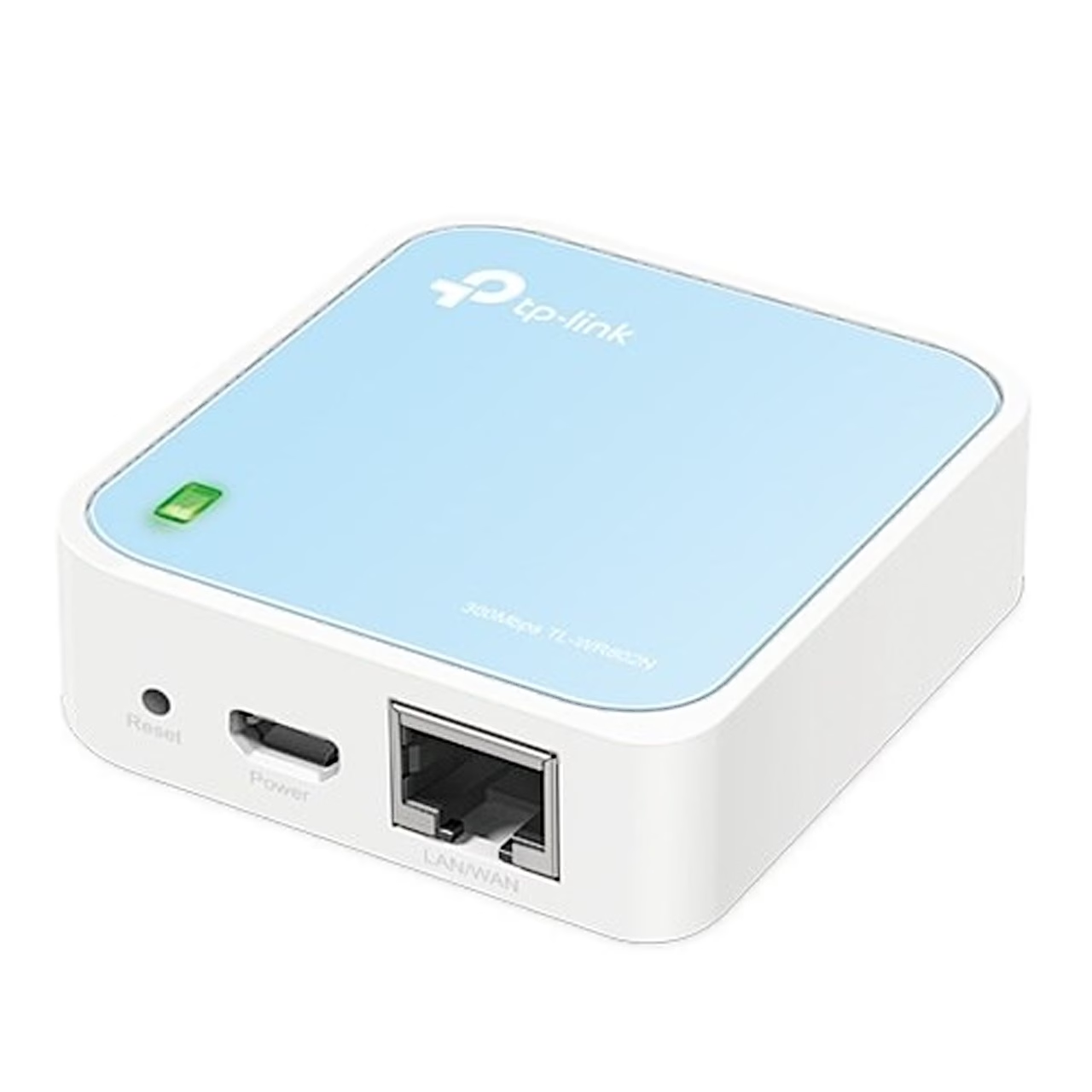
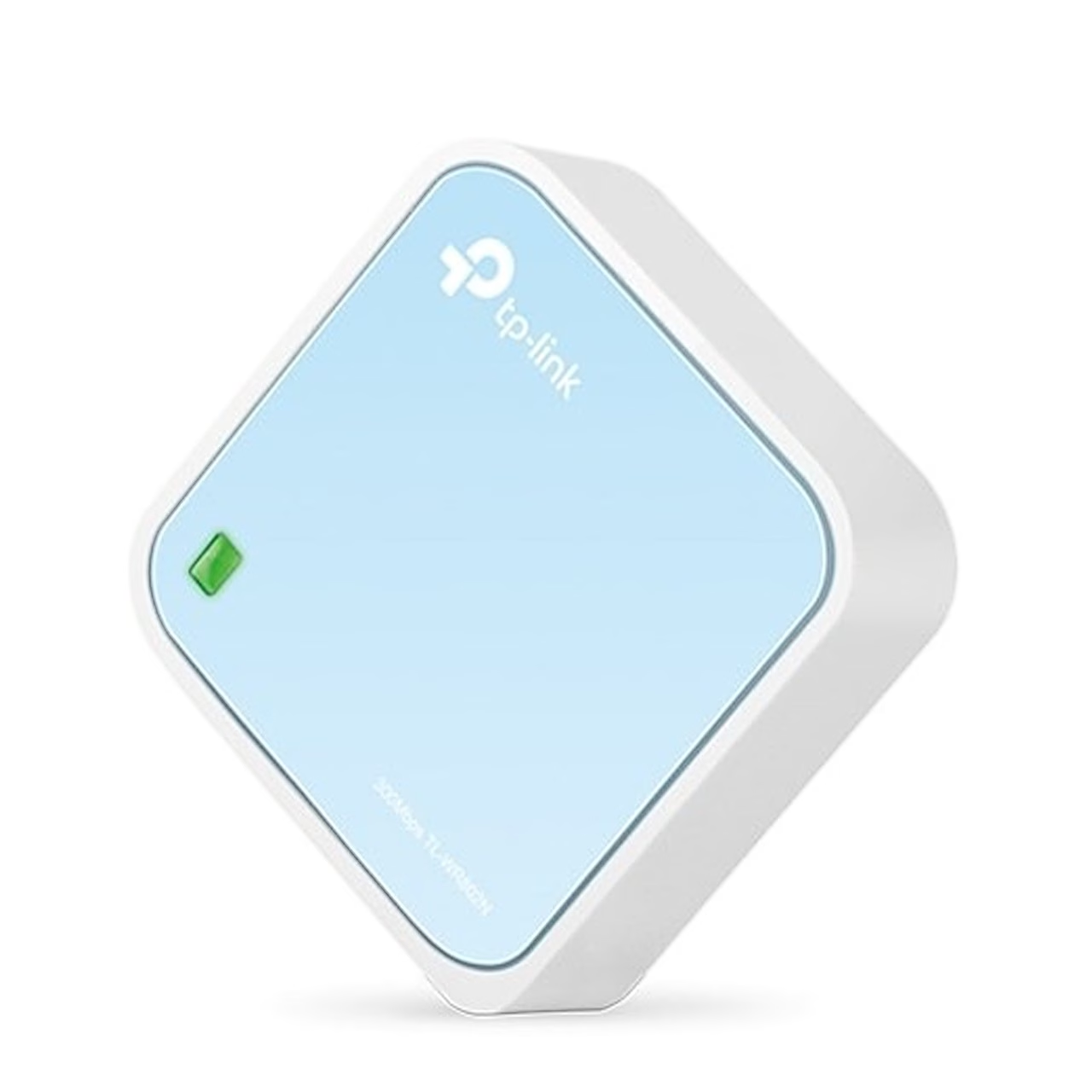
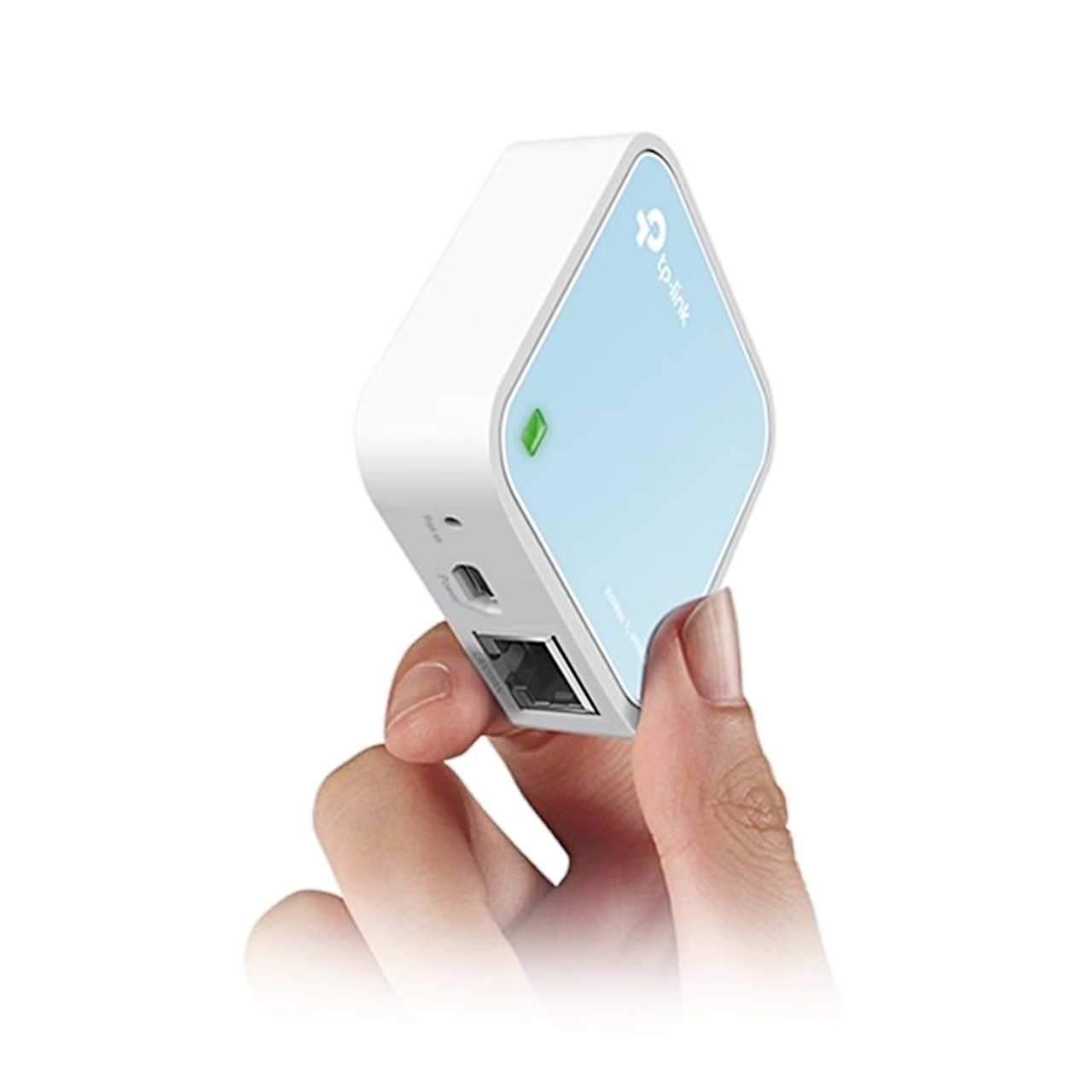
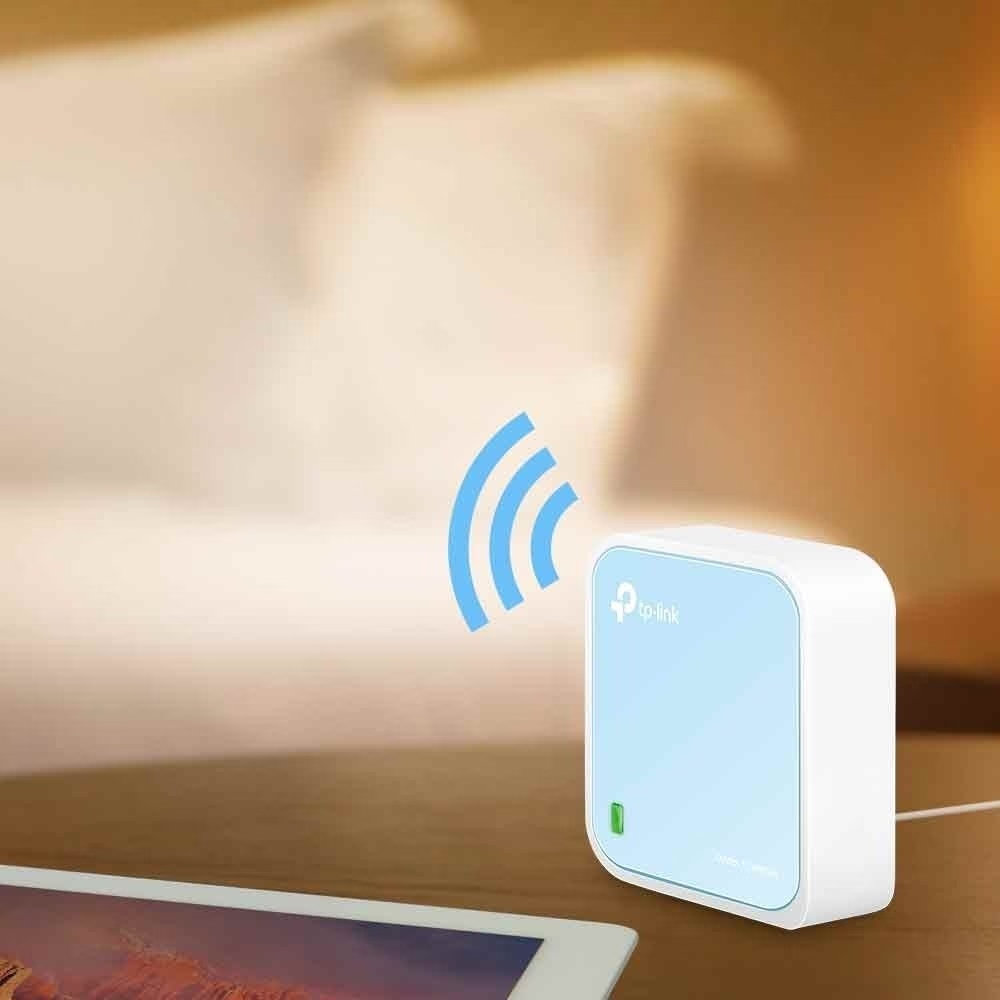
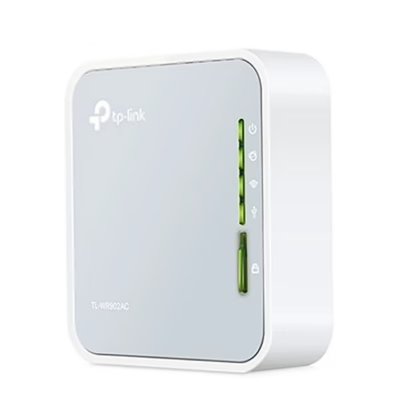
The pocket-sized portable Wi-Fi router TP-Link TL-WR802N is designed for home and travel use. It has one Ethernet port, a USB power socket and a reset button, and two internal antennas spread the signal.
Operating modes
The single Ethernet port works as the WAN port in router mode and as a LAN port in WISP, range extender and client modes.
- Router: creates a private Wi-Fi network from a wired internet connection, for example in a hotel room.
- WISP: shares a public Wi-Fi connection with several users.
- Access point: adds a Wi-Fi network to an existing wired router.
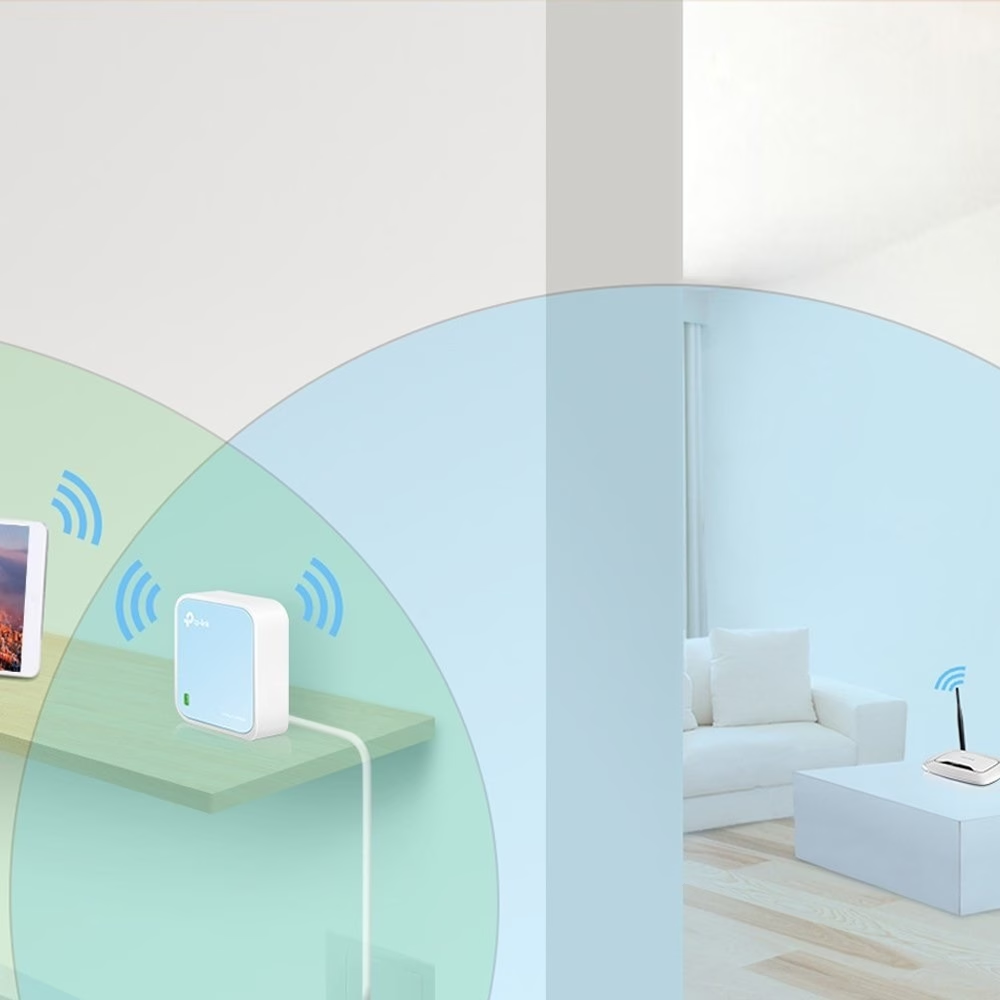
- Range extender: repeats the signal of an existing Wi-Fi network with the same name and password.
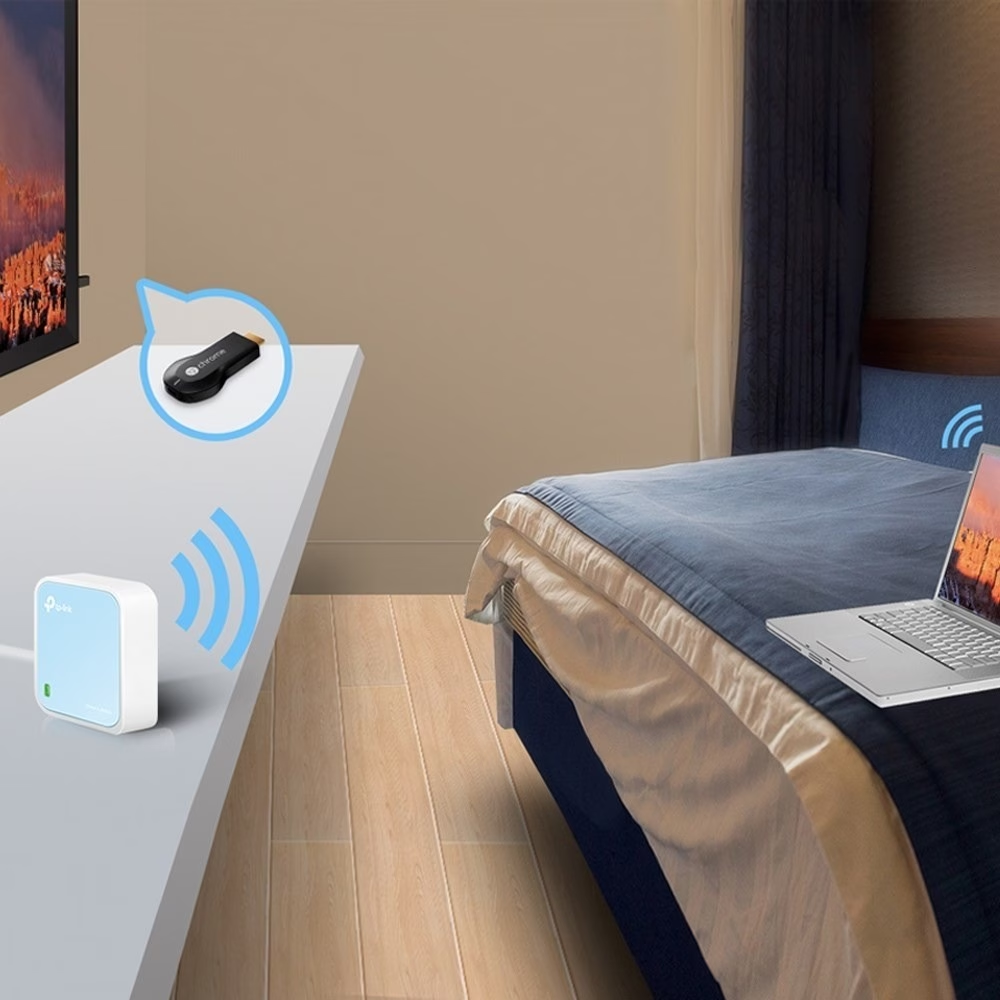
- Client: gives a smart TV, media player or games console connected by Ethernet cable access to a Wi-Fi network.
Installation and setup
The router can be placed on a shelf or a desk, away from Bluetooth devices, cordless phones and microwave ovens.
- In router mode, connect the Ethernet cable of the internet line to the router’s LAN/WAN port.
- Connect the USB cable to the router’s power socket and the power adapter to a wall socket.
- Join the Wi-Fi network with the default network name and password printed on the Wi-Fi info card and on the label on the bottom of the router.
- Open tplinkwifi.net in a browser, log in and choose the operating mode in the quick setup wizard.
To restore factory settings, press and hold the reset button with a pin until the LED blinks.
Router security features
Wireless encryption options are WPA/WPA2-Personal, WPA/WPA2-Enterprise and WEP, and access can be limited to devices with selected MAC addresses. A separate guest network can be created that does not expose the main network. The router also has an SPI firewall, parental controls, bandwidth control, dynamic DNS and IPv6 support.
In the box
- Portable router TP-Link TL-WR802N
- power adapter
- USB cable
- Ethernet cable
- quick installation guide


















































Reviews
There are no reviews yet.