

Description
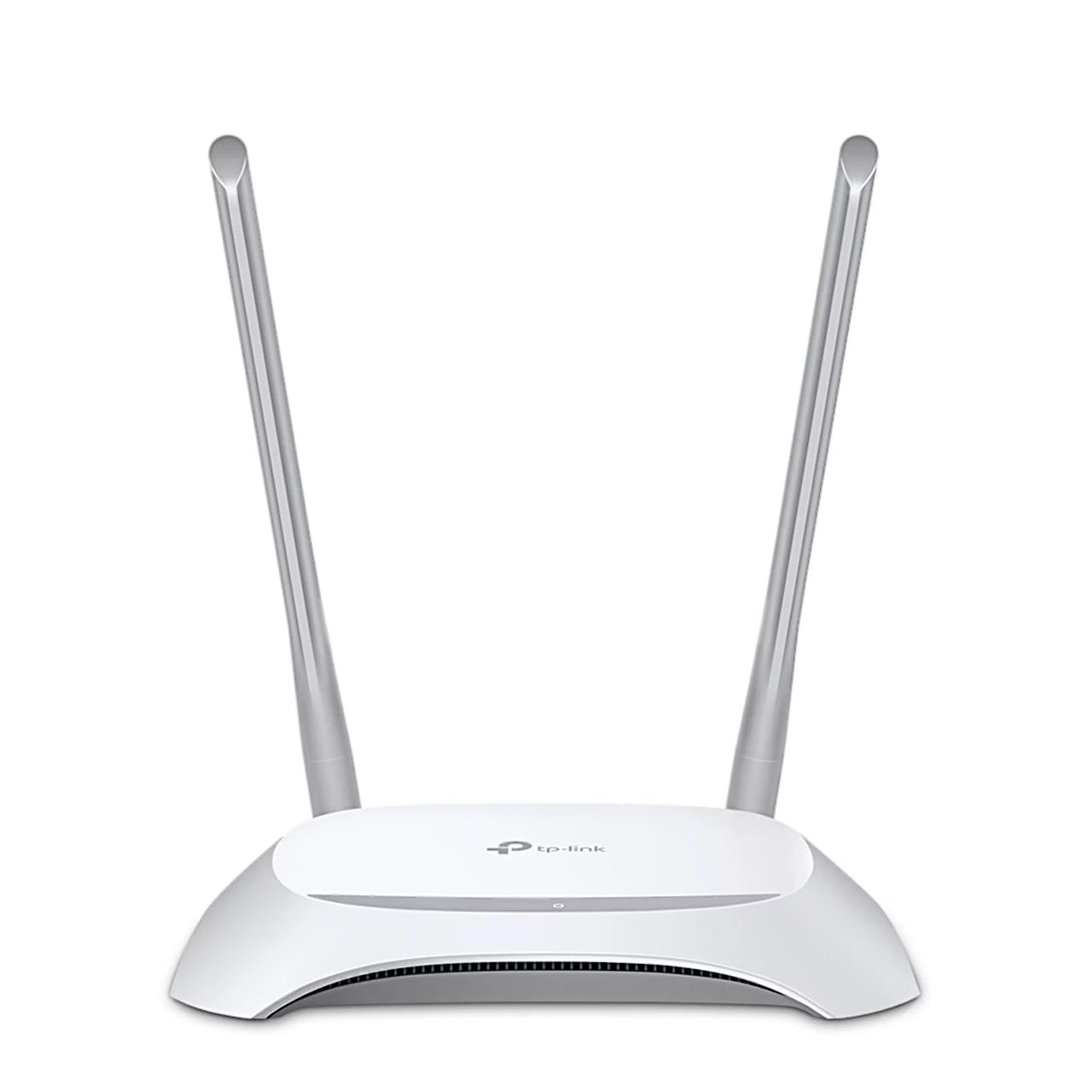
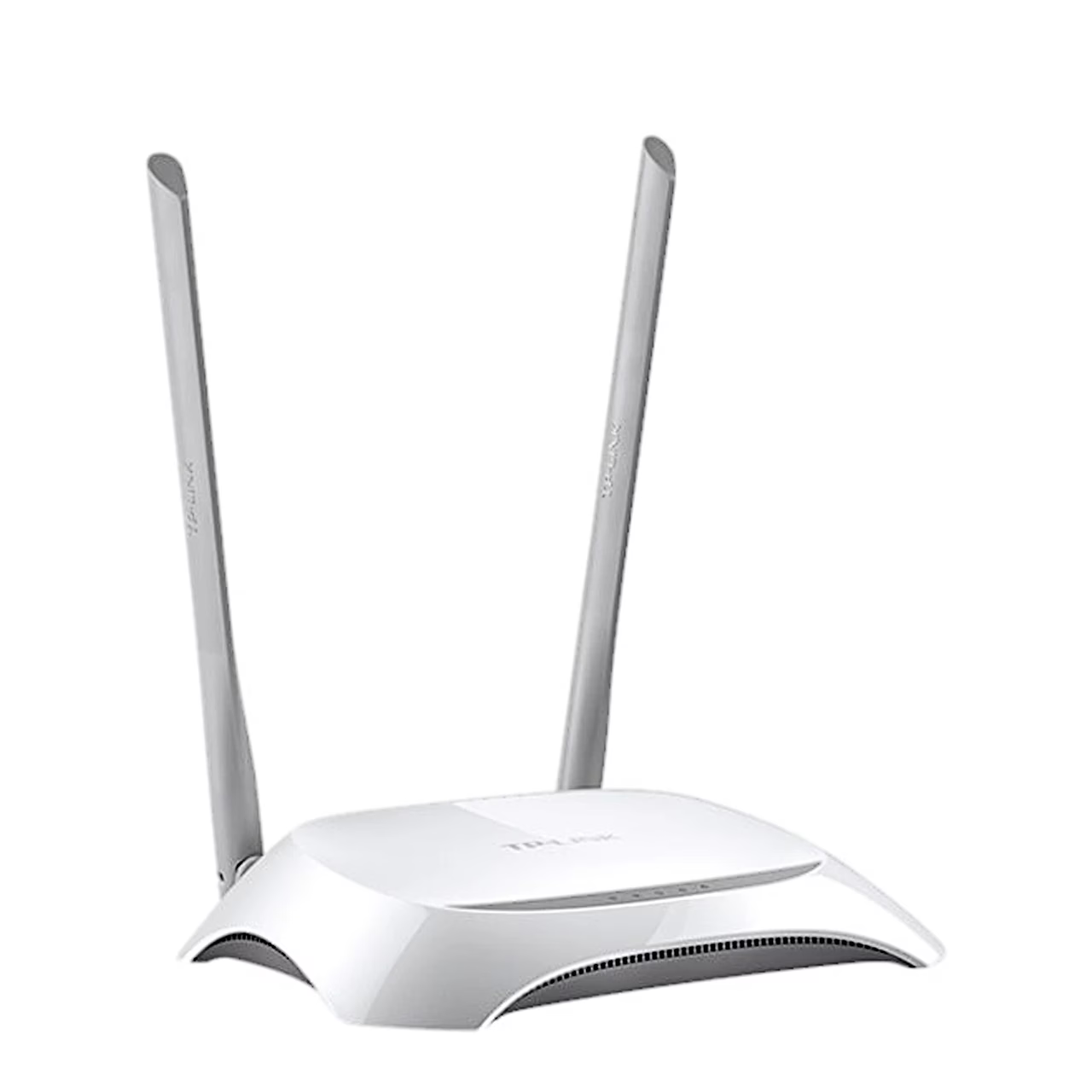
Wi-Fi router with the Wi-Fi 4 standard and four LAN ports
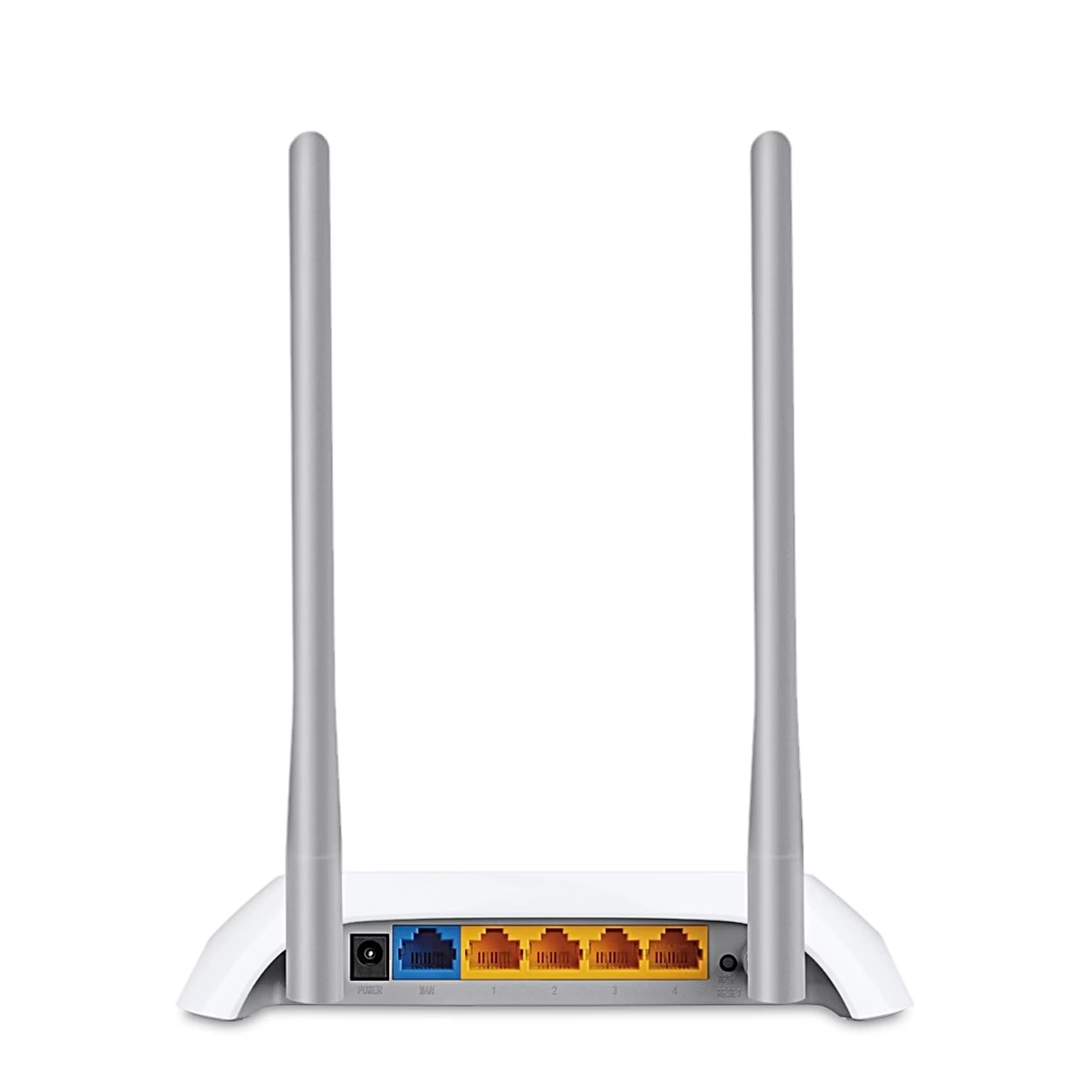
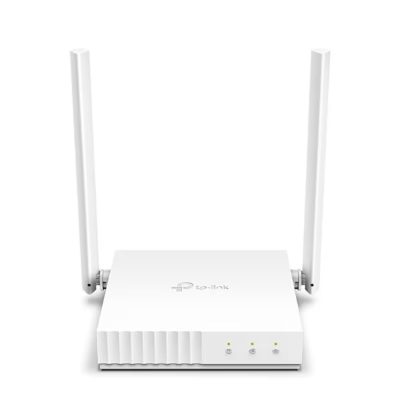
This 2.4 GHz Wi-Fi router uses IEEE 802.11n and shares the internet connection with both wireless and wired devices. The internet connection enters through a 10/100 Mbit/s WAN port, and wired devices have four 10/100 Mbit/s LAN ports. Two fixed antennas provide the wireless signal.
Operation modes
In router mode the TL-WR840N creates a private wireless network from an Ethernet connection. As an access point it turns an existing wired network into a wireless one, and as a range extender it boosts the coverage of an existing Wi-Fi network. The fourth mode is WISP.
Guest network, parental controls and security
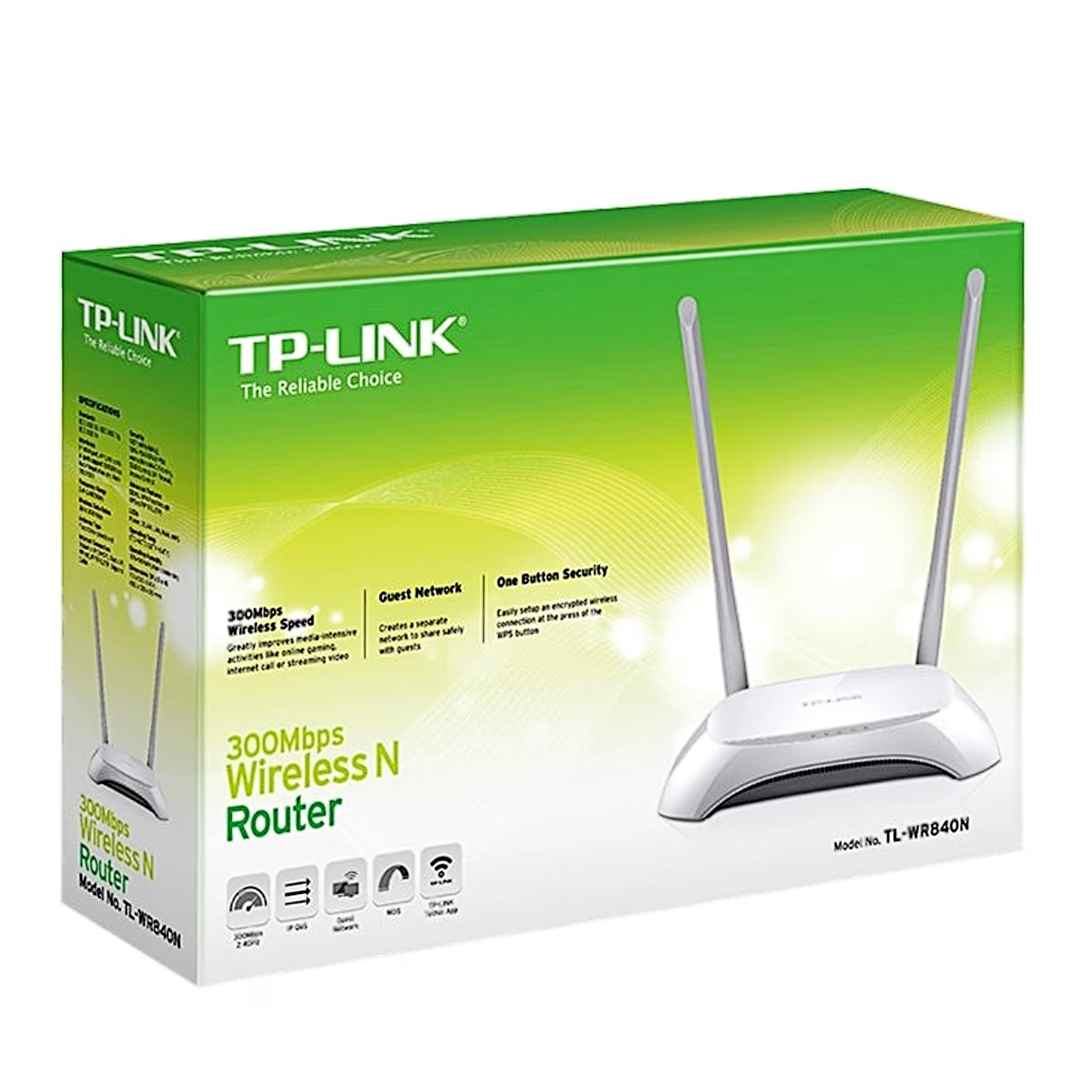
A separate 2.4 GHz guest network gives guests internet access apart from the home network. Parental controls set URL filters and time limits for connected devices. An SPI firewall, access control and IP and MAC binding protect the network, and Wi-Fi encryption covers WEP, WPA, WPA2 and WPA/WPA2-Enterprise (802.1x).
IPTV and network settings
For IPTV streaming the router supports IGMP Proxy and IGMP Snooping, bridge mode and Tag VLAN. QoS allocates bandwidth per device. The router has port forwarding, port triggering, DMZ, UPnP and DDNS (NO-IP, Comexe, DynDNS) and supports IPv4 and IPv6.
Setup and use
The router is set up through its web interface or the TP-Link Tether app for Android and iOS, which also manages network settings, parental controls and access control. The WPS button connects supported devices to the network without entering a password. According to the manufacturer, the router operates at 0–40 °C.
In the box
- TP-Link TL-WR840N Wi-Fi router
- Power adapter
- RJ45 Ethernet cable
- Quick installation guide

















































Reviews
There are no reviews yet.