

Description
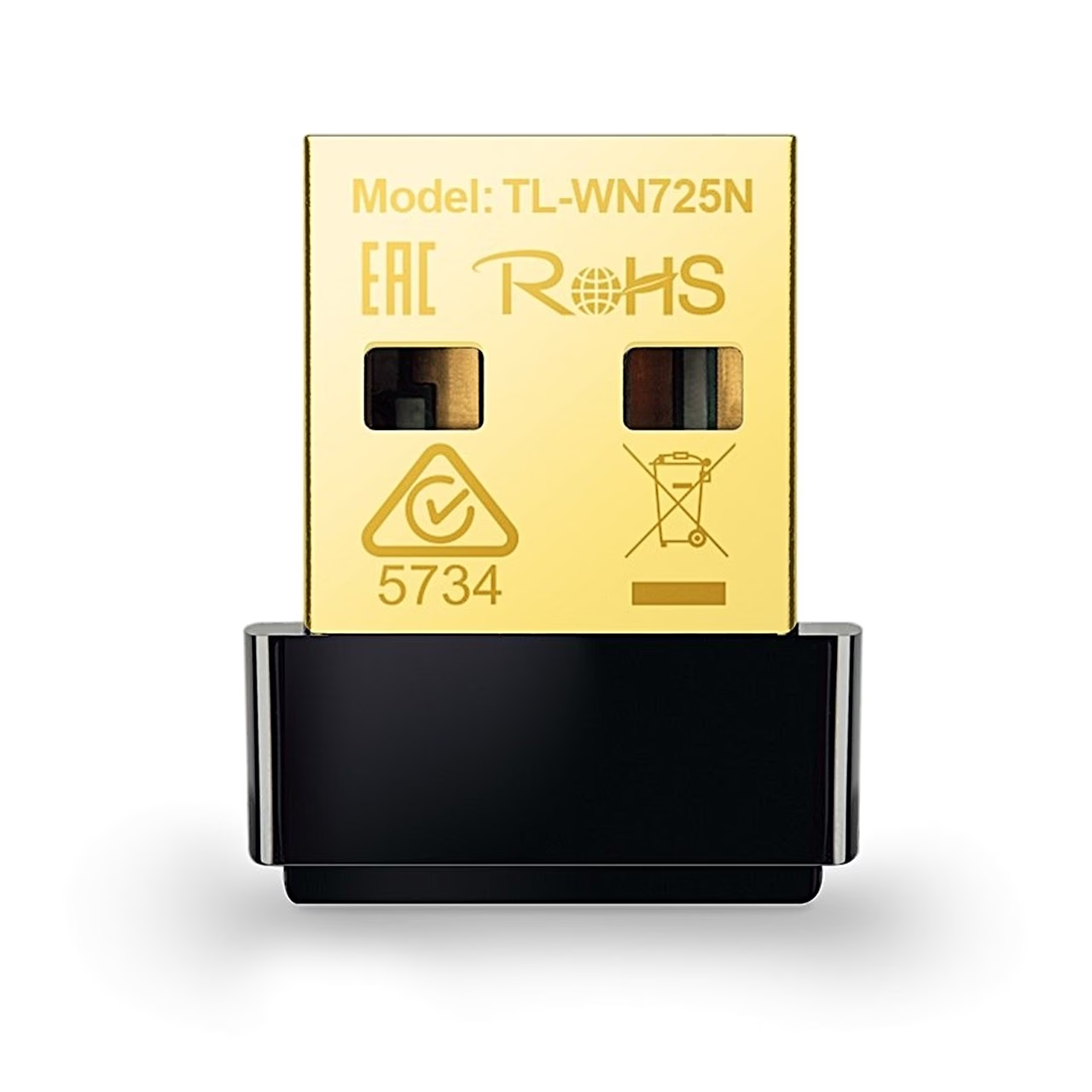
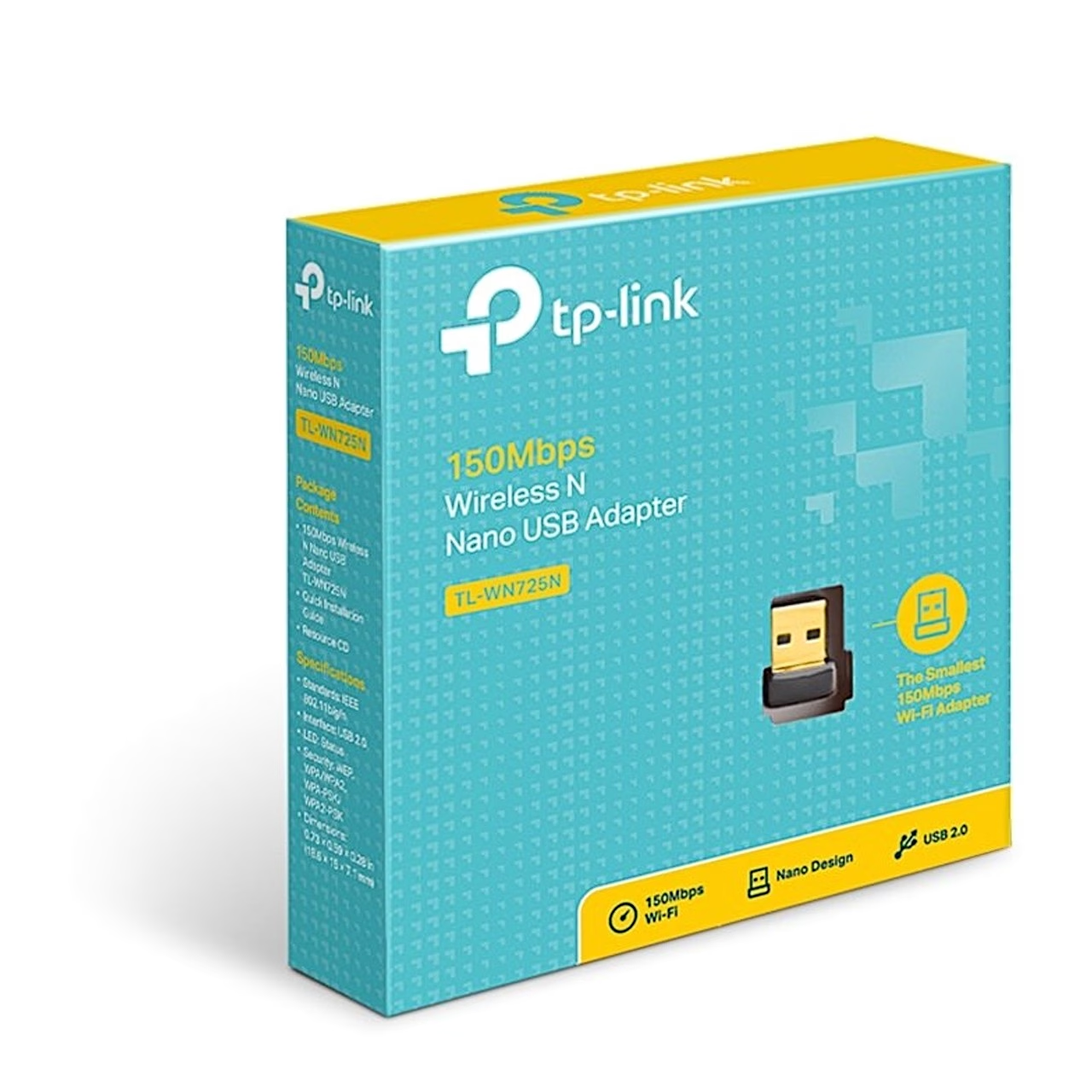
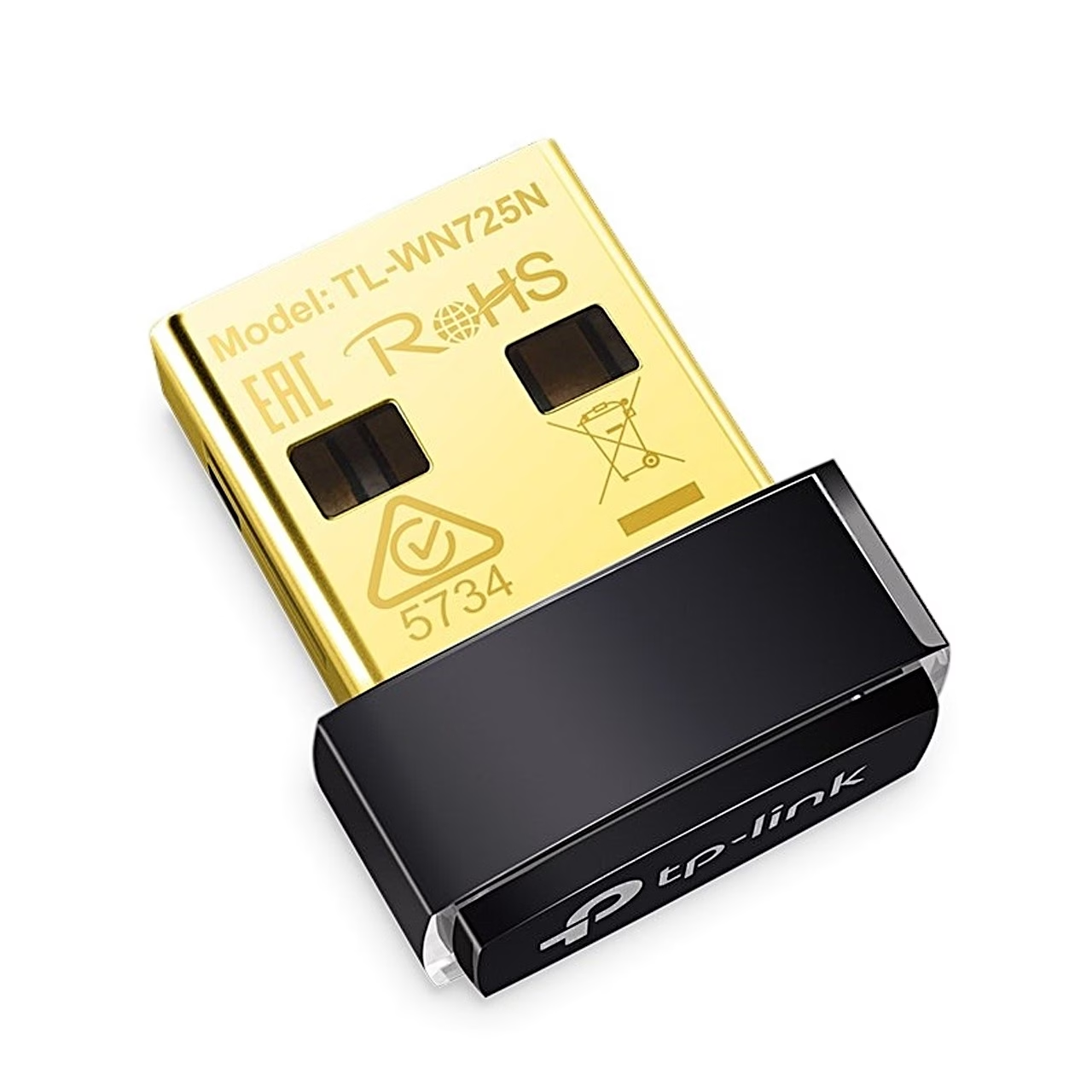
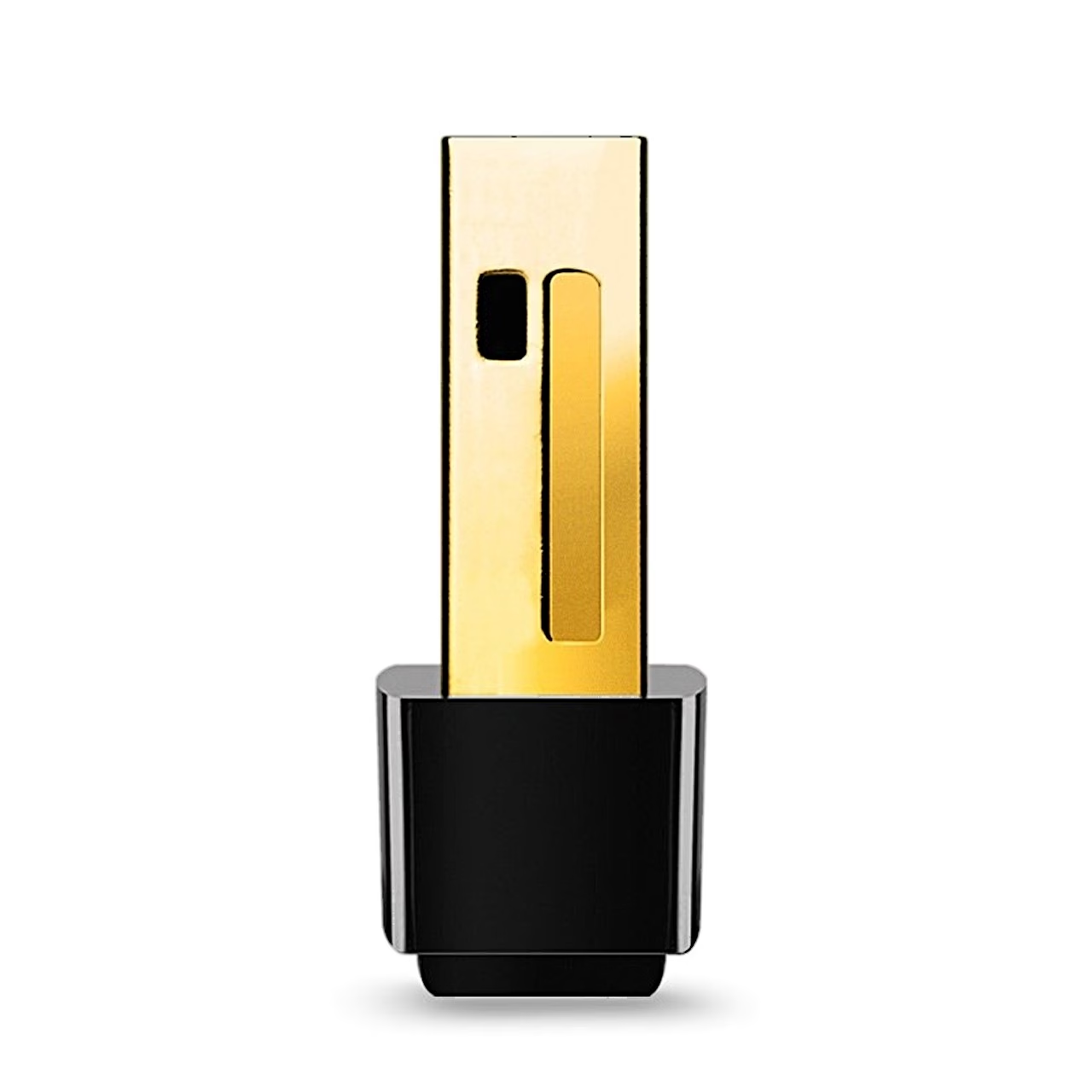
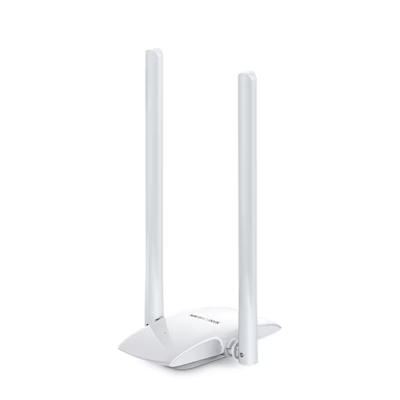
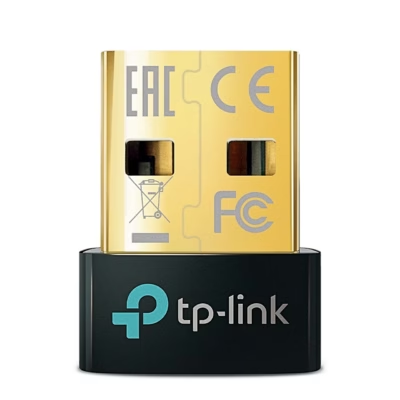
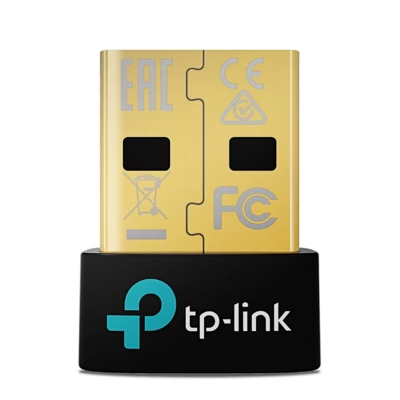
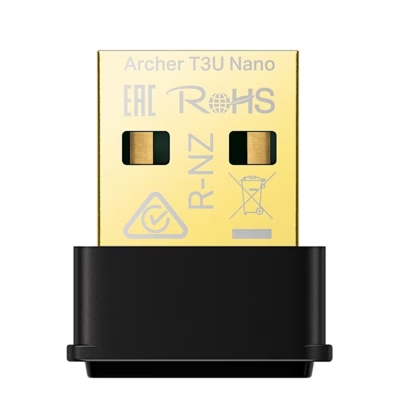
Wi-Fi adapter for a computer’s USB port, Wi-Fi 4
The 150 Mbit/s Wi-Fi adapter also works with older 802.11b and 802.11g devices at 54 and 11 Mbit/s. The adapter supports WPA2-PSK encryption as well as WPA, WPA-PSK and 64/128-bit WEP. It connects through a router or directly to another device in ad-hoc mode.
Installation and joining a network
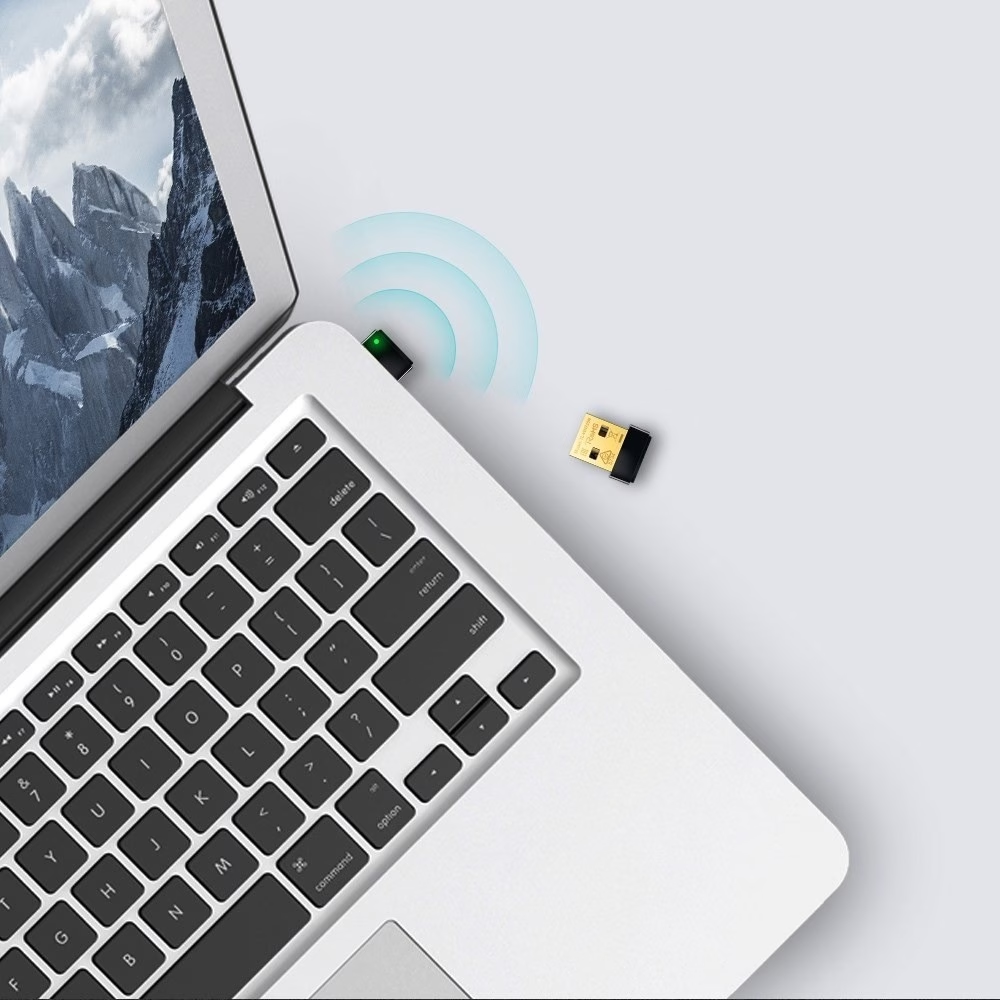
Insert the adapter directly into a USB port on the computer. On Windows, run Autorun.exe from the included CD or download the driver from the TP-Link support page, select TL-WN725N and follow the instructions. Then click the network icon on the taskbar, select the Wi-Fi network, click Connect and enter the network password. For Linux, the compatible driver is on the TL-WN725N support page.
On a Mac, download the driver and utility from the TP-Link website, run Install.pkg and restart the computer. The TP-Link Utility icon then appears in the menu bar, where you can choose a network or connect to the router with the WPS button or a PIN code.
Status light
A slowly flashing LED means the driver is installed but no data is being transferred; fast flashing means data is being transferred. If the LED is off, the driver is not installed or the adapter’s radio is disabled.
Compatibility
The wireless network card works with Windows XP, 7, 8, 8.1 and 10, Mac OS X and Linux.
In the box
- Wi-Fi adapter TP-Link TL-WN725N
- Driver CD
- Quick installation guide



















































Reviews
There are no reviews yet.