


Description
Wi-Fi range extender carries coverage to more distant rooms
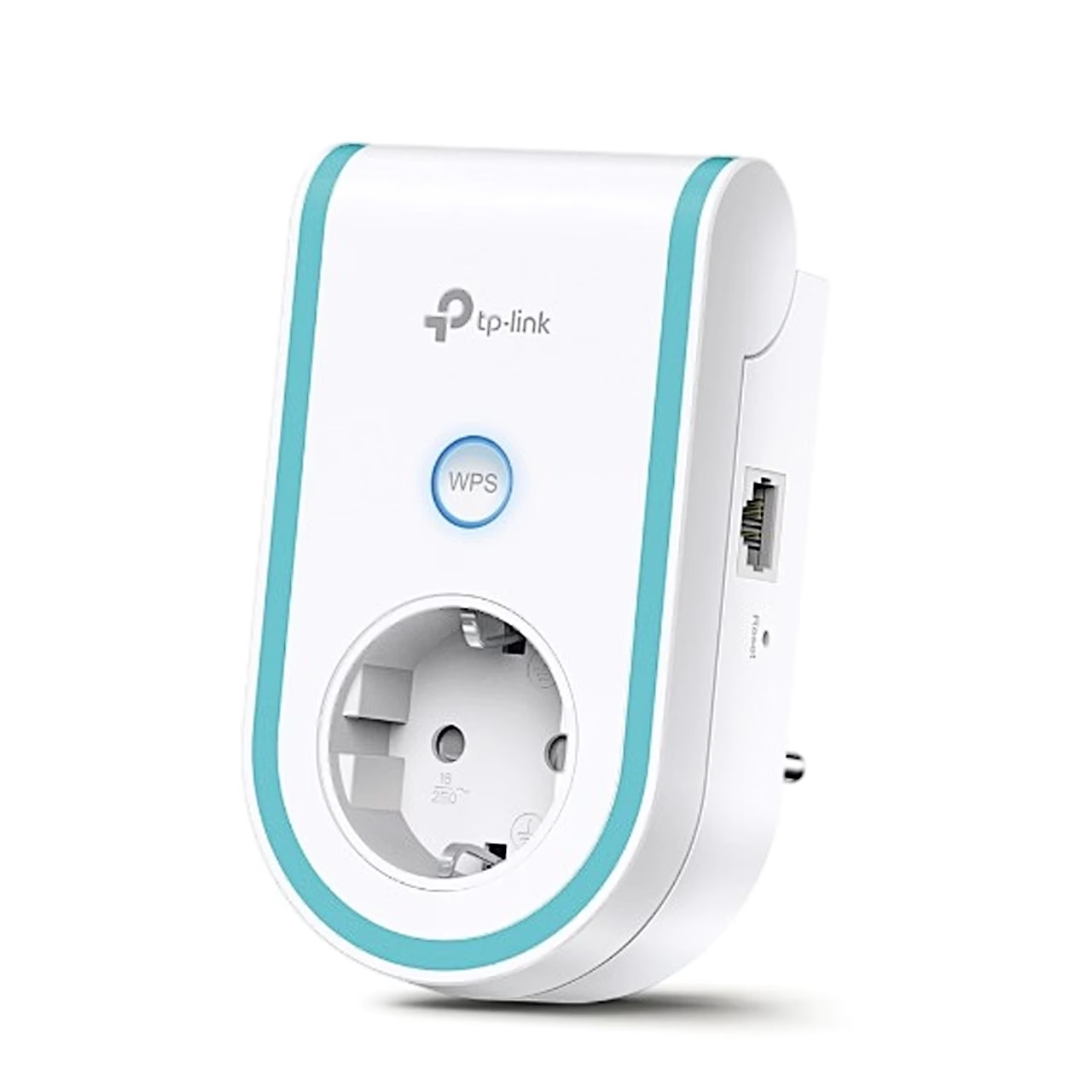
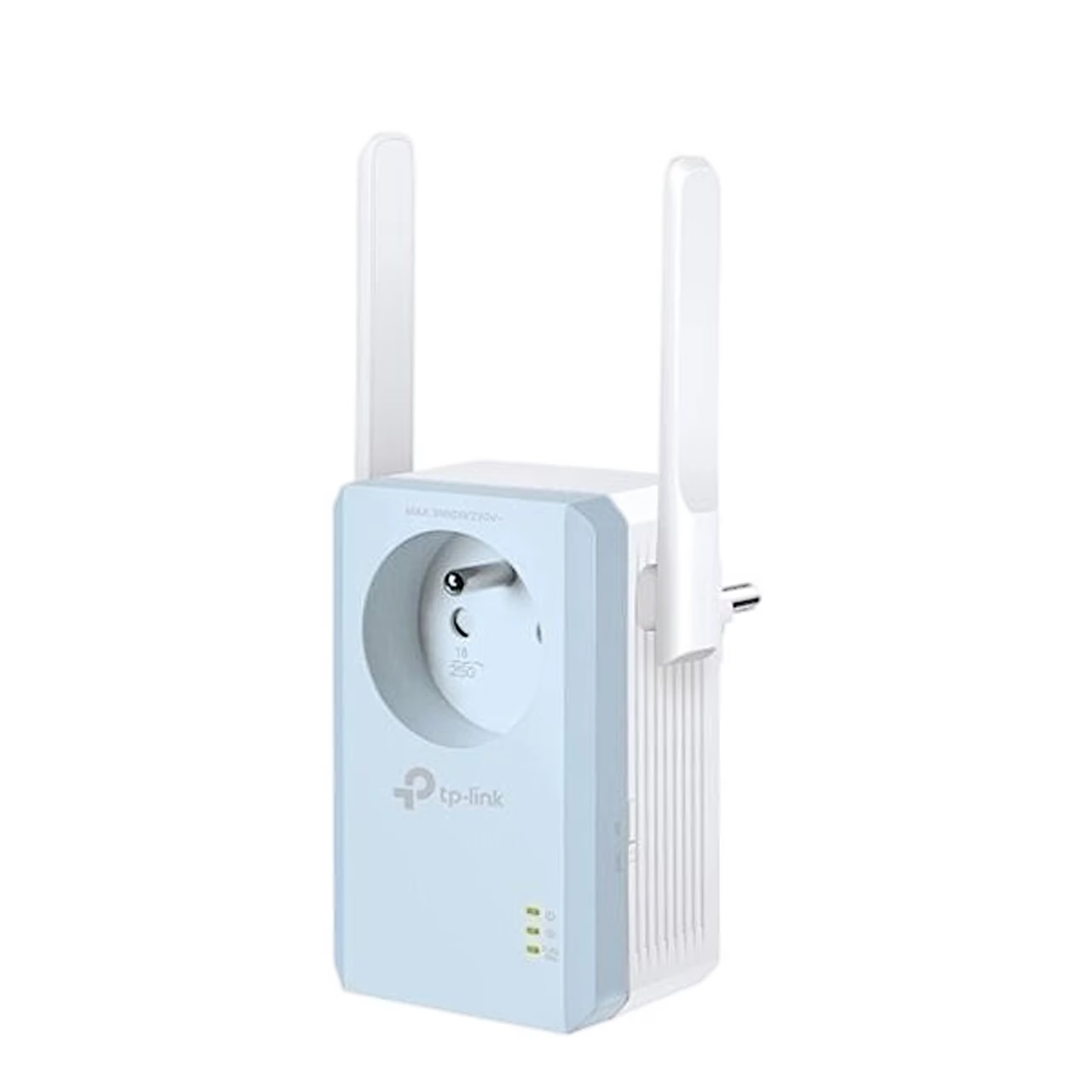
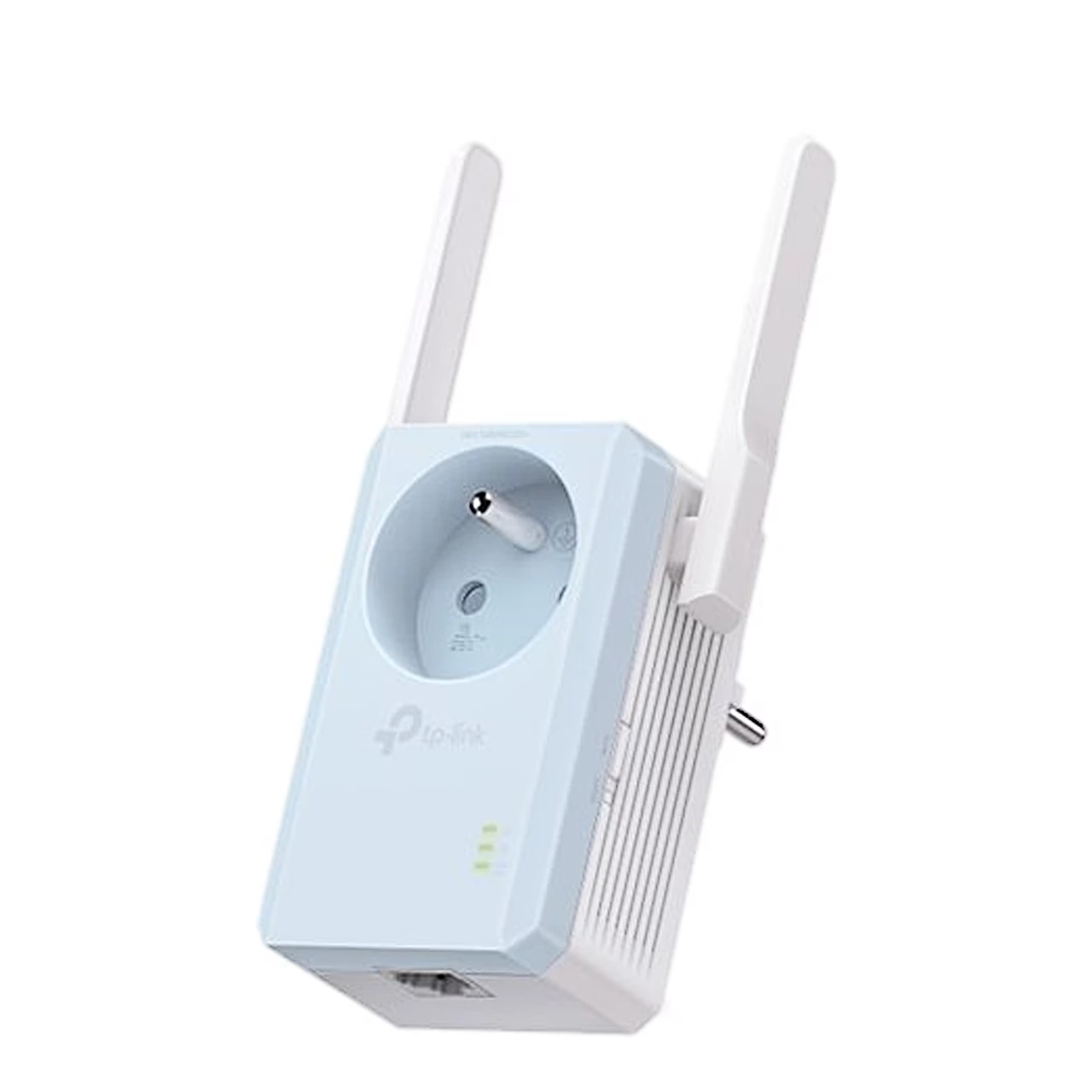
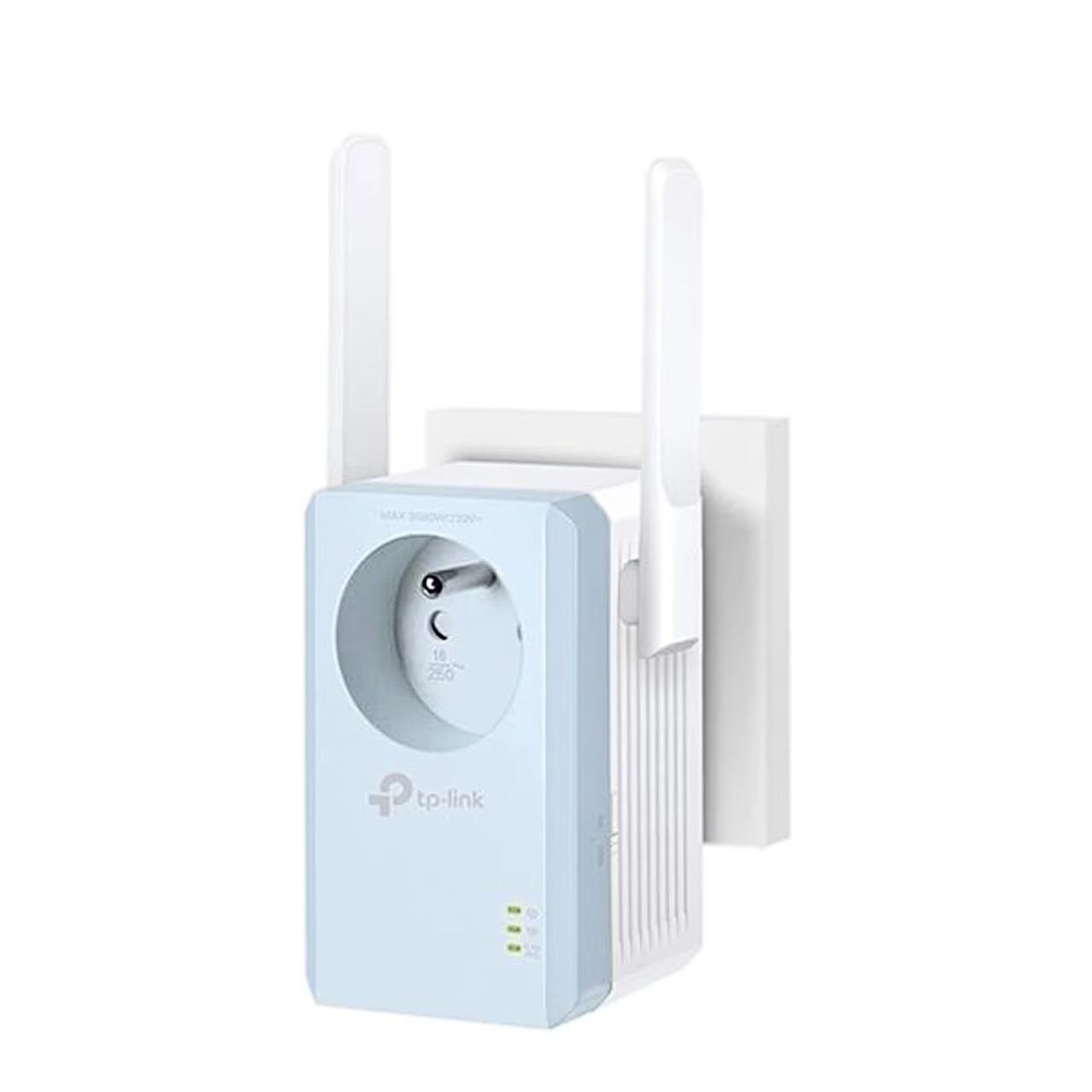
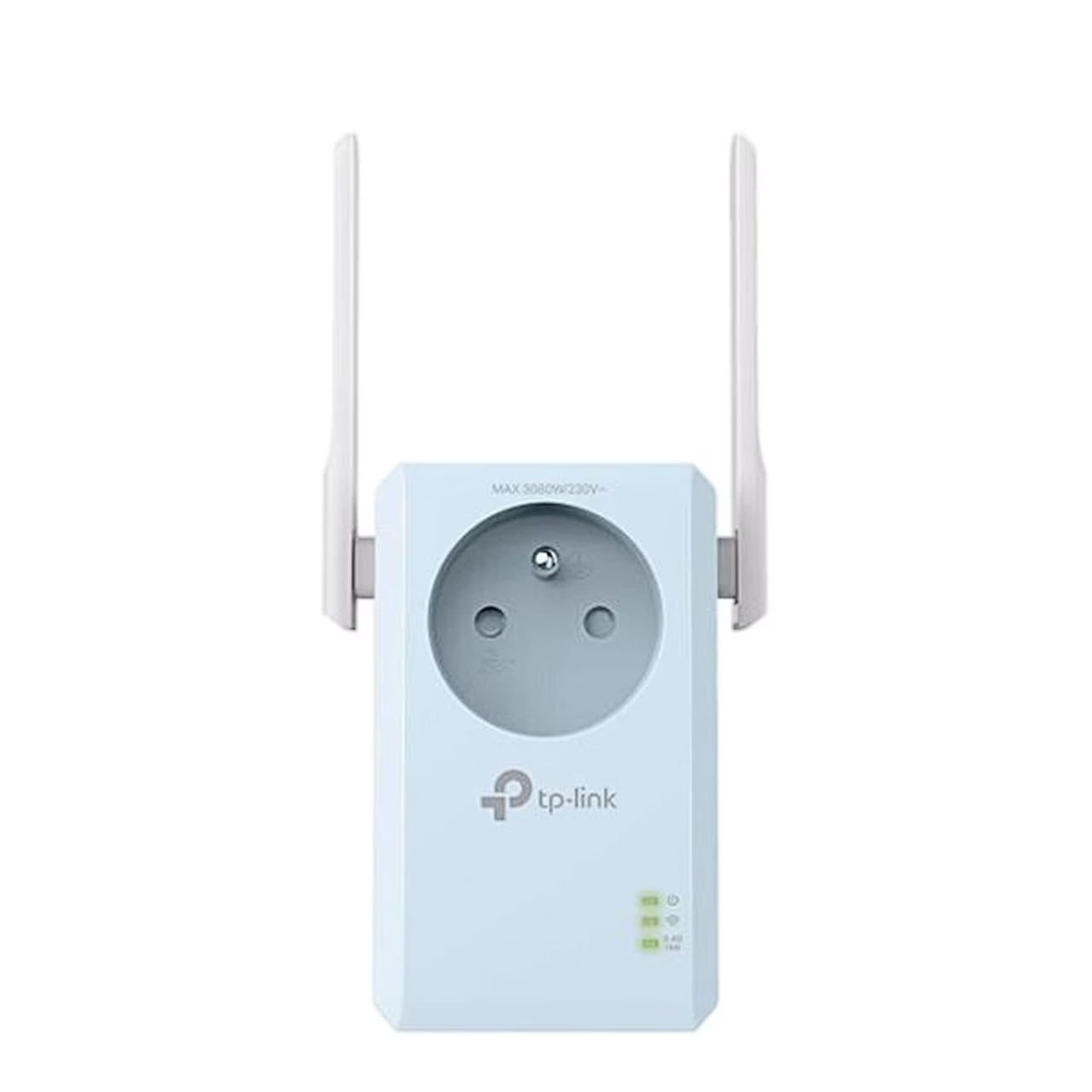
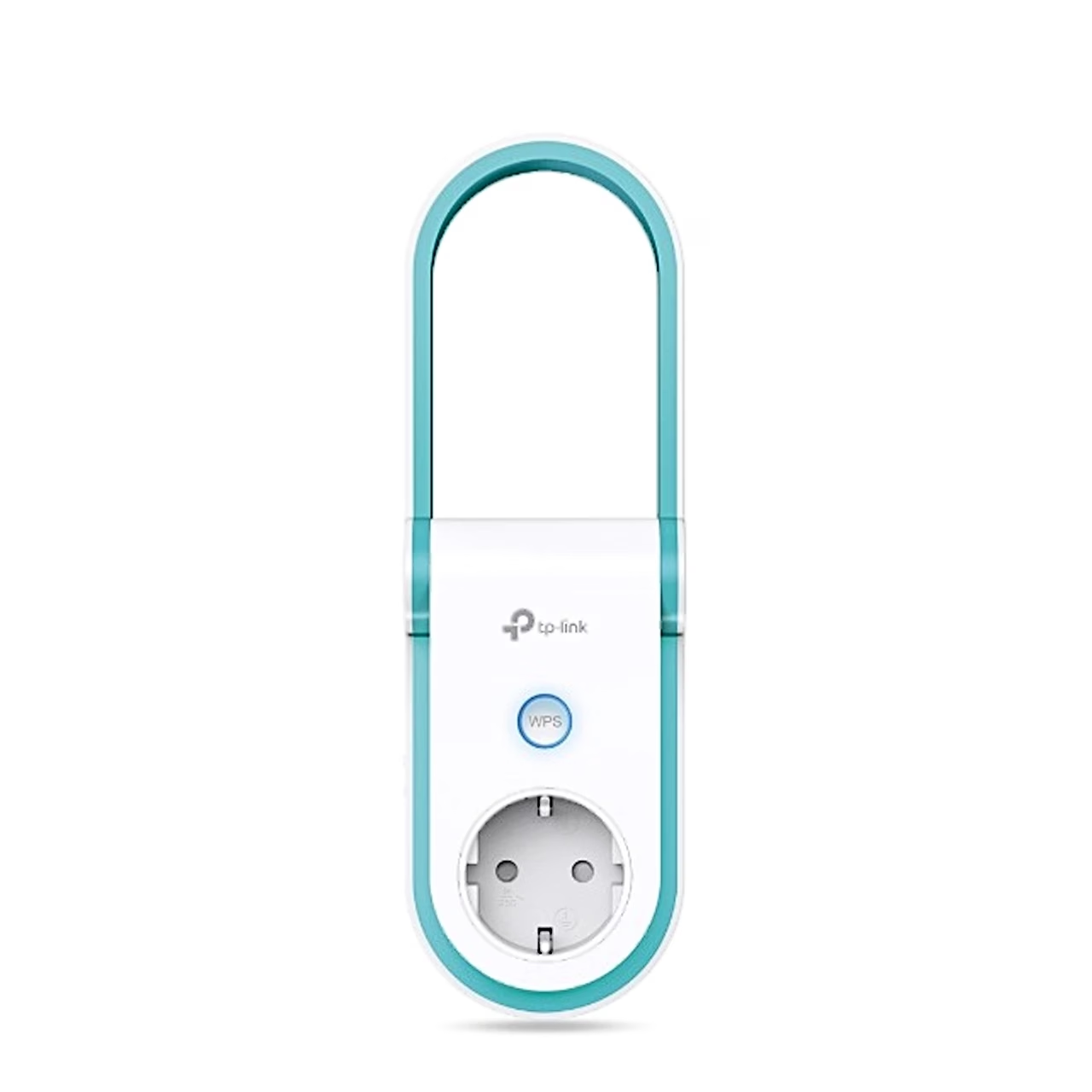
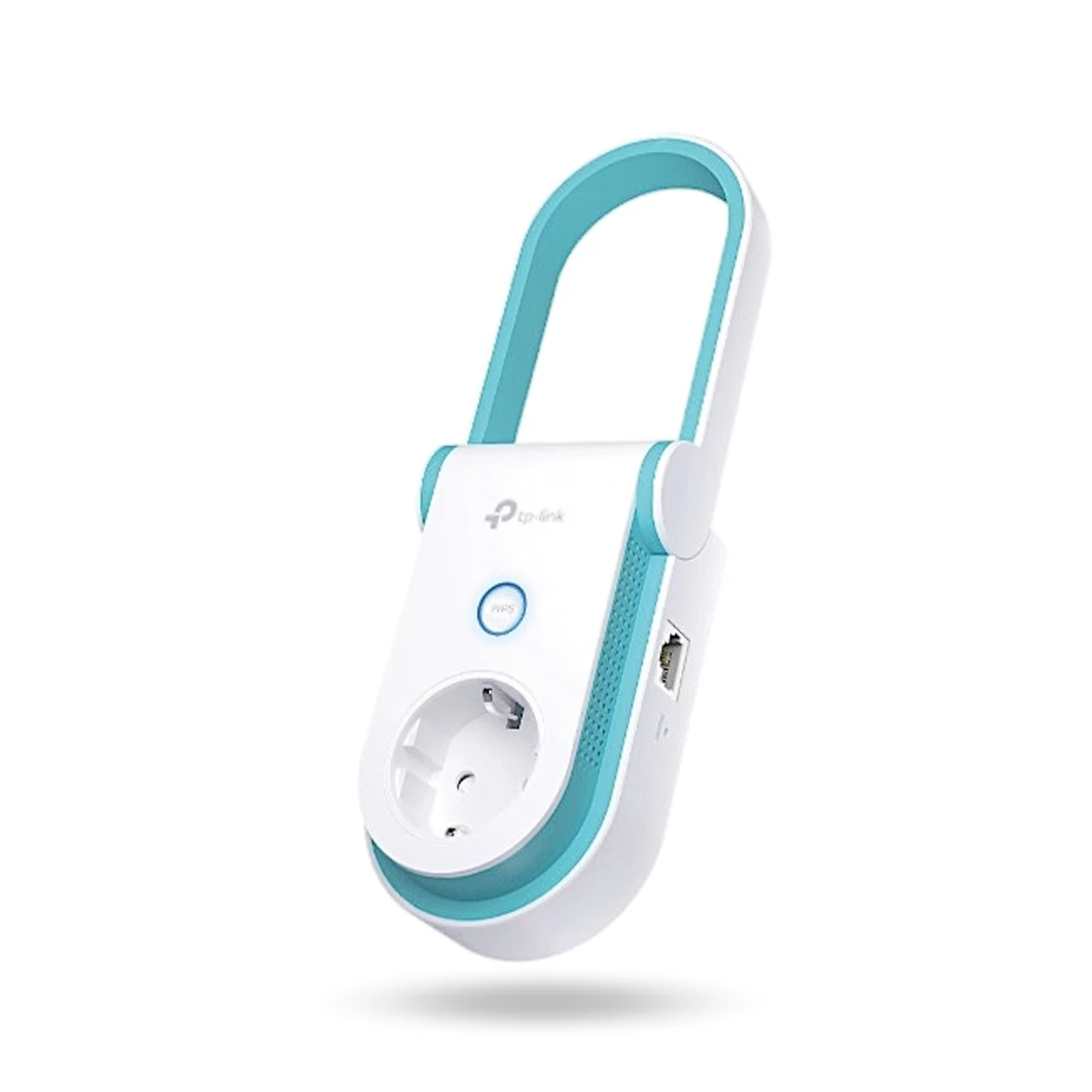
The TP-Link RE365 Wi-Fi range extender connects to your router wirelessly and extends its Wi-Fi 5 network on two bands, at up to 300 Mbit/s on 2.4 GHz and up to 867 Mbit/s on 5 GHz. The AC1200 speed class is the combined rate of the two bands. The passthrough socket on the front takes a computer, a lamp or another appliance, so the wall socket stays available for other devices. A 10/100 Mbit/s RJ45 LAN port on the side takes a wired device.
Operating modes and settings
The RE365 works in range extender or access point mode; as an access point it turns a wired network connected to its LAN port into a Wi-Fi network. With the Tether app on an Android or iOS phone you control the extender’s power, device access and LED and give the extended network its own name and password. The settings also include a power schedule and Wi-Fi coverage adjustment. The housing has a WPS button, a reset button, an LED button and a power button.
Choosing a location and setting up the signal booster
To find a good location, the signal light shows connection strength: blue means a good connection, red means the extender is too far from the router. Setup runs through a web interface which, according to the manufacturer, gets the extender working in about one minute. The extender supports IEEE 802.11a/b/g/n/ac, so older Wi-Fi devices connect to it as well.
In the box
- TP-Link RE365 Wi-Fi range extender
- Quick installation guide

















































Reviews
There are no reviews yet.